Turn client briefs into tracked projects, deadlines, expenses, and invoices, with secure access and native data for freelancers.
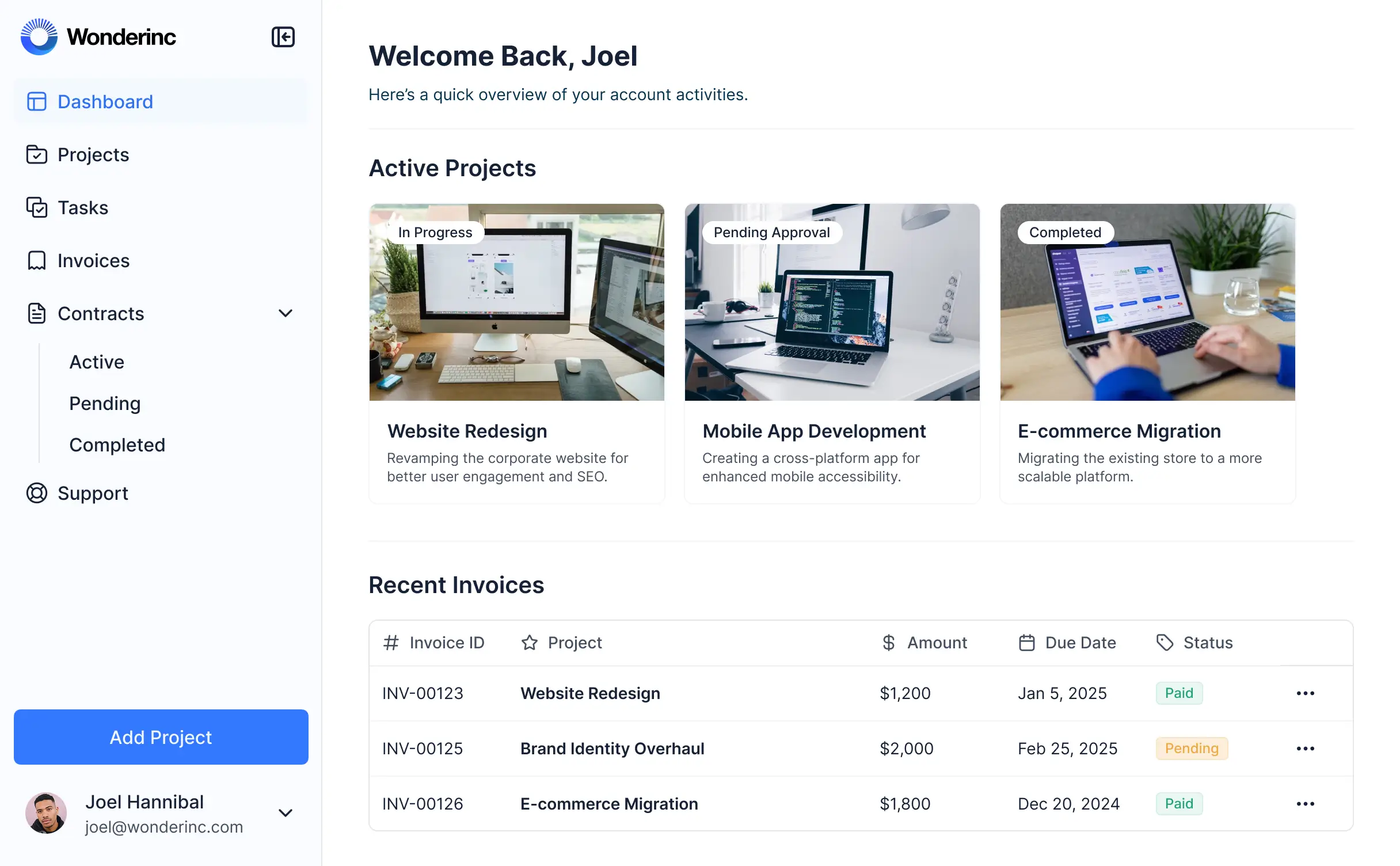
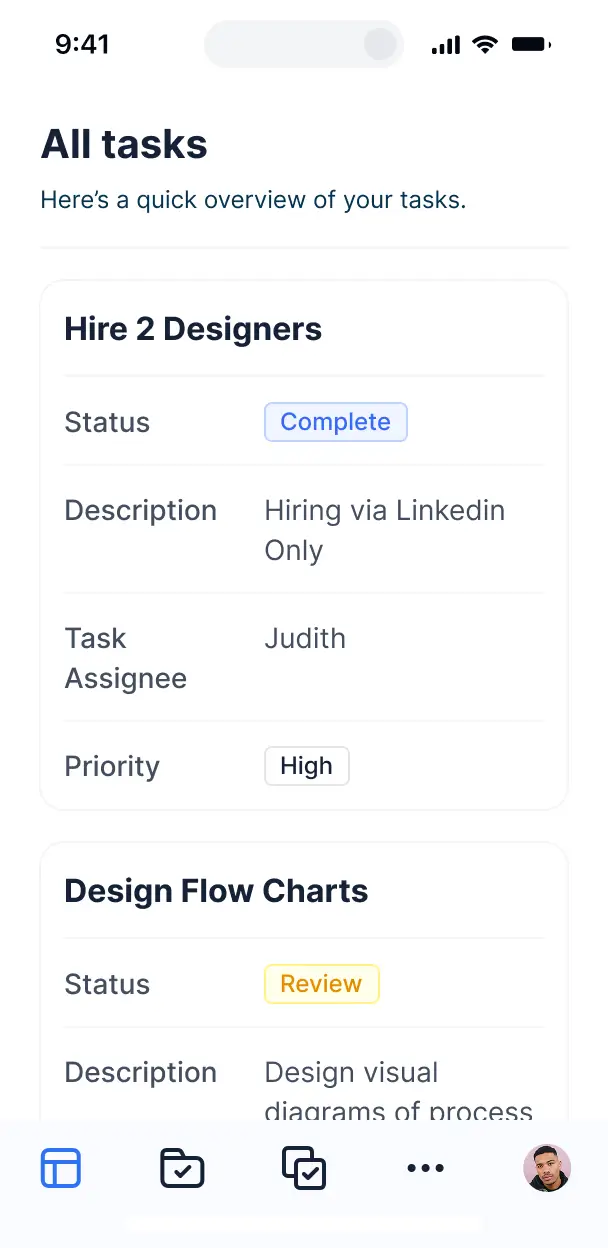



Choose only the views and workflows your freelance projects require. Add more as client work grows, and adapt the setup when your process changes.


Manage projects, timesheets, and invoices in Softr Databases, or connect Google Sheets and Airtable with real-time sync. Keep freelance operations in one place.
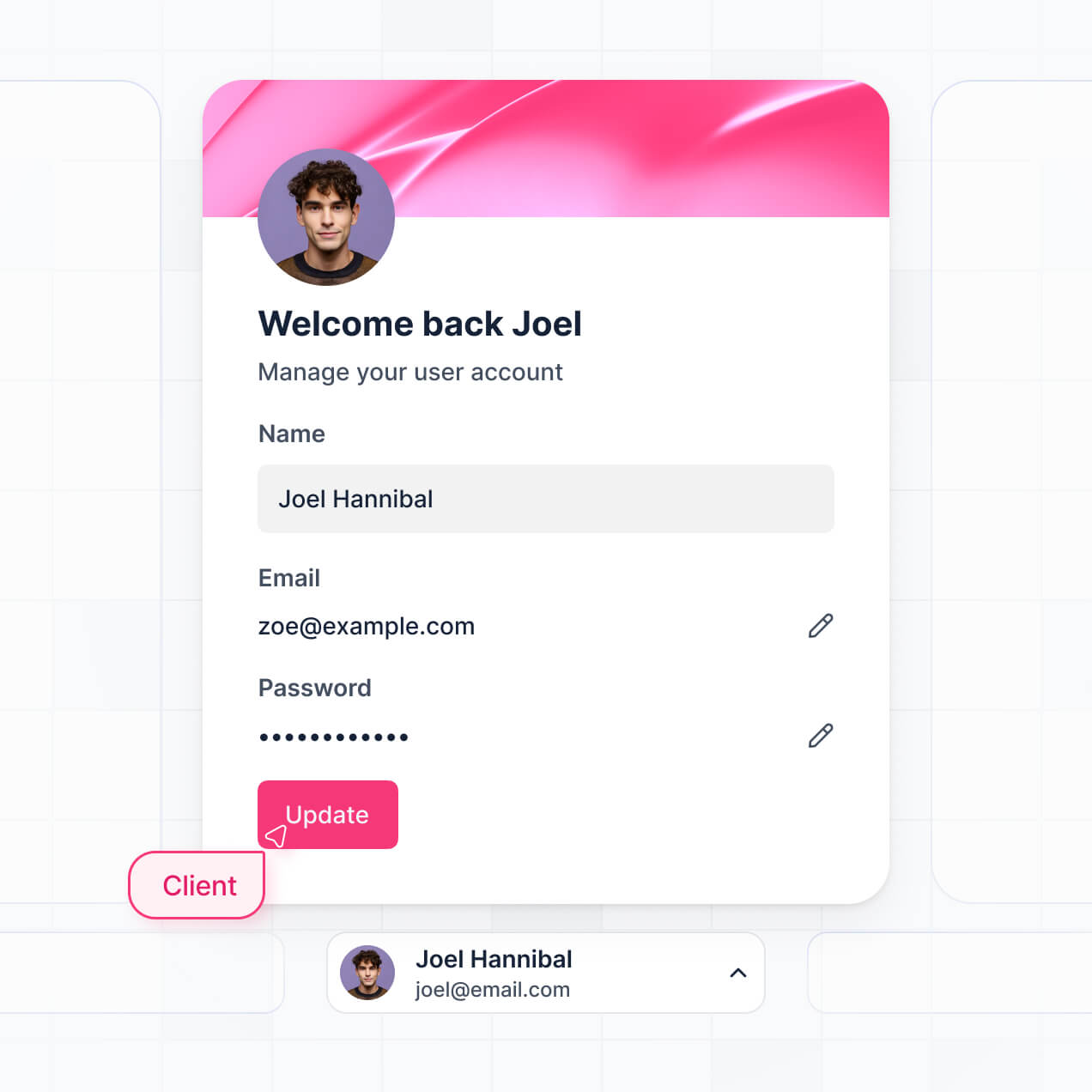
Give each freelancer the right project views and access. Set up secure logins, user groups, and granular permissions, no dev work needed.
Give freelancers, collaborators, and administrators tailored access to project dashboards and financial records.
Trigger native workflows when briefs arrive, tasks change, timesheets are logged, or invoice statuses are updated.
Access project tasks, deadlines, timesheets, and expense logs from any device while working with clients.
Use Google, email, or SSO logins to give freelancers secure access to their project and billing records.
Protect client briefs, project data, and financial records with encryption and fine-tuned access control.
No more one-size-fits-all tools or costly custom builds. Softr is easy to use and fully customizable, so you can launch faster, adapt as you grow, and skip the complexity of traditional software.

Describe your intake, tracking, and invoicing needs. Softr generates the internal tool in minutes.

Add project views and workflows as client work changes, without rebuilding your tracker from scratch.

Bring briefs, tasks, timesheets, expenses, and invoices into one freelancer operations tool.
Co-build with AI
Simply describe what you need. Let Softr handle everything - Interface, database, workflows.
Iterate with AI or visually
Control most critical parts of your app yourself - roles, permissions, security.
Ship the same day
Invite team members or external clients and partners right away. No developer handover.
Use drag-and-drop blocks to build a portal that looks sleek and modern out of the box. Add only the features you need, and iterate as your workflows evolve.




A freelance project management app is a secure workspace where freelancers, project leads, and finance staff log in to manage active work. It can hold client briefs, proposals, milestones, tasks, invoices, files, and project timelines in one place. Instead of searching through email threads and scattered spreadsheets, your team can track each engagement from kickoff to delivery, with the right records and updates available to the people who need them.
Keeping client work, deadlines, and invoices together is often the biggest win for a freelance team. Softr is an AI app builder for business software: describe your workflow in plain language, and it generates the database, pages, and logic, already connected and secure. You can create a project management app without writing code at any point, then refine it visually.
Start by generating the app with AI, choose a template, or build it from scratch. Store projects, milestones, and payment records in Softr Databases, or connect tools such as Airtable, Google Sheets, or HubSpot. You control the layout, permissions, and branding throughout, so project coordinators, contractors, and finance staff each get the workspace they need.
You can shape the app around the way freelance work actually moves:
- **AI inside the app:** Ask AI can answer questions about overdue milestones or unpaid invoices, while Database AI Agents can classify incoming project briefs by service type.
- **Custom interface:** A Vibe Coding block can create a workload capacity component showing each contractor's assigned hours and upcoming deadlines.
- **Automations:** Softr Workflows can create a follow-up task when a milestone changes to approved, or notify finance when an invoice is marked ready.
- **Access control:** Logins and permissions can limit contractors to their assigned projects while coordinators see team schedules.
- **Intake forms:** Collect client briefs, reference files, and approval notes with file uploads and conditional logic.
- **Project views:** Show live revenue charts, filtered task lists, kanban boards, tables, and detail views.
Everything uses drag-and-drop blocks and remains editable after the first version.
Describe the freelance workflow in plain language, including how briefs become milestones, how contractors receive tasks, and when invoices need approval. Softr turns that description into a production-ready app on a stable, secure foundation. Unlike tools that leave you maintaining raw, fragile code, Softr handles authentication, database logic, and security natively, avoiding the Day Two problem where a broken task status or permission rule disrupts client delivery. If you use a Vibe Coding block for a custom workload view, every prompt and edit is versioned. You can roll back a change that breaks a project dashboard instead of trying to recreate the earlier result.
One app can serve several freelance teams or departments. A contractor sees assigned projects and tasks, while a project lead can review milestones, budgets, and client approvals across their group. Login and role-based permissions keep another department's briefs, rates, and invoices out of view, even though everyone works from the same system.
You do not need an existing database to begin. If your project list and invoice tracker currently live in a spreadsheet, you can start by creating those records in Softr Databases, the relational database built into the platform. Add clients, briefs, milestones, tasks, files, and payment statuses as your workflow takes shape.
If information already lives elsewhere, Softr also connects to Airtable, Google Sheets, HubSpot, Notion, Coda, monday.com, Supabase, and SQL databases, with the REST API connector for other sources. You decide how project records are structured and how each role sees them.
Softr Databases is the recommended starting point for a freelance project management app. It is a native relational source built for business apps, so project records run with high performance and trigger automations instantly without a third-party API in the way. That can help coordinators update milestones and payment statuses quickly.
Softr also connects to 21+ external sources, including Airtable, Google Sheets, HubSpot, SmartSuite, and BigQuery. One app can combine several sources, such as projects from Airtable and customer records from HubSpot. Most supported sources provide real-time two-way sync, so changes to briefs, tasks, or invoice statuses can stay current across systems.
Project coordinators and freelance contractors can use the same app without seeing the same workspace. For example, a contractor might view and update only assigned tasks, briefs, and delivery files, while a project lead can edit milestones, review budgets, and see client approvals for the whole team. Finance staff can access invoices and payment statuses without editing creative work.
You control layout, navigation, and content, and can show or hide any page or block by logged-in user. Permissions can be precise down to views and edits, with filters based on the current user. Built-in preview lets you open the app as each user group before launch, without creating test accounts.
Your freelance operations team, contractors, and clients can see your identity throughout the app. Add your logo, colors, fonts, and custom domain, then remove Softr branding. This keeps project briefs, milestone reviews, and invoice approvals aligned with your agency or studio brand.
You can arrange the workspace around the moments that matter in freelance delivery. Adjust colors, fonts, spacing, and page structure, then choose which blocks appear for each role at login.
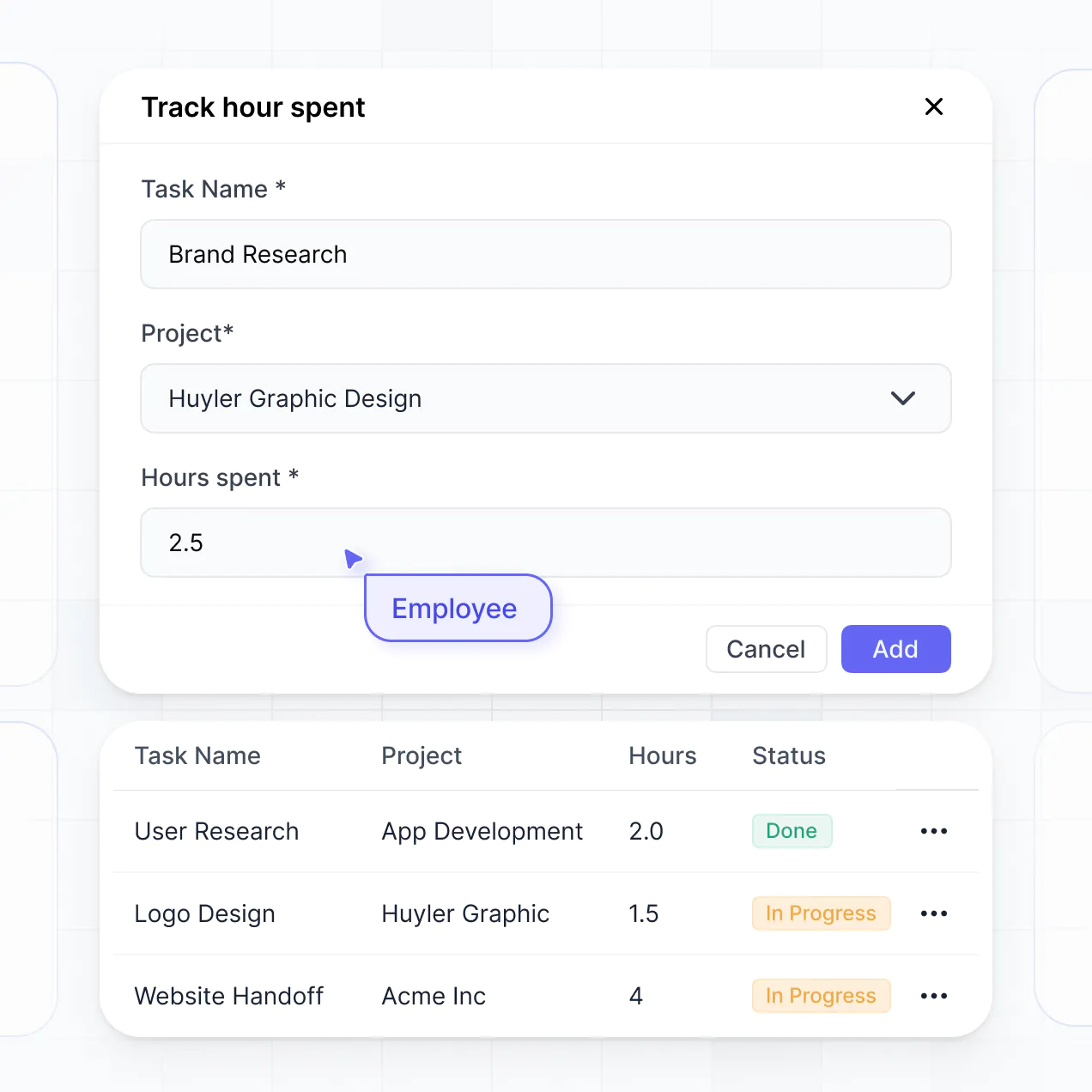
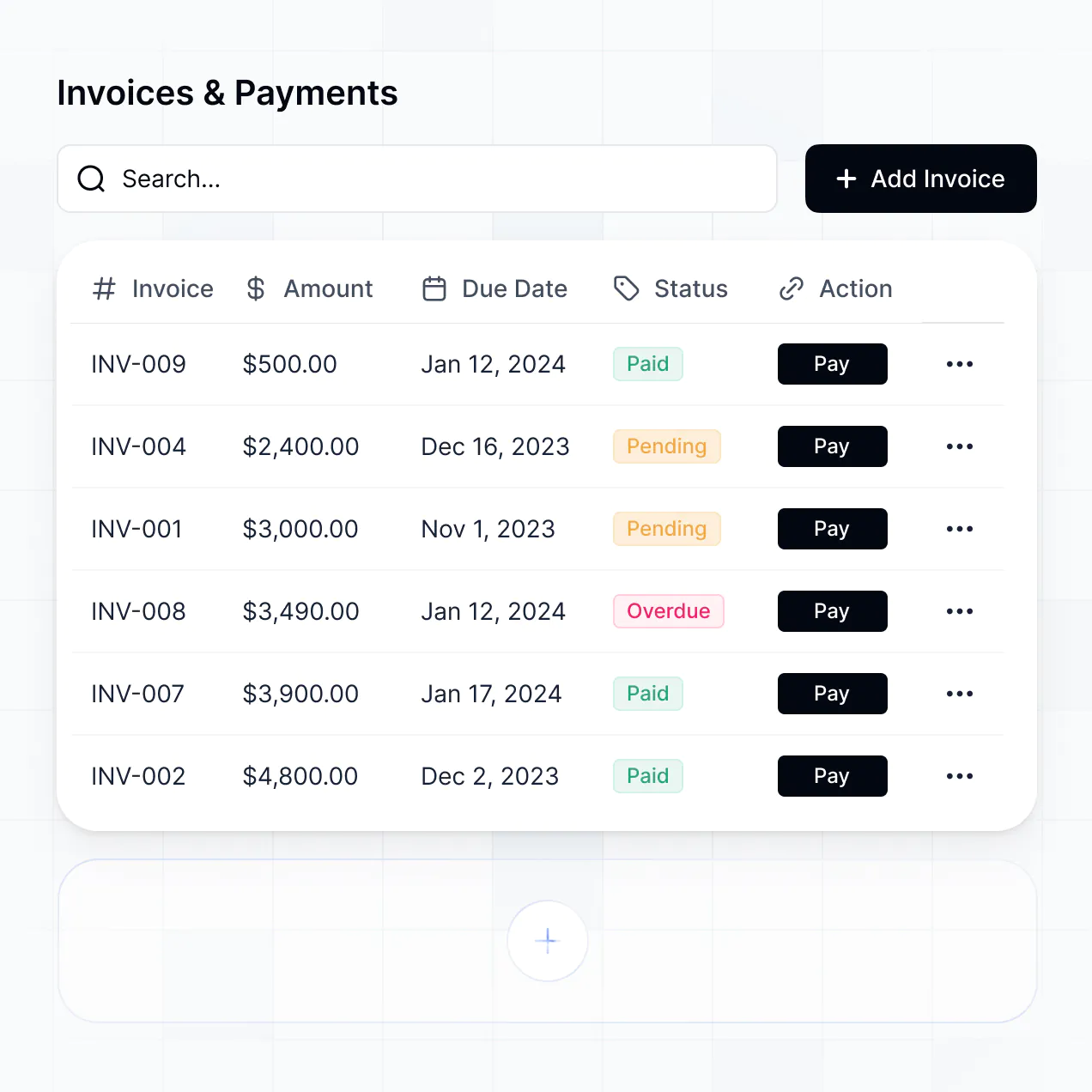
- Use a **Table** for project budgets, invoice statuses, or contractor hours.
- Add a **List** or **Card** block for active briefs and upcoming tasks.
- Show a **Detail View** for a full project record with milestones, files, and approval notes.
- Use **Forms** to collect new briefs, scope changes, or delivery feedback.
- Display **Charts** for revenue by client, workload by contractor, or overdue tasks.
- Add a **Calendar** for deadlines, review calls, and milestone delivery dates.
The visual builder keeps every page and block editable as your freelance workflow changes.
Freelance project management can include sensitive client briefs, contract rates, source files, and invoice details, so access needs to follow the working relationship. Softr encrypts data in transit with TLS and at rest on secure infrastructure. Authentication, role-based permissions, visibility rules, global restrictions, and user management in your data source help limit access to the appropriate project records.
With Softr Databases, records sit in Softr's secure environment, hosted in Europe, Germany, and the database is SOC 2 Type II compliant. If you connect an external source, Softr stores nothing from it and displays live data according to your access settings. These controls support authentication, access control, and monitoring practices for contractors, project leads, and finance users.
Production means contractors can update real tasks, project leads can approve real milestones, and finance staff can rely on current invoice records without the app becoming a maintenance project. Softr is production-ready because it builds on a stable, business-grade foundation rather than leaving you with fragile generated code. Authentication, secure hosting, and granular permissions are handled natively, which helps avoid the Day Two problem of repairing access rules or broken project logic after launch. The same foundation is used by more than 1 million builders, giving teams a path from an initial project tracker to a working operational system.
Pure vibe coding tools generate custom code that can become fragile when freelance teams change task rules, permissions, or invoice workflows. Traditional no-code tools avoid that code but often require hours of manual configuration. Softr combines both approaches: its AI app builder can generate the database, pages, and logic in minutes, while visual controls let you refine project views, milestone forms, and contractor access precisely.
The business foundation is already there, including authentication, roles, permissions, and hosting, so non-technical teams can move from a project prototype to production. Softr apps are also agent-ready. A logged-in user can operate the app through an AI assistant over MCP, but only within the same project records and actions allowed by their user group. There is no second permission model to build or audit.
A useful first automation is notifying a project lead when a contractor marks a milestone ready for review, then creating the next approval task. Softr Workflows runs native automations when a record changes or a button is clicked, so it can coordinate briefs, tasks, approvals, and invoice statuses inside the app.
Softr can also sync with tools such as Stripe and Intercom. Use the REST API or webhooks for advanced cases, such as sending a completed project record to another system or triggering an external process after a client approval. You can display data from connected tools and respond to user actions without writing code.
Describe your freelance workflow and get a working project tracker, then refine it visually as client work changes.