Master Softr's dynamic and static blocks to build interactive layouts with custom search, inline filters, and record-specific item details block pages.
Configure domain-restricted signups and secure session durations while customizing password reset pages and automated onboarding emails in Softr.
Master Softr's permission system by configuring UI visibility and data restrictions through groups, conditional filters, and specific page access rules.
See how Softr is becoming a full-stack platform with native Softr Databases, workflows, and AI agents to help you build more powerful internal tools.
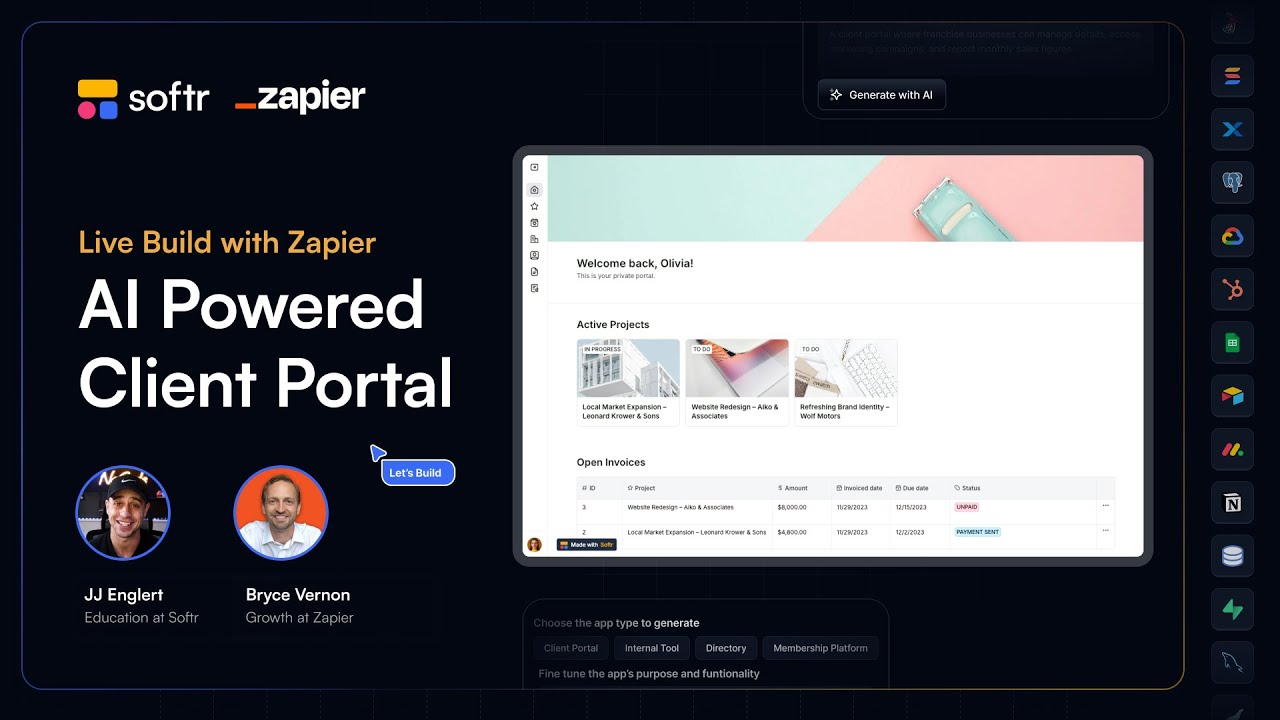
Build a client portal in Softr that utilizes Zapier agents to automate data enrichment and meeting preparation using Airtable and your primary field data.
Transform siloed data from Airtable, HubSpot, or SQL into secure client portals and internal CRMs using advanced user permissions and Softr Databases.
See how Designity uses Softr to automate user generation and embed dynamic Airtable project timelines into a portal, eliminating the need for developers.
Map out essential user groups and permissions for a Softr client portal, from managing tasks and files to administrative invoicing and data deletion logic.
Go from a blank canvas to a live project by connecting an Airtable base from scratch or using the AI Co-Builder to generate structured app layouts.
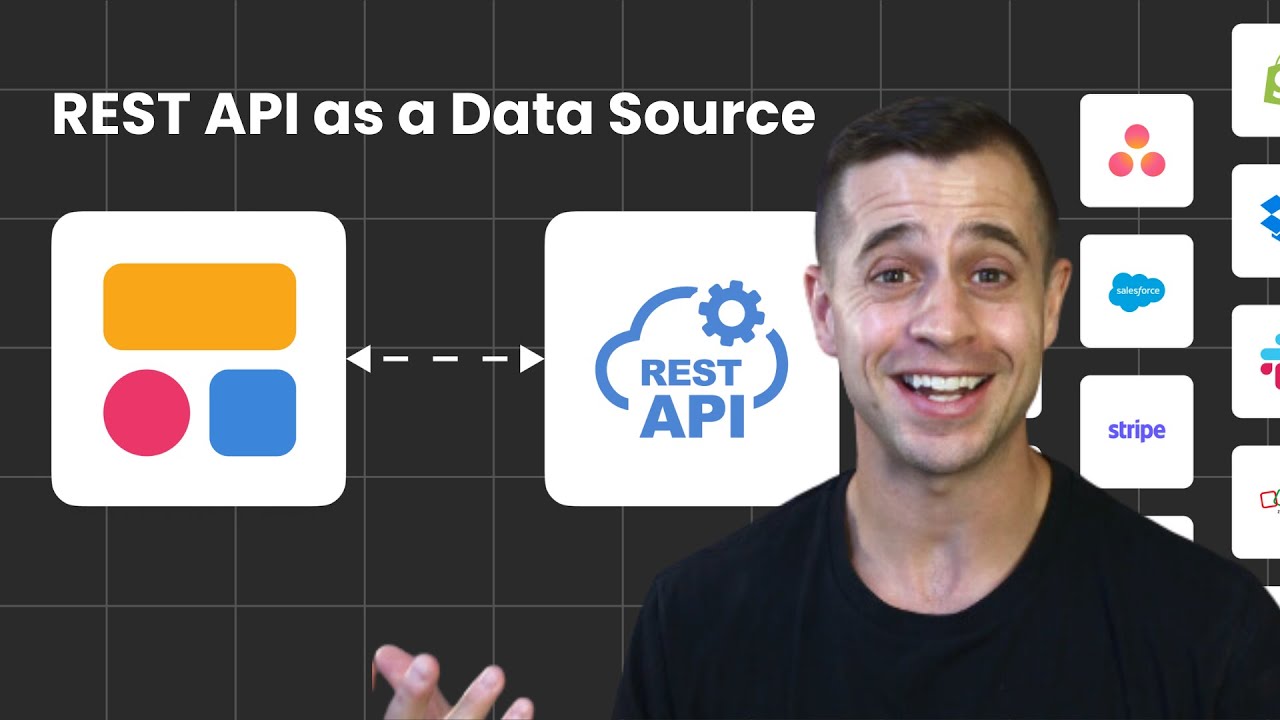
Learn to connect data via REST API setup or templates. Use JSON transformers and parameters to map external data to your app's item details block easily.
Go live by configuring custom domains, page rules, and magic links. Master global data restrictions and user groups to secure project data universally.