Transcript
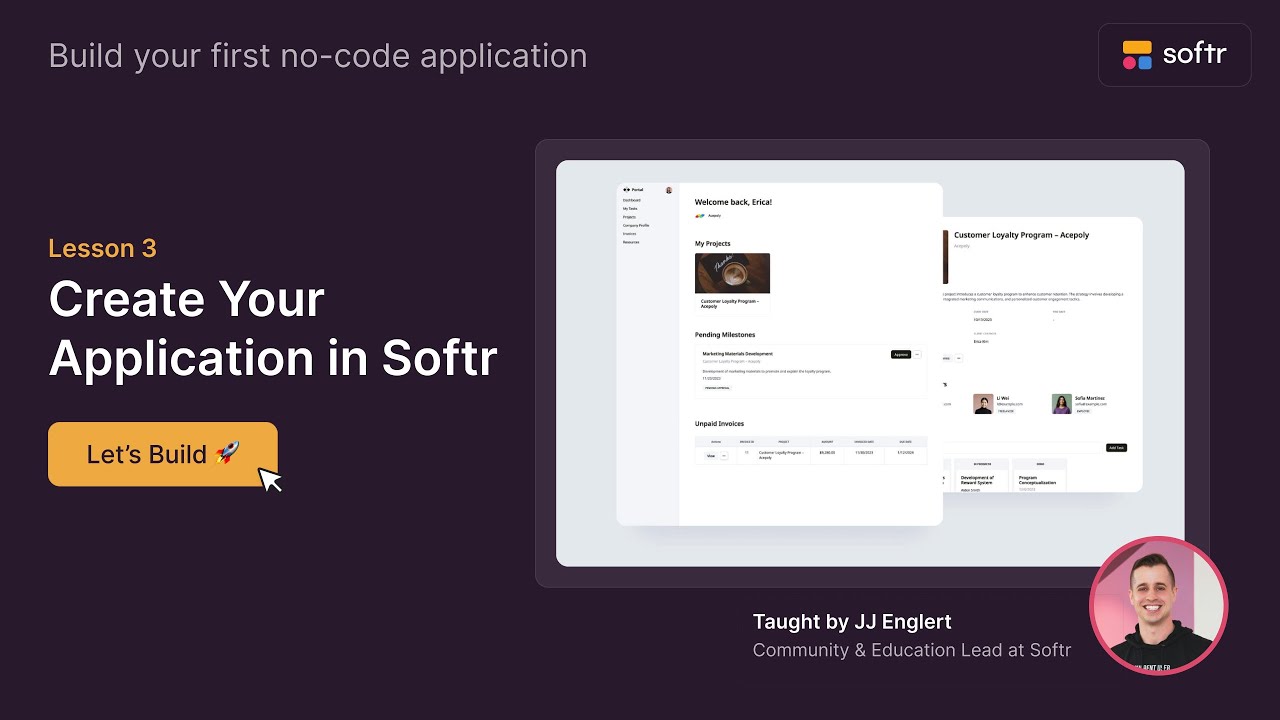
Welcome back! In this lesson, we're going to create our first Softr application. Softr makes it so easy to do, and you can start with a free account.
Once you sign up and log in, you will see your dashboard. If you're new, your dashboard might be empty, but at the top, you'll see over 100 templates you can choose from to jumpstart your build.
These templates cover different categories and even come with the database already built out and populated with sample data.
[.blog-callout]
Starting with App templates is a fantastic way to learn how the data architecture works, but you can also jump straight into an AI CRM template or ERP template to see a finished product in action.
[.blog-callout]
For first-time builders who aren't following this course, I recommend starting with templates. It is a great learning tool to figure out how Softr and your database work together.
However, we're going to build this together from scratch. We also have a generate with AI option that makes it incredibly easy to build a client portal, internal tool, directory, or membership platform.
All you need to do is enter a prompt with some details and colors, and Softr will build that out for you to fully customize later.
[.blog-callout]
Note from Softr: Beyond the initial setup, you can use the AI co-builder to add whole new pages or features to your app just by describing what you need.
[.blog-callout]
Today, we are starting from scratch so I can show you every step of the way as we build our client portal. When you start from scratch, there are two ways to do it.
You can pick data from various data sources like HubSpot or other platforms. If you already have data, Softr can connect to it and automatically build an application for you as a starting point.
[.blog-callout]
While Softr integrates with 17+ external data sources, Softr Databases is the powerful, native way to manage data directly within Softr for maximum performance and ease of use.
[.blog-callout]
In our case, we're going to connect the database the old-fashioned way because we want to build it ourselves. I have an empty Airtable base that I am connecting to Softr right now.
The system is asking me if I want to bring in any tables, so I'll select my options and proceed. Softr is now generating our app in record time.
Give yourself a pat on the back because you have just created your first Softr application. We have a great foundation and we are ready to start building, so I will see you in the next lesson.