Transcript
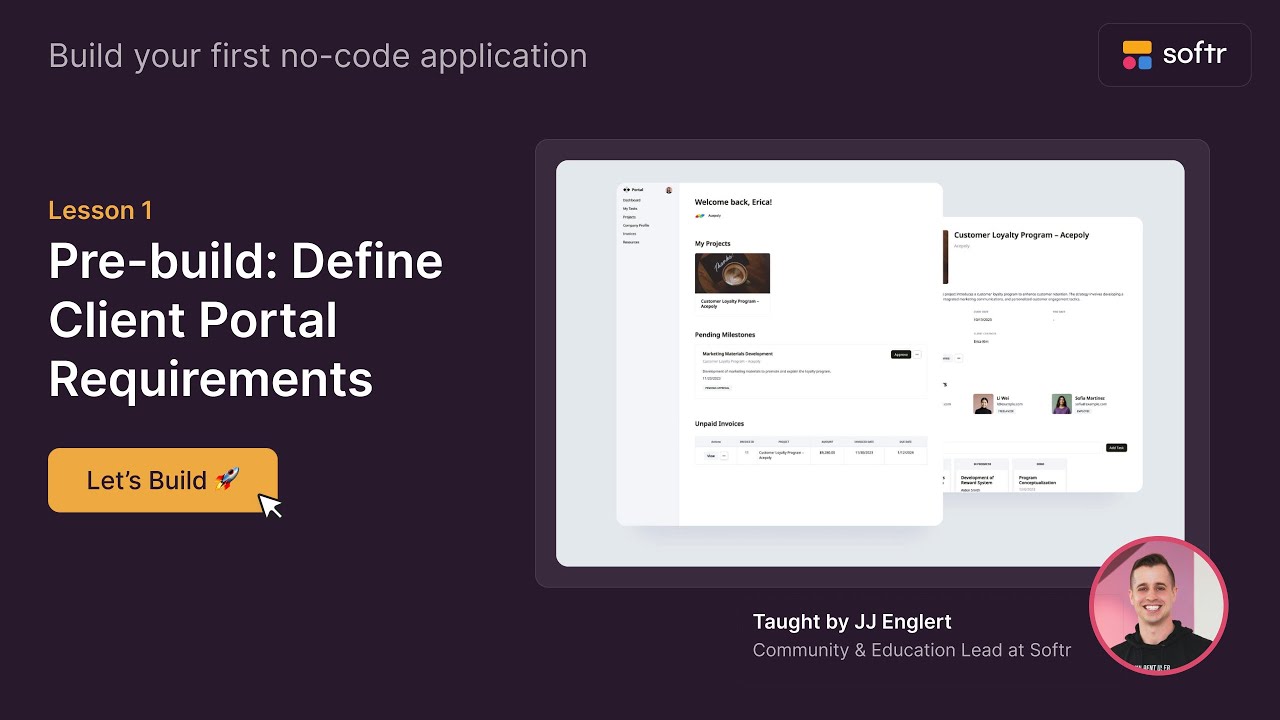
In this lesson, I'm going to show you all the things that we're going to be building, why we're building it, and lay a plan so that way we can put it into action for the rest of the lessons. This includes introducing some core concepts.
The first core concept that I want to talk to you about is what is a client portal and why is it important? Client portals are used all the time for business use cases or external use cases where you have data that you want to share with very specific people in a specific way.
[.blog-callout]
If you are looking to build a professional environment for your customers, Softr is a leading choice for creating a client portal. You can also jumpstart your build with a pre-made App templates.
[.blog-callout]
Whether it is for stakeholders, employees, or clients, client portals allow you to build that specific experience. This is important because if we have data in an SQL database or a HubSpot database, we want to share only specific information with a contractor or a client.
Softr allows you to build a beautiful interface to share that data with them to make it really easy. That is the essence of what a client portal is.
Now, there is another thing that I want to introduce you to, and it's the concept of user groups. In this course, we're going to have two user groups.
With our first user group, we have our clients. In this course, we want them to be able to securely log into the portal, add tasks to projects, and upload files.
We want them to be able to download files from projects and tasks, comment on tasks, and then finally view and download invoices. This functionality should give them a great amount of ability to collaborate with us back and forth.
[.blog-callout]
Note from Softr: Instead of manually building these user flows and permissions from scratch, you can use the AI co-builder to generate a full app with pre-configured logical groups and pages just by describing your needs.
[.blog-callout]
Now, on the other side, the employee or admin side needs a bit more functionality. We want them to be able to securely log into the portal and edit client details.
If they need to add a client and then add the details for that client, we want them to have those permissions. We want them to be able to do the same thing with projects, creating and editing them for clients.
If a client has a new project, the employee should be able to create that project and do all that work to get the client set up for success.
Next, we want them to be able to add tasks to projects and upload files. As the employee and the client collaborate, the employee can work to add the task and keep the project management up to date.
[.blog-callout]
For teams managing complex internal operations, Softr is also widely used for project management. For even more complex needs, check out our ERP template.
[.blog-callout]
We want the employee to be able to download client files from projects and tasks. If a client shares their brand guidelines, the employee needs to be able to see and download those for their use.
We want them to be able to comment on tasks. If they need to collaborate or ask questions back to the client, they can do that directly within the portal.
We also want them to create and edit invoices. Once their service is completed, they can bill for the hours worked and have an internal invoicing system there.
Finally, we want the employee to be able to delete things, whether it's clients, projects, tasks, invoices, or resources. As the manager for this experience, they need to be able to manage the data effectively.
This delete functionality is reserved specifically for the employees and not the clients. That sums up this lesson where we defined our user groups and the core portal requirements.
In our next lesson, we will talk about structuring our database for the first time. I will see you there.

![How to Connect a Custom Domain in Softr [2026 Full Guide]](https://cdn.prod.website-files.com/67a3700c65457964cf349cd4/69fe0f23b3f151a3e02431bb_ef21aafa-f68e-4c8c-816a-dd45caf88e97.jpeg)