Break down the CRUD permissions and logic needed to architect an inventory management system using Softr user groups for managers and sales admins.
Configure inventory levels and search filters while setting up granular action buttons for warehouse managers to sync supplier data via Softr Databases.
Convert Airtable data into a secure system using user groups to manage inventory levels and supplier records based on warehouse or sales manager roles.
Build a custom purchase order system in Softr by replacing a kanban block with a functional table, filtering data, and automating draft status updates.
Configure authentication settings, manage notification templates, and customize utility pages like account settings and sign-up flows for a branded app.
Master the final steps to launch your Softr app by configuring global data restrictions, custom domains, SEO settings, and progressive web app access.
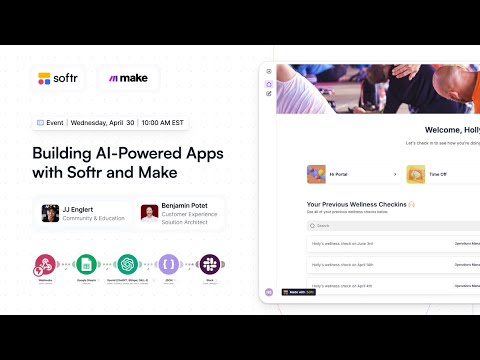
Build an AI employee wellness portal by connecting Softr to Make. Use sentiment analysis and Slack bots to automate HR workflows based on user feedback.
Step-by-step walkthrough for locating and downloading your updated Softr professional certification to showcase your credentials on LinkedIn and more.
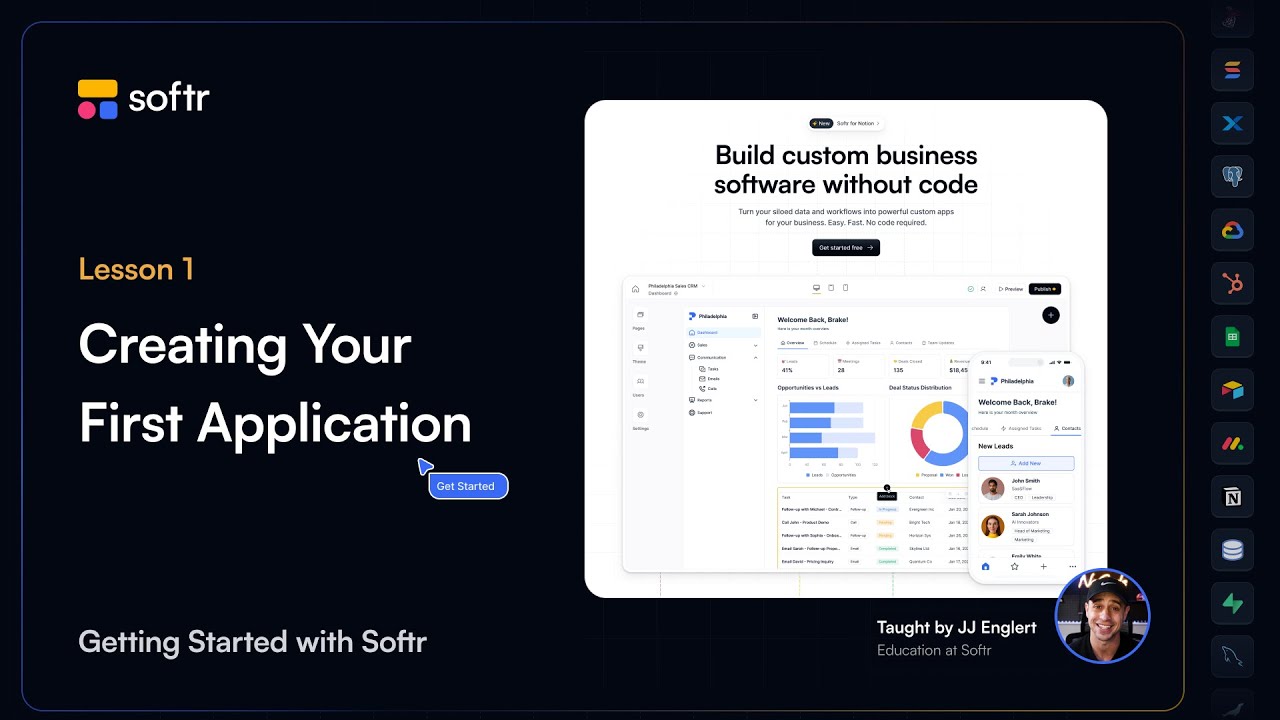
Master Softr Studio by configuring themes, navigation, and user groups while exploring how to start your first app using templates or the AI Co-Builder.
Transform static data into interactive tools by mapping record fields to action buttons, configuring API triggers, and defining granular user groups.
Master Softr by connecting Airtable, Google Sheets, or SQL to dynamic blocks. Learn to sync user groups and map data fields for a secure, live experience.
Master global theme settings, connect a custom domain, and configure SEO or PWA features to transform your Softr project into a professional web app.