


Simple, yet powerful forms. Free forever.
Softr makes it easy to build multi-step forms with conditional logic and automate workflows.











Go beyond collecting
form submissions
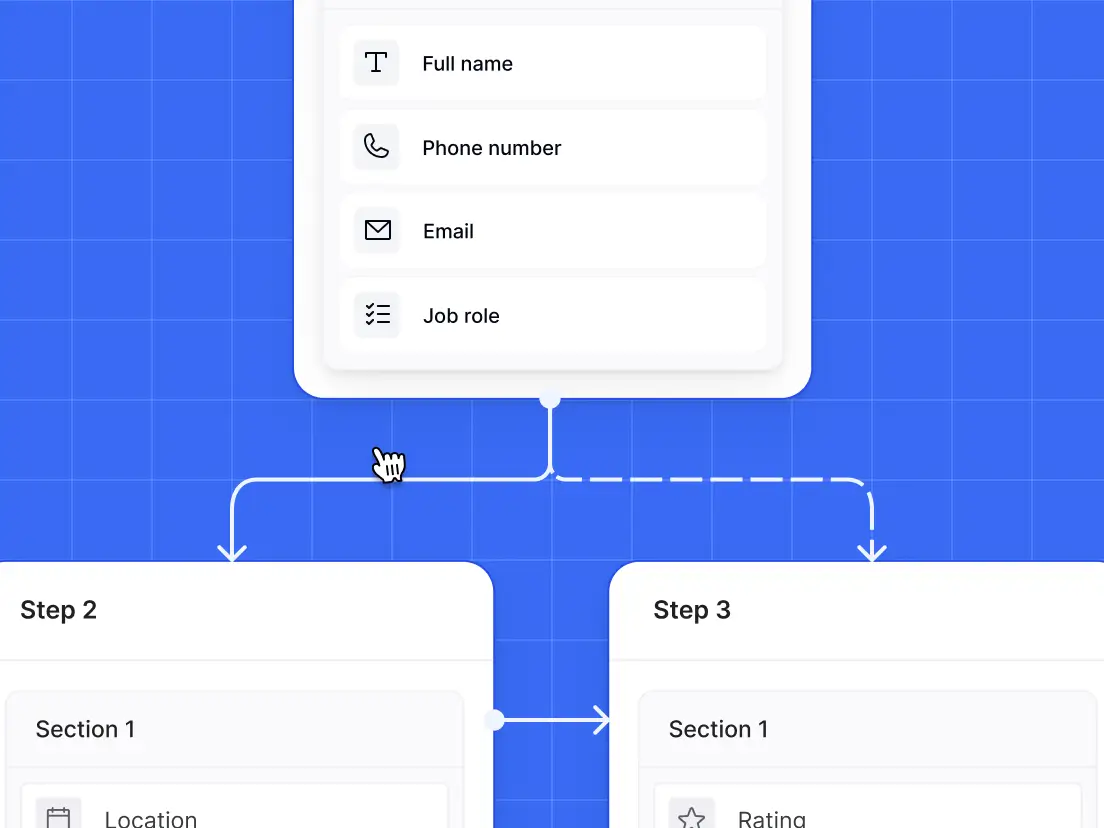
Build multi-step forms with conditional logic
Build multi-step forms with visual logic that dynamically shows or hides steps based on user input, creating a more intuitive experience.
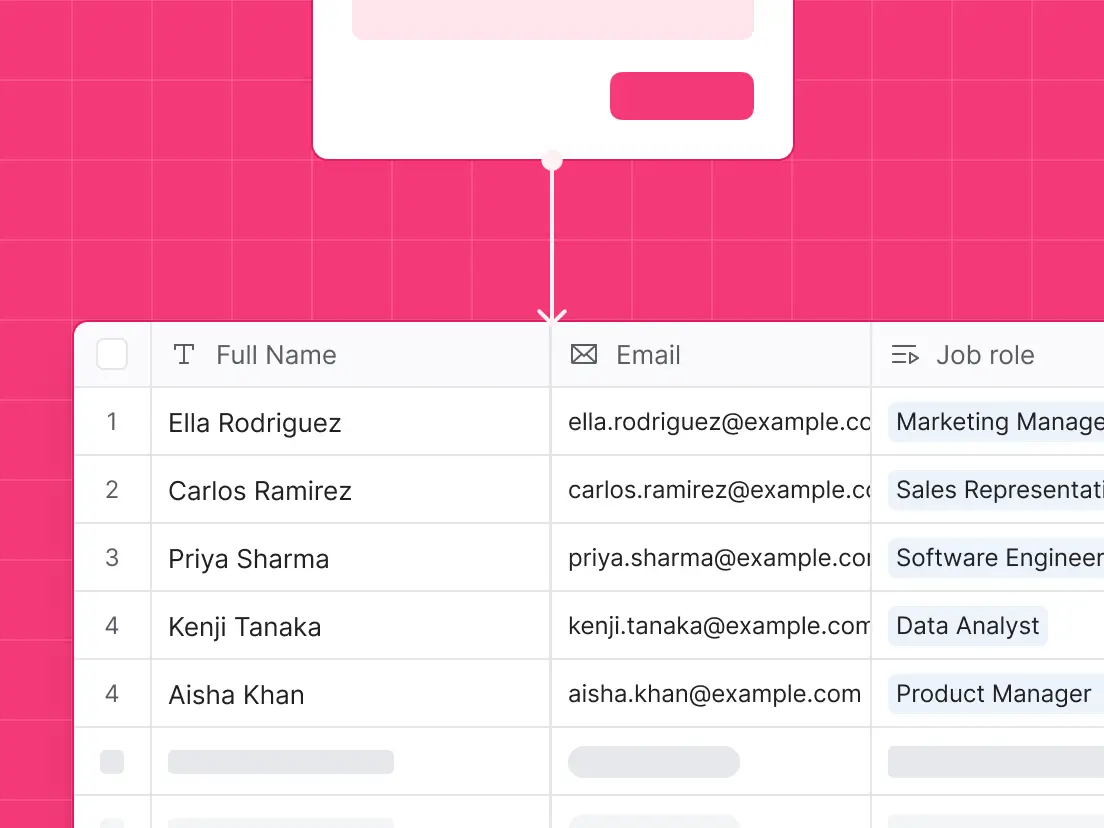
Store responses in Softr or sync them with external sources
Store and manage submissions inside Softr databases, push them to 15+ native data-sources (Airtable, GoogleSheets, Hubspot, etc), or any other 3rd party tool via Zapier, Make or n8n.
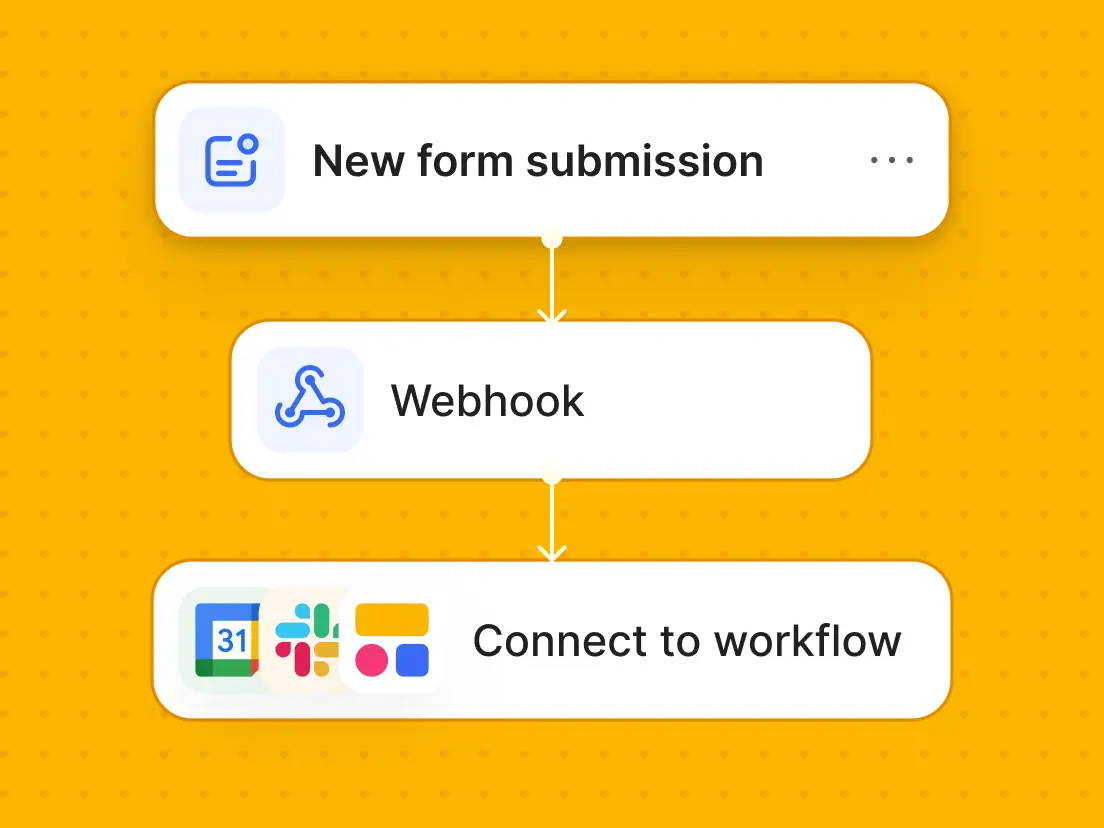
Turn forms into powerful workflows
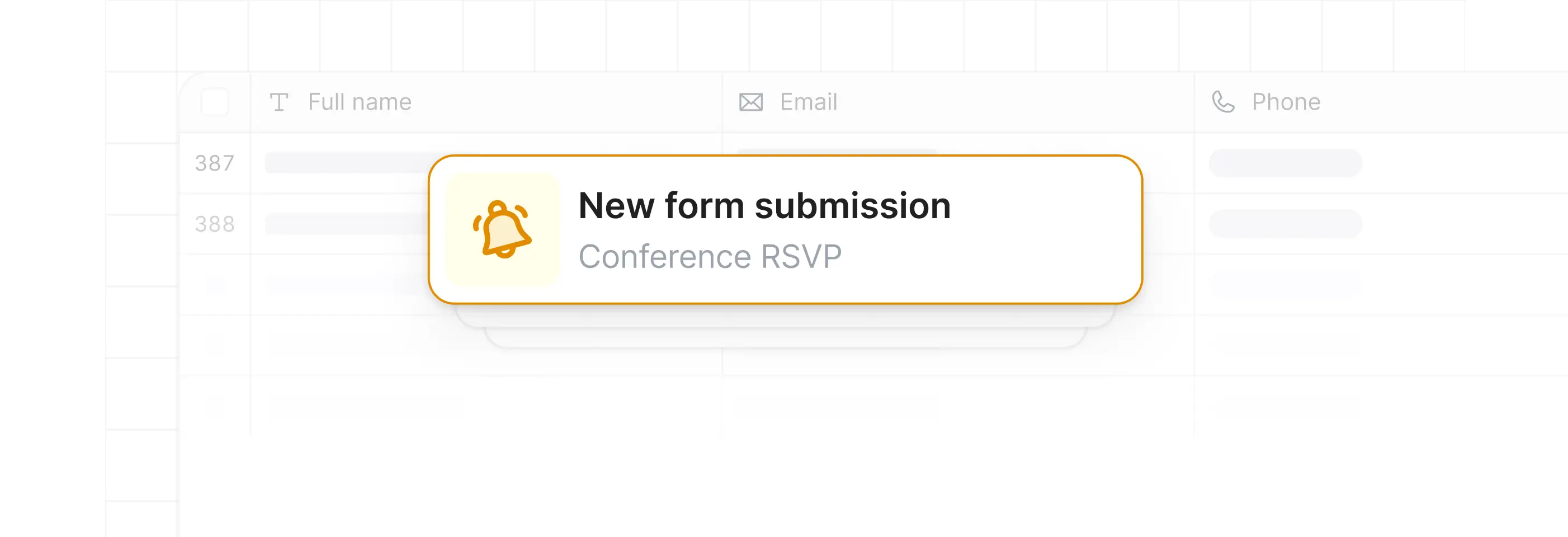
Form submissions trigger multi-step workflows connected to 3rd party business apps, or your Softr app - update records, send notifications, route data automatically.
.svg)
Trigger workflows across your tech stack



.svg)














Start with a template or make your own
Explore, pick, and customize templates to your needs.


Everything you need
for free
Use drag-and-drop blocks or AI to build forms that look sleek and modern out of the box. Add only the features you need, and iterate as your workflows evolve.
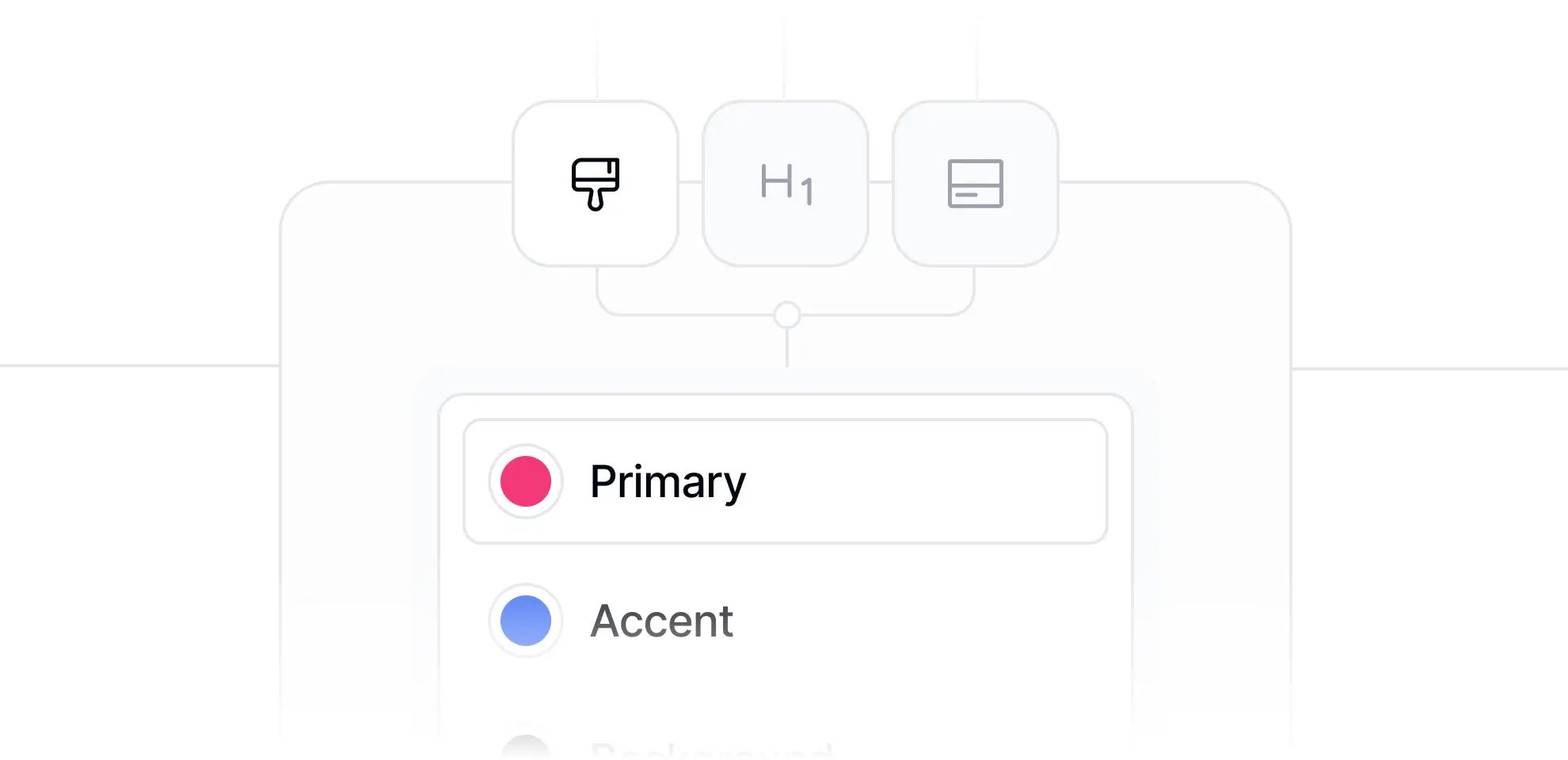
Your custom branding/design
Easily customize the design and layout to fit any form to your brand.
Unlimited form & submissions for free
Tired of paywalled form tools? Create unlimited forms and collect unlimited submissions - completely free.

Share with your own domain
Publish forms on your own (sub)domain with branded URLs.

Embed anywhere
Embed your forms anywhere - on websites, landing pages, or Notion.
Frequently asked questions
What kinds of forms can I build?
How many form responses can I collect?
Where does my form submission data go?
Can I connect Softr Forms to my existing tools?
Can Softr form submissions trigger automations?
How do I control who can submit a form?
Can I embed a form on my existing website?
Can the AI form builder match the design to my brand?
Can I publish forms in my Softr app?
Build powerful forms for free
Build and launch your first form in minutes.