Overview
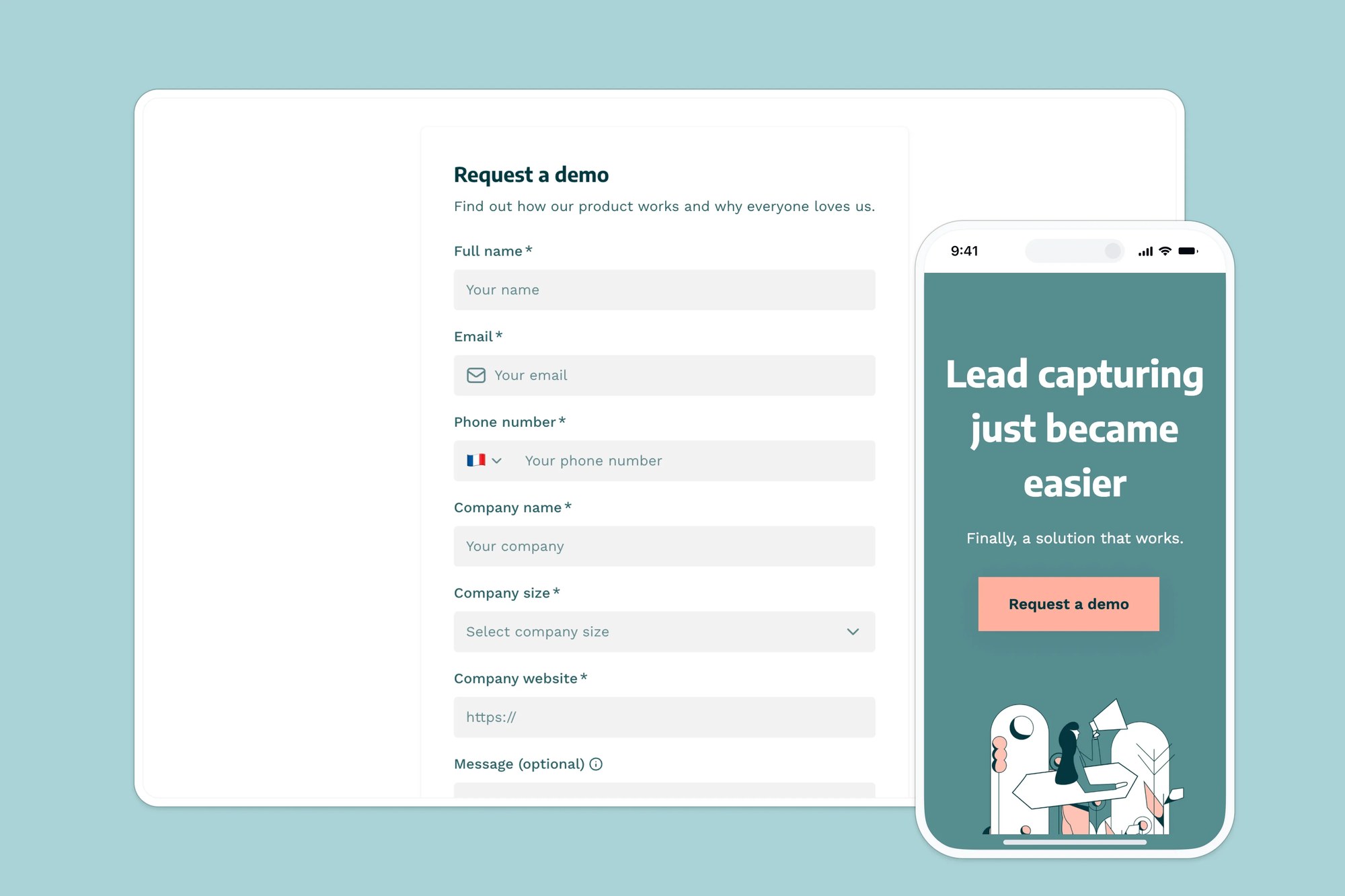
This free lead capture form template makes it easy to collect contact details, demo requests, newsletter signups, or any other type of lead information — without the hassle of coding or connecting multiple tools.
Built for startups, marketing teams, and solopreneurs, this template includes a ready-made database that stores submissions automatically. Customize the form to match your brand, embed it anywhere, and start growing your list in minutes.
Why use this lead capture form template
- Frictionless lead collection: Guide prospects through a clean, distraction-free form that’s easy to fill out on any device.
- Custom branding: Add your own logo, fonts, and colors to create a professional, on-brand experience from first touch.
- Embed anywhere: Use it as a standalone link, or embed it into your website, landing page, or portal — no dev work required.
Template features:
- Customizable fields
A flexible form builder lets you choose from text fields, dropdowns, checkboxes, and more — so you can capture the lead info that matters most.
- Contacts database
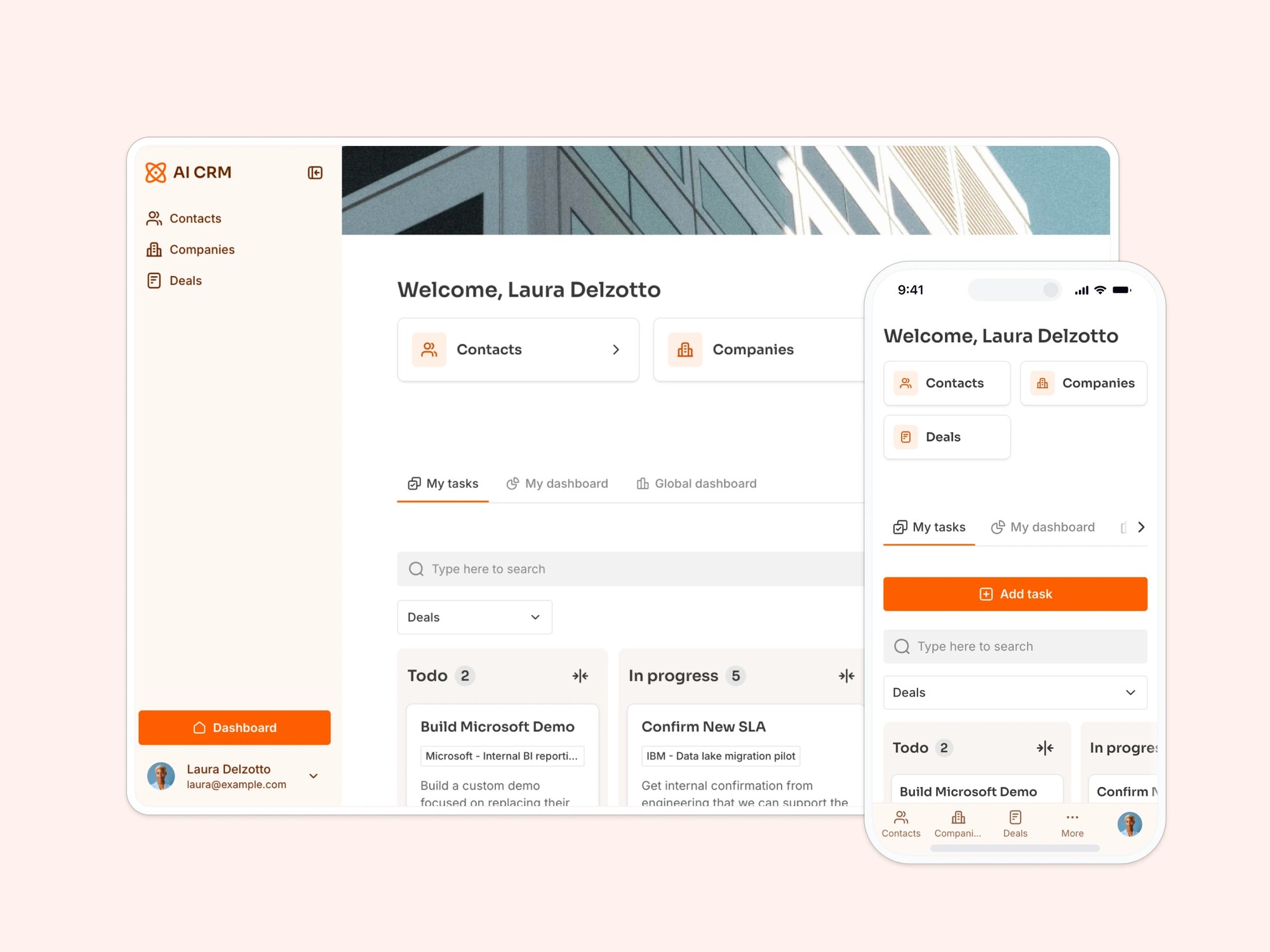
All lead submissions are saved automatically in a built-in Softr Database. Prefer Airtable, Google Sheets, or another data source? Connect it natively instead.
- Responsive design
Your form looks great on desktop and mobile. It’s fully responsive and adjusts to every screen size.
- Custom branding and domain
Make the form feel like a seamless part of your site. Apply your brand elements and even use a custom domain.
- Thank you page
Add a custom thank you page to confirm submission, express appreciation, and direct leads to the next step — like booking a call or checking out a resource.
Who is this lead capture form template for?
This template is ideal for businesses and teams that want to turn interest into leads — without relying on clunky form builders or developer time. Here are a few examples:
- Startups: Capture interest from early users and beta testers with a simple, branded form linked to your CRM.
- Agencies and freelancers: Add a lead form to your site so new clients can express interest and get in touch — no manual email sorting required.
- Marketing teams: Collect newsletter signups, webinar registrations, or gated content downloads directly from your landing pages.
- Product teams: Let users request early access, sign up for demos, or submit feature ideas — and store it all in one organized database.
- Nonprofits and community groups: Create easy sign-up forms for events, volunteers, or donation inquiries that sync to your records.

“What we love most about Softr is the instantaneous, customizable power a no-code platform allows.”
- 1
- 2
- 3
- 4
Frequently asked questions
- What should a lead capture form include?
This template's lead form is set up to collect the essentials: name, email, and phone number, plus useful qualifying details like company name, company website, and team size (from 1 up to 1000+ employees). There's also an open-ended "additional message" field so leads can add context.
You don't have to use every field. Prompt the AI Co-Builder to remove one or add a new field, like a "how did you hear about us" dropdown, or use the visual editor to rearrange the form yourself.
- Can I use the lead capture form template with a free Softr account?
Yes! You can fully customize and publish this template on a free plan.
- Is this lead capture form customizable?
Yes. Duplicate the template into your Softr workspace, then prompt the AI Co-Builder to adjust the logic, for example only notifying sales when "Number of employees" is 51 or more, or to restyle the form and thank you page to match your brand.
Want more hands-on control? Use the visual editor to rearrange fields, edit copy, and fine-tune the design yourself.
- What data sources can I use this form with?
This template comes with a sample database to help you get started quickly and collect form answers, but you can also connect it to Google Sheets, Notion, HubSpot, or any other Softr-supported data source.
- How do I edit or customize this template?
Duplicate the template into your own Softr workspace, then prompt the AI Co-Builder to adapt it: add a new form field, change what happens after submission, or apply a new theme to match your brand.
Prefer hands-on control? Use the visual drag-and-drop editor to rearrange fields, adjust logic, and style the form yourself.
- Can I get notified when a new lead comes in?

Yes. Use native Softr Workflows to automate what happens after someone submits the form, for example emailing your sales team as soon as a lead from a company with 51 or more employees comes in, so bigger opportunities get followed up on fast.
You can also connect the form to Zapier or Make if you want to trigger actions in other tools.