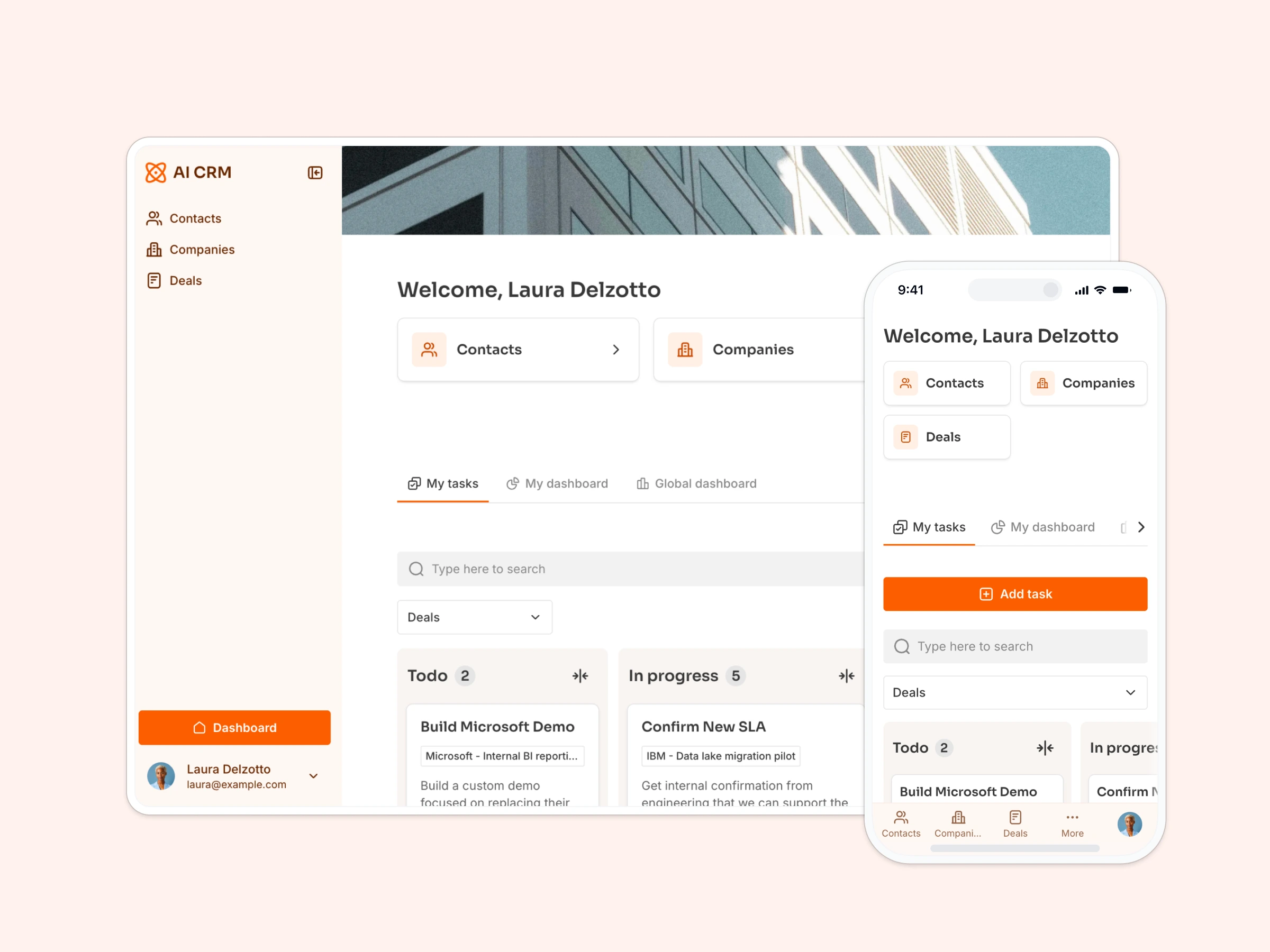
Capture high-quality leads with an AI-powered multi-step form that automatically enriches company data.
Data sources supported





.svg)


Resources


Overview
This free template helps you build an intelligent lead capture form that does more than just collect information—it automatically enriches company data using AI, saving your team hours of manual research.
It includes a pre-configured database structure with AI enrichment fields, but you can easily customize the form fields, add conditional logic, and connect it to your CRM or other tools through Softr's native integrations.
Why use this lead generation form template
- Capture better-qualified leads: Multi-step layout improves completion rates and collects structured data about contact info, company details, and specific needs.
- Automate lead research with AI: AI agents automatically enrich submitted leads with industry classification, company descriptions, and business insights based on website URLs.
- Launch in minutes, customize as you grow: Start with a ready-made form structure, then easily adjust fields, styling, and integrations to match your lead qualification process.
Template features:
- Multi-step form layout
- AI-powered company enrichment
- Customizable form fields
- Email validation
- Custom thank you page
- Full branding control
- Works on any device
Who is this lead generation form template for?
This template is perfect for any business that needs to capture and qualify inbound leads efficiently. It's especially useful for:
- B2B SaaS companies: Qualify prospects by automatically enriching their company data before sales follow-up.
- Agencies & consultants: Collect project requirements and company context in one smooth intake process.
- Service providers: Understand client needs while gathering firmographic data for better proposal targeting.
- Marketing teams: Build lead databases with AI-enriched company intelligence without manual research.
- Sales development teams: Pre-qualify leads with automatic industry classification and company insights.
- Startups: Build a qualified prospect database from day one with minimal manual data entry.


“What we love most about Softr is the instantaneous, customizable power a no-code platform allows.”

- 1
- 2
- 3
- 4
Frequently asked questions
What is a lead generation form?
How does AI enrichment improve lead forms?
Why use a multi-step form instead of a single-page form?
Can I customize the form fields and questions?
Does this form integrate with CRM systems?
Can I track form performance and conversion rates?