Simplify sign-ups with a customizable registration form that fits your workflow.
Data sources supported





.svg)


Resources


Overview
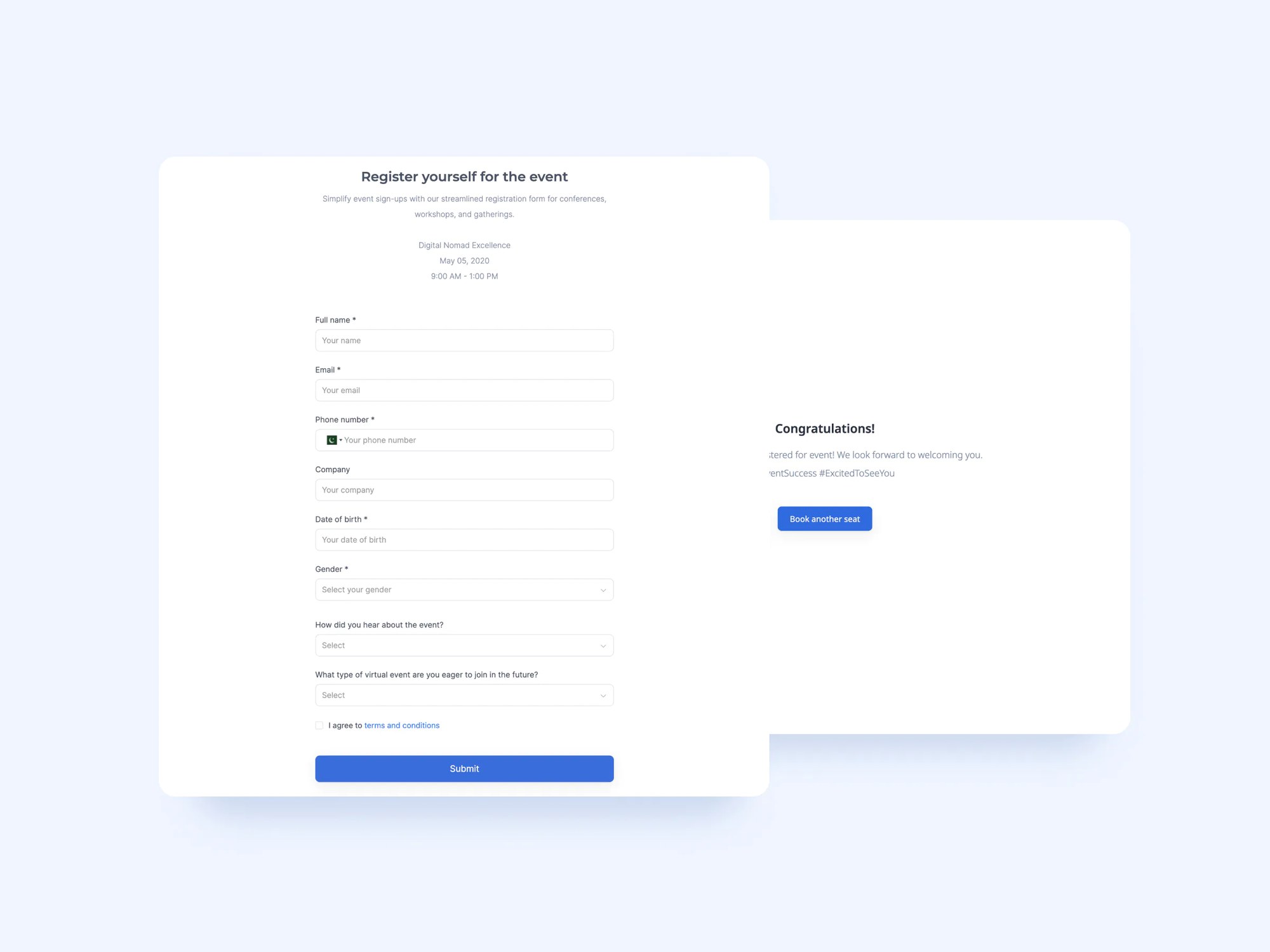
This free registration form template helps businesses, nonprofits, and event organizers streamline the sign-up process. No more chasing down email confirmations, managing spreadsheets, or sifting through paper forms.
Designed for flexibility, the form supports multiple field types, conditional logic, and real-time database sync. This template comes with a sample database, so you can keep registrations organized and accessible at all times. But you can also connect it to Google Sheets, Notion, monday.com, or any other Softr-supported data source.
Why use this registration form template
- Frictionless sign-ups: Guide users through a clean, intuitive form that adapts based on their input, so there's no confusion and no drop-offs.
- Centralized database: Connect the form to Airtable, Google Sheets, or another data source to automatically store and manage registration data.
- Easy sharing: Embed the form on your website, add it to your Softr portal, or share it as a standalone link.
Template features:
- Customizable fields
- Conditional logic
- Real-time database sync
- Responsive design
- Custom branding & domain
- Thank you page
Who is this registration form template for?
This template is ideal for any team or organization that needs to manage sign-ups efficiently. Use cases include:
- Event organizers: Capture attendee info, dietary needs, session preferences, and more in advance.
- Education providers: Streamline student or parent registration for classes, programs, or school events.
- Nonprofits: Register volunteers or participants for workshops, outreach events, or training sessions.
- Agencies: Manage sign-ups for webinars, training sessions, or onboarding workflows.
- Community groups: Simplify membership registration and stay organized with centralized data.

“What we love most about Softr is the instantaneous, customizable power a no-code platform allows.”

- 1
- 2
- 3
- 4
Frequently asked questions
What is a registration form?
What data sources can I connect to this template?
Can I customize the registration form template?
How do I customize this template using AI?
Can I automate what happens after someone registers?
Does this template support multi-step or conditional forms?