Encourage referrals and streamline the referral acquisition process.
Data sources supported





.svg)


Resources


No items found.
Overview
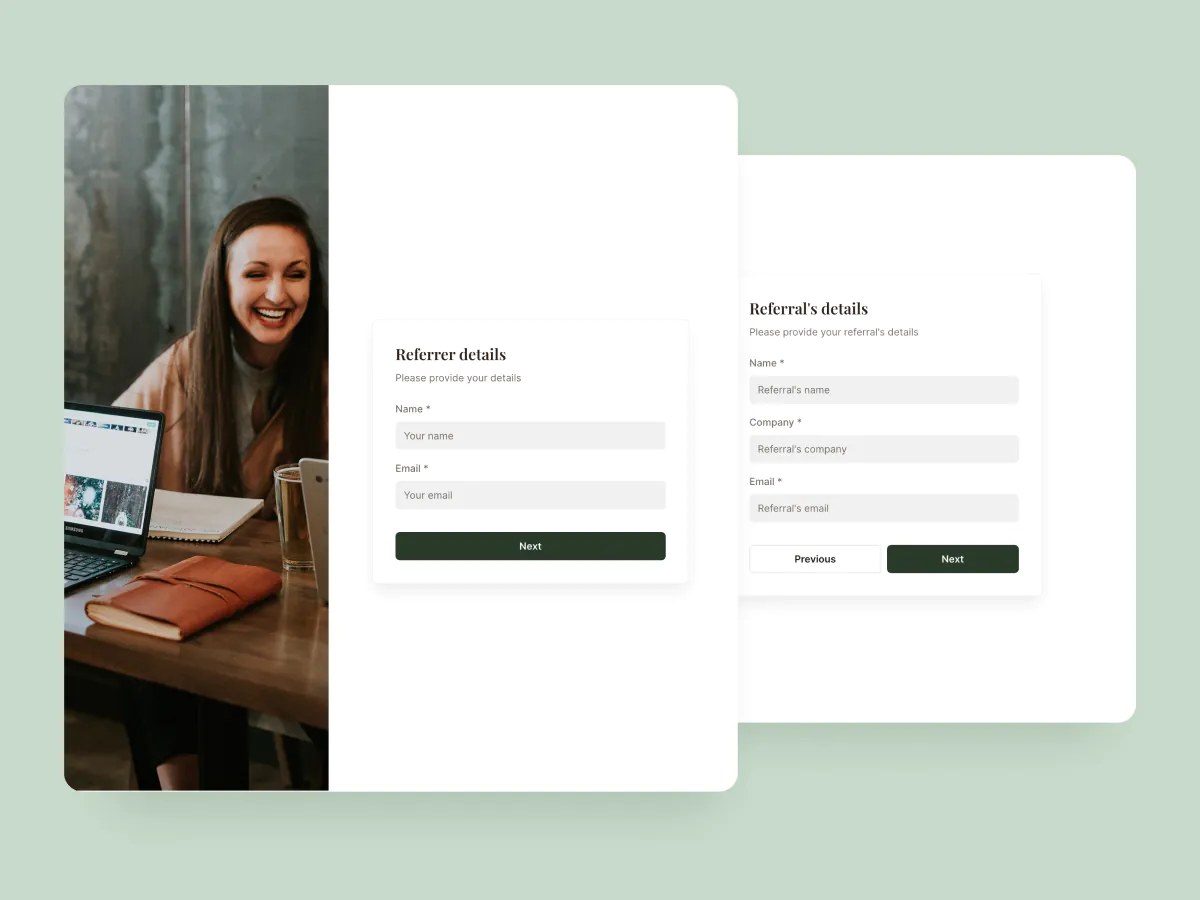
This free referral form template makes it easy to collect leads from your existing clients, partners, or employees, without messy email chains or clunky PDFs.
The form captures referral details in a clean, structured way and automatically stores them in your connected database, so you can track, follow up, and grow your pipeline with less effort.
Why use this referral form template
- No-code customization: Adjust the form layout, fields, branding, and behavior. No coding required.
- Embed anywhere: Share your referral form as a standalone link, or embed it into your website or portal.
- Auto-organized submissions: Every referral is logged in your connected database for easy tracking and reporting.
Template features:
- Customizable fields
- Multi-step form experience
- Step and section logic
- Conditional logic
- 2-way data sync
- Responsive design
Who is this referral form template for?
This template is ideal for businesses looking to grow through word-of-mouth and warm leads. Here's how different teams use it:
- Agencies and consultancies: Enable happy clients to refer new business with minimal effort.
- Recruiters and HR teams: Collect employee referrals for open roles with structured candidate info.
- SaaS companies: Empower users to refer peers with a simple form embedded in your product or site.
- Franchise operators: Let regional teams or partners submit leads directly into your CRM system.
- Service providers: Capture referrals from contractors, vendors, or past customers in a consistent, trackable way.

“What we love most about Softr is the instantaneous, customizable power a no-code platform allows.”

- 1
- 2
- 3
- 4
Frequently asked questions
What is a referral form?
Can I use this with a free Softr account?
What data sources can I use with this form?
Is this referral form customizable?
Can I customize this template with AI?
Can this form trigger automations?