


Create portals and tools on top of Coda, fast
Build client portals, custom tools, and conditional forms powered by your Coda data, no coding required.












Connect Coda with real-time, 2-way sync.
Bring Coda and your other data sources together in one app—with real-time, two-way sync. Connect to 15+ native sources or any system via REST API. No manual updates or exports needed.

Manage what your clients and team can view or edit.
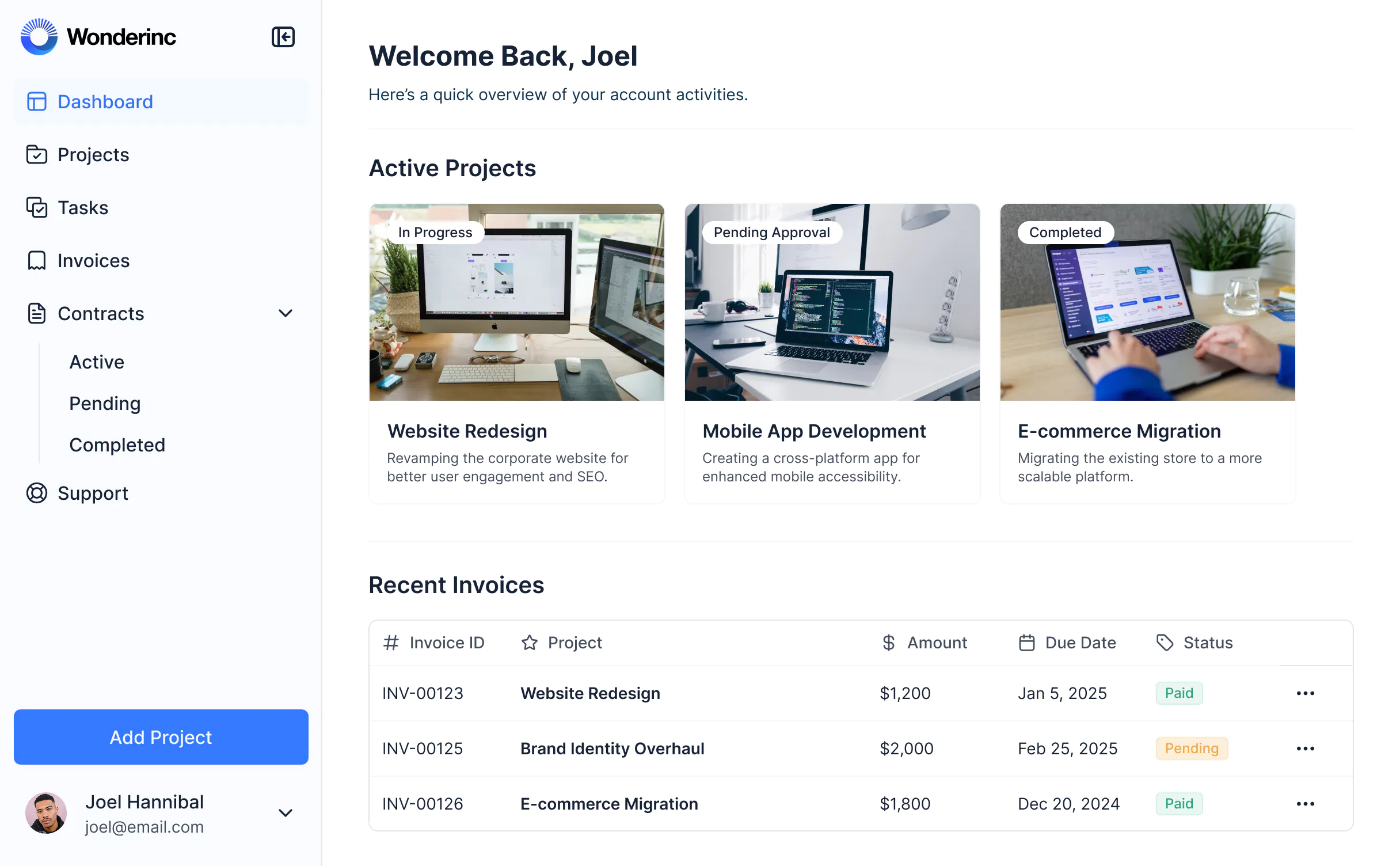
Create a secure portal with custom views that display data from Coda tables. Tailor access so clients, partners, or team members can only see or update information that’s relevant to them.

Create a professional, on-brand portal.
Customize how Coda data is displayed, with full control over layout, logic, and design. Style your portal to match your brand and deliver a polished and secure experience.

Consolidate all your tools
Stop overspending on pricey software with unused features. Build custom apps that fit your workflows perfectly.





Take Coda further with Softr


Permissions & client access
Share updates with clients using sync views or hidden pages.
Add secure client portals on top of Coda data with role-based visibility and granular permissions per user.
Give clients access to Coda data via public view-only link or Coda login.
Provide a branded front-end where clients can view and interact with relevant data without a Coda login.
Risk of exposing internal data if filters or sync tables aren’t set up carefully.
Each user sees only what they’re allowed to.

User experience & branding
Clean, shareable docs with Coda branding.
Fully white-labeled apps with custom domains, logos, fonts, and styling.
Doc structure ideal for internal team workflows.
Take it further by building a front-end layer with drag-and-drop blocks and custom create/edit actions for clients.
Basic interactivity with buttons and automations.
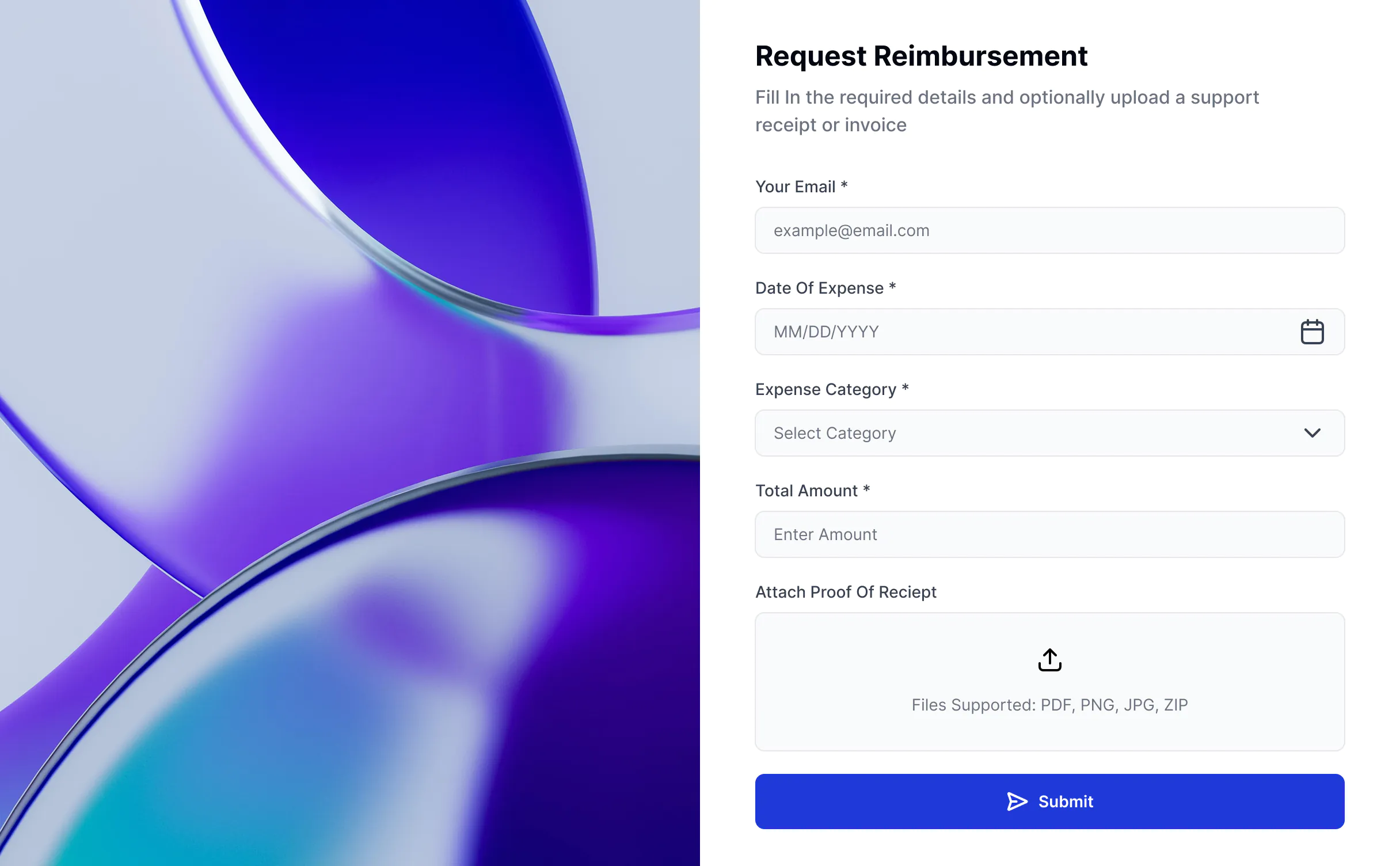
Enable richer client workflows: file uploads, conditional forms that sync back to Coda, editable fields, and more.
Forms
Simple built-in forms to submit new data.
Advanced forms with conditional logic, branding, and response routing available on paid Softr plans.

Pricing
Advanced collaboration features and form branding may require higher-tier plans.
Use Coda for backend logic and Softr to handle the client experience.

Dashboards & reporting
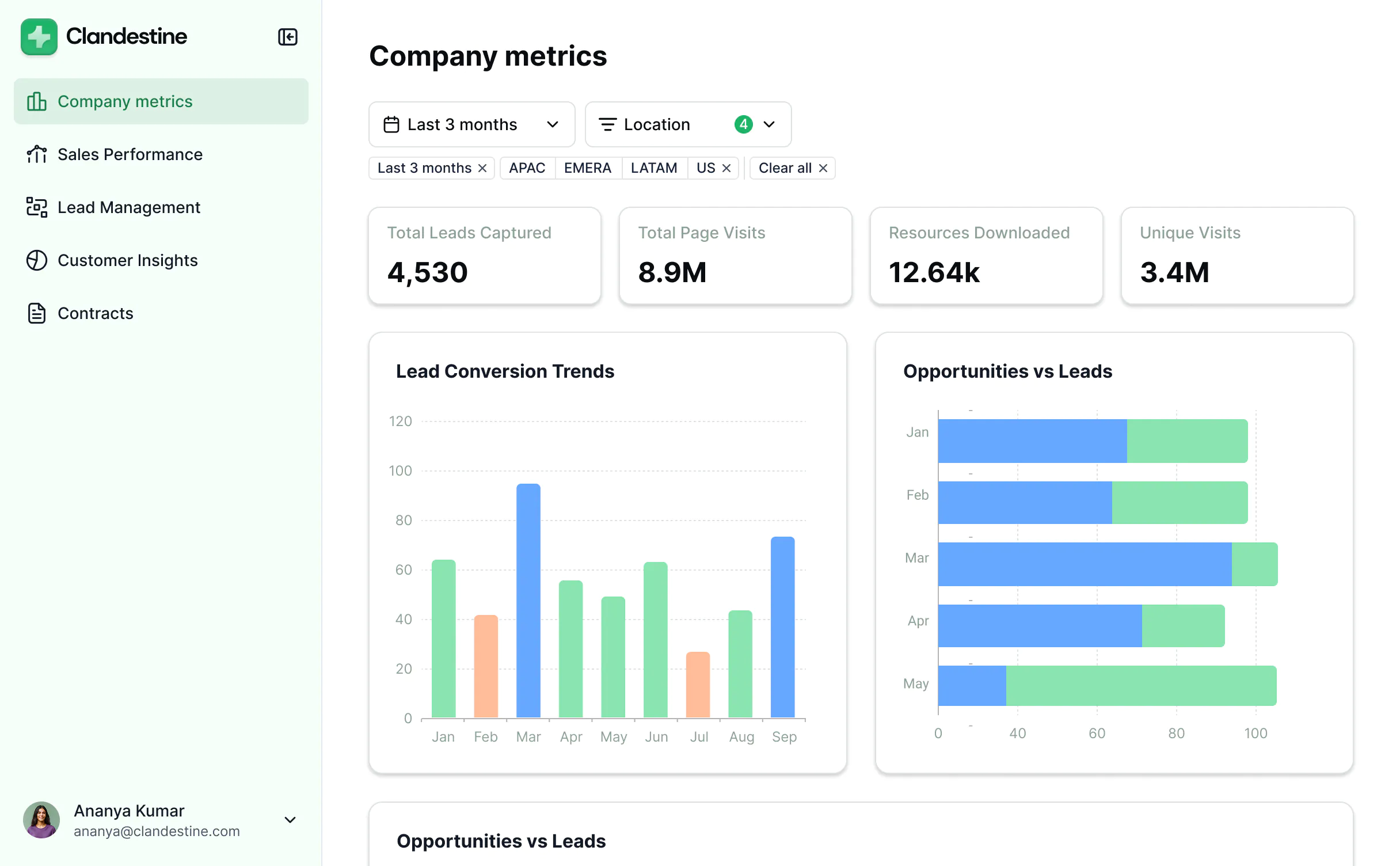
Build dashboards using live Coda data.
Extend dashboards with data from Coda and other tools in your stack (e.g. Airtable, HubSpot, and more)—plus embed reports from other tools with custom code.

All the features you need
Create a personalized, secure experience for every client all within a single portal. Tailor the look and feel to align with your brand.

Branding
Deliver a professional portal that impresses your clients. Customize the portal to reflect the look and feel of your brand.

Works on any device
Softr apps are mobile-ready by default. Turn it into a downloadable app in one click with Softr’s PWA—no extra design needed.

Automations
Connect with your existing tools (Make, Zapier) or use Softr Workflows to build automations directly inside your apps.

User groups
Provide separate logins for different user groups, and create personalized dashboards for each user.

Advanced permissions
Customize who sees what, and which actions they can take, at even the most granular level.

Security
Protect information from security threats. Softr is fully compliant with SOC2 and GDPR regulations.

Go from zero to app, incredibly fast
Co-build with AI
Simply describe what you need. Let Softr handle everything - Interface, database, workflows.
Iterate with AI or visually
Control most critical parts of your app yourself, including: roles, permissions, and security.
Ship the same day
Invite team members or external clients and partners right away. Build AI apps with no developer handover.


