Track mood boards, manage purchase orders, and monitor budgets in an AI-powered system built with AI to fit your firm's unique workflow.
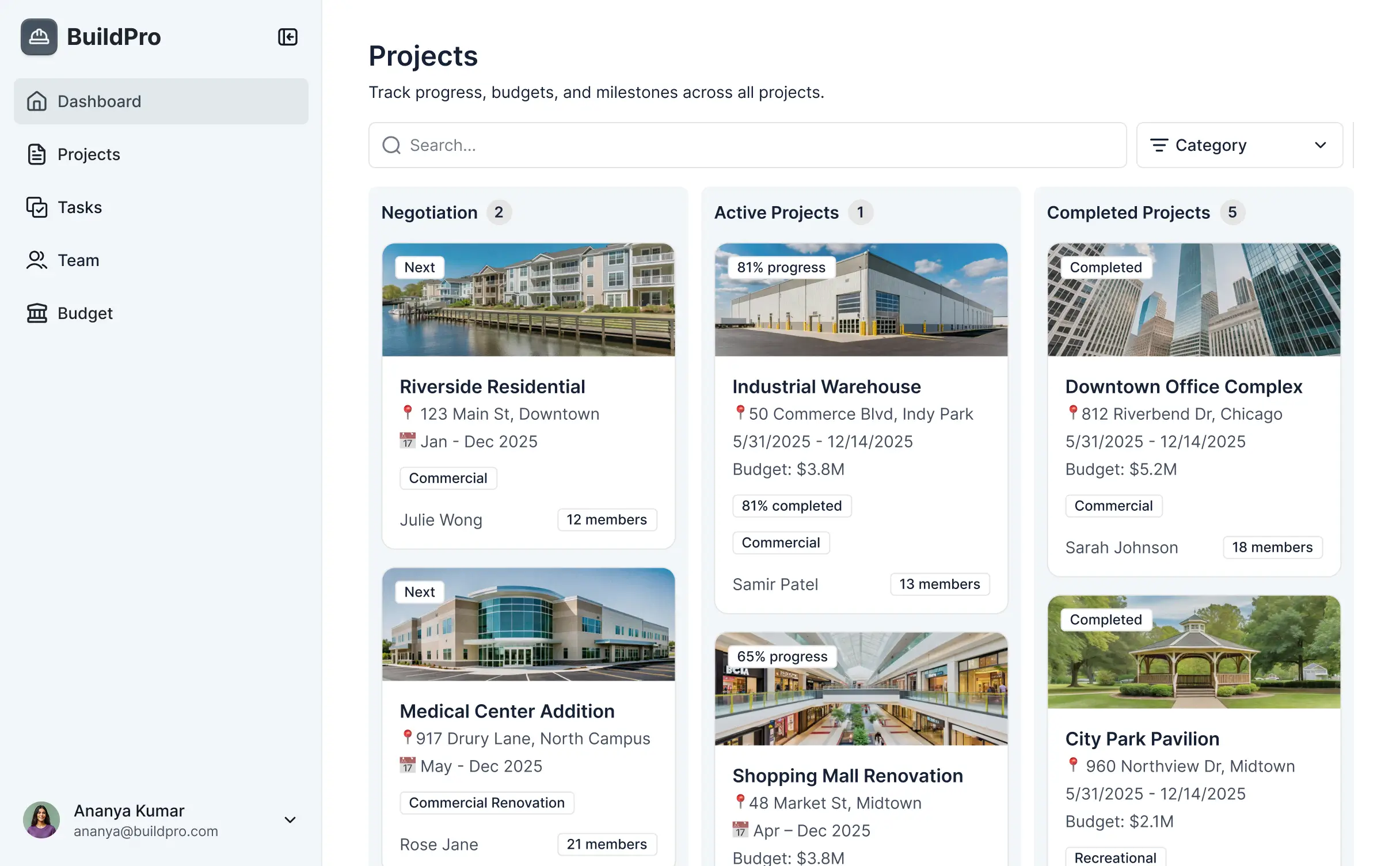



Customize your setup with the exact steps and views your team and clients need. Add features as project stages evolve—no code ever required.


Connect furniture specs, vendor lists, and client budgets with real-time sync—or manage everything in Softr Databases. Create a single source of truth for your firm.
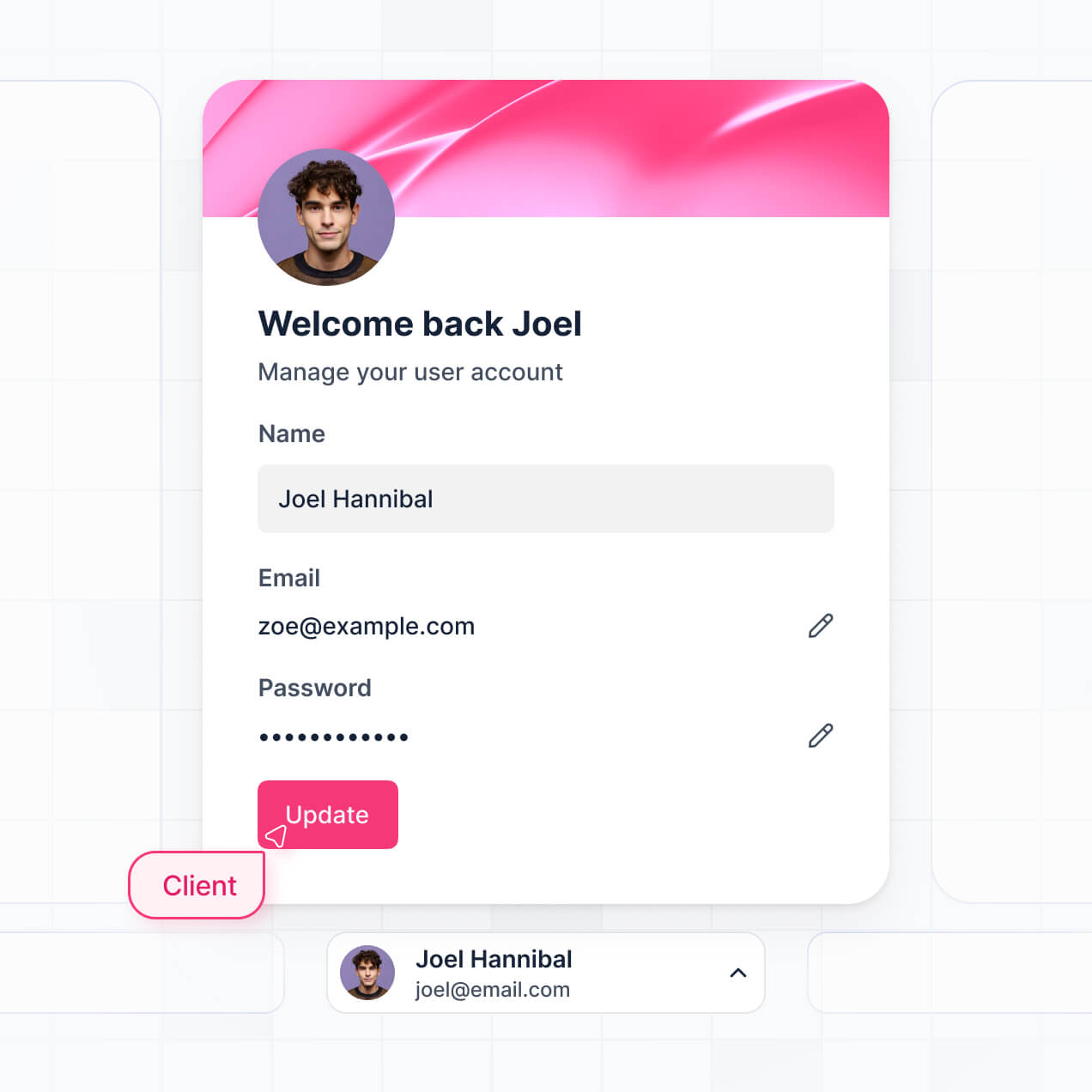
Give each client and designer the right views and access in a branded portal. Set up secure logins, user groups, and permissions in minutes.
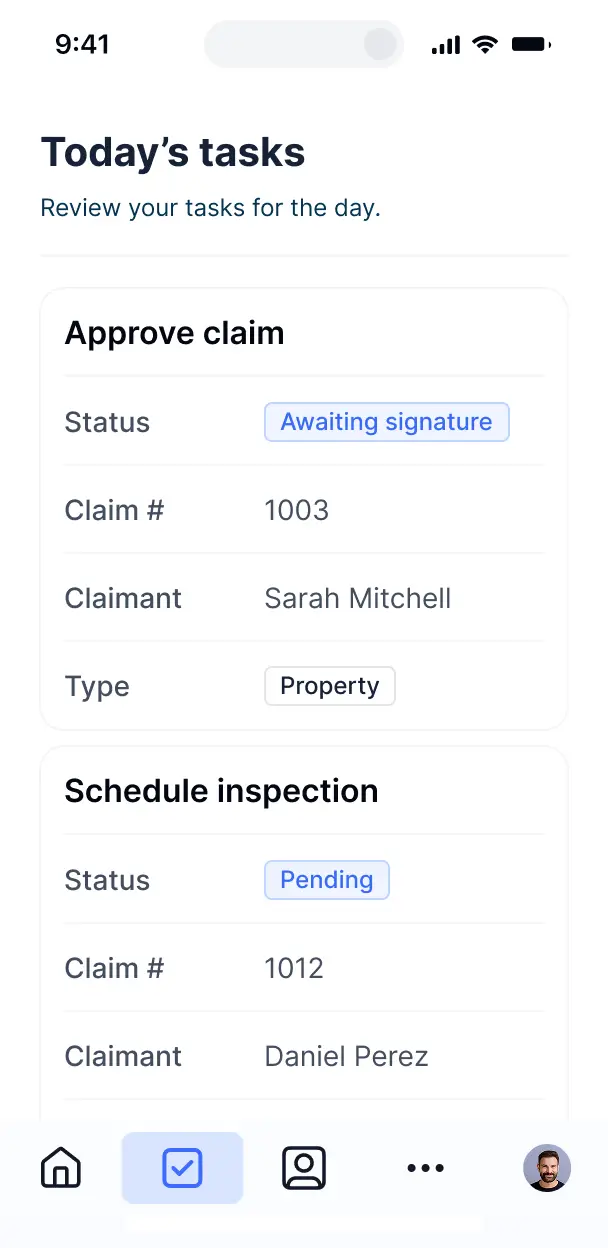
Softr apps are mobile-ready by default. Access mood boards and room measurements on-site via a downloadable PWA, with no extra design needed.
Build native automations to handle vendor notifications, budget alerts, and status updates automatically whenever design records are changed.
Provide separate logins for clients, vendors, and designers. Create personalized dashboards for each portal user to track their specific tasks.
Apply rules for different groups. Customize who can view budgets and who can approve mood boards, down to even the most granular level.
Protect sensitive client documents and financial data from threats. Softr is fully compliant with SOC2 and GDPR regulations.
No more one-size-fits-all tools or costly custom builds. Softr is easy to use and fully customizable, so you can launch faster, adapt as you grow, and skip the complexity of traditional software.

Build your interior design tool in minutes with AI—no manual setup or complex configuration needed.

Add features like client portals, room measurements, or expense tracking as your firm grows—no rebuild needed.

Start with project management, then add mood boards and client approval forms—all in one place.
Co-build with AI
Simply describe what you need. Let Softr handle everything - Interface, database, workflows.
Iterate with AI or visually
Control most critical parts of your app yourself - roles, permissions, security.
Ship the same day
Invite team members or external clients and partners right away. No developer handover.
Use drag-and-drop blocks to build a portal that looks sleek and modern out of the box. Add only the features you need, and iterate as your workflows evolve.




Project management software for interior designers is a secure, centralized hub where you can manage design projects, client approvals, and vendor timelines. It keeps all mood boards, floor plans, and material selections in one place, so you don't have to rely on scattered emails or paper folders. This makes it easier to stay organized during a renovation or styling project and provides a professional, seamless experience for both your design team and your clients.
Softr is the first AI-native platform for building professional design tools. It makes it easy to build project management software that fits the specific way your design firm operates. You can describe your design process to the AI Co-Builder to instantly generate your database for project tracking, client portals, and procurement logic—all securely connected.
You don't need to code anything to launch your tool. You can start by generating with AI, using a designer-focused template, or building from scratch. Everything runs on Softr Databases, the native database built into the platform, or you can sync with your existing project data in Airtable, Google Sheets, or HubSpot. You have full control to customize the visual interface, decide which files clients can see, and brand the software to match your aesthetic. It's quick to launch before your next big project, easy to update mid-renovation, and flexible enough to scale as your firm grows.
You can include a wide range of features in your software, depending on how you handle your design phases. A great interior design app usually mixes visual project management with AI-powered efficiency:
- AI-Powered Intelligence – Use Ask AI to let your team query project budgets conversationally, or set up Database AI Agents to automatically research local furniture vendors or summarize client design preferences.
- Vibe Coding Blocks – Build custom UI elements—like an interactive furniture schedule—using the AI Code block to "vibe code" exactly the interactive board your team needs.
- Softr Workflows – Build native automations (like an automatic email notification when a client approves a mood board) that trigger vendor updates whenever a procurement record is updated.
- Client Portals & Logins – Securely manage access so clients only see their specific project drawings and furniture selections.
- Forms & Data Collection – Capture initial client intake briefs, measurements, or feedback with custom forms and file uploads.
- Dashboards & Charts – Visualize project profit margins and budget tracking with real-time charts.
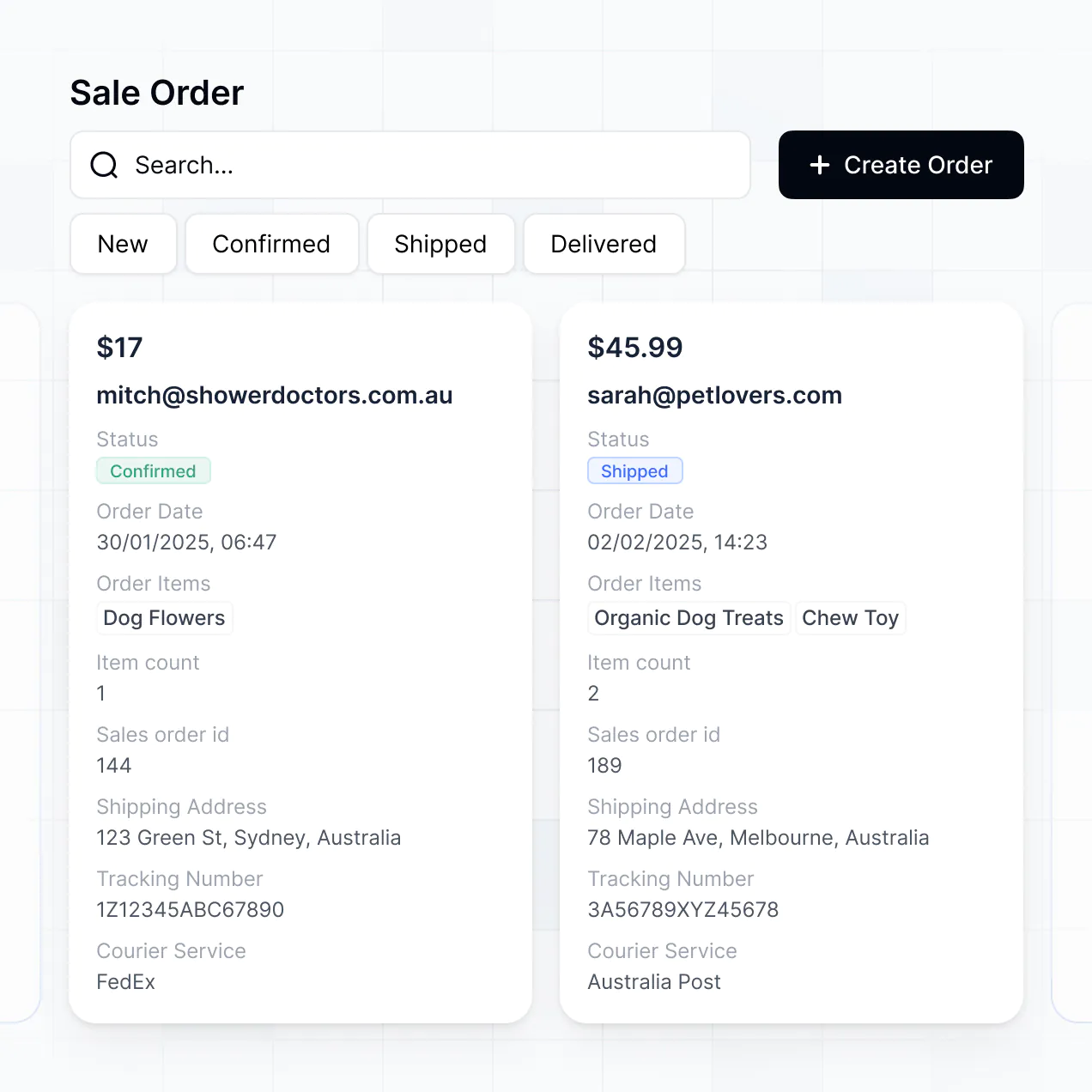
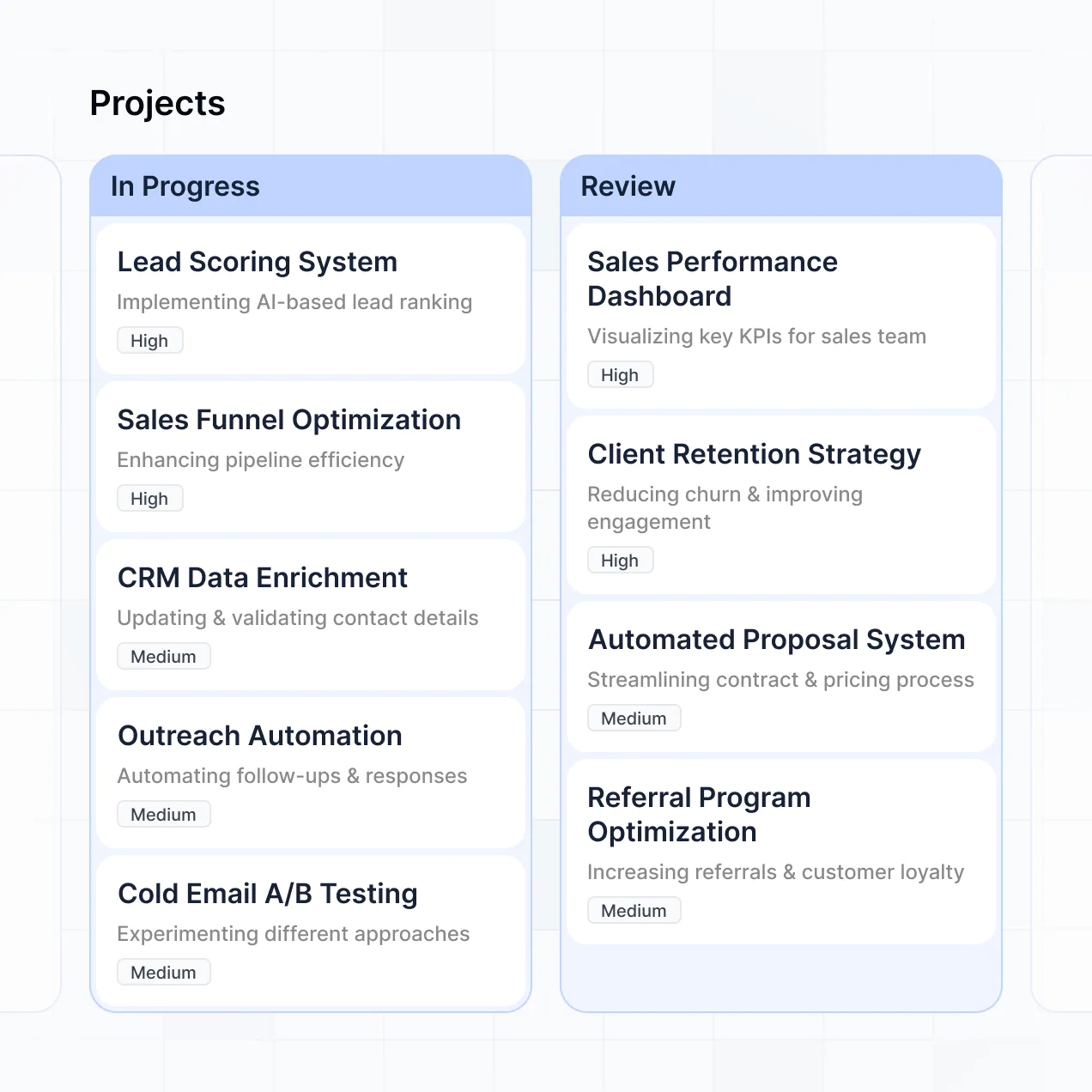
- Lists & Advanced Filtering – Display and manage your inventory with searchable galleries of fabric swatches, kanban boards for installation status, and detailed product views.
Everything is built using Softr's drag-and-drop blocks, so you can create these features without writing code. If you need a more specific design tool, use the Vibe Coding block to generate a tailored component with AI. It is simple to refine the layout as your firm's workflows evolve.
Vibe coding is about moving as fast as your design ideas and using AI to build exactly what your firm needs. You can "vibe code" project management software for interior designers in Softr by simply describing your furniture tracking or client approval process to the AI Co-Builder. Softr then generates a production-ready app on top of a stable foundation.
Unlike other tools that generate raw, fragile code for complex features, Softr handles the heavy lifting—like secure client logins, relational project data, and permission logic—natively. This means you get the speed of vibe coding your dream interface without the technical headaches of managing raw code. You describe your project workflow, Softr builds the app, and it’s ready for your designers and clients to use instantly.
Yes. You can manage multiple residential or commercial projects and different design teams in a single application. Each client or lead designer only sees the mood boards, budgets, and milestones assigned to them, based on their secure login. This is ideal for multi-disciplinary firms or studios working with several contractors and stakeholders simultaneously.
Yes, you can. You don't need an existing spreadsheet or database to start building with Softr. If you're starting fresh, you can use Softr Databases, which is built into the platform and handles everything from room dimensions to procurement lists perfectly within your application.
However, if you already track your furniture orders or project tasks in tools like Airtable, Google Sheets, HubSpot, or Notion, you can connect those too. You can also use the REST API to pull in data from other sources. Either way, you have total control over how your interior design data is structured and presented to your team.
Softr Databases is the recommended native data source for building interior design software. It is built explicitly for business applications, offering high performance, instant automation triggers for project updates, and a fast experience because your design data is native to the platform.
If you store your project info elsewhere, Softr connects to 17+ external data sources. You can link to Airtable for your material library, Google Sheets for simple budgeting, or SmartSuite for project tasks. You can even combine sources—so your app could pull vendor info from HubSpot and floor plans from Softr Databases at the same time. Most sources support two-way sync, so updates in the field stay in sync with the office automatically.
Yes, Softr gives you full control over the client experience. You can customize the layout, navigation, and portfolio sections to match your studio's brand. Each page or block can be visibility-restricted, so every client sees only their specific floor plans and furniture budget while your internal team sees the full vendor cost breakdown.
You can set up roles such as Designer, Client, and Contractor—defining exactly who can upload new photos or edit budget items. For example, clients might only have permission to view and comment on mood boards, while designers can manage the entire project timeline.
This customization is essential for managing several interior projects at once, keeping the experience clean, professional, and secure for every stakeholder involved.
Yes, you can fully white-label your interior design project software in Softr. You can use your studio's logo, signature colors, fonts, and a custom domain to make the software feel like a high-end extension of your brand. You can remove all Softr branding entirely, ensuring your clients see a consistent and professional identity throughout their entire project journey.
Yes, you can. Softr provides deep flexibility to control the visual aesthetics and structural layout of your software. You can adjust colors, typography, and page structure to reflect your firm's style. You can choose which blocks go on which project pages and set tailored views for different team members.
To showcase your design work and data, you can use various blocks:
- Table blocks – to track project tasks, furniture schedules, or procurement statuses.
- List or Card blocks – to browse fabric libraries, material swatches, or past portfolios.
- Detail View – for a deep dive into a specific room's design specs or a single vendor's info.
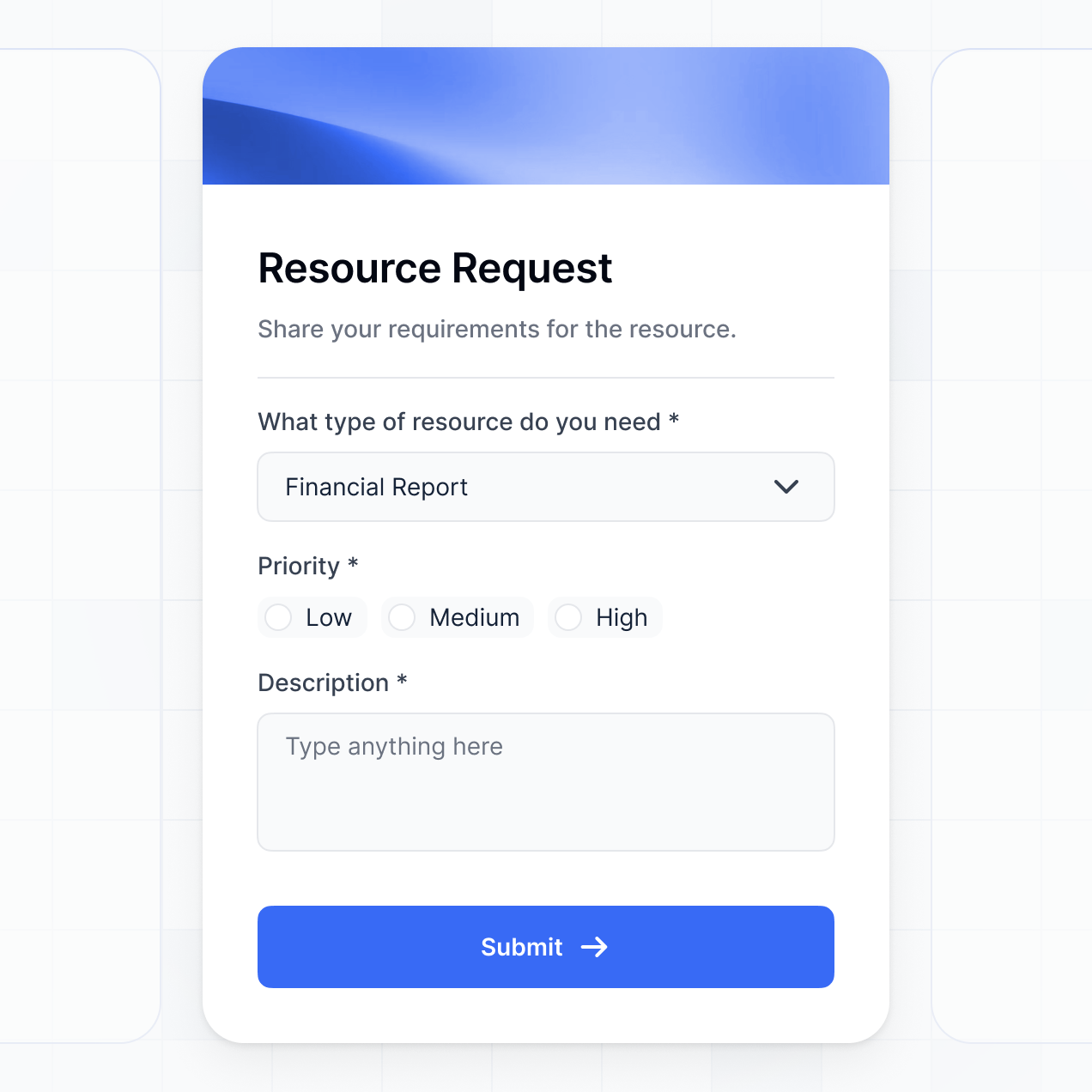
- Forms – for client project requests and feedback rounds.
- Charts – to visualize spending versus the client's total budget.
- Calendar blocks – to keep track of installation dates and delivery windows.
If your design process changes, you can easily tweak the layout in the visual editor without starting over.
Softr is built with security as a priority. All client project data is encrypted in transit and at rest, hosted on reliable infrastructure. You maintain full control over who has access to sensitive files like floor plans or signed contracts. You can set up role-based permissions, manage users within your database, and apply strict visibility rules to protect your intellectual property and client data.
For firms using Softr Databases, data is stored in a secure environment in Europe (Germany) with SOC 2 Type II compliance. For data pulled from Airtable or Notion, Softr displays it in real-time without storing it locally, respecting your existing security settings. You always dictate who can view, edit, or delete your project records.
It is fully production-ready for your firm. Unlike many AI tools that generate raw code that breaks easily, Softr builds your project management software on high-performance, business-grade infrastructure.
We manage the "boring 80%"—including client authentication, secure file hosting, and permission rules—natively, meaning you don’t have to. This solves the reliability issues common with AI-generated software; you get the benefit of instant creation without the stress of managing code. Your app is scalable, secure, and ready for your design team to start logging billable hours on day one.
Softr is the first AI-native platform specifically designed for building tailored business software. Unlike basic vibe coding tools that create unmaintainable code, or traditional tools that are rigid and hard to configure, Softr's AI Co-Builder creates apps on a secure, production-ready foundation.
The difference is the hybrid advantage: use AI to generate your project database and interface in minutes, then use visual controls to refine the look to your studio's standards. You get AI's speed with the security of built-in business features like roles and permissions. It’s built for interior designers who want custom software without needing a technical background.
Yes. Softr supports native workflows and deep integrations so you can connect your design management to your existing tech stack. You can automate tasks like sending a project update to Slack, or integrate with Stripe for design fee payments and Intercom for client support. Softr also supports webhooks and REST API for complex automations.
Whether you need to trigger an email when furniture arrives or pull in shipping data from a vendor, you can build those workflows into your software without ever writing a line of code.
Describe what you need. Softr's AI builds your design management tool in minutes—no dev time required.