Track blueprints, manage design phases, and log site visits in an AI-powered system built with AI to fit your firm's specific workflow.
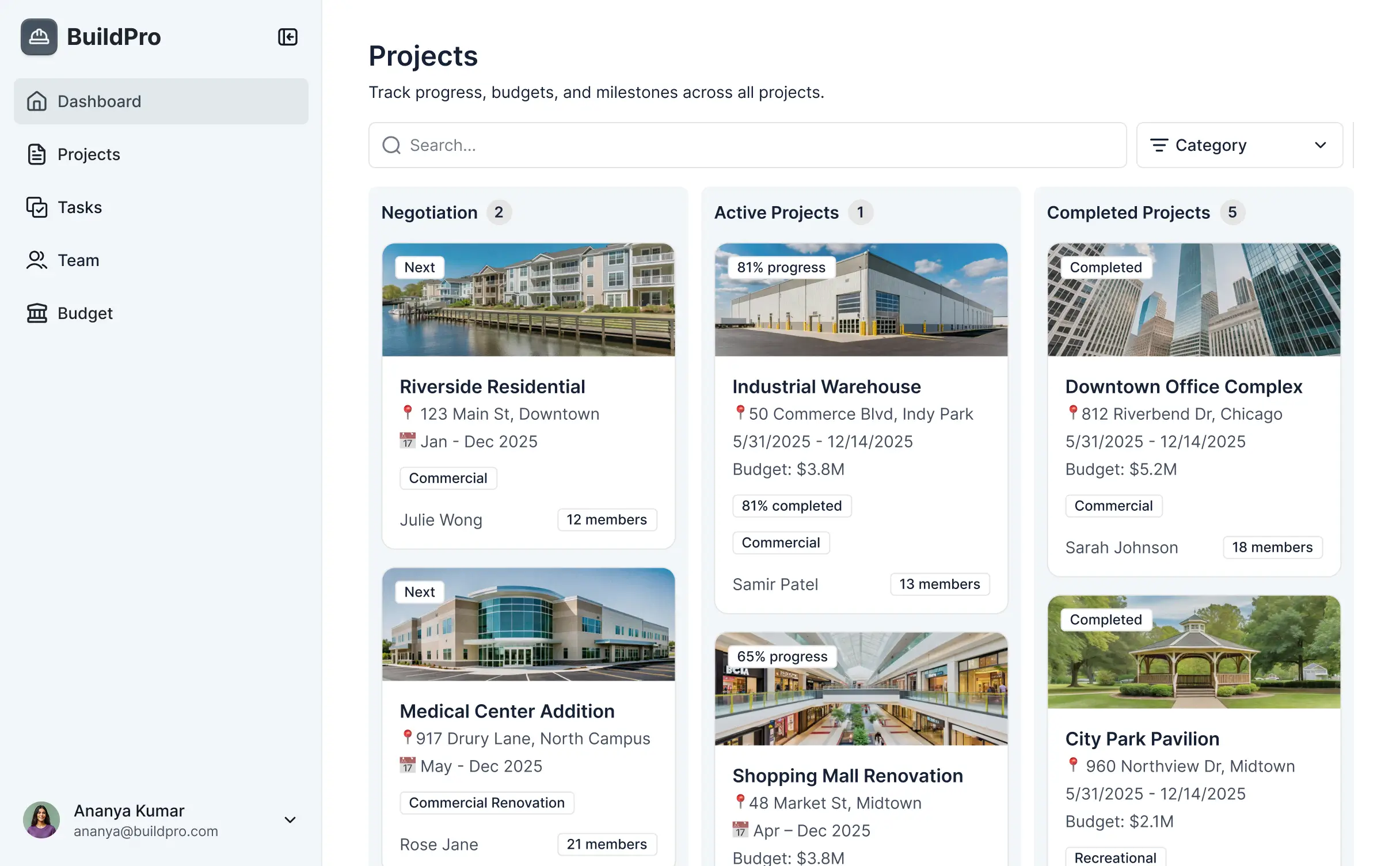
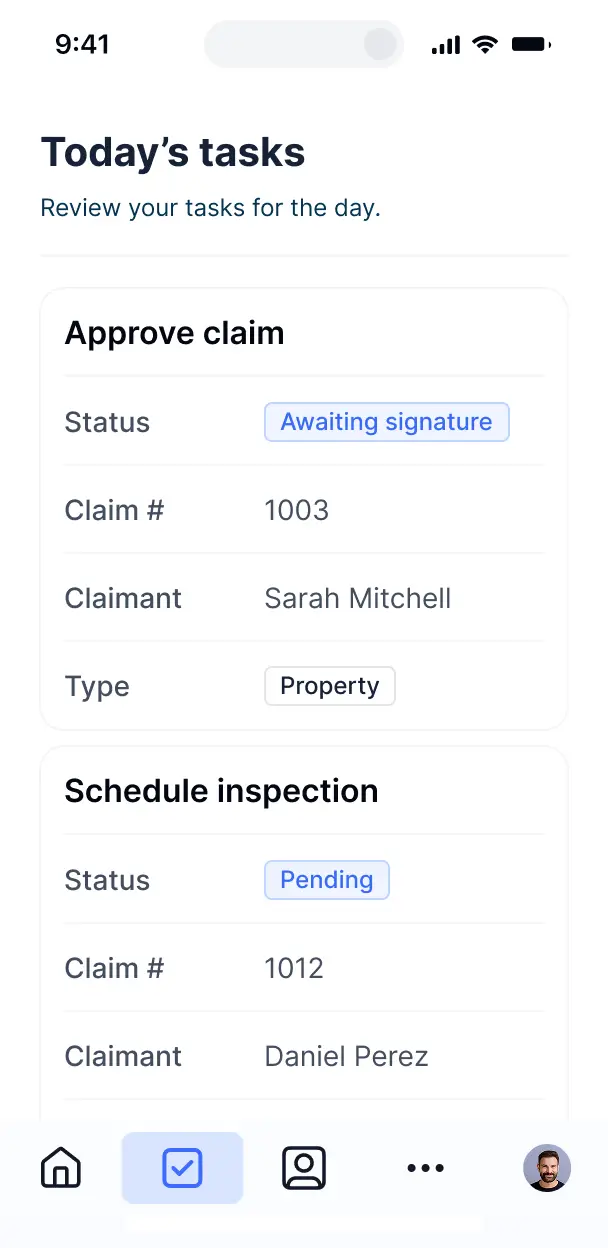



Customize your architecture setup with the exact steps and views your team needs. Add features as design processes evolve—no code is required.


Connect blueprints, budgets, and consultant records with real-time sync—or manage everything in Softr Databases. Create a single source of truth for your business.
Give architects, clients, and contractors the right views in a fully branded portal. Set up secure logins, user groups, and permissions in minutes.
Softr apps are mobile-ready. Access construction logs and design milestones from the field using a downloadable PWA—no extra design needed.
Build native automations to handle client notifications, milestone updates, and budget alerts whenever project records are changed.
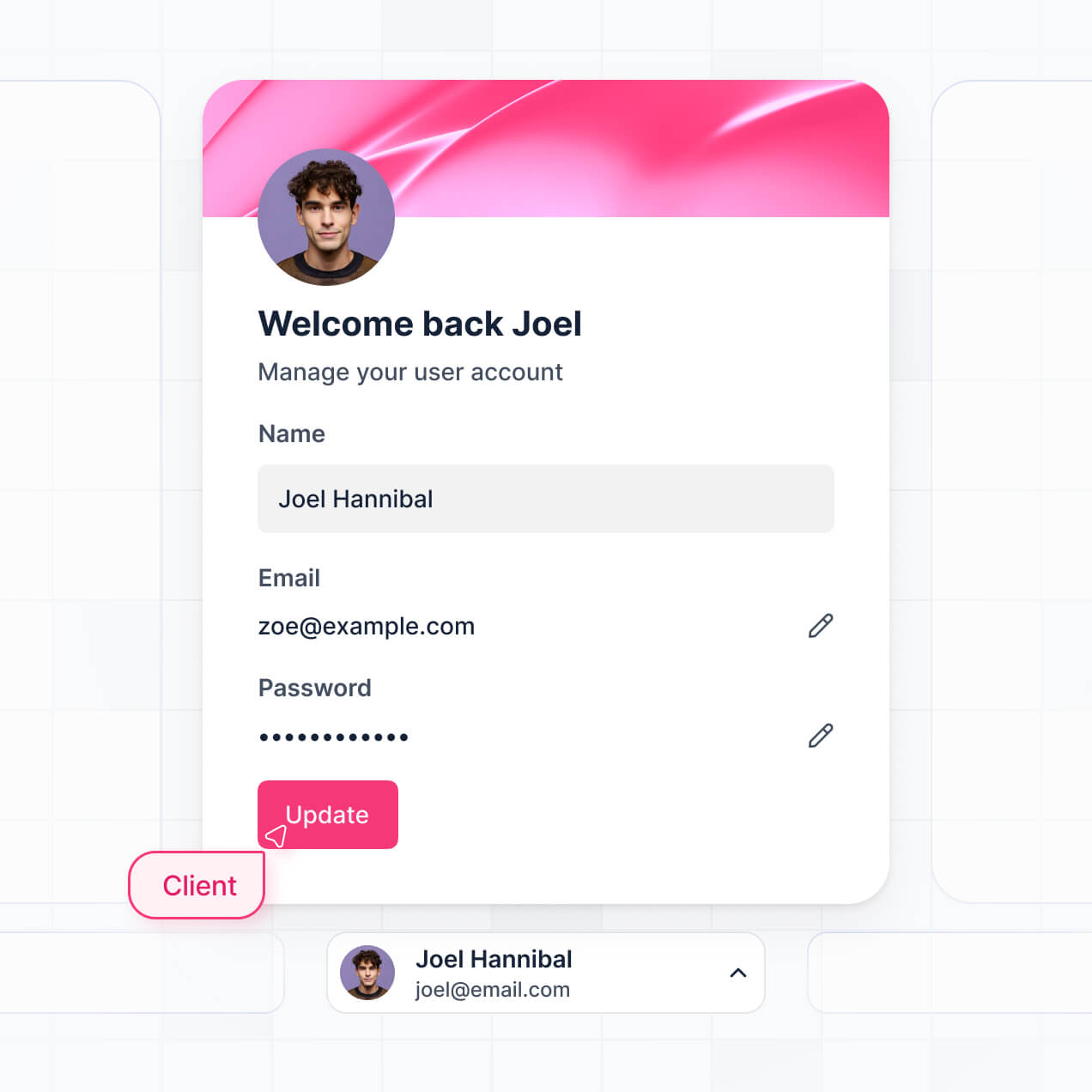
Provide separate logins for consultants and clients. Create personalized dashboards for each stakeholder involved in the build.
Apply rules for different roles. Customize who can view budgets or edit blueprints, and which actions they can take at a granular level.
Protect sensitive architectural plans and client data from threats. Softr is fully compliant with SOC2 and GDPR regulations.
No more one-size-fits-all tools or costly custom builds. Softr is easy to use and fully customizable, so you can launch faster, adapt as you grow, and skip the complexity of traditional software.

Build your project management software in minutes with AI—no manual configuration or setup time needed.

Add features like site logs, cost monitoring, or client portals as your firm grows—without a total rebuild.

Start with project tracking, then add CRM and client portals—all in one place with no extra seats to buy.
Co-build with AI
Simply describe what you need. Let Softr handle everything - Interface, database, workflows.
Iterate with AI or visually
Control most critical parts of your app yourself - roles, permissions, security.
Ship the same day
Invite team members or external clients and partners right away. No developer handover.
Use drag-and-drop blocks to build a portal that looks sleek and modern out of the box. Add only the features you need, and iterate as your workflows evolve.




Project management software for architects is a specialized secure space where design teams can collaborate on architectural projects, manage blueprints, track construction phases, and handle client approvals. It keeps all site inspections, CAD file versions, and project timelines in one central location, eliminating the chaos of scattered emails and disjointed spreadsheets. This ensures that every stakeholder, from the principal architect to the contractor, stays aligned and productive.
Softr is the first AI-native platform for building business software, making it the ideal choice for creating project management software for architects that adapts to your firm's unique design-to-build process. You can describe your specific requirements to the AI Co-Builder to instantly generate your project database, design review pages, and workflow logic—all pre-connected and secure.
You don't need any coding experience to start. Whether you generate the app via AI, choose a specialized template, or build from scratch, everything runs on Softr Databases or your existing tools like Airtable and Google Sheets. You have total visual control to customize the interface for schematic design reviews or construction administration, ensuring your team only sees the blueprints and milestone data relevant to their role.
You can integrate a variety of specialized features into your software to streamline your architectural practice. A robust app typically combines standard management blocks with AI-driven tools:
- AI-Powered Intelligence – Use Ask AI to let staff query project specifications conversationally, or set up Database AI Agents to summarize complex local building codes or zoning requirements.
- Vibe Coding Blocks – Create custom UI components, such as a localized material library or an interactive site map, using the AI Code block to build exactly what your firm needs.
- Softr Workflows – Set up native automations, like an automatic notification to a client when a new floor plan is ready for review or a status change when a permit is approved.
- Firm Portals & Secure Access – Manage permissions so that outside consultants see only specific technical drawings while clients see high-level project progress.
- Forms & Site Logs – Capture field notes, RFI submissions, and site photos directly via custom mobile-friendly forms.
- Project Dashboards – Visualize project profitability, resource allocation, and phase completion with real-time charts.
- Kanban & Timeline Views – Manage your design phases with searchable project boards and detailed Gantt-style record views.
Everything is built using Softr’s intuitive drag-and-drop system, and you can always use the Vibe Coding block for custom architectural calculations or unique branding.
Vibe coding enables you to move at the speed of your design ideas by using AI to build tailored architectural tools. You can "vibe code" your project management software by describing your firm’s specific workflow—like managing LEED certification checklists or bidding processes—to the AI Co-Builder. Softr then translates those needs into a professional, production-ready application.
While other platforms might give you buggy code, Softr handles the heavy lifting of user authentication for your consultants, secure database logic for your floor plans, and permissions natively. This means you get the agility of AI generation without the risk of system failures. You describe the vision, Softr builds the infrastructure, and your project team can start tracking milestones immediately.
Yes. You can manage multiple projects, design teams, and external engineering consultants within a single portal. Each user only sees the architectural drawings and budget data assigned to them, based on their secure login and role. This is particularly effective for large firms managing different project types—from residential to commercial—simultaneously.
Absolutely. You don't need to have an existing database to start building your architectural management tool. If you're starting fresh, you can use Softr Databases, which is built into the platform and optimized for rapid application building.
However, if your firm already tracks projects in Airtable, Google Sheets, HubSpot, or SQL, you can easily connect those sources. You can even use the REST API to pull in data from other BIM or CAD management tools. You keep full control over how your project milestones and client communications are structured and presented.
Softr Databases is the recommended native, relational data source for your project software, providing the speed and automation triggers required for high-performance architectural tracking. Because the data is native, the user experience for your team is incredibly fast.
Softr also connects to over 17 external sources if you prefer to keep data elsewhere. You can link your app to Airtable for complex project tracking, Google Sheets for simple budgeting, or BigQuery for firm-wide analytics. You can even combine sources, allowing your app to display blueprints from Softr Databases alongside billing data from HubSpot, with real-time sync for total accuracy.
Yes, Softr provides granular control over how your architects and clients experience the portal. You can tailor the navigation and layout to match your firm's specific project phases. Pages and blocks can be visibility-controlled, so an intern might see drafting tasks while a principal architect sees the full financial overview of the project.
You can define various roles—such as Project Manager, Client, Lead Designer, or Contractor—and set exactly what each can view or edit. For instance, contractors might only have access to upload site photos, while clients can only view and approve final renderings. This ensures your project data remains organized, secure, and tailored to every stakeholder’s needs.
Yes, you can fully white-label your software in Softr. You can use your firm’s logo, specific brand colors, custom typography, and a custom domain (e.g., projects.yourfirm.com) to provide a seamless professional experience. By removing all Softr branding, you ensure your clients see a tool that feels like a bespoke product developed by your architectural practice.
Yes, you can. Softr offers extensive flexibility to manage the aesthetic and functional layout of your tool. You can adjust the visual theme to reflect your firm’s design sensibility and organize pages to match your project lifecycle.
To organize your design data, you can choose from various blocks:
- Table blocks – for tracking drawing logs, RFI statuses, or material lists.
- Card blocks – to showcase project galleries, design inspiration, or team profiles.
- Detail View – to provide a deep dive into specific project milestones or site reports.
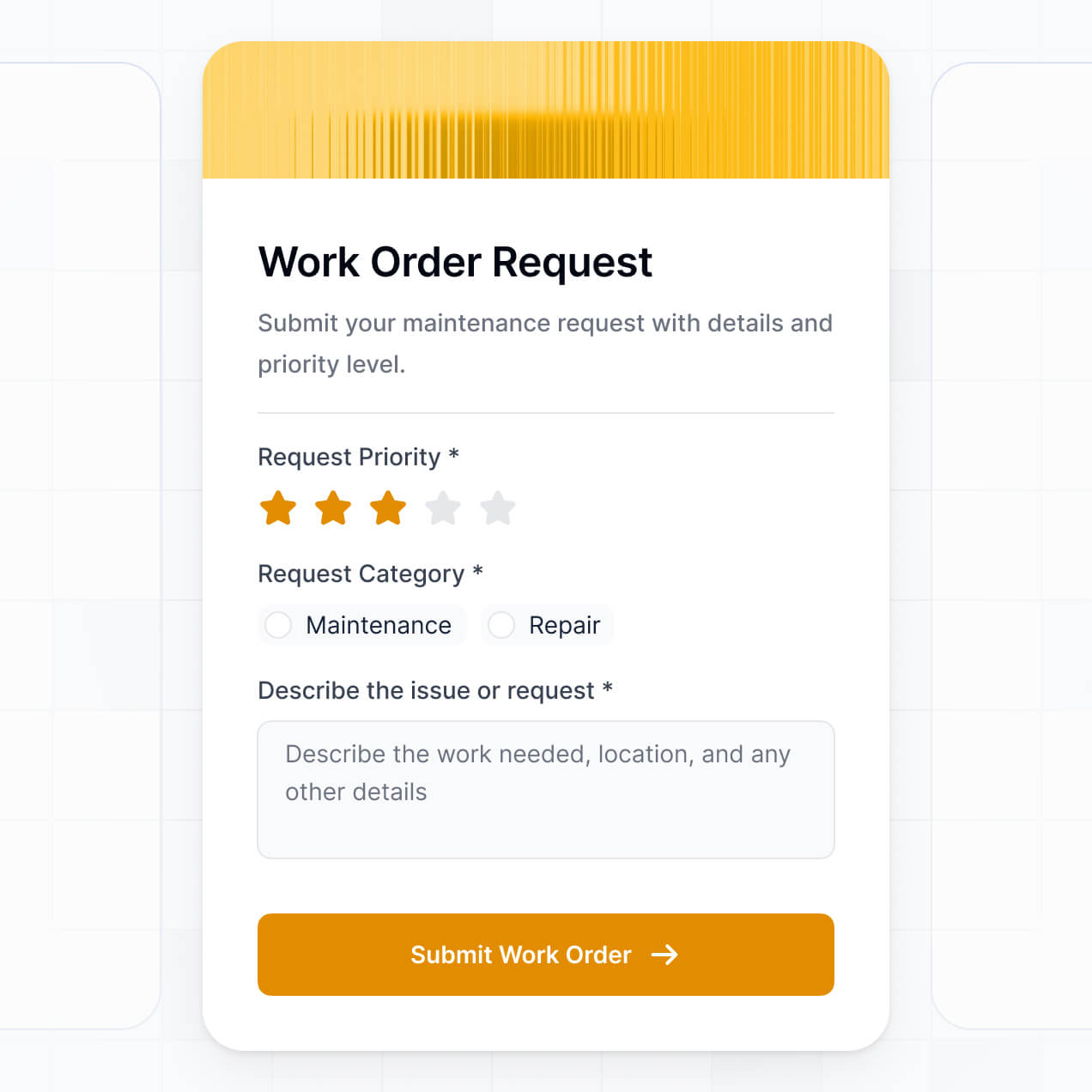
- Simple Forms – for receiving feedback from clients or sub-contractors.
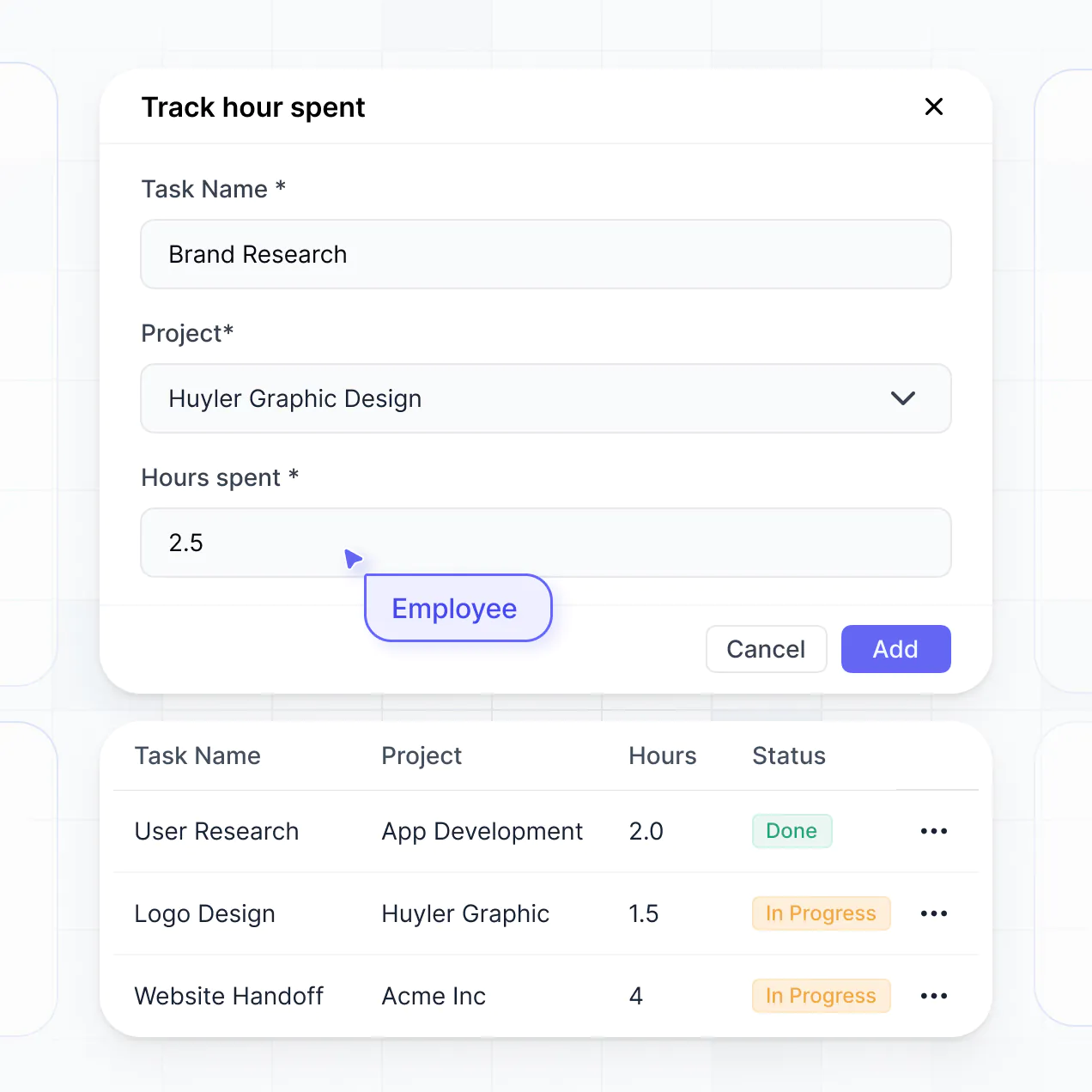
- Charts – to monitor project hours and budget burn rates.
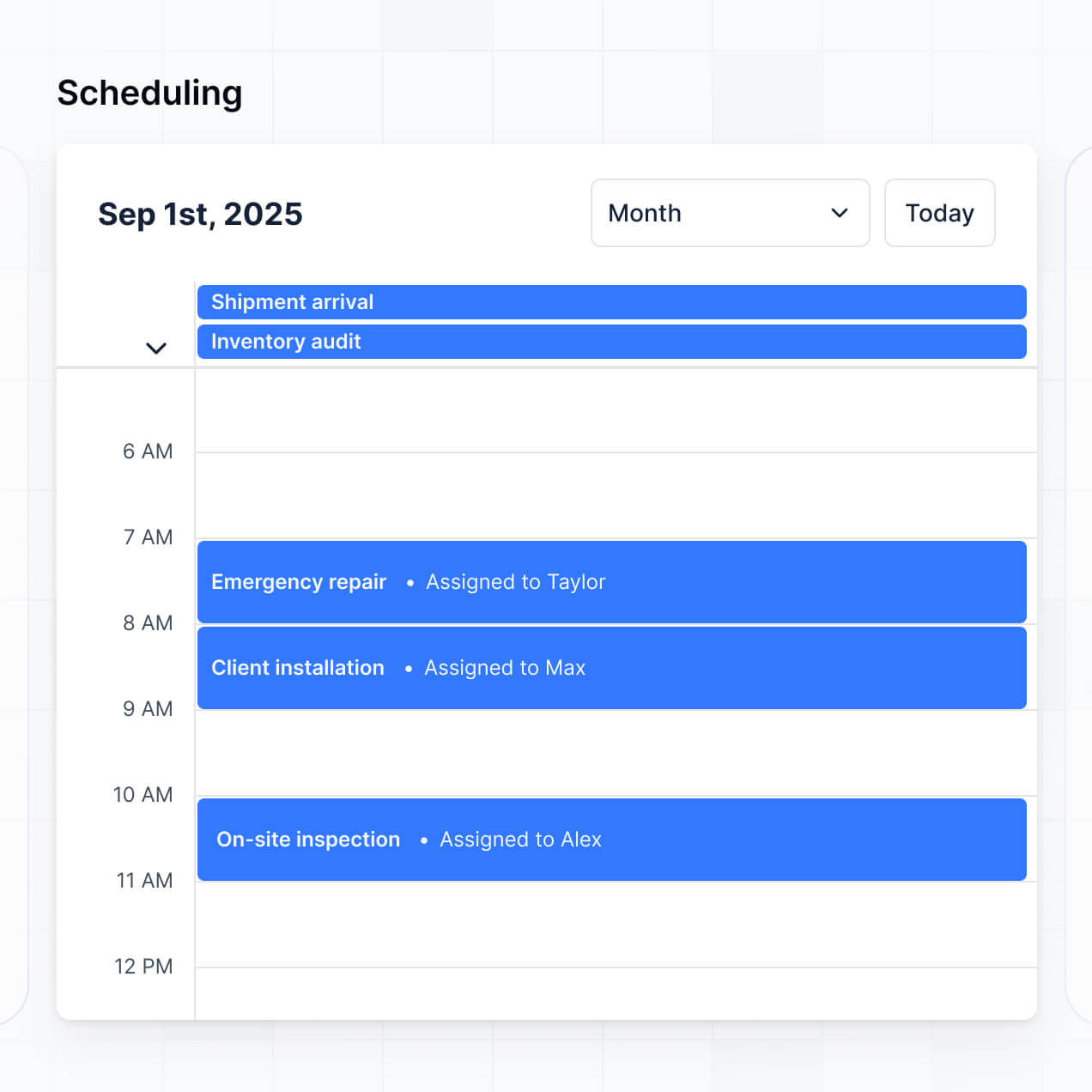
- Calendar blocks – to keep track of site visits, submission deadlines, and client meetings.
Updating your design is simple within the visual builder, allowing the tool to evolve as your firm grows.
Softr is built with enterprise-grade security to protect your intellectual property. All architectural data is encrypted in transit and at rest, and hosted on secure infrastructure. You maintain full control over drawing access through role-based permissions and visibility rules.
If you use Softr Databases, your project information is stored in a secure European environment (Germany) with SOC 2 Type II compliance. For data connected via Airtable or SQL, Softr acts as a secure display layer without storing your data. This ensures that sensitive plans, client budgets, and legal contracts are only ever accessible to authorized users according to your specific settings.
Yes, it is fully production-ready. Unlike experimental AI tools that produce fragile code, Softr builds your project management software on a robust, business-grade framework designed for the architectural industry.
We provide the essential infrastructure natively—including secure logins, file storage for blueprints, and granular permissions—so you don't have to manage raw code. This solves the long-term maintenance issues associated with AI-generated apps; your software is professional, scalable, and ready for your team to manage complex projects from day one.
Softr is the first AI-native platform specifically optimized for business applications. While other tools require manual building or produce unstable custom code, Softr's AI Co-Builder creates a customized architectural management environment on top of a secure, production-grade foundation.
The advantage is the hybrid approach: use AI to generate your project database and app logic in seconds, then use our visual editor for pixel-perfect adjustments. It provides the speed of AI with the stability of built-in business features like user roles and secure hosting, making it perfect for design firms that need professional results without a developer.
Yes. Softr supports native workflows and integrations that let you connect your project software to your existing tech stack. You can automate project updates using Softr Workflows, or connect to tools like Stripe for invoicing and Intercom for client support. Softr also offers REST API and webhooks for advanced architectural needs.
Whether you need to sync site logs to your CRM, trigger team alerts when a deadline is approaching, or pull in data from financial software, you can build these connections directly into your portal without writing a single line of code.
Describe what you need. Softr's AI builds your custom architecture software in minutes.