Why businesses are building internal tools instead of buying SaaS


More businesses are choosing to build internal tools rather than adding another SaaS subscription. The reason is simple: generic software often forces teams to adapt their workflows, whereas custom internal tools fit how they already work.
Until recently, building those tools required developers and large budgets. Today, no-code AI platforms like Softr enable operations teams, project managers, HR leaders, and business owners to build custom CRM software, internal portals, dashboards, and workflows without writing code.
In this guide, you'll learn why companies are shifting toward internal tools. Read on to know when building makes more sense than buying, and how Softr helps teams launch faster with less overhead.
Why businesses build internal tools vs. buying more software
Choosing between off-the-shelf software and an internal tool comes down to your team's needs. While ready-made software is quick to adopt, internal tools offer greater flexibility and control.
That said, here's a quick comparison to help you decide which approach is the better fit:
The limitations of off-the-shelf software
Most teams start with a standard tool. The trouble begins when small mismatches compound over time.
- Limited customization: You're shaping your process around someone else's assumptions.
- Recurring licensing fees: They keep creeping up, especially as your team grows.
- Incompatible integrations: They don't always click with your existing systems, so you end up exporting or importing and building manual glue.
Many teams feel frustrated when forced to bend their workflows around rigid software. Generic tools rarely account for the nuances of how a specific business actually operates.
Off-the-shelf software is built for the average company. However, no company is actually average. You end up paying for features you'll never touch while working around the gaps. Eventually, those workarounds might wind up costing you more than the license fees did.
The advantages of building internal tools
Businesses that invest in internal tools gain more than just tailored software. With the help of a custom software builder, teams can develop solutions that fit their unique workflows rather than adapting to generic software.
That said, here are some of the biggest advantages of building internal tools, internally:
1. Customization and flexibility
Building lets you encode the reality of how your team works. That might be a custom approval flow, a handoff that only happens in a specific scenario, or an interface your field team can use on a phone while on-site.
Learn from Jason Ledbetter, who says the biggest advantage of building internal tools is creating systems that match how a business operates in practice, rather than forcing teams to adjust to a generic product:
"When you build your own tool, you're encoding the way your team already works instead of retraining everyone on someone else's logic. We map a workflow, build the interface around it, and refine it as the process evolves. That kind of fit is something you simply can't buy."
Off the rack might be fine. But once you've worn something made for you, you notice the difference.
2. Cost-effectiveness
Building an app requires an upfront investment of time and focus. But once you own the tool, the meter stops running on most of the expenses that come with stacking subscriptions. You also stop paying for bundles of features you don't use.
Gregor Emmian, Deputy Chief Digital Growth Officer at Rise, says the real cost of software isn't just the subscription fee, but the long-term expense of paying for features, licenses, and workarounds that don't fully support your business:
"People fixate on the initial cost of building something, but a subscription never stops charging you, and the price rarely goes down. When we shifted a few core processes to tools we owned outright, the savings compounded year after year. It stopped being an expense and started being an asset."
A practical approach here is to run a total cost-of-ownership comparison over a 3-5 year period. Factor in license growth and the hidden costs of workarounds, and you'll often find that a custom internal tool pays for itself more quickly than expected.
3. Improved efficiency and productivity
When you control the tool, you can adapt as soon as your process changes. No waiting for a vendor's roadmap or an annual contract cycle.
Take it from Rawad Baroud, CEO of ZeroGPT. He says one of the biggest advantages of internal tools is the ability to adapt workflows as quickly as business needs change, without waiting on a software vendor to release updates:
"The moment a process changes, we can update the tool that same day instead of waiting on a vendor's roadmap. That speed changed how our teams work. We stopped treating our software as a fixed constraint and started treating it as something that moves with us."
Those tiny refinements (a new field, a different rule, or an extra step in the workflow) reduce context switching and help teams stay focused on the work that matters most.
4. Security and control
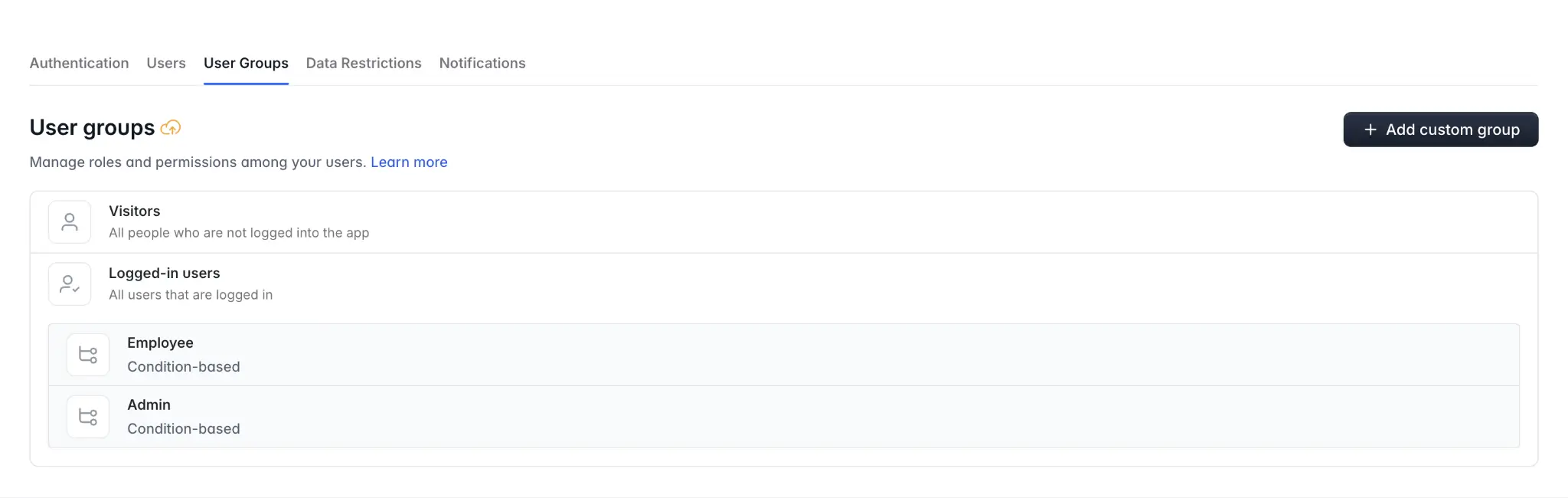
With internal tools, you decide what data is stored where and how it's handled. You configure access around user roles and prove compliance with clarity because you can show the exact flow. That's how you keep your data secure when building apps.
David Kolodny, Co-Founder of Wilbur Labs, emphasizes that building internal tools gives businesses greater visibility into how sensitive data is accessed and managed:
"When you own the tool, you own the data and the rules around it. You decide who has access and where information lives...even how it's handled at every step. That level of control is difficult to guarantee when your data is sitting inside a third party's platform."
You're in charge, which also means you're responsible for maintaining strong security practices and monitoring access. But a securely permissioned platform like Softr ensures your tool's safeguards continue to work as your business evolves.
What to consider when building internal tools
Building your own tools does involve certain tradeoffs. You need to plan for:
- Time and attention: Getting from rough sketch to version one requires focus.
- Ownership: Someone has to be responsible for upkeep, training, and improvements.
- Governance: You need clear standards for data, permissions, and change management.
Using AI and no-code tools lessen these burdens considerably. Why? Because non-technical staff can maintain and adjust things themselves. You don't need a specialist on standby whenever something needs to change.
A few strategies help teams build tools effectively:
- Start small, ship fast: Build the smallest useful slice and roll it out to a pilot group.
- Assign a clear owner: Make sure the tool has a product manager, even if it's part-time.
- Document the basics: What the tool does, who uses it, where the data lives, and how changes get approved.
- Lean on templates: Use proven patterns for client portals, CRMs, dashboards, and trackers to avoid reinventing the wheel.
- Set guardrails: Define roles and permissions up front, and integrate with SSO for smoother access control.
Softr makes these steps easier to carry out. Why? Because changes are visual and fast. And you can comfortably delegate maintenance to the same people who use the tool every day.
How no-code platforms and AI app builders make internal tools easier to build
Internal tools come in many forms, depending on your team's needs. Here are some of the most common examples and the teams that typically use them:
No-code platforms have removed the biggest barrier: needing a developer for every idea. With an app builder like Softr, the person who understands the problem is the same person who creates the solution.
Even better, Softr's AI Co-Builder can generate an internal tool from a simple prompt, giving teams a starting point they can customize with its visual builder. This combination of AI and no-code helps businesses move from idea to working software in literal minutes.
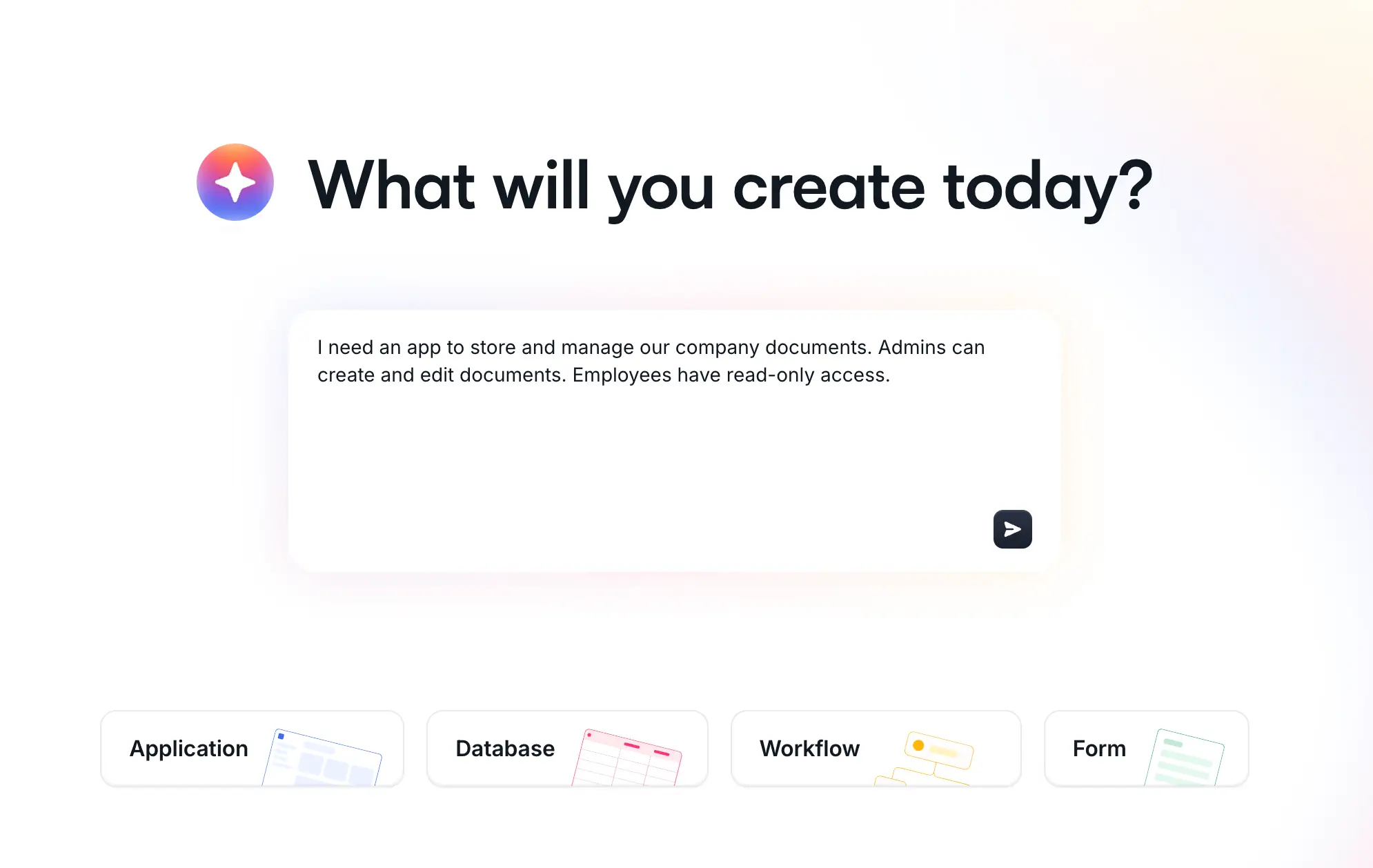
Yes, building internal tools is becoming even faster with AI. Rather than starting from scratch, teams can describe what they need in plain language and use AI to generate apps, databases, workflows, and custom UI. This vibe coding-style approach helps teams move from idea to working prototype much faster, while still giving them the flexibility to customize and refine the final product.
Softr hits a useful middle ground: powerful building blocks, clean interfaces, and tight connections to data sources you already use (like Airtable and Google Sheets). Teams are using it to build:
- Lightweight CRMs that reflect their actual sales stages
- Partner and vendor portals with role-based access
- Project and request trackers that automate handoffs
- Knowledge hubs and intranets that don't go stale
If you want to see what's possible, pre-built templates can jump-start your build with defaults you can tweak as you go.
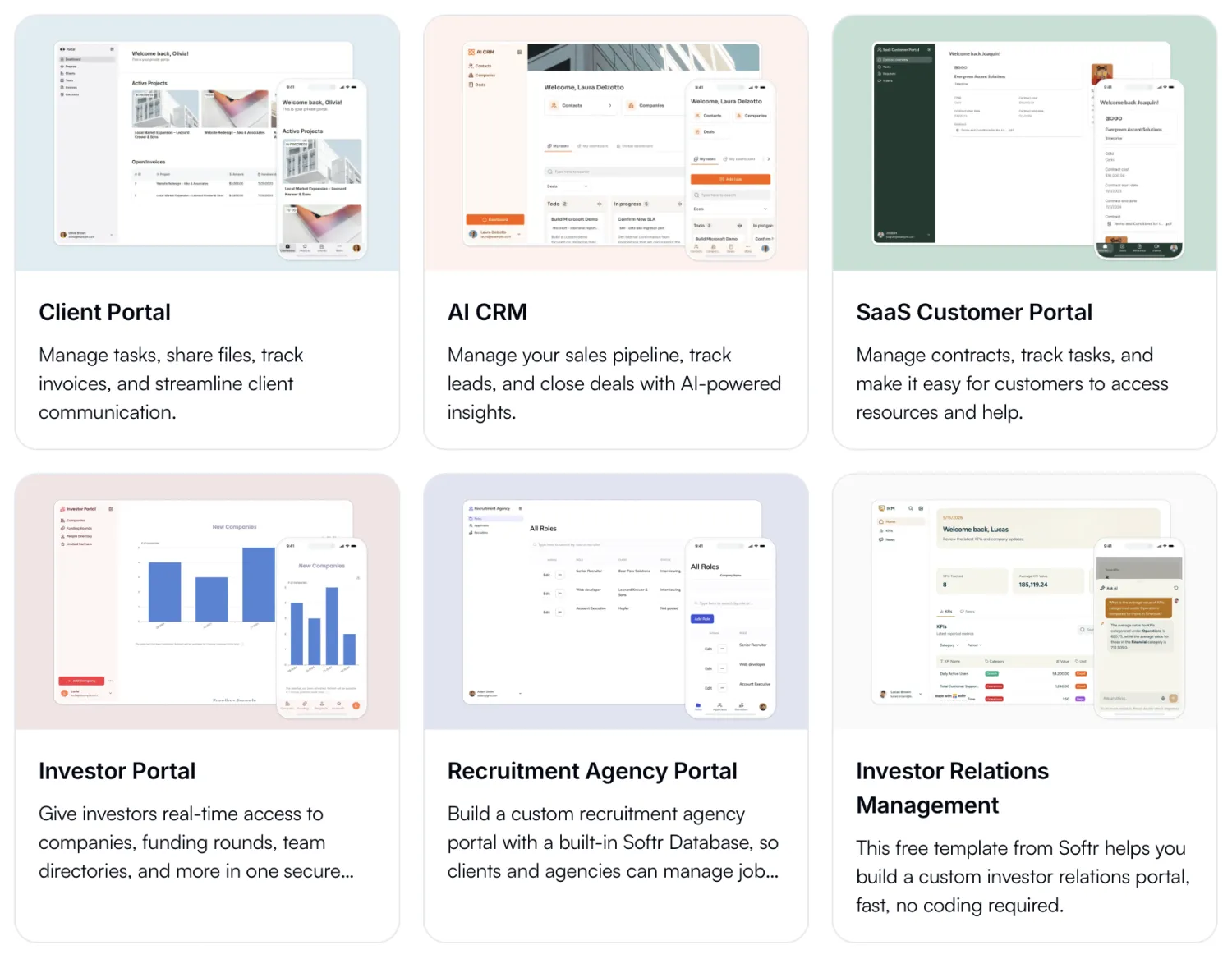
Industry analysts expect no-code and low-code adoption to keep climbing as businesses push for faster delivery with fewer specialized resources. The trend lines reflect what teams feel on the ground: they need to move faster, and no-code helps them do it without adding headcount.
The future of internal tools in business
More businesses are building internal tools because they need software that fits the way they work. With an AI app builder like Softr, teams can build custom CRMs, portals, dashboards, and other business apps faster without relying on developers.
If you're deciding between building and buying software, start with one workflow. Build a simple solution. Test it with the people who use it every day. And improve it as your needs change.
Try Softr's free plan and see how easy it is to build an internal tool that works the way your business does.
Frequently asked questions
What are internal tools?
Why are companies building internal tools?
Can you build internal tools without coding?
What types of internal tools can you build with Softr?
Should you build or buy business software?