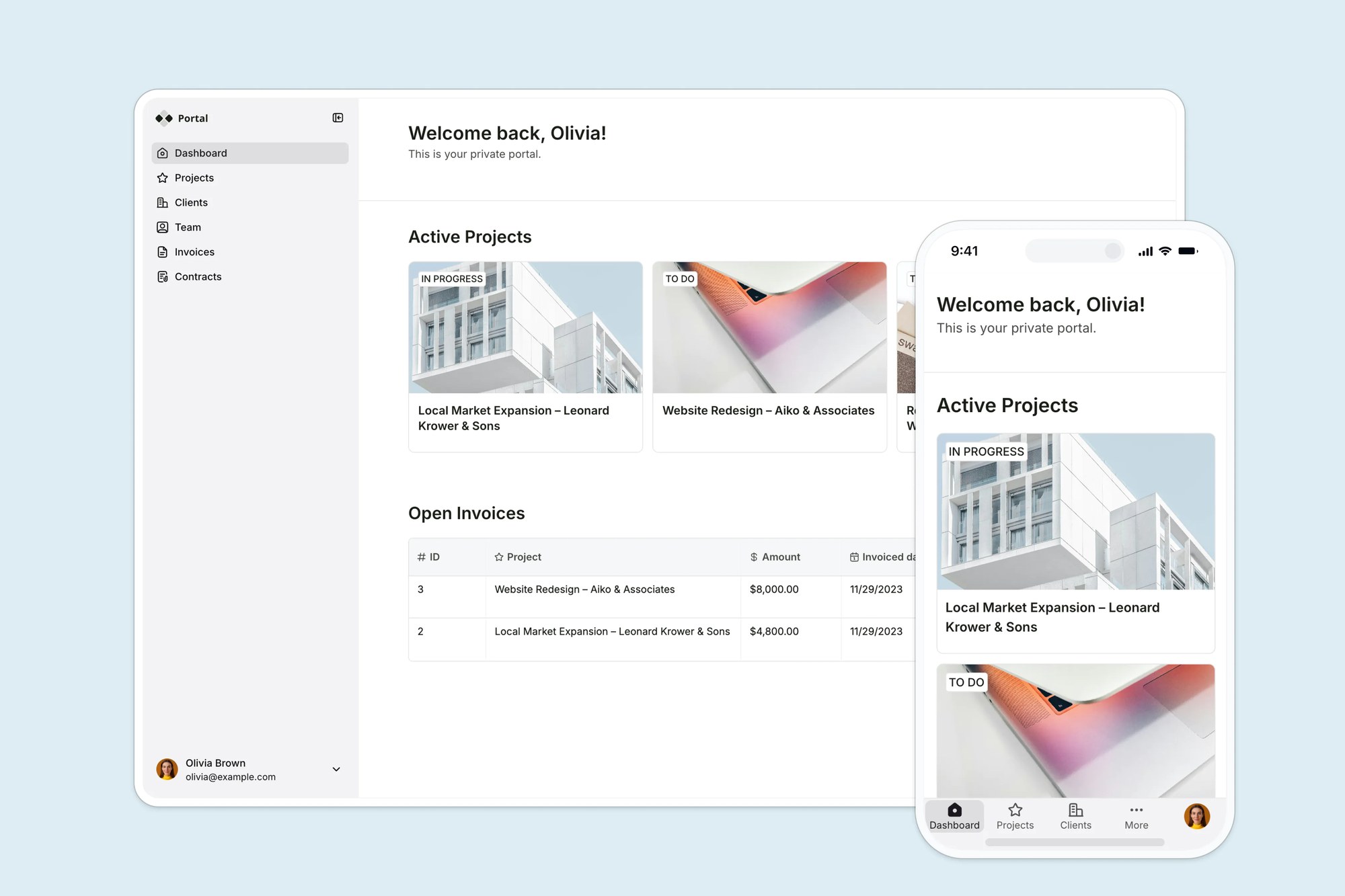
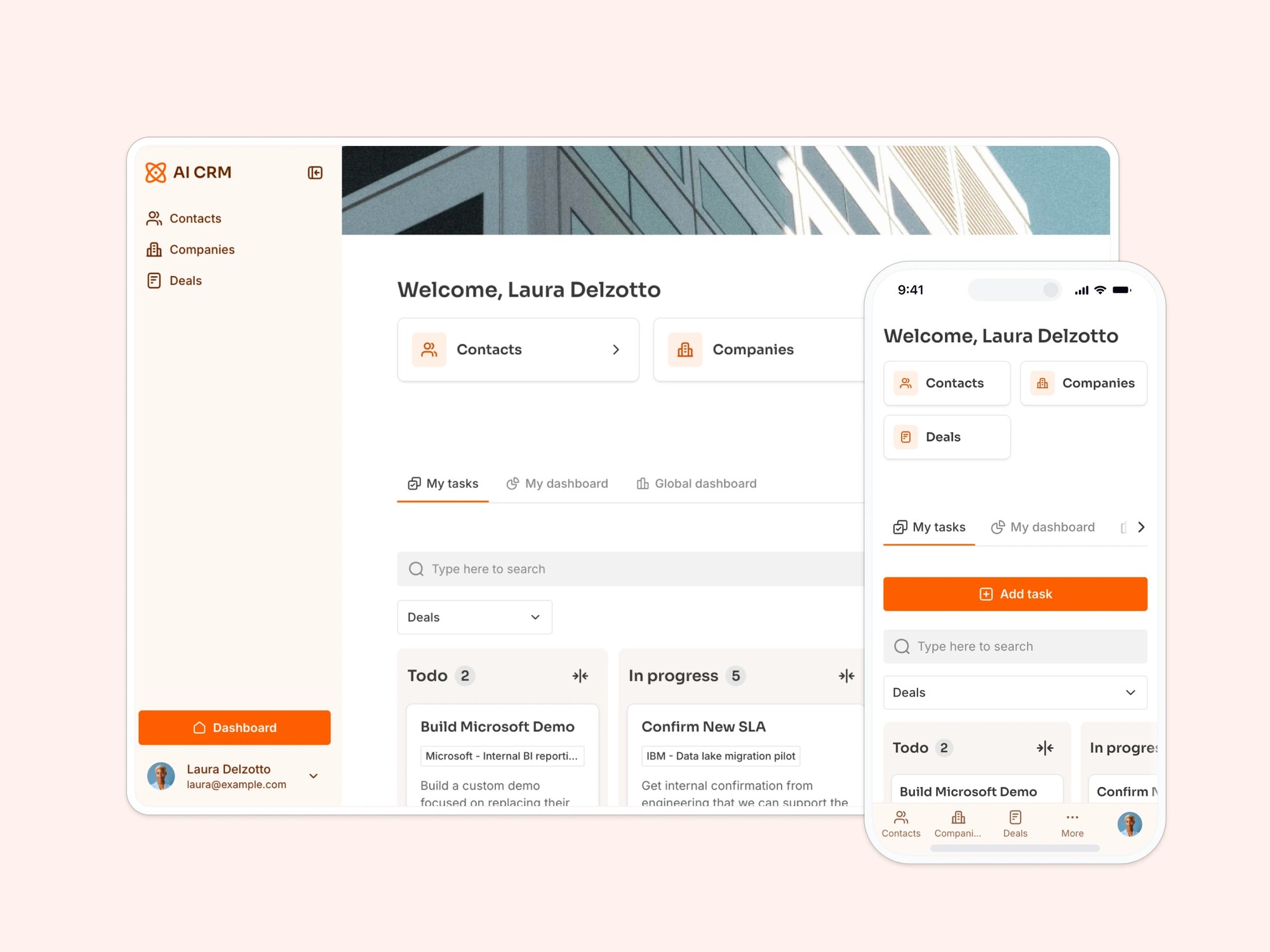
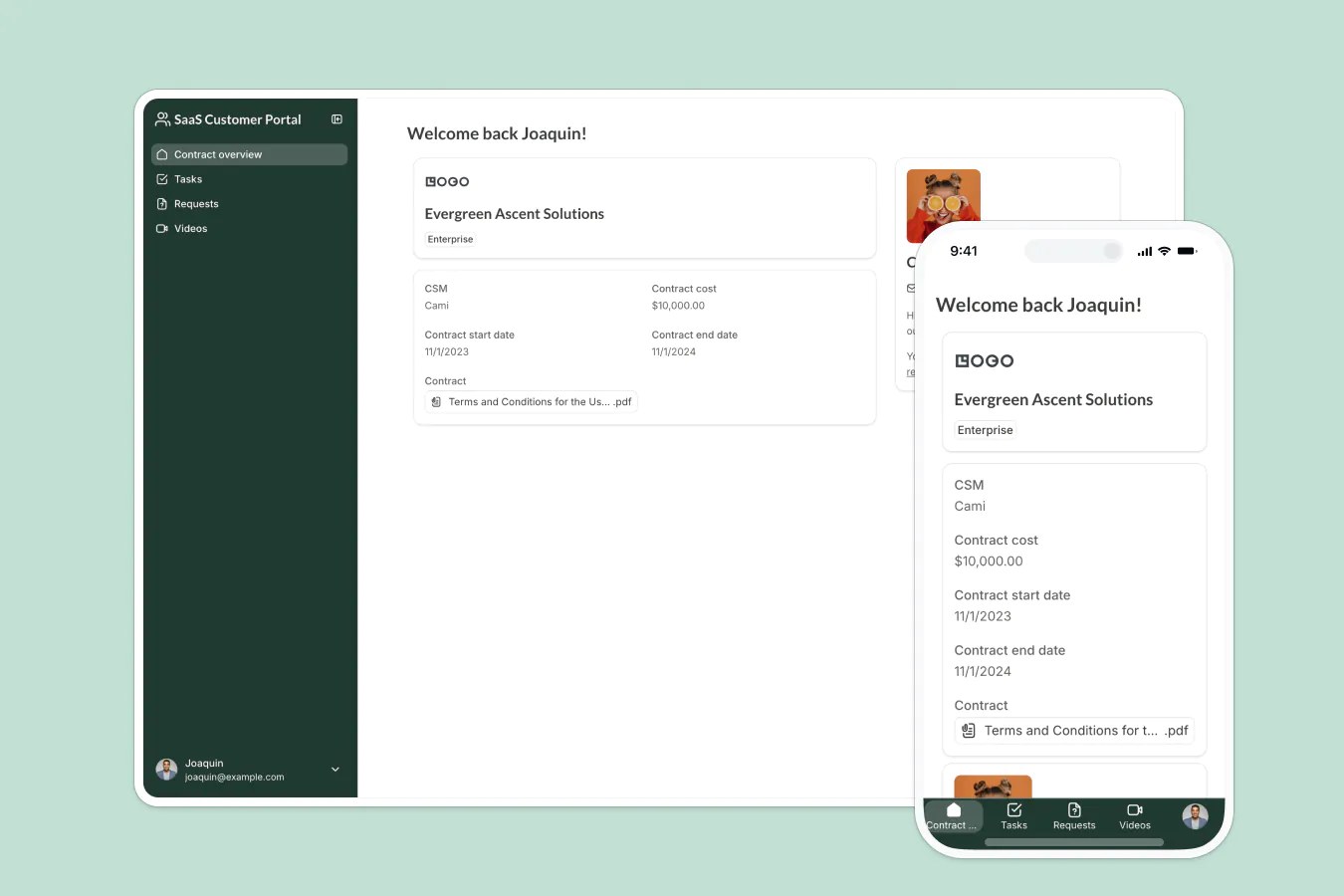
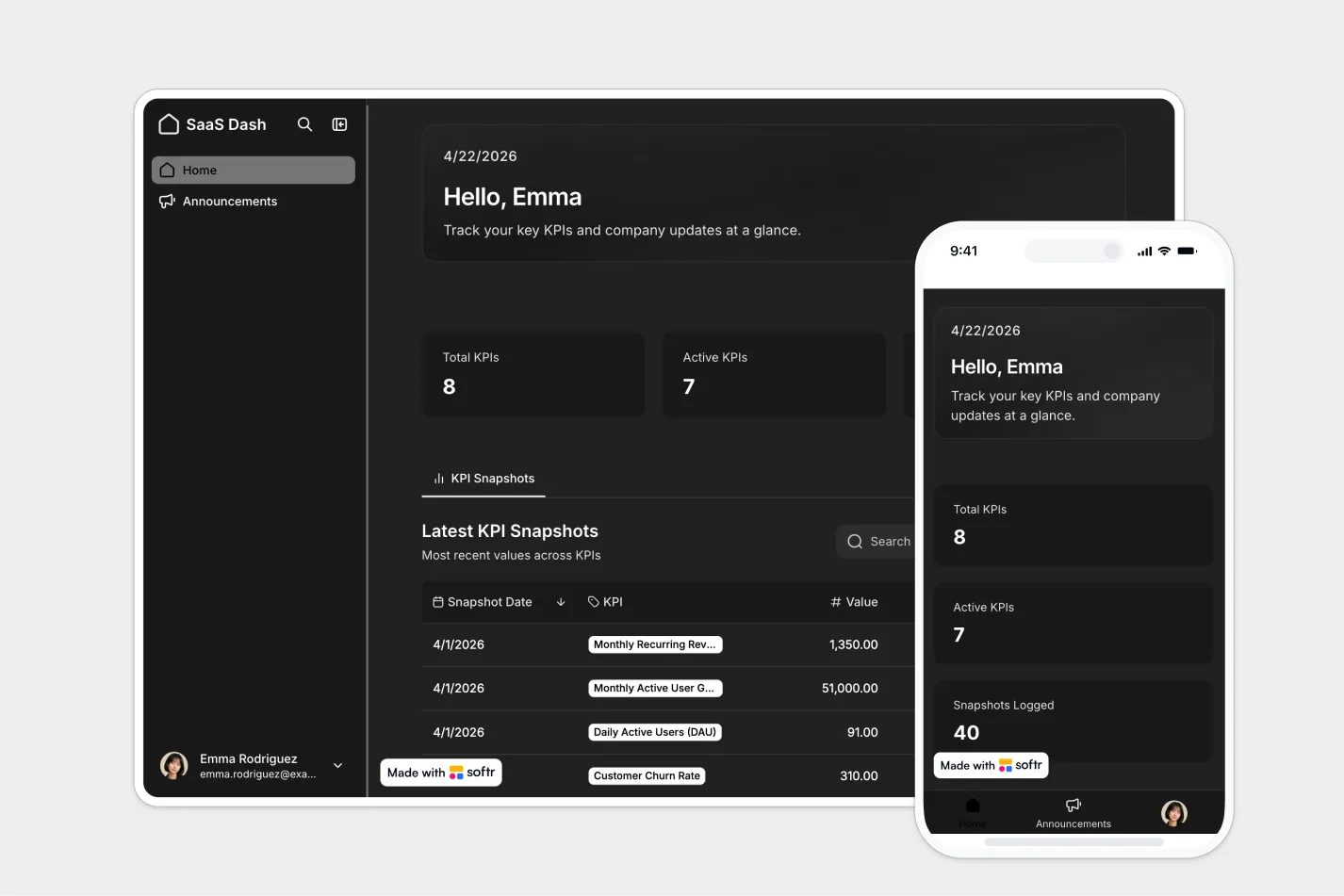
This free template from Softr helps you build a custom SaaS dashboard, fast, no coding required.
Data sources supported





.svg)


Resources


No items found.
Overview
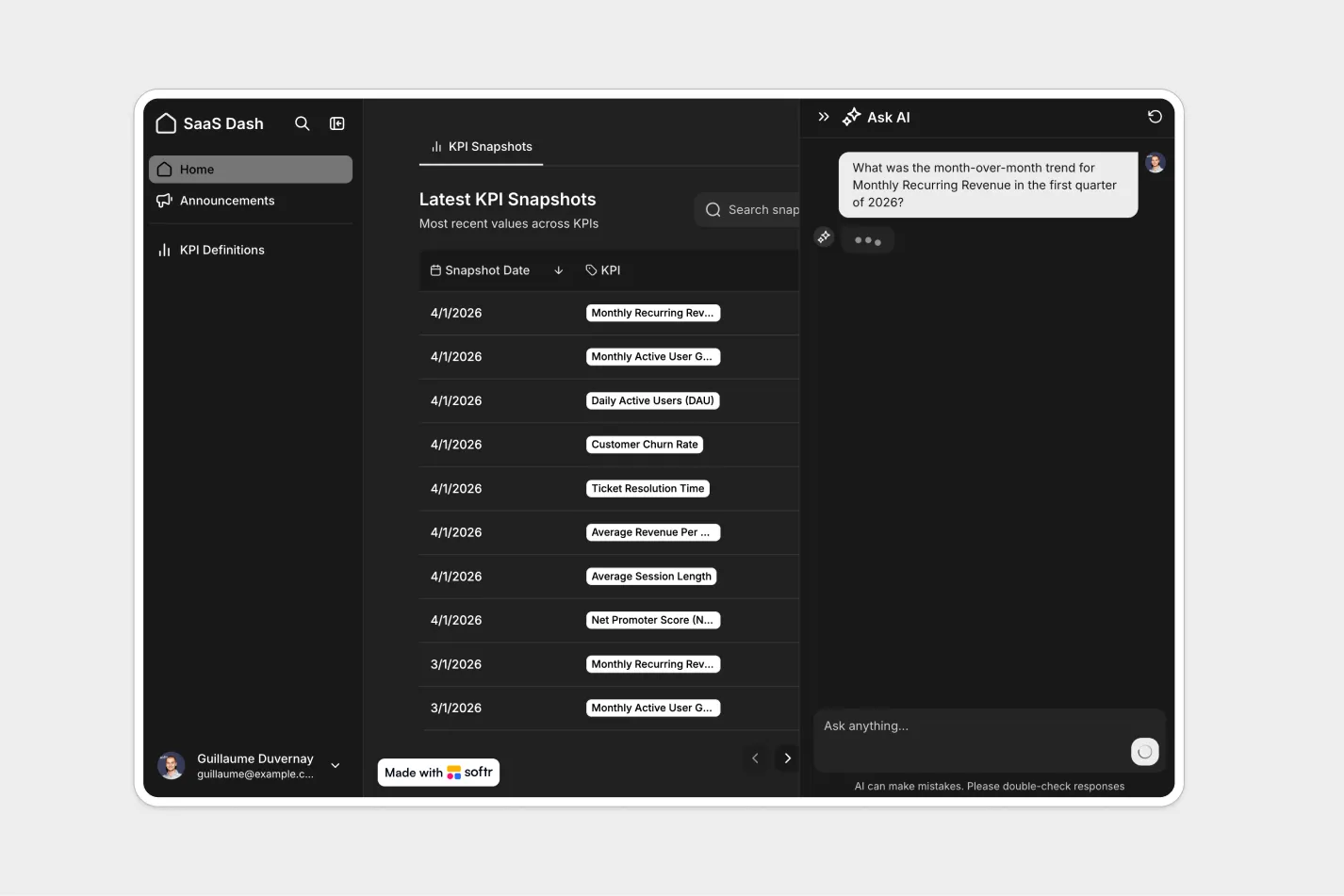
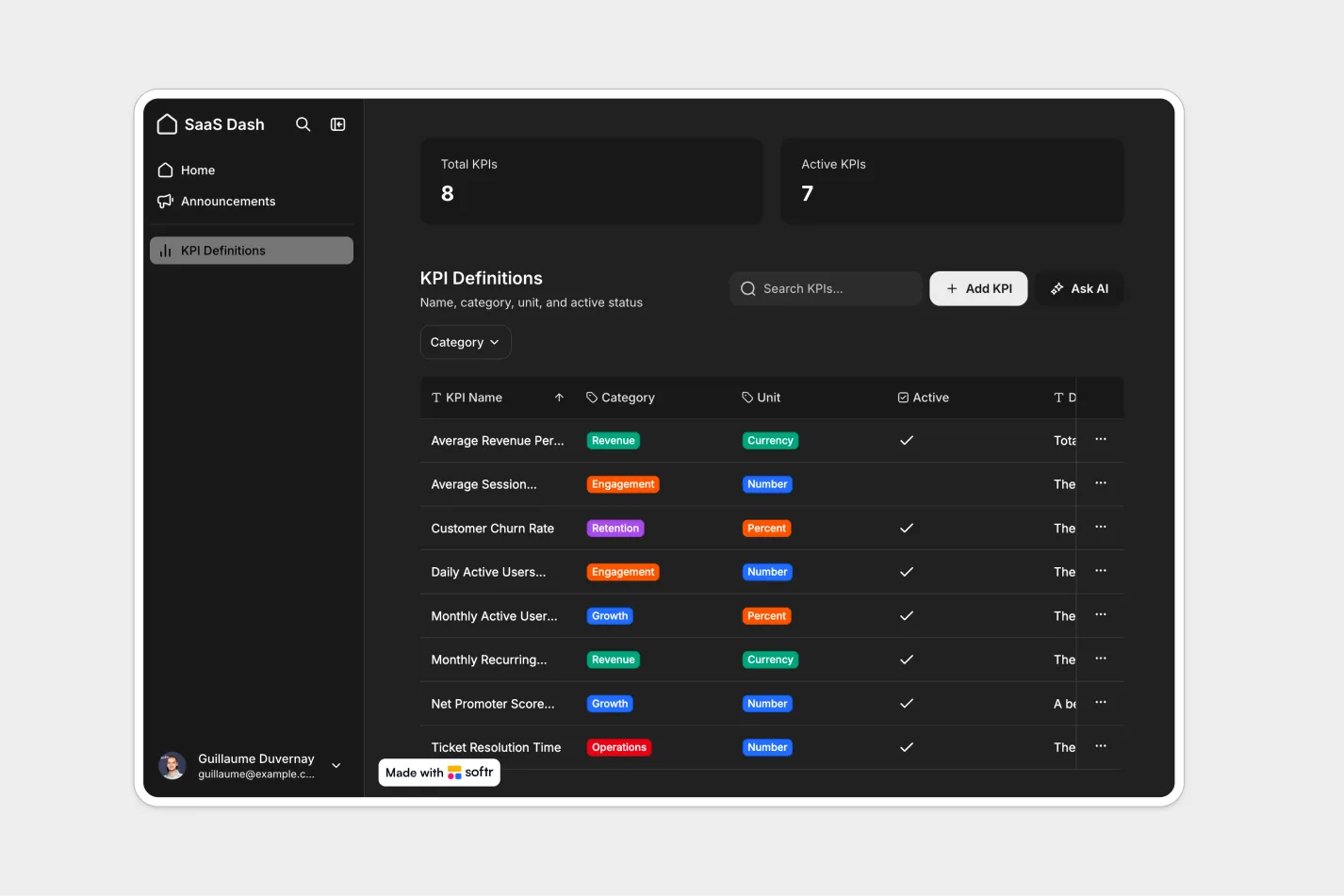
This free template helps you build a SaaS dashboard for tracking high-level KPIs and managing the core records that power your metrics.
It includes a sample database to show how to structure key SaaS data across a small set of tables, and you can also connect to any Softr-supported source like Airtable, Google Sheets, Notion, HubSpot, monday.com, SQL, Supabase, and more.
Why use this SaaS dashboard template
- Monitor the metrics that matter: Give admins and team members a clear view of high-level KPIs without overwhelming them with unnecessary detail.
- Centralize core SaaS records: Manage customers, subscriptions, revenue, usage, or other key records in one place.
- Control access by role: Let admins create and edit records while team members get secure, read-only access to dashboards and related data.
Template features:
- KPI dashboard
- Core record management
- Admin editing controls
- Read-only team access
- Role-based permissions
- Record detail pages
- Flexible data structure
- Mobile-friendly access
Who is this SaaS dashboard template for?
This template is built for SaaS teams that need a simple, secure way to track performance metrics and manage the records behind them. It's a great fit for:
- SaaS founders and operators: Track key business health metrics and keep core records organized as your company grows.
- Customer success teams: View customer, subscription, or usage records alongside high-level performance indicators.
- Revenue and growth teams: Monitor revenue, pipeline, activation, or retention trends from one shared dashboard.
- Product teams: Give stakeholders visibility into product usage KPIs and the records that support them.
- Internal operations teams: Replace scattered spreadsheets with a controlled dashboard and structured record management system.

“What we love most about Softr is the instantaneous, customizable power a no-code platform allows.”

- 1
- 2
- 3
- 4
Frequently asked questions
What is a SaaS dashboard?
What should a SaaS dashboard include?
Can I use this template for customer, subscription, or revenue tracking?
How do I edit or customize this template?
What data sources does this SaaS dashboard integrate with?
Why build a SaaS dashboard with Softr?