Let’s say you build an app for your team over a weekend, and it works. The data is clean, the workflow is automated, and your colleagues are impressed. Then someone asks: "Is this secure?"
That question stops a lot of builders in their tracks. You're not a security engineer, but now you're wondering if you accidentally exposed sensitive data to the wrong people.
This guide is for you: the operator, the marketing lead, the ops manager who builds internal tools without writing code. We'll walk through what data security actually means for business apps, what Softr handles for you out of the box, and where vibe-coded or fully custom solutions can fail you.
Why builders avoid shipping (and why they shouldn't)
The biggest security risk in most organizations isn't a database getting hacked. It's the spreadsheet with client data that 40 people have edit access to. Or the email thread where someone forwarded an invoice PDF to the wrong recipient. Or the Google Sheet where one vendor can see another vendor's pricing.
These "tools" have zero access control, no audit trail, and no data isolation. Yet teams use them daily because the alternative ("building proper software") sounds like a six-month project for developers.
But building a real app with structured permissions is pretty much always more secure than the spreadsheet chaos it replaces. And if you use a no-code, AI-powered app builder like Softr, you don’t need six months of dev time to do it.
“As a non-technical builder, the autonomy comes from the security. Knowing that when I’m building something, there aren’t going to be any risks to my team, to the company. I don’t have that fear in the back of my mind that I’m going to be leaking someone’s data. That level of autonomy is what makes Softr so powerful.”
Shiran BrodieHead of Marketing at Softr

The four layers of data security in business apps
When we say "security" for business apps, we're talking about four distinct layers. Each one addresses a different risk — and a gap in any single layer can undermine the others.
Layer 1: Authentication (Who can log in?)
This is the front door of your app. Before a user sees any data, they need to prove that they are who they say they are.
What to look for:
- Email + password with secure hashing (never plain text)
- One-Time Code or Magic Link login (eliminates password reuse risk)
- Two-Factor Authentication (2FA) for sensitive apps
- SSO (SAML/OpenID) for enterprise organizations
- Controlled sign-up flows: open, domain-restricted (only @yourcompany.com), or invite-only
What Softr provides: All of the above, out of the box. Login, sign-up, forgot password, and reset password pages are pre-built and security-tested. You don't configure these flows yourself, which means you can't accidentally introduce a vulnerability in the password reset process.
The vibe-coding risk: When you use AI to generate your entire app—including authentication logic—you're trusting a language model to implement password hashing, session management, and token expiration correctly. These are subtle, high-stakes systems where a single missed edge case (like not invalidating old sessions) can create a legitimate vulnerability.
Layer 2: Authorization (Who can see what?)
Authentication confirms identity; authorization defines access. This layer is where most business app security either thrives or dies.
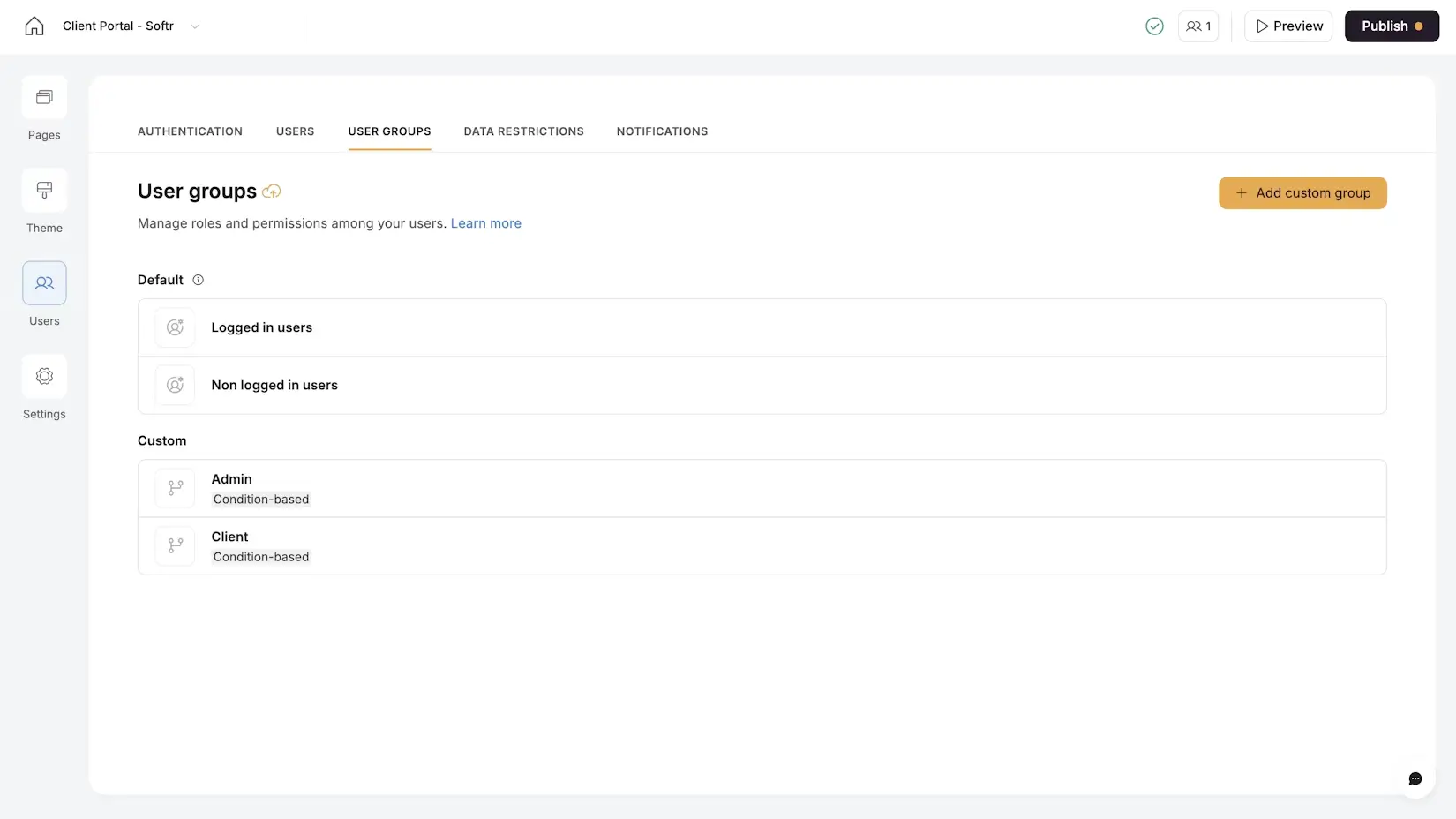
Softr’s four authorization levels:
- Page-level: Entire pages can be restricted to specific user groups. An Admin Dashboard is invisible to a Writer or Designer.
- Block-level: Individual sections on a page can be shown or hidden per user group. An "All Invoices" table only appears for finance admins.
- Button-level: Specific actions (Delete, Edit, Export) can be gated per user group. Writers can submit drafts but can't delete assignments.
- Data Restrictions (row-level security): This is the most critical layer. Global rules ensure a user can only access records linked to them, regardless of how pages are configured.
Core principle: Data restrictions are your safety net. Even if you misconfigure a page filter or accidentally make a block visible to the wrong group, data restrictions prevent unauthorized records from ever reaching the user's browser.
The spreadsheet risk: In a shared spreadsheet, there's no concept of row-level security. If you share the file, you share all the data. Hide a row? Anyone can unhide it. Use a separate tab? Anyone can switch tabs. This is why a properly configured app with data restrictions is more secure than any spreadsheet.
Layer 3: Data storage and compliance (Where does the data live?)
This is the infrastructure layer that builders typically don't control directly, but it matters for compliance and trust.
Key questions to ask any platform:
- Where is data physically hosted?
- Is data encrypted at rest and in transit?
- Is the platform SOC 2 compliant?
- Does it comply with GDPR and other regional regulations?
What Softr provides:
- SOC 2 Type II compliance as standard, not locked behind an enterprise upgrade
- All data hosted in Europe (Germany), ensuring GDPR compliance by default
- Encryption in transit (HTTPS) and at rest
This matters practically when your legal or IT team asks "where does our data go?" If your data lives in Softr, you have a clear, documented answer to that question. Understanding compliance is especially important if you're creating apps for clients in regulated industries, so do your due diliegence before you build.
Layer 4: Workflow and integration security (What happens to data in motion?)
Data isn't just stored — it moves through workflows, API calls, email notifications, and integrations. And every one of these movements can be a potential leak point.
Best practices:
- Webhooks should be secured. If you're triggering a workflow from the UI (e.g., via a Vibe Coding block calling a webhook), the webhook should be limited so only your app can call it.
- Limit data in notifications. When sending Slack or email notifications, include only what the recipient needs. Don't send full record data if a simple "New invoice submitted by Writer X" is sufficient.
- Review third-party data flow. If you connect to external APIs, make sure you understand what data you're sending, where it goes, and whether it’s encrypted.
In Softr Workflows, webhook security is built in. You can configure workflows so that the webhook endpoint only accepts calls from your app, preventing external abuse.
.webp)
The vibe coding security gap
The "vibe coding" approach, where AI writes an entire application from a prompt, has made building faster than ever. But it also introduces a specific security gap that every builder should understand.
When you vibe-code an entire app, AI is responsible for:
- Authentication logic (login, sessions, password resets)
- Database access patterns (who queries what)
- API access control (which endpoints are protected)
- Frontend data filtering (which records appear in the UI)
The AI generates code that looks right and works in a demo. But security bugs are invisible during a demo. They appear when a real user manipulates a URL parameter, inspects the browser's network tab, or simply shares a link that contains another user's ID.
Softr's approach: Softr isolates AI code generation to individual UI blocks (the Vibe Coding block). These blocks automatically inherit the app's authentication, user groups, and data restrictions. The AI doesn't generate the security layer because the security layer is structural, not coded.
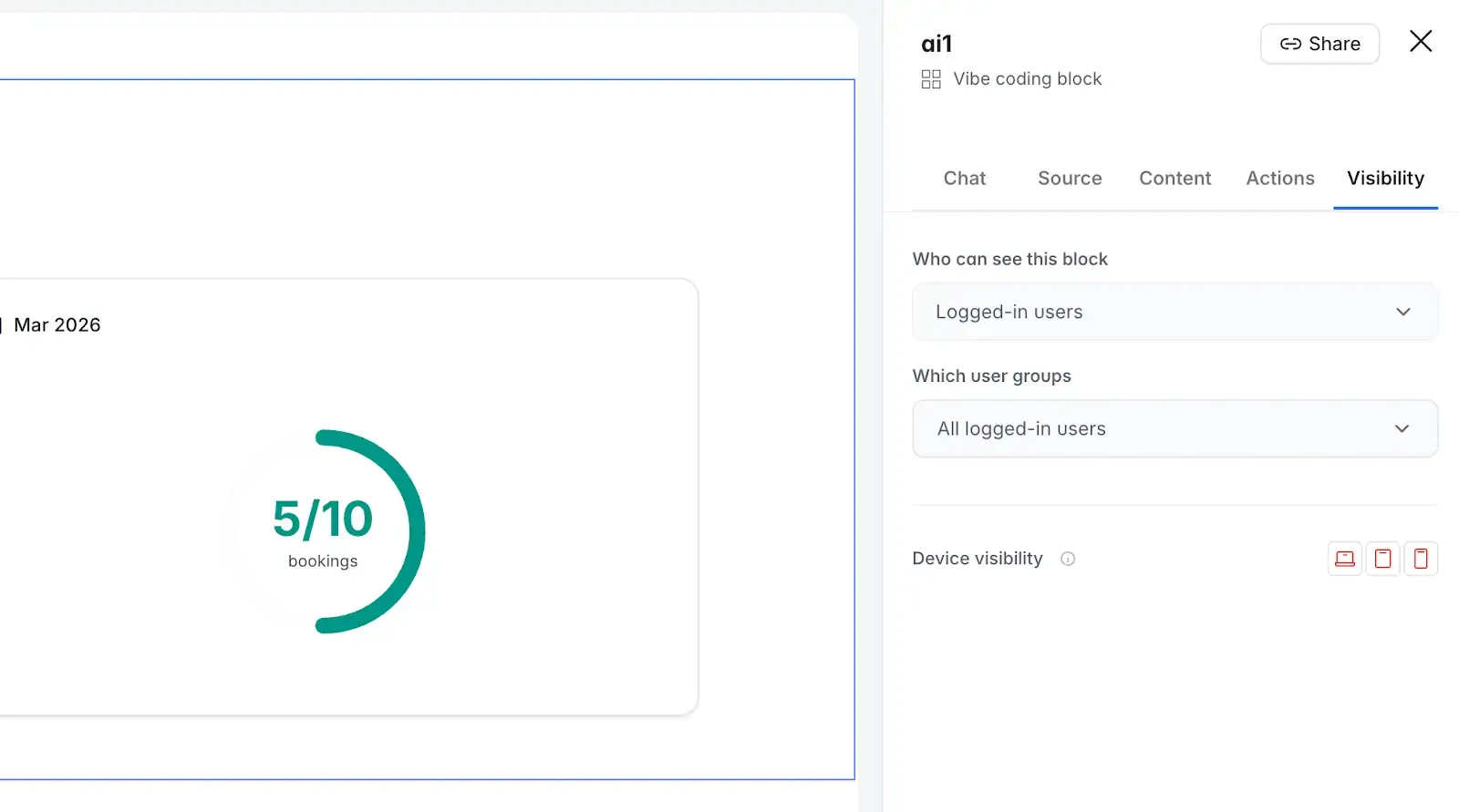
This means you get the flexibility of AI-generated custom interfaces without the risk of AI hallucinating your permission model. The Vibe Coding block knows which user is logged in, respects data restrictions, and can have its CRUD actions gated per user group through a visual panel. There’s no code to review either.
Data security checklist for non-technical builders
Use this checklist before sharing any business app with real users and real data.
Softr lets you ship with confidence
The goal isn't to eliminate all risk, but to build apps that are meaningfully more secure than the email threads, shared drives, and spreadsheets they replace. A properly configured Softr app—with user groups, data restrictions, and platform-level compliance—gets you there.
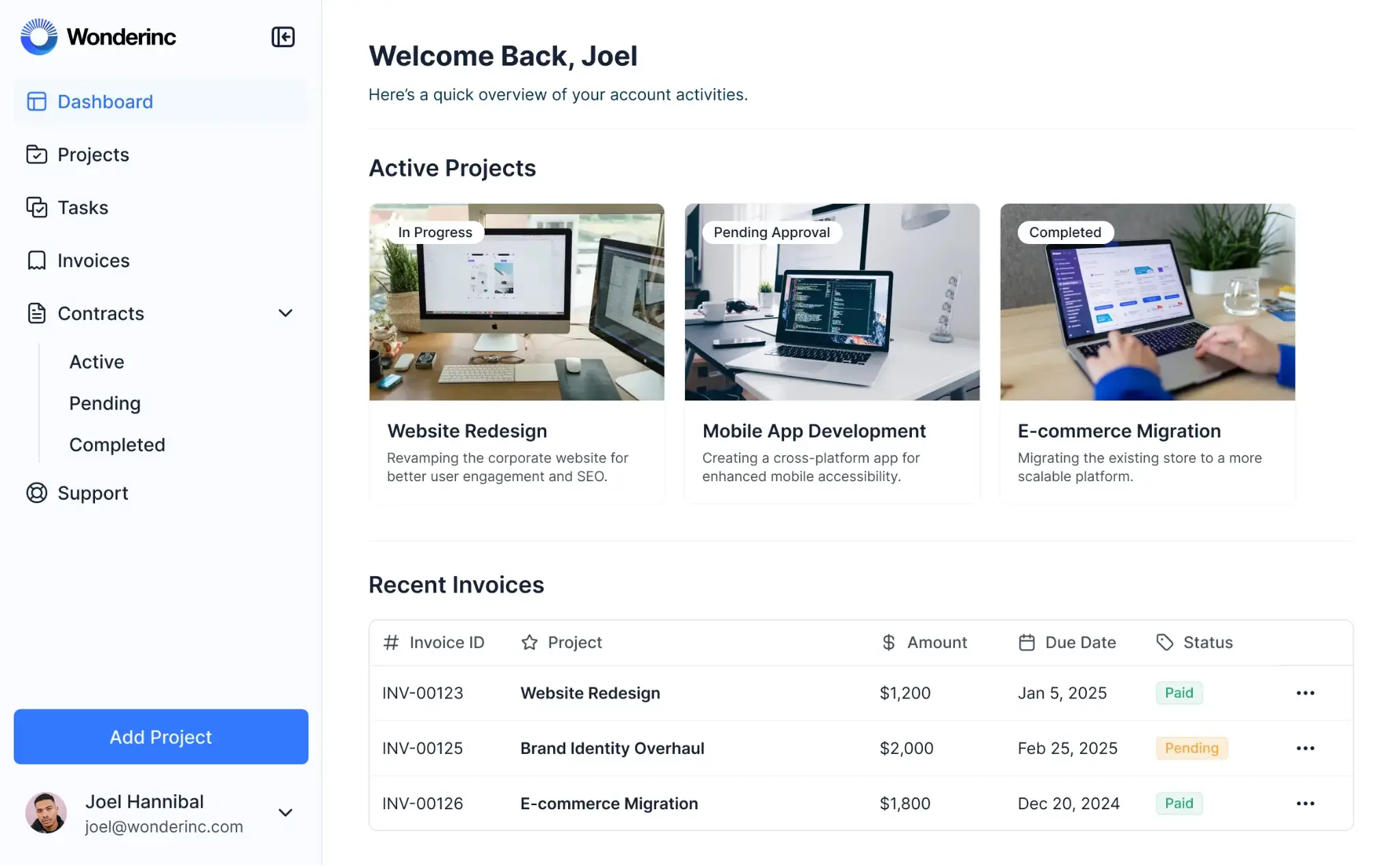
You don't need to be a security engineer. Just set up the right guardrails (data restrictions, user groups, page visibility) and trust the platform to enforce them at every layer.
This is what allows a marketing lead to build a content management portal in an afternoon, publish it, invite 12 external writers, and sleep well that night knowing their data is safe.
Frequently asked questions
Is building a no-code app secure enough for business data?
What's the most common security mistake non-technical builders make?
Are vibe-coded apps secure?
How do I test that my permissions are working correctly?