


Best Retool alternatives for internal tools in 2026


Retool is a powerful internal tools platform, but the very flexibility that makes it powerful can lead to maintenance challenges. The learning curve for non-technical users remains steep, and as organizations scale, the per-seat pricing model starts to strain budgets significantly. This guide covers the top Retool alternatives: platforms with similar functionality and less complexity, and ones that won’t break the bank.
Best Retool alternatives at a glance
| Tool | Best for | Who builds | Open source? | Self-host? | AI app generation | Starting price |
|---|---|---|---|---|---|---|
| Softr | Business teams building internal tools and portals without code | Business users | No | No | Yes (AI Co-Builder) | Free, paid from $19/month |
| Appsmith | Developers who want an open-source, self-hosted Retool | Developers | Yes (Apache 2.0) | Yes | No (AI writes JavaScript and SQL) | Free, Business $15/user/month |
| ToolJet | Developers who want open source with AI app generation | Developers | Yes (AGPL-3.0) | Yes | Yes | Free, paid from $23/builder/month |
| Budibase | Free self-hosted CRUD apps and automations | Both | Yes (GPLv3, paid features under BSL) | Yes | No (AI generates tables) | Free self-hosted, cloud from $19/month |
| Superblocks | Enterprises that want AI app building inside their VPC | Both | No | VPC on Enterprise | Yes (Clark) | $100/month (Teams) |
| UI Bakery | Small developer teams with up to 50 viewers | Developers | No | Yes | Yes | Free, paid from $20/developer/month |
| Power Apps | Organizations on Microsoft 365 | Both | No | No | Yes (Copilot) | $20/user/month |
| Windmill | Developers turning scripts into tools and workflows | Developers | Yes (AGPLv3 core) | Yes | Yes | Free, Team $10/developer/month |
| Lowcoder | A free, self-hosted Retool-style builder | Both | Yes (AGPL-3.0) | Yes | Paid add-on | Free, Enterprise €459/instance/month |
| DronaHQ | Web and mobile apps with unlimited users | Both | No | Yes | Yes (beta) | $100/month (Starter) |
| Retool | Developer-led internal tools at scale | Developers | No | Enterprise | Yes | Free, Team $10/builder/month |
Softr publishes this list. We checked every price and feature on each vendor’s own site on October 20, 2026. Prices shown reflect annual billing unless noted.
How we compared these Retool alternatives
We picked tools that do the same job as Retool: internal apps on top of your own data. We didn’t score them with star ratings. Instead, we compared each one on facts you can check:
- Who builds: Developers, business users, or both.
- Open source and self-hosting: The exact license, and whether you can run the tool on your own servers.
- AI app generation: Whether the tool builds an app from a written prompt.
- Security and governance: SSO, SCIM, role-based access, audit logs, and SOC 2 Type II reports.
- Cost at team size: What 50 and 500 people cost, with builders and end users priced separately.
Every fact comes from the vendor’s own pricing, trust, or documentation pages. For a wider list that includes no-code tools, see our roundup of internal tool builders.
10 best Retool alternatives in 2026
Two former Retool alternatives no longer exist. Airplane shut down on March 1, 2024, after Airtable acquired it, and Internal.io shut down on December 28, 2023.
1. Softr

Softr is an AI-powered business app creation platform that empowers business operators, ops managers, and department heads to build production-ready internal tools, client portals, and operational software—without writing a single line of code. Its intuitive drag-and-drop interface, native Softr Databases, and integrations with Airtable, Google Sheets, and more make it a favorite among domain experts and small-to-medium teams running real business operations.
Who can build: Business users and citizen developers (non-technical staff building apps under IT’s rules). Developers can add custom code with the Vibe Coding block or build through the Softr MCP.
Key features:
- Intuitive drag-and-drop interface builder for business operators
- Ready-to-use building blocks for common functionalities
- Built-in user authentication and management
- Native Softr Databases (plus integrations with Airtable, Google Sheets, and more)
- Native Softr Workflows for automation, with connections to Zapier, Make, and n8n
- Custom domains and white-labeling
- Responsive design out-of-the-box
- Powerful access control and permissions
Pros:
- Extremely quick setup and deployment
- No technical expertise required
- Plan prices include a set number of builders and app users
- Strong community support
Cons:
- Less flexibility than code-based solutions for highly complex workflows
- Pre-built blocks cover most use cases, though the Vibe Coding block enables AI-generated custom UI components for advanced design needs
- Fewer native database integration options than Retool (though Softr Databases and 21+ external data sources cover the majority of use cases)
- Cloud-hosted only: Softr isn’t open source and can’t be self-hosted
Pricing:
Softr’s pricing charges per plan, with builders and app users included. Prices below are for annual billing.
- Free: $0 (unlimited apps, databases, and workflows, up to 3 builders and 5 app users)
- Basic: $19/month (1 builder, 5 team + 5 client app users, custom domain)
- Pro: $99/month (2 builders, 10 team + 50 client app users, custom code, granular permissions, Softr branding removed)
- Business: $329/month (3 builders, 30 team + 100 client app users, global data restrictions, 2FA, domain-restricted sign-up)
- Enterprise: Custom pricing (SSO, SCIM, audit logs, custom limits)
Extra builders cost $5, $10, or $20 a month on Basic, Pro, and Business. Extra app users start at $1 a month on Pro.
2. Appsmith
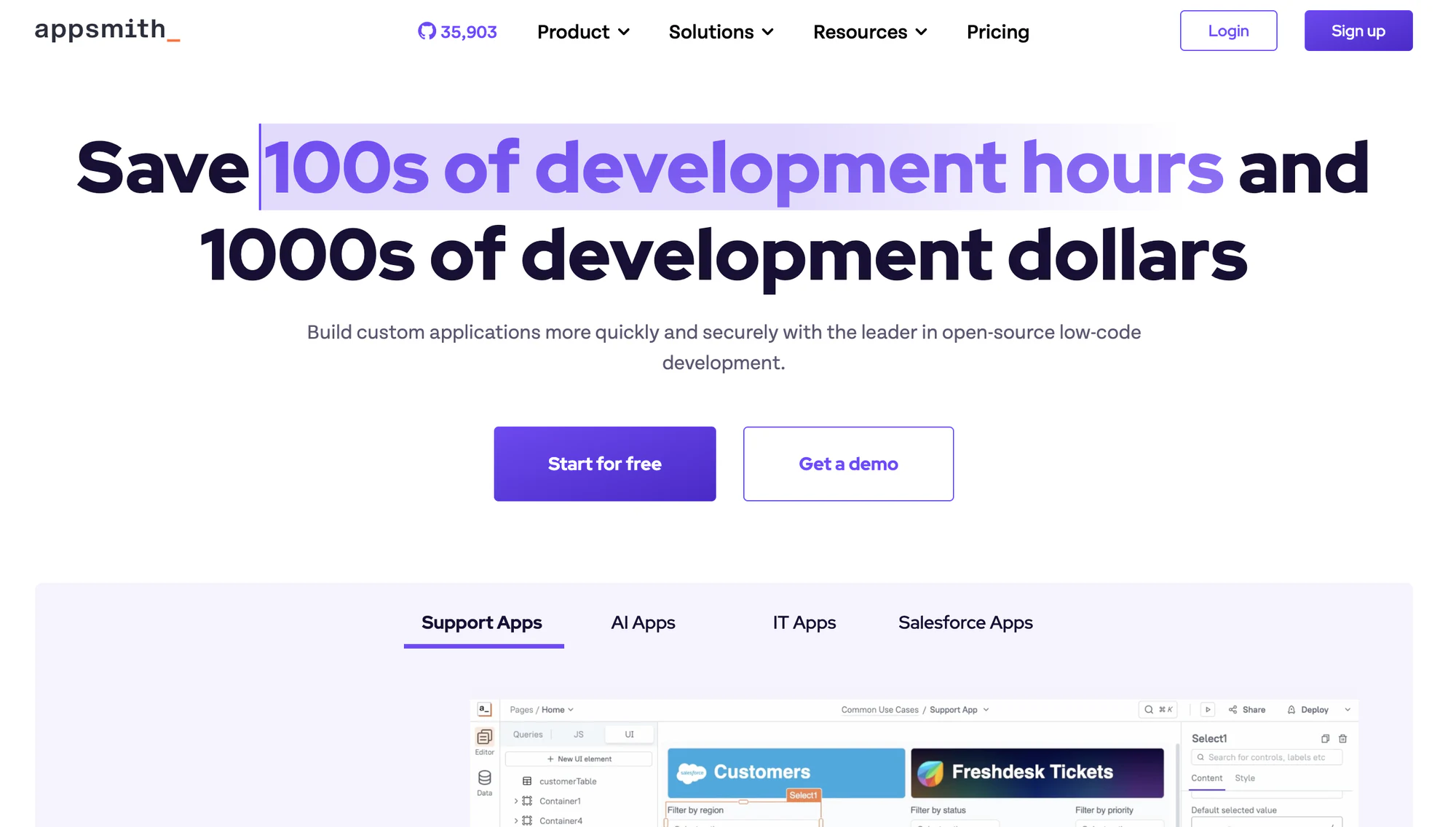
Appsmith is an open-source, low-code platform ideal for developers building internal tools. With its strong API and database integrations, it provides flexibility for creating self-hosted solutions with highly customizable workflows.
It's ideal for teams that need control over their development environment while maintaining ease of use. If it doesn’t fit, see our list of Appsmith alternatives or our Softr vs Appsmith comparison.
Who can build: Developers. Business users can use the apps, but building needs JavaScript and SQL.
Key features:
- 40+ pre-built widgets for creating custom dashboards and tools
- Integrations with Git, REST APIs, GraphQL, and database connectors
- AI-powered apps connected to any LLM
- Customizable automation workflows
- Custom JS code support
- Access control and audit logs
Pros:
- Open-source with active community
- Self-hosting option available
- Free to use with paid options for advanced features
- Extensive customization capabilities
- Regular feature updates
Cons:
- Setup complexity for self-hosted version
- Requires technical knowledge for full functionality
- UI can require a learning curve for non-technical users
- Cloud version has fewer enterprise features
Pricing:
Appsmith charges per user, and builders and end users pay the same rate.
- Free: $0, up to 5 users on cloud (Google SSO, 3 standard roles, Git with 3 repos)
- Business: $15/user/month, up to 99 users (custom roles, audit logs, unlimited environments)
- Enterprise: $2,500/month for 100 users (SAML and OIDC SSO, SCIM, airgapped and managed hosting add-ons)
3. ToolJet
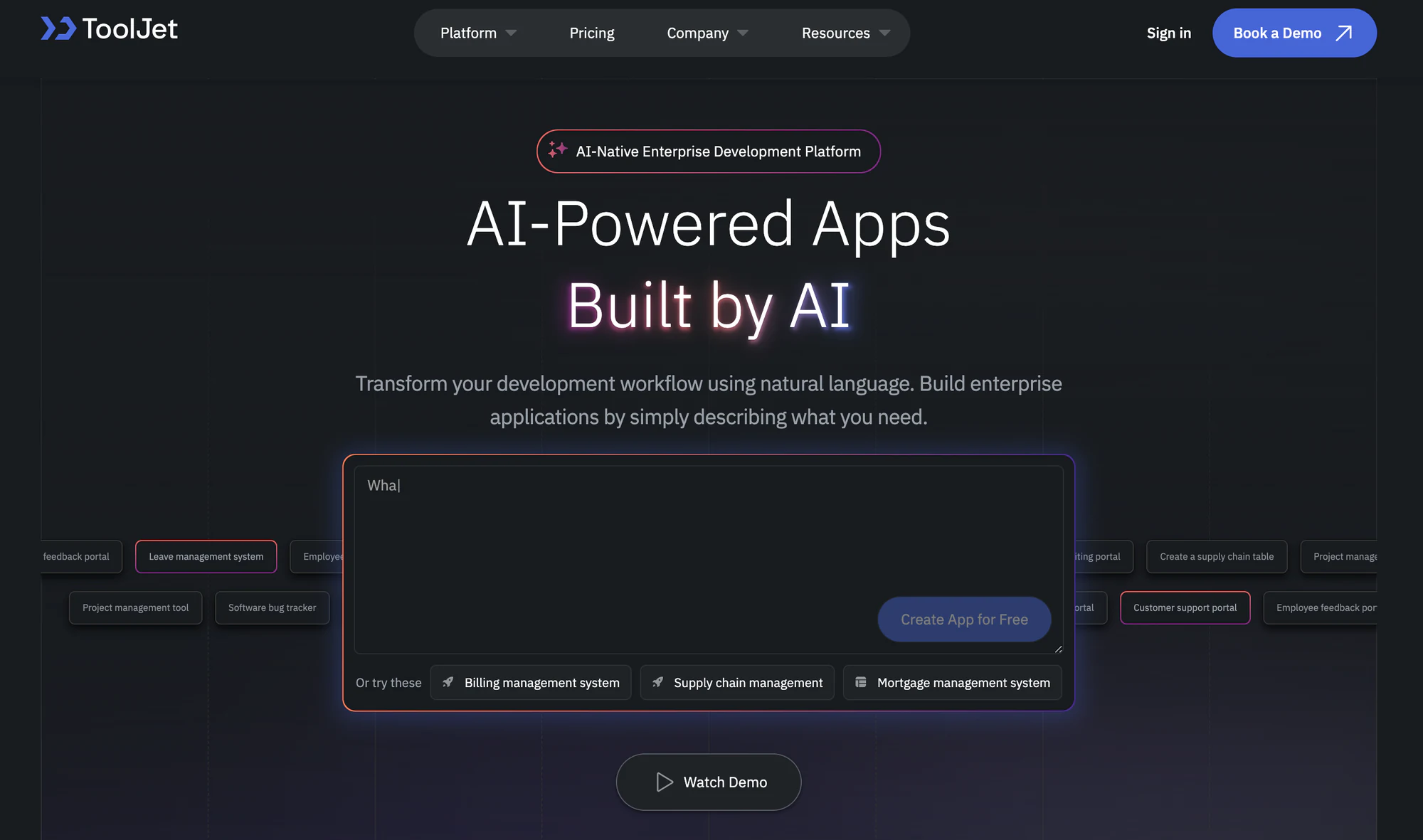
ToolJet is an open-source platform that combines low-code simplicity with developer-oriented features. Its customizable widgets and broad integration support make it ideal for building internal dashboards and tools.
Who can build: Developers. AI app generation and the ToolJet MCP plugin lower the bar, but the platform is built for technical teams.
Key features:
- Visual drag-and-drop application builder with pre-built and custom widgets
- 80+ built-in components
- Integrations with a wide range of APIs and databases
- Real-time collaborative editing and comments
- Custom theming with responsive design
- Multi-page applications
- Version control
- AI app generation from a prompt, plus building from Claude Code, Codex, or Cursor through ToolJet MCP
Pros:
- User-friendly interface
- Active open-source community support
- Competitive pricing
- Support extensive customization
Cons:
- Fewer components than Retool
- Less intuitive than other low-code platforms
- Limited documentation for advanced use cases
- Smaller ecosystem
Pricing:
ToolJet charges per builder. End users are free but capped by plan. Prices below are for annual billing.
- Free: $0, 2 builders, up to 50 end users and 10 apps
- Basic: $23/builder/month, 2 builders, 50 end users, 2,000 AI credits per builder
- Pro: $79/builder/month, unlimited builders, up to 50 end users, version control
- Team: $199/builder/month, up to 100 end users, unlimited apps, SSO, custom user groups, audit logs, Git sync
- Enterprise: Custom pricing (unlimited end users, SCIM, row-level security)
4. Budibase
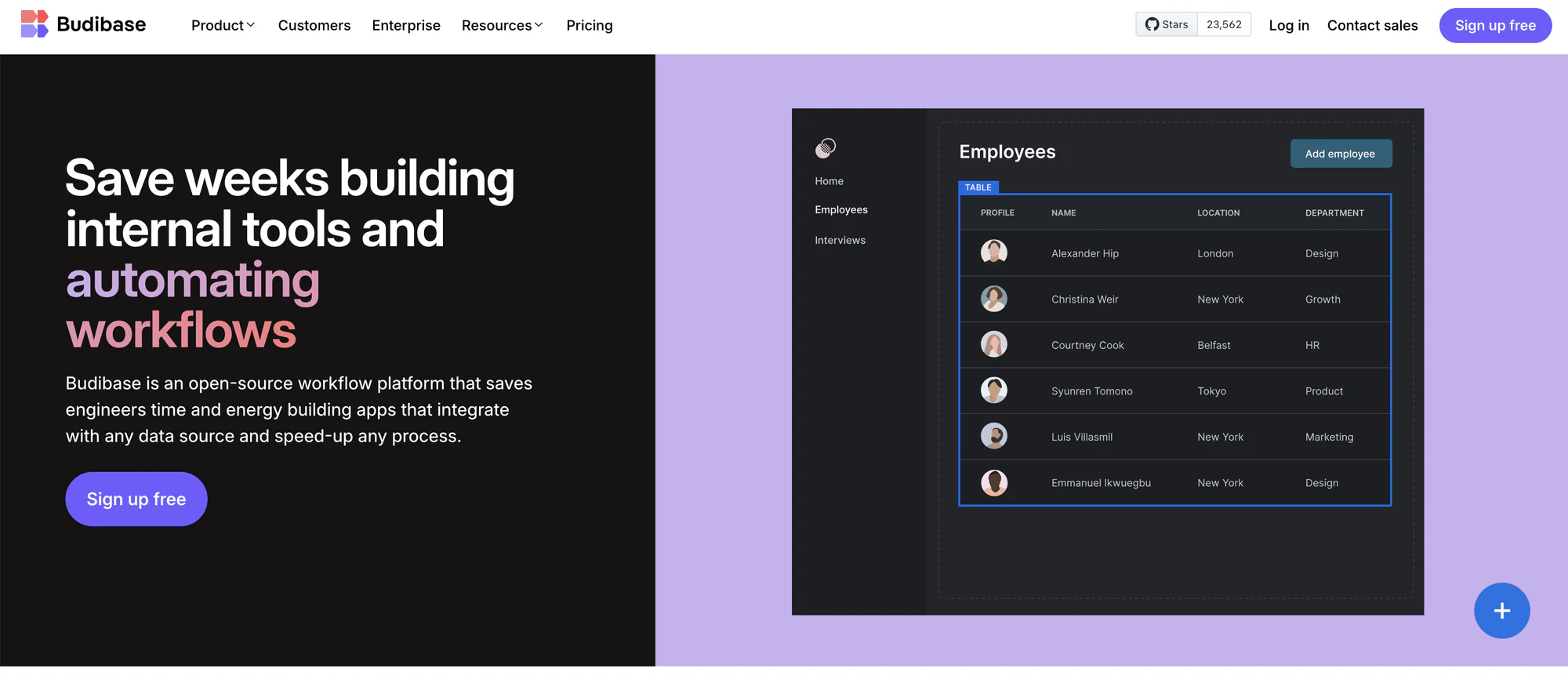
Budibase is a no-code/low-code platform that focuses on automation and quick deployment of internal tools. It’s especially well-suited for small teams or startups looking to streamline workflows without technical expertise. We also cover Budibase alternatives separately.
Who can build: Both. Business users can generate CRUD screens from a table, and developers add JavaScript and automations.
Key features:
- Drag-and-drop GUI with pre-built components for common internal tools
- Self-hosting and cloud hosting options
- Workflow builder for multi-step automations triggered by user actions or external events
- External data connectors to over 30 data sources
- Reusable code snippets
- Role-based access control
Pros:
- Modern intuitive UI
- Easy set-up
- Affordable hosted plans
- Flexible deployment options
- Open-source with strong community
Cons:
- Limited scalability for large teams
- Lacks advanced customization features
- Limited third-party integrations
Pricing:
Budibase cloud plans charge a base price, plus each creator and end user. Prices below are for annual billing.
- Open source (self-hosted): Free, with unlimited users, apps, and automations
- Pro: $19/month, 1 creator, 5,000 actions per month
- Premium: $49/month, 1 creator included, 20,000 actions per month
- Business: $299/month, 3 creators included, 250,000 actions per month, enforced SSO, user groups
- Enterprise: Custom pricing (SCIM, audit logs, air-gapped add-on)
Extra creators cost $50/month on Premium and Business. End users cost $5/month each on every cloud plan.
5. Superblocks
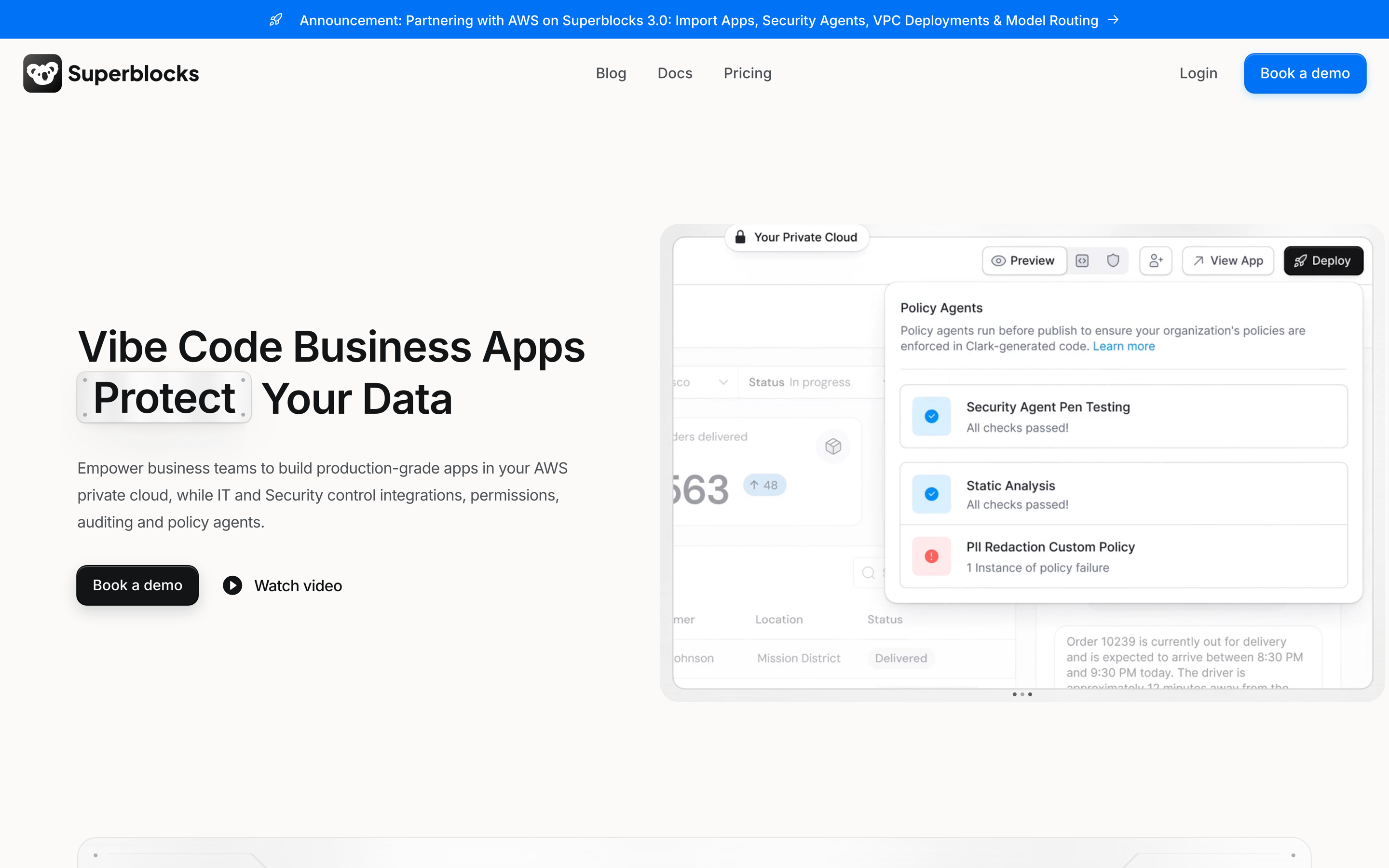
Superblocks is an AI app builder for enterprises. Its agent, Clark, builds internal apps from a prompt on top of your company’s data, inside the permissions IT has already set. You own the generated code and can sync it to Git.
Who can build: Both. Business users build with Clark, and developers edit the generated code.
Key features:
- Clark AI agent for app building, with plan and build modes
- Hybrid deployment that keeps production data in your VPC (Enterprise)
- Git sync with GitHub, GitLab, Bitbucket, and Azure DevOps (Enterprise)
- Role-based access control on every plan
- Audit logs covering builder and end-user activity (Enterprise)
Pros:
- No per-seat fees for builders or end users
- Strong enterprise deployment options
- SOC 2 Type II and HIPAA compliance
Cons:
- No free plan, only a 14-day trial
- SSO, SCIM, and audit logs are Enterprise only
- Usage charges for AI and published apps make costs harder to predict
Pricing:
- Teams: $100/month billed annually ($125 monthly), up to 15 builders, unlimited end users, 1 hosted app (+$10 per extra app per month), and 100 AI usage units per month
- Enterprise: Custom pricing, billed as a spending commitment that covers AI usage and published apps
6. UI Bakery
UI Bakery offers a no-code/low-code platform that focuses on building sleek, highly customizable internal tools. Ideal for teams that prioritize visual quality and rapid development, it’s known for its modern interface and ability to handle complex designs.
Key features:
- Visual, drag-and-drop builder with extensive customization options
- Integrations with REST APIs and GraphQL
- Responsive components for both web and mobile apps
- Dynamic theming
- Version control
- Real-time collaboration
- Role-based access
Pros:
- Excellent user interface
- Strong focus on design and customization
- Mix of no-code and low-code for technical and non-technical users
- Rich support and community resources
Cons:
- Limited integration options
- Pricing can be high for teams
- Can have a steeper learning curve for non-technical users
Pricing:
UI Bakery bills developers only. View-only users are free but capped at 50 below Enterprise. Prices below are for annual billing, on cloud or self-hosted.
- Free: $0 (unlimited apps and public app users, 1,000 executions per month)
- Builder: $20/developer/month, up to 50 viewers
- Team: $35/developer/month, up to 50 viewers, role-based access control, audit logs
- Enterprise: Custom pricing (more than 50 viewers, SSO, SCIM)
7. Microsoft Power Apps
Microsoft Power Apps is Microsoft’s low-code app builder and part of the Power Platform. Apps run on Dataverse or connect to Microsoft 365, SharePoint, and other services. Copilot in Power Apps generates an app and its data model from a written description.
Who can build: Both. Business users build with Copilot and templates, and developers add custom connectors and code components.
Key features:
- Copilot in Power Apps for prompt-to-app generation
- Sign-in through Microsoft Entra ID, so SSO and user sync come from your existing directory
- Dataverse security roles with record-level and column-level security
- Managed Environments for IT governance
- Prebuilt, custom, and on-premises connectors
Pros:
- A natural fit for organizations already on Microsoft 365 and Entra ID
- Deep record-level and column-level security
- Covered by Microsoft’s SOC 2 Type 2 reports
Cons:
- Every user needs a paid license, including people who only use apps
- Cloud only, with no self-hosting
- Licensing is complex, and the per-app plan is closed to new customers in some purchasing channels
Pricing:
- Developer Plan: Free, for building and testing only
- Power Apps Premium: $20/user/month, paid yearly
- Power Apps Premium (2,000+ seats): $12/user/month, paid yearly
- Pay-as-you-go: $10 per active user per app per month
8. Windmill
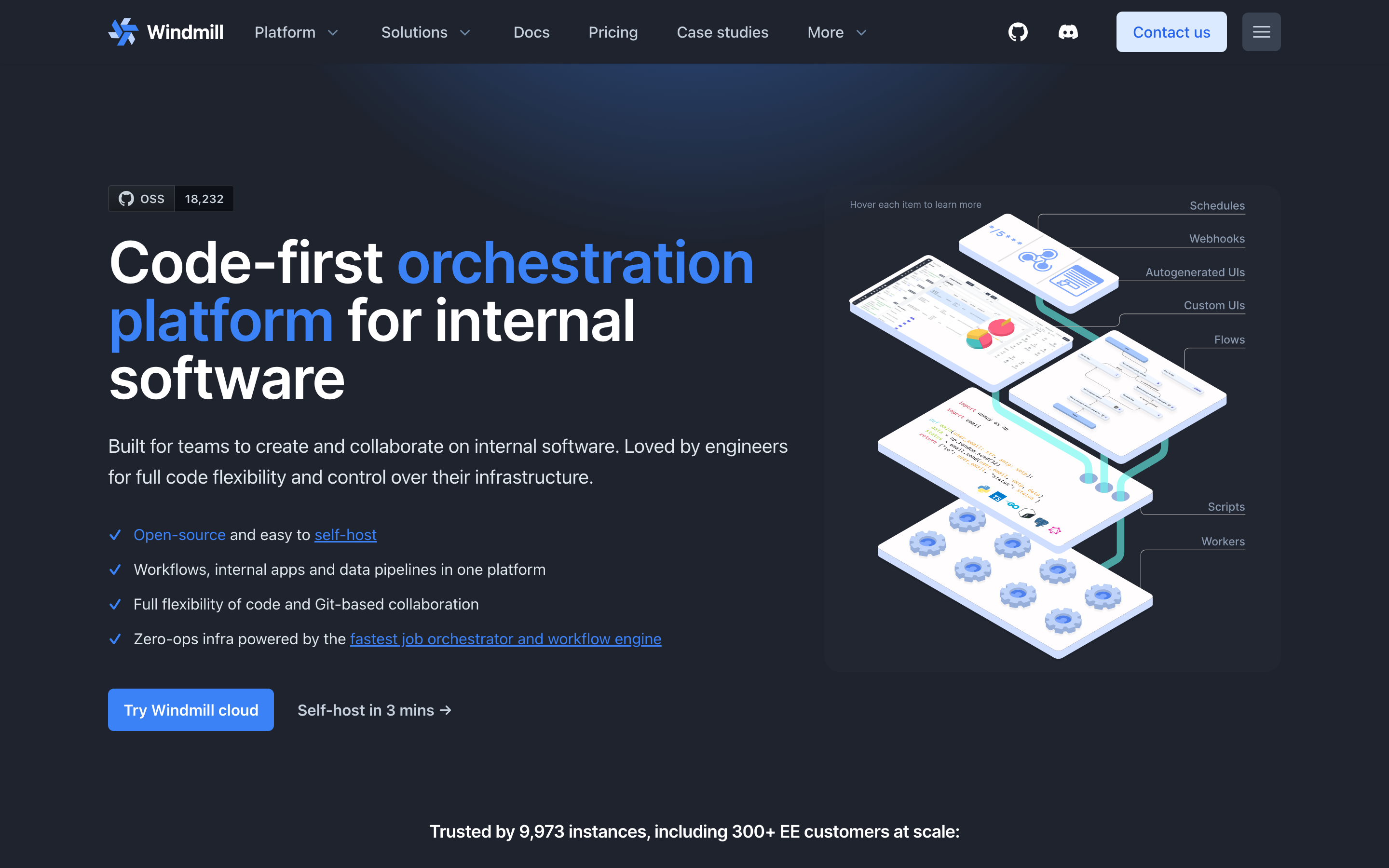
Windmill is a code-first, open-source developer platform. You write scripts in Python, TypeScript, Go, Bash, or SQL, and Windmill turns them into webhooks, workflows, and UIs. It suits developers who find Retool’s visual builder slower than writing code.
Who can build: Developers. Operators can run scripts, flows, and apps, but can’t edit them.
Key features:
- Scripts in Python, TypeScript, Go, Bash, SQL, and more
- Workflow engine with schedules and webhooks
- App builder, including full-code apps built with Windmill AI
- Bring your own AI model provider
- Self-hosting on Docker, Kubernetes, or AWS Fargate
Pros:
- Open-source core (AGPLv3) with a free self-hosted edition
- Self-hosted Enterprise costs about half as much per seat as cloud Enterprise
- Operators cost half the price of developers
Cons:
- Built for developers, not business users
- SAML SSO, SCIM, and full audit logs are Enterprise only
- The free self-hosted edition caps you at 50 users, and at 10 users with SSO
Pricing:
- Free: Self-hosted Community Edition, or cloud with 1,000 executions per month
- Cloud Team: $10/developer/month and $5/operator/month, up to 10 seats
- Self-hosted Enterprise: $20/developer/month and $10/operator/month, plus $50 per worker per month
- Cloud Enterprise: From $840/month, with a dedicated cluster
9. Lowcoder
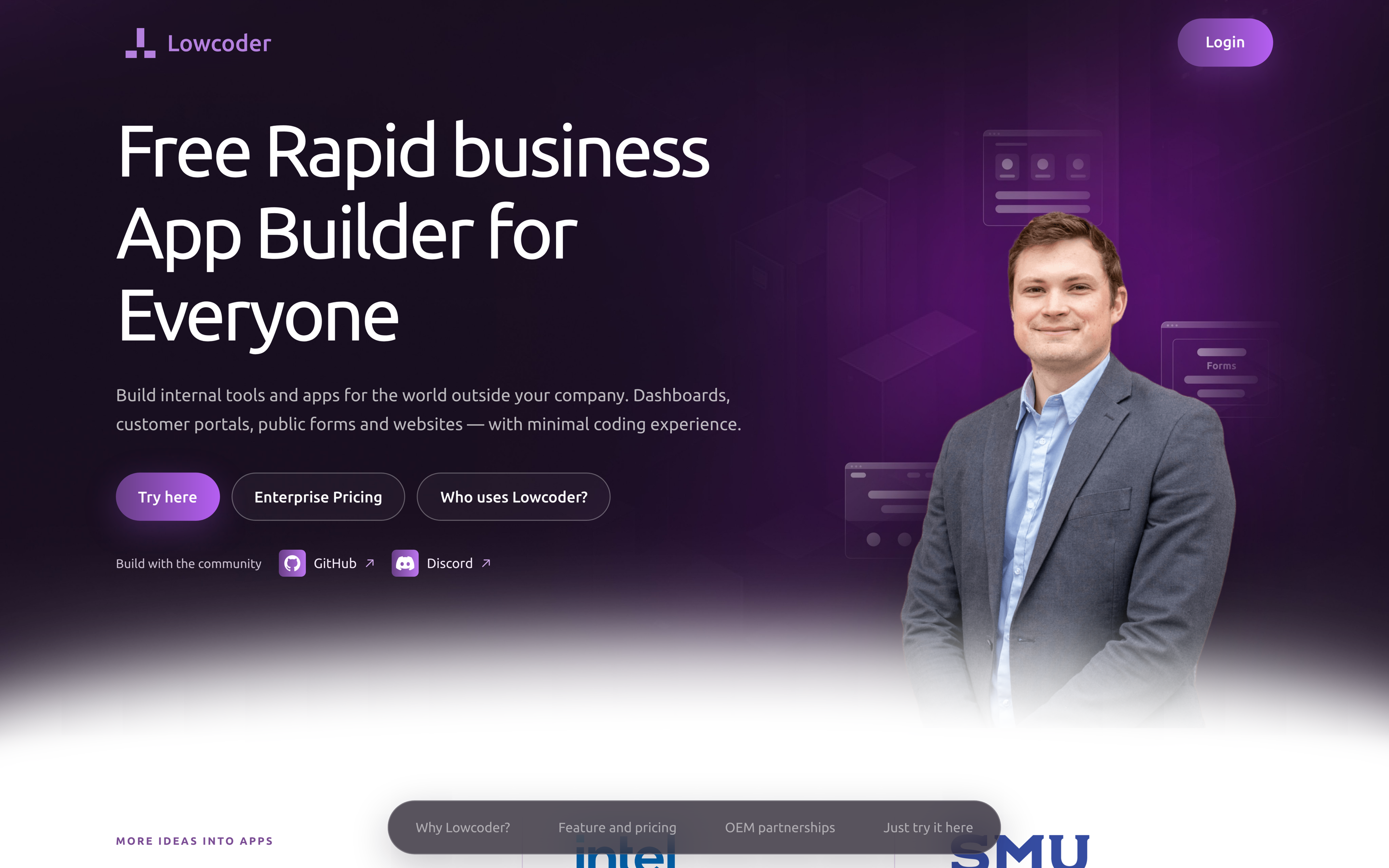
Lowcoder is an open-source visual builder that continues the Openblocks project, which stopped releasing in March 2023. It works much like Retool: drag-and-drop components, queries to your data sources, and JavaScript where you need it.
Who can build: Both. Non-coders assemble apps by drag and drop, and developers extend the logic.
Key features:
- Drag-and-drop builder for internal tools, portals, and public apps
- Workspace, app, and data source roles, plus user groups
- OAuth and OpenID Connect sign-in in the free edition
- AI Robot add-on for building from natural language
Pros:
- Free and open source (AGPL-3.0)
- Enterprise pricing is per instance, not per user
- App viewers are never billed
Cons:
- A smaller company and community than Retool
- SAML, SCIM, and a SOC 2 report aren’t documented
- Audit logs need the Enterprise Edition
Pricing:
- Community Edition: Free, self-hosted or on the free community cloud
- Enterprise Edition: €459 per instance per month (€4,990 a year)
- AI Robot add-on: From €3.49 per admin or editor per month
10. DronaHQ
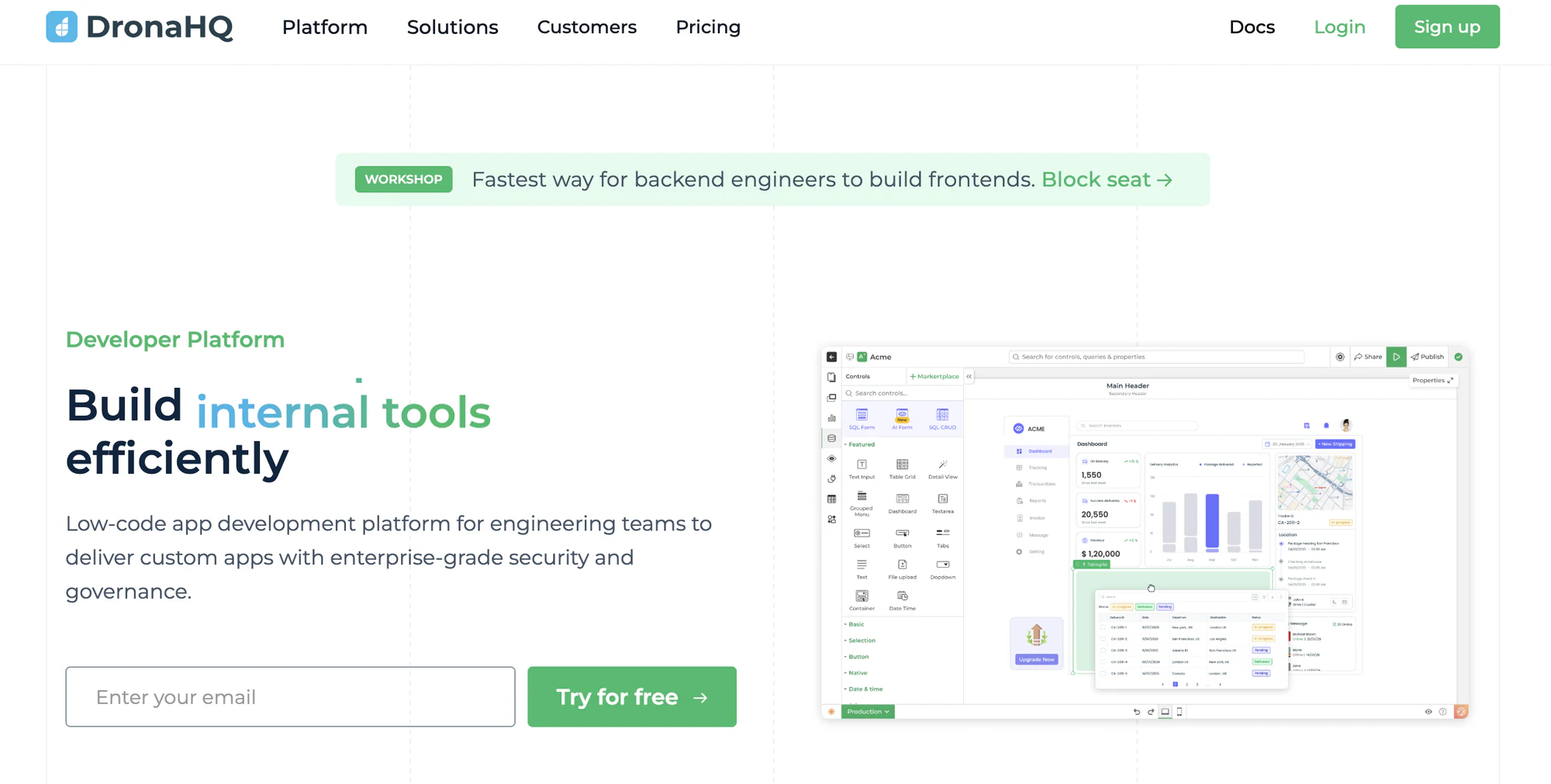
DronaHQ is a low-code platform for web and mobile internal tools. Its cloud plans charge by usage, measured in tasks, and include unlimited users, which suits large teams with light usage. Business costs $500/month billed annually and includes SAML and OpenID Connect SSO. SCIM and audit logs are Enterprise only. Self-hosting costs $1,500/month, three times the cloud Business price.
Who can build: Both. The pricing page names developers, IT professionals, and business teams.
Open-source and self-hosted Retool alternatives
Open source matters for two reasons: you can read the code, and you can run it on your own servers. But “open source” means different things across these tools. Most keep their enterprise features under a separate, proprietary license.
| Tool | License | Self-host | Cloud option | Self-host pricing |
|---|---|---|---|---|
| Appsmith | Apache 2.0, with paid features in a separate Commercial Edition | Yes, all plans | Yes | Same per-user price as cloud. Community Edition is free |
| ToolJet | AGPL-3.0, with enterprise code in private, proprietary repositories | Yes, all plans | Yes | Same as cloud. Free tier covers 2 builders and 50 end users |
| Budibase | GPLv3 overall, with paid features under the Business Source License (BSL), which converts to GPLv3 after four years | Yes | Yes | Open-source edition is free with unlimited users. Enterprise is custom |
| Windmill | AGPLv3 core, Apache 2.0 clients, and proprietary enterprise features | Yes | Yes | Community Edition is free up to 50 users. Enterprise from $20/developer/month, half the cloud rate |
| Lowcoder | AGPL-3.0, with a separate Enterprise Edition plugin | Yes | Free community cloud | Community Edition is free. Enterprise is €459 per instance per month |
| UI Bakery | Proprietary, self-hosted with a license key | Yes, including Free | Yes | Same as cloud |
| DronaHQ | Proprietary | Yes | Yes | $1,500/month, three times cloud Business |
| Superblocks | Proprietary, but you own the code it generates | VPC on Enterprise, managed by Superblocks | Yes | Custom |
| Retool | Proprietary | Enterprise only for new customers | Yes | Custom |
| Power Apps | Proprietary | No | Yes | Not available |
| Softr | Proprietary | No | Yes | Not available |
Softr isn’t open source and can’t be self-hosted. It’s a cloud platform with data hosted in the EU and a SOC 2 Type II report. If your requirement is to run the code on your own servers, Appsmith, ToolJet, Budibase, and Windmill are the closest fits.
Enterprise comparison: Security and governance
For IT teams, the plan that includes SSO and SCIM often decides the real price. This table shows where each control sits. We checked every cell on the vendor’s own pricing, trust, or documentation pages on October 20, 2026.
| Tool | SSO (SAML or OIDC) | SCIM | Role-based access | Audit logs | SOC 2 Type II | Self-host or VPC |
|---|---|---|---|---|---|---|
| Softr | Enterprise | Enterprise | User groups on Pro, record-level restrictions on Business | Enterprise | Yes, report on request | No |
| Retool | Enterprise | Enterprise | Permissions on Business, custom roles on Enterprise | Business, streaming on Enterprise | Yes | Enterprise, including air-gapped |
| Appsmith | Enterprise (Google and GitHub sign-in on all plans) | Enterprise | Custom roles on Business | Business | Yes (vendor-stated) | All plans, air-gapped add-on on Enterprise |
| ToolJet | Team | Enterprise | Custom groups on Team, row-level security on Enterprise | Team (14 days), unlimited on Enterprise | Yes | All plans, air-gapped add-on |
| Budibase | OIDC on paid plans, no SAML documented | Enterprise | App roles on all plans, user groups on Business | Enterprise | Not stated | Yes, air-gapped add-on |
| Superblocks | Enterprise | Enterprise | Role-based access on all plans | Enterprise | Yes | Hybrid or VPC on Enterprise |
| UI Bakery | Enterprise | Enterprise | Role-based access on Team | Team | Yes | All plans, air-gapped |
| Power Apps | All plans, through Microsoft Entra ID | Synced from Entra ID | Security roles with record-level and column-level security | Dataverse auditing | Yes (Microsoft) | No |
| Windmill | SAML on Enterprise | Enterprise | Groups and folders, instance roles on Enterprise | Self-hosted Enterprise, 7 days on cloud Team | Yes, on Enterprise | All plans |
| Lowcoder | OAuth and OIDC, SAML not documented | Not documented | Workspace, app, and data source roles | Enterprise Edition | Not stated | Yes |
| DronaHQ | Business | Enterprise | User groups on all plans, granular permissions on Enterprise | Enterprise | Yes, report on request | Self-hosted plans |
Most tools keep SAML SSO and SCIM on a custom-priced Enterprise plan. Only ToolJet, DronaHQ, Windmill, and Power Apps publish a price for a plan with SAML SSO. On Softr, SSO, SCIM, and audit logs are on the Enterprise plan, and record-level data restrictions start on Business.
What each alternative costs at 50 and 500 users
Starting prices hide how each tool charges. Some bill per builder, some per user, and some a flat fee plus usage. This table prices two teams: 50 people (10 builders and 40 end users) and 500 people (25 builders and 475 end users).
| Tool | How it charges | 50 people | 500 people | Cheapest plan with SSO |
|---|---|---|---|---|
| Retool | Per builder and per internal user | $300/month (Team) | $2,625/month (Team) | Enterprise, custom |
| Softr | Per plan, with builders and app users included | $269/month (Pro) | Enterprise, custom | Enterprise, custom |
| Appsmith | Per user, at the same rate for builders and end users | $750/month (Business) | Enterprise, custom | Enterprise, $2,500/month for 100 users |
| ToolJet | Per builder, end users capped by plan | $790/month (Pro) | Enterprise, custom | Team, $1,990/month at 50 people |
| Budibase | Base plan, plus each creator and end user | $699/month (Premium) | $3,624/month (Premium) | Business for enforced OIDC SSO, $849/month at 50 people |
| Superblocks | Flat fee plus AI usage and published apps | $100/month (Teams), plus apps and usage | Enterprise, custom | Enterprise, custom |
| UI Bakery | Per developer, viewers capped at 50 | $200/month (Builder) | Enterprise, custom | Enterprise, custom |
| Power Apps | Per user, the same rate for everyone | $1,000/month (Premium) | $10,000/month (Premium) | Included through Entra ID |
| Windmill | Per developer, half price per operator, plus compute | $0 (self-hosted Community, 50-user cap) | $5,400/month (self-hosted Enterprise, with default compute) | Self-hosted Enterprise, $750/month at 50 people |
| Lowcoder | Free Community Edition, Enterprise per instance | €0 (self-hosted) | €0 (self-hosted) | SAML not documented |
| DronaHQ | Flat plan plus task usage, unlimited users | $500/month (Business) | $500/month, plus extra tasks | Business, $500/month |
A few things are worth noting here:
- Cheap plans often skip governance: Retool’s Team plan prices the 50-person team at $300 a month, but it has no permission controls, audit logs, or SSO.
- End-user caps force upgrades: ToolJet, UI Bakery, and Softr cap app users on lower plans, so the 500-person team lands on Enterprise.
- Self-hosting moves the cost: Free self-hosted editions cost nothing in licenses, but your team pays for servers, upgrades, and patches.
All figures are list prices for seats and plans only, before AI credits, usage, and add-ons. Windmill prices are monthly billing. For a closer look at one vendor, see our Retool pricing breakdown.
Retool vs Appsmith, Budibase, ToolJet, Superblocks, and UI Bakery
These five come up most often as direct Retool replacements. Here’s how each one compares head to head.
Retool vs Appsmith
Appsmith is the closest open-source match for Retool. Both target developers, use a drag-and-drop canvas with JavaScript everywhere, and connect to most databases and APIs. The difference is licensing and hosting. Appsmith’s core is Apache 2.0, and you can self-host it on any plan. Retool limits self-hosting to Enterprise for new customers. Appsmith also bills every workspace member the same $15 a month, while Retool prices builders and internal users separately. Our Retool vs Appsmith comparison goes deeper.
- Pick Appsmith for: Open source and self-hosting without an enterprise contract.
- Pick Retool for: More connectors, Retool Workflows, and native mobile apps.
- Watch out for: Appsmith’s SAML SSO and SCIM start on Enterprise, at $2,500 a month for 100 users.
Retool vs Budibase
Budibase is built for simpler CRUD apps (screens to create, read, update, and delete records) and automations. It generates screens from a table automatically, so a working app takes minutes. Retool gives developers more control over layout and logic. Budibase’s open-source edition is free to self-host with unlimited users, which makes it the cheapest route to a self-hosted internal tool. Its cloud plans charge per creator and per end user.
- Pick Budibase for: Free self-hosting with unlimited users.
- Pick Retool for: Complex, custom interfaces and SAML SSO.
- Watch out for: Budibase supports OIDC and Google sign-in, but its docs don’t list SAML.
Retool vs ToolJet
ToolJet is open source under AGPL-3.0 and leans hard into AI. It generates apps from a prompt and lets developers build from Claude Code, Codex, or Cursor through its MCP plugin. Like Retool, it targets developers and charges per builder. Unlike Retool, its end users are free but capped: 50 on Pro and 100 on Team. SSO starts on Team, at $199 per builder a month.
- Pick ToolJet for: Open source with AI app generation and coding-agent support.
- Pick Retool for: Large end-user counts without an enterprise contract.
- Watch out for: Row-level security and SCIM are Enterprise only.
Retool vs Superblocks
Superblocks targets the same enterprise buyers as Retool but prices differently. Its Teams plan is a flat $100 a month for up to 15 builders and unlimited end users, plus usage. Its AI agent, Clark, builds apps from a prompt inside your existing permissions. On Enterprise, Superblocks can run in your own cloud account, with a hybrid option that keeps production data in your VPC.
- Pick Superblocks for: Flat pricing with unlimited end users.
- Pick Retool for: Self-hosting that your own team operates, including air-gapped.
- Watch out for: SSO, SCIM, and audit logs are Enterprise only, and there’s no free plan.
Retool vs UI Bakery
UI Bakery is close to Retool in look and feel, with a drag-and-drop builder, JavaScript, and an AI app generator. It only bills developers. View-only users are free, but they’re capped at 50 below Enterprise. You can self-host every plan, including the free one, at the same price as cloud.
- Pick UI Bakery for: Small developer teams with up to 50 viewers.
- Pick Retool for: Hundreds of internal users without moving to Enterprise.
- Watch out for: SSO and SCIM are Enterprise only.
What are some limitations of Retool?
While Retool has earned its place as a leader in the internal tools space, it's not without its drawbacks. Here are some of the key limitations that drive users to seek alternatives:
1. Pricing
Retool’s per-user pricing model can quickly become a financial burden for growing teams. While the platform is undoubtedly powerful, it may not provide the most cost-effective solution for startups or businesses with tight budgets.
The Business plan costs $50 per builder and $15 per internal user per month, billed annually, and Enterprise plans can cost significantly more. These costs scale linearly with team size, regardless of actual usage, which can lead to higher-than-expected expenses. Our Retool pricing guide breaks down every plan.
2. Steep learning curve for non-developers
Although Retool is low-code, many users still need some technical knowledge to fully leverage its capabilities. For non-developers, this can be a barrier, especially as the interface can be challenging for non-technical team members to navigate effectively.
Retool’s development-centric approach often limits participation from business users, who may find it difficult to make even simple changes. In addition, routine updates or modifications frequently require developer intervention, creating bottlenecks for tasks that could otherwise be managed by non-technical users.
3. Performance issues at scale
Retool excels at straightforward projects, but teams managing highly complex workflows or large datasets might experience performance issues or find its UI limiting. Teams working at scale may notice several challenges:
- Data-heavy applications often experience slower load times, impacting usability.
- Handling large datasets can strain the platform and lead to performance bottlenecks.
- Many operations rely on resource-intensive client-side processing, which can affect responsiveness.
- The platform offers limited optimization options for managing complex queries or intricate data interactions.
4. Complex setup and maintenance
While Retool provides extensive customization options, this flexibility can lead to complications during setup and ongoing maintenance. Teams looking for simpler, out-of-the-box solutions may find Retool overwhelming.
Retool’s advanced features frequently require significant JavaScript knowledge, creating barriers for non-technical contributors. Citizen developers may struggle to contribute effectively, reducing the potential for collaboration across teams.
The extensive customization options can also create a heavy maintenance burden, particularly when dealing with frequent updates or scaling requirements.
5. Collaboration features gated to higher plans
Retool supports real-time multiplayer editing, so several builders can work on the same app at once. But the tools larger teams rely on for review and release sit on higher plans.
Git source control, which lets developers review changes as pull requests, is only on the Enterprise plan. Unlimited environments start on Business, while the Team plan includes a single staging environment. Teams that need a full review workflow often end up on Enterprise for that alone.
When Retool is still the better choice
Retool is still the right pick for some teams. If you have developers and need depth, these are its real strengths:
- Connectors: Retool lists 74 named integrations, plus REST, GraphQL, and gRPC, on every plan.
- Workflows: Retool Workflows runs scheduled and webhook-triggered jobs with JavaScript and Python code blocks.
- Mobile: Retool Mobile builds native iOS and Android apps, with offline mode on Business.
- Self-hosting at scale: Enterprise supports custom self-hosted and air-gapped deployments.
- External portals: Business includes 50 free external users a month, with tiered pricing after that.
If your builders are business users rather than developers, those strengths matter less. See our Softr vs Retool comparison for that case.
Build internal tools without Retool’s complexity
Softr stands out for teams looking to build powerful internal tools without the complexity and cost associated with Retool. With its intuitive interface, extensive feature set, and predictable pricing, Softr offers a compelling solution for organizations of all sizes. Whether you're building an internal dashboard, customer portal, or data-driven application, Softr provides the tools you need to get up and running quickly.
Try Softr for free today and see how quickly you can transform your internal tools development process.
Frequently asked questions
What is the best free alternative to Retool?
Is there an open-source alternative to Retool?
Why is Retool so expensive?
Can Retool be self-hosted?
Which Retool alternative is best for enterprise teams?


