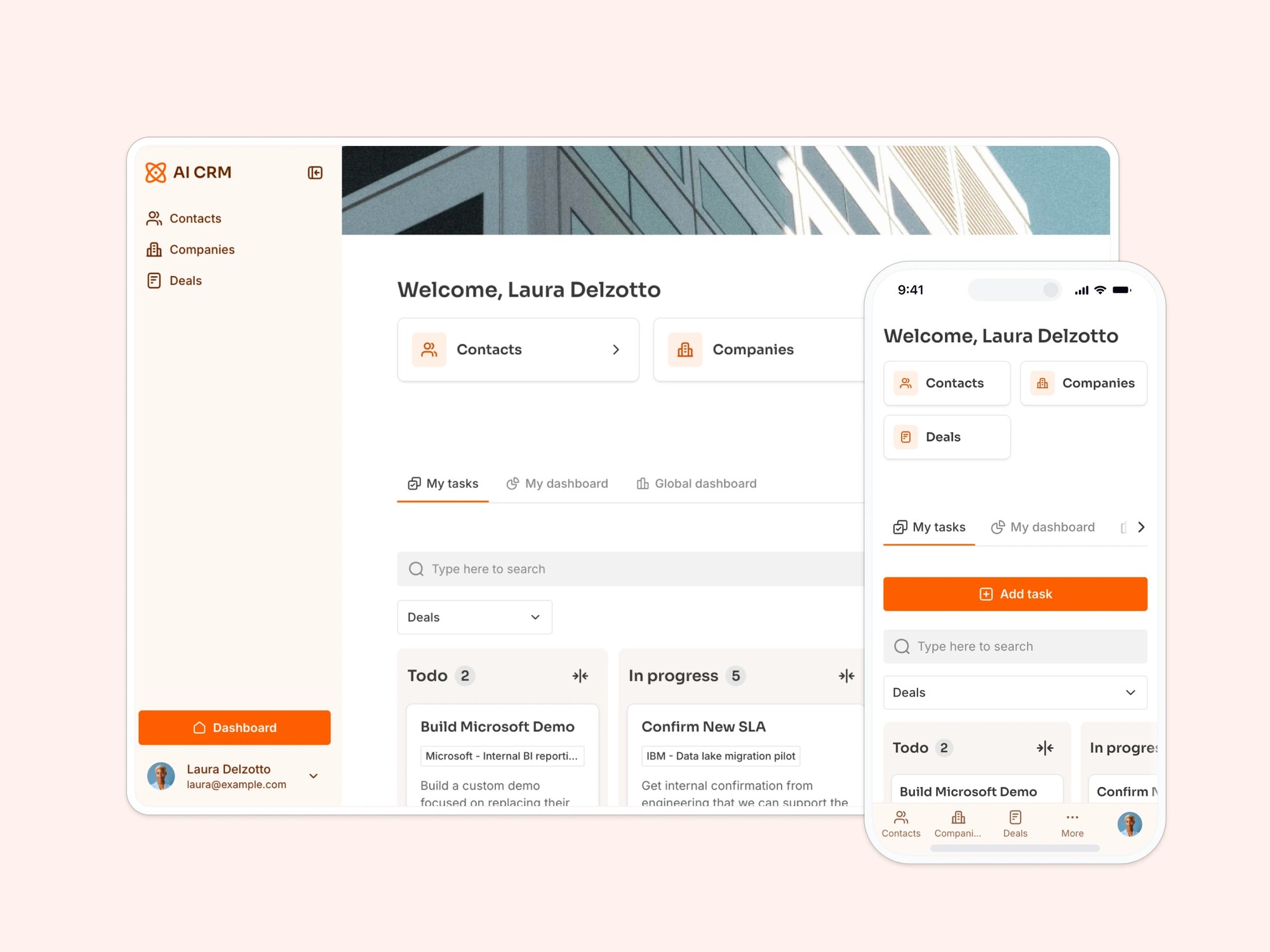
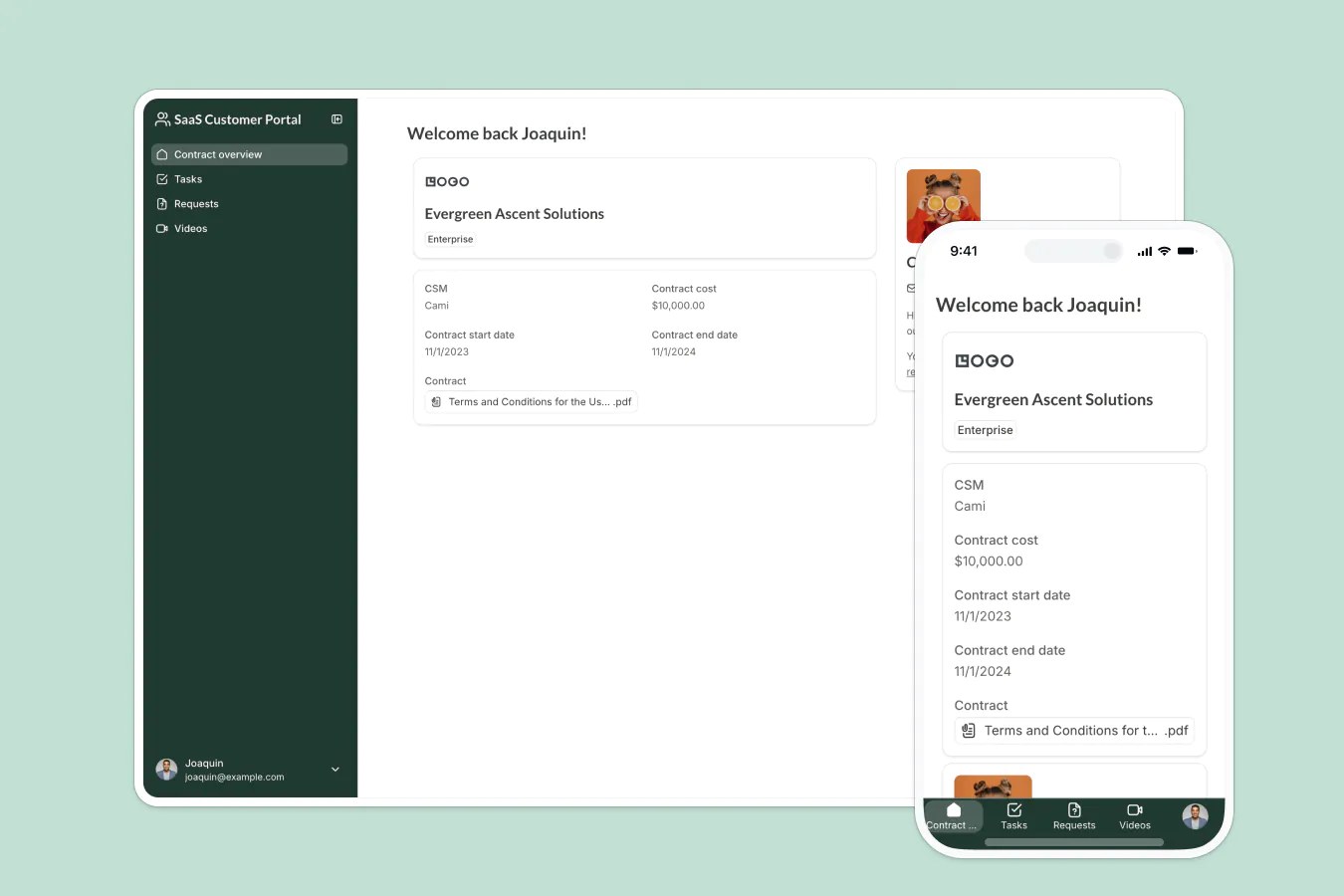
An applicant tracking system designed for clients and agencies to efficiently manage job listings, candidates, and the hiring process.

Overview
This free template helps you build an applicant tracking system using your existing data, so you can eliminate messy spreadsheets, back-and-forth emails, and status update calls.
It comes with a sample database to show you how to organize your data for this type of application. But you can also connect the template to any Softr-supported data source, including Google Sheets, Notion, monday.com, HubSpot, and more.
Why use this applicant tracking system template
- Centralize your hiring workflows: Manage job openings, candidate submissions, and recruiter assignments in one place.
- Speed up communication between clients and recruiters: Give each user group a tailored experience with the data and actions they need.
- Track hiring progress at a glance: From job posting to placement, monitor every step with real-time updates and filtering.
Template features:
- Role-based access
Separate logins for clients, recruiters, and agency staff, each with permissions tailored to their role.
- Job & candidate management
Post jobs, submit candidates, and attach supporting documents with ease.
- Progress tracking
Follow each candidate from review through phone screen, interviews, offer, and signed, so recruiters and clients always know where things stand.
- Reporting & analytics
See open roles and applicant counts per job update automatically, so recruiter performance and candidate status are always current.
- Built-in communication tools
Collect client feedback, track updates, and share notes, all in one place.
- Recruiter assignment
Assign recruiters to specific clients or roles, so the right person owns each relationship and candidates get matched faster.
- Works on any device
Allow users to access the platform from any device with a fully responsive design. You can even turn your app into a downloadable mobile app with Softr's PWA feature.
- Client pipeline tracking
Track prospective client companies from first inquiry to signed contract with the built-in Leads table, so new business doesn't get lost in another spreadsheet.
Who is this applicant tracking system template for?
While designed for recruitment agencies, this template works well for any business that manages hiring workflows across teams or clients:
- Recruiting & staffing firms: Collaborate with clients to manage openings and place candidates faster.
- In-house talent teams: Support distributed hiring across departments or business units.
- HR consultants: Offer a white-labeled hiring portal for clients to manage candidates and roles.
- Freelance recruiters: Use the portal to present candidates professionally and keep track of hiring outcomes.

“What we love most about Softr is the instantaneous, customizable power a no-code platform allows.”
- 1
- 2
- 3
- 4
Frequently asked questions
- Do I need technical experience to use this?
Nope. Duplicate the template into your workspace, then prompt the AI Co-Builder to adjust the database, update the interface, or apply a new theme, no coding required.
Prefer hands-on control? Use the visual editor to customize layouts, fields, and workflows yourself.
- What data sources are supported?
Besides the built-in Softr Database, you can connect Airtable, Google Sheets, Notion, HubSpot, ClickUp, monday.com, and other supported data sources. Follow the sample database's structure to map your own fields.
- Can I give different access to clients and recruiters?
Yes. Role-based access lets you show Client Admins and Clients only their own company's openings, while Recruiters and Agency Admins manage the full pipeline across every client.
- Can candidates apply through the portal?
Yes. Candidates submit their info and upload a resume directly through an embedded form.
From there, recruiters move each application through review, phone screen, interviews, and offer, so status is always visible without a separate spreadsheet.
- Can I customize the look and feel?
Yes. Duplicate the template into your Softr workspace, then prompt the AI Co-Builder to make the change, for example ask it to swap the color theme, add your logo, or restyle the candidate portal to match your agency's brand. Prefer hands-on control? Use the visual editor to update colors, layout, and branding yourself, including connecting your own custom domain for a fully branded experience.
- Can I automate notifications during the hiring process?

Yes. Use Softr Workflows to trigger actions automatically as records change, for example notify the assigned recruiter the moment a new applicant is added to a role, or alert the hiring manager when a candidate moves to Offered.
You can set up the same kind of workflow on the Leads table, for example alerting your sales team when a new lead comes in, so prospective clients never fall through the cracks.