Track budgets, assign subcontractors, and view daily field logs in an AI-powered system built with AI to fit your construction workflow.



Customize your general contractor project management software with the exact steps and views your team needs. Add features as jobs evolve.


Connect site reports, budgets, and subcontractor lists from tools like Airtable and Google Sheets—or manage everything in Softr Databases for one source of truth.
Let crews, managers, and clients log in to a fully branded portal. Set up permissions and personalized access in minutes—no code needed.
Automate your construction operations with Softr Workflows for status updates, budget alerts, and client notifications that trigger whenever records are updated.
Assign roles for field techs, project managers, or clients—each group gets secure access to only the project information they need.
Control who can view, submit, or approve work orders and daily logs—down to individual fields to protect sensitive budget data.
Keep job site and customer data safe. Softr is fully compliant with SOC2 and GDPR regulations to ensure your business information stays protected.
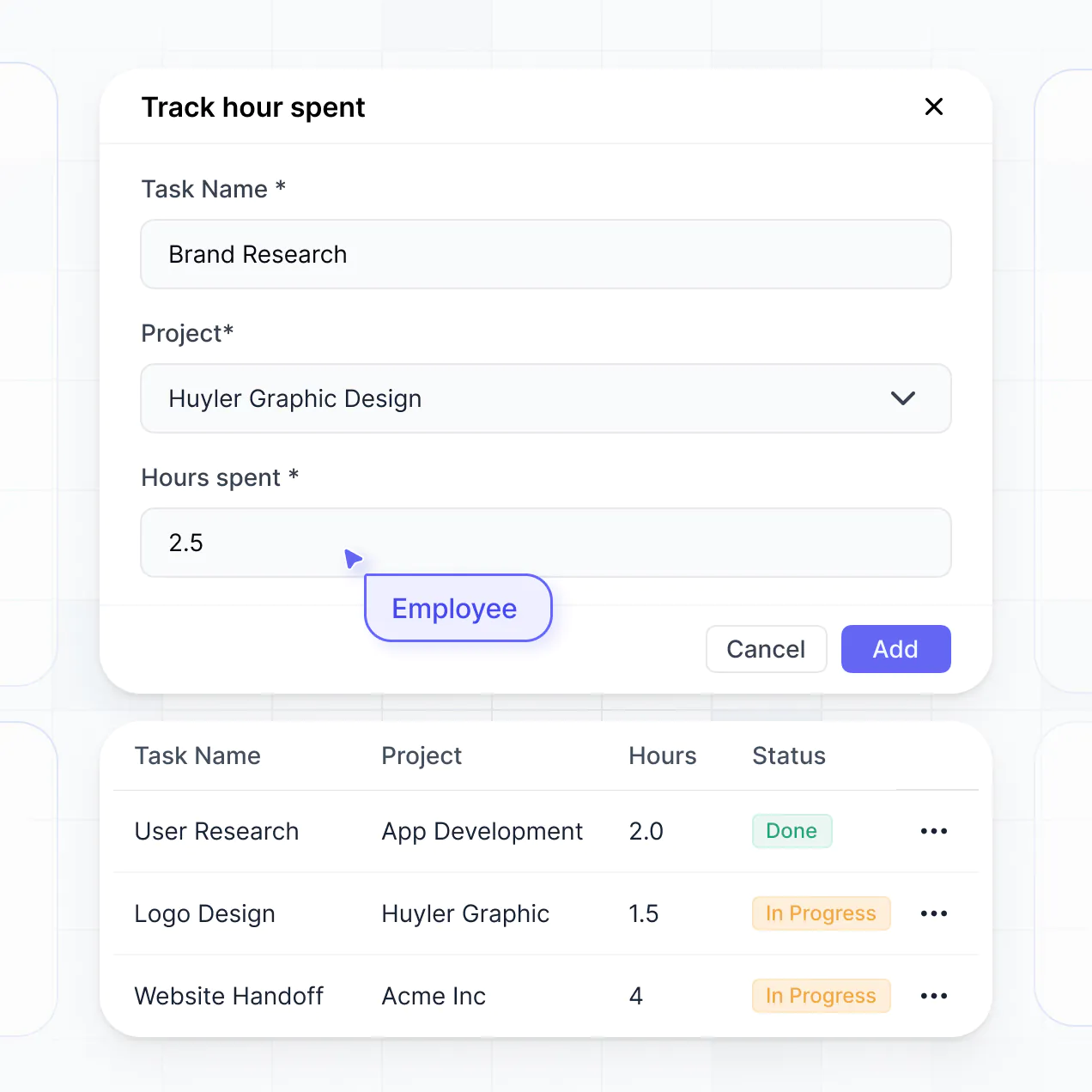
Capture daily site logs, inspection details, or subcontracting approvals using flexible form blocks tailored to each specific job requirements.
No more one-size-fits-all tools or costly custom builds. Softr is easy to use and fully customizable, so you can launch faster, adapt as you grow, and skip the complexity of traditional software.

Build your contractor management software in minutes with AI—no manual configuration or coding needed.

Add features like budget tracking, field logs, or site approvals as your projects evolve—no rebuild needed.

Start with project tracking, then add client portals, schedules, or crew forms—all in one place.
Co-build with AI
Simply describe what you need. Let Softr handle everything - Interface, database, workflows.
Iterate with AI or visually
Control most critical parts of your app yourself - roles, permissions, security.
Ship the same day
Invite team members or external clients and partners right away. No developer handover.
Use drag-and-drop blocks to build a portal that looks sleek and modern out of the box. Add only the features you need, and iterate as your workflows evolve.




General contractor project management software is a dedicated digital workspace where construction leads, subcontractors, and clients collaborate on building projects. It centralizes blueprints, change orders, work schedules, and inspections into one secure location. Instead of hunting through messy email chains or outdated paper logs, you can manage every job site from your mobile device, ensuring your crew stays on schedule and your projects remain profitable.
Softr is the first AI-native platform for construction software, making it incredibly simple to build project management tools that match your specific building process. You can describe your workflow to the AI Co-Builder to instantly generate high-performance databases, project tracking pages, and approval logic—all pre-connected and ready for the field.
You don't need any coding skills to get started. You can generate your app with AI, use a specialized construction template, or build from scratch. Your software runs on Softr Databases, or you can link data from your existing spreadsheets in Google Sheets or Airtable. This flexibility gives you full control over site logs, project timelines, and branding, allowing your software to scale from small residential renovations to large commercial builds.
You can integrate a wide array of construction-focused features to streamline your jobsites. A robust project management app usually combines essential logistics with AI-driven insights:
- AI-Powered Intelligence – Use Ask AI to query project specs or use Database AI Agents to automatically summarize subcontractor bids or analyze material cost fluctuations.
- Vibe Coding Blocks – Create custom interactive elements, such as a localized weather tracker for site safety or a custom blueprint viewer, using the AI Code block to build exactly what your foremen need.
- Softr Workflows – Set up automated notifications, like sending an alert to a subcontractor when a permit is approved or a safety inspection is marked as failed.
- Client & Subcontractor Portals – Securely manage logins so homeowners see progress photos while subs only see their specific task lists and punch items.
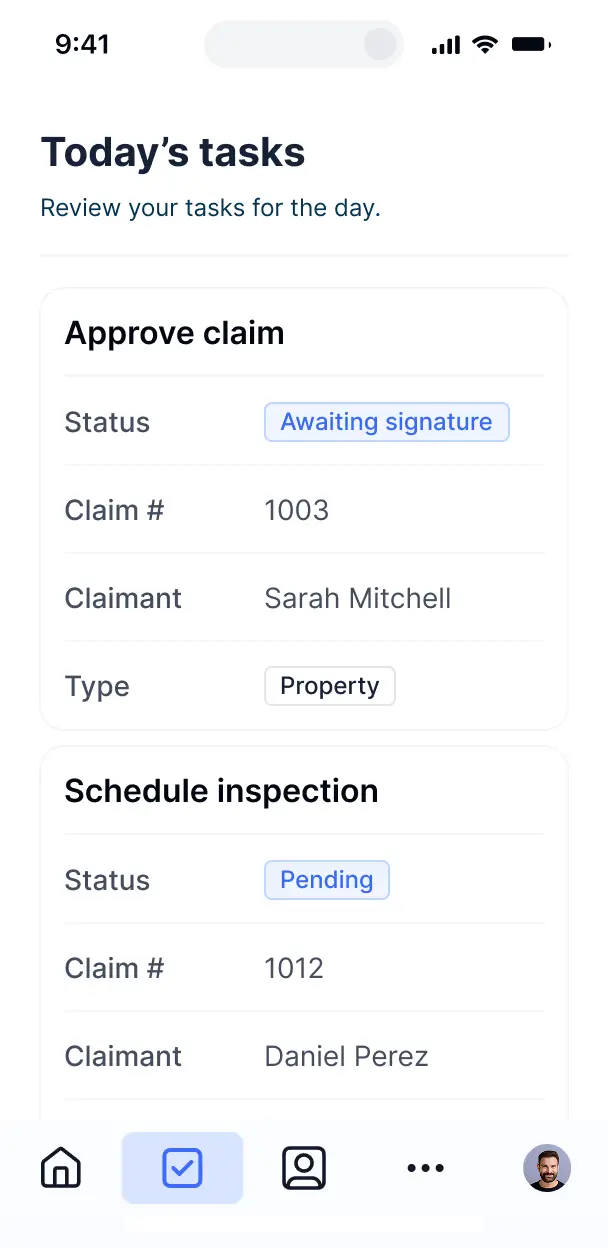
- Daily Logs & Inspections – Capture site updates via mobile-friendly forms with photo uploads and digital signature fields.
- Budget & Cost Tracking – Visualize your job costs and labor hours with real-time Gantt charts and budget-to-actual summaries.
- Project Timelines – Manage your critical path with searchable tables and calendar views that keep your timeline on track.
Since everything is built with Softr’s drag-and-drop blocks, you can adjust your features on the fly without writing code.
Vibe coding allows you to build sophisticated construction tools by describing your requirements. You can "vibe code" your project management software by telling the AI Co-Builder exactly how you handle change orders, vendor bidding, or site inspections. Softr then generates a production-ready application that works perfectly on both desktop and mobile.
While other tools might give you buggy, raw code, Softr handles the foundational essentials—like secure user logins for subs, data storage for site photos, and field-level permissions—natively. This ensures you get the speed of AI generation without the risk of your software breaking when you're on a job site. You describe the job site workflow, Softr builds the app, and your crew can start logging hours immediately.
Yes. You can streamline multiple projects and different crews within a single application. Softr’s permission system ensures that a site lead only sees the blueprints and task lists for their specific project, while you, as the general contractor, maintain a bird's-eye view of every active job site and budget across the entire company.
Absolutely. You don't need an existing database to start building your management tool. If you're starting fresh, you can use Softr Databases, which is built into the platform and optimized for tracking inventory, labor hours, and project milestones.
However, if you already have your vendor lists or material costs in Airtable, Google Sheets, or SmartSuite, you can easily connect those as well. You can even use the REST API to pull in data from specialty construction accounting tools. You have full ownership over how your construction data is organized and presented to your team.
Softr Databases is the recommended choice for general contractors. It is a native relational database designed for speed and reliability, ensuring that daily logs and photos uploaded from the field sync instantly across the platform.
If your data is currently stored elsewhere, Softr connects to over 17 external sources, including Airtable, Google Sheets, HubSpot, and BigQuery. You can even combine sources—for example, pulling your client contact info from HubSpot while tracking actual job costs in Softr Databases. Most connections support two-way sync, so updates made on the job site reflect in your main database automatically.
Yes, Softr provides granular control over the construction management experience. You can tailor the interface to match your firm's brand and workflow, showing or hiding specific pages based on who is logged in. This ensures a subcontractor only sees their assigned tasks, while a client sees a dashboard focused on project progress and invoices.
You can define specific roles—such as Project Manager, Subcontractor, or Homeowner—and set exact viewing and editing rights for each. For instance, you can allow foremen to edit daily logs while restricting homeowners to 'view-only' access for photos and schedules. This level of customization keeps your sensitive project financials secure while providing everyone with the specific tools they need.
Yes, you can fully white-label your software to present a professional image to your clients and partners. You can use your own logo, company colors, fonts, and a custom domain (e.g., projects.yourconstructionfirm.com). By removing Softr branding, you ensure that every interaction—from viewing a quote to signing off on a change order—feels like a premium, internal experience provided by your company.
Yes, Softr offers extensive flexibility to organize your project management layout. You can adjust the visual theme, spacing, and page hierarchy to fit your business style. Whether you need a simple interface for field workers or a detailed dashboard for stakeholders, you can choose from various data blocks:
- Table blocks – for tracking equipment lists, vendor bids, or permit statuses.
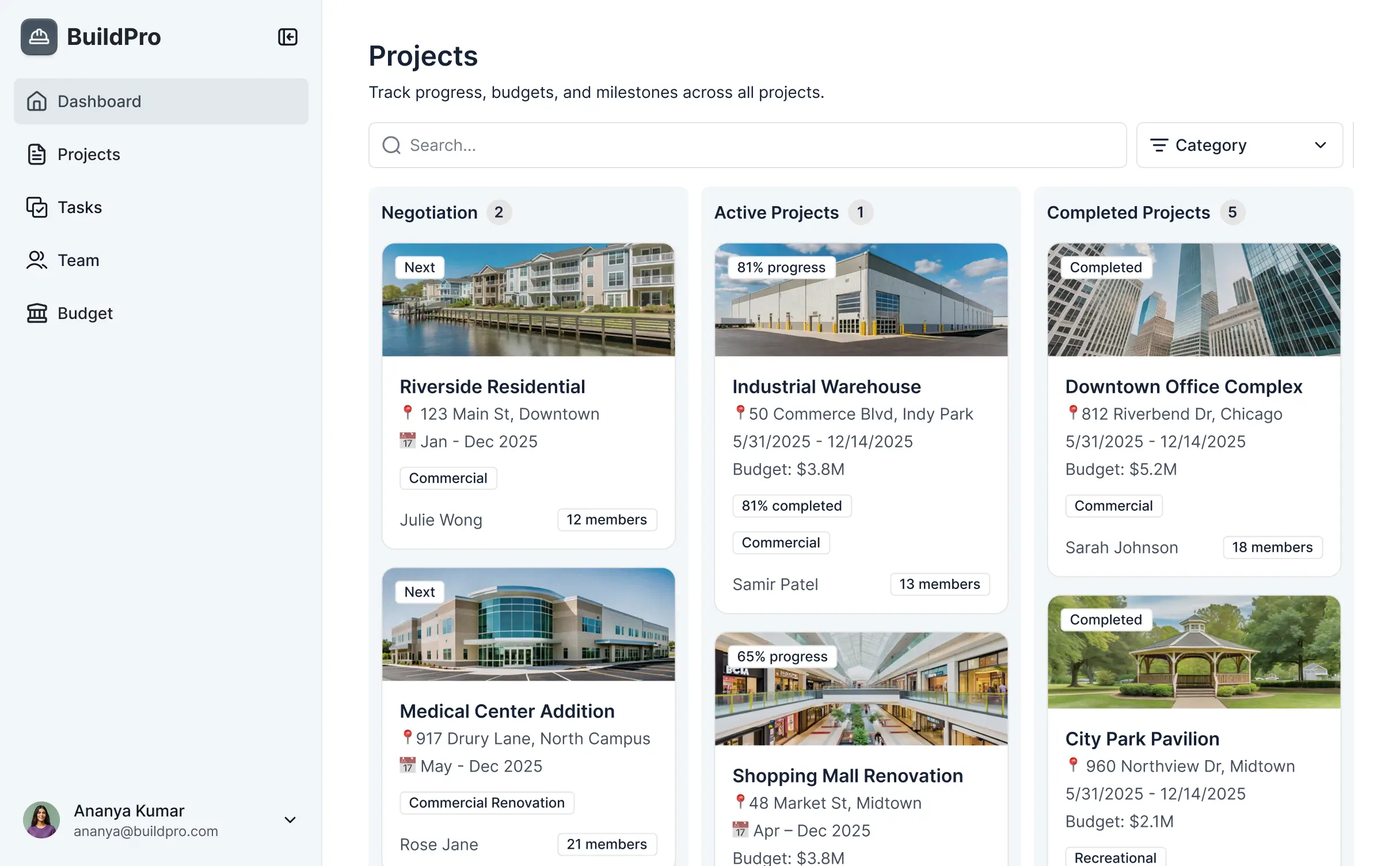
- List or Card blocks – to display project phases, site photos, or team profiles.
- Detail View – for deep dives into specific work orders or inspection reports.
- Forms – for field reports, safety checklists, and incident logs.
- Charts – to track project profitability and labor hours against estimates.
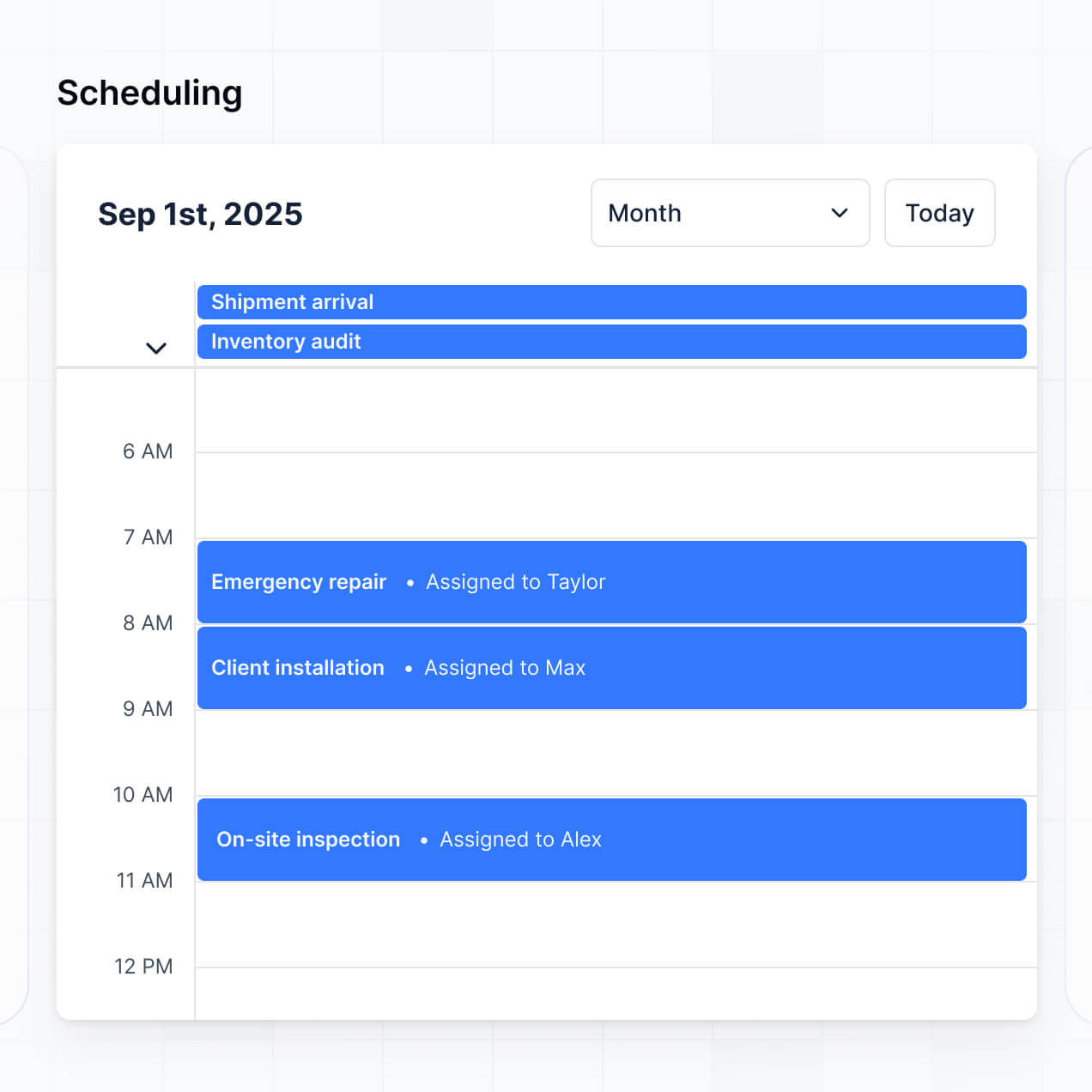
- Calendar blocks – to visualize construction schedules and delivery deadlines.
If you need to change your process—like adding a new stage to your inspection workflow—you can easily update the app in the visual editor.
Softr is built with enterprise-grade security to protect your project financials and client data. All information is encrypted both in transit and at rest. You have total control over data visibility via role-based permissions, ensuring that only authorized team members can access sensitive items like contract values or employee payroll.
When using Softr Databases, your data is hosted in a secure environment in Germany with SOC 2 Type II compliance. For external connections like SQL or Airtable, Softr acts as a secure lens, displaying data in real-time without storing it. We follow industry best practices for platform monitoring and authentication to ensure your blueprints and business secrets stay protected.
It is fully production-ready and built to withstand the demands of active job sites. Unlike typical AI experiments that generate unmanaged code, Softr builds your software on a secure, scalable foundation.
We provide the essential infrastructure—secure logins, hosting, and data permissions—natively. This means you skip the technical debt associated with custom code and get an app that is ready for your crew to use immediately. It’s a stable, scalable solution that grows as your contracting business takes on larger projects.
Softr is the first AI-native platform specifically designed for business-grade software. While traditional no-code tools require weeks of training and manual setup, Softr’s AI Co-Builder generates your construction database and app logic in minutes based on your specific needs.
The key advantage is the balance between AI speed and manual control: you can use AI to kickstart the project, then use the visual builder to fine-tune your workflow. Unlike "vibe coding" tools that produce fragile results, Softr gives you the reliability of built-in user roles, secure permissions, and robust hosting, making it the ideal choice for contractors who need results on day one.
Yes. Softr allows you to build powerful native construction workflows and connect to your favorite business tools. You can automate repetitive tasks, such as sending a Slack notification when a new lead fills out an inquiry form or triggering an email when an invoice is paid via our Stripe integration.
For more complex needs, Softr supports webhooks and a REST API, allowing you to sync your project data with accounting software or CRM platforms. Whether you are automating material procurement or client reporting, you can build a fully integrated ecosystem without writing a single line of code.
Describe your workflow and Softr's AI builds it in minutes. Get started free and launch your app today.