
Turning a spreadsheet into an app is significantly easier than you might think. With Softr, you have multiple paths: connect to Google Sheets and build an app on top of it, or import your data into Softr Databases. And with Softr MCP, you can point an AI assistant at your spreadsheet and ask it to convert it to an app without leaving the chat window.
How to turn a spreadsheet into an app in Softr
Building an app from a spreadsheet in Softr can be done in less than ten minutes. It's as simple as connecting to your data source of choice and letting the AI Co-Builder work its magic.
Here's a step-by-step guide to walk you through the process.
1. Import your spreadsheet data
You have two options for moving your spreadsheet data into Softr. You can import a CSV or Excel file to create a Softr Database, or you can connect Softr directly to your Google Sheets account. For this guide, I'll take the latter approach.
Open the Softr studio dashboard and click + Connect > Select data source > Add another data source. In the window that opens, select Google Sheets and hit Continue.
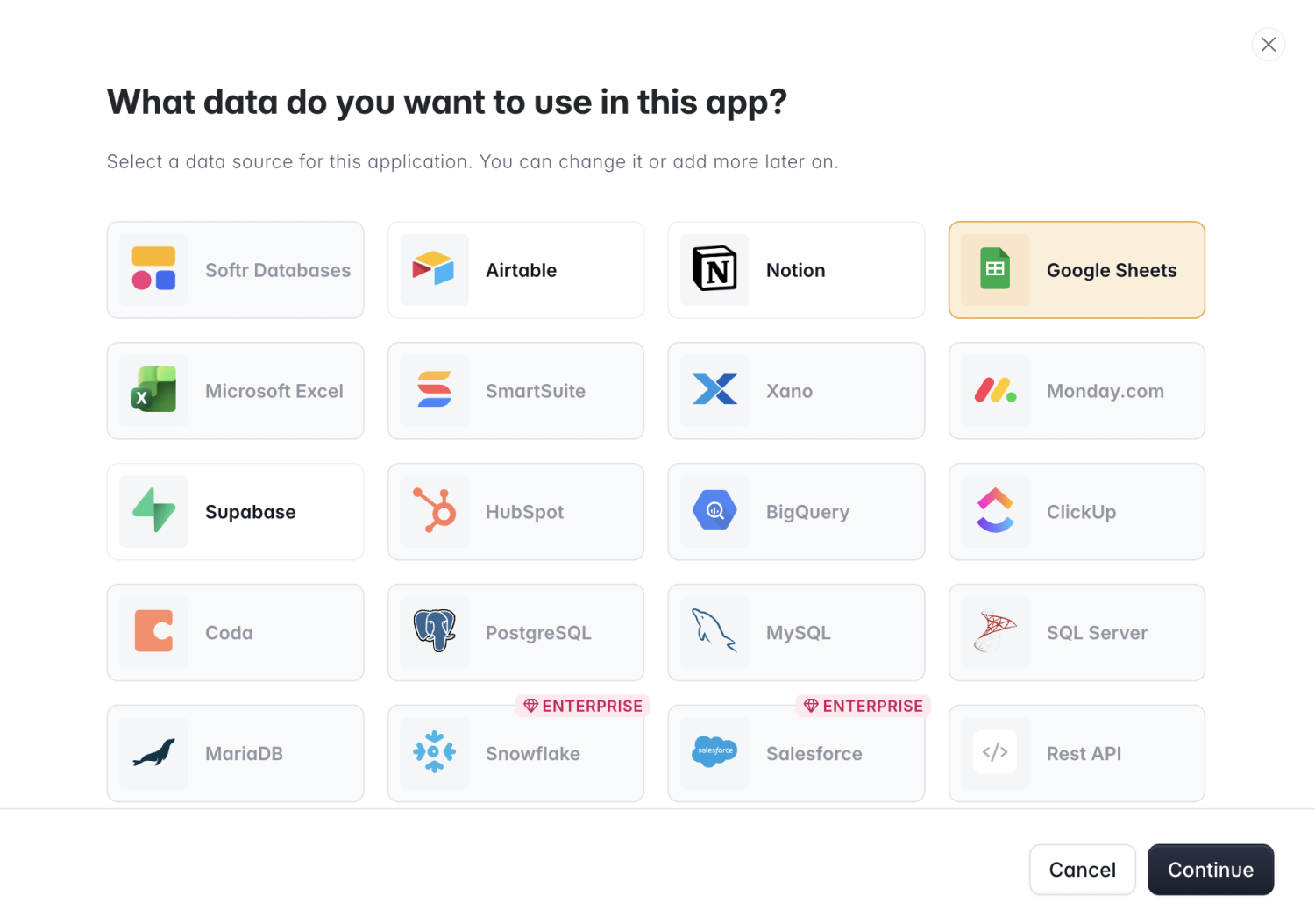
You'll be asked to give Softr access to your Google account. Once you do, head back to Softr and use the dropdown menu to select the specific spreadsheet you want to turn into an app.
2. Generate your app with the AI Co-Builder
Back in the Softr dashboard, you'll see your connected spreadsheet tables (three, in my case) in the AI prompt box, along with a default prompt.
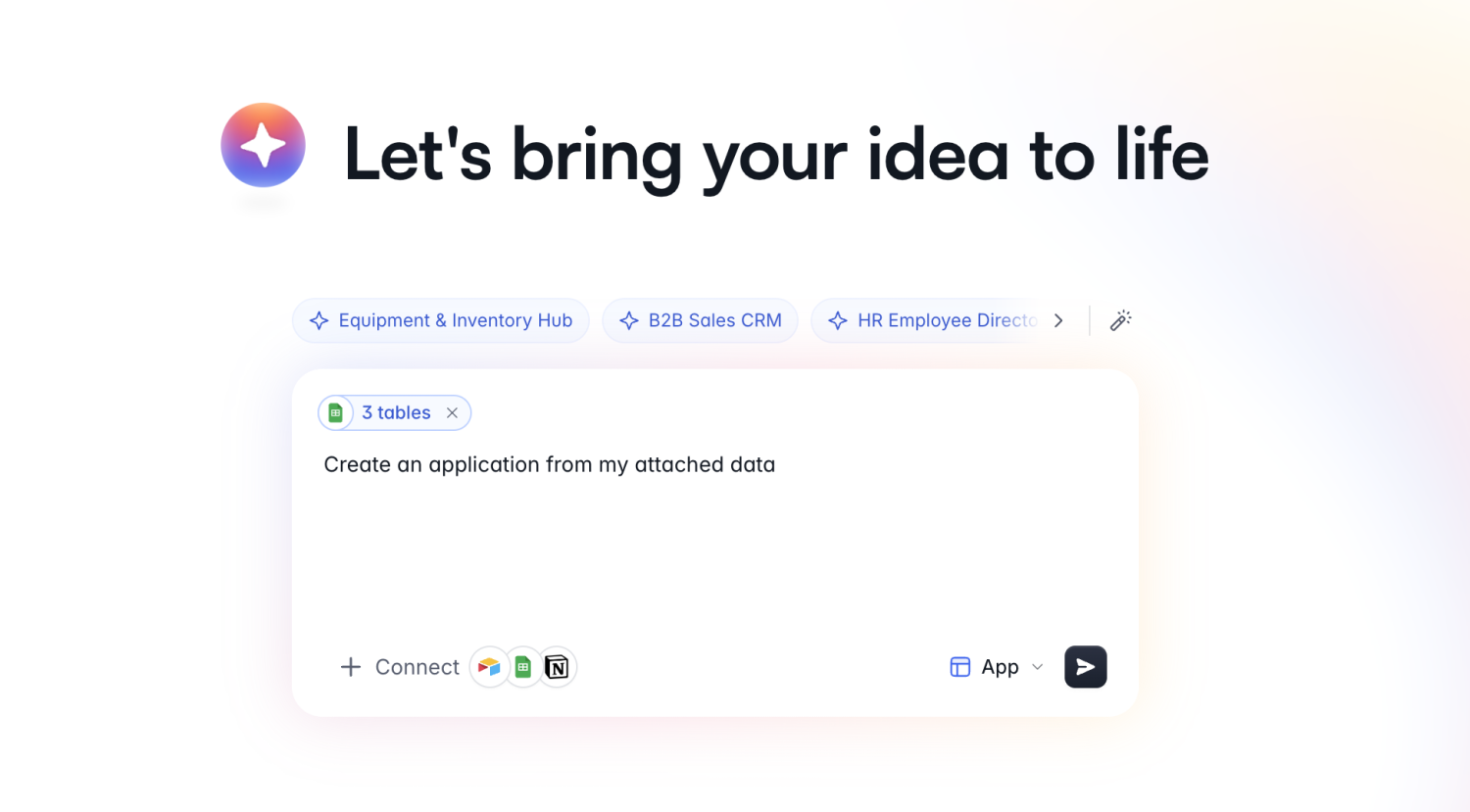
You can either hit enter and let the AI Co-Builder ask you what kind of app should be generated, or refine your prompt with more detail.
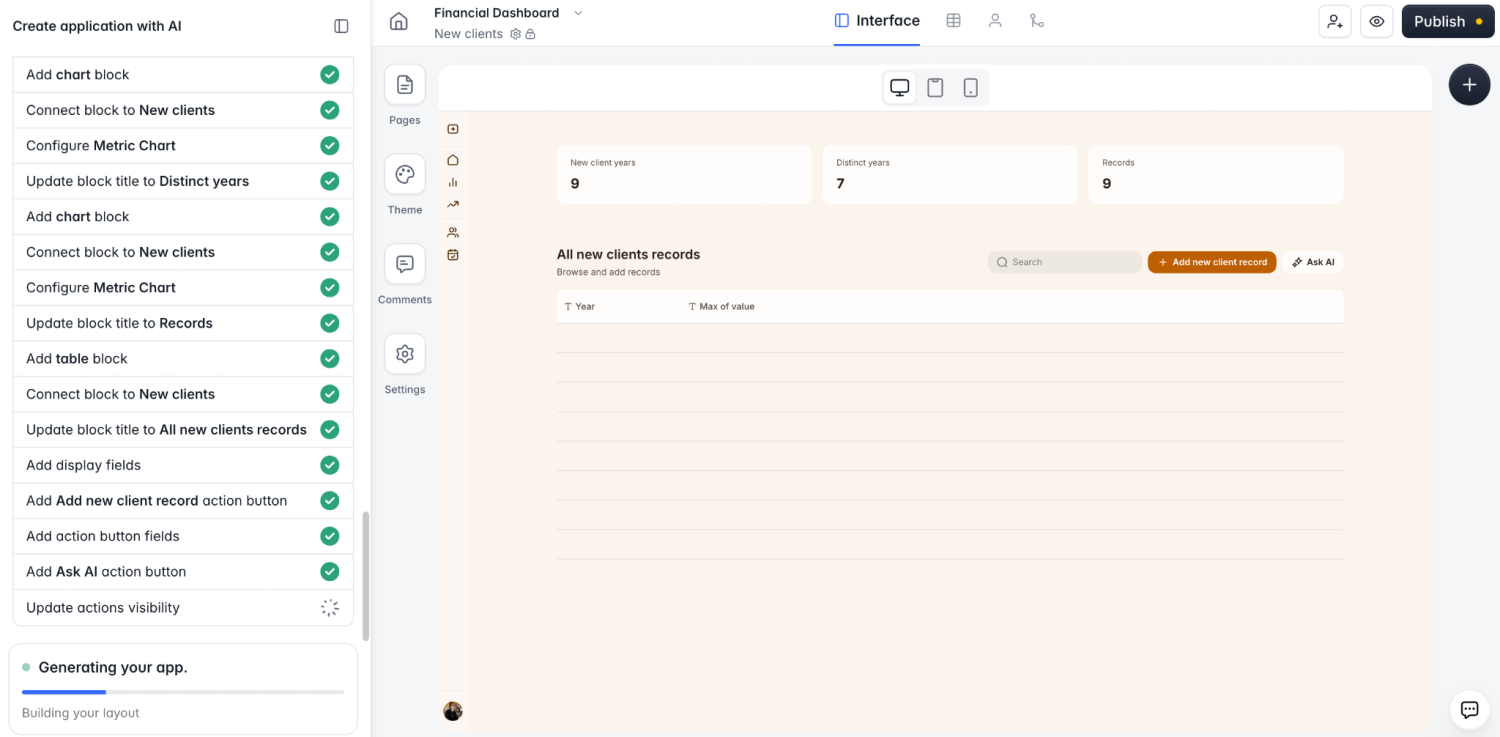
After submitting a prompt, you'll answer a few questions about app requirements, authentication settings, layout, and theme. These can all be changed later, so when you're done, click Create my app → and watch the Co-Builder generate it in real time.
3. Refine with AI or visual edits
In just a few minutes, Softr gave me a working app: a financial dashboard complete with pages, charts, and tables synced to my connected spreadsheet data. At this stage, you have a few paths forward. You can:
- Continue prompting the Co-Builder to add pages and blocks, or tweak existing ones
- Make changes using the visual editor without spending AI credits
- Add custom UI components with the Vibe Coding block
For this example, I added buttons to let users update records, made certain blocks visible to admins only, set up global data restrictions, and rearranged pages to suit my tastes (and that's only scratching the surface of what you can customize).
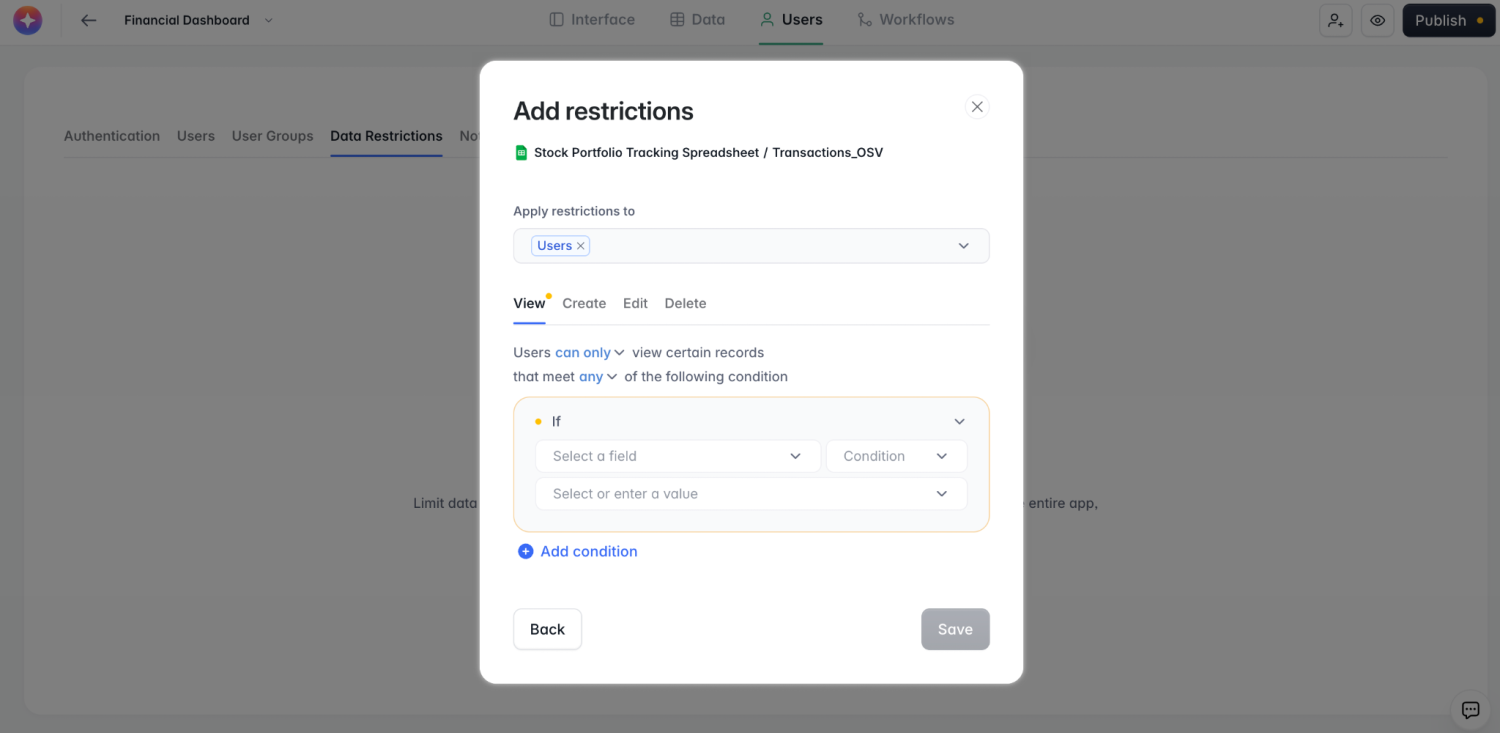
Also, Softr lets you integrate multiple spreadsheets and data sources within a single app, meaning you could have one block connected to Google Sheets as a data source, another to Notion, and another to Airtable. So, on top of replacing your spreadsheet, you can build an app that brings all your scattered data together in one secure platform.
4. Test and publish your app
Preview your app at any time by clicking the Preview button (the eye icon) in the top-right corner, which lets you act as different user roles to see what they can and can't access.
If everything works as intended, click Publish.
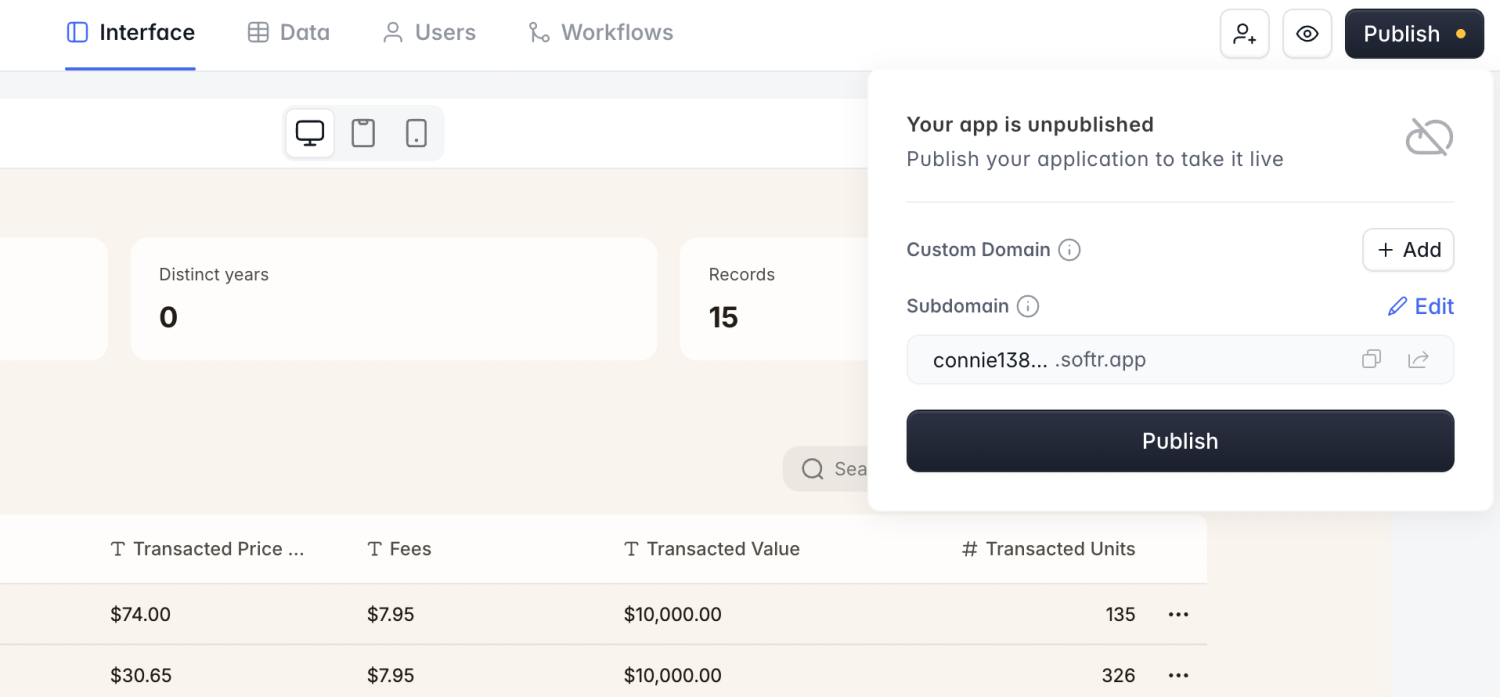
You'll be able to set a domain and subdomain, and with one more click, your app goes live. Now you can share it with real internal and external users.
How to turn a spreadsheet into an app with MCP
Through Softr MCP, you can also turn a spreadsheet into an app by prompting Claude, Codex, or another AI tool. Here's how:
- Connect your AI assistant to the Softr MCP. For ChatGPT, Softr is an official plugin, and in Claude, it's in the connector directory. For other tools, add
https://mcp.softr.io/mcpas a custom connector. - Import your spreadsheet to Softr. If it's saved as a local CSV or Excel file, just point your AI tool at it and it'll create your database. If you want to stay connected to Google Sheets, add it as a data source in Softr before proceeding (step 1 above).
- Prompt your way to a working app. Describe the database structure, the app you want to build on top of it, and what your user groups will be for login and access control.
- Keep prompting, or take over in the studio. Now you can ask your AI for more pages, workflows, or Vibe Coding blocks to add features to your app.
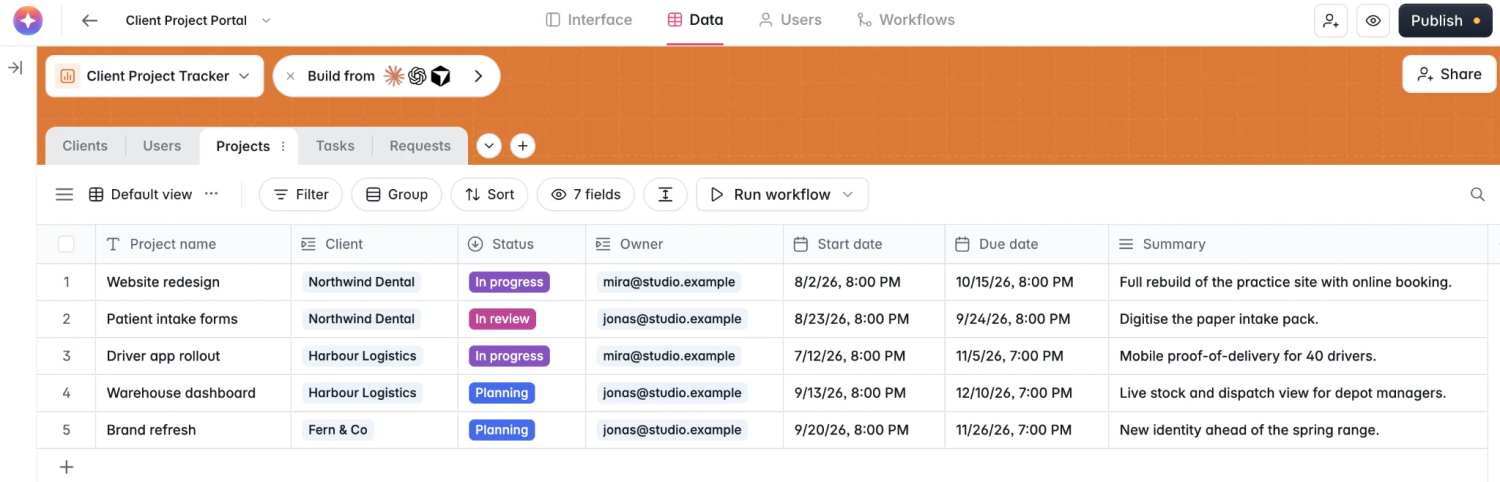
Everything you build through the Softr MCP lands in Softr Studio, where you can edit by hand and share with your team. Connecting is free on any plan, and it doesn't consume AI credits.
👉 For a full, step-by-step app build, see our guide on creating an app with Claude Code.
How to migrate from spreadsheets to Softr Databases
The guides above assume you want to keep your data in an external spreadsheet and build an app on top of it. But since you're already using Softr for your interface, you can also use Softr Databases as your backend and do away with spreadsheets entirely.
This is as simple as creating a new database in Softr, then selecting Import data.
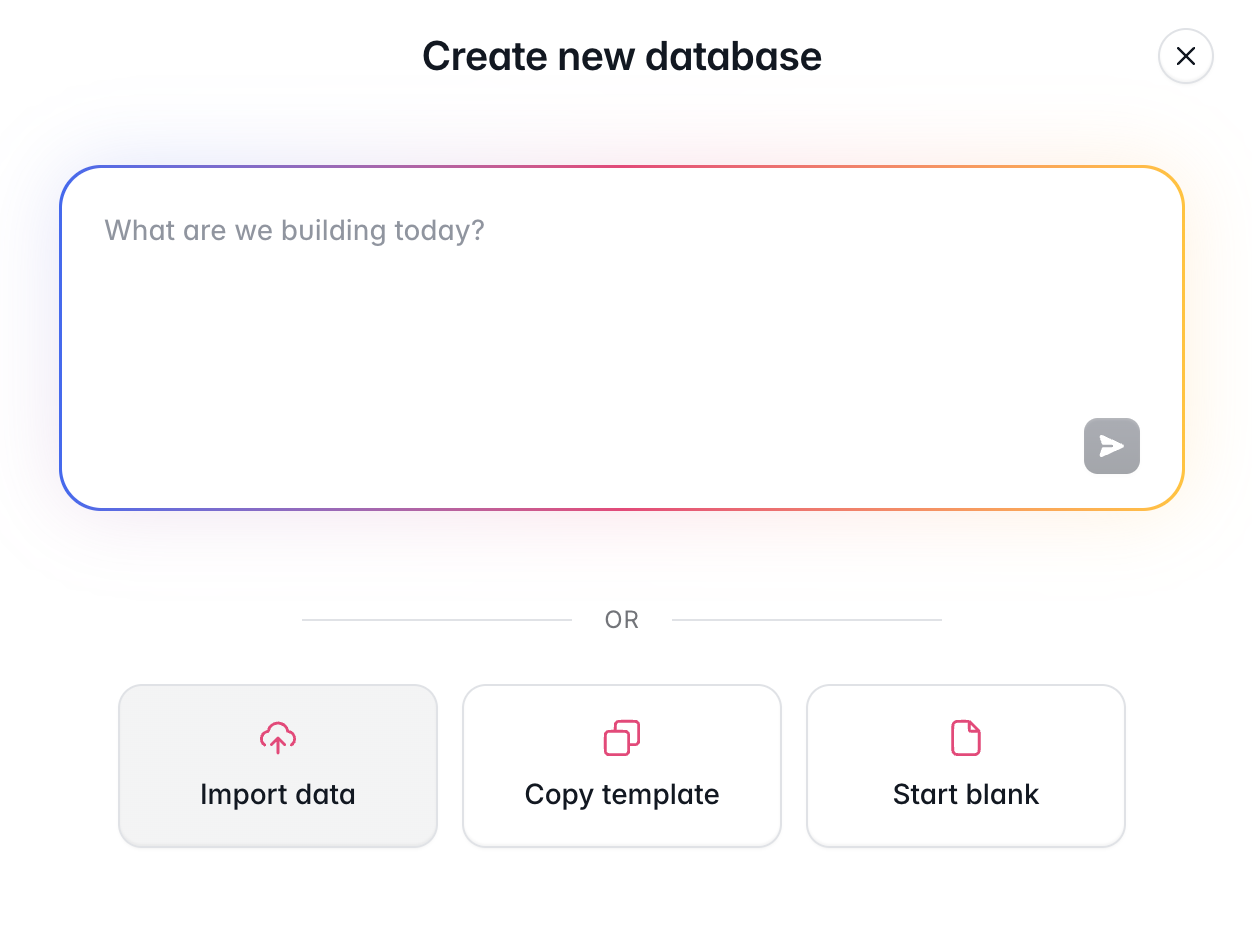
Choose your data source (like a CSV file or Google Sheet), and a Softr Database will generate with all your records ported over and mapped to the proper fields.
This is the recommended approach if you want to manage your data, apps, workflows, and users in one place.
When should a spreadsheet become an app?
If you're here, you may already be in the process of moving from spreadsheets to an app + database combo. But in case you're not sure yet, here are some signs it's time:
- More than one person edits it, leading to overwrites and multiple versions.
- You want to share it externally without showing a client data they shouldn't see.
- You have users that need to submit data without editing the sheet directly.
- You're relying on workarounds like color coding to keep things organized.
- Team members need to view and update records from their phones.
- You want a way to trigger notifications when something changes.
If any of these sound familiar (and they probably will), try Softr for free and use AI to turn your spreadsheet into an app in minutes.
Frequently asked questions
Can you turn an Excel file into an app?
Do I have to move my data out of Google Sheets?
Does the app stay in sync with my spreadsheet?
Can I control which rows each person sees?
What does it cost to turn a spreadsheet into an app?