7 signs you should replace your spreadsheet with a business app

Teams rarely make a collective decision to stop using a spreadsheet. What happens instead is everybody slowly loses trust in it. Filters break, numbers stop matching, and pretty soon people just stop opening the file. Then, they either build their own shadow copy, or the whole workflow unofficially “migrates” to Slack DMs.
The point at which a spreadsheet outgrows its job is usually obvious in hindsight but invisible in the moment. So here are seven concrete signs you can check against today. If you relate to even two or three of these, it’s time to ditch the spreadsheet and start using a business app.
1. You've renamed the file with a year in it
Partners List 2026, Leads v4 FINAL, New Master Sheet (use this one). These filenames are signs that a spreadsheet has outgrown its original purpose. You've already accepted that the current version doesn't scale, that a rebuild is inevitable, and that maintaining history requires a new file. Every team does this, and every time, the next version breaks for the same reasons the old one did.
"One thing we often see is spreadsheets with a six-month lifespan, then a new '2026' spreadsheet gets created." — Guillaume Duvernay, Softr
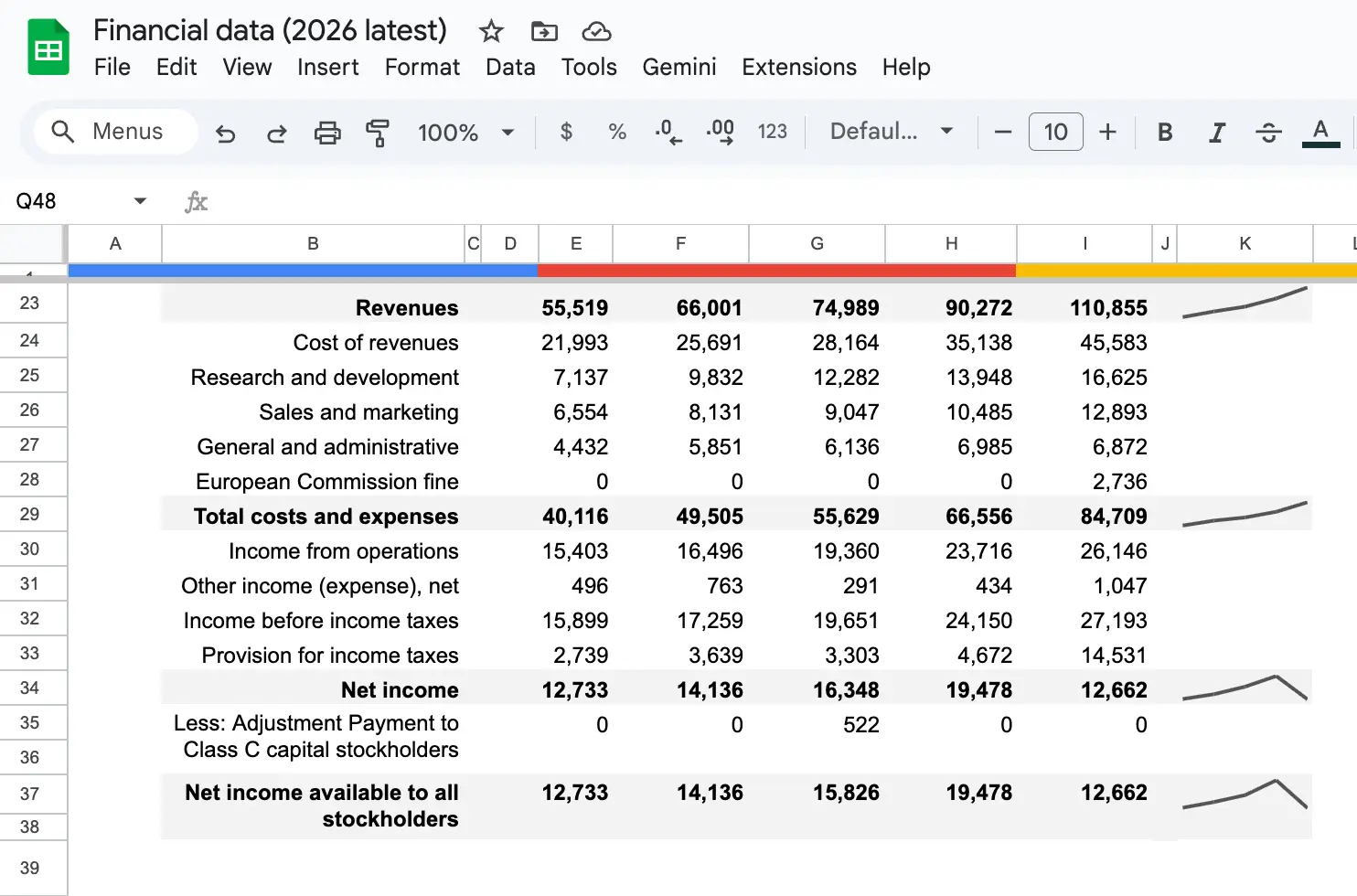
This pattern isn't just about yearly renames. It shows up anywhere people archive the old sheet and start fresh. Teams end up rebuilding on a schedule, and the schedule is exactly how long it takes for the previous version to collapse.
2. Your sheet has a tab for every month, team, or client
Tabs are the first thing people add when a spreadsheet stops being manageable. March gets its own tab, then April, then "Q2 summary." Or every client and team member gets a tab. This feels organized for about six weeks.
Then, problems start. You can't easily roll up data across tabs. Formulas that reference "March" break when you rename it. Adding a new month means duplicating a template and manually relinking everything. And as soon as someone asks "how did that client do throughout the year," you're stitching data back together by hand.
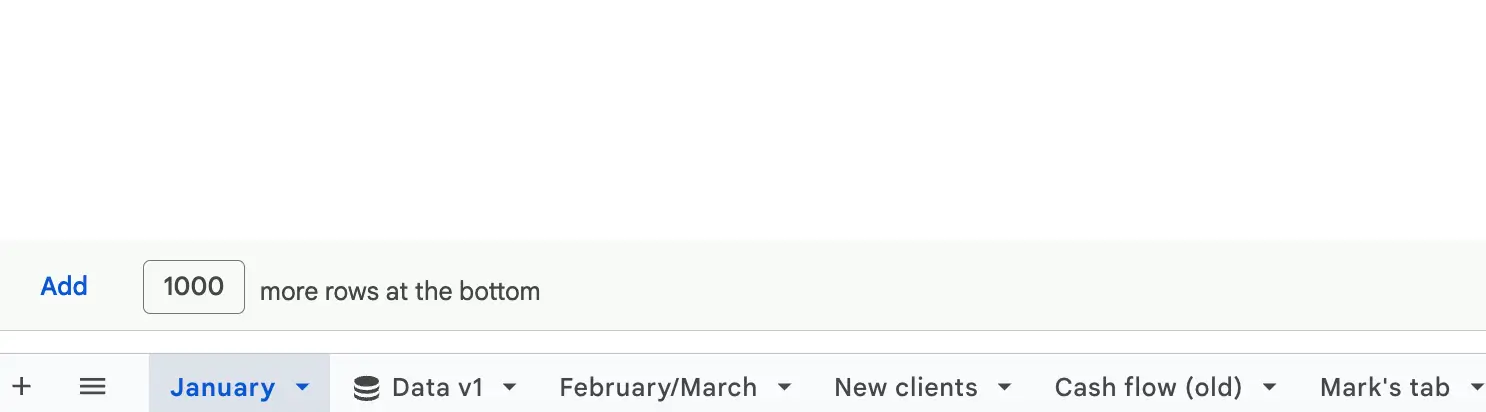
Here’s a good rule of thumb: if you're creating tabs to split the same kind of data (by time, by team, by client), you've probably outgrown the spreadsheet. That data belongs in one table with a column for the split, which is exactly what best spreadsheet-style databases are built for.
3. Someone has the "master sheet" on their laptop
One person owns the file. When they're on holiday, nobody can update it. When they leave the company, the handoff becomes a crisis. When two people work on it simultaneously, one gets asked to send the file back when they’re done.
This is what a shared spreadsheet looks like when it’s already hit a failure point, and the team has to go back to emailing the file back and forth.
Even teams that do keep one live file hit a related wall. A spreadsheet has one view, so the moment someone sorts or filters it, everyone else's screen rearranges too.
"A lot of people complain that when you create a view to filter or sort, it changes the view for the whole team. You end up telling your team, 'I'm using the spreadsheet right now, don't change my filters.'" — Kai Schönberger, engineer behind Softr Databases
4. People are sharing sensitive data by sending the whole file
Say your sales team has a prospect, and they need to send a deck or pricing for review. The workflow looks like this: open the full CRM sheet, download it, delete the rows that aren't theirs, save as a new file, email it. And they have to do this every time.
Or (even worse) they just send the whole file and hope the client doesn't scroll down too far.
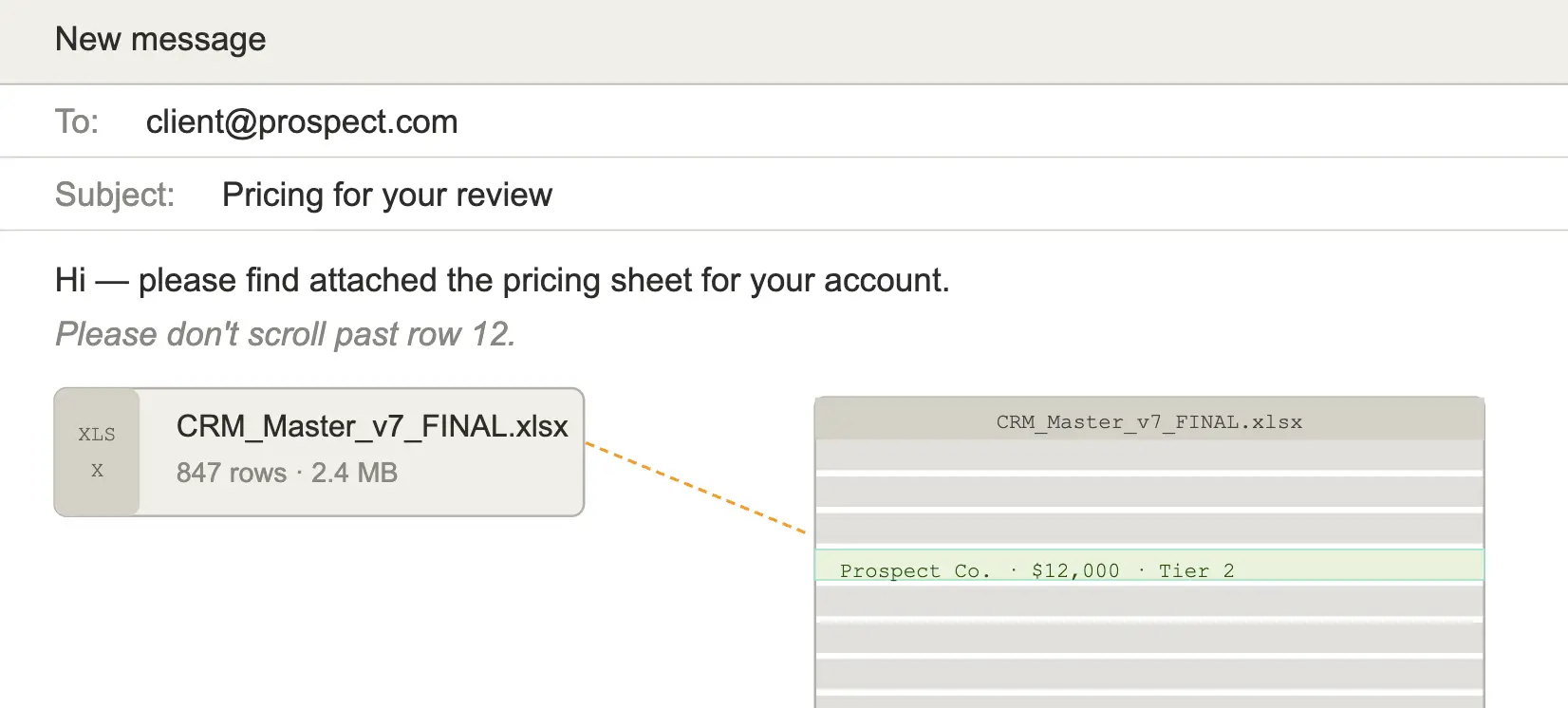
The underlying problem is that spreadsheets are shared at the file level. You can't specify that "this user sees only row 42." The usual workaround is either manual redaction (tedious and error-prone) or oversharing (a real legal risk). Both are signs that a spreadsheet is the wrong kind of container for this data.
5. You've stopped trusting the numbers
You run the same query twice and get two different totals. A VLOOKUP shows "#N/A" on a row you know exists. The "total invoiced" cell went down this week, which doesn't make sense unless somebody deleted something. Now, you have to add 10 minutes of "sanity-checking the spreadsheet" to every meeting where the numbers come up.
At this point, the spreadsheet has turned into a source of questions rather than a source of truth. When the team starts hedging reports with "I think this is right, but let me double-check the sheet," the sheet has already failed at its job. Nobody announces it, but everyone has started working around it.
6. Field or remote workers are emailing data to someone in the office
Technicians at a job site, delivery drivers on their route, sales reps between meetings: if any of these team members need to log data from the field, and the workflow involves them texting, emailing, or voice-noting details to someone in the office (who then retypes them into a spreadsheet), the tool has a mobility problem.
Spreadsheets on mobile devices are unusable for anything more complex than reading a single cell. A 40-column sheet with filters, merged cells, and frozen panes simply doesn't survive the trip to a 6-inch screen. So the field work gets retyped, always with a delay and often with errors, and the person in the office becomes a bottleneck. Because a spreadsheet cell doesn't enforce a format, there's nothing to stop a wrong date or a number typed into a text column, so those field errors slip through unnoticed.
7. Your team built a second tool to work around the first one
This is the most important sign, because it's usually the last one anyone notices. Somewhere alongside the main spreadsheet, a parallel tool has appeared. A Notion page that mirrors the same data "because the sheet is too much." An Airtable base someone started "just for our team's view." A Slack channel where the real status lives, because nobody trusts the status column in the sheet anymore.
When a team builds workarounds, they're voting with their time. The spreadsheet is still technically the system of record, but nobody's using it as one. Whatever tool they built instead is closer to what they actually need. But the question isn't whether to replace the spreadsheet; it's whether to consolidate onto the workaround or build something better.
Lakeshore Windows, a window installation business, ran into a version of this same problem: quotes lived in a CRM, project details lived in spreadsheets, and client and installer communication happened over email. None of those tools talked to each other, so someone was always the manual bridge between them. After moving the whole workflow into one connected portal, the business got to 100% of contracts generated and signed automatically, with zero manual handoff steps in between.
What to do when you recognize one (or three) of these signs
If any of these signs set off alarm bells, it's worth treating the spreadsheet as a candidate for replacement rather than rebuilding it again.
A useful first move is an audit, not of the spreadsheet itself, but of how it's actually being used. Ask your team three questions:
- Who's editing it, and how often?
- Who's asked for access but doesn't have it, or has access but shouldn't?
- What decisions do we make based on the data, and do we trust those decisions?
The answers will tell you which signs you're hitting and how urgent it is to replace it.
The spreadsheet replacement process is also dramatically easier than it used to be. You no longer need a six-month engineering project to build a custom tool. Softr lets you describe the app you need (in plain language, or starting from one of 100+ templates) and receive a working interface, database, and business logic in minutes.
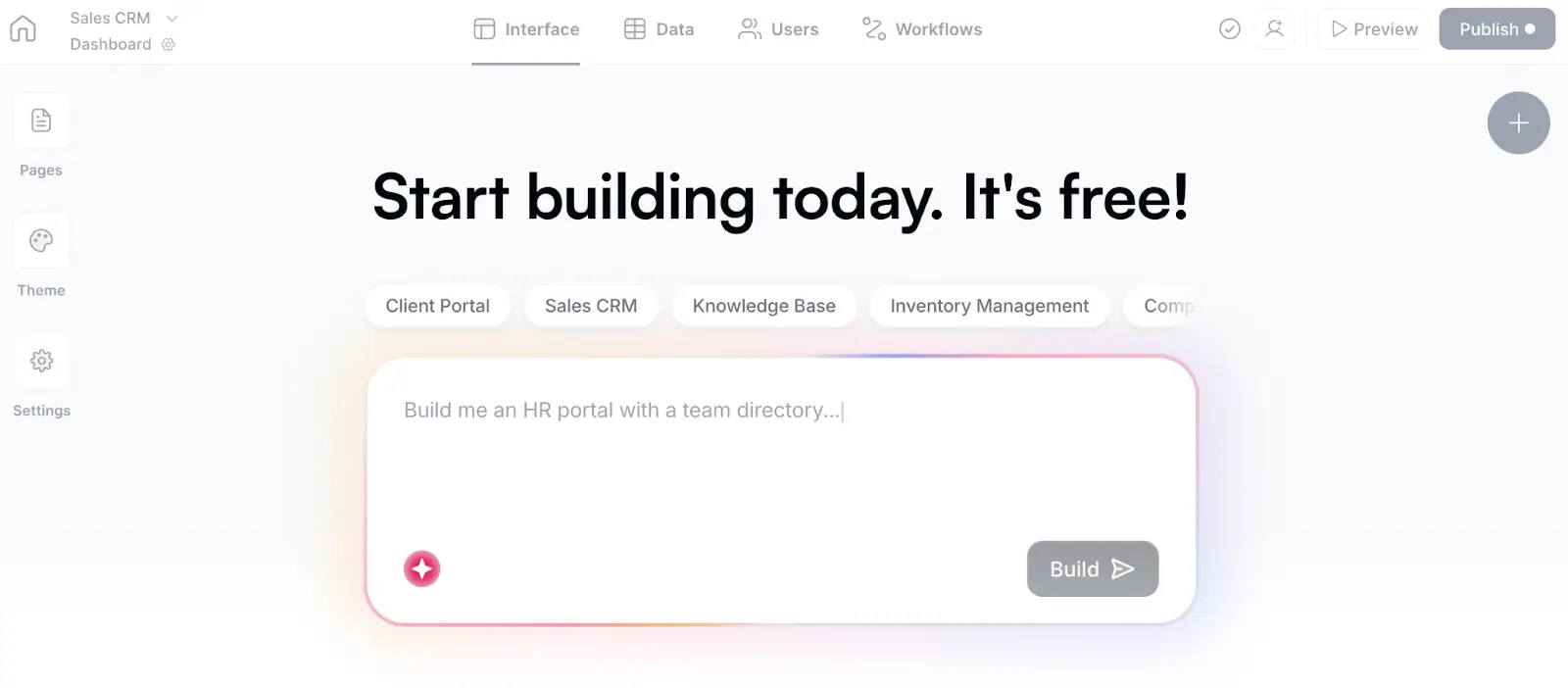
That means you get a real Softr Database with enforced field types and linked records (so no more VLOOKUPs), a real interface with pages and role-specific access, real workflows that trigger when data changes, and real user groups and permissions so external stakeholders only see what they should. That last part solves the file-sharing problem from sign four, because access is enforced at the data layer, not faked by hiding a button.
"It's not just the button that's gone, the backend enforces the restriction. Not like other tools where you can hack around a missing UI button. This is enforced." — Kai Schönberger, engineer behind Softr Databases
For most of the signs on this list, the fix is the same: move the workflow into a tool that was made for it. And if you want a tool that truly fits your workflow, try Softr for free and build it today.
Frequently asked questions
What if only one of the signs applies? Is that enough?
My team is attached to the spreadsheet. How do I convince them to switch?
Can we keep the spreadsheet and add an app on top?