For ops teams and project managers, Smartsheet looks like an appealing platform on paper. It combines tasks and collaboration in a familiar workflow, and it's fairly cheap for small teams.
But Smartsheet doesn't suit every use case. The spreadsheet-style workflow can feel rigid for some teams. The platform also has limited time tracking, analytics, and client collaboration features. That's why we compiled this guide. Keep reading to see our verdict on the most promising Smartsheet alternatives, along with feedback from real users.
The 11 best Smartsheet alternatives at a glance
| Tool | Best for | Starting price |
|---|---|---|
| Softr | Replacing Smartsheet with internal apps and client portals | Free, paid from $19/mo |
| monday.com | Cross-team visibility | Paid from $9/seat/mo (3 seats min) |
| ClickUp | An all-in-one workspace | Free, paid from $7/user/mo |
| Asana | Cross-functional project tracking | Free, paid from $10.99/user/mo |
| Wrike | Structured enterprise project management | Free, paid from $10/user/mo |
| SmartSuite | Combining databases and project management | Paid from $15/user/mo |
| Airtable | Spreadsheet-database hybrid workflows | Free, paid from $20/user/mo |
| Google Sheets | Spreadsheet-first workflows | Free, Workspace from $7/user/mo |
| Notion | Documentation and lightweight project tracking | Free, paid from $10/user/mo |
| OpenProject | Self-hosted project management | Free self-hosted, cloud from $7.25/user/mo |
| Baserow | An open-source database | Free, paid from $10/user/mo |
1. Softr — best for replacing Smartsheet with internal apps and client portals
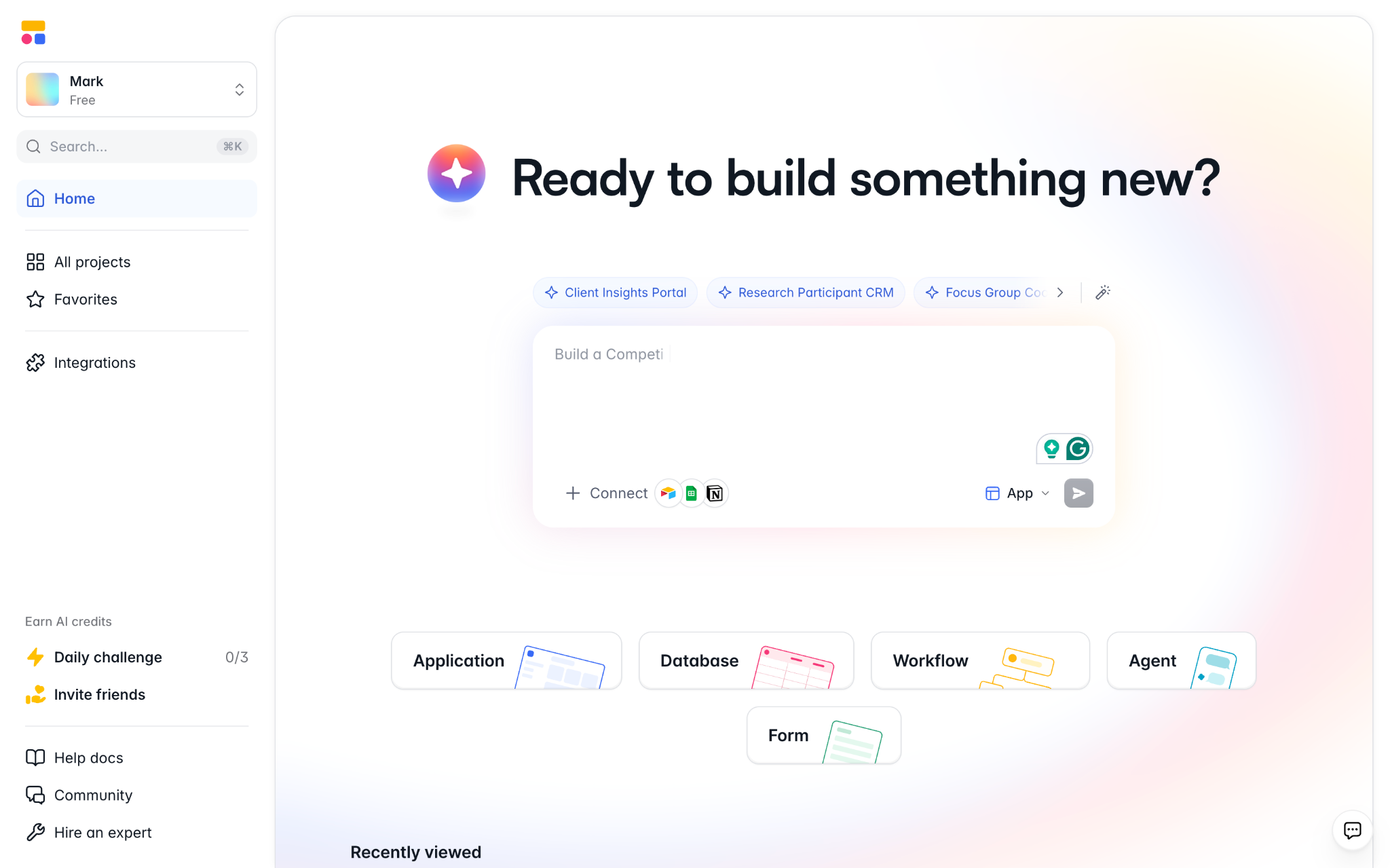
Smartsheet's rows and columns are great for simple tracking. But if you need to juggle teams, clients, vendors, and partners, Softr might be a better choice.
Whereas Smartsheet is focused on work management, Softr is a versatile AI app builder. This means you can create your own tools to suit your workflow: portals, dashboards, task trackers, CRMs, and more. As an example, we designed our own project tracker for a creative agency. This included a client-facing interface, showing progress and a visual preview of each project.
Be aware that Softr doesn't directly replace every project management feature in Smartsheet. Some teams may be better suited to a more traditional PM platform. But for teams with non-standard needs, Softr is the better fit.
Softr's key features
- AI + visual app builder: Describe the tool you need, then adjust the first draft via simple controls
- Softr MCP: Build and manage apps directly from Claude or ChatGPT using the Softr MCP server
- Softr Databases: Manage your apps and your data in one place via built-in relational databases
- External data sources: Connect your existing apps through 21+ native integrations
- Forms and workflows: Collect new data from staff, clients, vendors, and partners, then route it automatically
- Dashboards and interfaces: Make your tools user-friendly and design analytics to suit your workflow
- Progressive web apps: Make your tools work on any mobile device; great for field agents
What Softr users say
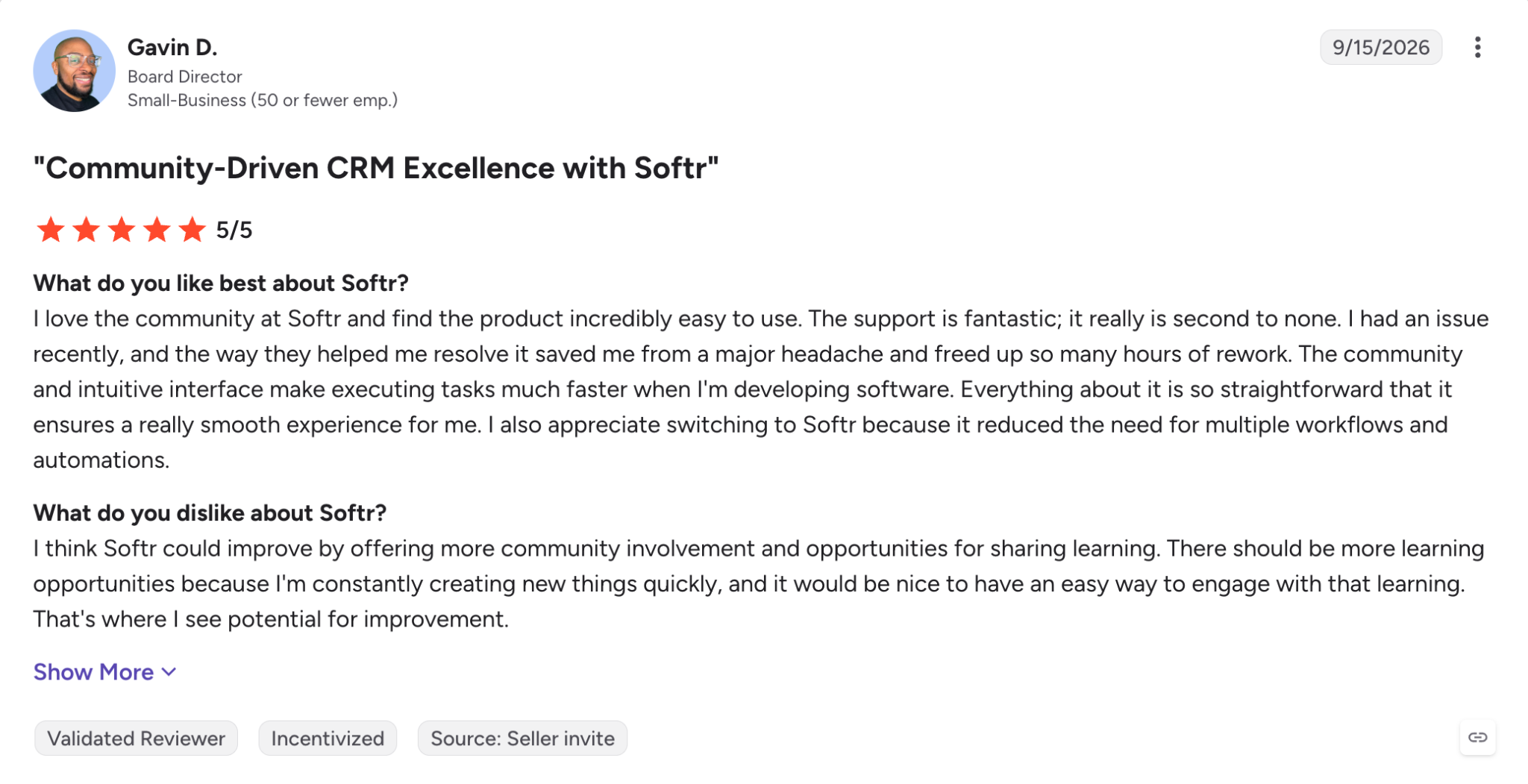
Softr has a rating of 4.7/5 on G2 from 739 reviews. Users frequently mention ease of use, strong support, simple setup, and integrations as their favorite features.
Migrating from Smartsheet to Softr
There's no direct migration from Smartsheet to Softr, but making the switch is pretty straightforward: Export your data to CSV or Excel, then either connect the file as a live data source or import it into Softr Databases.
Map your columns and linked records first. Then set up user groups and permissions before rebuilding your forms and workflows.
Softr pricing
- Free: Unlimited apps, workflows, databases, agents, and forms; incl. 5 AI credits
- Basic ($19/mo): Custom domain, conditional logic, more workflow options; incl. 10 AI credits
- Pro ($99/mo): No branding, Google/OTP sign in, granular permissions, comments, custom code; incl. 50 AI credits
- Business ($329/mo): 2FA, domain-based permissions, progressive web apps, push notifications, priority support; incl. 100 AI credits
- Enterprise: Custom incl. SSO, audit logs, custom SLAs, SCIM, customer success manager
Note: All prices listed in this guide reflect annual billing.
Who Softr is best for
- Operations teams
- Agencies and other client-service businesses
- Teams building internal tools and external portals
- Non-developers who need custom interfaces
The best general PM-suite alternatives
These project management platforms all help you with tracking work. They just do it slightly differently.
2. monday.com — for cross-team visibility
monday.com features:
- Boards and multiple views: Track projects across tables, Kanban boards, timelines, and other views
- Automations: Reduce repetitive status updates, notifications, and other manual work
- Dashboards: Get a clear view of progress across multiple projects and teams
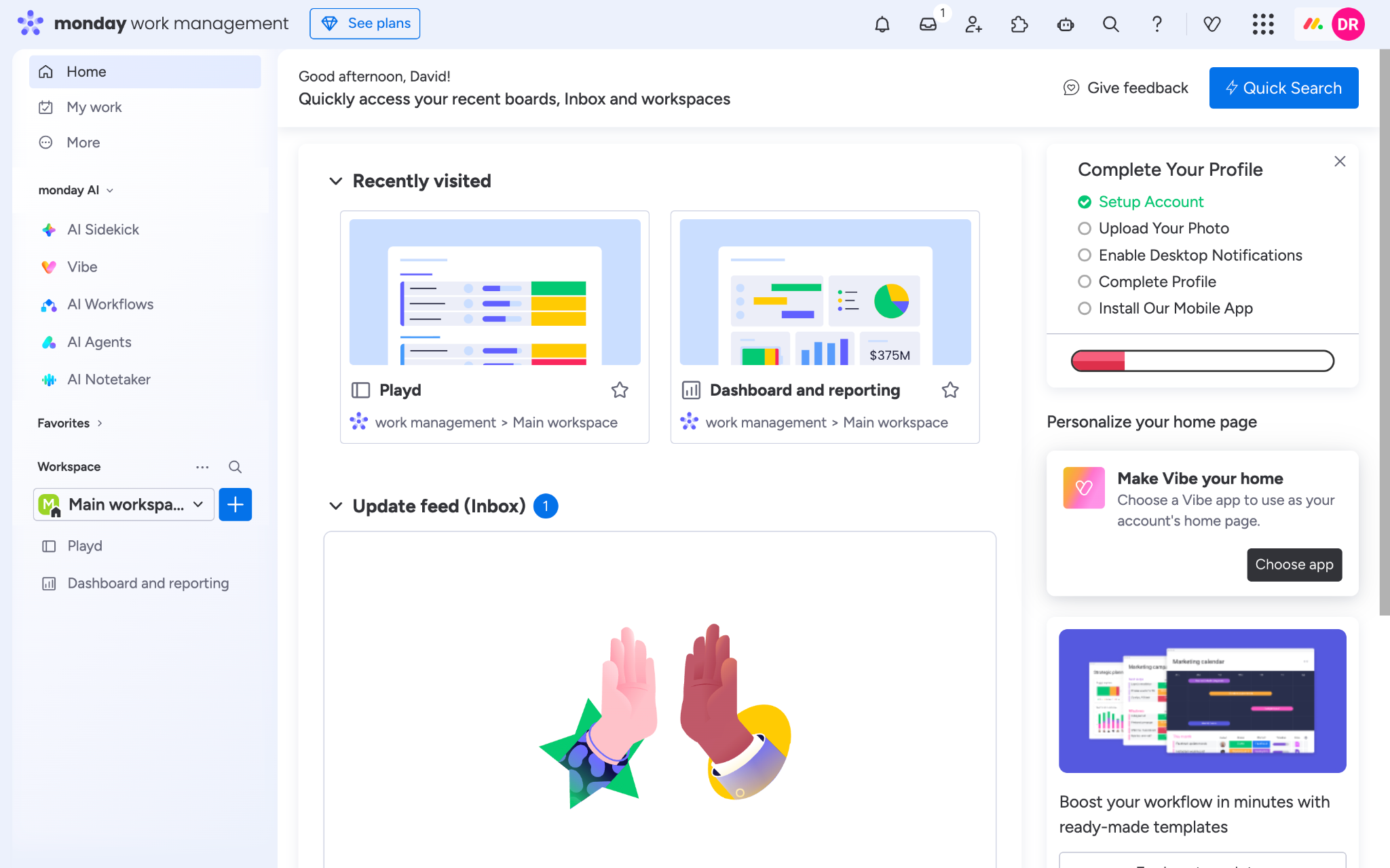
monday.com is a project management platform that offers a flexible, visual layout. This "Work OS" skips rigid spreadsheets in favor of color-coded labels, Kanban boards, tables, charts, and calendars.
In comparison with Smartsheet, we noticed that monday.com offers improved cross-team visibility. Users on G2 also point to collaboration as a strong point.
Pros: Nice interface, flexible views, good cross-team visibility
Cons: Needs active management as you scale, AI features can feel intrusive
User reviews: 4.7/5 from 17,221 reviews on G2 (Sept 2026)
monday.com pricing
monday.com's pricing is good for smaller teams, but costs rise as you grow. All paid tiers require three seats, and include AI tools.
Plans range from $9/seat/mo to $19/seat/mo, along with a custom enterprise tier.
Who monday.com is best for
Teams that want cross-team visibility and flexibility, within a traditional PM framework.
3. ClickUp — for an all-in-one workspace
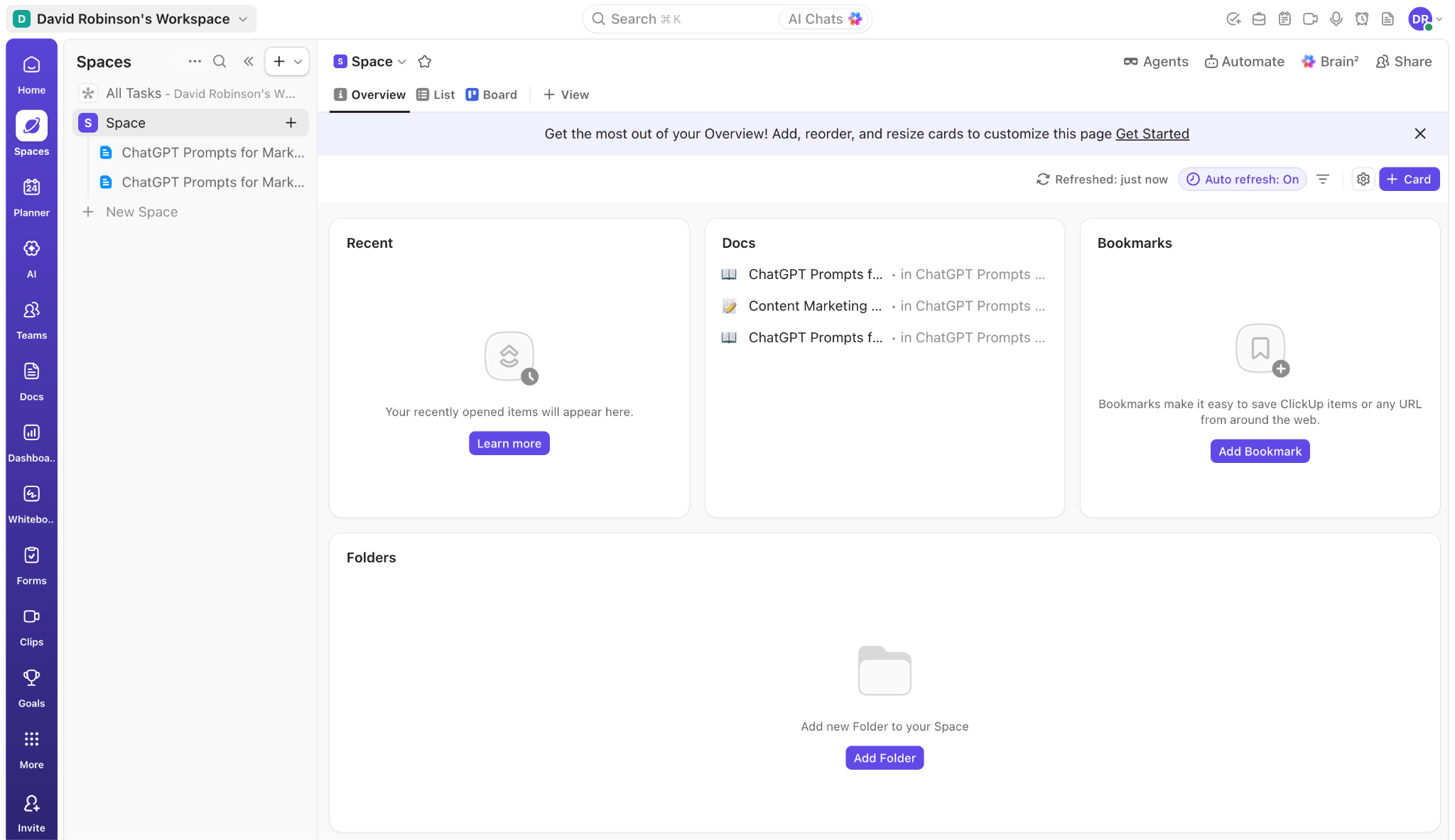
ClickUp features:
- Tasks with custom fields: Build detailed workflows to match how your team works
- Docs and knowledge: Keep all the supporting documentation alongside your work
- Dashboards and automations: Monitor projects and automate repetitive processes
ClickUp is the definition of everything in one place. This project management platform lets you track tasks, documents, time, and goals.
And there's more. ClickUp offers plenty of customization options and integrations. This can help to streamline your work, but only once you have configured everything properly. That took a while in our testing.
Pros: Combined workflow, customization options, integrations
Cons: Initial setup takes time, learning curve after that
User reviews: 4.6/5 from 14,333 reviews on G2 (Sept 2026)
ClickUp pricing
ClickUp's pricing is at the affordable end of PM software. The free tier covers unlimited tasks and team members.
Paid plans are $7/user/mo and $12/user/mo, with AI features available as a paid add-on. The custom enterprise offering includes SSO and audit logs.
Who ClickUp is best for
Teams that want to consolidate multiple work tools in one platform.
4. Asana — for cross-functional project tracking
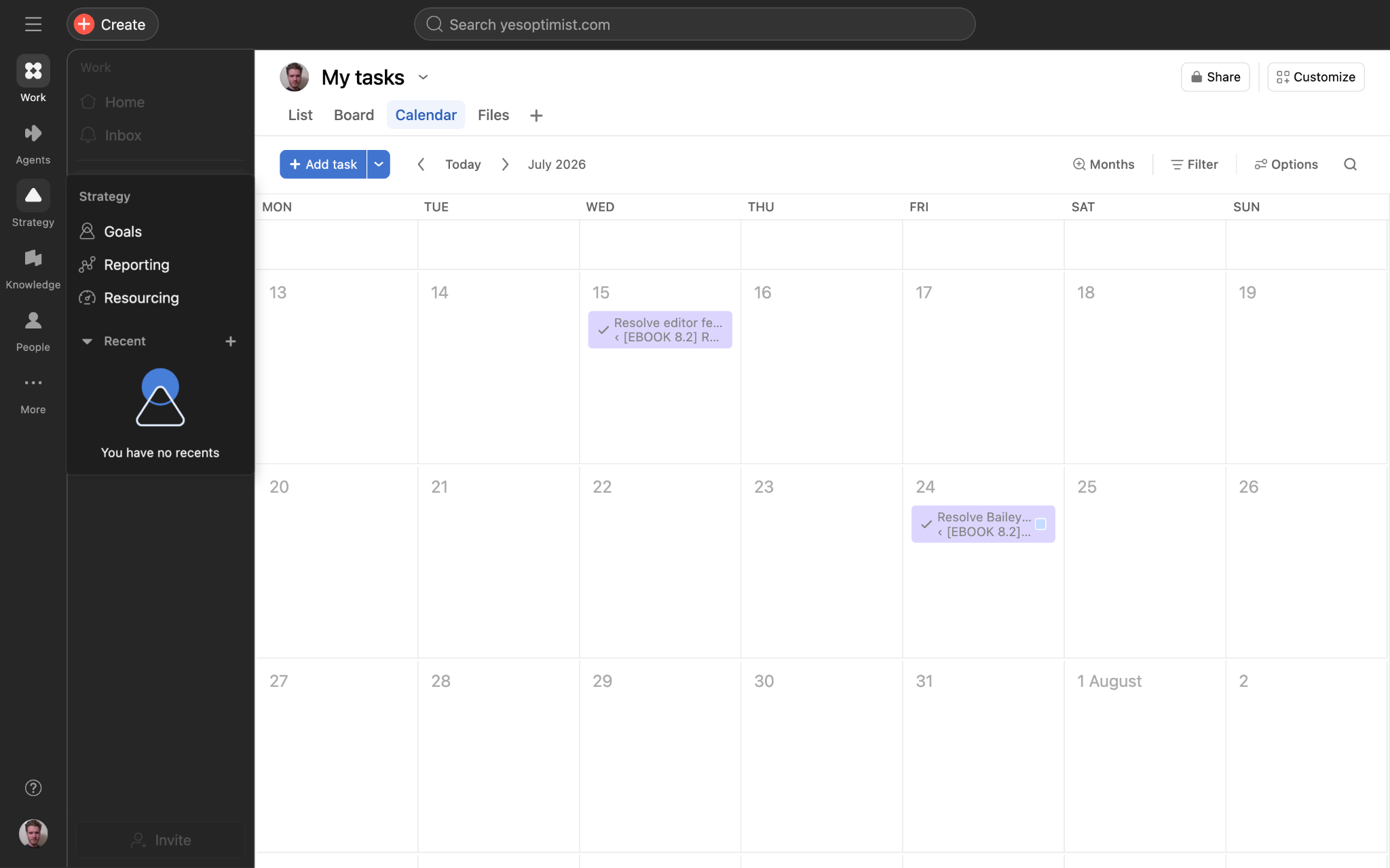
Asana features:
- Projects and tasks: Give teams clear ownership and accountability
- Timelines and dependencies: Map project sequences and see how tasks affect each other
- Rules-based automation: Keep work moving without manual input
Asana is a conventional project management platform that helps you track work across departments.
The killer feature here is dependencies. We found it really easy to set up automated sequences, where tasks are released when the previous steps are completed. The only thing we didn't like is desktop-only web access.
Pros: Clear project structure, collaboration, integrations
Cons: Not the most customizable
User reviews: 4.4/5 from 14,129 reviews on G2 (Sept 2026)
Asana pricing
Asana offers a generous free tier with unlimited projects and tasks for two users.
Paid tiers start at $10.99/user/mo, and Asana has two enterprise plans that provide features like SAML, SCIM, and audit logs.
Who Asana is best for
Businesses that need all their teams to be on the same system, while maintaining separate project management.
5. Wrike — for structured enterprise project management
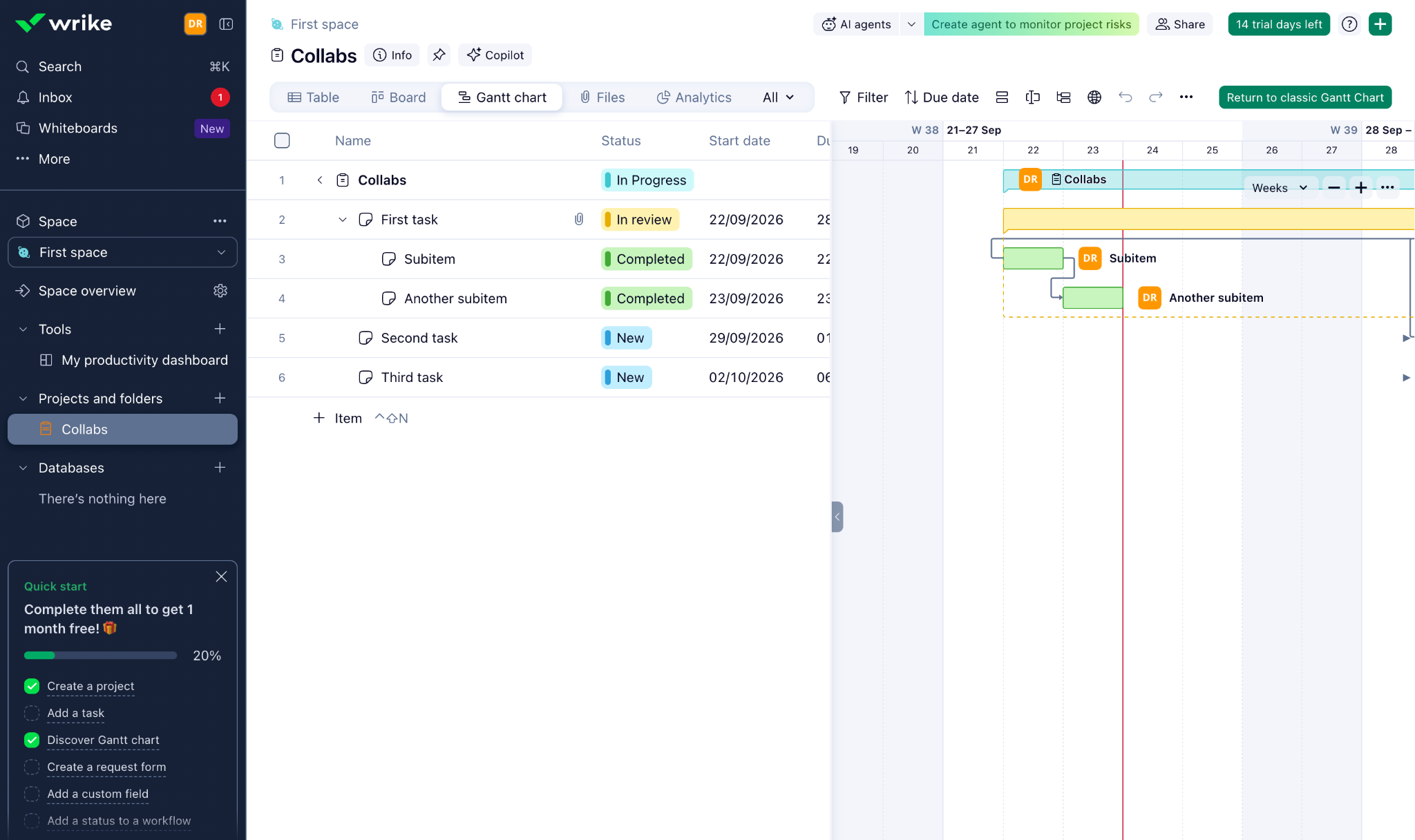
Wrike features:
- Project and portfolio management: Manage complex projects in one system
- Custom workflows: Standardize processes across teams and projects
- Dashboards and reporting: Track project and portfolio performance from a central view
Wrike is designed for larger businesses that need a variety of features for tracking and facilitating work, from AI-powered workflows to custom portfolio dashboards.
Our tests suggest that Wrike will work well for organizations with an existing, well-defined process for handling projects. For smaller teams, all those extra features are more likely to slow productivity than enhance it.
Pros: Deep project management, customization, reporting
Cons: More complex than most alternatives
User reviews: 4.2/5 from 4,849 reviews on G2
Wrike pricing
Wrike offers a free tier for individual users. The standard paid plans are $10/user/mo and $25/user/mo; both include AI features. Enterprise features are available in two custom plans.
Who Wrike is best for
Large companies that need tools for formal project, portfolio, and resource management.
6. SmartSuite — for combining databases and project management
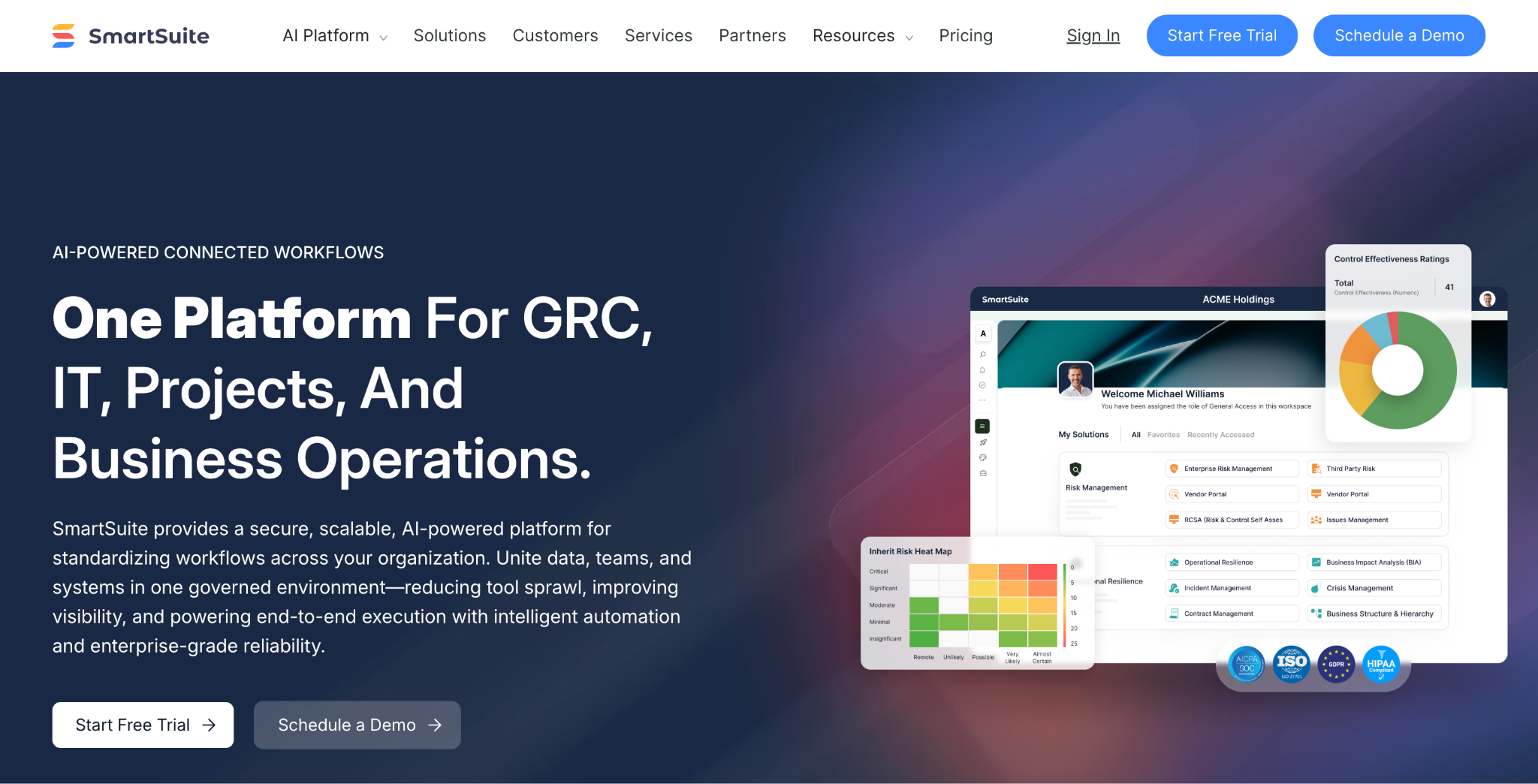
SmartSuite features:
- Relational data: Keep operational information connected in one platform
- Project views: Manage projects and portfolios alongside the underlying data
- Automations: Reduce repetitive processes across your workflows
Another all-in-one enterprise platform, SmartSuite is made for managing data. One piece of that is projects and portfolios.
Perhaps the strongest part of this platform is GRC (Governance, Risk, and Compliance). That's great if you're the kind of organization that needs an audit trail. But for smaller businesses and those outside regulated industries, there are leaner, more appealing choices.
Pros: Security paper trail, flexible databases, automation
Cons: Small ecosystem, not the easiest to navigate
User reviews: 4.9/5 from 46 reviews on G2 (Sept 2026)
SmartSuite pricing
While SmartSuite offers a free trial, there's no ongoing free tier.
Paid plans range from $15/user/mo to $32/user/mo, with increasing storage and record limits. There's also a custom enterprise tier.
Who SmartSuite is best for
Larger businesses that want to manage projects that involve data. A lot of sensitive data.
The best spreadsheet-based Smartsheet alternatives
If you're looking for something simple or sheet-like, the following alternatives could be a better choice.
7. Airtable — for spreadsheet-database hybrid workflows
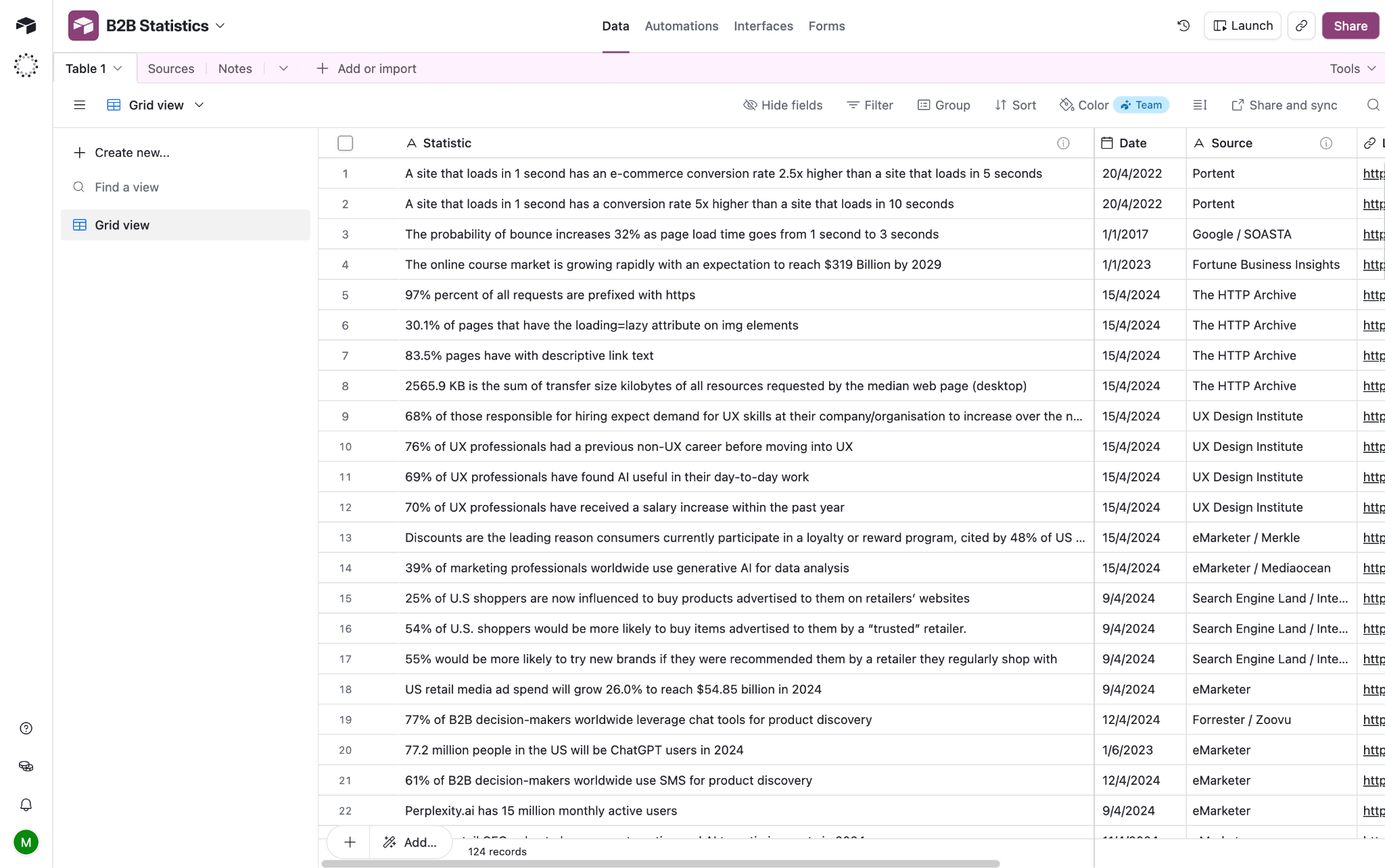
Airtable features:
- Relational tables: Connect related business data without relying on separate spreadsheets
- Interfaces: Turn underlying data into purpose-built views for different teams
- Automations: Trigger routine actions and workflows without manual work
Airtable borrows features from spreadsheets, relational databases, and automation platforms. It's an unusual hybrid, but one that provides a ton of flexibility.
Compared with Smartsheet, Airtable feels more focused on structuring and connecting data. That can be helpful, but we did have to spend more time building an actual work tracking system.
Pros: Flexible data model, familiar interface, integrations
Cons: Advanced setups take time to configure
User reviews: 4.6/5 from 3,296 reviews on G2 (Sept 2026)
Airtable pricing
Airtable has a free version with core features. Pricing quickly ramps from there, with plans at $20/user/mo and $45/user/mo plus an enterprise tier.
Who Airtable is best for
Teams that want a spreadsheet interface with flexible, database-like capabilities.
8. Google Sheets — for spreadsheet-first workflows
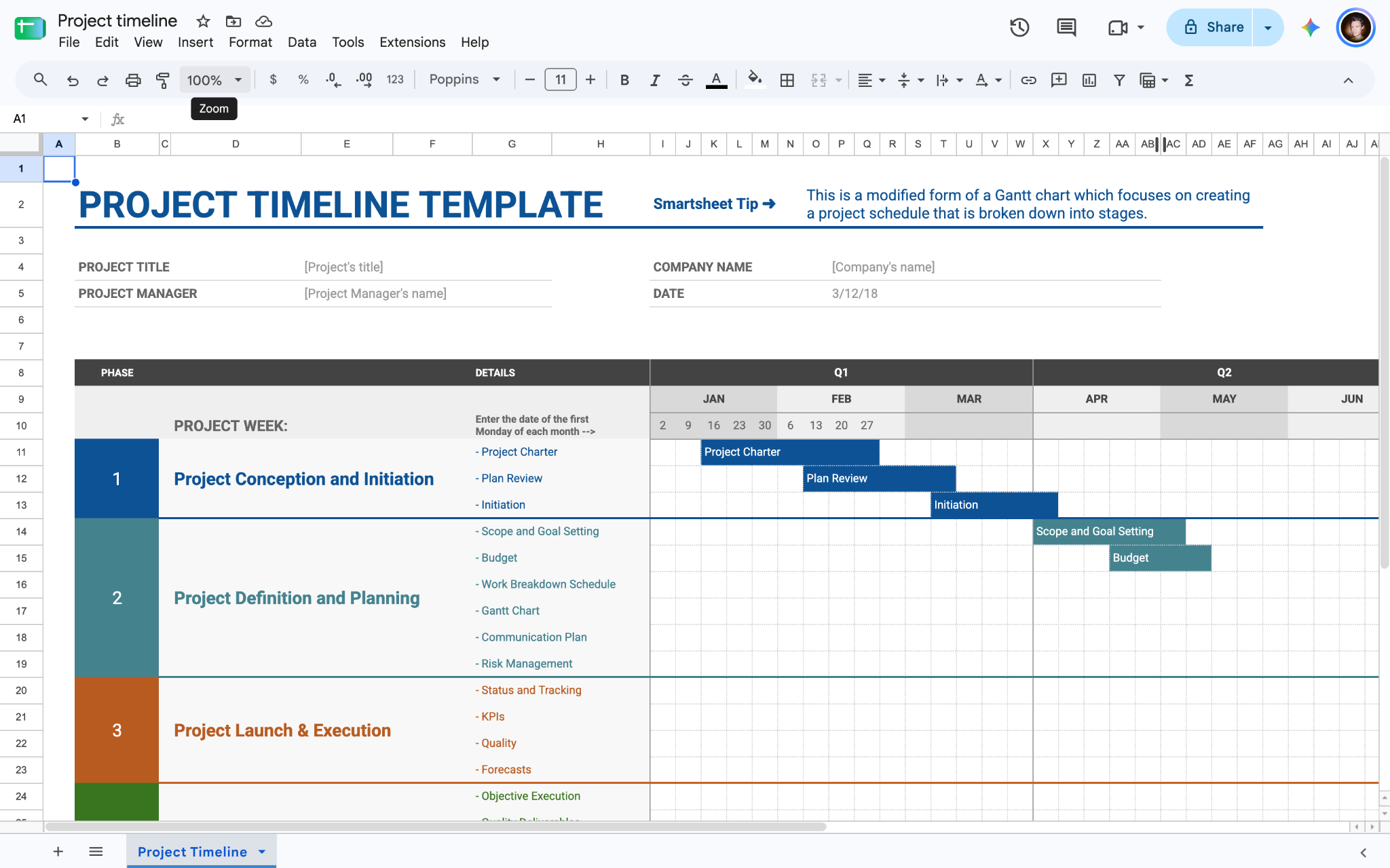
Google Sheets features:
- Spreadsheet interface: Track and organize information in a familiar setting
- Collaboration: Edit, share, and work on spreadsheets in real time
- Integrations: Connect your spreadsheets with other tools
Google Sheets remains hard to beat for basic tracking. It's familiar, collaborative, cheap, and easy to share.
The limitations become more obvious when your spreadsheet starts turning into a business system. Permissions, workflows, relational data, and structured interfaces all require additional work.
Pros: Familiar interface, collaboration, low cost
Cons: Limited project management features, can become unwieldy at scale
User reviews: No separate listing on G2; 4.7/5 from 13,219 reviews on Capterra (Sept 2026)
Google Sheets pricing
Google Sheets is included with free Google accounts and paid Google Workspace subscriptions, which range from $7/user/mo to $22/user/mo. There's also a custom enterprise version.
Who Google Sheets is best for
Anyone who wants a familiar spreadsheet workflow, and doesn't need the full structure of a project management platform.
9. Notion — for documentation and lightweight project tracking
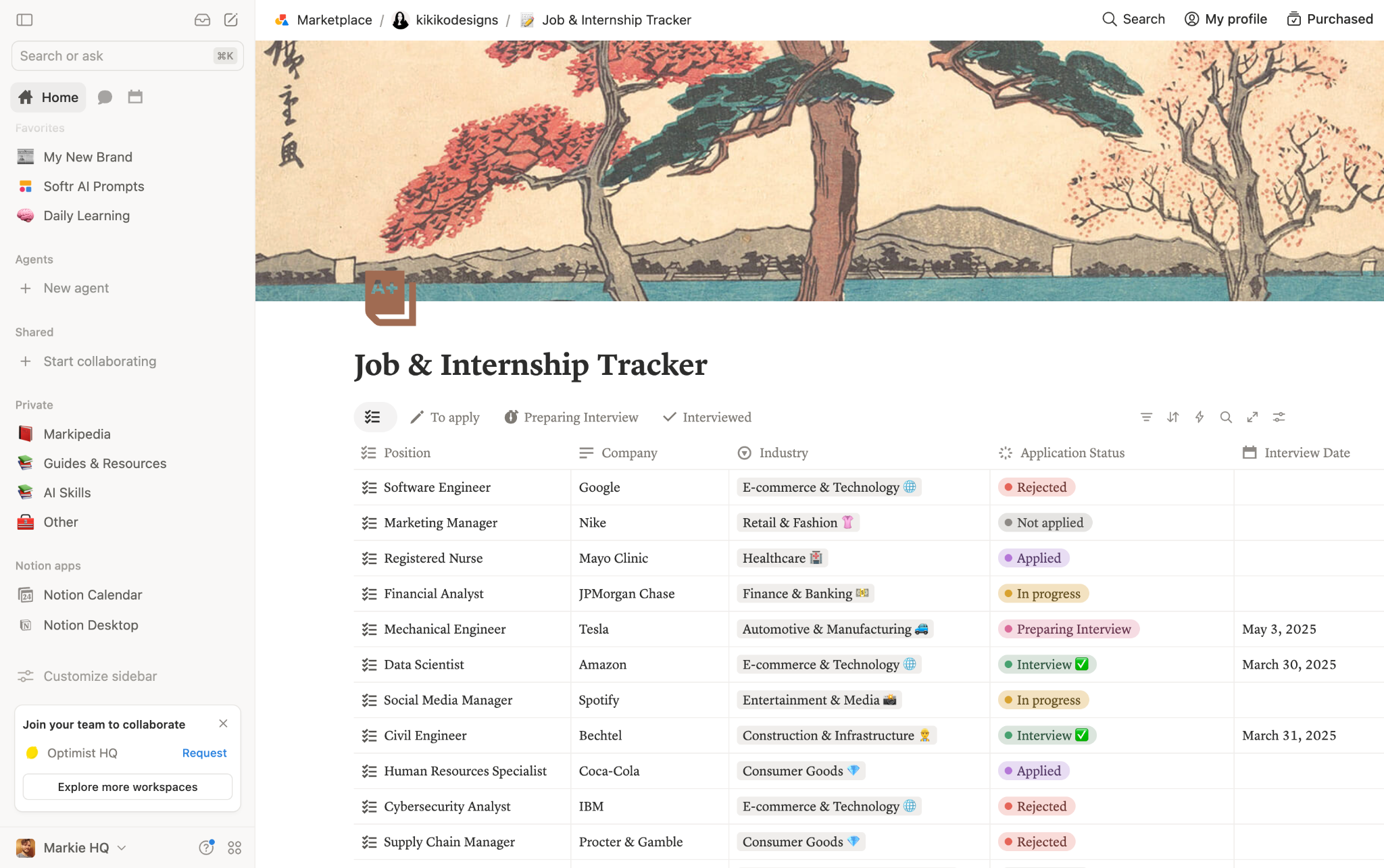
Notion features:
- Docs and knowledge bases: Keep all project information in one place
- Databases: Organize business information in flexible, customizable tables
- Tasks and projects: Track lightweight workflows alongside the rest of your workspace
Notion is very different from Smartsheet. It's less a project management app, and more a flexible workspace where documents, databases, wikis, and tasks live together.
In practice, this means you can keep everything relating to each project in one place. However, you do have to create more of the structure yourself.
Pros: Extremely flexible, excellent documentation
Cons: Easy to overcomplicate, less specialized for project management
User reviews: 4.6/5 from 13,849 reviews on G2 (Sept 2026)
Notion pricing
Notion has a free tier with basic features, and paid plans are $10/user/month and $20/user/month. The latter unlocks full access to Notion AI.
There's a custom enterprise tier, as well.
Who Notion is best for
Smaller teams that need project tracking alongside documentation, knowledge management, and internal wikis.
The best open-source Smartsheet alternatives
Want to keep full control of your business data? These open-source options might be just the ticket:
10. OpenProject — for self-hosted project management
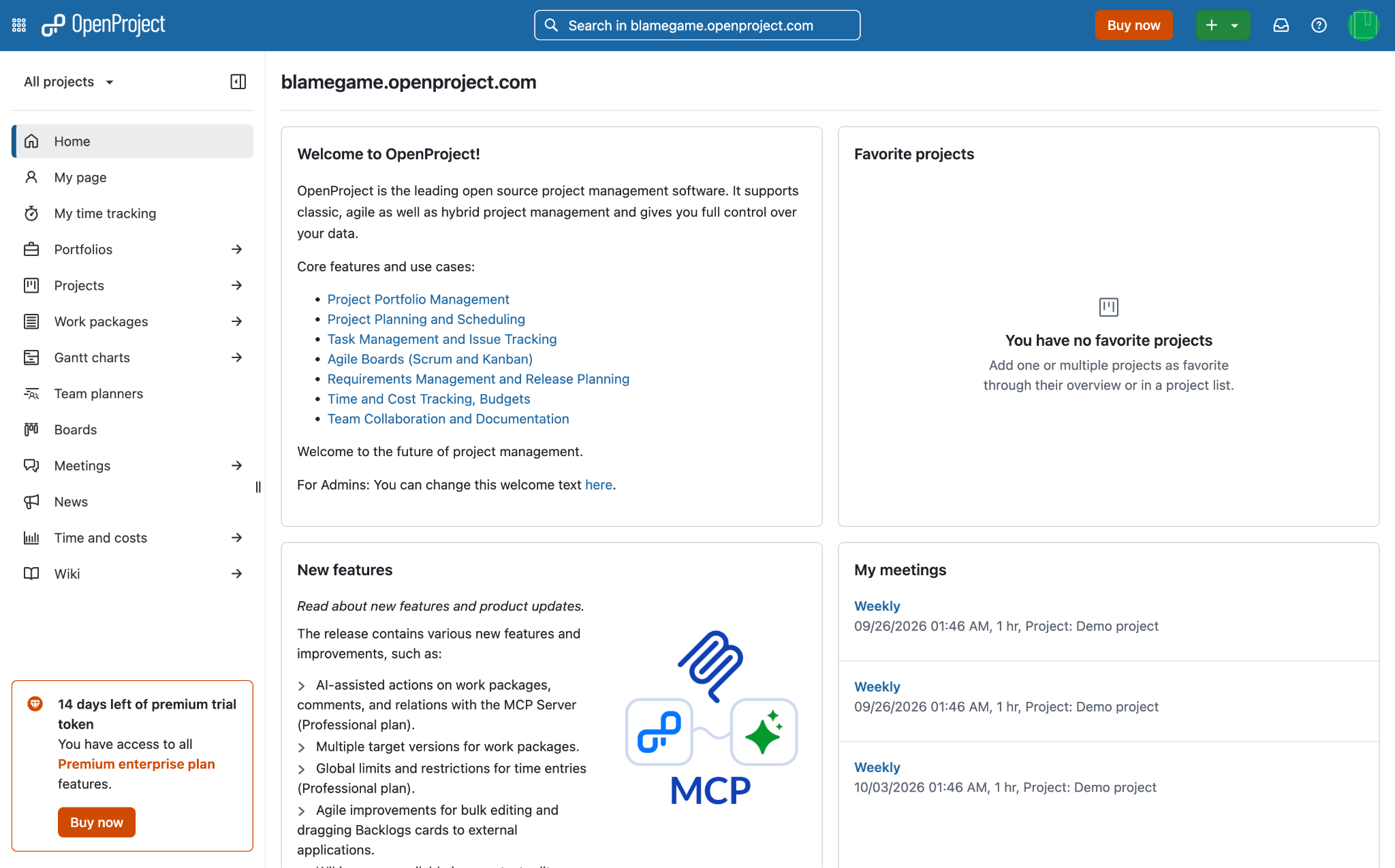
OpenProject features:
- Gantt charts: Plan project timelines, dependencies, and larger bodies of work
- Agile boards: Manage iterative work using structured workflows
- Self-hosting: Keep greater control over your project management data
OpenProject is an open-source platform built around traditional project planning and Agile workflows.
In our testing, it felt very traditional. That's fine if you want structured project planning. But the interface and setup require more patience than your typical, modern SaaS tool.
Pros: Open source, strong project management, self-hosting
Cons: Steeper learning curve, less polished user experience
User reviews: 3.8/5 from 25 reviews on G2 (Sept 2026)
OpenProject pricing
OpenProject is free for on-premises hosting with community support.
Cloud hosting and support tiers require five users, and range from $7.25/user/mo to $19.50/user/mo. Custom corporate packages are available.
Who OpenProject is best for
Organizations that need self-hosted or open-source project management.
11. Baserow — for an open-source database
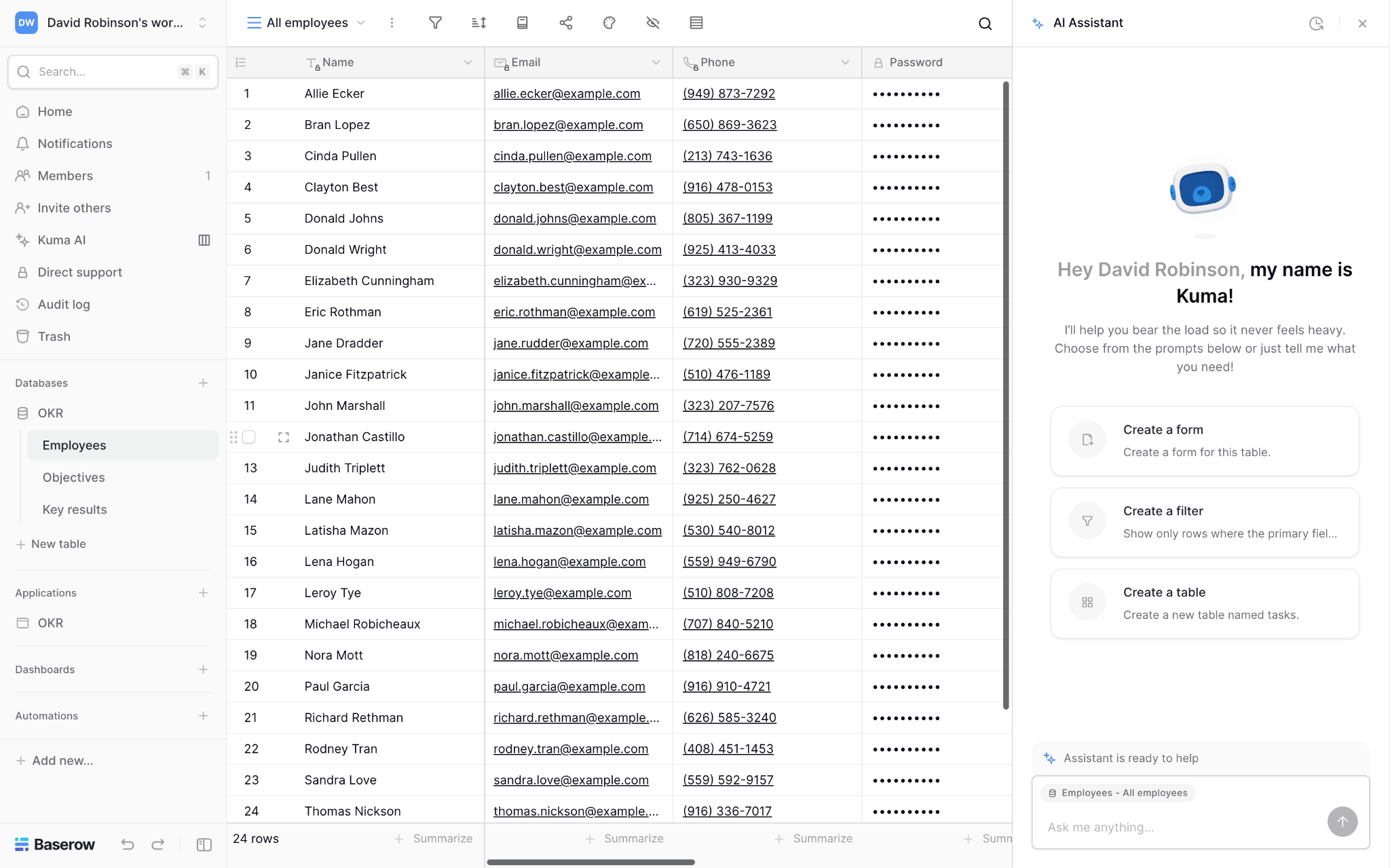
Baserow features:
- Spreadsheet-style database: Manage structured business data through a familiar grid interface
- Relational data: Connect related records and build more structured databases
- Self-hosting: Run the platform on your own infrastructure when you need greater control over your data
Baserow is an open-source database platform and app builder with a spreadsheet-style interface.
This platform is probably of most interest to technically minded teams that want control over data. But don't expect a ready-made replacement for all of Smartsheet's project management features.
Pros: Flexible data model, open source, self-hosting
Cons: Smaller ecosystem, less focused on project management
User reviews: Limited G2 reviews; 4.7/5 from 70 reviews on Capterra (Sept 2026)
Baserow pricing
Baserow is free to self-host, and cloud-hosted for 3,000 rows. Paid plans are $10/user/mo and $18/user/mo. Enterprise features are on the custom tier.
Who Baserow is best for
Technically minded teams looking for an open-source database with a spreadsheet-style interface.
When Smartsheet is still the right choice
Replacing Smartsheet isn't automatically an upgrade.
If your team relies heavily on established project management workflows, Smartsheet might ultimately be the best fit.
The same applies if you're heavily invested in governance, permissions, and enterprise processes.
And if your main problem is the interface rather than the underlying system, you may not need to replace Smartsheet at all.
Adding an app layer (via REST API, for example) can give employees or clients a more tailored experience while keeping your existing system underneath.
How to choose a Smartsheet alternative
Choosing between tools is easier when you start with the problem you're trying to solve:
1. Decide what you're actually replacing
Are you replacing project management, a spreadsheet database, a reporting system, or the interface people use to access business data?
A dedicated project management platform might not cover all of these bases.
2. Check your data and permission requirements
Look at how your data is structured today.
Do you need relational records? Multiple user groups? Client-specific access? Field-level permissions? External users?
You should be able to rule out a fair number of apps on this alone.
3. Calculate the real-world budget
Don't just compare the headline numbers.
Look at the minimum seat requirements and how many external users you get. Check your storage, automation limits, and AI credits. And don't forget, some features may be locked behind higher tiers.
4. Estimate your migration effort
Exporting a spreadsheet is easy. Rebuilding an entire work system isn't.
Before committing to a replacement, map your existing data, automations, forms, reports, permissions, and integrations.
5. Think about external users
Will your customers, vendors, contractors, or partners need access? If so, you should check how each platform handles this.
Some tools are designed primarily for employees. Others let you build dedicated portals or interfaces for external users without exposing the underlying database.
6. Decide whether you need PM software or a custom app
This is the biggest distinction on this list.
If you want to manage tasks, dependencies, and project schedules, look at project management platforms.
If you want to turn business data into a custom interface for employees, clients, or partners, an app builder may make more sense.
The bottom line on Smartsheet alternatives
Choosing a Smartsheet alternative ultimately comes down to what you want to achieve.
Project management platforms such as monday.com, ClickUp, Asana, and Wrike make sense when you need to manage projects and coordinate teams. Airtable, SmartSuite, and Baserow are more appealing if your priority is structured business data. And if your problem is turning that data into a useful interface for employees, customers, or partners, Softr takes a different approach.
Our recommendation: choose your lane, then try the options.
Sign up for Softr today to see how easily you can build your own work management systems.
Frequently asked questions
Is there a free Smartsheet alternative?
Can I migrate my Smartsheet data automatically?
What's the best Smartsheet alternative for building client portals?