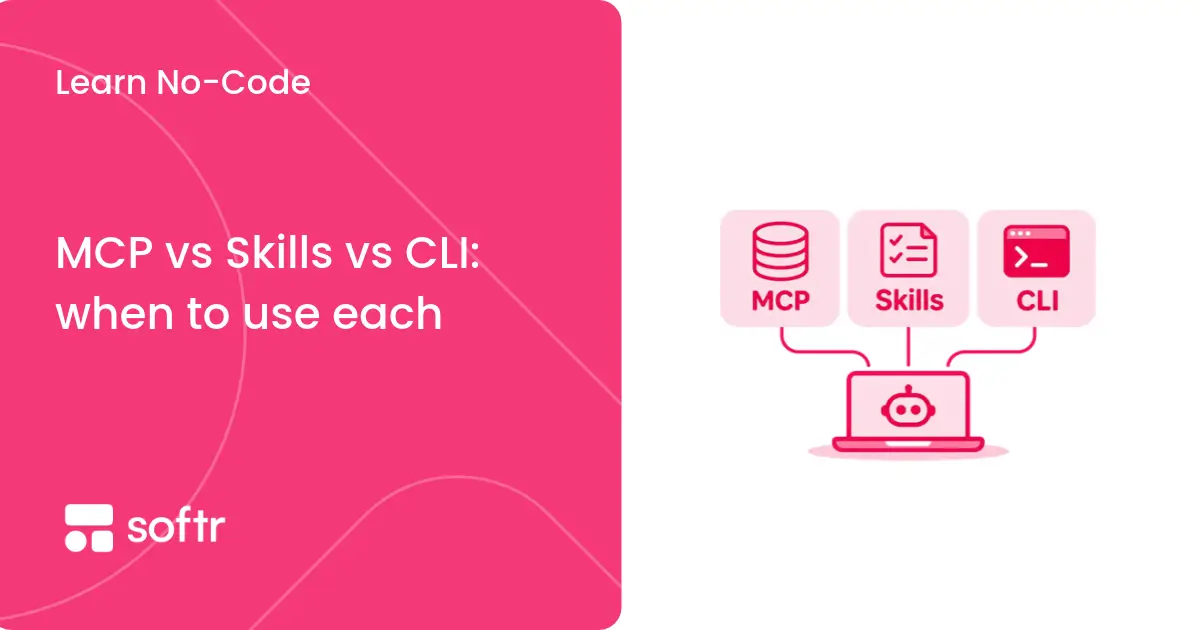
MCP, Skills, and the CLI are popular ways to extend an AI assistant, but it is not always clear which one fits a task.
Say you want your AI assistant to pull the latest project updates, prepare a weekly report, and turn it into a PDF with your company branding. Should you use MCP, a Skill, or the CLI? This guide answers that question. You’ll learn what each approach does, how they handle access and setup, and how to match your task to the right option.
MCP vs Skills vs CLI at a glance
What is MCP?
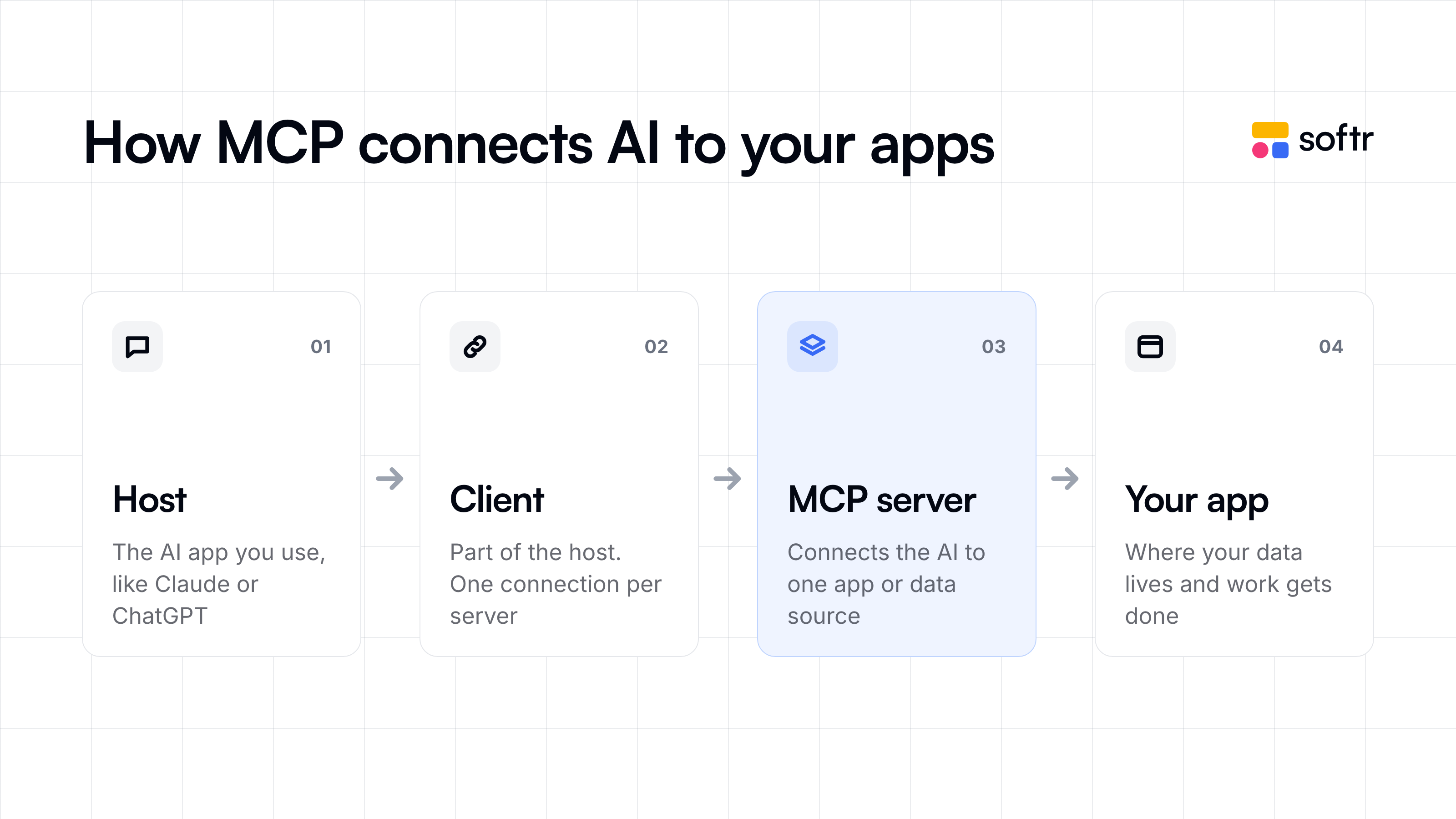
MCP (Model Context Protocol) is an open standard that lets AI assistants connect to data sources and tools you already use. This connection lets them get up-to-date information from these tools or take actions on your behalf, which saves you time.
Say you need to deactivate a user in your app. Normally, you’d open the app, search for their email address, and deactivate their account.
With an MCP connection that supports this action, you could just ask your assistant, “Deactivate the user jane@example.com in my app.” Your assistant doesn’t know your app on its own. So when you make the request, it first checks the app’s MCP server, which lists the actions the app allows, such as deactivating a user. The assistant picks the action that matches your request and sends it to the server. The app then makes the change, and you see the result in the app, as if you had done it yourself.
What are Skills?
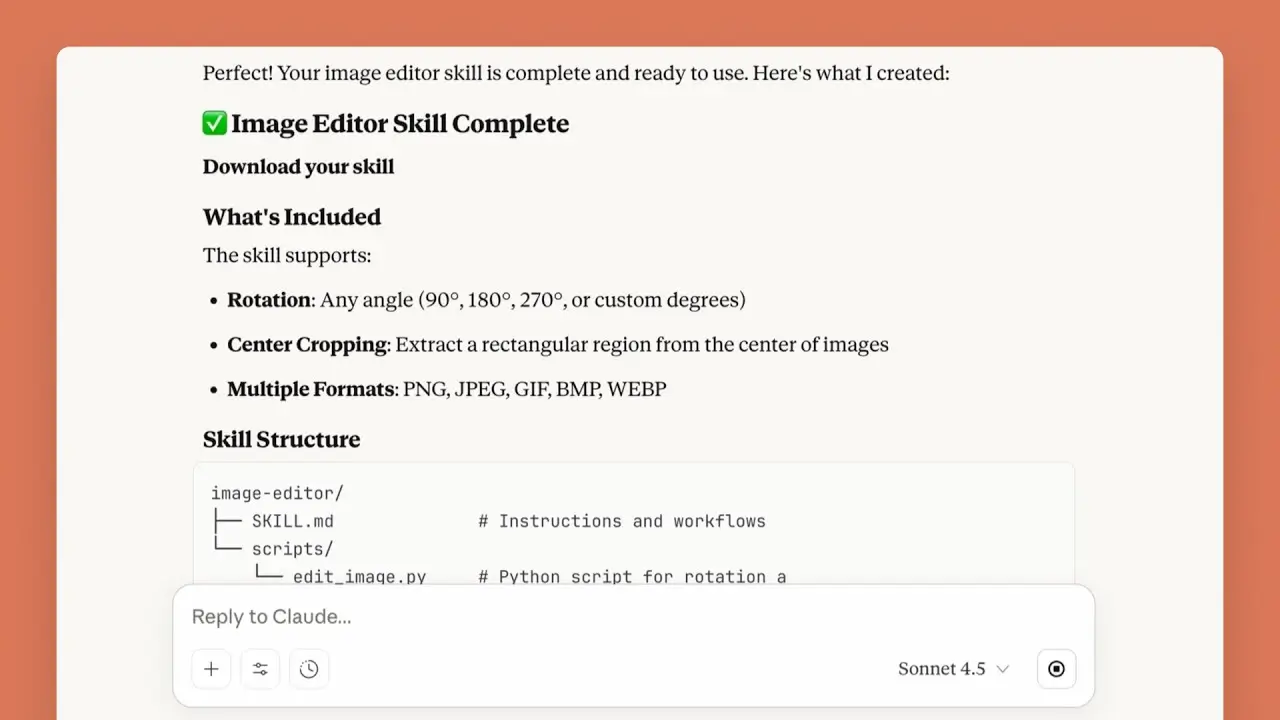
Skills are sets of instructions that teach an AI assistant how to handle a particular task. They include examples, reference materials or scripts the assistant can use, so you don’t have to give it the same instructions every time.
In Claude, for example, you could create a skill that tells the assistant how to write a monthly status report. So, when you ask the AI tool to prepare an update, it uses those instructions in your skill file to complete the task.
What is the CLI?
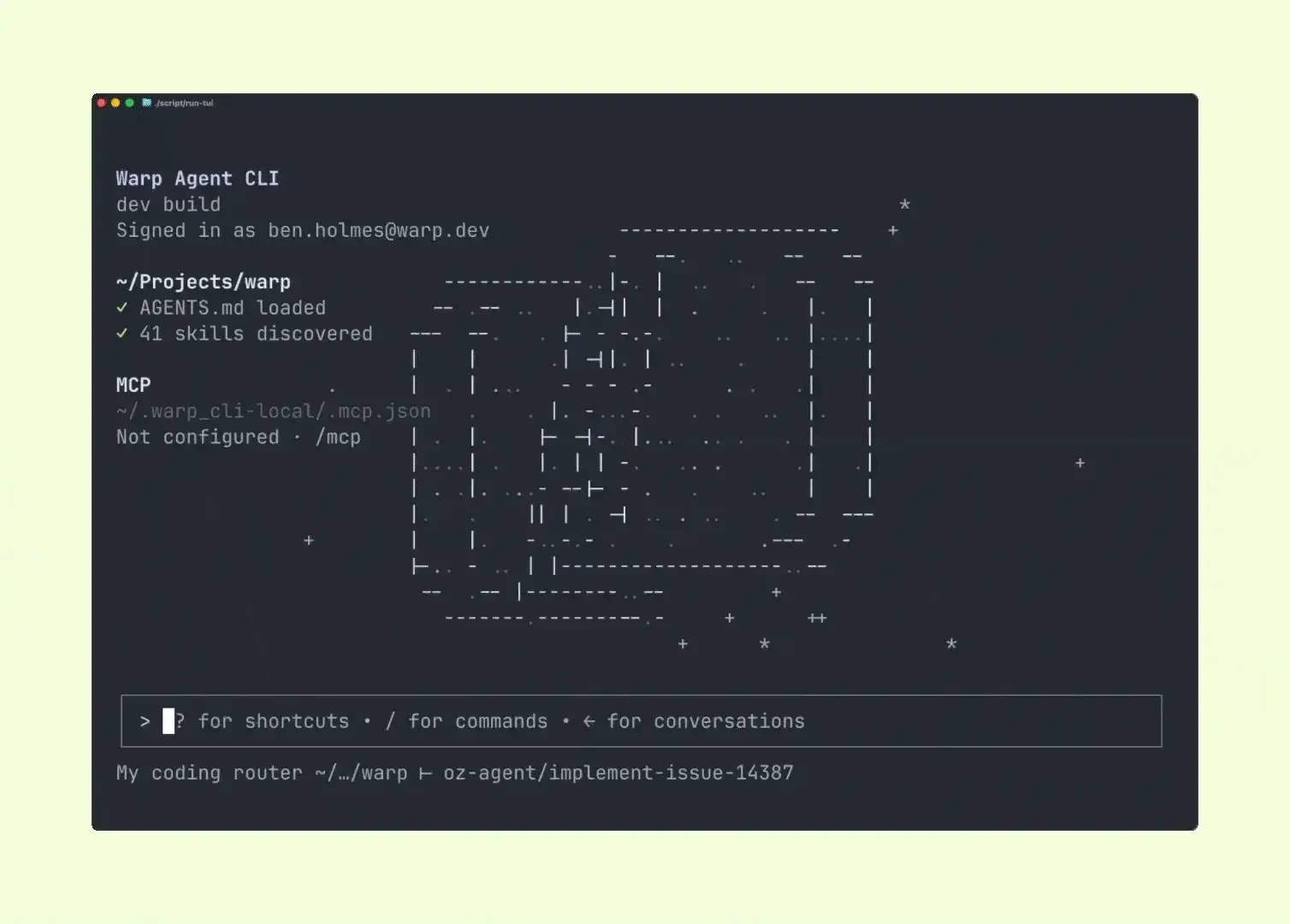
A CLI (command-line interface) lets you tell an app what to do by typing commands into a text window on your computer—called a terminal.
For example, a developer could ask an AI assistant, “Publish the latest version of my website.” The assistant types and runs the command using the website’s hosting service CLI, then checks whether the update is now live.
MCP vs Skills: Which is best?
MCP and Skills both help your AI assistant. Skills give the assistant instructions for carrying out a task, but they don’t connect it to your apps. An MCP connection gives the assistant access to live app data and lets it take actions based on your requests.
Here’s a quick comparison of the two.
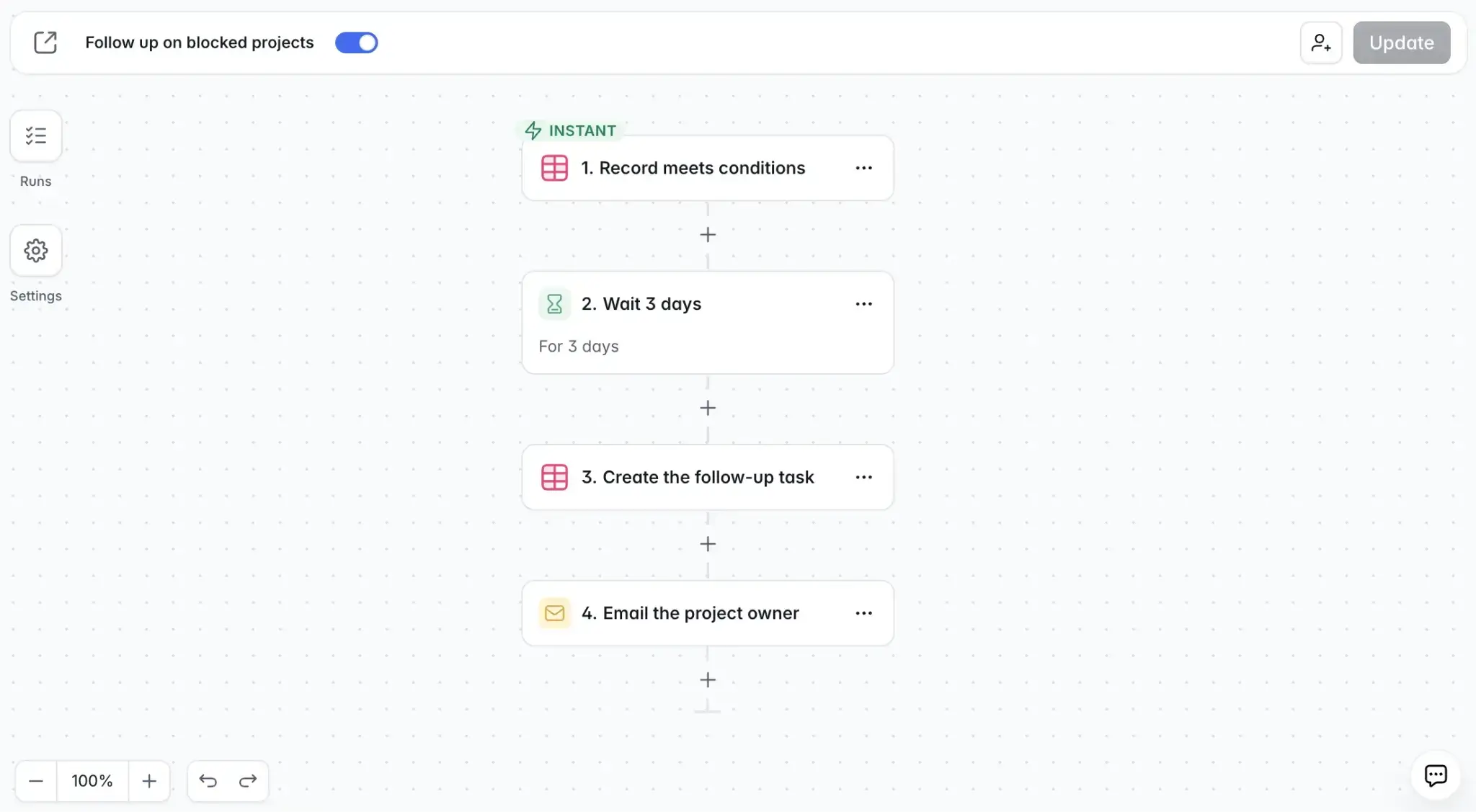
Say an operations manager wants to spend less time chasing updates on blocked projects. They can create a Skill file that tells their AI assistant how to set up the follow-up process. For example, wait three days after a project is marked as blocked, create a follow-up task, and email the project owner.
With an MCP connection that supports creating workflows, the assistant can access the project data and build the follow-up process using the Skill’s instructions. If you use Softr MCP, for instance, your assistant can build a workflow that starts when a project is marked as blocked, waits three days, creates a follow-up task, and emails the project owner.
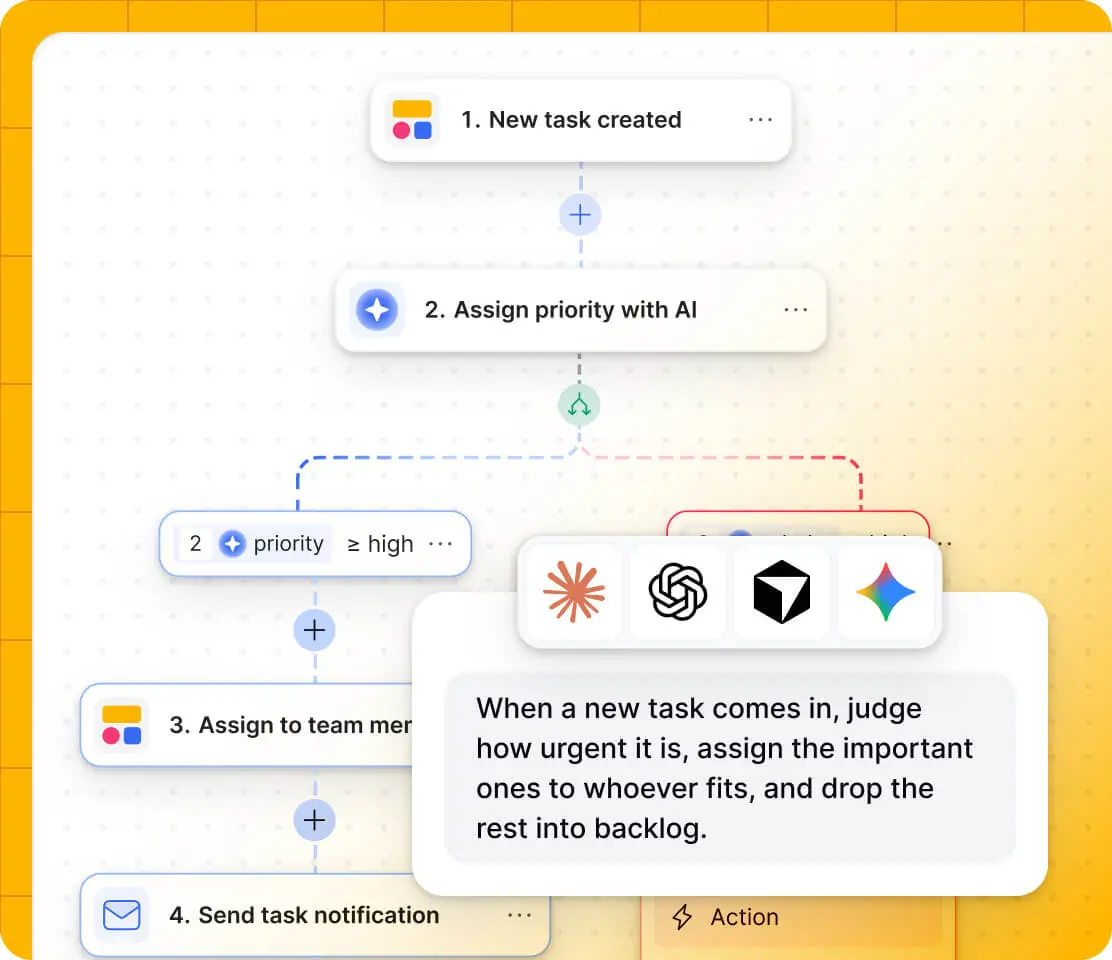
Once the workflow is tested and published, it runs automatically in Softr.
MCP vs CLI: Which is best?
MCP and the CLI both let your AI assistant retrieve information or take action in an app. But they differ in how the assistant sends those requests. MCP sends them through the app’s MCP server—the part of the app that lists actions AI assistants can request. The CLI sends them as commands typed into a terminal—the text window on your computer.
Your choice depends on the task and where you work. Here is a side-by-side comparison.
Token usage is another thing to consider. To use MCP tools, the AI assistant needs details about what they do and how to use them. For example, if the AI tool loads details for 50 tools when your task needs only one, those extra details consume tokens—the units of text an AI tool counts. That increases costs on plans that charge by usage. Some AI assistants reduce this cost by loading tool details only when needed.
For CLIs, the assistant doesn’t need the same list of MCP tool descriptions. But reading command instructions and results still uses tokens, so a CLI isn’t always cheaper.
MCP vs Skills vs CLI: Which one fits your needs?
The right choice depends on the task and how you work. Here’s what fits developers, business users, and autonomous agents.
Handing work to another AI agent is a separate need. A2A supports that communication.
Also, to keep costs down, compare the setup cost and the usage charges for each option. Check your AI assistant’s plan, any fees from the apps or tools you connect, and how much text the task uses if your plan charges by usage.
How do MCP, Skills, and CLI control access and security?
With a CLI, the assistant runs commands using the files, tools, and account access available in its working environment.
For example, if the CLI supports deleting customer records and the connected account has permission to do so, the assistant can delete those records. A sandbox helps limit which files and network connections it reaches, but it doesn’t automatically prevent changes in an app it’s allowed to access.
With MCP, access depends on the server and how the connection is set up. Some connections let you sign in through the app and approve access using OAuth, without giving the assistant your password. OAuth, detailed permissions, and activity logs aren’t guaranteed by every MCP connection, so check what the provider supports.
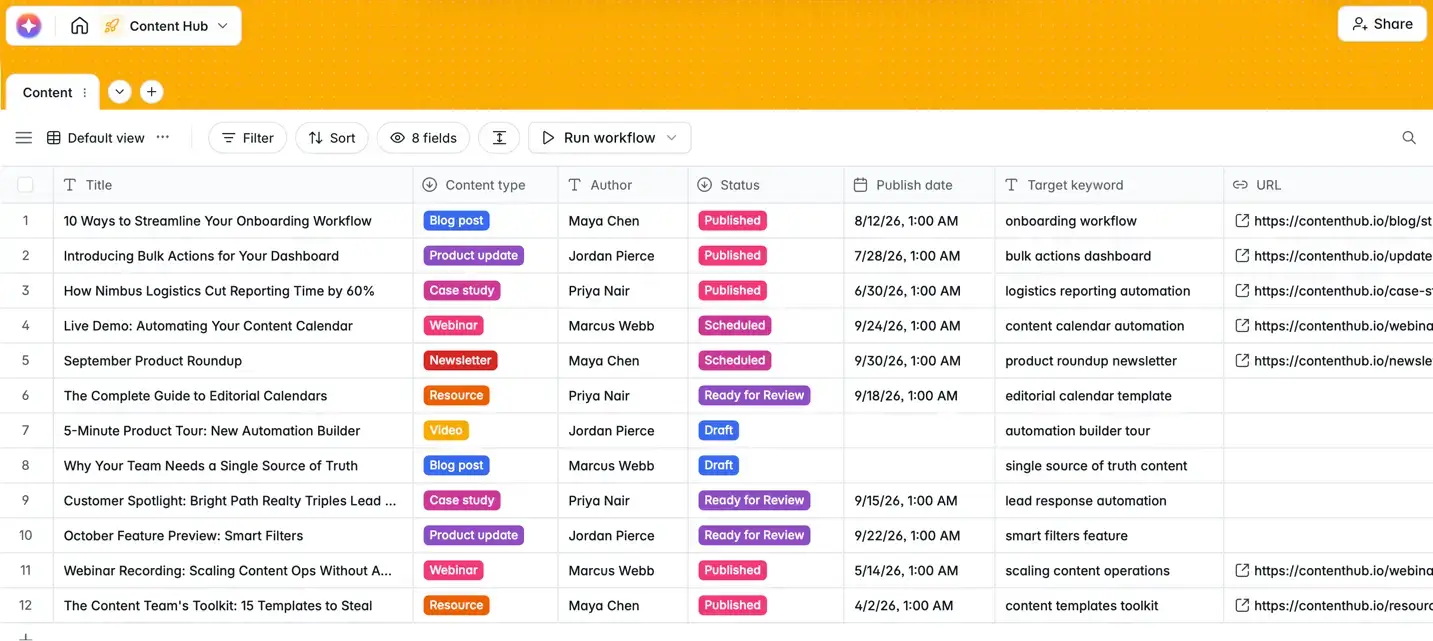
Softr MCP, for example, lets you choose which workspaces the assistant can access and what it can do with Applications and Forms, Databases, and Workflows. You can revoke an OAuth connection in Softr to immediately cancel its access.
For Databases, choose View only if the assistant should only read data. Edit data also allows it to delete records, while Full access allows it to delete tables and databases too.
With Skills, check the instructions and any included scripts before adding them, especially when they come from someone outside your team. A harmful Skill could tell the assistant to share sensitive information or misuse tools it already has access to. So, use trusted sources and have someone technical review unfamiliar scripts.
How can IT approve and roll out MCP, Skills, and CLI?
Before making these options available to a team, IT or operations should review what they can do, decide who can use them, and set up the right access.
For example, when someone authorizes a Softr MCP connection, they choose which workspaces it can reach and set permissions for Applications and Forms, Databases, and Workflows. If the assistant only needs to analyze database records, View only lets it read the data without changing or deleting it.
The person who authorized the OAuth connection can revoke it in the API tokens section, under Authorized apps. Revoking it ends its access immediately.
When to use MCP, Skills, and the CLI together
Say an operations manager needs a weekly report on blocked projects.
A Skill instructs the AI assistant to list each blocked project, explain what’s holding it up, name the owner, and identify the next action. The AI assistant retrieves those details from the team’s project management app through MCP. It then uses a CLI to run a script that creates a PDF in the format specified by the Skill.
You can use just the parts your task needs:
- Use Skills and MCP when you want the assistant to follow your reporting process and pull the latest project details, then write the report directly in the chat
- Use Skills and CLI when you already have an exported project file and want the assistant to turn it into a PDF using your reporting instructions
- Use MCP and CLI when you want the assistant to retrieve project details and create a PDF using an existing script, with no separate Skill needed
If the assistant needs to hand work to another AI agent, the agent-to-agent (A2A) protocol supports that communication.
MCP vs Skills vs CLI: Which should you choose?
The best choice depends on what you need your AI assistant to do. If it needs current information from your business apps or needs to make changes in them, start with MCP. If you want it to follow a specific process every time, use a Skill. And if the task involves running scripts, processing files, or working with developer tools, the CLI may be the better fit.
You don't have to choose just one. A Skill can guide the process, MCP can provide access to the right data, and the CLI can handle tasks that require commands.
For teams, it's also worth considering how each option handles permissions, security, and ongoing maintenance before making it available to employees.
If you want to connect your AI assistant to your business apps, explore Softr MCP to see how it can work with your apps, databases, and workflows.
Frequently asked questions
Are Skills replacing MCP?
Can Skills be used with MCP?
Can the CLI replace MCP?
What is the difference between MCP and an AI agent?
What is A2A vs MCP vs Skills?