



Softr vs. Appsmith
Finding Appsmith too developer-heavy? Try Softr, the fastest way to build custom business apps without code.
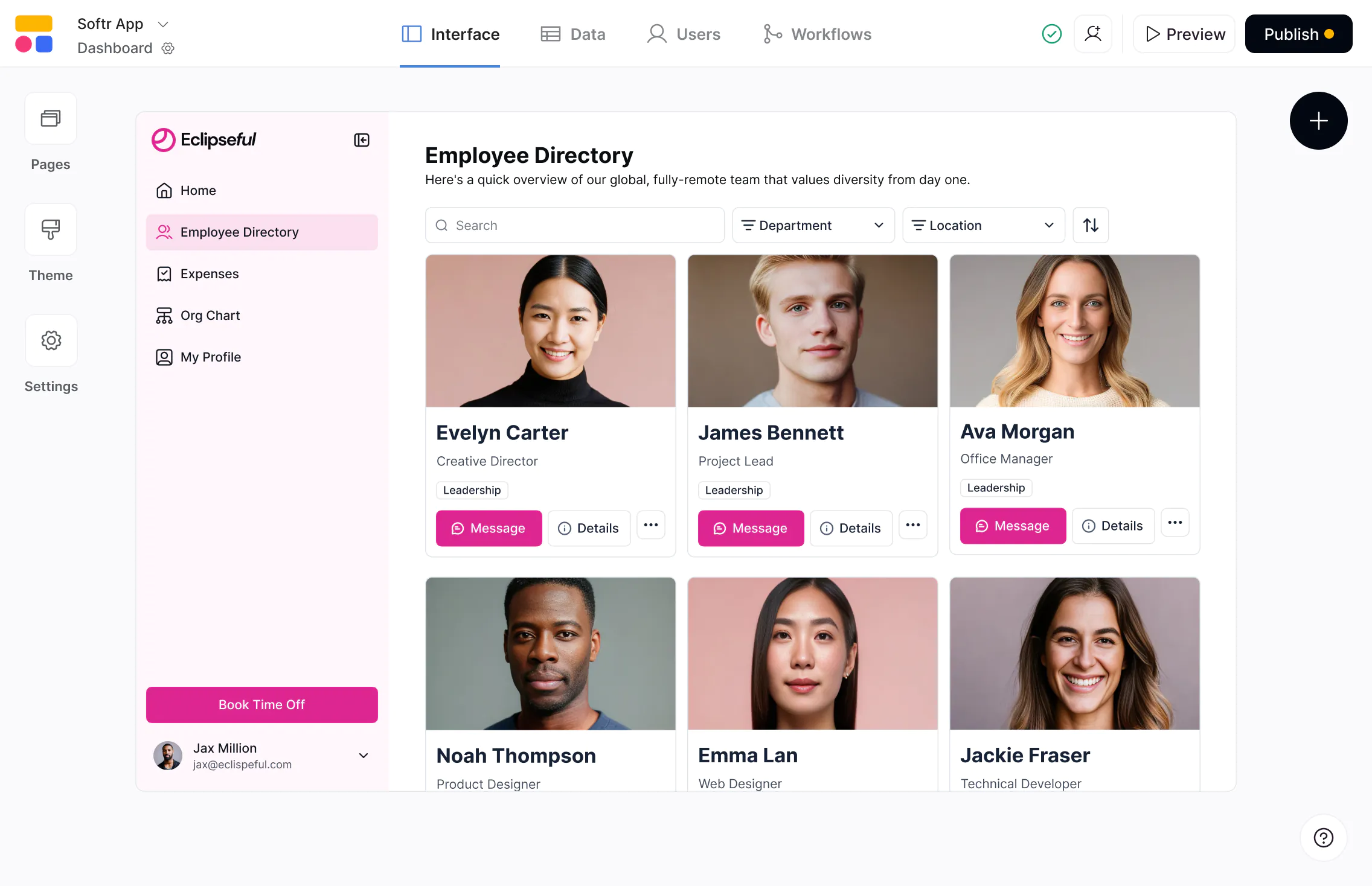










The #1 Appsmith alternative for business apps
Build scalable, full-stack apps on real business data—with predictable pricing and full control as you grow.

Built for non-technical teams.
Appsmith is a developer-first internal tool builder. Softr is designed for non-tech business teams to build and maintain custom portals and tools, without relying on engineering resources.

Built for both internal and external users.
Appsmith focuses primarily on internal tools. Softr supports authenticated internal and external users from day one, making it easy to build client portals, partner hubs, and customer-facing apps.

Predictable pricing that scales.
Appsmith uses per-user pricing, which can limit adoption as teams grow. Softr offers flat pricing with generous user and record limits, making it easier to scale apps across teams and clients.

Why businesses choose Softr over Appsmith
Visual building instead of scripting
Appsmith requires writing JavaScript and managing queries for even simple logic. Softr provides a visual, block-based builder so teams can create and update professional apps without touching code.
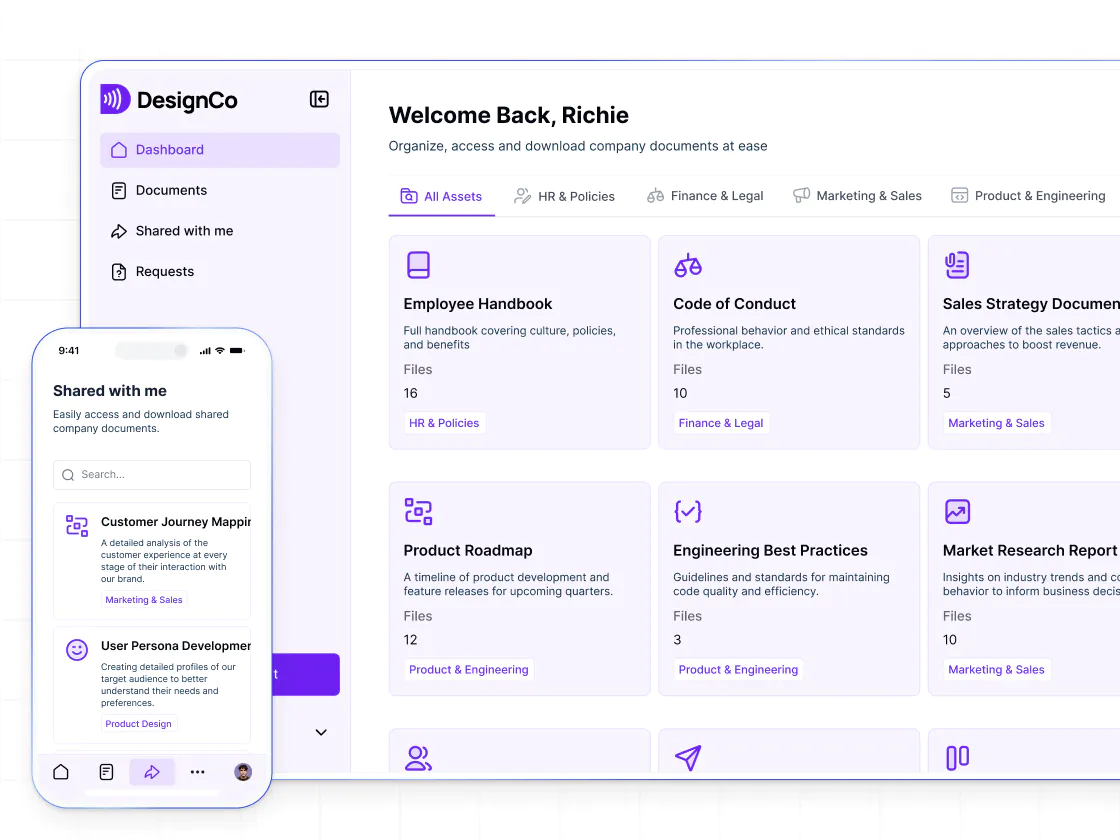
Built-in user management
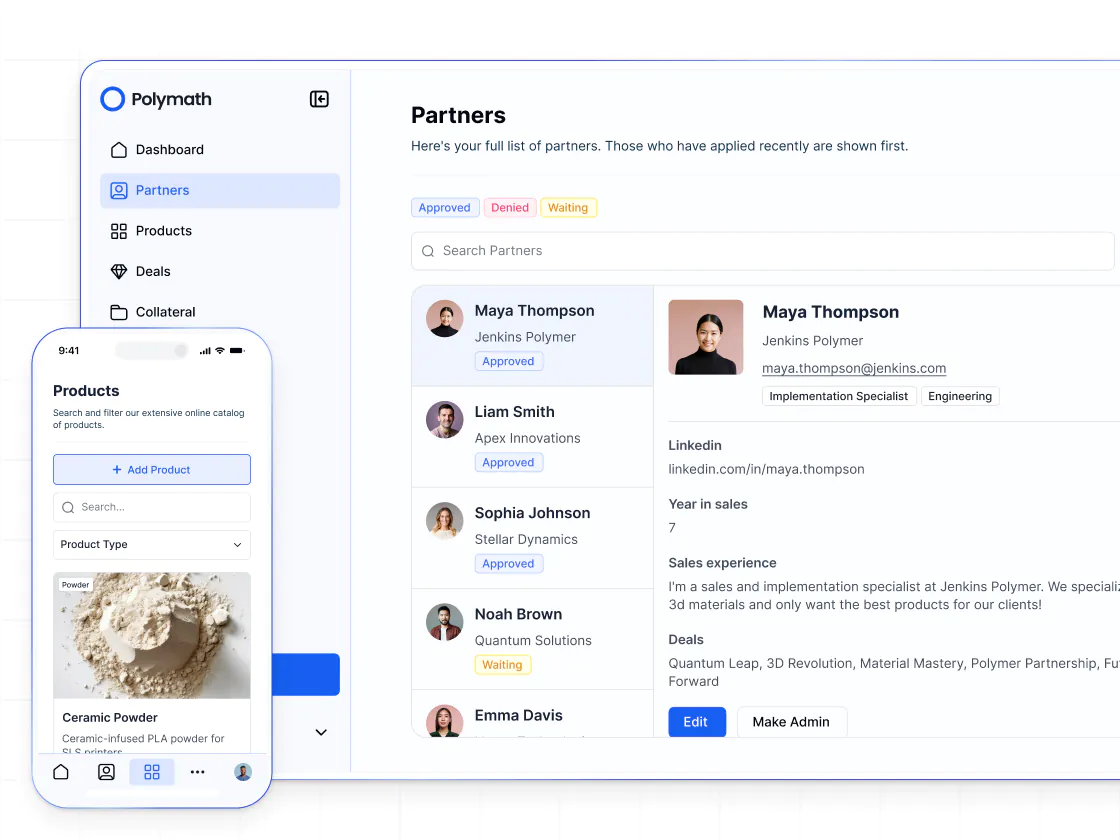
Appsmith access control often require configuration and custom logic. Softr includes built-in authentication, user groups, onboarding flows, and utility pages, so apps are ready for real users without complex setup.
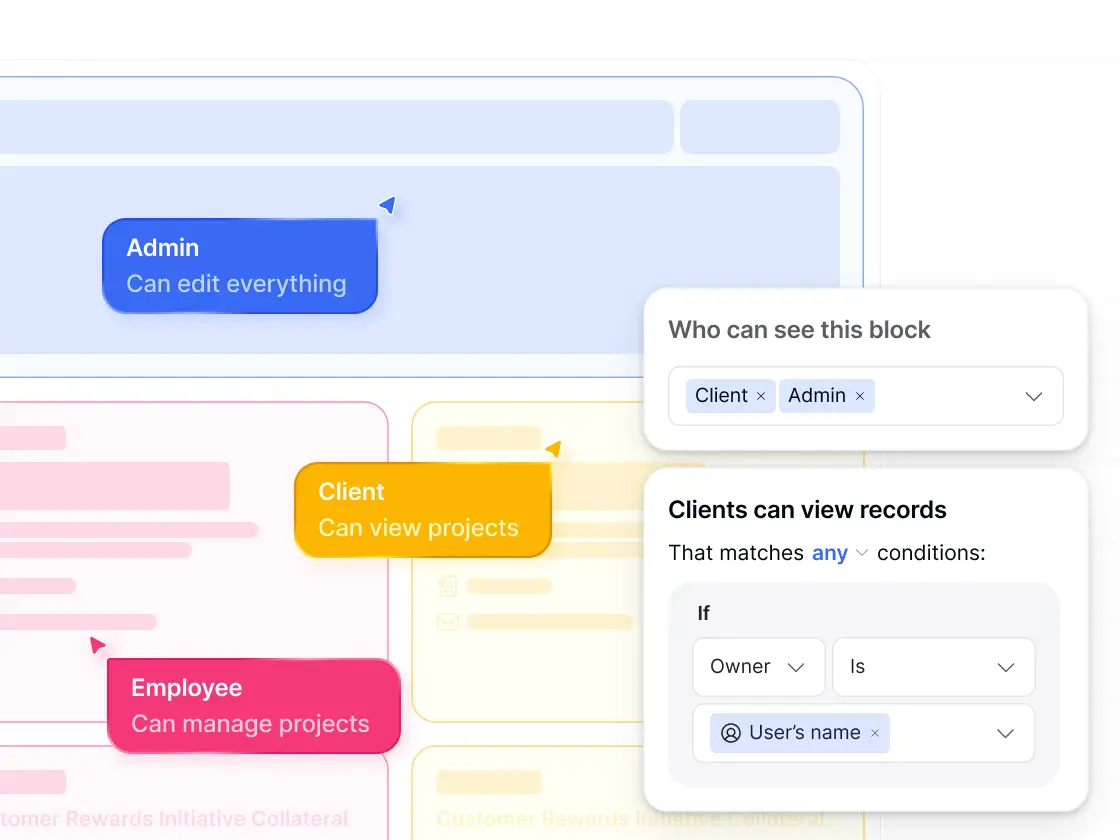
Permissions without custom code
Appsmith permissions frequently rely on query logic or scripts. Softr offers custom user groups and granular perissions, making access control easier to set up, control, and maintain.
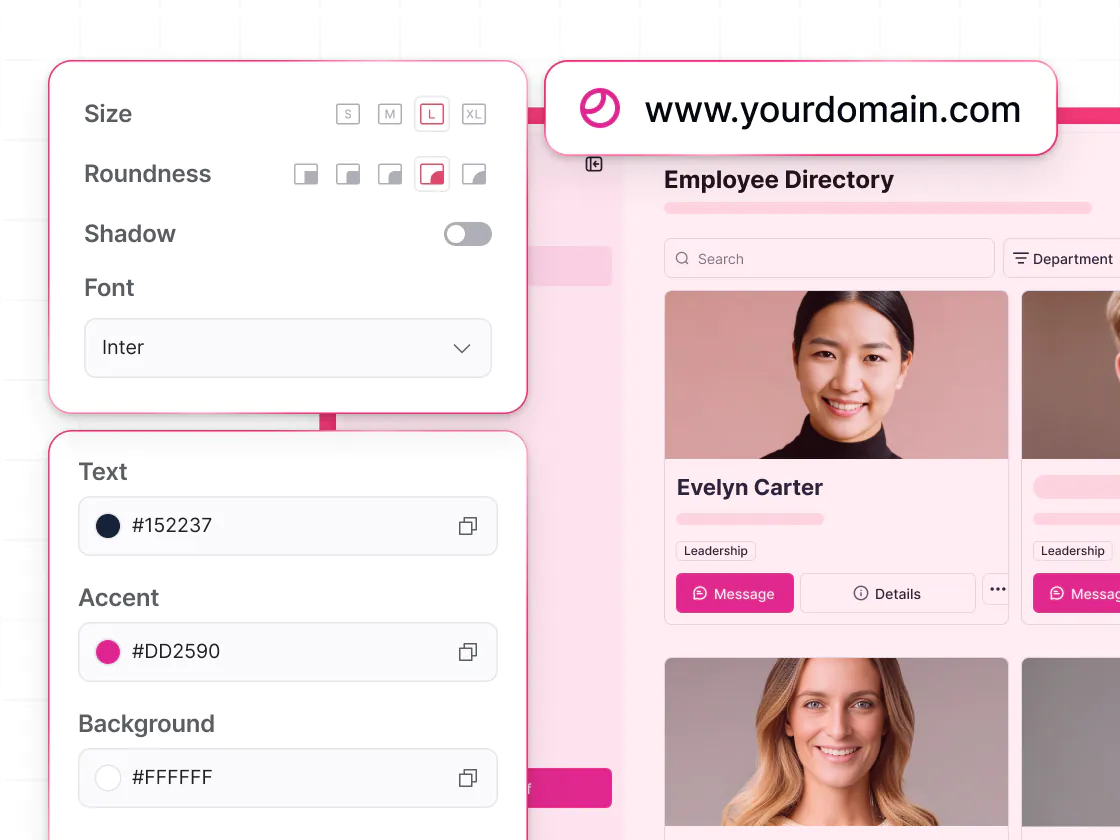
Better UX for client-facing apps
Appsmith apps are optimized for internal dashboards and admin tools. Softr offers modern layouts, branding control, and navigation better suited to client and partner portals, CRMs, and customer-facing apps.
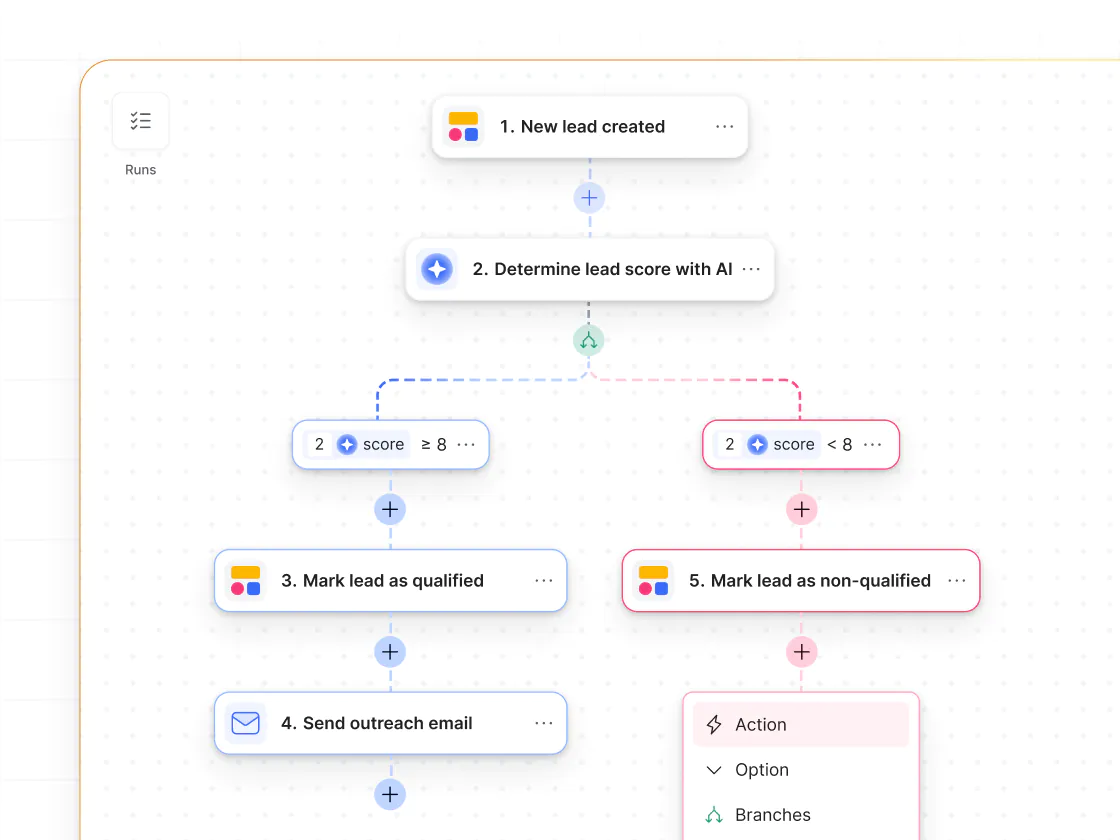
Workflows triggered by user actions
Appsmith supports automation but often requires scripting. Softr Workflows can trigger directly from in-app form submissions or button clicks, letting teams automate approvals, onboarding, and processes without writing code.
Databases and integrations built in
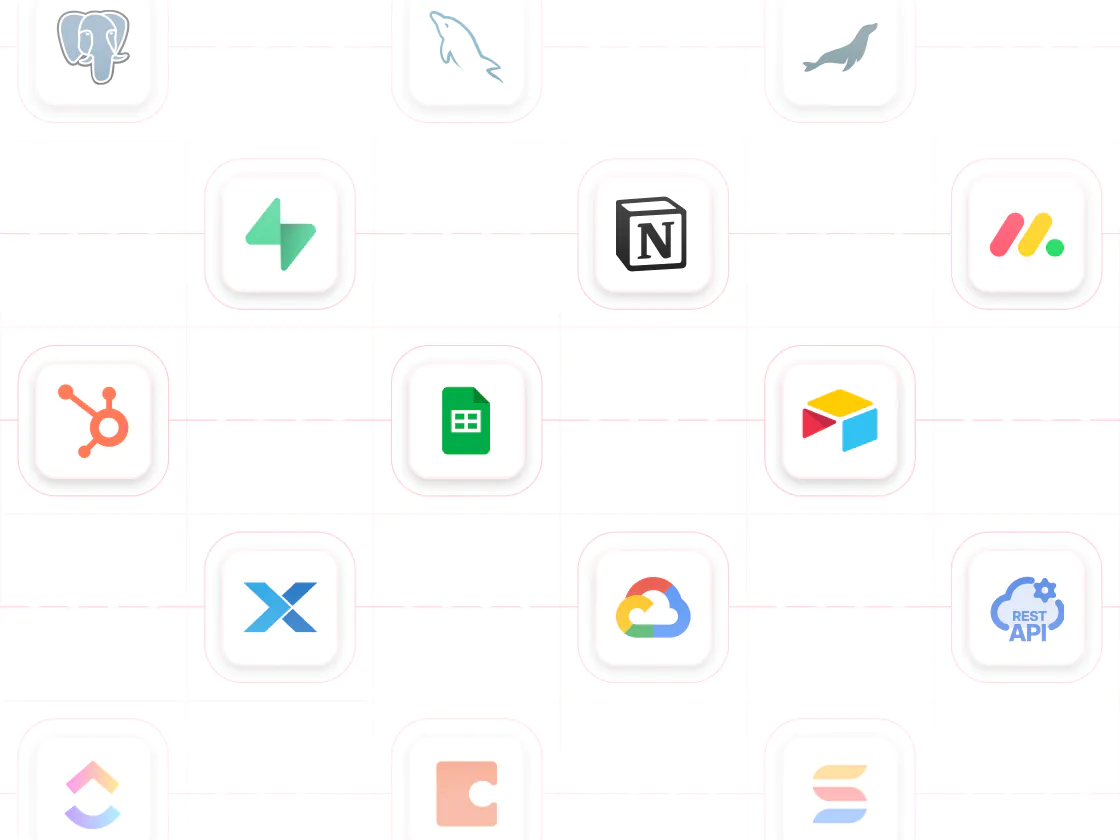
Softr includes native relational databases and connects to 15+ data sources like Airtable, HubSpot, Google Sheets, Notion, and SQL, giving teams a flexible backend without managing schemas or queries manually.
Vibe coding and AI to build faster
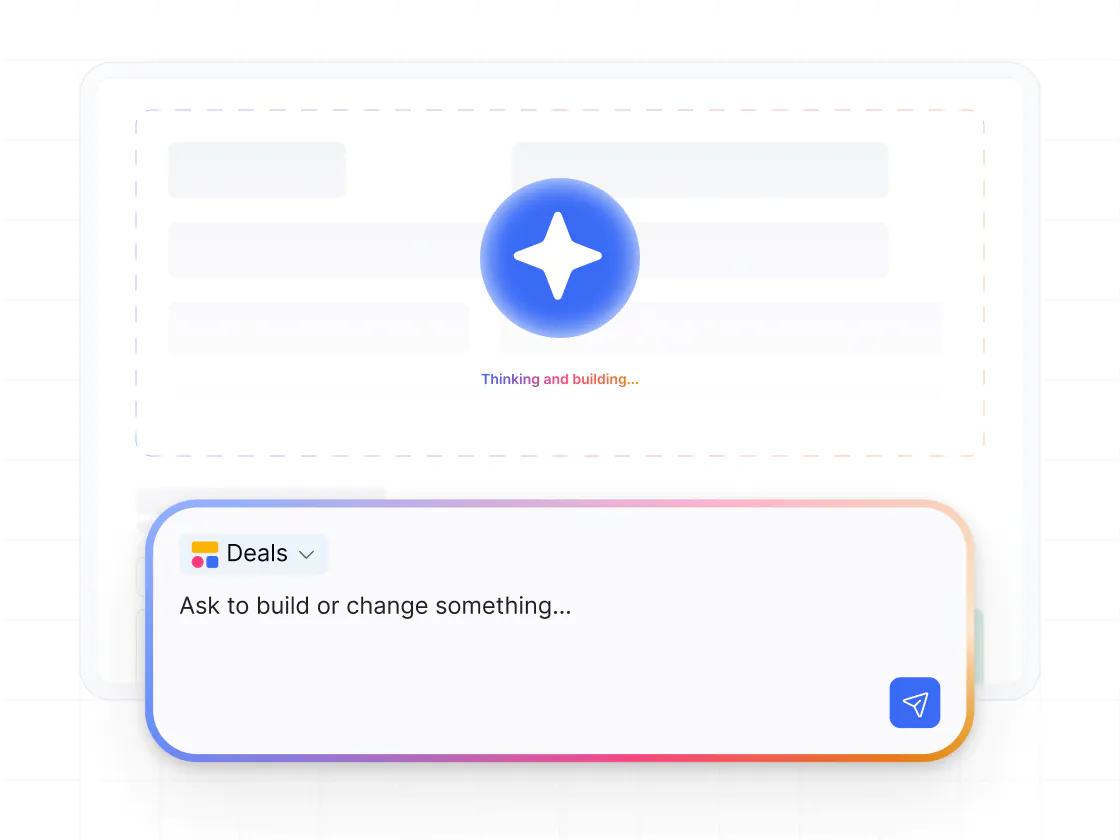
Vibe coding in Softr lets you generate custom tools and UIs from a prompt. Vibe-coded blocks connect to live data, support CRUD actions, follow data permissions, and include version history.

Go from zero to app, incredibly fast
Co-build with AI
Simply describe what you need. Let Softr handle everything - Interface, database, workflows.
Iterate with AI or visually
Control most critical parts of your app yourself, including: roles, permissions, and security.
Ship the same day
Invite team members or external clients and partners right away. Build AI apps with no developer handover.



Frequently asked questions
What’s the difference between Softr and Appsmith?
Who is Appsmith best suited for?
Does Appsmith support external users or client portals?
Do I need to write code when using Softr?
How do permissions compare between Softr and Appsmith?
How does Softr handle workflows and automation compared to Appsmith?
Can Softr be used for internal tools as well as external apps?
How does pricing compare between Softr and Appsmith?
When do teams typically switch from Appsmith to Softr?
Join 1M companies building apps with Softr
See how easy it is to automate and run your business.