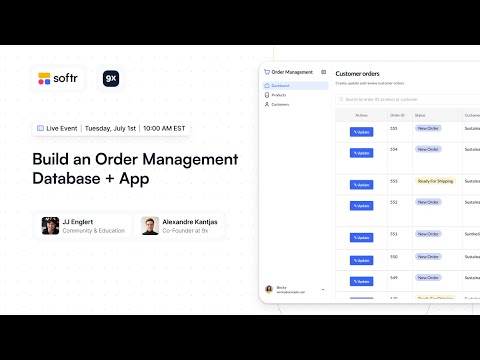
Learn to architect an order management app in Softr by linking Softr Databases to granular user groups and building custom returns workflows for inventory.
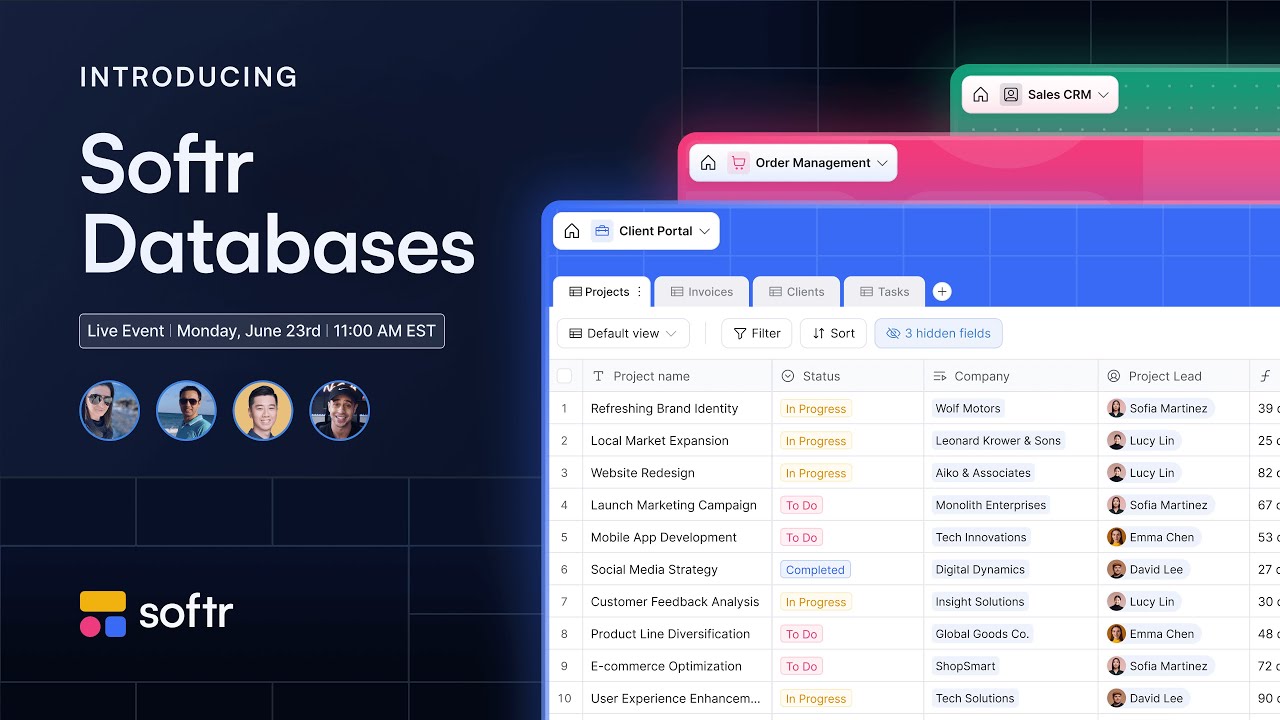
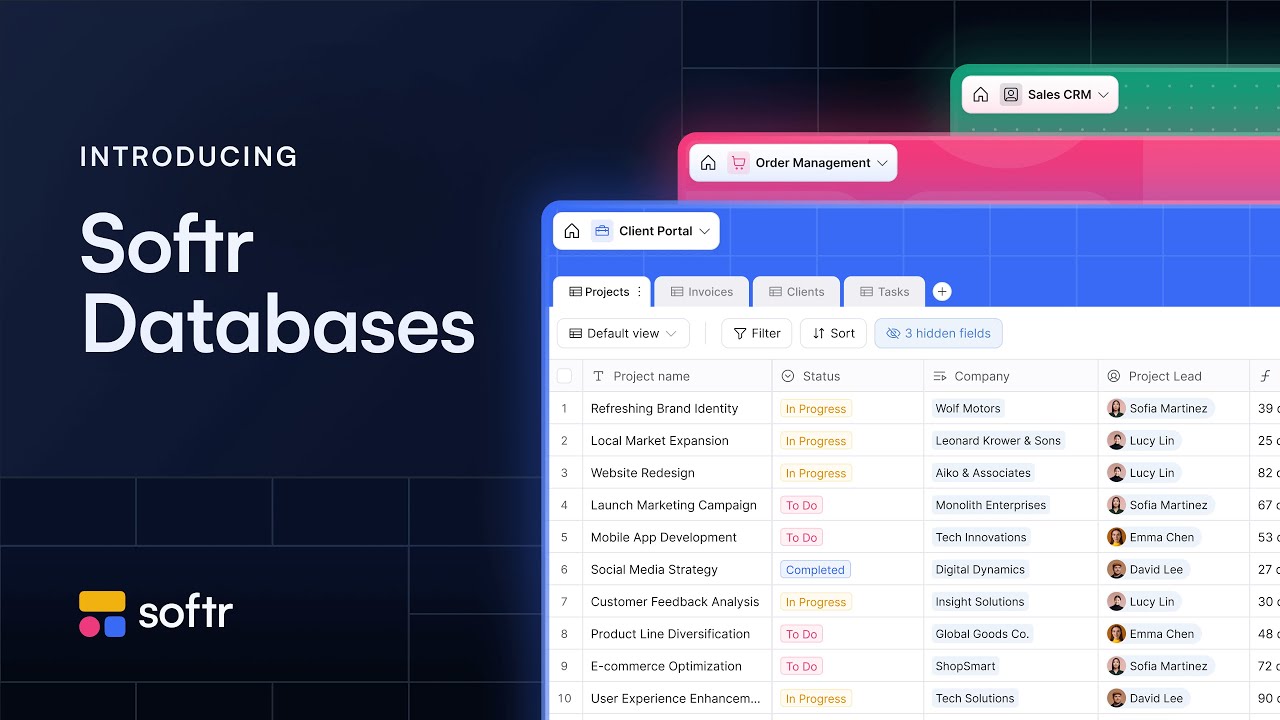
Master Softr Databases to build high-performance full-stack apps with related records, rollups, and formula fields using this detailed founder walkthrough.
Maximize app speed using native Softr Databases. Leverage formulas, rollups, and linked records to build 10x faster internal tools without sync delays.
Enable seamless collaboration by linking a side panel or item details block to specific records, managing user groups permissions, and styled rich text.
Transform Coda tables into a secure front-end with two-way sync, granular user groups, and conditional forms for a polished client portal experience.
Configure an item details block and a linked table to display supplier data, while using user groups to restrict editing access to warehouse managers.
Build a sales order system using a list block and item details block. Learn to manage order statuses and pass record IDs via hidden fields in Softr.
Configure an item details block to manage purchase orders, update status with one-click actions, and send data to external APIs using Softr Workflows.
Build a multi-functional dashboard by nesting a table block and graphs within a Softr container block while using static hero blocks for global navigation.
Go from Airtable data to a custom app by configuring global styles, dynamic blocks, and page rules to manage your equipment and supplier workflows easily.
Map Airtable fields to Softr Databases, configure domain-restricted signup, and create condition-based user groups to build personalized page visibility.
Master Softr Databases by organizing tables, fields, and records to link Airtable data to user groups and automate real-time inventory tracking metrics.