![How to build an Inventory Management App with Softr [Full Course 2025]](https://cdn.prod.website-files.com/67a3700c65457964cf349cd4/6a03257014020bbb7b56b4a0_2197efe9-ebfa-4352-ab9e-70cbbca2349c.jpeg)
Transcript
In this course, we'll build a powerful inventory management application using Softr and Airtable. By the end, you'll have a fully customized platform where employees can log in to view inventory levels, suppliers, and recent sales, with different permissions based on their roles.
For example, warehouse managers will have more control over the system, while sales managers will focus on handling sales-related tasks. These user groups and role-based permissions make it easier to collaborate across teams while keeping access to data and actions secure and organized.
Softr is a no-code platform that allows you to build custom internal tools and portals quickly without writing a single line of code. It connects seamlessly with data sources like Airtable, Google Sheets, HubSpot, and more—with 17+ integrations in total—so you can work with data you already have.
[.blog-callout]
Note from Softr: While you can connect to external sources, you can also use Softr Databases to manage your inventory data natively within Softr for even faster performance and simpler setup.
[.blog-callout]
With Softr, you can visualize your data, take action on it, trigger automations, and streamline your workflows. By the end of this course, you'll have the knowledge to expand and adapt the system to fit your team's exact needs.
[.blog-callout]
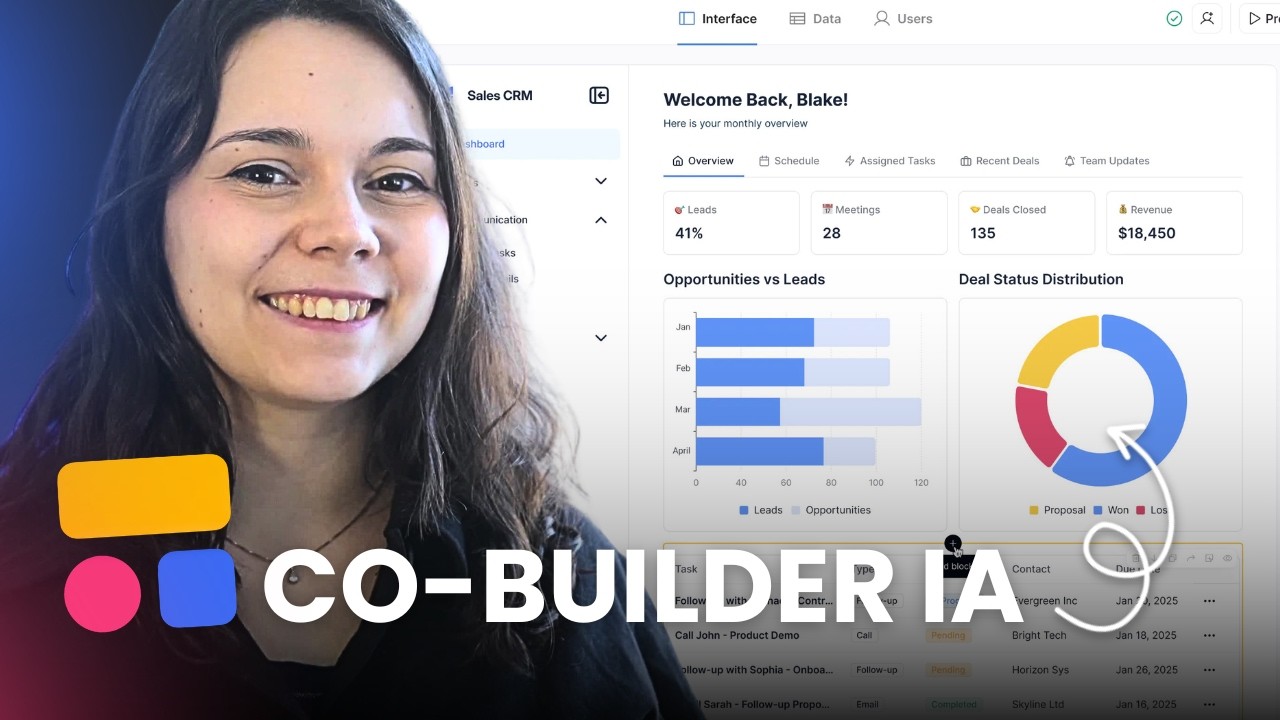
Note from Softr: If you want to skip the manual setup, the AI co-builder can generate a full inventory management system or App templates for you in seconds based on a simple prompt.
[.blog-callout]
To follow along, you just need a free Softr and Airtable account. Once you've got those set up, you're ready to start building. Let's dive in.