A comprehensive portal for property managers and tenants to manage units, track maintenance requests, handle rent payments, and streamline communication in one place.
Data sources supported





.svg)


Resources



Overview
This free template helps you build a custom tenant portal on top of your existing property management data—so you can eliminate scattered spreadsheets, endless email threads, and phone tag with tenants.
It includes a sample database showing how to structure your data for managing units, tenants, maintenance requests, payments, and documents. You can also connect to any Softr-supported data source like Airtable, Google Sheets, Notion, monday.com, and more.
Why use this tenant portal template
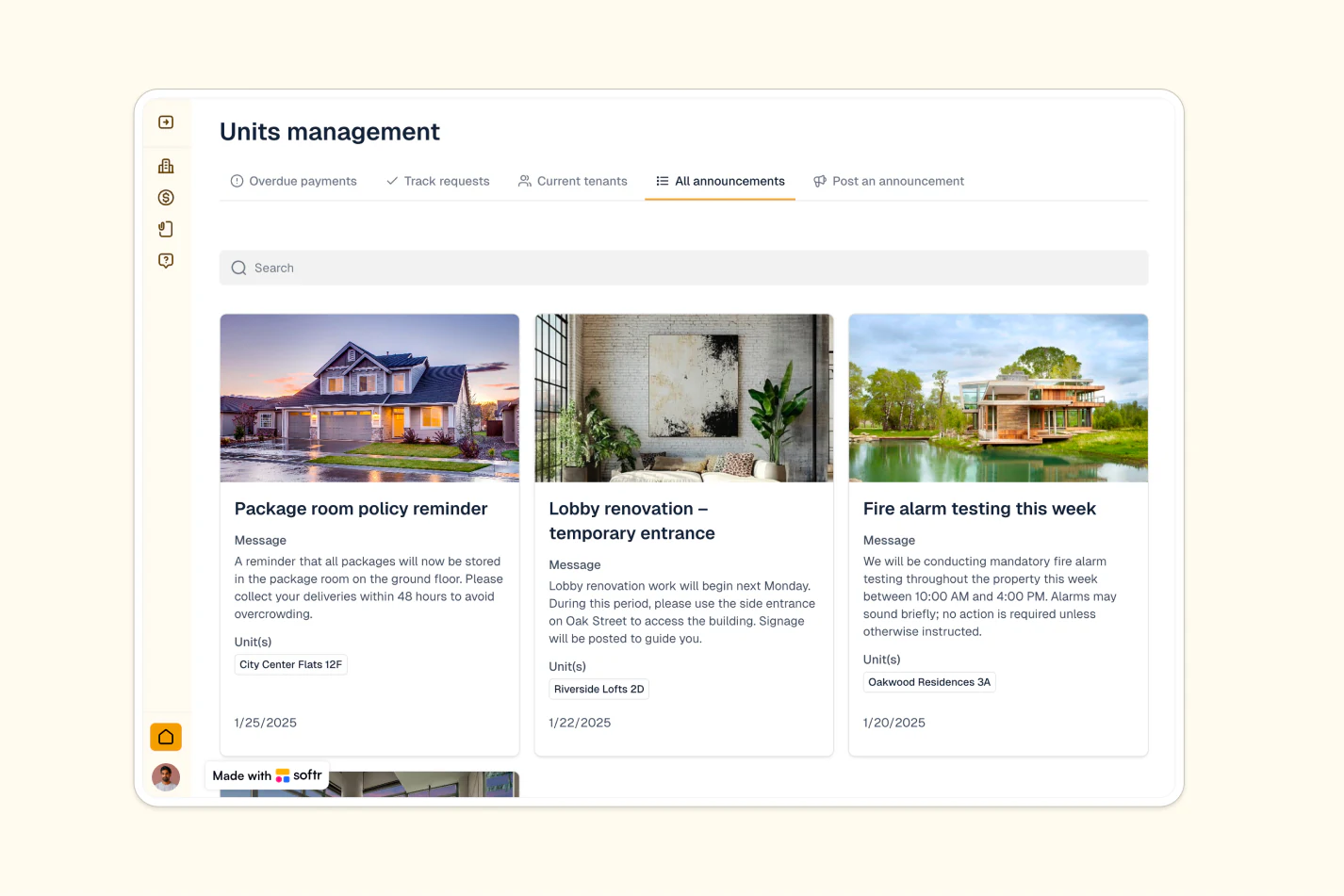
- Centralize property operations in one place: Manage units, tenants, maintenance requests, and rent payments in a single secure platform.
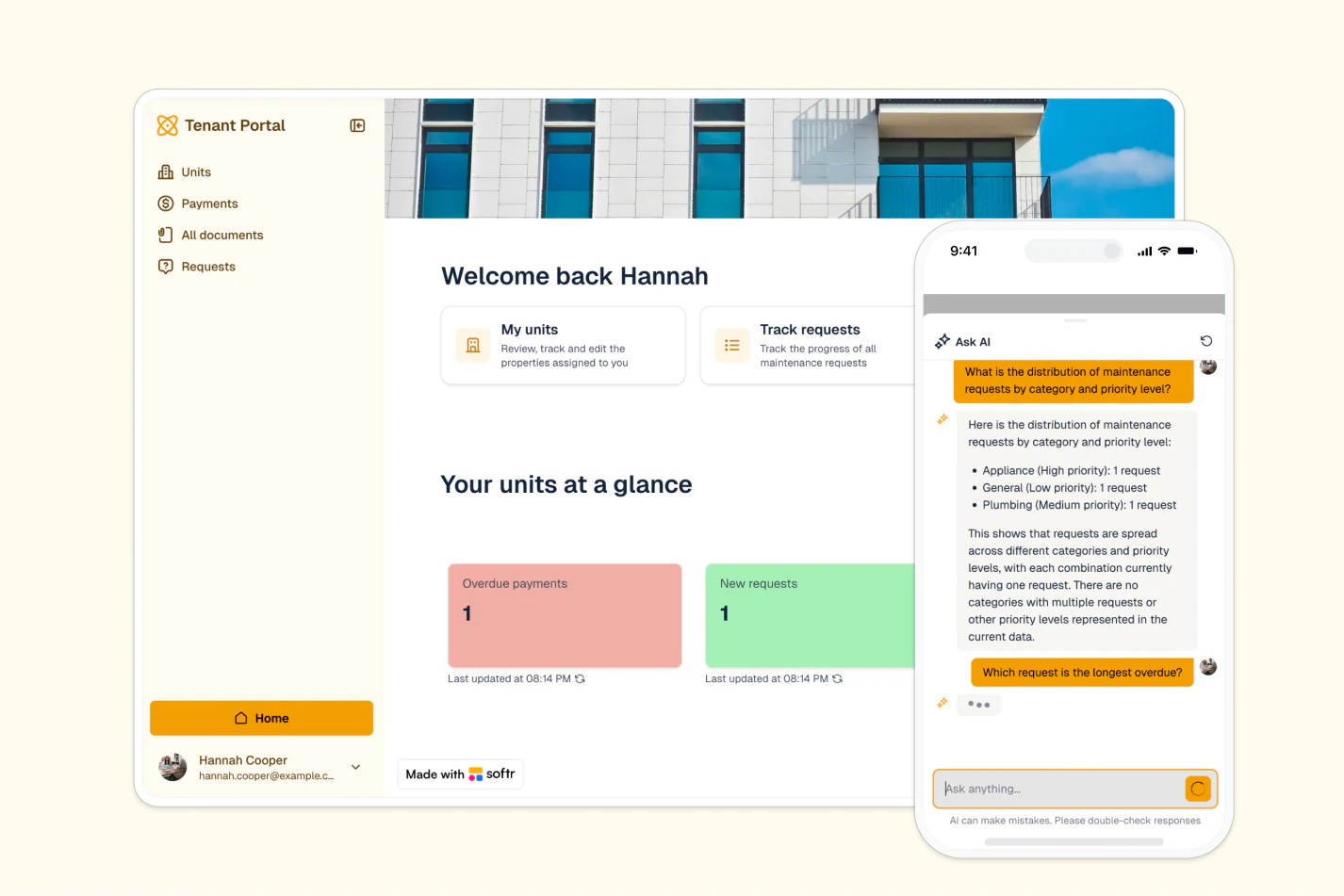
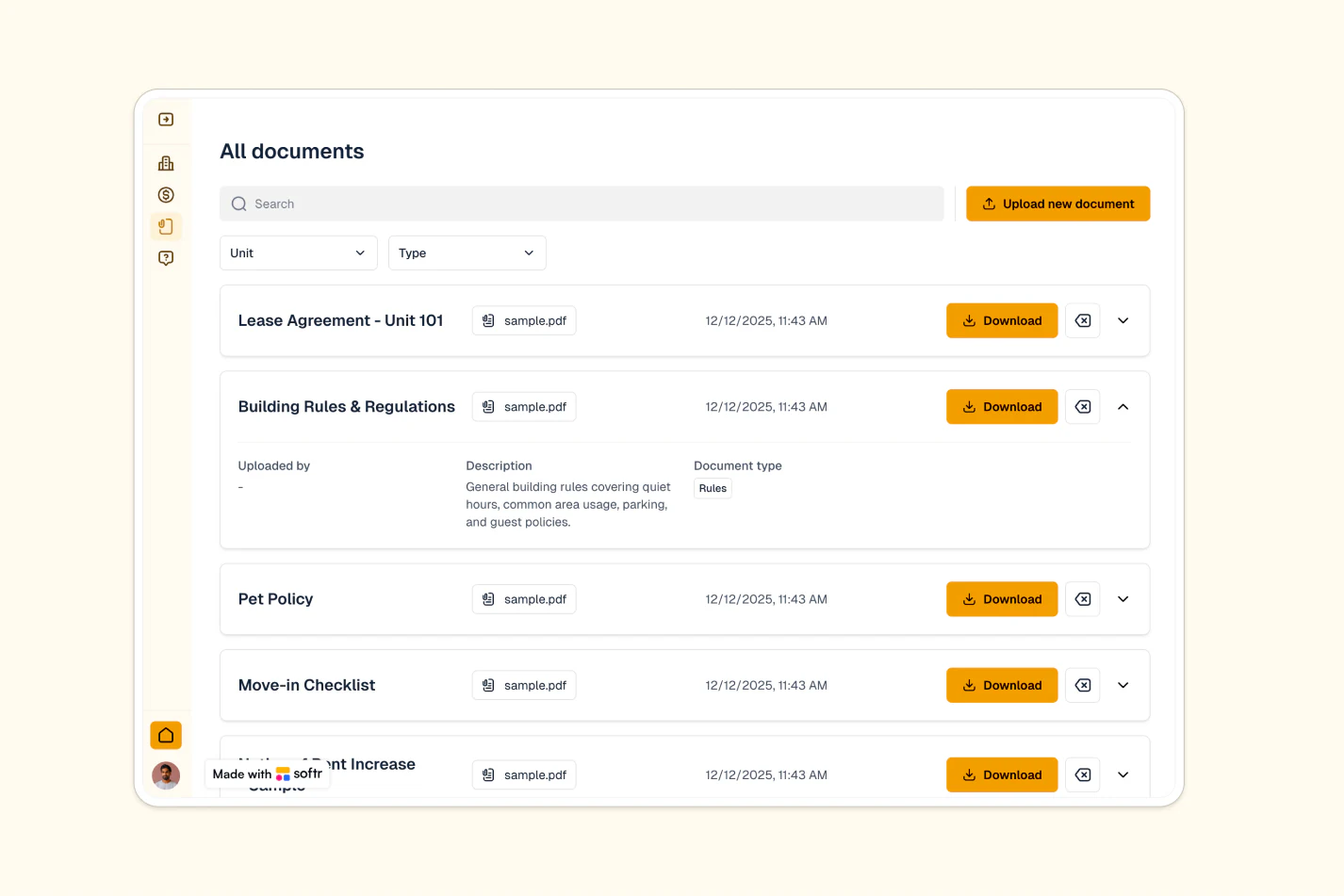
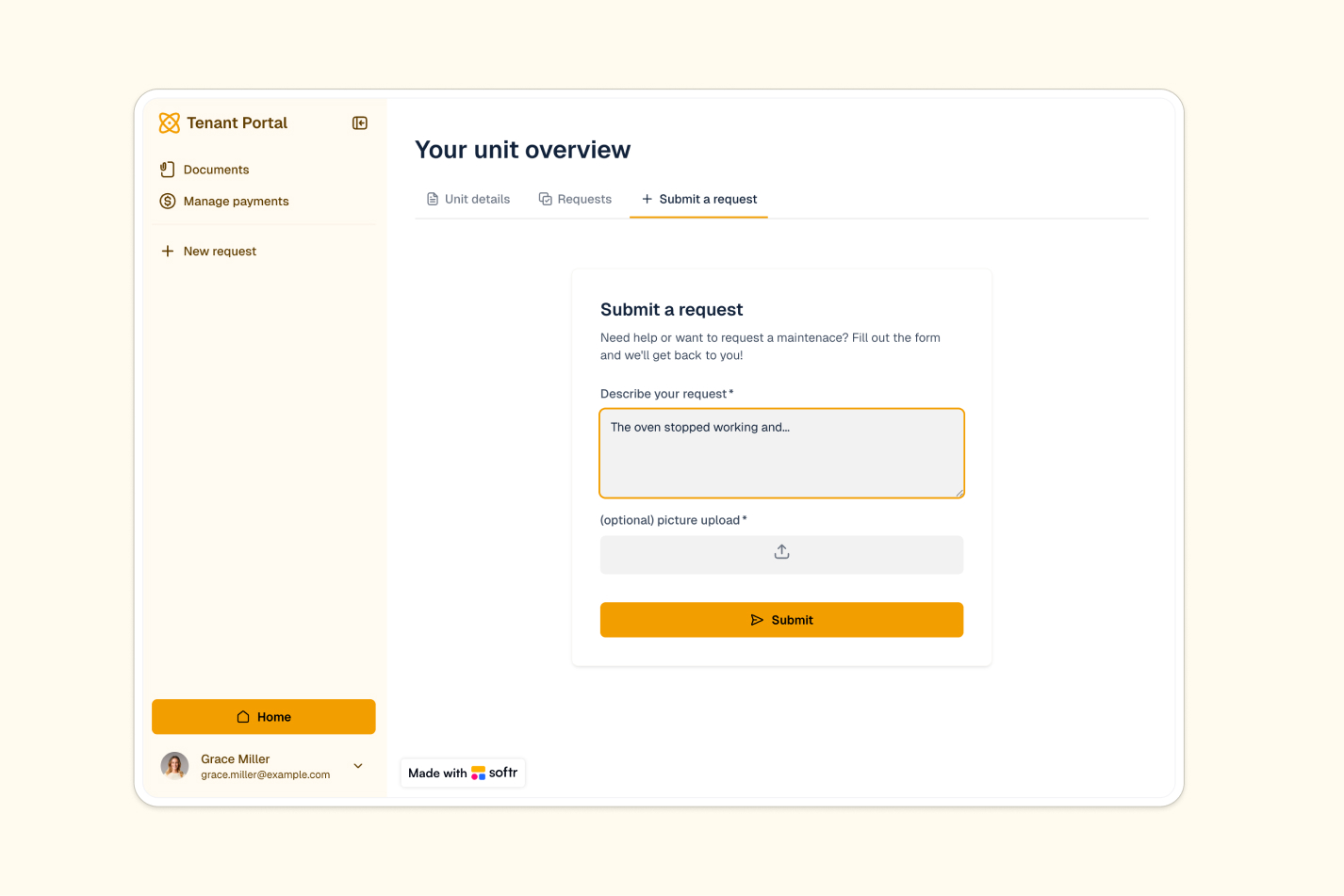
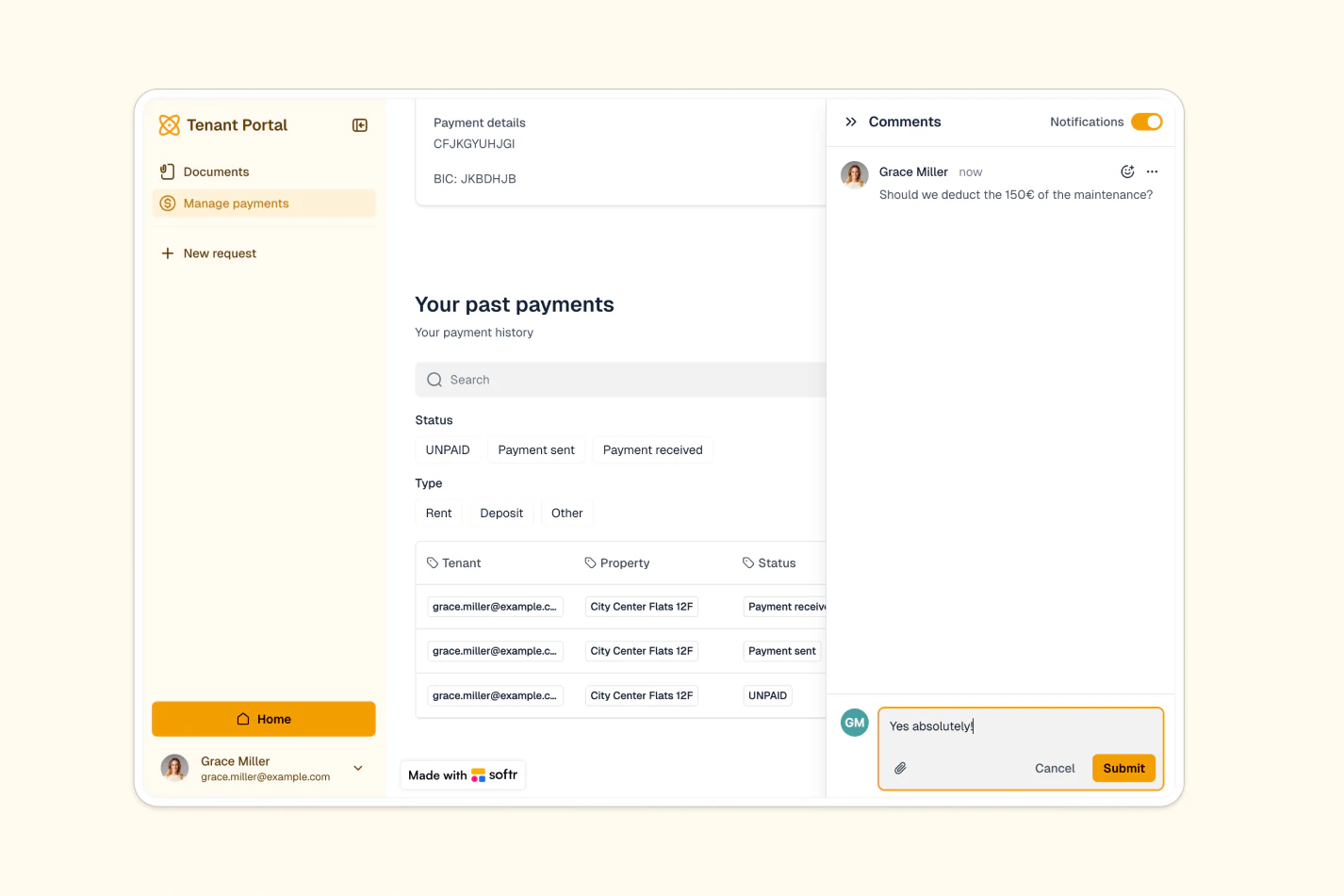
- Give tenants self-service access: Tenants can view unit details, submit requests, track payments, and access documents—without constantly reaching out to you.
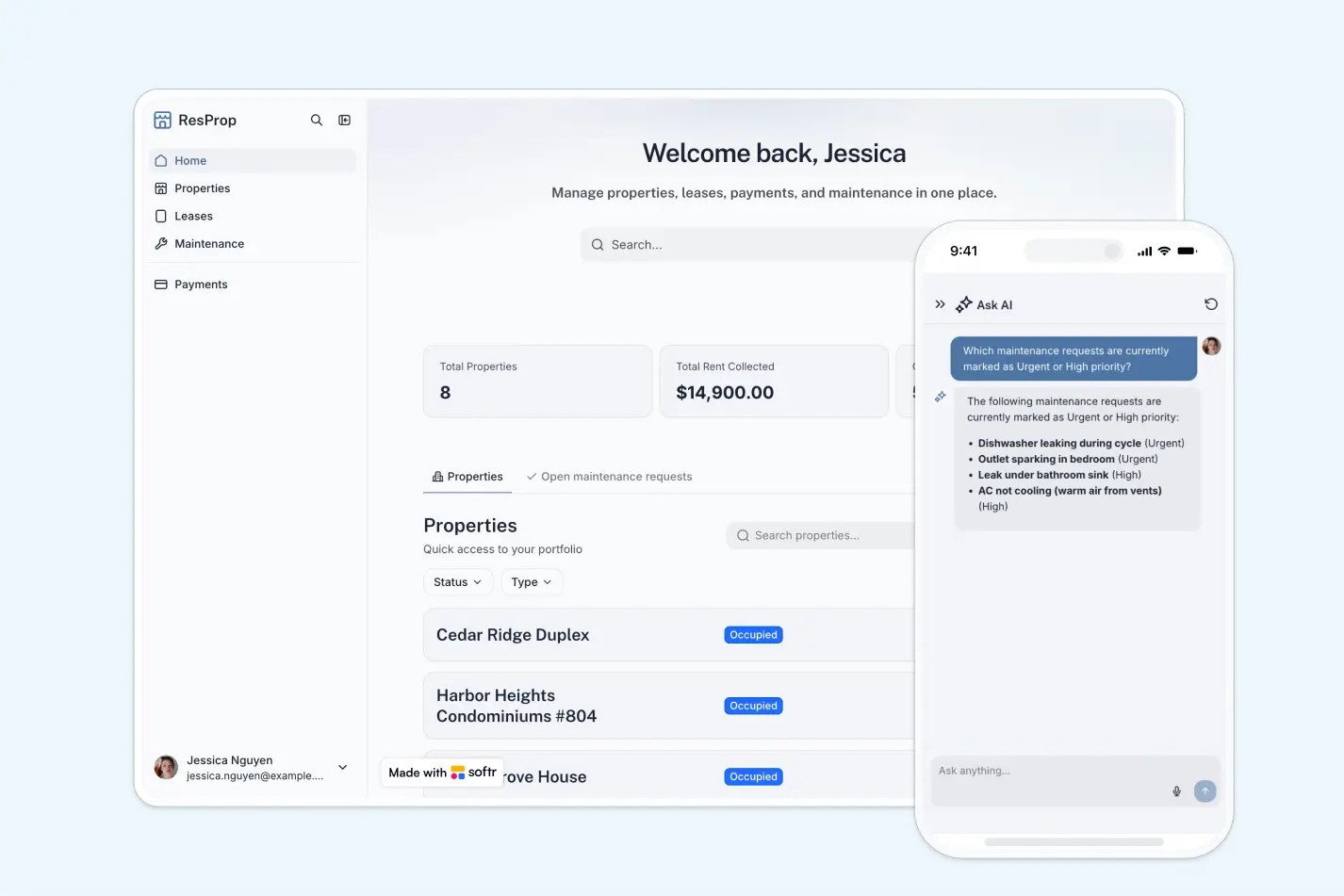
- Get AI-powered insights on requests: Property managers can chat with an AI assistant to analyze maintenance trends, identify urgent issues, and make data-driven decisions.
Template features:
- Unit and tenant management
- Maintenance request tracking
- Rent payment logging and confirmation
- Document storage and access
- Targeted announcements
- AI-powered request insights
- Task management
- Works on any device
Who is this tenant portal template for?
This template is designed for property managers, landlords, and real estate professionals who need a simple way to manage rental units and communicate with tenants. It's especially useful for:
- Residential property managers: Oversee multiple rental units, track maintenance, and manage tenant communications from one dashboard.
- Small to medium property management companies: Centralize operations across portfolios without paying for expensive property management software.
- Landlords with multi-unit properties: Keep track of apartment buildings or multiple rental properties with organized unit and tenant data.
- Real estate professionals: Manage tenant relationships, maintenance requests, and lease documents in a structured, accessible way.
- Housing cooperatives: Coordinate member units, maintenance requests, and community announcements efficiently.

“What we love most about Softr is the instantaneous, customizable power a no-code platform allows.”

- 1
- 2
- 3
- 4
Frequently asked questions
What is a tenant portal?
Can tenants submit maintenance requests through the portal?
How do property managers track overdue rent payments?
Can I customize the portal design and branding?
What data sources does this template integrate with?
How does the AI chatbot help property managers?