Manage drawings, track version control, and secure shop floor access in an AI-powered system built with AI to fit your factory workflow.



Customize your manufacturing setup with the exact drawing views and audit steps your team needs. Add features as safety specs evolve—no code.


Connect technical drawings, compliance logs, and supplier specs with real-time sync—or manage everything in Softr Databases. Create one source of truth for your shop floor.
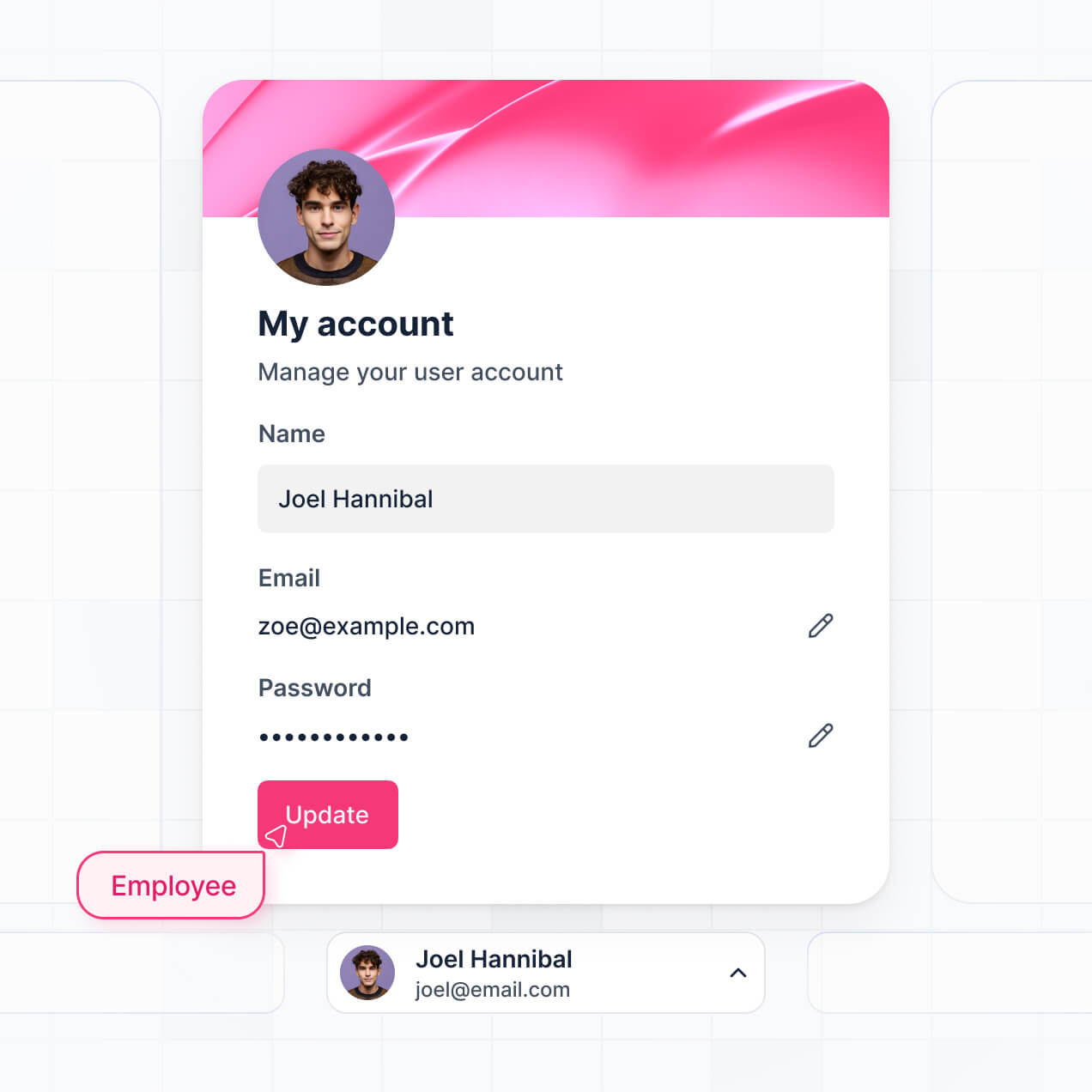
Give each operator and engineer the right technical drawings. Set up secure logins, user groups, and granular permissions—no IT support or dev work needed.
Give shop floor operators, quality managers, and suppliers tailored dashboards, so each role sees just the documents they need.
Streamline factory processes with Softr Workflows. Trigger native automations for document approvals or version updates to keep operations running smoothly.
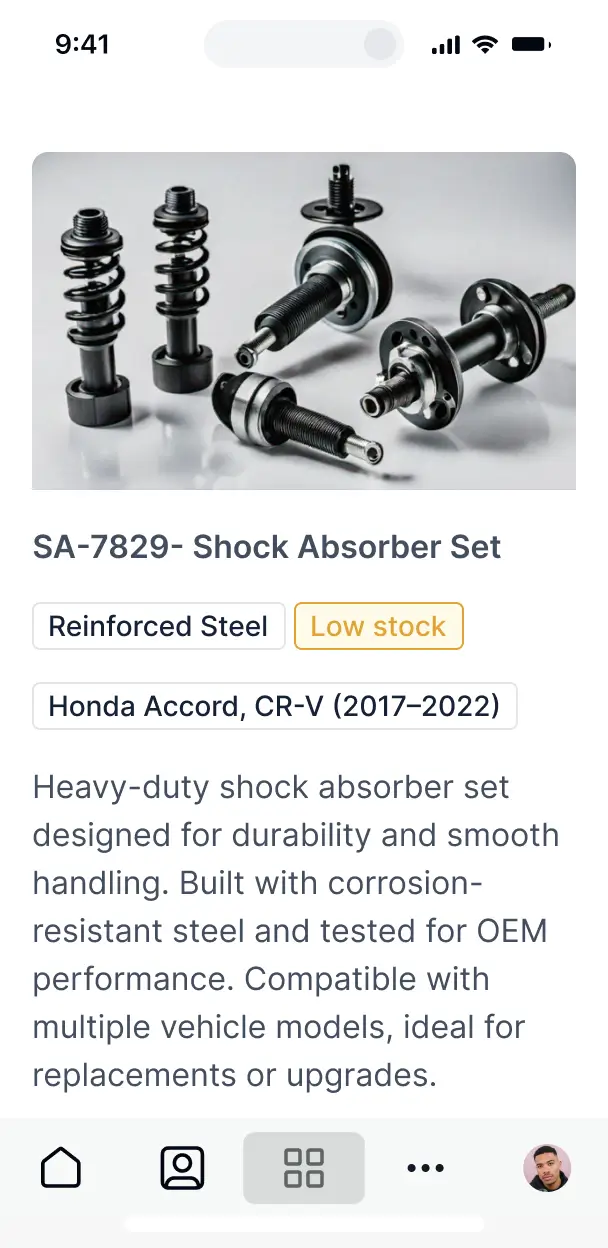
Access technical manuals and safety documents on any tablet or mobile device. All documentation apps are mobile-ready out of the box.
Use Google, email, or SSO logins to give your manufacturing team fast, secure access to restricted specs—no IT tickets needed.
Keep proprietary engineering data safe with SOC2 and GDPR compliance, plus fine-tuned access control at every level of your document system.
No more one-size-fits-all tools or costly custom builds. Softr is easy to use and fully customizable, so you can launch faster, adapt as you grow, and skip the complexity of traditional software.

Build your manufacturing document system in minutes with AI—no manual configuration needed.

Add features like quality audit logs or supplier portals as your production lines grow.

Start with document storage, then add equipment trackers and maintenance forms—all in one place.
Co-build with AI
Simply describe what you need. Let Softr handle everything - Interface, database, workflows.
Iterate with AI or visually
Control most critical parts of your app yourself - roles, permissions, security.
Ship the same day
Invite team members or external clients and partners right away. No developer handover.
Use drag-and-drop blocks to build a portal that looks sleek and modern out of the box. Add only the features you need, and iterate as your workflows evolve.




A manufacturing document management system is a secure, centralized digital hub where your production team can access critical compliance documents, Standard Operating Procedures (SOPs), safety data sheets, and technical drawings. It keeps all technical documentation in one place, eliminating the need to search through physical binders or unorganized file servers. This makes it easier for plant managers and quality assurance teams to stay organized and ensure the shop floor always has the most current version of every document.
Softr is the first AI-native platform for building business software, making it the ideal choice for creating a manufacturing document management system that aligns with your factory's specific compliance and production workflows. You can simply describe your document indexing and revision requirements to the AI Co-Builder to instantly generate your technical library, approval workflows, and user permissions—all pre-connected and secure.
You don't need to code to customize your system. You can start by generating with AI, using a pre-built template, or building from scratch. Everything runs on Softr Databases, the native database built into the platform, or you can link existing technical repositories from Airtable, Google Sheets, or internal SQL servers. You have complete control to adjust the layout visually, implement granular access for floor workers versus engineering leads, and brand the interface to match your corporate identity. It's fast to deploy on the shop floor, simple to update as regulations change, and flexible enough to scale across multiple production facilities.
You can include a wide range of specialized features in your system, tailored to high-stakes industrial environments. A robust manufacturing document management system usually combines classic organization with AI-driven compliance tools:
- AI-Powered Intelligence – Use Ask AI to let workers query dense equipment manuals conversationally, or set up Database AI Agents to automatically extract expiration dates or compliance metadata from scanned PDFs.
- Vibe Coding Blocks – Build complex, custom UI elements—like an interactive CAD drawing viewer or a real-time production status bar—using the AI Code block to "vibe code" exactly what your engineers need.
- Softr Workflows – Build native automations (like an automatic email alert for upcoming ISO certification renewals) that trigger whenever a document status changes or a review date is reached.
- Secure User Logins – Manage role-based access so shop floor operators see only relevant assembly instructions while QC managers maintain full editing rights over audit trails.
- Revision Control Forms – Capture change requests and document updates with custom forms that support file uploads and multi-step approval logic.
- Compliance Dashboards – Visualize your document readiness and certification statuses with real-time charts and summary metrics.
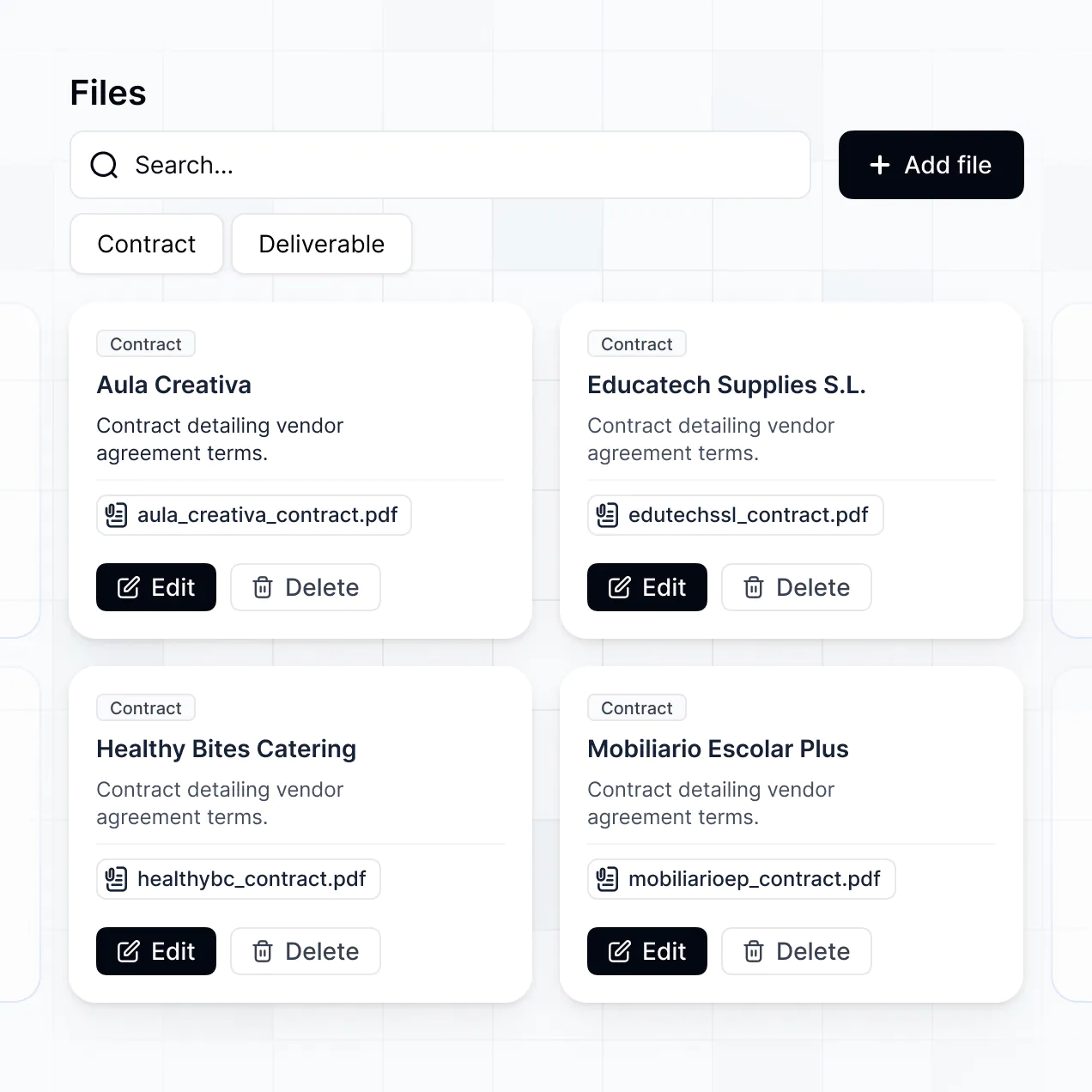
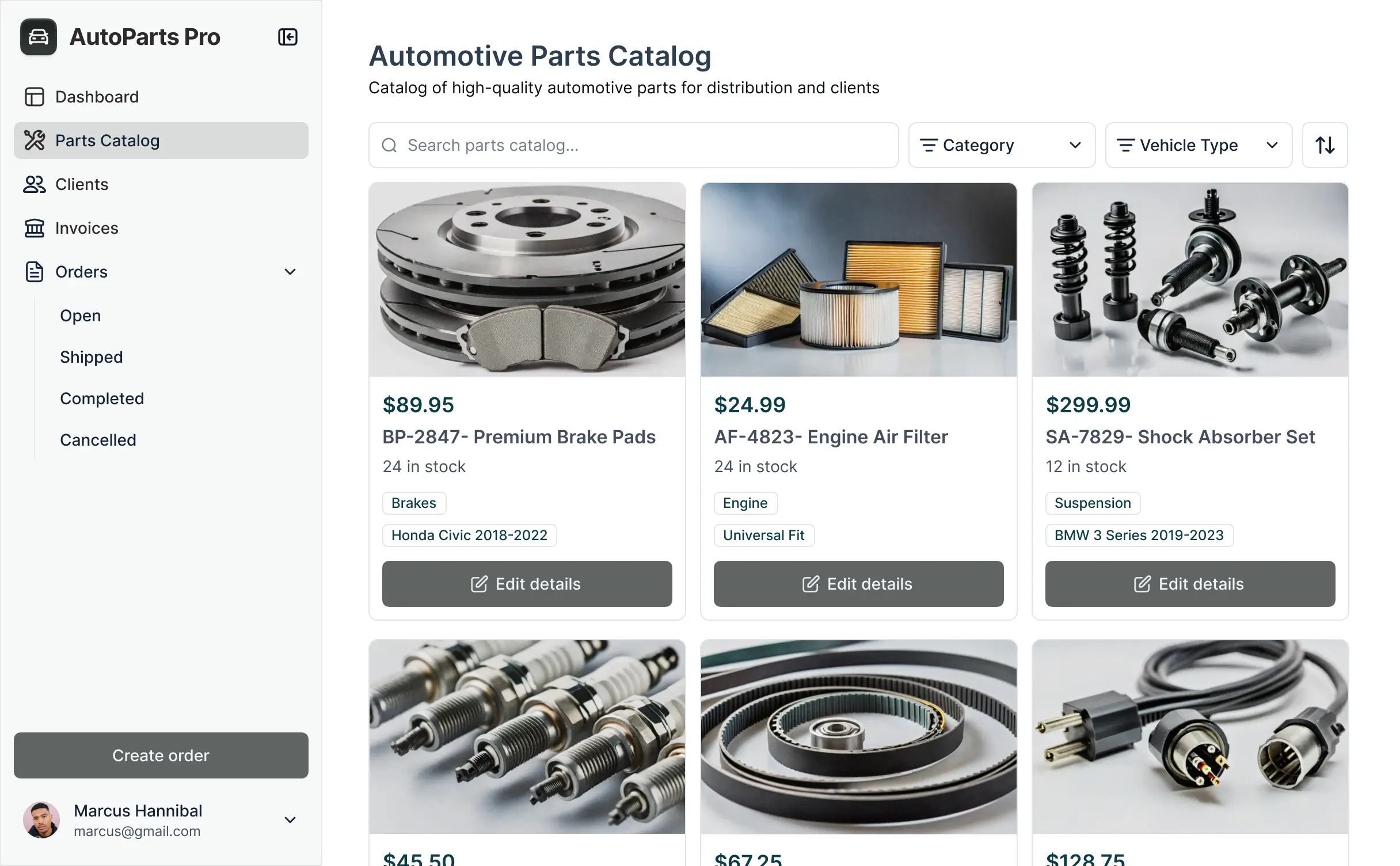
- Searchable Technical Lists – Display and manage your library with searchable tables, Kanban boards for document approval stages, and detailed file previews.
Everything is built using Softr's drag-and-drop blocks, so you can create these industrial-grade features without writing code. If your factory has unique requirements, use the Vibe Coding block to generate a custom component. As your production line evolves, updating your system is seamless.
Vibe coding is about moving fast and using AI to build a system that matches your plant's specific operational logic. You can "vibe code" a manufacturing document management system in Softr by describing your needs—such as "I need an SOP library with version tracking and a QR code scanner for mobile access"—to the AI Co-Builder. Softr then generates a production-ready application on top of a stable, secure technical architecture.
Unlike other tools that generate messy code that is hard to audit for compliance, Softr handles the critical "boring 80%"—like secure file hosting, user authentication, and audit logs—natively. This means you get the speed of AI-driven development without the risk of managing raw code in a regulated environment. You describe your document hierarchy, Softr builds it, and your production staff can start accessing manuals instantly.
Yes. You can manage multiple manufacturing facilities, production lines, or departments in a single system. Each worker only sees the manuals, checklists, and safety protocols assigned to their specific location or role based on their login. This is ideal for global manufacturers who need to centralize oversight while providing localized documentation to individual plant floors.
Yes, you can. You don't need to have a pre-existing digital vault to start building with Softr. If you are digitizing paper records for the first time, you can use Softr Databases, which is built into the platform and handles file storage and relational data perfectly for manufacturing apps.
However, if your technical drawings or specs are already stored in tools like Airtable, Google Drive via Google Sheets, HubSpot, or even a SQL database, you can connect those directly. You can also use the REST API connector to sync with existing PLM or ERP systems. Regardless of the source, you have full control over how your SOPs and blueprints are structured and displayed to your team.
Softr Databases is the recommended native data source, offering high performance for viewing large technical files and instant automation triggers when document statuses change. Because the data is native to the platform, it provides the fastest experience for workers on the shop floor.
Softr also connects to 17+ external sources. You can link your documentation to Airtable, Google Sheets, HubSpot, SmartSuite, BigQuery, and more. You can even integrate multiple sources—for example, pulling worker certifications from Softr Databases and equipment manuals from an external SQL server. Most sources support real-time, two-way sync, ensuring your machine maintenance logs and document revisions stay updated everywhere automatically.
Yes, Softr gives you precise control over how different personnel interact with your manufacturing document management system. You can tailor the layout, navigation, and access rights to match the realities of the shop floor. Each page or document block can be shown or hidden based on the user's shift, department, or clearance level.
You can establish distinct user roles—such as Operator, Supervisor, or Quality Auditor—and define exactly what each can view or edit. For example, operators might only have "read-only" access to assembly guides, while the Engineering lead can upload new revisions. You can also create personalized dashboards that filter documents based on the specific machinery the logged-in user is assigned to.
This granular customization is essential for maintaining safety and compliance, ensuring that workers are never overwhelmed by irrelevant data and always looking at the correct, authorized version of a document.
Yes, you can fully white-label your manufacturing document management system. You can use your company logo, corporate colors, and custom subdomains (e.g., docs.yourfactory.com) to make the system feel like an official internal tool. You can also remove all Softr branding, providing a professional and consistent experience for your employees and external auditors during quality inspections.
Yes, you can. Softr provides the flexibility to control the design of your document portal to suit high-traffic industrial environments. You can adjust fonts for readability on tablets, choose high-contrast colors for shop floor visibility, and structure pages for quick navigation. You decide which blocks are prioritized for worker access and what specific data fields (like Rev # or Last Modified) are visible.
To organize your manufacturing data, choose from specialized blocks:
- Table blocks – to track document indices, change logs, or maintenance schedules.
- List or Card blocks – to display visual SOPs with thumbnail images for quick identification.
- Detail View – to provide a focused look at a single machine's full documentation suite.
- Forms – for submitting incident reports or document change requests.
- Charts – to monitor document completion rates or compliance audit readiness.
- Calendar blocks – to track upcoming equipment inspections or certification expiration dates.
If you add new production lines later, you can easily update the layout and add new categories within the visual builder.
Softr is built to protect sensitive industrial information and intellectual property. All technical data is encrypted in transit and at rest, hosted on secure infrastructure. Softr gives you full control over IP protection through role-based permissions and visibility rules. You can manage internal users directly, ensuring that sensitive blueprints are only accessible to authorized engineers via secure login.
For systems using Softr Databases, your data is stored in a secure environment in Europe (Germany) with SOC 2 Type II compliance. For systems connected to external databases like SQL or Airtable, Softr acts as a secure interface and does not store your proprietary files—it simply displays them in real time based on your specific access settings. Softr follows industry-standard best practices for authentication and platform monitoring to ensure your specifications and trade secrets remain safe.
It is fully production-ready. Unlike many AI tools that generate fragile, disconnected code snippets, Softr builds your manufacturing document management system on a robust foundation designed for business-critical reliability.
We handle the "boring 80%"—such as secure user authentication, granular file permissions, and industrial-grade hosting—natively. This solves the reliability problem often associated with AI: you get the speed of instant tool generation without the risk of system crashes on the production line. Your system is secure, scalable across global plants, and ready for your team to use for ISO compliance from day one.
Softr is the first AI-native platform specifically designed for building business software like a manufacturing document management system. Unlike traditional no-code tools that require manual, time-consuming setup of every database relationship, or "vibe coding" tools that produce unmaintainable raw code, Softr's AI Co-Builder creates structured apps on a secure, production-ready foundation.
The key advantage is our hybrid approach: you use AI to generate your document library and approval logic in minutes, then use visual controls to fine-tune the shop-floor experience. You get AI-driven speed combined with the reliability of enterprise features like role-based access control and secure hosting. It is built for manufacturing managers who need to move from a manual paperwork process to a digital system immediately.
Yes. Softr supports powerful native workflows and a wide range of integrations to connect your document system to your entire production stack. You can automate tasks using Softr Workflows—such as notifying a supervisor via Slack when a new SOP is ready for approval—or integrate with tools like Zapier and Make. Softr also supports REST API and webhooks for connecting to legacy ERP or MES systems.
Whether you need to trigger a retraining task in your HR software when a document changes, or pull real-time equipment data to display alongside maintenance manuals, you can build these automated connections without writing code.
Describe your documentation workflow. Softr's AI builds your manufacturing system in minutes.