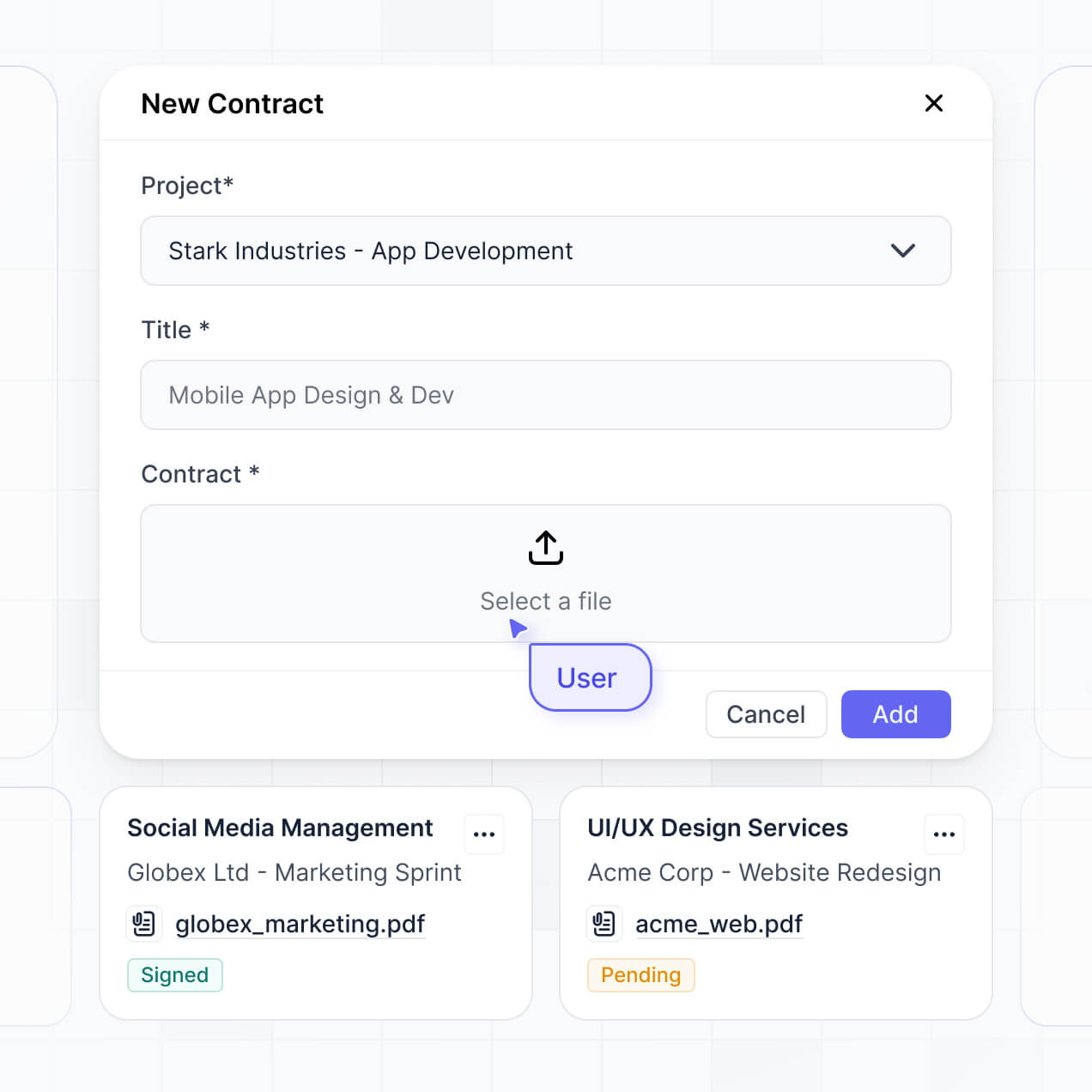
Centralize contracts and automate reviews in an AI-powered system built with AI you customize to fit your legal team's workflow.
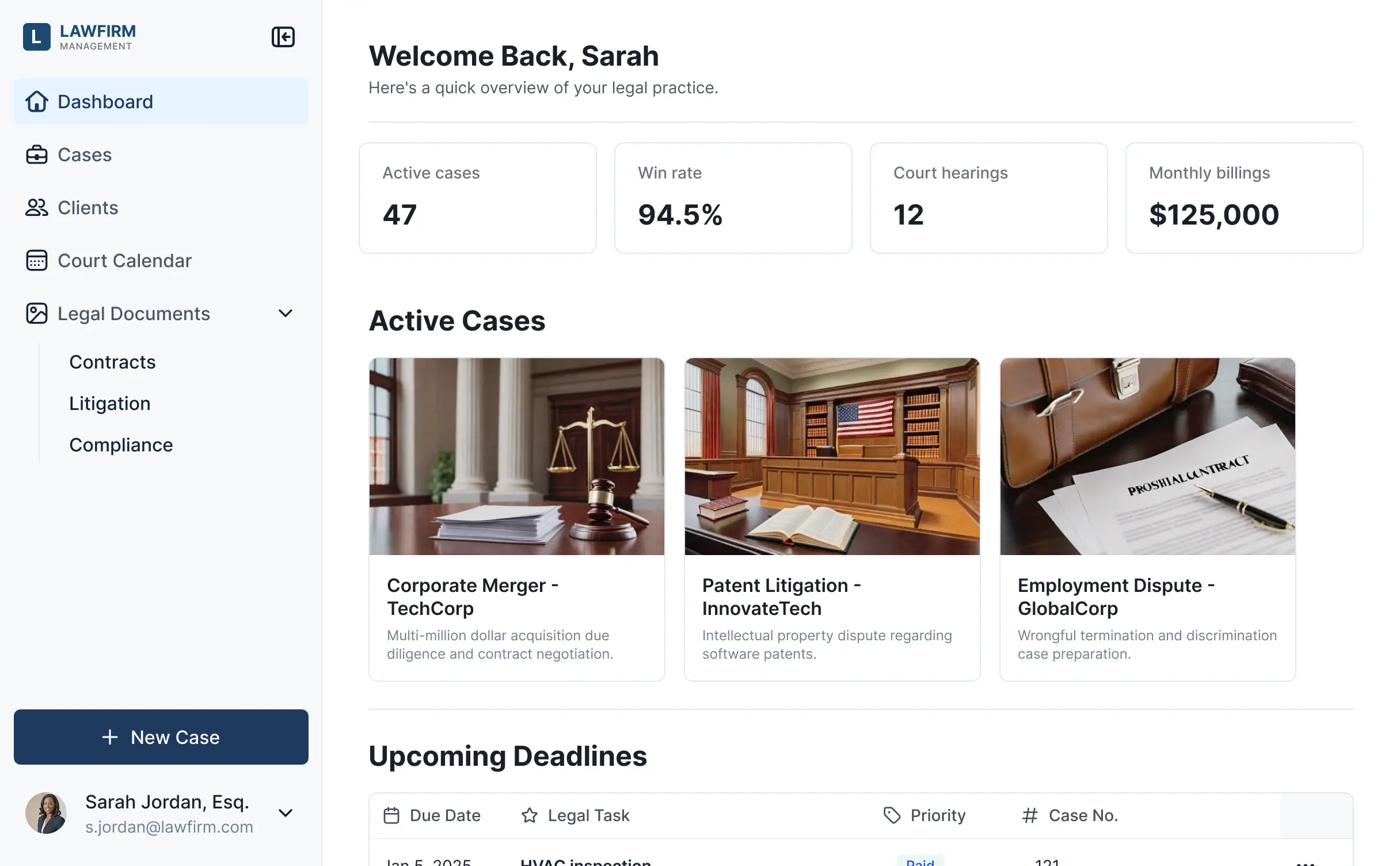



Customize your setup with the exact steps and views your team needs. Add features like AI summaries and expiry tracking as processes evolve.


Connect contracts, case files, and legal records from existing tools—or manage everything in Softr Databases. Create a single source of truth for your legal department.
Give each attorney and stakeholder the right files and access. Set up secure logins and granular permissions—no IT support or dev work needed.
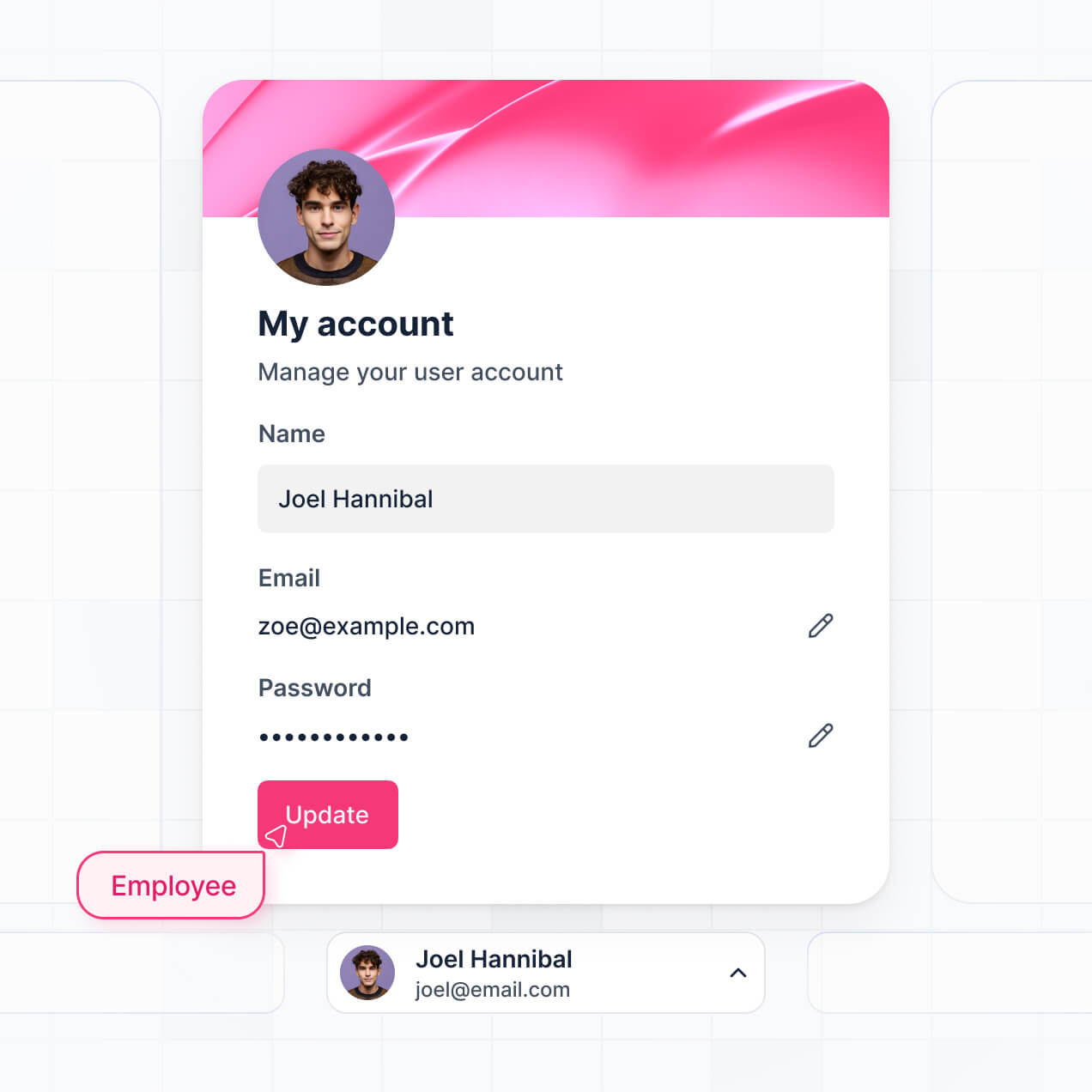
Give different legal team members and department heads tailored dashboards, so each role sees just the contracts and deadlines that matter to them.
Streamline legal processes with Softr Workflows. Trigger native notifications for contract expirations or status changes to keep your legal operations running smoothly.
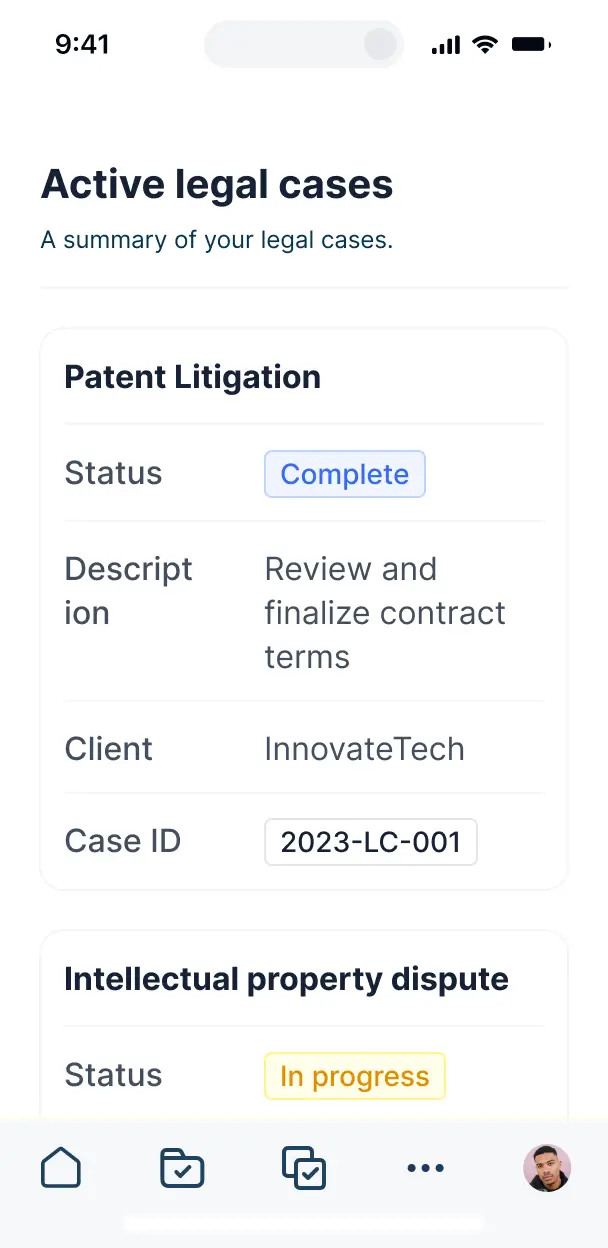
Access and review your legal documents on the go. All systems are mobile-ready out of the box, allowing for quick approvals from any location.
Use Google, email, or SSO logins to give your legal team fast, secure access to the repository—no IT intervention required to manage users.
Keep sensitive legal data safe with SOC2 and GDPR compliance, plus fine-tuned access control at every level of your document management system.
No more one-size-fits-all tools or costly custom builds. Softr is easy to use and fully customizable, so you can launch faster, adapt as you grow, and skip the complexity of traditional software.

Build your in house legal document management system in minutes—no complex manual setup required.

Add features like contract approvals or deadline tracking as your legal workflows evolve—without a rebuild.

Start with document management, then add internal portals and team dashboards—all in one place.
Co-build with AI
Simply describe what you need. Let Softr handle everything - Interface, database, workflows.
Iterate with AI or visually
Control most critical parts of your app yourself - roles, permissions, security.
Ship the same day
Invite team members or external clients and partners right away. No developer handover.
Use drag-and-drop blocks to build a portal that looks sleek and modern out of the box. Add only the features you need, and iterate as your workflows evolve.




An in house legal document management system is a secure, centralized digital space where legal teams can store, organize, and manage contracts, case files, and regulatory documents. It eliminates the need for messy email chains or fragmented shared drives by keeping all legal evidence and versions in one place. This makes it significantly easier for general counsel and legal operations to maintain compliance, track signatures, and provide a streamlined experience for internal stakeholders across the company.
Softr is the first AI-native platform for building business software, making it uniquely suited to create an in house legal document management system that aligns with your specific legal workflows. You can describe your requirements—such as contract lifecycles or litigation tracking—to the AI Co-Builder to instantly generate your legal database, document repositories, and access logic, all while remaining fully secure.
You don't need to be a developer to build this. Start by generating with AI, using a pre-made template, or building from the ground up. The system runs on Softr Databases, a native relational engine, or you can link your existing legal data from Airtable, Google Sheets, or HubSpot. You gain full visual control to brand the portal, set strict confidentiality rules, and ensure the right stakeholders see only what they are authorized to see.
You can customize your system with features specifically designed for high-stakes legal administration by mixing classic functional blocks with AI tools:
- AI-Powered Intelligence – Use Ask AI to let legal teams query lengthy contracts conversationally, or deploy Database AI Agents to perform automated risk assessments or summarize key clauses across hundreds of files.
- Vibe Coding Blocks – Build custom UI elements, such as a Redlining Progress Tracker or a specific PDF previewer, using the AI Code block to "vibe code" the exact functionality your counsel needs.
- Softr Workflows – Create native automations, like a contract expiration notification or an automated approval sequence, that trigger whenever a document status is updated.
- Secure User Logins – Manage role-based access so outside counsel, HR, and executives only see the specific legal dossiers relevant to their roles.
- Forms & Data Collection – Facilitate intake requests for new contracts or legal reviews with custom forms and secure file uploads.
- Dashboards & Charts – Visualize legal spend, case distribution, or contract bottlenecks with real-time analytics.
- Lists & Filtering – Organize your library with searchable tables for pending litigation or Kanban boards for contract negotiations.
Every feature is built using drag-and-drop blocks, and if your compliance requirements evolve, updating your system is simple and instant.
Vibe coding allows your legal operations team to move at lightning speed by using AI to build precise tools. You can "vibe code" your document system by telling the AI Co-Builder: "I need a portal for managing corporate bylaws with an approval workflow for board members." Softr then generates a production-ready application on top of a secure, enterprise-grade foundation.
Unlike other AI tools that produce brittle code blocks, Softr handles the critical "boring 80%"—like SOC 2 compliant security, user authentication, and relational data logic—natively. This provides the speed of rapid AI generation without the risk of managing raw code in a high-compliance legal environment. You describe the legal workflow, Softr builds it, and it's ready for your attorneys to use immediately.
Yes. You can organize multiple departments, such as Finance, HR, and Sales, within a single system. Each internal stakeholder only sees the legal documents and contracts assigned to their specific department based on their unique login and role-based permissions. This is ideal for centralized legal offices that need to serve various business units while maintaining strictly siloed confidentiality.
Yes, you can. You don't need an existing repository like SharePoint or a legacy CLM to start building with Softr. If you are starting fresh, use Softr Databases, which is built into the platform and optimized for the high-performance needs of legal document management.
However, if your firm already stores records in Airtable, Google Sheets, HubSpot, or even SQL databases, you can connect those sources instantly. Either way, you maintain absolute control over how your sensitive legal data is structured, categorized, and displayed to your users.
Softr Databases is the recommended native source for your legal portal, providing the fastest performance and most reliable automation triggers because the data lives where the app does.
If your legal data resides elsewhere, Softr also connects to 17+ external sources including Airtable, Google Sheets, HubSpot, SmartSuite, and BigQuery. You can even combine sources—for example, pulling employee contract data from HubSpot while keeping litigation files in Softr Databases. Most sources support real-time, two-way sync, ensuring your document statuses and metadata stay updated across your entire legal stack automatically.
Yes, Softr gives you granular control over the interface of your legal document system. You can tailor the navigation and layout to match your legal department's branding and specific matter-management workflow. Every document block or dashboard can be shown or hidden based on the logged-in user's credentials.
You can establish distinct roles—such as General Counsel, Legal Assistant, or Department Head—and define exactly what each can view, download, or edit. For instance, an executive might see high-level summary charts, while an attorney sees only the case files they are lead on. This ensures your legal data remains secure and organized without overwhelming users with irrelevant information.
Yes, you can fully white-label your legal system. You can apply your corporate logo, brand colors, fonts, and a custom subdomain (e.g., legal.yourcompany.com) to make the tool feel like an official internal resource. You can remove all Softr branding entirely, ensuring that your legal team and executive leadership experience a cohesive, professional environment consistent with your company's identity.
Yes, Softr offers extensive flexibility to design a layout that suits legal professionals. You can customize colors, spacing, and structures to ensure clarity and ease of use. You decide where specific document libraries go and what information is presented at a glance versus what is hidden behind a detail view.
You can use several block types to display your legal data:
- Table blocks – To manage lists of active contracts, trial dates, or filing deadlines.
- List or Card blocks – To represent individual case folders or legal resources.
- Detail View – To open a specific agreement or case to see its full history.
- Forms – For collecting new document requests or evidence uploads.
- Charts – To track legal budget vs. actual spend or contract cycle times.
- Calendar blocks – To keep the team aligned on court hearings or filing expirations.
All layouts are easily adjustable in the visual builder whenever your legal operations processes change.
Softr is engineered for the high security and sensitivity required by legal departments. All data is encrypted in transit and at rest, and apps are hosted on world-class secure infrastructure. You retain total control over data visibility through role-based permissions and global restrictions.
If you use Softr Databases, your legal data is stored in a secure European (Germany) environment with SOC 2 Type II compliance. When connecting to external sources like Airtable or SQL, Softr displays your data in real-time without storing the actual content on Softr servers, ensuring you maintain a single source of truth. Softr follows rigorous industry best practices for access control and system monitoring to keep your privileged legal information protected.
It is absolutely production-ready. While some AI tools produce "vibe code" that is experimental and hard to maintain, Softr builds your system on a fortified, business-grade foundation.
We provide the essential infrastructure natively—including secure logins, SOC 2 compliance, and complex permissions—so you don't have to build them from scratch. This eliminates the reliability risks usually associated with AI; you get the advantage of instant generation for your legal workflows while knowing the platform is scalable, secure, and ready for your legal team to rely on for daily operations.
Softr is the first AI-native platform specifically designed for business software. Unlike basic automation tools or complex no-code platforms that require months of training, Softr's AI Co-Builder generates your legal database and user interface in minutes.
The hybrid advantage is key: you get the speed of AI generation, but you maintain the precision of a visual editor to tweak legal workflows manually. Because it includes native business-grade infrastructure like granular permissions and secure hosting, it is built for non-technical legal operations teams who need to move from an idea to a live document management system on day one.
Yes. Softr supports robust native workflows and integrations to ensure your document management system connects to the rest of your corporate stack. You can automate legal tasks using Softr Workflows or sync with external tools like Stripe for billing and Intercom for communications. Softr also provides REST API and webhook support for advanced needs like e-signature integrations.
Whether you need to automatically alert Finance when a contract is signed or pull HR data to verify an employee request, you can build these automated connections into your portal without writing a single line of code.
Describe what you need. Softr's AI builds your custom legal document management system in minutes.