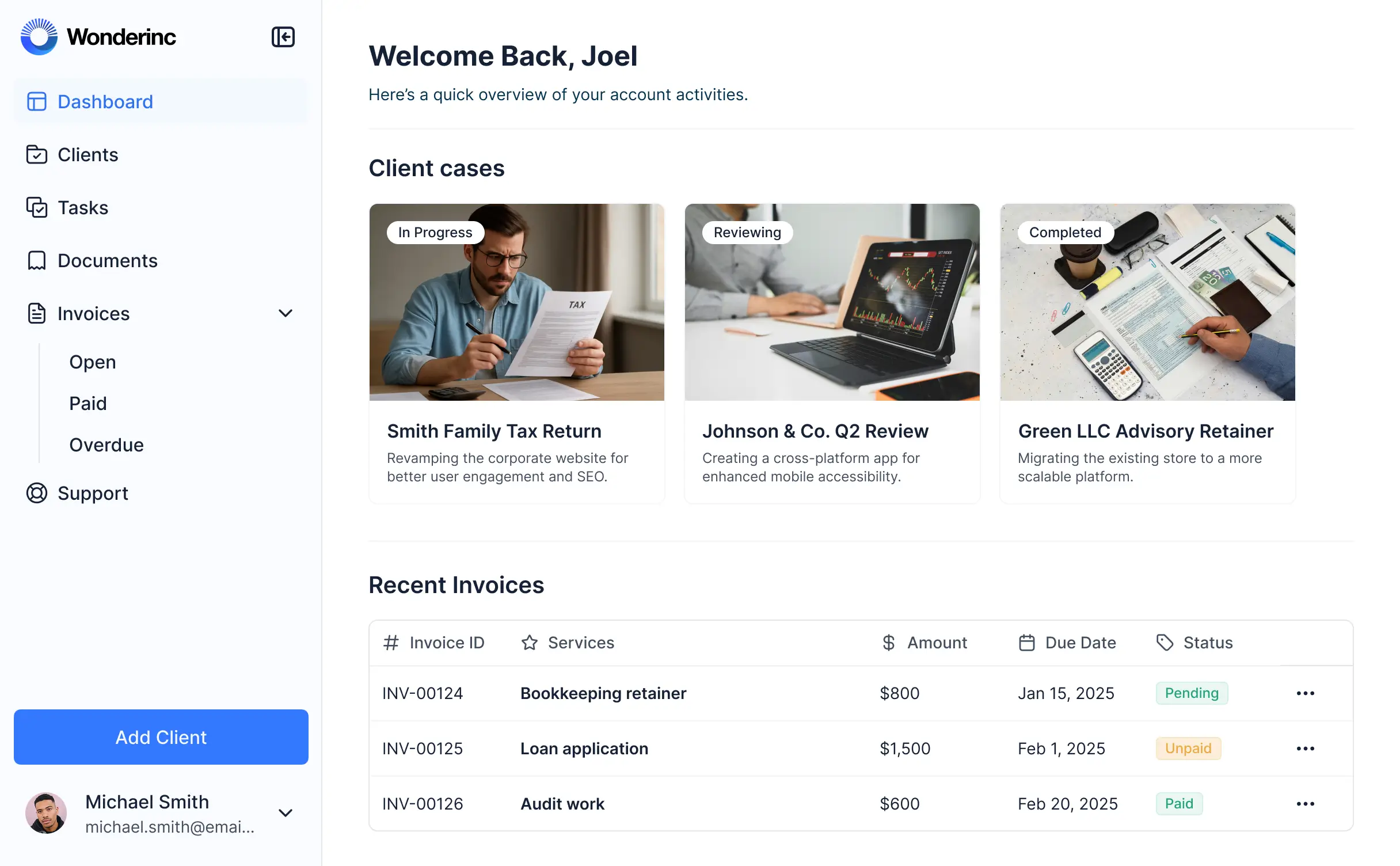
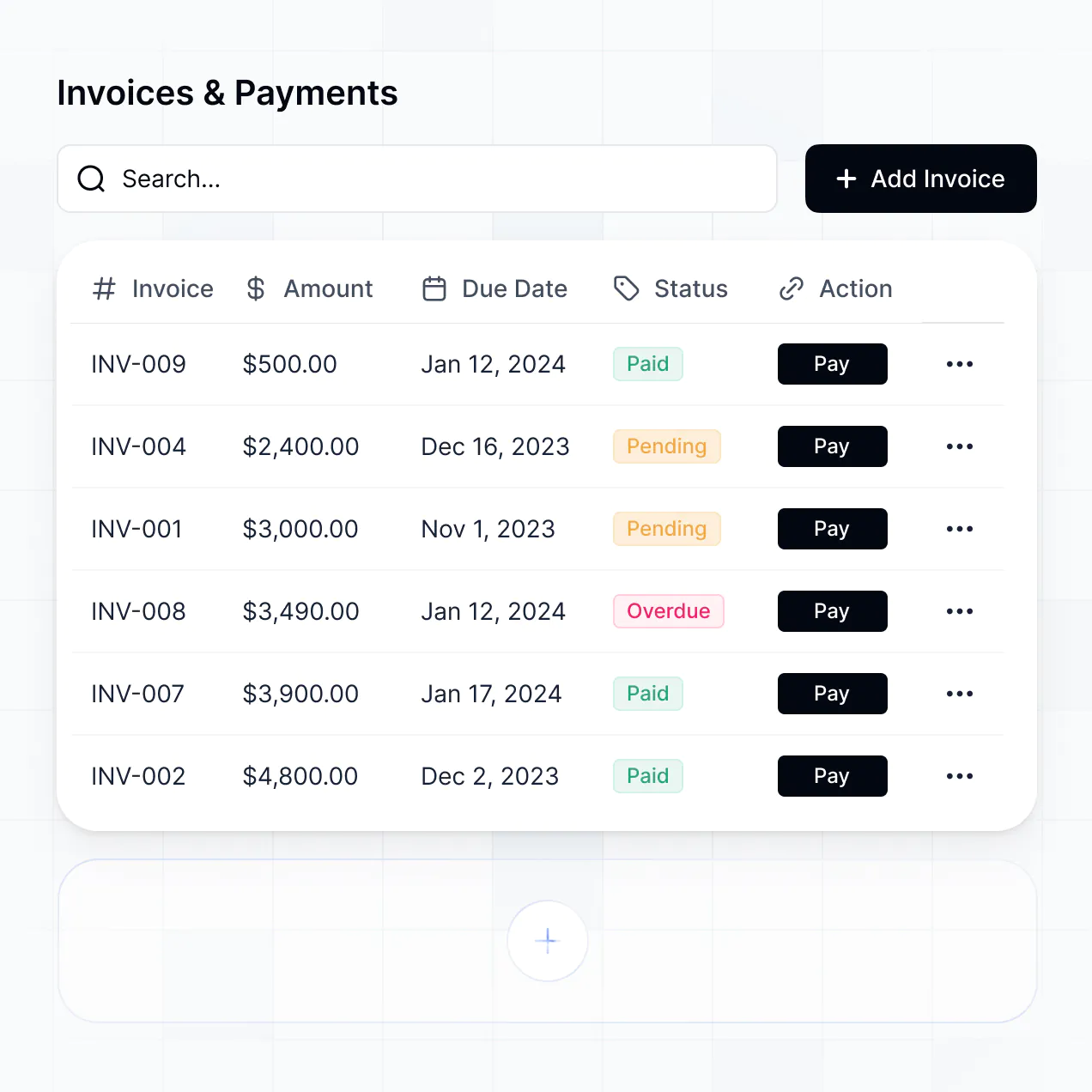
Track expenses, manage invoices, and view reports in an AI-powered system built with AI to fit your firm's specific financial workflow.


Customize an accounting erp software that looks sleek out of the box. Add only the features you need, and iterate as your team's workflows evolve.


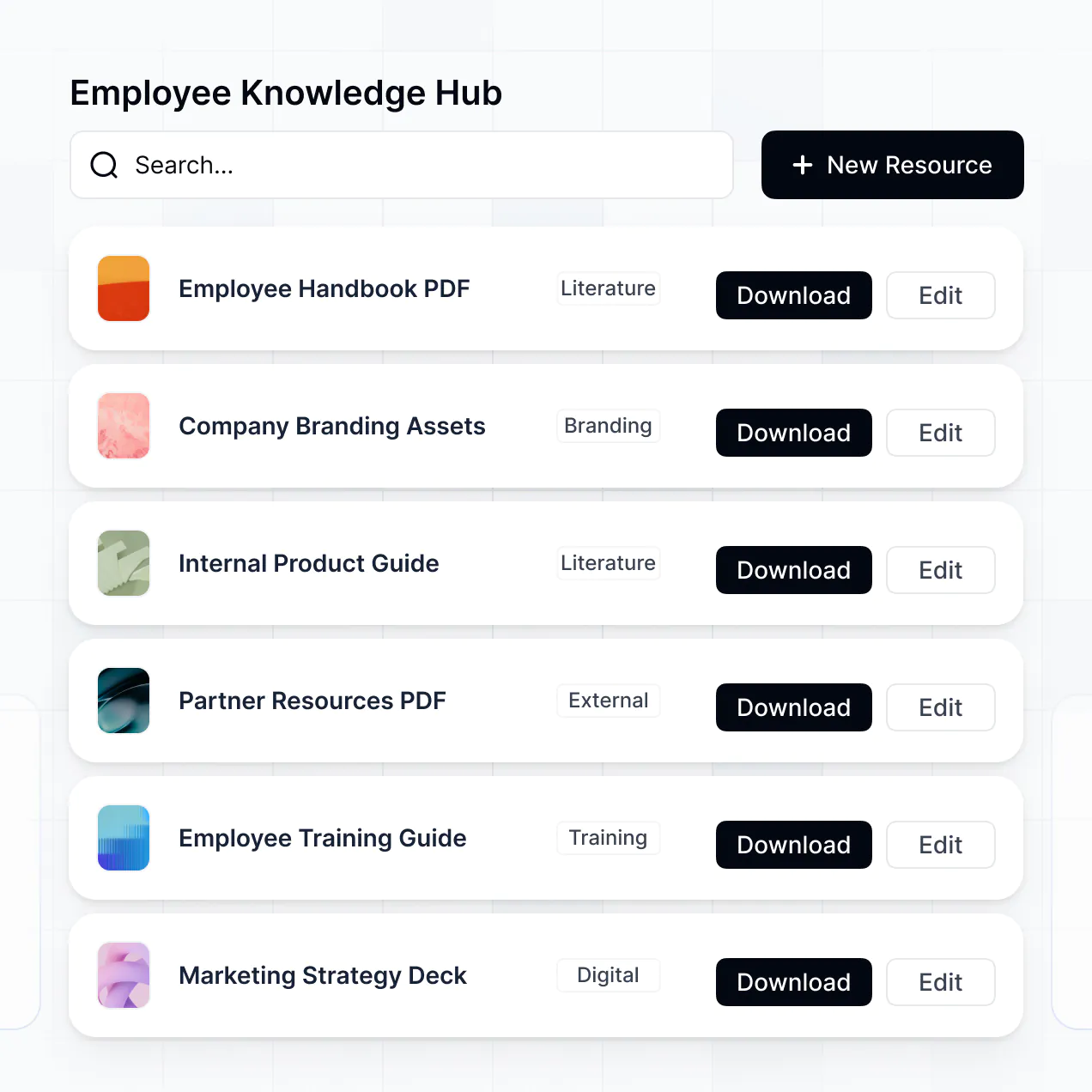
Connect ledgers, CRMs, and expense trackers with real-time sync—or manage everything in Softr Databases. Create a single source of truth for your firm's entire fiscal history.
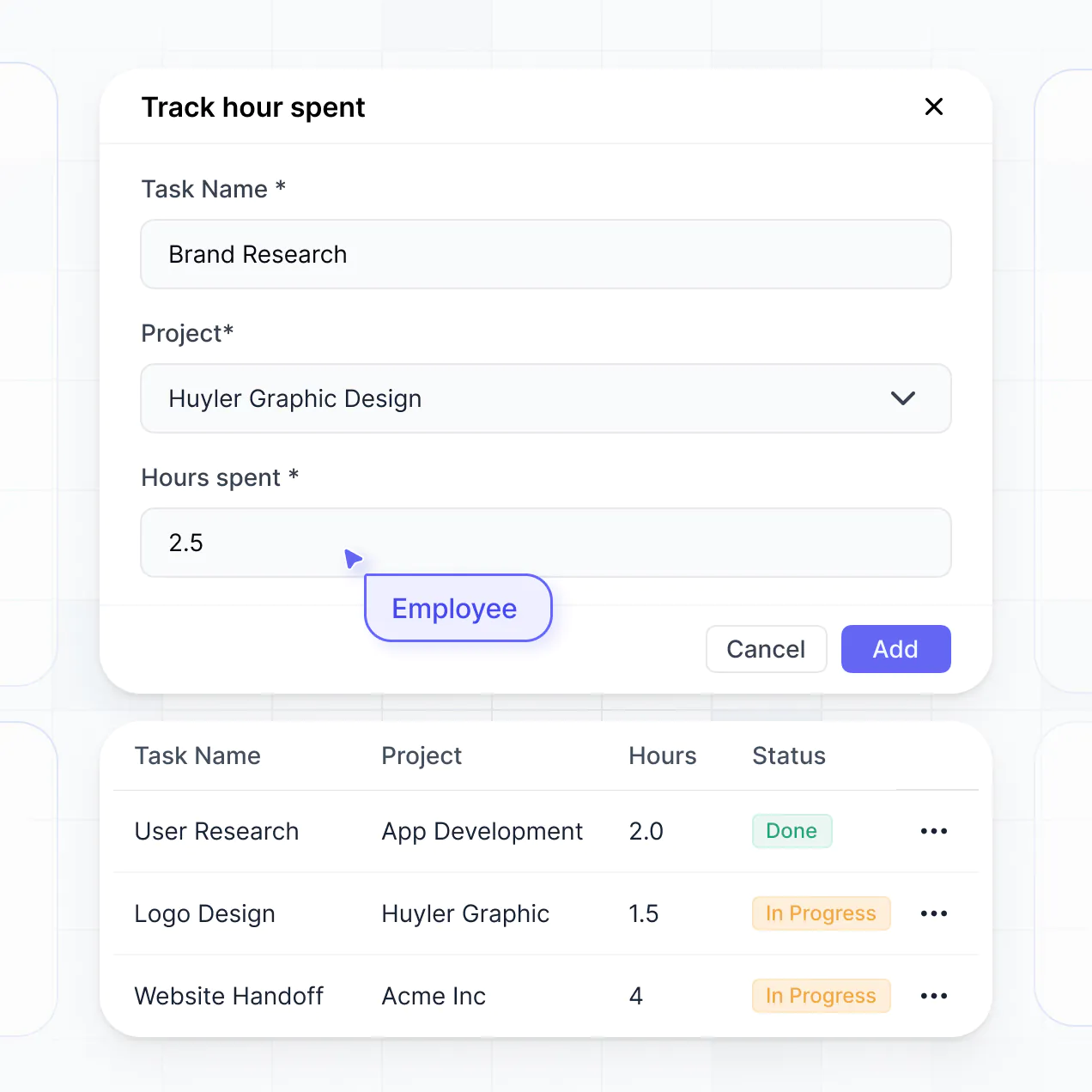
Give each teammate the right fiscal tools and access. Set up secure logins, user groups, and granular permissions—no IT support or dev work needed.
Give different staff members tailored access and dashboards, so bookkeepers and managers see just the financial data they need.
Streamline your internal processes with Softr Workflows. Trigger native automations for invoice approvals or document updates automatically.
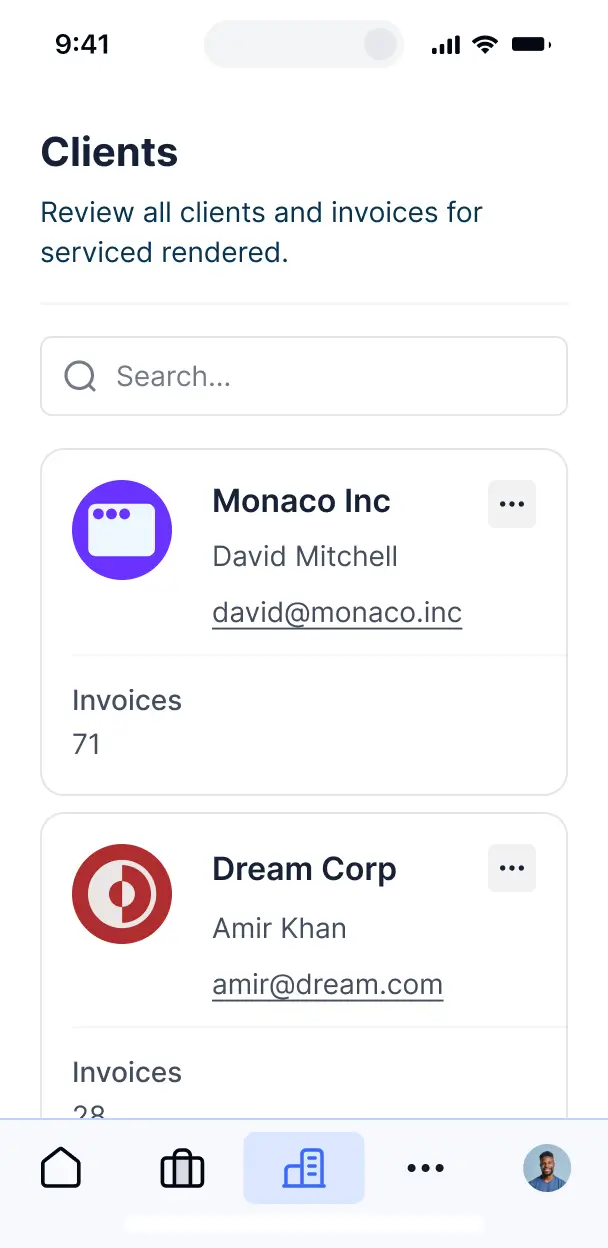
Access and update your accounting erp software on the go. All financial tools and dashboards are mobile-ready out of the box.
Use Google, email, or SSO logins to give your finance team fast, secure access to your ERP—no IT tickets needed.
Keep sensitive fiscal data safe with SOC2 and GDPR compliance, plus fine-tuned access control at every level of your software.
No more one-size-fits-all tools or costly custom builds. Softr is easy to use and fully customizable, so you can launch faster, adapt as you grow, and skip the complexity of traditional software.

Build your accounting erp software in minutes with AI—no manual configuration or coding required.

Add features like budget analysis, vendor management, or audit logs as your workflows evolve—no rebuild needed.

Start with an ERP, then add client portals, dashboards, or tax forms—all in one place with no extra tools.
Co-build with AI
Simply describe what you need. Let Softr handle everything - Interface, database, workflows.
Iterate with AI or visually
Control most critical parts of your app yourself - roles, permissions, security.
Ship the same day
Invite team members or external clients and partners right away. No developer handover.
Use drag-and-drop blocks to build a portal that looks sleek and modern out of the box. Add only the features you need, and iterate as your workflows evolve.




Accounting ERP software is a robust platform designed to centralize and automate your business's financial operations, including general ledgers, accounts payable, accounts receivable, and financial reporting. Unlike fragmented spreadsheets, it serves as a single source of truth for your financial data, allowing accountants and business owners to manage cash flow, track expenses, and ensure tax compliance in one secure location. This reduces manual entry errors and provides real-time visibility into the financial health of your organization.
Softr is the first AI-native platform for building business software, making it uniquely suited to create accounting ERP software that mirrors your specific financial workflows. With the AI Co-Builder, you can describe your charts of accounts, vendor management needs, and tax categories to instantly generate a secure database and functional interface.
You don't need to code to build a professional-grade ERP. You can start with AI, browse accounting templates, or assemble your system from scratch. Softr Databases provides a secure, relational home for your sensitive financial records, or you can sync data from HubSpot, Airtable, or SQL databases. You retain full control over the user experience, deciding who can approve expenses or edit invoices, all within an interface branded to your firm.
You can build a comprehensive suite of financial tools into your accounting ERP software, tailored to your specific audit and reporting requirements. A high-performing ERP on Softr combines data management with AI-driven insights:
- AI-Powered Intelligence – Use Ask AI to let your finance team query quarterly trends or set up Database AI Agents to automatically categorize expenses based on receipt scans or vendor names.
- Vibe Coding Blocks – Create custom financial tools, such as an interactive depreciation calculator or a multi-currency converter, using the AI Code block to build exactly what your CPA requires.
- Softr Workflows – Build automated triggers, such as sending an email reminder when an invoice is 30 days past due or updating the ledger when a payment is processed.
- User Portals & Logins – Ensure strict access control so department heads only see their specific budgets while the CFO maintains a global view of all accounts.
- Forms & Data Collection – Capture expense reports, purchase orders, and reimbursement requests with custom forms and document uploads.
- Dashboards & Charts – Visualize balance sheets, P&L statements, and revenue growth with real-time financial charts.
- Lists & Advanced Filtering – Manage thousands of transactions with searchable tables, status-based filters, and detailed audit logs.
Everything is drag-and-drop, and if your tax structure changes, you can use Vibe Coding to adjust your interface instantly.
Vibe coding allows you to build a sophisticated accounting ERP software by simply describing your financial logic to Softr’s AI. Whether you need a complex tax-calculation engine or a specific vendor onboarding flow, you describe the 'vibe' and functionality, and the AI Co-Builder generates the production-ready application.
While other tools leave you with unmanaged code that is hard to audit, Softr handles the critical infrastructure—like SOC2-compliant security, financial data encryption, and user authentication—natively. This allows you to focus on the business logic while Softr ensures the ERP is stable enough for day-to-day bookkeeping and professional financial management.
Yes. You can manage multiple legal entities or departmental teams within a single accounting ERP. By utilizing Softr's role-based permissions, you can ensure that users only see the financial data and records pertinent to their specific subsidiary, preventing data leaks while maintaining a consolidated view for executive administrators.
Yes, you can start your accounting ERP from a clean slate. You don't need a pre-existing database to use Softr. You can build your entire financial architecture within Softr Databases, which is optimized for relational data like linking 'Invoices' to 'Clients' and 'Transactions'.
If you do have data in legacy systems like Airtable, Google Sheets, or SQL servers, you can connect those directly. You can even mix sources, using Softr Databases for new daily entries while pulling historical records from an external SQL database, giving you total flexibility over your accounting structure.
Softr Databases is the recommended choice for accounting ERP software because it is a native, relational data source designed for high-performance business apps. This ensures your financial records load instantly and triggers for automations—like payment alerts—happen in real time.
Softr also supports over 17 external sources if your data already lives in tools like Airtable, HubSpot, SmartSuite, or BigQuery. You can even combine these; for instance, pulling customer data from HubSpot and payment history from an SQL database into one unified accounting dashboard. Most integrations support 2-way sync, ensuring your ERP and your underlying data stay perfectly aligned.
Yes, Softr provides granular control over how different users interact with your accounting ERP. You can tailor the navigation and layout so an employee only sees the 'Submit Expense' form, while a senior accountant sees the 'Full Ledger' and 'Audit' views. Every block can be restricted based on user roles.
You can define roles such as Auditor, Manager, or Staff, and specify exactly what each can view or modify. For example, you can allow managers to view budget reports but only allow the accounting department to edit transaction records. This ensures high data integrity and security, which is critical when managing sensitive financial information.
Yes, you can fully white-label your accounting ERP in Softr to match your professional brand. Customize the logo, typography, and color palette to provide a seamless transition for your internal staff or external stakeholders. By using a custom domain and removing Softr branding, the ERP feels like a proprietary tool built specifically for your firm.
Absolutely. Softr gives you the flexibility to design a layout that matches your accounting firm's workflow. You can arrange blocks to prioritize the most important financial KPIs and decide exactly how transactions are displayed to your team.
You can use a variety of functional blocks to build your ERP:
- Table blocks – for high-density data like general ledgers and accounts payable lists.
- List or Card blocks – to manage vendor profiles or fixed asset registers.
- Detail View – to drill down into a specific invoice or transaction record.
- Forms – for submitting receipts or new vendor applications.
- Charts – to track monthly burn rates or revenue vs. expenditure.
- Calendar blocks – to monitor tax filing deadlines or payment cycles.
Changes are easy to make in the visual builder, so as your accounting standards or reporting needs evolve, your ERP can evolve with them.
Security is a top priority for accounting software. Softr encrypts all data in transit (TLS) and at rest, hosting apps on secure, enterprise-grade infrastructure. You have complete control over data visibility via role-based permissions and visibility rules, ensuring that sensitive salaries or profit margins are only visible to authorized personnel.
If you use Softr Databases, your data is stored in a secure environment in Germany with SOC 2 Type II compliance. If you connect to external sources like SQL or Airtable, Softr acts as a secure interface, displaying data in real-time without storing it. This multi-layered approach to security and access control keeps your financial information protected against unauthorized access.
The ERP created by Softr’s AI is fully production-ready from day one. Unlike standard AI code generators that produce experimental snippets, Softr builds your accounting system on a verified, business-grade architecture.
We provide the underlying secure infrastructure—including merchant-grade authentication and granular record-level permissions—so you don't have to build them from scratch. This eliminates the reliability issues typically associated with AI coding, giving you a scalable, secure ERP that is ready to process company finances immediately.
Softr is the first AI-native platform specifically designed for business software. While generic no-code tools require long setup times and 'vibe coding' tools produce unmanaged code, Softr’s AI Co-Builder provides a middle ground: instant app generation on a stable, secure framework.
This hybrid approach means you get the agility of AI to generate your accounting logic and the reliability of a professional UI for daily use. Features like built-in authentication and flexible data-syncing are native, making it the fastest way for finance teams to go from a conceptual workflow to a functional ERP without needing a technical developer.
Yes. Softr allows you to build powerful native workflows and connect with the rest of your financial ecosystem. You can automate internal accounting tasks using Softr Workflows, or integrate with Stripe for payment processing and Intercom for vendor support. The platform also supports REST API and webhooks for advanced connectivity.
Whether you need to trigger a notification when a large transaction occurs or sync data with an external payroll system, you can build these automations directly into your ERP without writing code.
Go from idea to live ERP in under an hour. Describe what you need and let Softr's AI build it for you.