


It might seem like phrases such as “no-code” or “the no-code movement” popped up out of nowhere, but they are actually the latest evolution in a decades-long push to make software more accessible. And with AI now woven into these platforms, the gap between "I wish we had a tool for this" and "we have a tool for this" has never been smaller. If you’re wondering what no-code is, what its benefits are, and why you should care about it, you're in the right place.
What is no-code and the no-code movement?
At its simplest, “no-code development” is the term given to a variety of tools that help people build software without code. Instead of writing programming languages, you work with visual editors, pre-built components, and configuration panels.
In 2026, the definition has expanded: modern no-code platforms are AI-native. You describe the business app you need in plain language, and an AI co-builder generates the database, the interface, and the business logic for you. From there, you refine everything visually: add a field, change a permission, restyle a page, all without re-prompting or touching code.
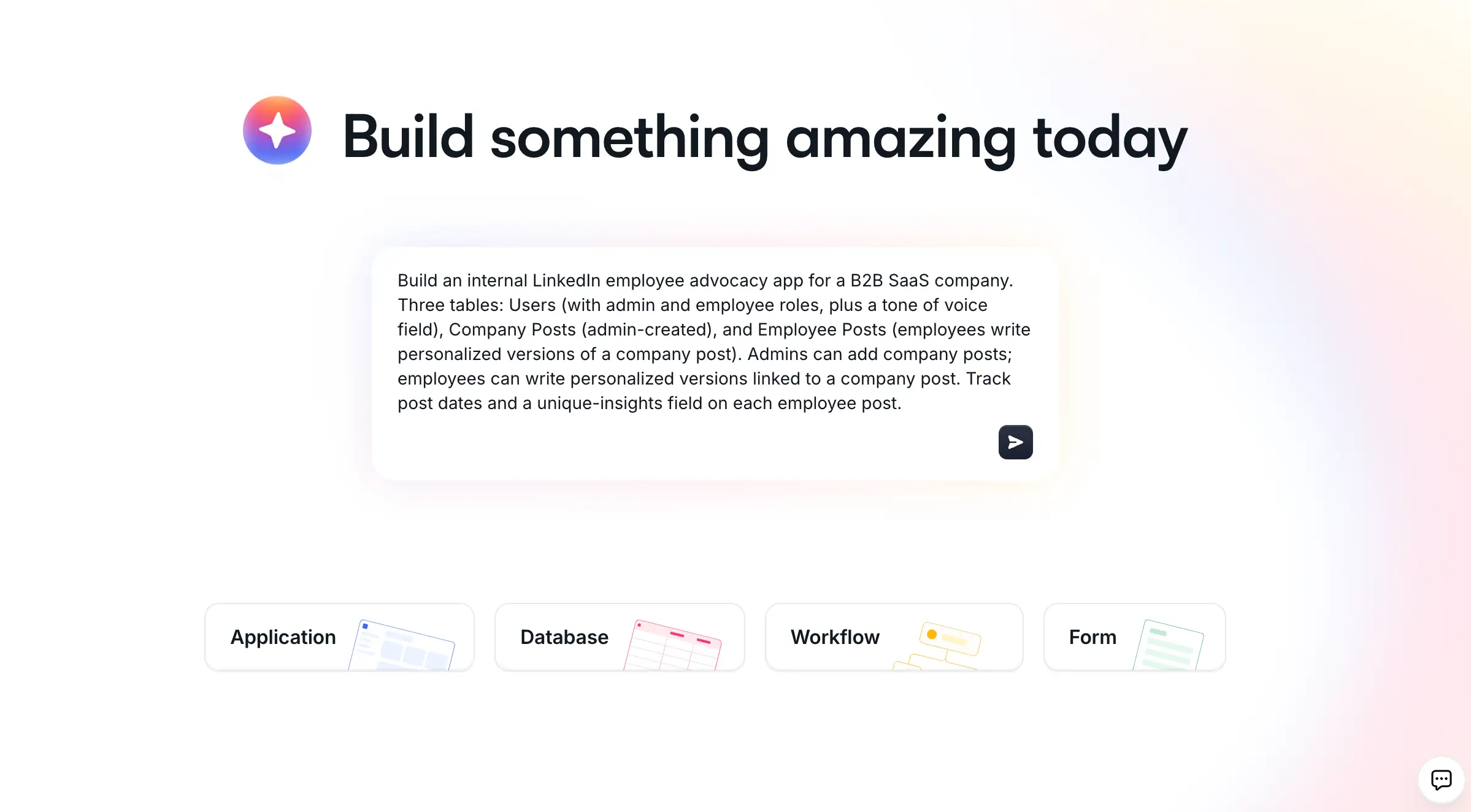
Crucially, no-code is no longer just for prototypes or quick experiments. Businesses run on it: client portals, CRMs, inventory systems, and company intranets built without code now serve real employees and customers in production every day.
"If 2025 was really the era of shiny demos, 2026 is the market shift from prototype to really useful business software." - Mariam Hakobyan, CEO and Co-founder of Softr
No-code vs. low-code
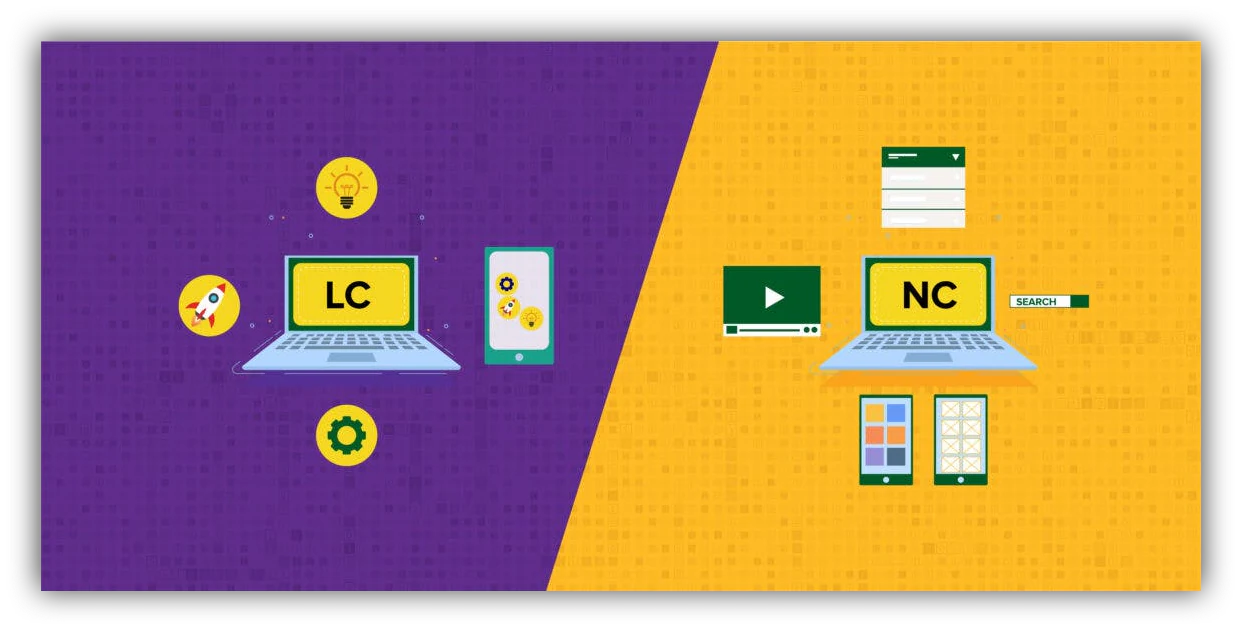
As the names suggest, the difference between no-code and low-code is the amount of coding you need to know in order to get full functionality from the platform.
In a no-code environment, the end user does not need any coding knowledge at all. Whether using basic features, advanced features, or building something totally custom, no-code tools do not require a single line of code to function properly. We'll learn more about the benefits of no-code further in this article.
When considering low-code vs no-code, low-code tools typically offer a no-code foundation but require some coding to customize or operate the tool, which makes them a better fit for teams that have developer support on hand.
No-code vs. vibe coding
A newer question is how no-code differs from "vibe coding," where AI tools generate raw application code from prompts. The distinction matters: with vibe coding, even though you don't type the syntax, you still inherit the developer's job (debugging logic, managing hosting, securing databases, and fixing whatever breaks on day two). According to Vercel, 63% of people using vibe coding tools are non-developers, which means most of them are inheriting problems they never signed up for.
No-code platforms take the opposite approach: the platform owns the infrastructure, so authentication, permissions, and hosting work out of the box. The most interesting tools now sit at the intersection of the two approaches.
"Where we really see Softr is at that intersection between no-code and AI, taking the speed and freedom that comes with vibe coding and combining it with the security, reliability, and infrastructure of no-code." - Shiran Brodie, Head of Marketing at Softr
What’s the point of the no-code movement?
The “no-code movement” refers to the growing community of people building with and advocating for no-code platforms. Their shared goal is simple: make building technology accessible to the people who understand the business problem best. Operations managers, founders, and department heads know exactly what their workflows need. No-code removes the translation layer (briefs, tickets, and months of waiting for developer time) between knowing what you need and having it.
What can you build with no-code tools?
Want to build something without code? The most valuable use cases today are operational business apps: the tools that teams use to run their daily work. Here are some of the most popular:
1. Client portals
Give clients a secure, branded space to view project progress, share files, and exchange messages. Tools like Softr make it easy to create your own client portal for customers, investors, partners, or vendors, with login, granular permissions, and personalized views so each client only sees their own data.
2. CRMs and sales tools
Instead of paying for an off-the-shelf CRM full of features you'll never use, you can build a CRM that matches exactly how your team sells. Compare your options in our roundup of the best CRM software, or start from a ready-made CRM template and customize from there.
"In roofing, there were not many good CRM options, except for one that cost thousands of dollars a month. Instead, I used Softr to build our own CRM that rivals the expensive ones. I do not pay for features I will not use, and simply build the ones I want, exactly how I want them." - Verified G2 reviewer, Construction (Small-Business)
3. Internal tools and intranets
Build the internal tools your team actually needs: approval flows, knowledge bases, employee directories, and company intranets. These apps replace scattered spreadsheets and email threads with one structured, permission-controlled source of truth.
4. Project trackers and dashboards
Track projects, tasks, and KPIs in views built for how your team works: kanban boards for the delivery team, dashboards for leadership, and forms for intake. Because the data lives in a real database rather than a spreadsheet, everything stays consistent as the team grows.
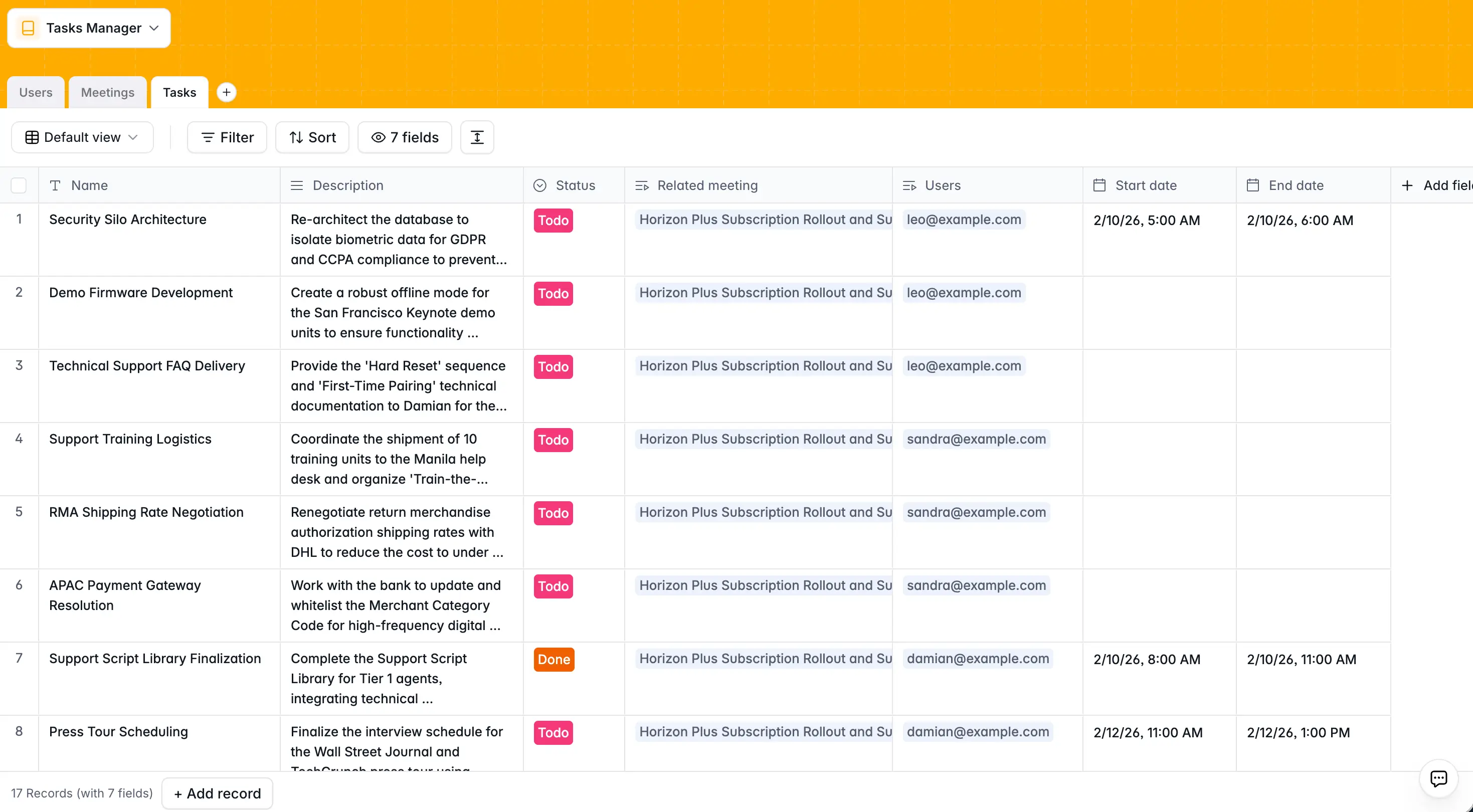
5. Inventory and operations management
Manage stock levels, vendors, and orders in a single app, with workflow automations that notify the right person when inventory runs low or a new order comes in.
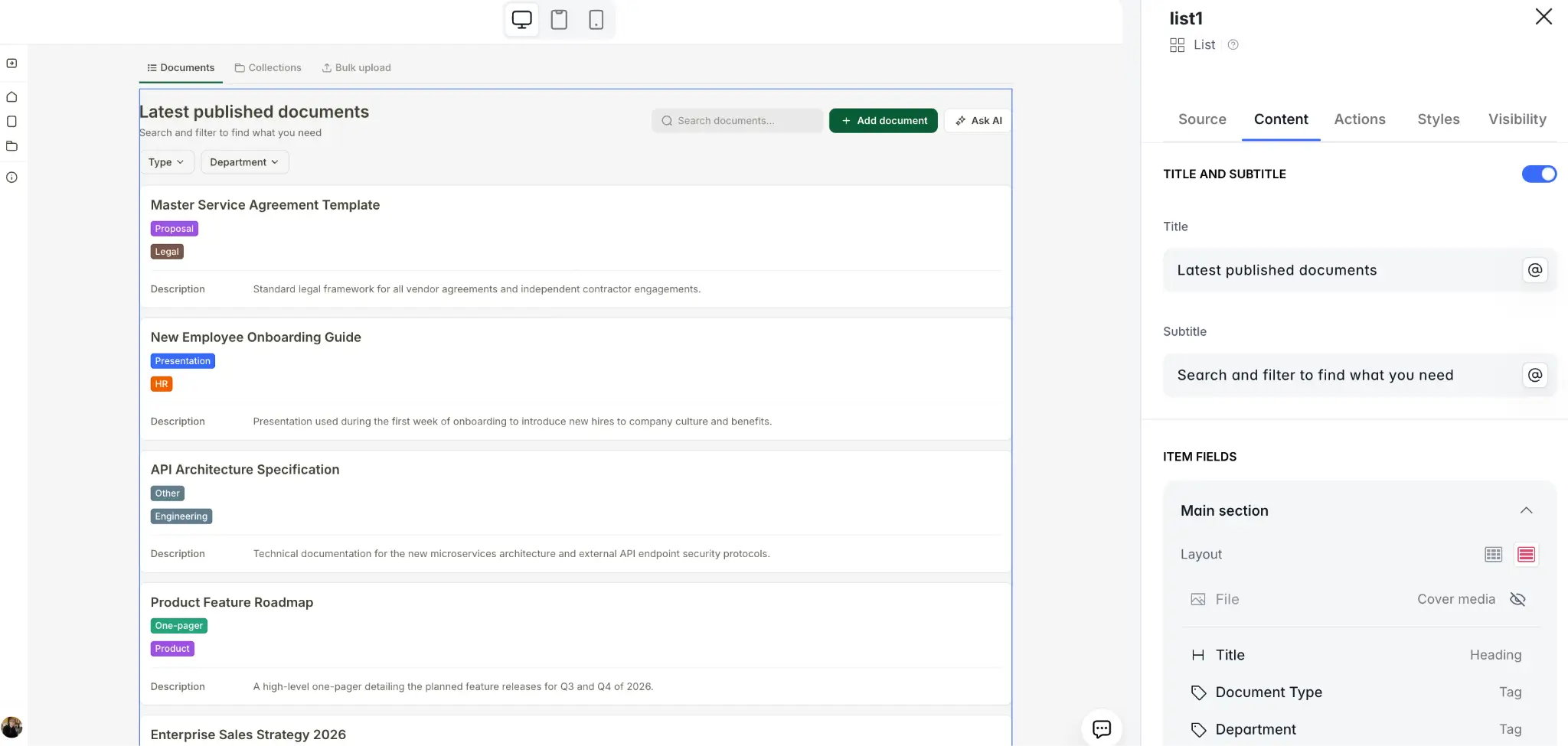
6. Resource listings and directories
No-code platforms also make it easy to create custom information repositories and even let people submit their own entries (for instance, a vendor directory or a library of internal training resources). For more inspiration, browse these no-code examples built by real businesses.
Benefits of no-code
No-code development has a lot of benefits. Here are the big ones:
Speed: No-code platforms collapse the gap between idea and working software. With AI co-builders, a described app becomes a functional one in minutes, and a production-ready one in hours or days rather than months. Arizona State University, for example, launched a curriculum hub that reached 1,200+ users and a 90% adoption rate among its core audience within the first month.
Cost: Building on a no-code platform is nearly always cheaper than hiring a developer or agency. You also avoid the ongoing cost of maintaining custom code, since the platform handles updates, hosting, and security for you.
Accessibility: The people who understand the workflow get to build the tool. This is a real and growing demand: 39% of employees say they want the opportunity to build or design their own AI tools at work, according to Writer. And with Deloitte projecting that company adoption of agentic AI will jump from 23% to 74% in just two years, teams that can build for themselves will move faster than teams waiting on IT tickets.
Maintainability: Unlike AI-generated code that becomes fragile the moment you need to change it, no-code apps evolve through the same visual controls you built them with. Add a field, change a permission, or update a workflow without worrying about breaking what already works.
For more perspectives, see what CEOs say about the benefits of no-code and low-code development.
Disadvantages of no-code
While the benefits of no-code are significant, you should also be aware of the trade-offs:
Security depends on the platform: When you use a no-code platform, you rely on the security and encryption the vendor built. That’s why it’s important to choose a platform with high security standards, such as SOC 2 Type II compliance and GDPR-aligned data hosting.
Customization limits vary: Pre-built components cover the vast majority of business app needs, but some platforms hit a wall when you need something truly custom. This gap is closing fast: Softr's Vibe Coding block, for example, lets you generate fully custom UI components with AI (a Gantt chart, a pricing calculator, a custom timeline) that inherit your app's theme, connect securely to your data, and respect your permission rules, all without destabilizing the rest of the app.
You may not own your source code: On most no-code platforms, you don't export a codebase, which creates some platform dependency. Mitigate this by choosing platforms with open data access (APIs, import/export, and integrations) so your data is never locked in.
How businesses use no-code tools
Different kinds of teams use no-code tools in different ways. Here are the primary patterns:
Small and mid-sized businesses
No-code gives lean teams the software leverage of a much larger company:
- Client portals: A professional, secure front door for customers, partners, and vendors.
- Custom CRMs and trackers: Tools shaped around your actual sales or delivery process instead of someone else's.
- Process automation: Internal workflows (approvals, onboarding, payments) that run themselves instead of living in inboxes.
- Shipping new tools fast: Standing up a working app the same week the need appears, then refining it as the team uses it.
Agencies and consultancies
Agencies use no-code both for themselves and for their clients:
- Project dashboards: Letting clients see progress without status-update emails.
- Deliverable hubs: A single place for files, feedback, and approvals.
- Productized services: Building membership sites and resource hubs that package expertise into recurring revenue.
Larger companies and enterprises
Enterprises turn to no-code to escape the internal development queue:
- Internal tools: Department-level apps (asset trackers, request systems, knowledge bases) that would never get prioritized by central IT.
- Rapid validation: Testing a new internal process or service cheaply before committing engineering resources.
- Team intranets: Searchable, permission-controlled knowledge hubs that replace slide decks and shared drives.
Getting started with no-code
If you're curious about getting started with no-code, here's a simple process you can follow.
1. Pick your audience
You first need to know who you are trying to help. This can be your clients, your team, or even just yourself. Starting with a real person or persona grounds your effort, which leads to a better outcome.
2. Pick your problem
Once you know who you’re helping, think about what problem you want to solve. The best first projects replace a painful spreadsheet or a manual process the team already complains about, because adoption is built in from day one.
3. Pick your platform
Pick a no-code platform that fits what you want to build. A client portal, a CRM, an internal tool, and a standalone form all have different requirements, so check that the platform covers your use case end to end (interface, database, and automations) rather than just one layer. Our guide to the best AI app builders compares the leading options.
4. Describe it, then refine it
On AI-native platforms, the fastest way to start is to describe your app and let the AI co-builder generate the first version: database, pages, and user roles included. You can also start from a pre-built template or a blank canvas if you prefer. On Softr, you can also describe it to Claude or ChatGPT, which builds it through the Softr MCP. Either way, your real work begins at refinement: adjusting fields, permissions, and pages so the app matches how your team actually operates.
5. Automate and ship
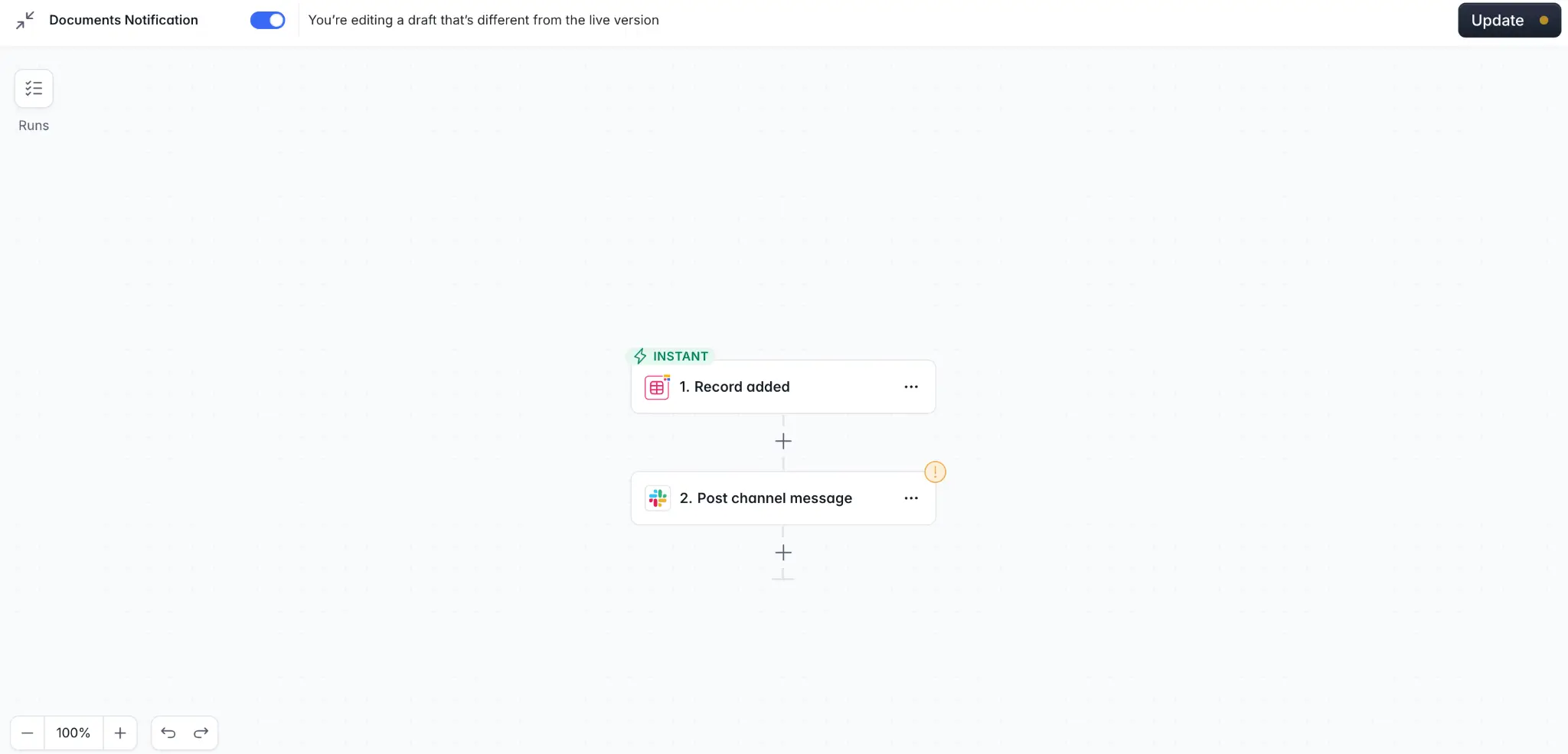
Once the core app works, connect the logic: automations that send a Slack message when a record is created, email a client when a status changes, or enrich data with AI. Then publish. Because no-code platforms handle hosting and security, "shipping" is a button, not a deployment project.
Making technology accessible for everyone
The real promise of no-code is that it makes building technology accessible to significantly more people without needing to learn a whole new language. Whether you're building a client portal, an internal tool, or the operational backbone of a whole business, no-code puts the power back into the hands of the people who understand the problem, and AI co-builders have made the first step easier than it has ever been. For a hands-on next step, see how to build a business app with AI in under 10 minutes.
About Softr
At Softr, we build the first AI-native platform for creating business software without code. Describe what you need, and the AI Co-Builder generates the complete app: the interface builder pages, native Softr Databases, and Softr Workflows automations, already connected and secured with user authentication and granular permissions. Prefer to work with data you already have? Softr also connects to 21+ external data sources, including Airtable, Google Sheets, HubSpot, SQL databases, and a REST API connector. Try the AI app generator and turn your first prompt into a working business app today.
Frequently asked questions
What is no-code in simple terms?
What is the difference between no-code and low-code?
Is no-code the same as vibe coding?
Can you build production-ready business apps with no-code?
What are the main limitations of no-code?


