


10 real-world no-code examples to inspire your next project
If you are here, you need a faster way to build business solutions without waiting on developer teams.
Thankfully, the alternative no-code approach works, and it is no longer the hobbyist tool it was a decade ago.
Today, 70% of new applications rely on low-code development tools or no-code platforms. That is a significant jump from less than 25% in 2020. Also, it is not just small businesses (SMEs). These technologies appeal to 84% of enterprises for their ability to ease IT workloads, accelerate time-to-market, and empower business teams to create digital solutions.
All that being said, the no-code movement is a successful enabler for businesses of all sizes, making it a truly scalable alternative to traditional custom coding.
To help you understand what is possible, we have compiled 14 common no-code app types built on Softr. For each app type, we showcase the pre-built template, link to build guides, and share concise real-world examples of how companies use them to run critical operations.
Internal tools & business operations
Empower your team by consolidating spreadsheets, tracking active projects, and automating back-office processes in a secure, unified environment.
1. Custom CRMs (Customer relationship management)
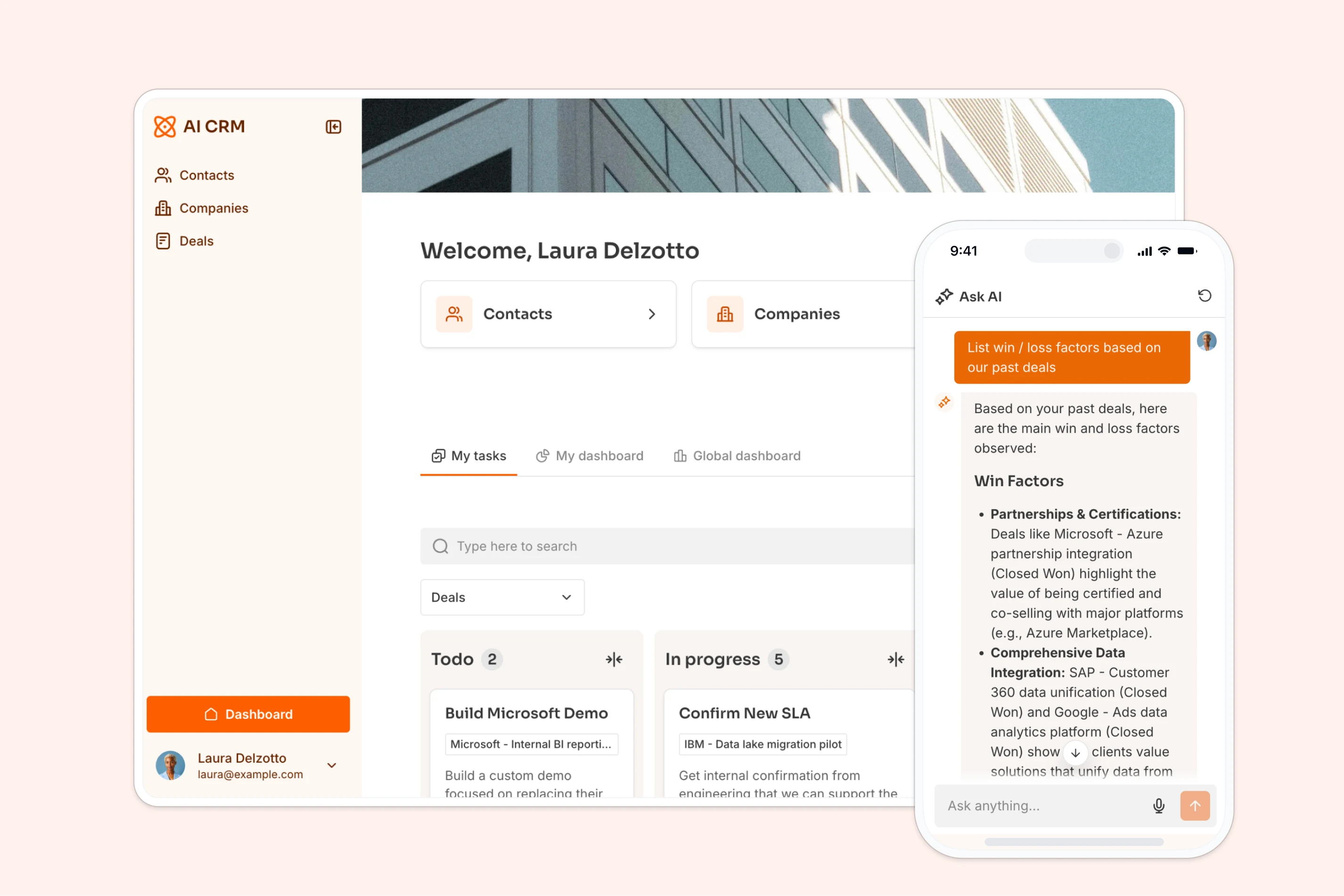
A Customer Relationship Management (CRM) system centralizes your sales pipeline, logs communication history, and helps sales teams close deals without manual administrative overhead.
- Official Template: AI CRM Template
- Step-by-Step Guide: How to Build a CRM
| Feature | Implementation Method | Outcome |
|---|---|---|
| Lead Capture | Public Softr form mapped to Deals table | Demo requests populate pipeline automatically |
| AI Profile Enrichment | Database AI Agent with Web Search enabled | Retrieves company description and headcount from URL |
| Pipeline Management | Kanban block with Drag-and-Drop enabled | Sales reps visually update deal stages in real time |
Real-world example: Vimeo's customer experience organization previously struggled with fragmented workflows, switching between ten separate platforms for customer details and feedback tracking. By building 42 custom internal apps on top of Airtable, they unified sales, product, and billing operations, supporting a business that generates $160 million in annual recurring revenue.
"Airtable enables multiple teams to pull data from the same place, apply a different lens, and construct creative solutions to improve our employee and our customer experiences."
Leta Amburgey, VP of Customer Experience at Vimeo
2. Project trackers & job trackers
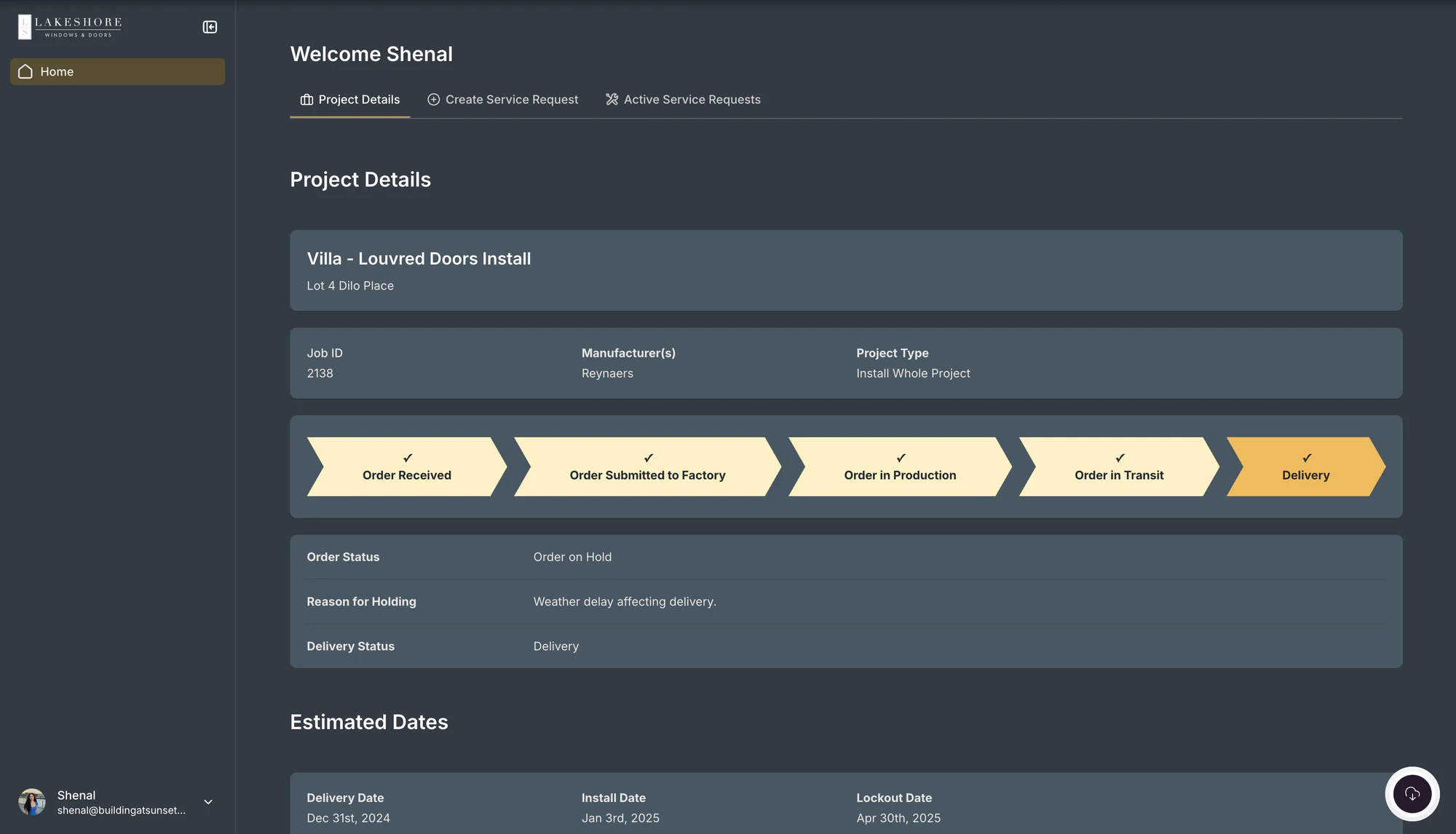
Project management apps keep project timelines, tasks, and files organized in one place, allowing team members, field installers, and clients to see project status in real time.
- Official Template: Project Management Template
Real-world example: Lakeshore Windows replaced their manual email updates and spreadsheet task tracking with an end-to-end portal. Built with a combination of Softr and Airtable, the system serves five user roles (master admin, staff, sales, clients, and field installers). Quote approvals automatically generate and route DocuSign agreements, and field installers upload job photos from their phones directly to the dashboard.
"The system feels built just for us, clients get a professional experience, and our team does not have to chase paperwork anymore."
Colin Kirbyson, Owner of Lakeshore Windows
3. Employee intranets & team hubs
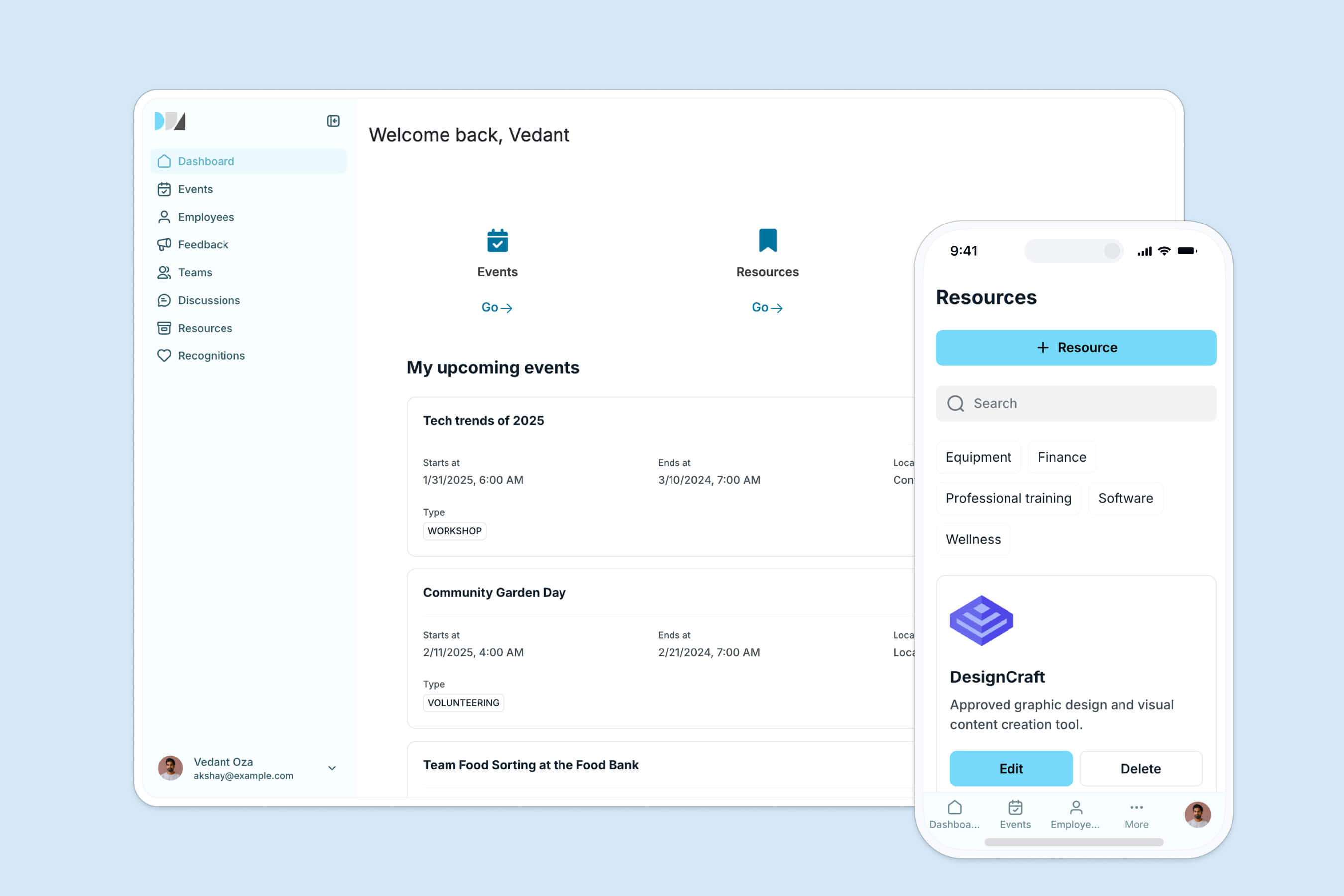
An employee intranet replaces messy Slack channels and pinned documents by giving your team a single place for company announcements, employee directories, and documents.
- Official Template: Company Intranet Template
- Step-by-Step Guide: How to Build a Company Intranet
| Feature | Implementation Method | Outcome |
|---|---|---|
| Teammate Directory | Grid block linked to Users and Departments tables | Browse colleagues with filters and email buttons |
| Announcement Feed | List block with Rich Text rendering enabled | Admins post updates with formatting and cover images |
| Slack Sync | Softr Workflow linked to slack integrations | Generates an AI summary and posts it to Slack channels |
Real-world example: Celonis built an internal GTM knowledge base for 1,500+ team members to replace a Google Slides presentation that had become hard to navigate. By pulling data from Airtable, GTM reps find pitch materials and case studies in seconds. They built the initial version of the portal in less than five days.
4. Inventory & order management tools
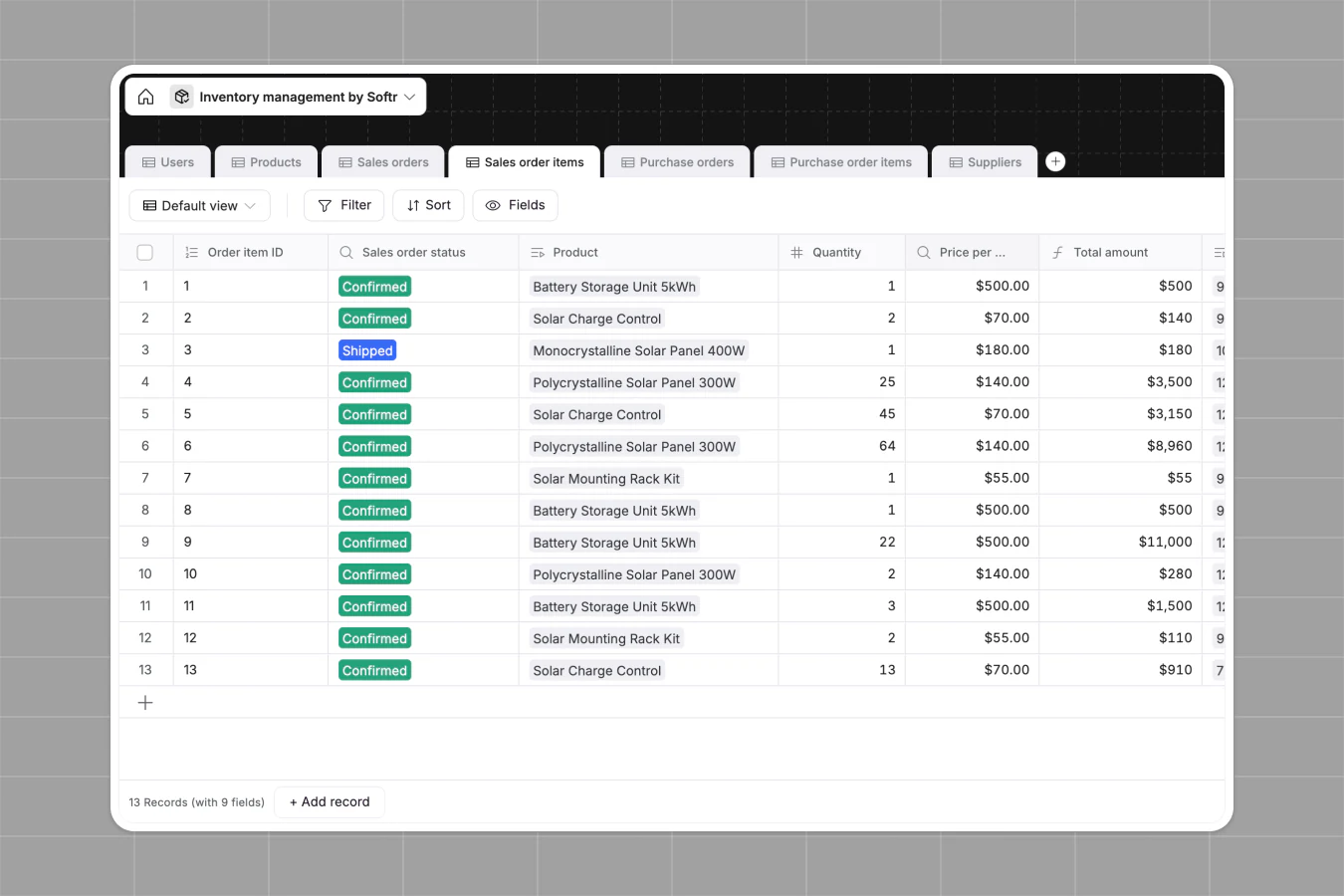
Inventory systems eliminate manual spreadsheets by tracking product stock levels, supplier records, and orders across multiple locations.
- Official Template: Inventory Management Template
Real-world example: Baumit needed an online shop where 100+ employees could order branded merchandise and workwear within specific budget limits. Harald Palma built a custom ordering system where registered users add items to a cart, and the portal dynamically calculates costs against their balance, automatically emailing a PDF summary via DocsAutomator.
"A huge improvement over what we had before. We are confident this will make it much more efficient for our team to order all the merchandise they need."
Baumit Operations Team
Client portals & external access applications
Give clients, partners, and vendors secure access to a curated subset of your database without paying for expensive per-seat software licenses.
5. Client portals & reporting dashboards
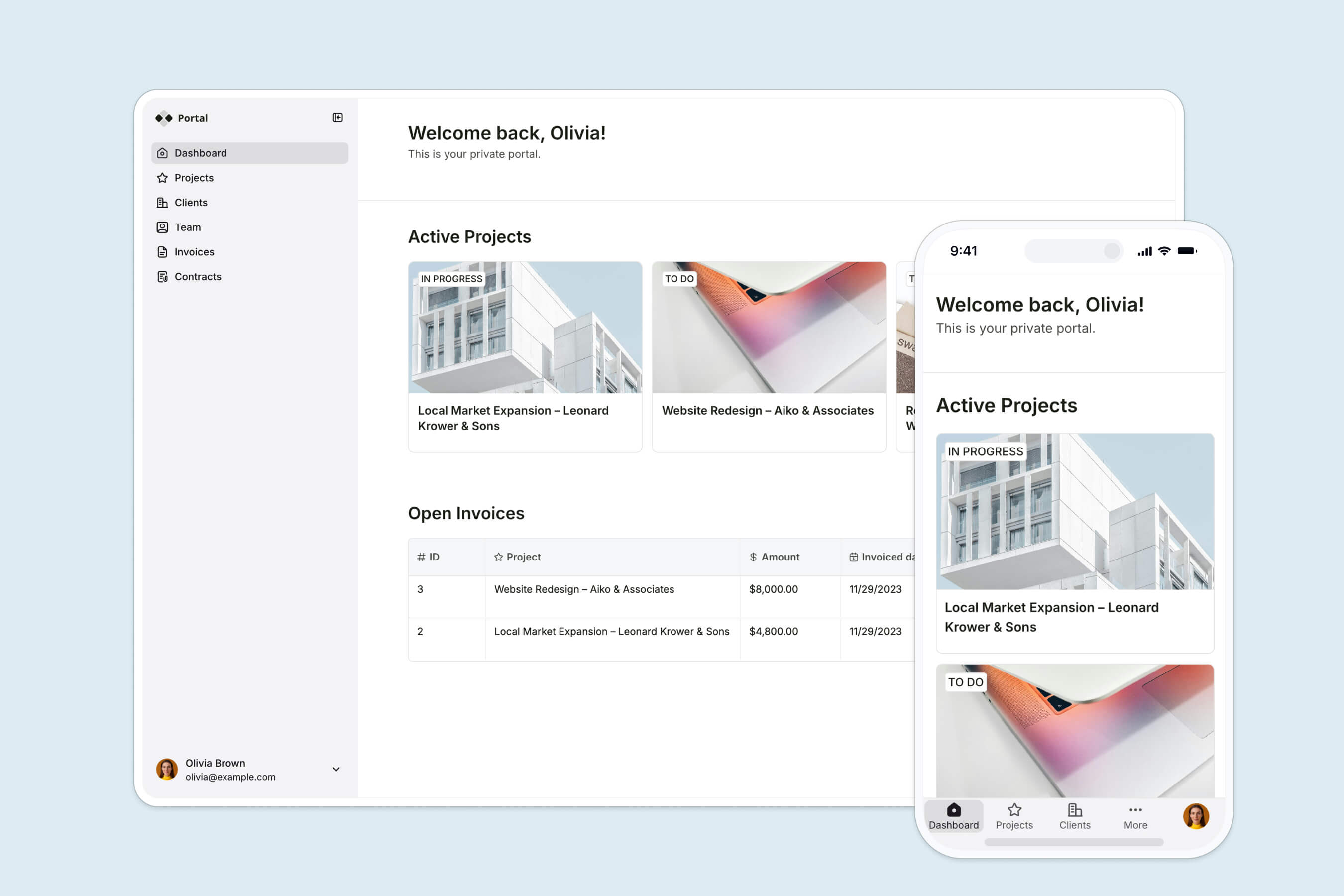
Client portals share project progress, files, and live reporting metrics, reducing the need for constant back-and-forth email communication.
- Official Template: Client Portal Template
Real-world example: FUGA built a custom portal called SCORE to replace their manual workflow of emailing static PDF reports to clients. The app serves 800+ record labels, showing playlist placements from Airtable and music inventory metrics from Google BigQuery in live, filtered dashboards. Clients log in to update release metadata directly from their mobile devices.
6. Vendor portals & subcontractor hubs
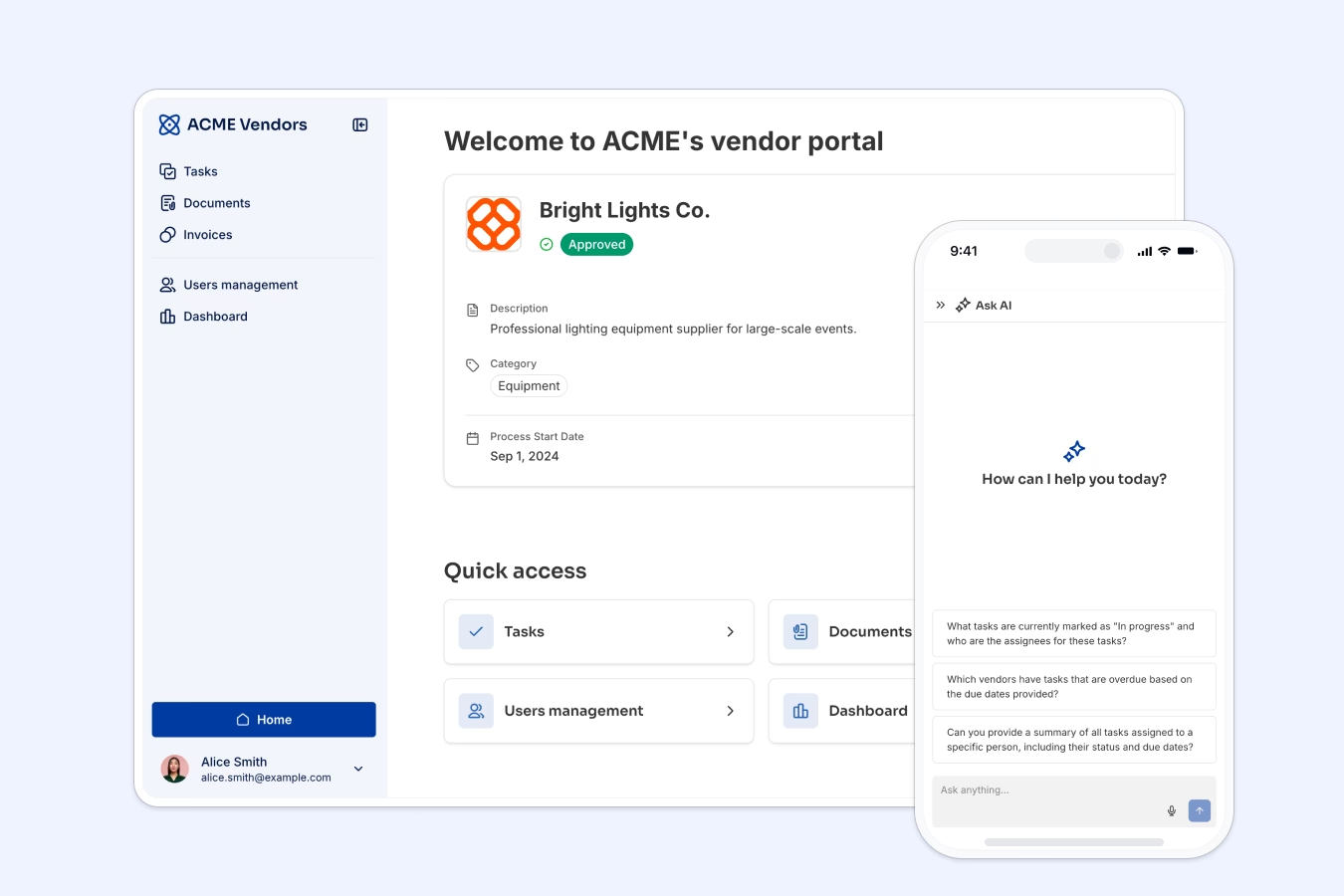
Vendor portals organize relationships with external agencies, suppliers, and freelancers by centralizing onboarding, certifications, task assignments, and invoices.
- Official Template: Vendor Portal Template
- Step-by-Step Guide: How to Build a Vendor Portal
| Feature | Implementation Method | Outcome |
|---|---|---|
| Watertight Privacy | Global Data Restrictions set to Related Vendor | Vendors only view their own tasks and invoices |
| Self-Onboarding Gate | User Sync visibility linked to Active status | Vendors cannot log in until approved by an admin |
| Automated Invoicing | Form block with Hidden Fields mapping | Submissions are tagged to the logged-in vendor company |
Real-world example: Operations teams use vendor portals to collect compliance documents, track milestones, and approve invoices. By applying dynamic data restrictions, Vendor A never views Vendor B's billing records, while the internal administration team retains global oversight.
7. Partner & referral portals

Partner portals let affiliates and agency partners submit referrals, sign agreements, and track payment status in real time.
- Official Template: Partner Portal Template
Real-world example: Virtuous managed a growing ecosystem of software and service partners using Notion and HubSpot, but partners lacked a secure portal to submit referrals. Using Softr, they launched a custom partner relationship management (PRM) system in five hours. Partners submit referrals that flow directly to HubSpot, and track payouts on their personal dashboards, saving Virtuous $30,000 in software costs.
"We wanted partners to refer clients, access resources, and update their profiles, but we could not justify spending $30,000 on a partner relationship management platform that did not match our exact needs."
Amanda Lewis, Partner Manager at Virtuous
Member directories & resource hubs
Build directories and public catalogs that allow users to search, filter, and access resources in a clean interface.
8. Membership directories
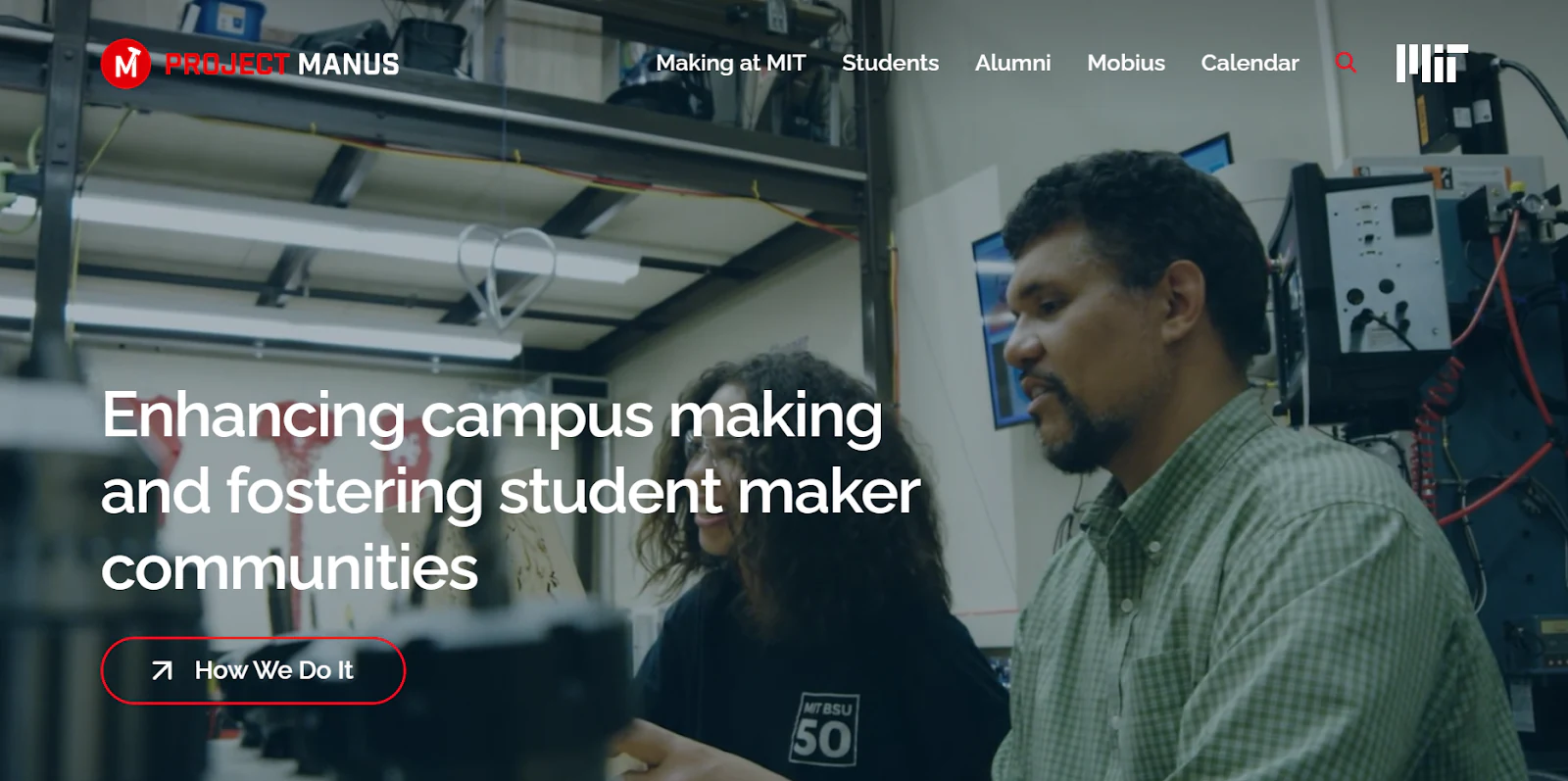
Membership directories allow communities and professional networks to browse member profiles, view coordinates, and discover collaborators.
- Official Template: Member Directory Template
Real-world example: THE BOARD is a community collective of senior experts. They wanted to replace their rigid membership tools with a branded home base. Using Softr Databases, they launched a searchable member directory, an event calendar, and a fractional opportunity board, managing 270+ active members.
"With Softr we are able to experiment and innovate at the speed of conversation, which keeps everyone engaged and gives users a sense of control and ownership."
Oliver Thomas, Maker Digital Systems Architect, Massachusetts Institute of Technology
9. Resource libraries & knowledge catalogs
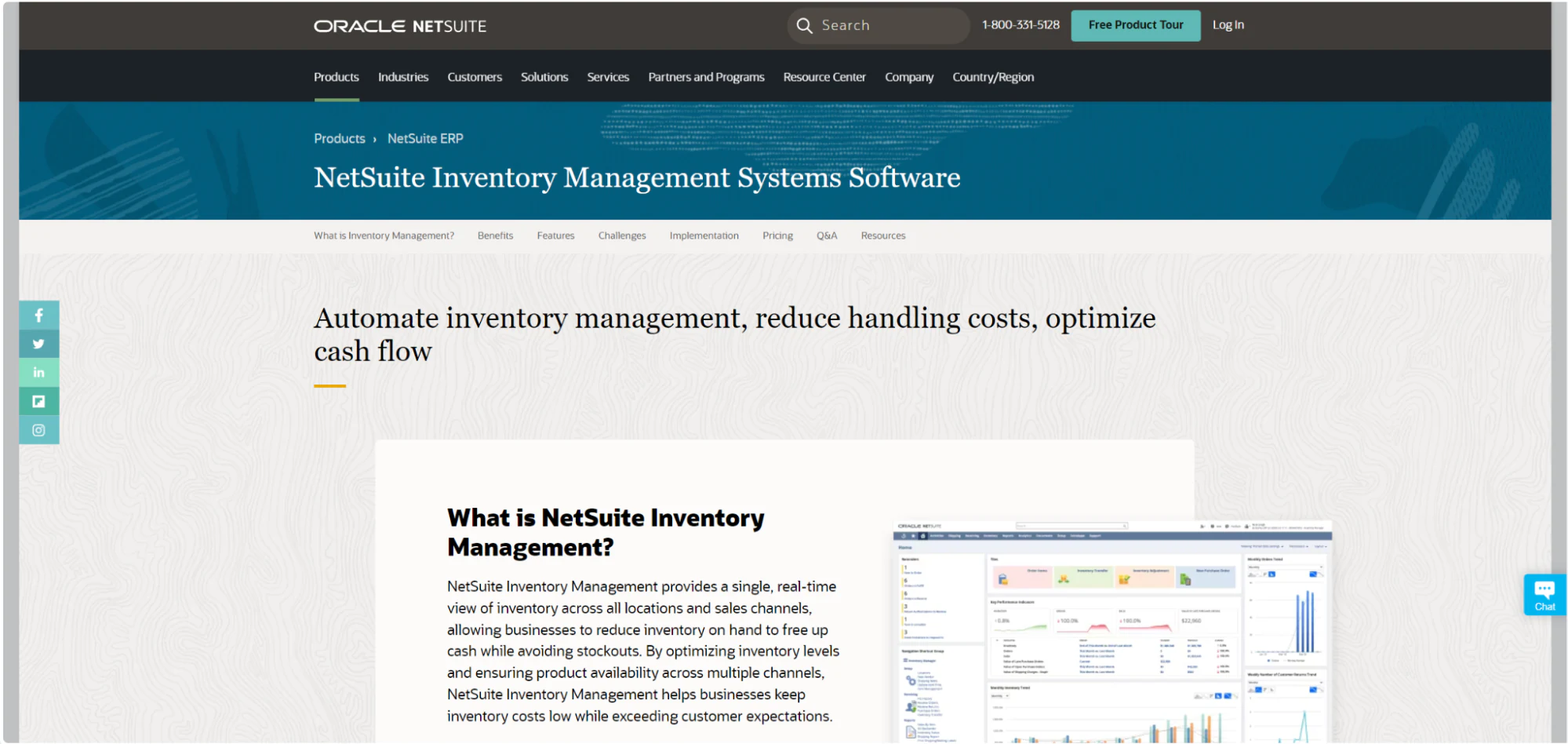
Resource catalogs compile and categorize documents, policies, or research gaps, allowing users to browse, search, upvote, and submit entries.
- Official Template: Resource Directory Template
Real-world example: Frontier built an interactive database of carbon removal knowledge gaps on top of Airtable. Subject matter experts browse, filter, upvote, and submit entries. Within four weeks of launch, the project captured hundreds of upvotes and 50+ new submissions, attracting interest from Google to target research funding.
10. Curated & monetizable lists
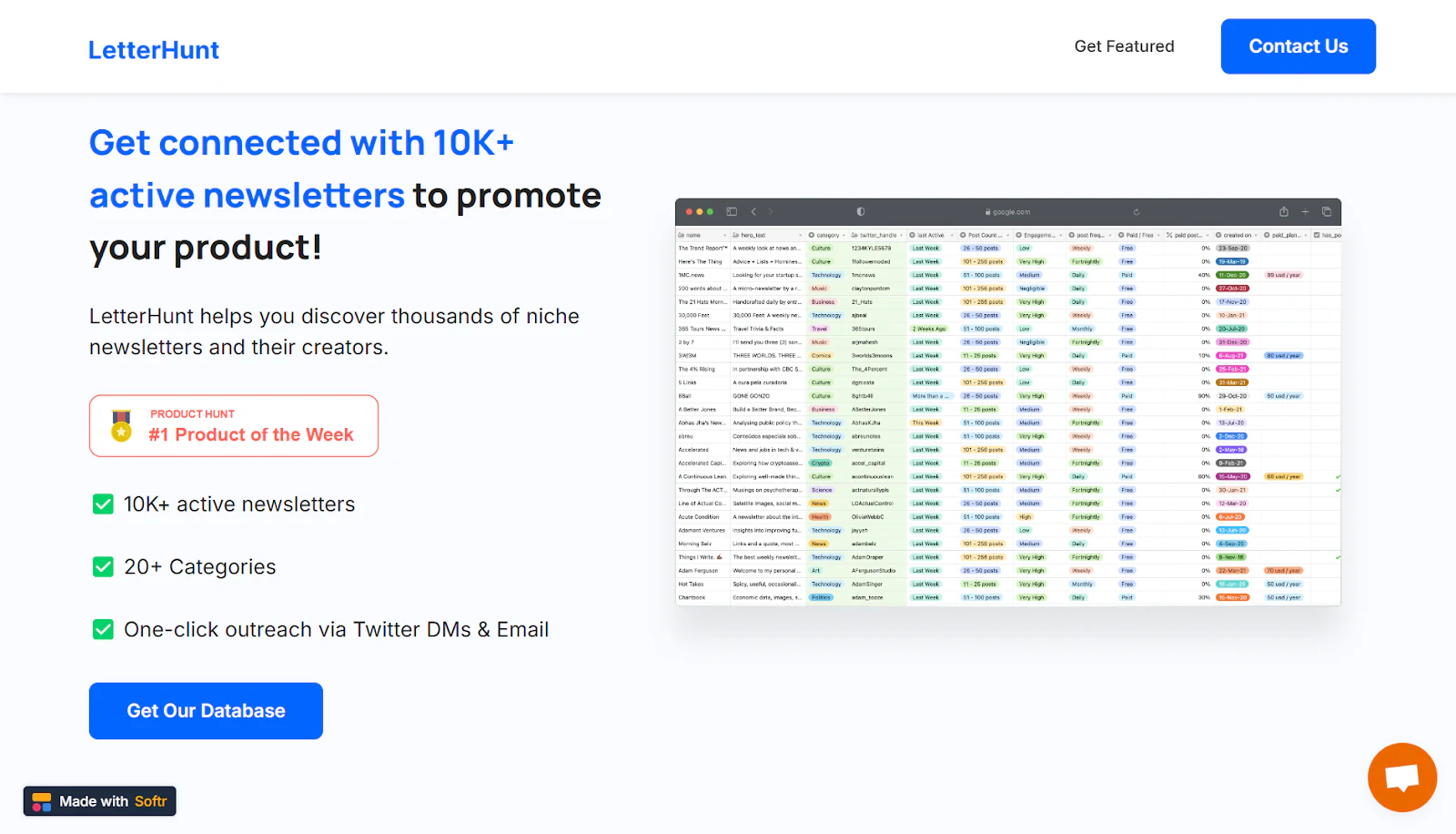
Curated lists collect valuable datasets, newsletter directories, or job boards, allowing creators to monetize access to specialized information.
- Official Template: Directory Template
Real-world example: Akhil BVS built LetterHunt, a searchable directory of 10,000 newsletters across 20 categories, in 15 minutes using Airtable and Softr. The app reached #1 Product of the Day on Product Hunt and generated $4,000 in sales. Similarly, Alex Friedman built Founder Gigs, a directory for part-time leader roles, and scaled it to $5,000 MRR before selling it for six figures.
Interactive communities & mobile PWAs
Deploy interactive community portals and distribute progressive web apps (PWAs) that run on any device.
11. Learning portals & video academies
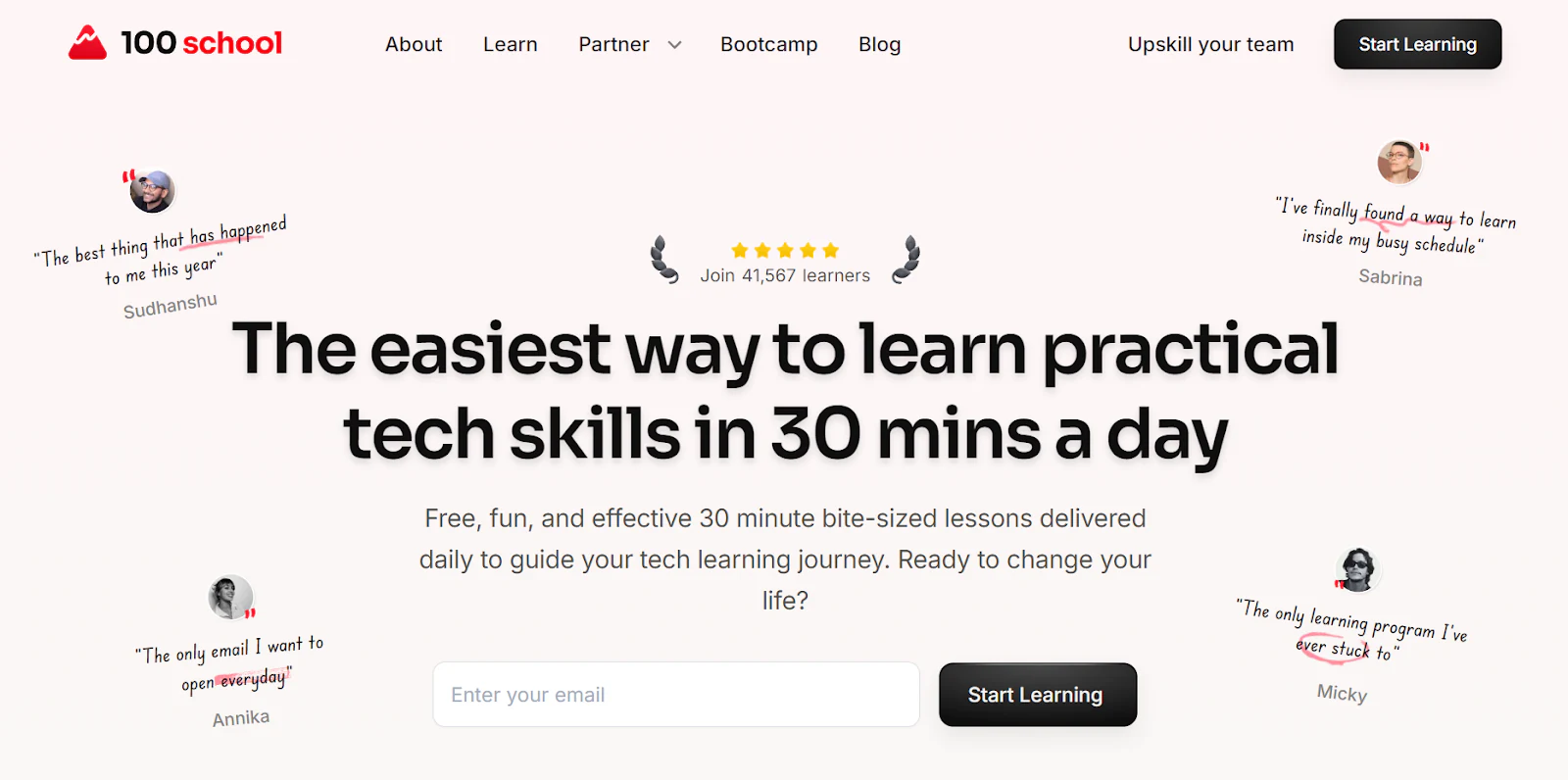
Learning portals manage course catalogs, student registrations, video lessons, and student profiles in a single educational portal.
- Official Template: Online Course Template
Real-world example: Max Haining launched 100 Days of No Code as a learning community. Initially a simple website, the platform migrated to Softr as the community grew to support course directories, student profile accounts, and member-only webinars, serving 12,000+ students.
12. Mobile apps & installable PWAs
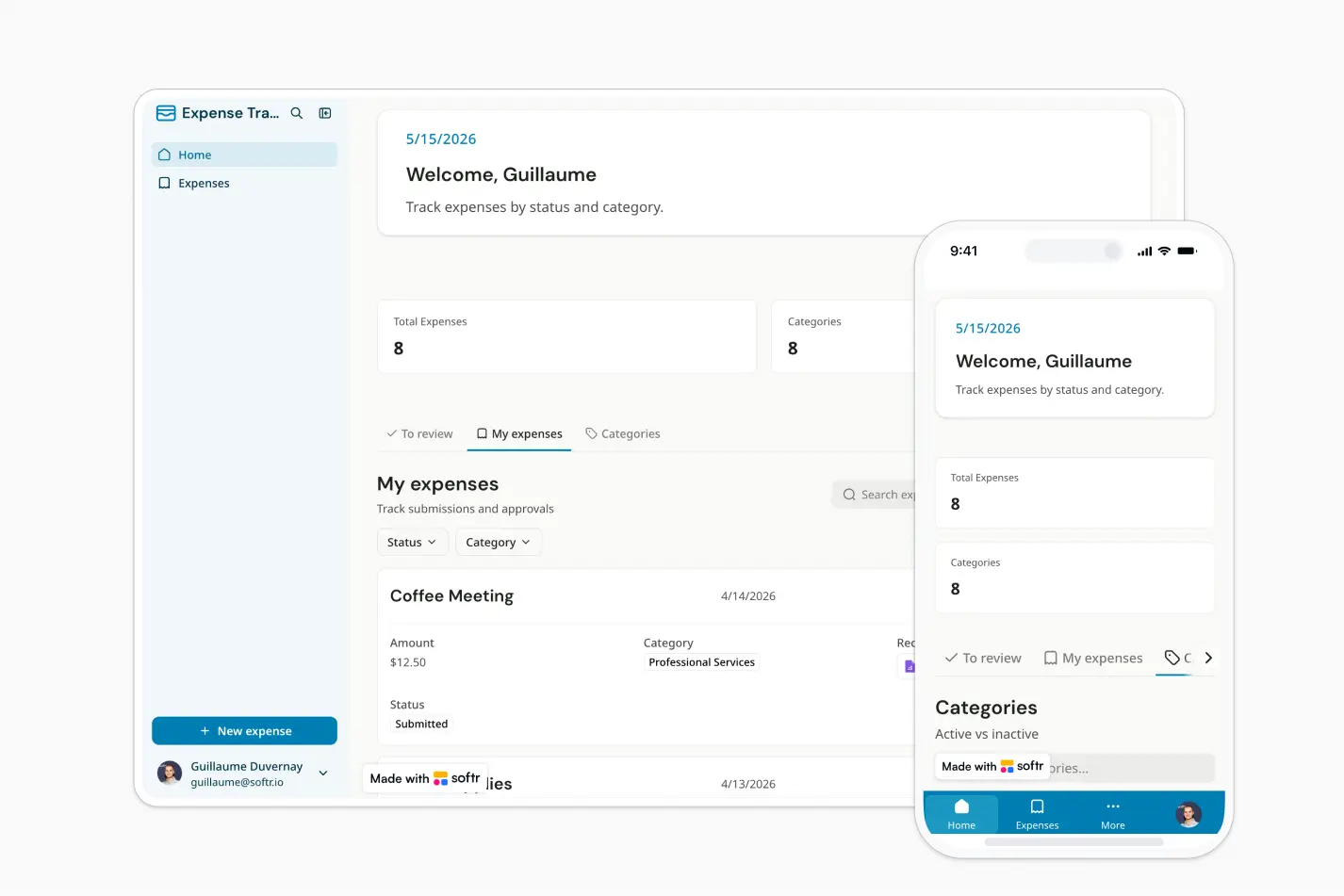
Mobile progressive web apps (PWAs) allow builders to distribute applications that run on mobile devices and can be installed on home screens.
- Official Template: Mobile App Template
Real-world example: Outremer builds catamaran boats and needed a way to keep owners engaged during a 36-month manufacturing timeline. They built the MyOutremer portal to share weekly construction photos, document checklists, and training. They configured the portal as a PWA, allowing catamaran owners to access resource documents on their phones while at sea.
"Different departments were sending things through different platforms and tools, it was easy to get lost, even for us internally."
Céline Macherez, Director of Marketing at Outremer
13. Community portals & block tracking maps
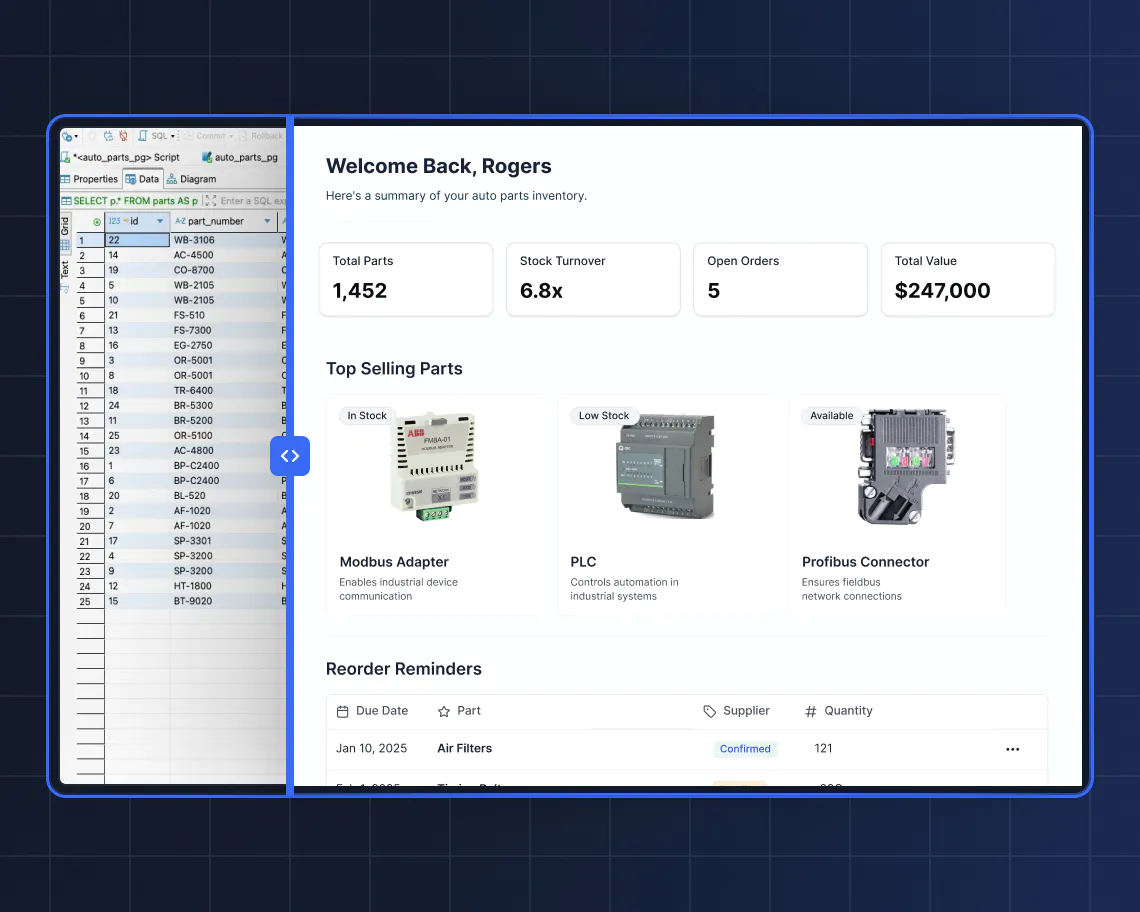
Community portals map physical progress, neighborhood pledges, and local memberships in an interactive interface.
- Official Template: Online Community Template
Real-world example: Glitter is a street-cleaning platform where Philadelphia residents fund cleanings for neighborhood blocks. Morgan Berman and Tim LaRosee built a member hub on Softr, where a single template page dynamically displays profiles for over 1,000 blocks, allowing neighbors to track block budgets and manage their pledges via Stripe.
How to start your no-code project
Ready to build custom operations applications for your team? Follow this step-by-step guide to launch your first app.
Step 1: Define project goals
Successful applications solve a specific operational challenge. Start by identifying the problem you want to address.
Are your customer onboarding documents scattered across Google Drive folders? Build a Client Portal. Is your sales team overwriting cells in a shared spreadsheet? Build a CRM. Write down your target user groups, their security requirements, and the metrics you need to track.
Step 2: Choose your data foundation
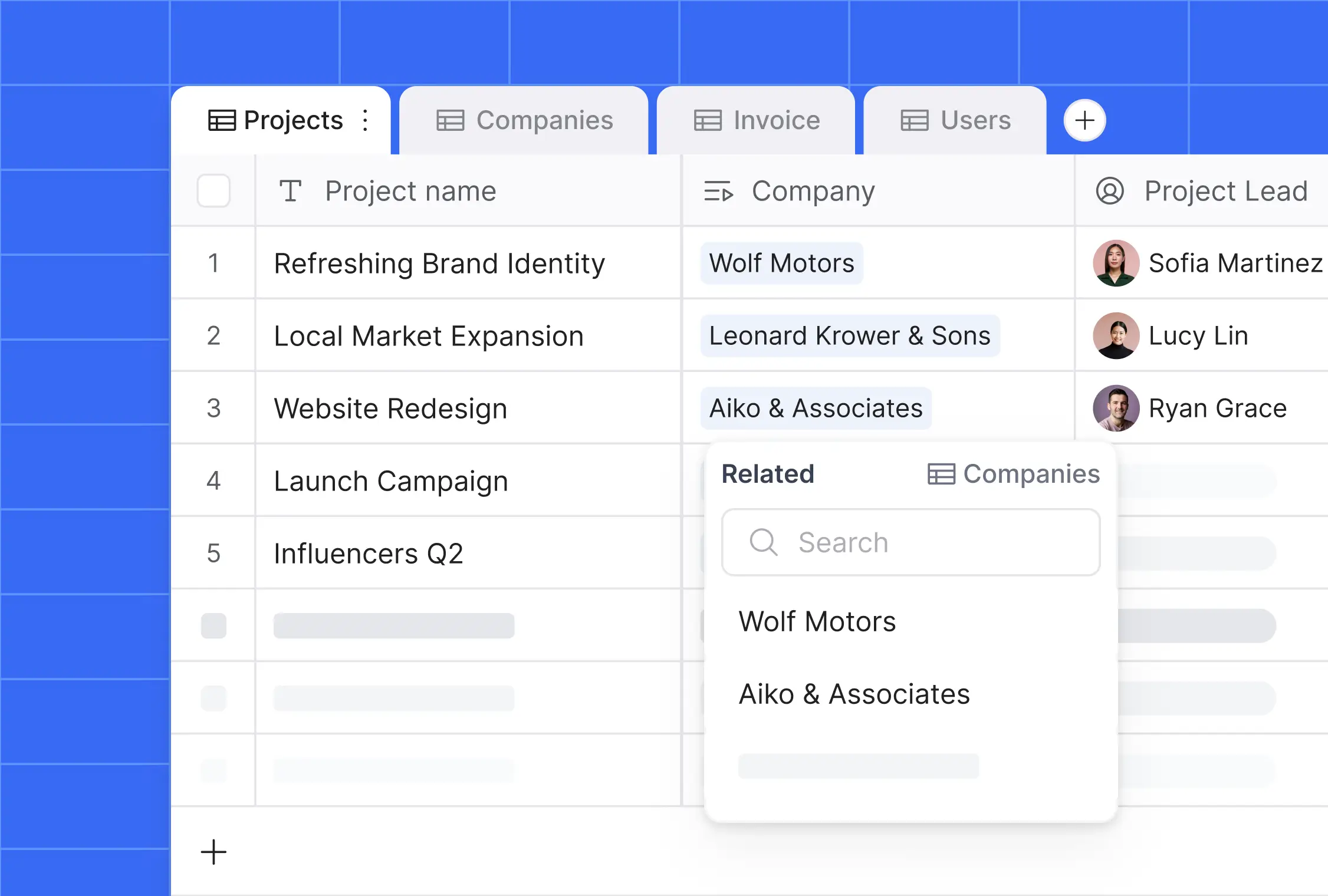
A reliable application starts with a clean database. Decide where your data will live.
If you are building from scratch, Softr Databases are the recommended choice. They provide fast loading times, native security controls, and simple relationship mapping. If you have existing data, connect Softr to external data sources like Airtable, HubSpot, Google Sheets, or SQL databases.
Step 3: Describe and generate with the AI Co-Builder
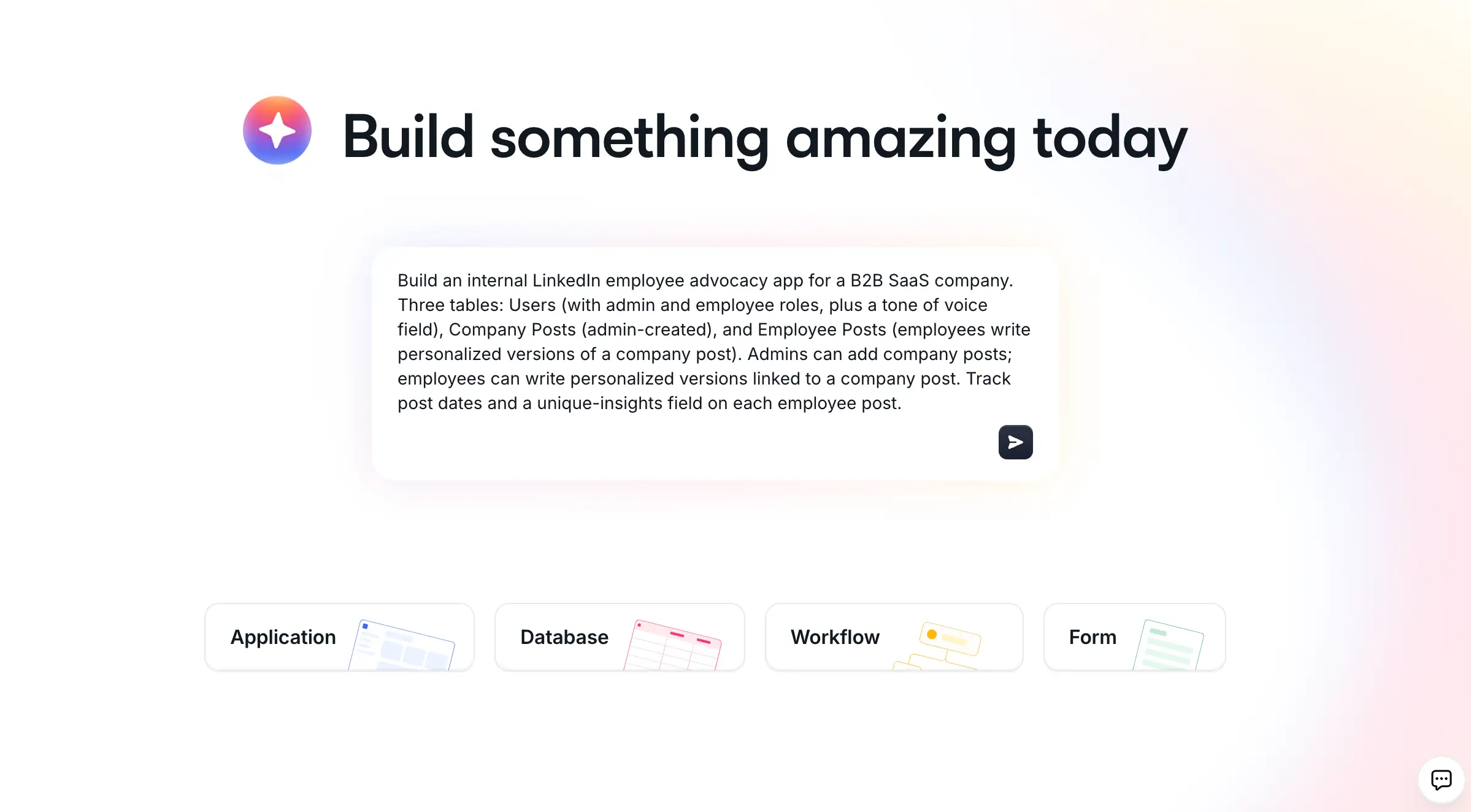
Instead of starting with a blank screen, describe your requirements to the Softr AI Co-Builder.
For example, type: "Build a project tracker for window installations. Admins need to assign tasks to installers, and installers need to view their schedule and upload photos." The AI Co-Builder will automatically structure the tables, configure fields, populate sample data, and generate corresponding pages in seconds. You can send the same prompt from Claude or ChatGPT through the Softr MCP.
Step 4: Customize pages and workflows in the editor
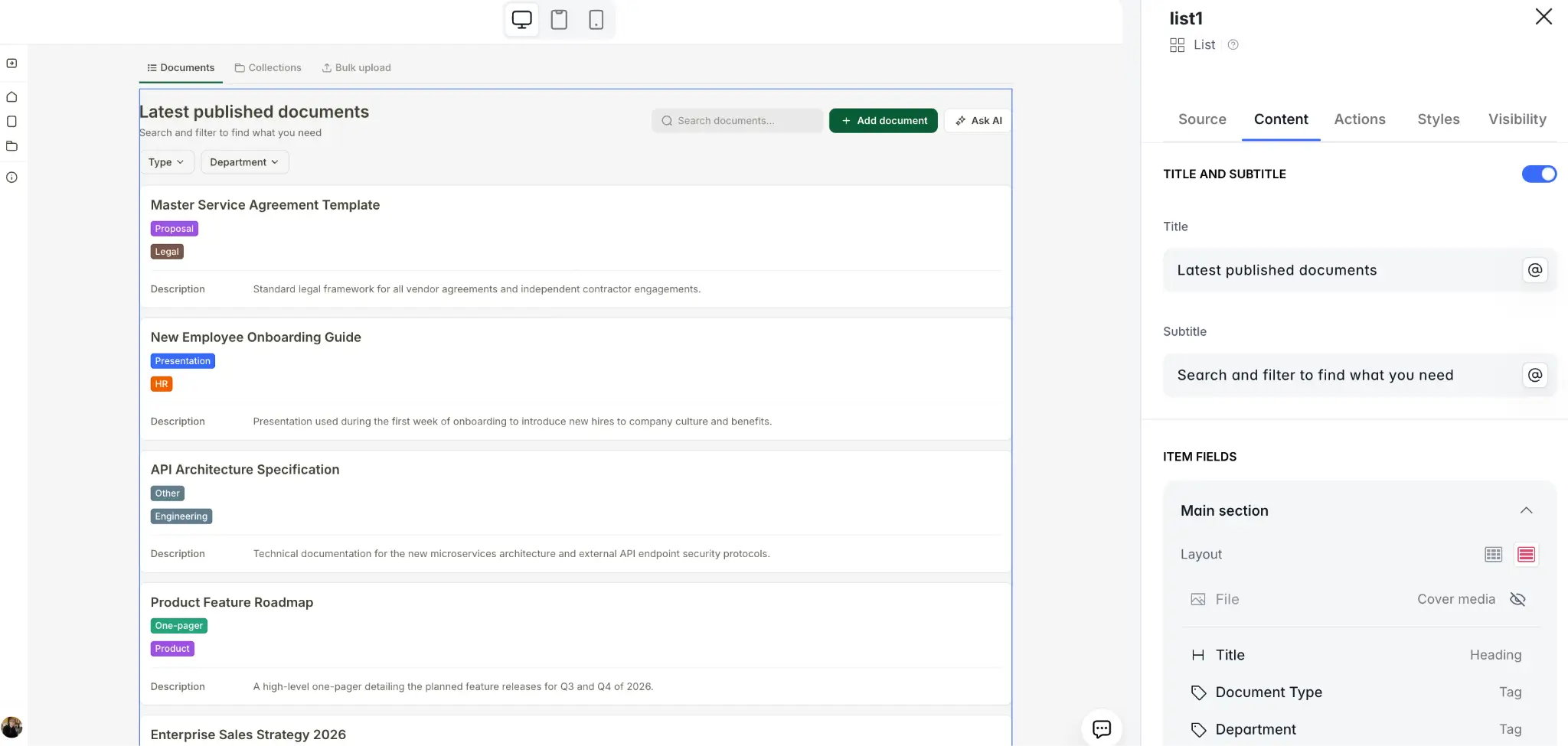
Once the AI Co-Builder generates the foundation, you can customize the application visually.
Use the visual editor to modify block designs or invite colleagues as collaborators. To automate administrative tasks, configure Softr Workflows to send welcome emails when users register, post Slack notifications, or generate AI summaries of database records.
Step 5: Configure permissions and launch
Before sharing your application, secure access using users and permissions.
Define user groups (such as Admins and Employees) and set page-level visibility rules. Apply Data Restrictions to ensure users only view records related to their profile. Once security is verified, hit Publish to launch your portal on a custom domain.
Now that you have seen what is possible, it is time to turn your own ideas into functional tools. Start building on Softr today to go from example to custom application in minutes.
Frequently asked questions
What is a no-code app?
Can you make a secure app without coding?
Is no-code cheaper than custom coding?
What data sources can I connect to my app?


