Replit vs v0: Which AI coding tool is right for you? [2026]

[.blog-callout]
✨TL;DR
- Go with Replit if you want an AI-assisted coding environment where you can generate, edit, run, and iterate on your projects in one workflow.
- Choose v0 if you want to rely on AI to build interfaces and prototype apps quickly.
- Pick Softr if you need to build real, working business software, without the headaches of debugging AI code.
[.blog-callout]
AI vibe coding tools make it easy to turn your idea into a digital reality. You just type in a few instructions, and wait while your AI assistant turns your half-formed concept into a real UI.
Two of the biggest names in this category are Replit and v0. Replit is closer to an AI-assisted dev environment, where you can generate and run real projects in a browser-based workspace. v0 was originally an AI-powered interface generator, but it has more recently added some full-stack features.
Both sound useful on paper, but which is right for your project? In this guide, we’re taking a closer look at how Replit and v0 compare across a wide range of criteria.
Replit vs Vercel v0 at a glance
| Category | Replit | v0 (Vercel) |
|---|---|---|
| Best for | Devs, learners, technical founders building code-based prototypes and small apps | Designers, devs, and founders creating UIs and design-first prototypes |
| Primary output | Running code within an app environment | Frontend code for interfaces and UI components |
| Editing workflow | IDE-style editing with AI generation, debugging, and iteration | Prompt and iterate, then refine code; strong “generate and tweak” cycle |
| Collaboration | Real-time collaboration, with built-in communication features | Usually via shared projects, plus team Vercel hosting accounts |
| Hosting & deployment | Built-in hosted runtime for apps you create; multiple deployment options | Exports to a standard web app workflow; pairs Vercel for previews and hosting |
| Scaling | Strong if you’re comfortable with evolving your code | Good for UI and Next.js projects, but data, auth, and logic is a bit DIY |
| Pricing model | Subscription tiers with included Agent/AI usage credits (varies by plan) | Per-user tiers with included credits; paid plans include daily credits |
What is Replit?
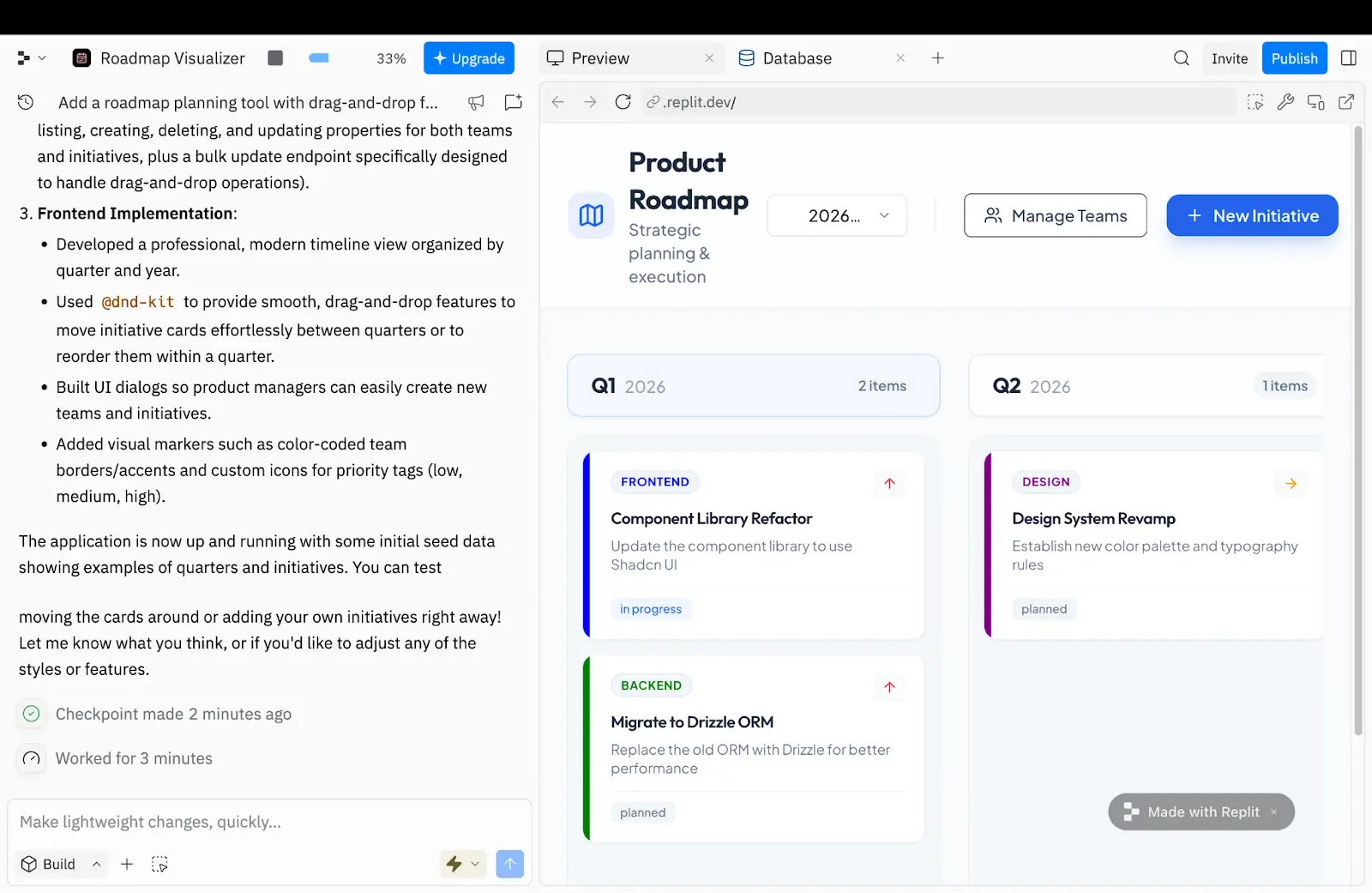
Replit is a browser-based coding environment designed to help you write, run, and iterate on your code at speed — with AI assistance layered on top. It also has built-in hosting, meaning you can deploy projects with a couple of clicks.
The overall vibe is less “build my app for me” and more like a workshop where your AI apprentice does some of the groundwork. In that sense, Replit is closer to a traditional IDE than v0.
Who is Replit best for?
Replit is most useful for developers who want to use AI, but still need a traditional IDE workflow. It’s also a solid fit for technical founders shipping quick MVPs, especially when speed matters more than perfection.
Some educators and students use Replit to experiment without a local setup. And teams will appreciate the sharing and co-editing features.
How Replit works
The workflow in Replit starts with a prompt. You simply describe the app or website you want to build, including any technical preferences.
Based on your instructions, the built-in AI creates a plan. You can review this outline and request changes via a chat interface. Replit Agent then builds the first version of your project, reviewing its own work and making adjustments along the way. Once the job is complete, you can deploy your new project to a live URL.
Along with this “single-player” workflow, Replit lets you collaborate on AI coding sessions and communicate within the platform.
What is v0?
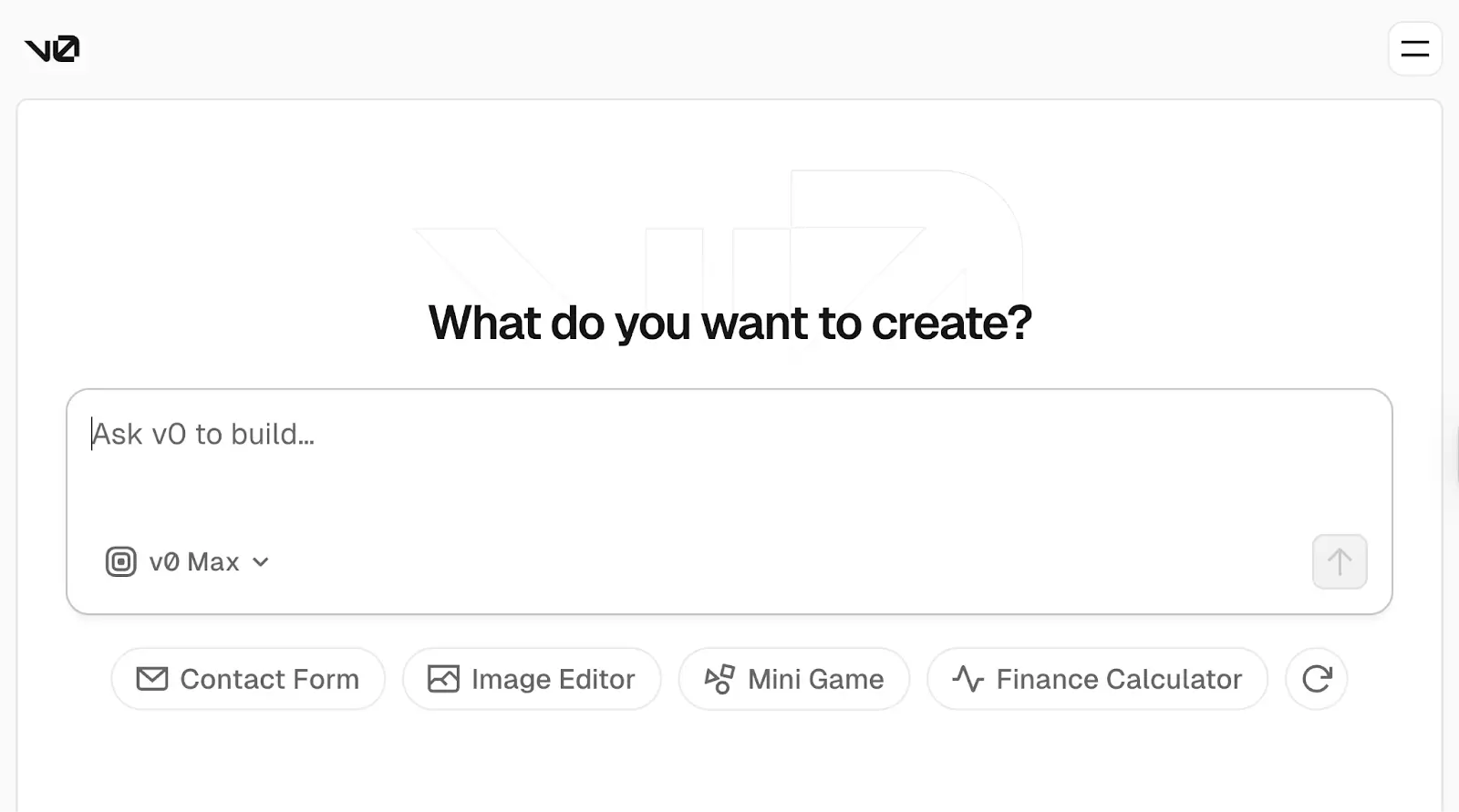
v0 by Vercel was originally an AI design tool, made for creating interfaces at speed and prototyping new designs. But more recently, it’s added full-stack capabilities to the mix. It allows you to generate UI components and back-end logic from text prompts, visual inputs, and even URLs.
Whereas Replit is a coding platform with AI assistance, v0 is more centered on AI. That makes it easier to master, but the workflow will feel less familiar for seasoned developers.
Who is v0 best for?
v0 is useful for anyone who wants to build good-looking first draft prototypes with minimal hands-on coding.
Designers can use v0 to experiment with UI ideas. Developers use it to accelerate Next.js-based projects and play around with app structures. For founders and entrepreneurs, the primary use case is building MVPs. The recurring theme: it’s a place to play around with concepts without investing too much time.
How v0 works
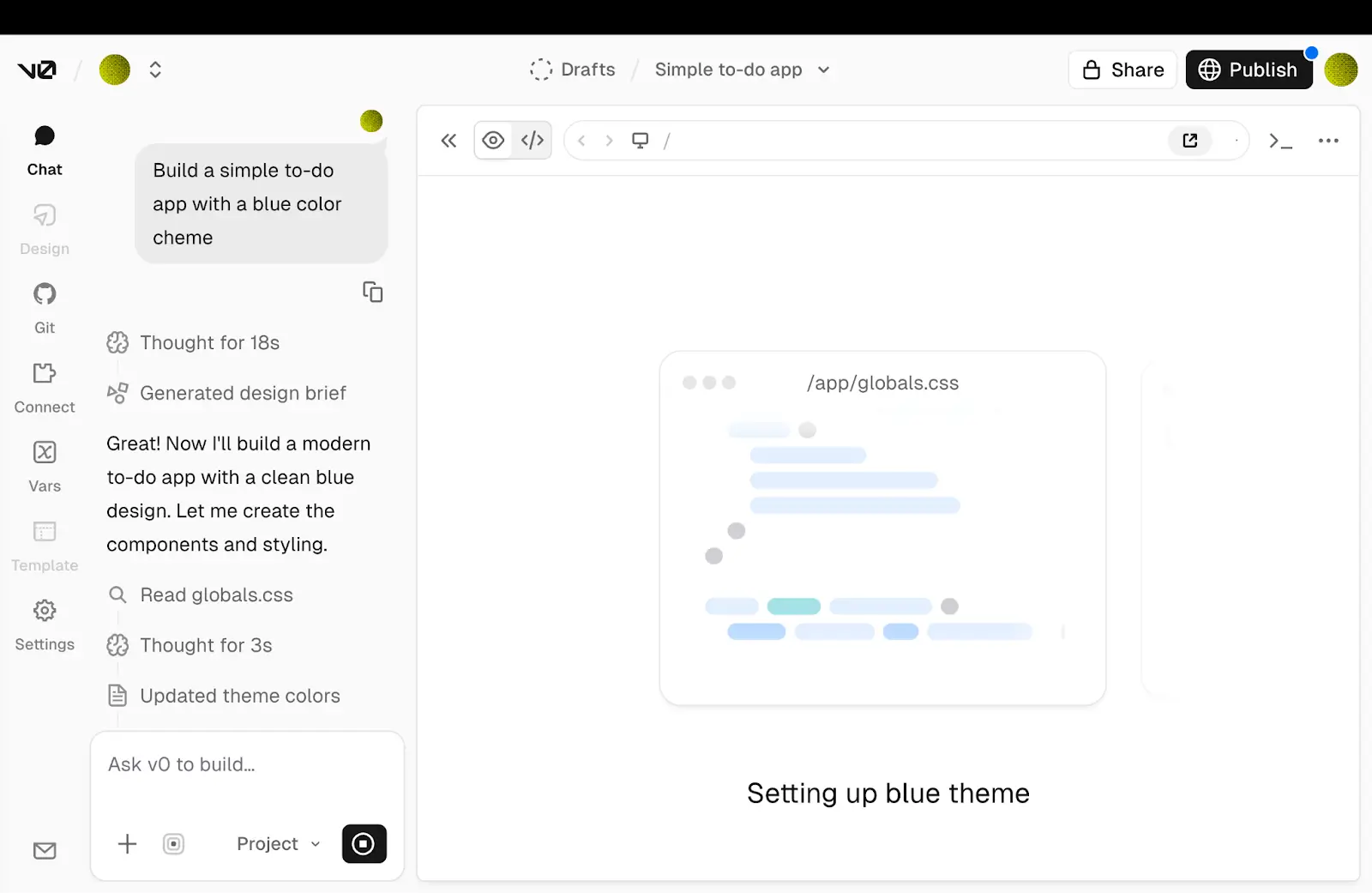
To begin building with v0, you need a prompt. That could be text, a screenshot, a Figma file, or even the URL of an existing app.
v0 then generates the UI and app code (typically React/Next.js patterns). You can adjust this first pass via a visual editor, follow-up prompts, or direct code edits.
As your project grows, v0 puts together routes, server-side logic, and connections to external services — but you’ll still need to connect a database and set up authentication. Finally, you deploy through your own workflow (most people choose Vercel hosting).
Replit vs v0: Features compared
The difference between these apps is about what you want to achieve, and how you want to work. Let’s take a closer look.
Which makes it easier to build a working app?
Replit probably offers the most direct route to a fully functional, hosted app. You can generate a starter project, run it immediately, and iterate endlessly inside the same workspace.
v0 can also whip up a working app pretty quickly and guide you toward a deployable result. The difference is that v0’s workflow is geared more toward fast first drafts rather than functional app prototypes.
Verdict: For technical users, Replit offers a more robust and integrated workflow. But v0 is easier to work with if you’re not a dev.
Which platform has the smarter AI?
Both tools can produce impressive first drafts, but they do so in different ways. Replit’s strength is breadth: it can build a runnable project structure, generate multiple files, and provide an initial output that feels like software rather than a single screen. These are solid first drafts that are designed to be edited and debugged.
With v0, first drafts have more surface polish. The AI often produces crisp layouts, sensible structures, and clean code. It can even deliver usable app logic on the first pass, if you ask very carefully.
Verdict: v0 takes the win on first drafts because the outputs tend to be visually polished, but Replit catches up with iterations.
Which has the better editing and iteration workflow?
Replit’s editing flow is more like a traditional development process. You can modify files directly, inspect errors, and make targeted fixes. That’s really handy when you need to do serious work on application logic, state, dependencies, or edge cases. It also has a light visual editor.
In contrast, v0’s iteration flow is geared toward making changes through prompts and the visual design mode. It works well for UI refinements and tweaking structures. But as projects become more complicated, dev teams often move their v0 code into a more traditional codebase workflow for deeper refactoring and stronger maintainability.
Verdict: Replit’s IDE-style workflow makes it easier to hunt down errors and make targeted fixes.
Which platform builds the more reliable apps?
If you have the skill to maintain a codebase, Replit gives you the tools to make a more reliable app as the project matures. Being able to run and debug in the same environment is a huge advantage, and the built-in AI is a capable assistant.
The frontend outputs from v0 are pretty stable, aided by the platform’s specialized stack: Next.js, React, Tailwind CSS, and the shadcn/ui component library. But expect to roll up your sleeves if you want reliable results on complex projects with full backend integration.
Verdict: Apps built in Replit are more likely to be reliable, because it offers a strong run-and-debug workflow.
Which has the better security features?
Replit runs your code in a managed environment and claims to have achieved a SOC 2 Type II attestation. It also has enterprise controls, such as private deployments and SCIM for user provisioning.
v0 inherits its security features from Vercel, which has SOC 2 Type II attestation and ISO 27001 certification. The platform also aligns with PCI DSS and supports HIPAA. In practical terms, that means v0 is better suited to enterprise deployment.
Verdict: v0 has stronger security for most business use cases. But Replit is still a solid option.
What can you realistically build with each tool?
Let’s make this all a little more concrete. Here are some real-world use cases for both Replit and v0.
Replit use cases
- Full-stack MVPs and prototypes: Replit's Agent can put together full prototypes and mini-apps from a single prompt, including the backend, database, and authentication.
- Internal tools and workflows: Some teams build inventory trackers, approval workflows, and dashboards that require server-side logic, scheduled jobs, or database queries.
- Learning and experimentation: Developers and students often use Replit to experiment in Python, Node, Go, and other languages — and share their projects online.
- Bots, scripts, and backend services: Replit is popular for building Discord bots, web scrapers, API wrappers, and cron-style automation scripts that run persistently in the cloud.
v0 use cases
- Landing pages and marketing sites: Pretty hero sections, neat pricing tables, eye-catching feature grids, and other marketing components. The outputs are clean, responsive, and ready to drop into your site.
- UI components: For designers, it’s much quicker to generate buttons, modals, form elements, cards, and other individual elements with v0 instead of building them by hand.
- Rapid UI prototyping: Designers and product managers often use v0 to visualize interface ideas without building full functionality.
- Vibe-coded MVPs: Some non-technical founders and entrepreneurs go one step further, using v0 to build simple MVPs.
Notice the overall theme here: most Replit use cases are centered on building and sharing simple tools, while most real-world v0 projects are highly visual.
Replit vs v0 in real user reviews
Looking at Reddit, G2, and other platforms, Replit and v0 both have diehard fans and frustrated detractors.
Replit earns praise for how quickly you can move from a blank slate to runnable code. Users also like the collaboration features, and the fact that you can build and deploy projects without plugging in other platforms.
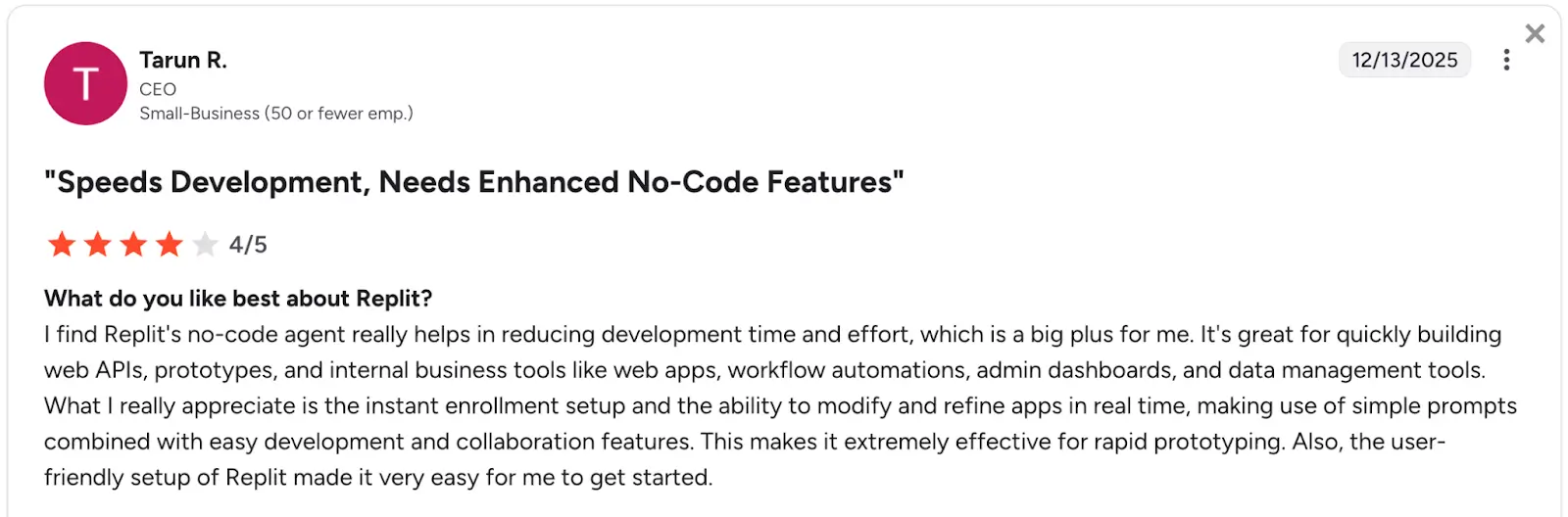
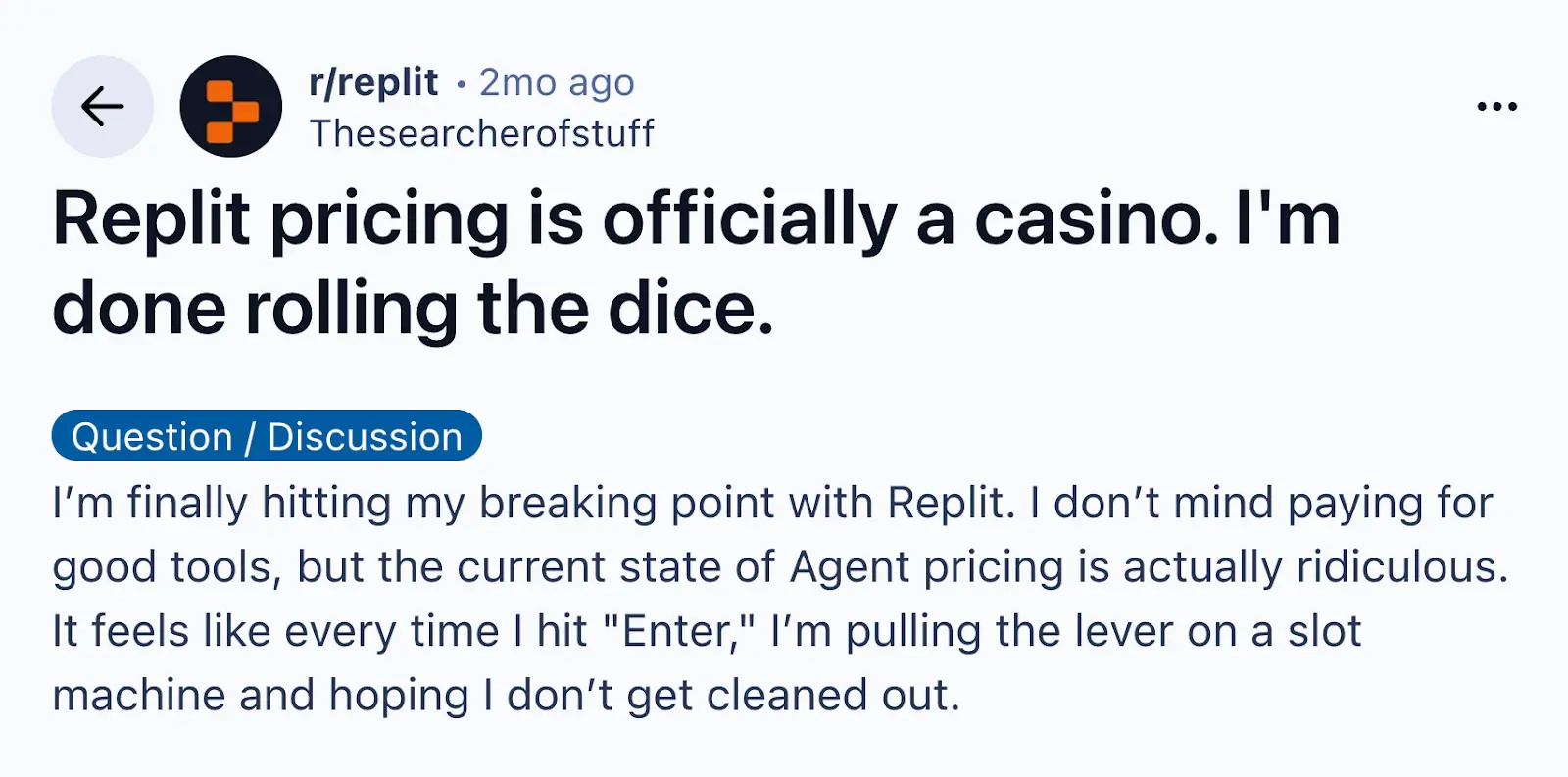
On the other hand, the most common complaints are about cost and predictability.
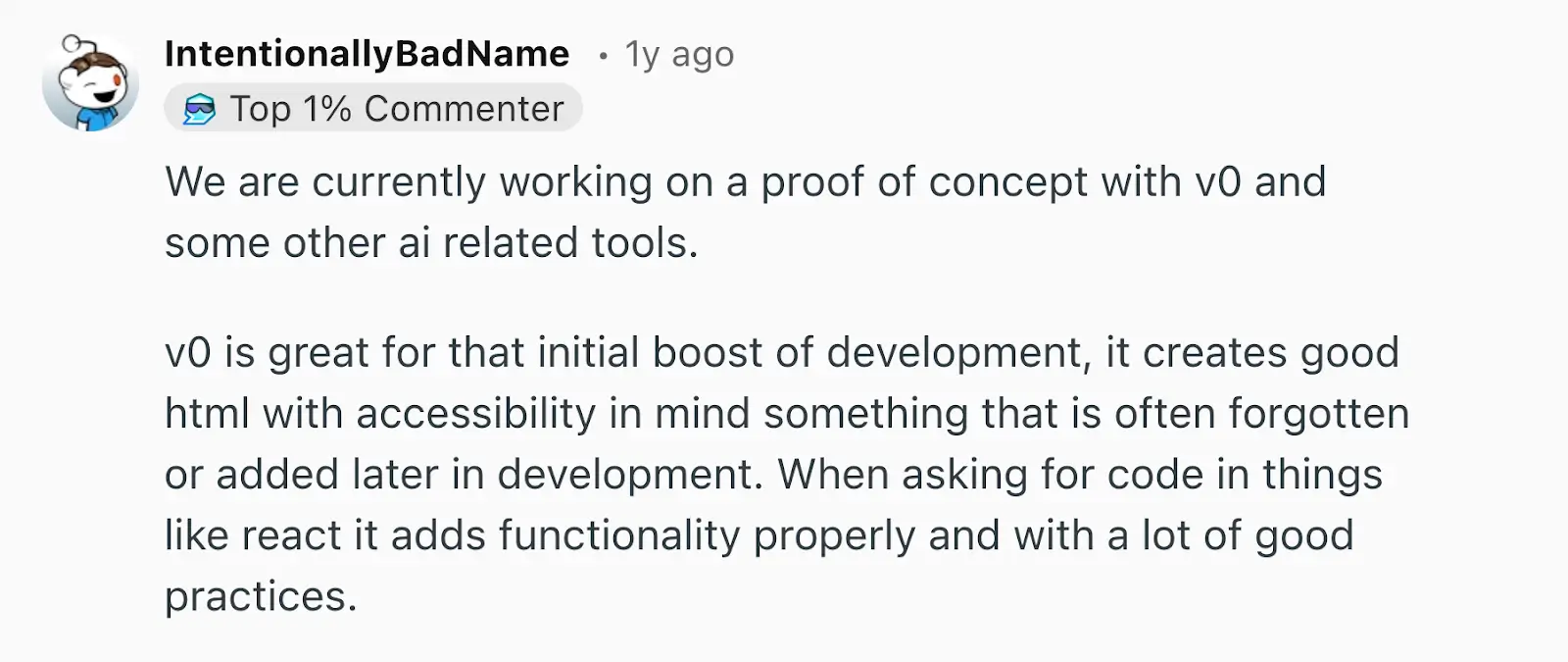
Most of the positive reviews for v0 focus on the UI side of the app. Many people use it to try out new visual ideas, while others praise v0 as a rapid prototyping tool for non-technical people.
At the same time, users complain about pricing and the fact that the AI agent gets stuck when trying to resolve issues.
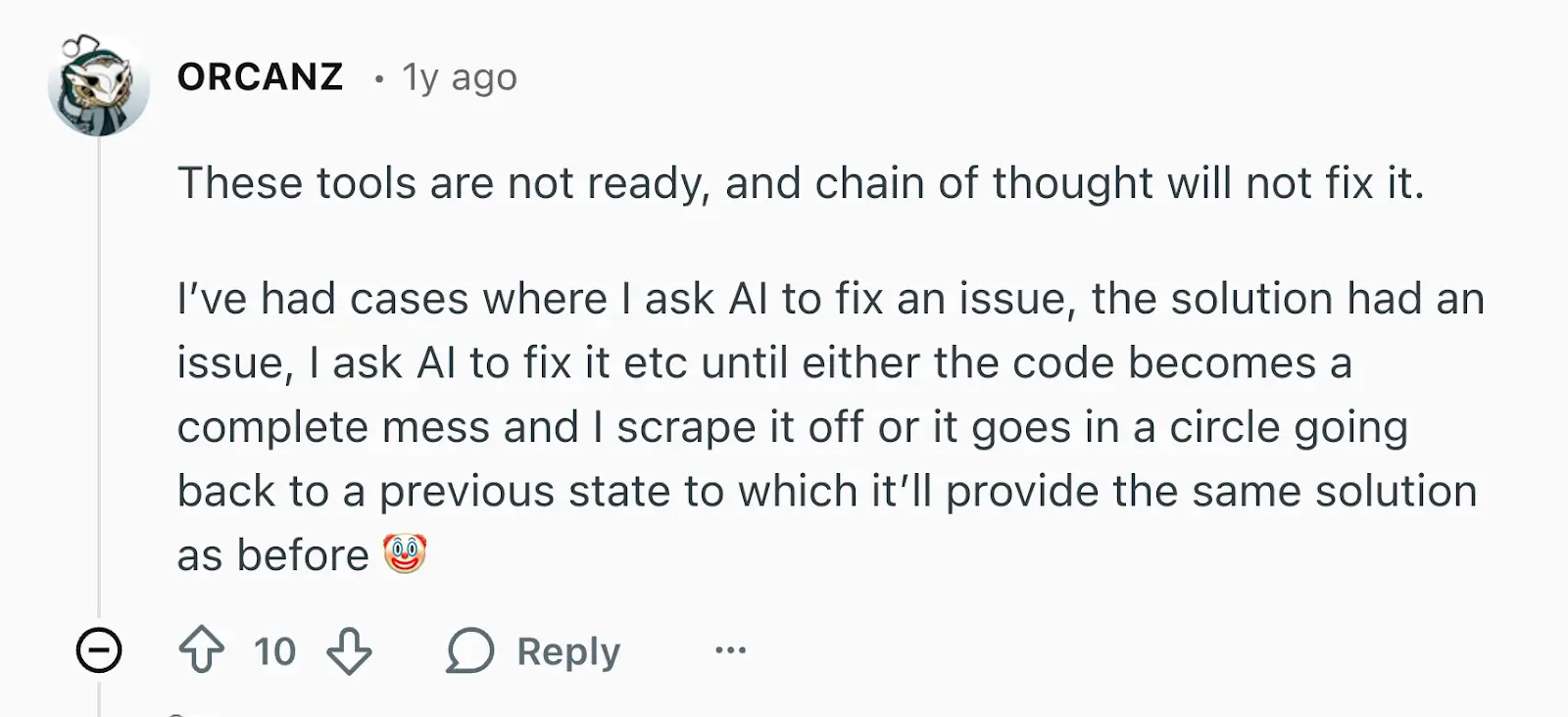
In short, there’s a pattern across both tools: people like using Replit and v0 for first drafts, but often get frustrated when they try to iterate with the AI agents.
How pricing compares between Replit and v0
Replit and v0 both use credit-based pricing, but they behave differently in practice. Replit’s costs are predictable if you’re doing mostly hands-on coding, but they rise with AI use. For rapid AI prototyping, v0 is likely to be cheaper overall.
| Plan level | Replit | v0 |
|---|---|---|
| Free | Limited daily credits + a daily-capped Free Mode | $5 credits/month |
| Mid-tier | $18/month for $20 in credits | $20/month for $20 in credits $30/user/month for $30 in credits |
| Top-tier | From $90/month for $100 in credits | $100/user/month for $30 in credits |
| Enterprise | Custom pricing | Custom pricing |
Replit offers monthly subscriptions with included credits, and additional credits are available via pay-as-you-go pricing. The more you use the AI agent, the higher your spend will be.
v0 also serves up credits in monthly plans, but there’s more emphasis on per-user tiers for teams. Paid users also get daily credit boosts for logging in. In practice, the pricing model rewards using v0 for short, snappy projects.
Meet Softr: The best alternative to Replit and v0 for building business software with AI
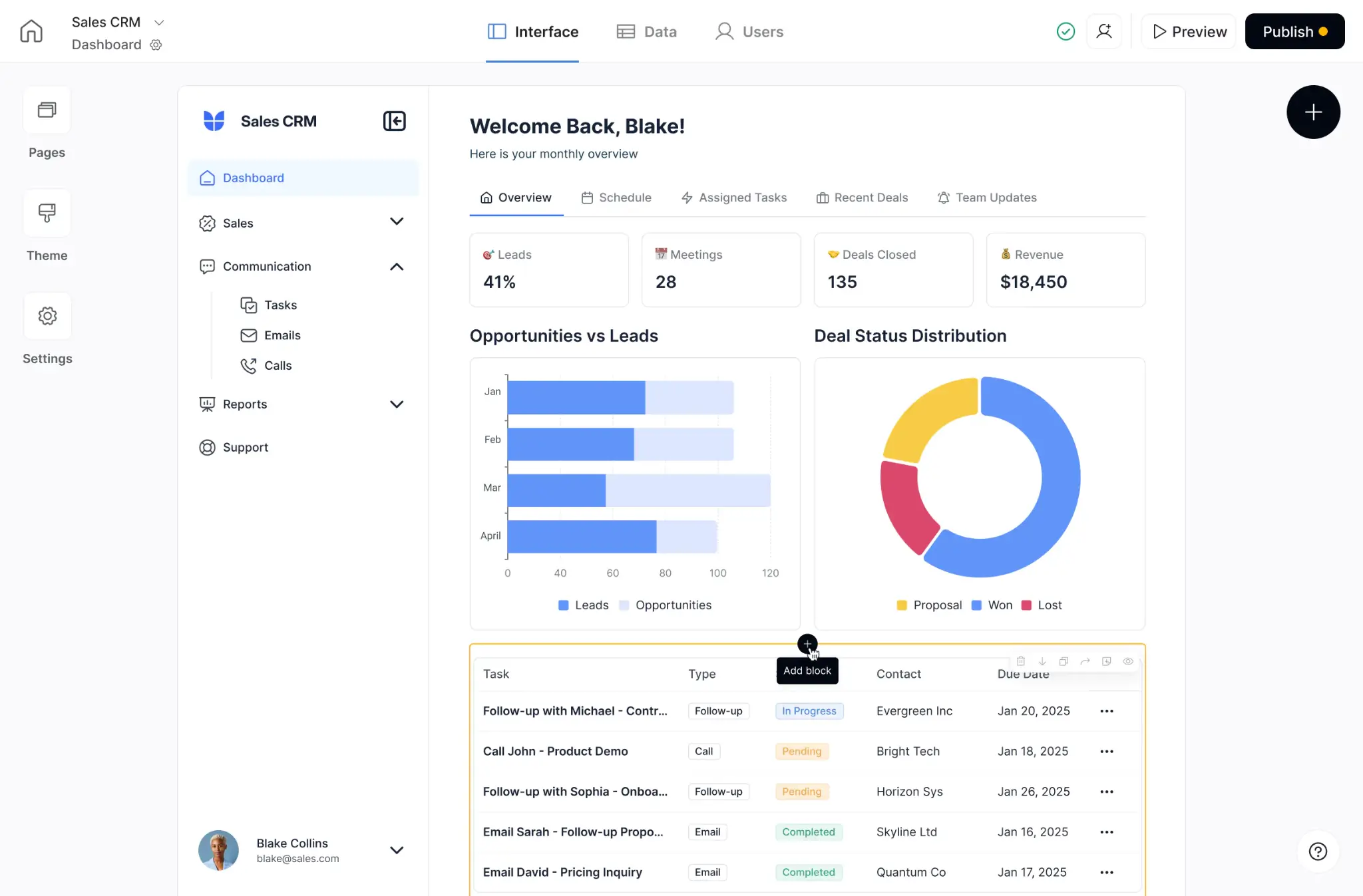
While Replit and v0 are good for prototyping and building simple tools, there are probably areas of your business that call for more depth, stability, and real-world functionality. For those use cases, Softr is a powerful alternative.
Why choose Softr over Replit and v0
Softr is a no-code, AI-powered platform for building software your business can actually run on. Instead of generating code you have to maintain, Softr gives you a complete full-stack system for running operations. That includes:
- The interface people use
- The database that stores the truth
- The workflows that move work forward
- The user management that keeps everything secure
Here’s a whistle-stop tour of the key features.
All-in-one app building
Softr goes far beyond prototypes, allowing you to create full-featured web apps like CRMs, client portals, internal tools, dashboards, and more. Users can log in, interact, and work with live data. Hosting, authentication, and security are all built in, so your app is ready to go from day one.
While Replit and v0 can help you generate quick drafts, they tend to struggle when you try to reach and maintain this level of functionality.
Connect to Softr Databases and existing data sources
Don’t have a database? Softr has a native solution for organizing and managing all your business data in one place, with relational linking and built-in AI agents.
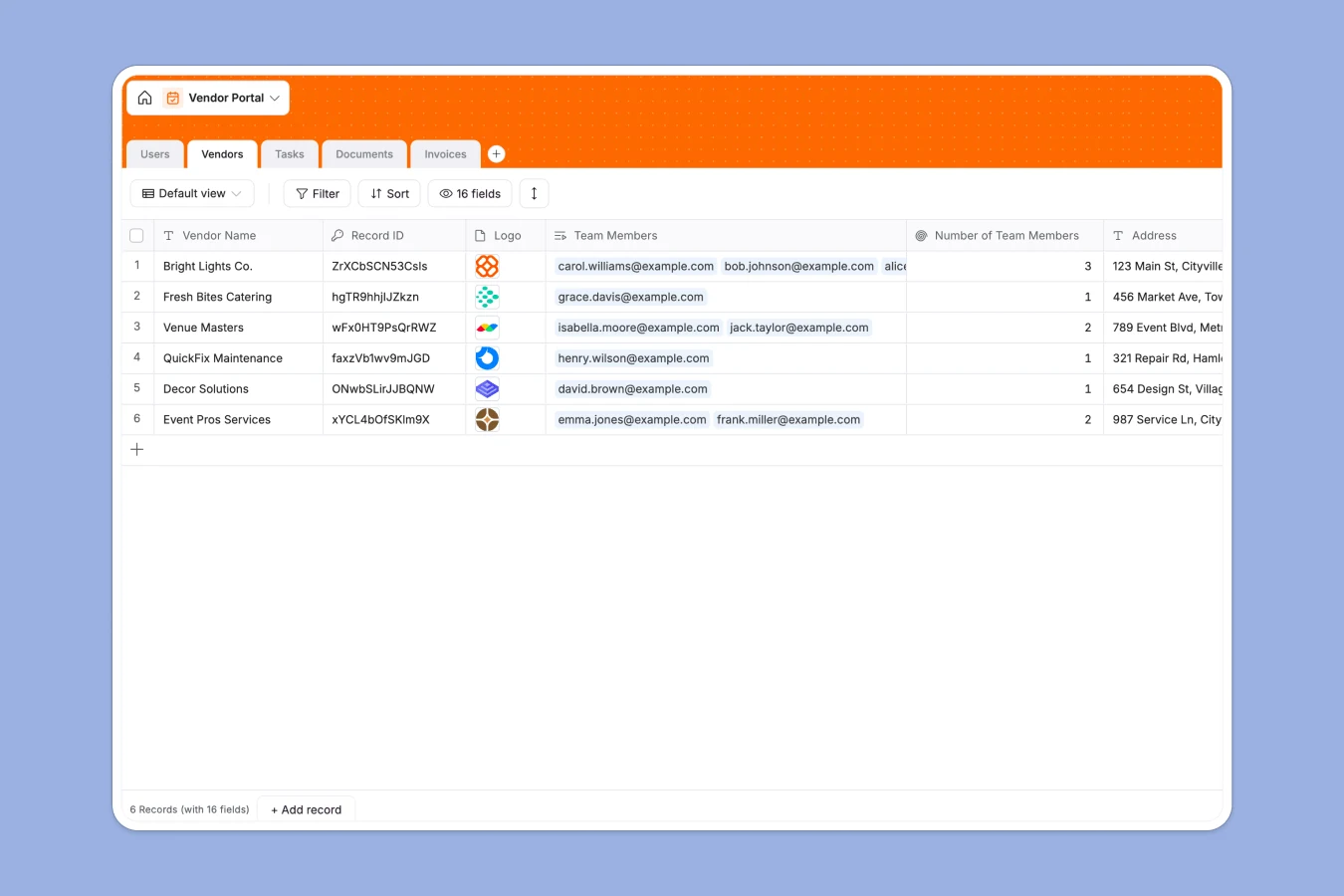
And with 21+ integrations—including Airtable, Google Sheets, Notion, HubSpot, and SQL databases—Softr also lets you connect your apps to existing data sources. These connections have live two-way sync, so the data in your apps is always up to date.
Automate workflows right inside your apps
Another benefit of connecting to your existing apps: native Softr Workflows let you trigger automations when something meaningful happens, like a user submitting a form, a record changing status, or an approval being completed.
Because automation lives inside the same system as your data and permissions, you can build reliable operational flows without duct-taping together scripts, webhooks, and background jobs.
Plus, you can add AI to your automations wherever you need to sprinkle in some intelligence.
Strong hosting, security, and permissions
Every business app needs a solid foundation. Apps you build with Softr are automatically hosted on servers certified to SOC 1 and SOC 2.
The platform also makes it easy to control access. You can create roles like clients, partners, and internal teammates — and define what each role can view and do. Utility pages are included (sign-up, forgot password, email verification), so you can launch without having to build authentication flows.
Consolidate your tech stack
Many teams on Softr start with one app, but gradually expand into an end-to-end business operating system.
The platform is specifically designed for this kind of compounding value, where your apps, data, users, permissions, and workflows all live in the same place.
What you can build with Softr
Softr lets you build a wide variety of apps, but some of the most common use cases are:
- Client and partner portals
- Internal tools and dashboards
- CRMs and pipeline trackers
- Inventory management, requests, and approvals
- Onboarding, intake, and support systems
Replit vs v0 vs Softr: Which one should you choose?
When to choose Replit
Replit is a good choice if you want to build prototypes in an end-to-end development environment, and if you’re happy to debug code by hand or stay patient while the AI figures it out.
When to choose v0
When speed and visual polish are the priority, v0 is a solid option. It’s also well suited to people without coding experience. Just don’t expect to prompt your way to a super reliable, feature-rich app.
When to choose Softr
If your goal is to build working business apps without writing code, Softr is the best choice. It works perfectly right out of the box, it has loads of built-in features, and you’re not responsible for holding it all together. And if you like prompting from Claude or Cursor, the Softr MCP lets you build Softr apps from there.
Note: This framework also holds true for apps like Lovable and Bolt; they may work well for prototypes, but Softr is better for production-ready apps.
The best AI app builder for your business
In the right context, Replit and v0 are both truly powerful tools. They allow you to code your own custom software and develop new ideas, even if you’re not a programmer.
But do you really need that? If you just want to build a dashboard, CRM, or portal, there’s no reason to start from scratch. With Softr, you can use AI and templates to build real, working apps in minutes — complete with live data, workflow automation, and robust permissions.
👉Try Softr free to start building today.
Frequently asked questions
What’s the biggest difference between Replit and v0?
If I don’t have developers, what is the fastest way to ship a secure internal tool?