5 best Zite alternatives: Tested & reviewed in 2026


Zite can help you launch an app fast. But for apps with complex workflows, permissions, data integrations, and ongoing updates, users often need deeper control and flexibility. I tested 5 Zite alternatives that let businesses build portals, internal tools, dashboards, and workflows that can scale with their needs.
Best alternatives to Zite at a glance
| Tool | Best for | Key features | Pricing (annual billing) |
|---|---|---|---|
| Softr | Building working business apps with AI | • AI Co-Builder • Visual no-code editor • Native relational database • 21+ native data sources • Granular permissions, user groups, and built-in authentication • Native workflow automation | Free plan available Basic: $19/month |
| Bubble | Complex apps and SaaS-style products | • AI app generation with visual editing • Built-in database • Web, iOS, and Android app support | Free plan available Starter: $59/month |
| Base44 | Fast AI-generated app prototypes | • Prompt-based AI app generation • Built-in authentication and database • In-app code edits and backend functions on paid plans | Free plan available Starter: $16/month |
| Lovable | SaaS MVPs and code-backed web apps | • Prompt-based full-stack web app generation • GitHub sync for code ownership and developer handoff • Lovable Cloud and Supabase support for backend setup | Free plan available Pro: $25/month |
| FlutterFlow | Mobile-first apps with custom UI and developer handoff | • Visual development environment for mobile, web, and desktop apps • API, Firebase, and Supabase integrations • Source code export | Free plan available Basic: $23/month |
How I test Zite alternatives
A good Zite alternative should keep the speed of AI generation but give your team more control once the app starts moving toward production. Here's what I look for:
- Strong visual editing: Pick a tool that lets you edit layouts, navigation, branding, and logic directly with building blocks (rather than re-prompting for every tweak).
- Flexible data connections: Look for support for tools your team already uses—Airtable, Google Sheets, HubSpot, Notion, SQL—so you can build on existing data instead of locking into one vendor or relying on an external integration platform.
- Granular permissions: For portals, CRMs, and internal tools, access control matters from day one. You should be able to easily manage user roles, record visibility, and page access.
- Predictable pricing: Check whether costs depend on users, apps, records, AI credits, workflow runs, storage, or external users.
- Post-launch maintainability: Updating fields, fixing logic, adding pages, and changing permissions should be easy (and not make you rebuild whole chunks of the app).
- Support and documentation: Clear docs, examples, and responsive support matter most when non-technical teams build operational tools and need a way to fix what breaks.
1. Softr — best overall Zite alternative for building working business apps with AI
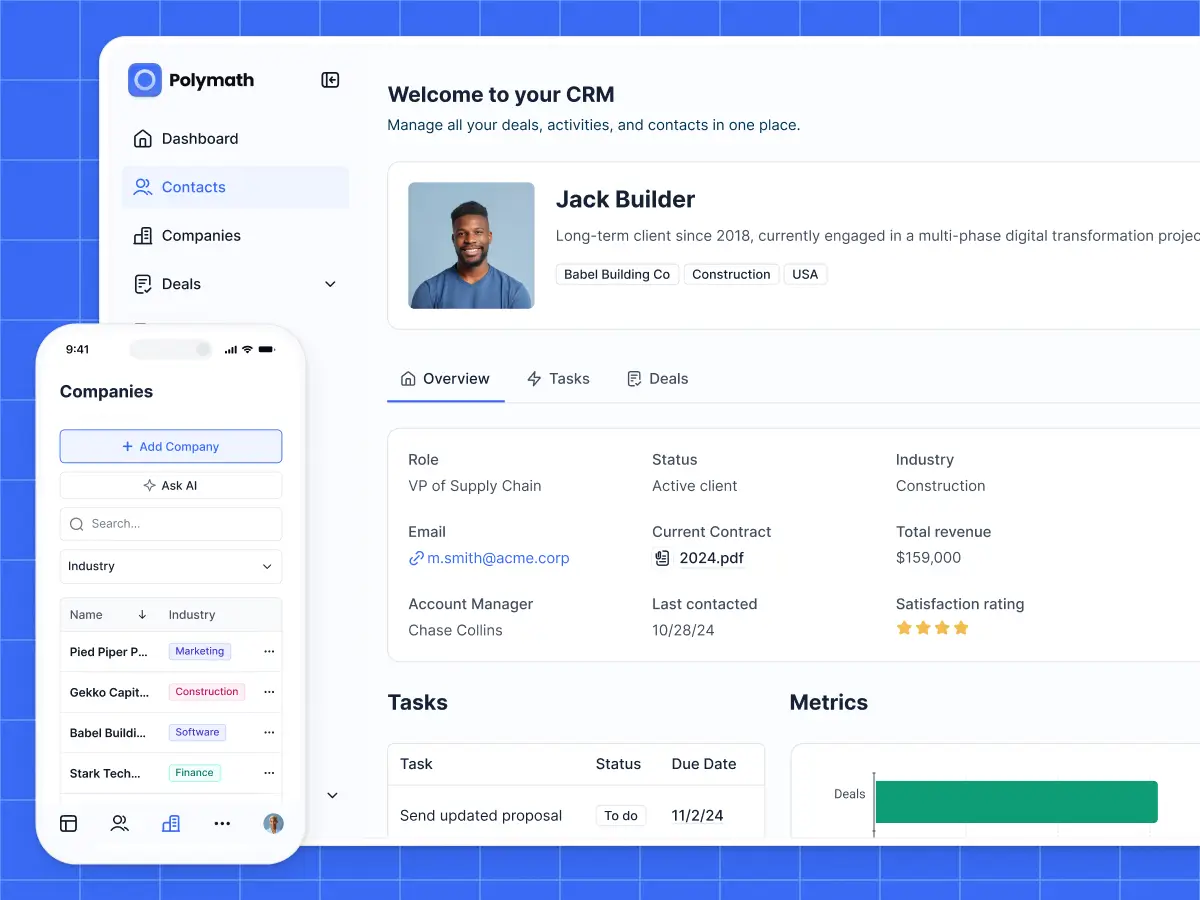
Softr is the best overall Zite alternative if you like the speed of AI app generation but don’t want to be trapped in prompt-based building. Zite can help you get to a first version of your app quickly, but deeper edits often depend on AI prompts or even starting over from scratch.
When you build in Softr, the AI Co-Builder creates a working app from a prompt. Then, you can refine via prompting or with visual building blocks (and switch back and forth between the two modes any time). You can even vibe-code fully functional UI elements with the Vibe Coding block directly inside Softr’s app builder.
The biggest difference is what happens after creating the first version of your app. In Softr, you can adjust layouts, update data views, fully control who sees what, and trigger workflows without relying on re-prompting for every change.
Here’s what Adam Smartschan, the CSO & Partner at Altitude Marketing, says about building in Softr:
[.blog-callout]
💡 "I haven't touched the core of our portal in nine months, and it's fine. That level of bulletproof, that level of stability, is pretty rare these days.”
[.blog-callout]
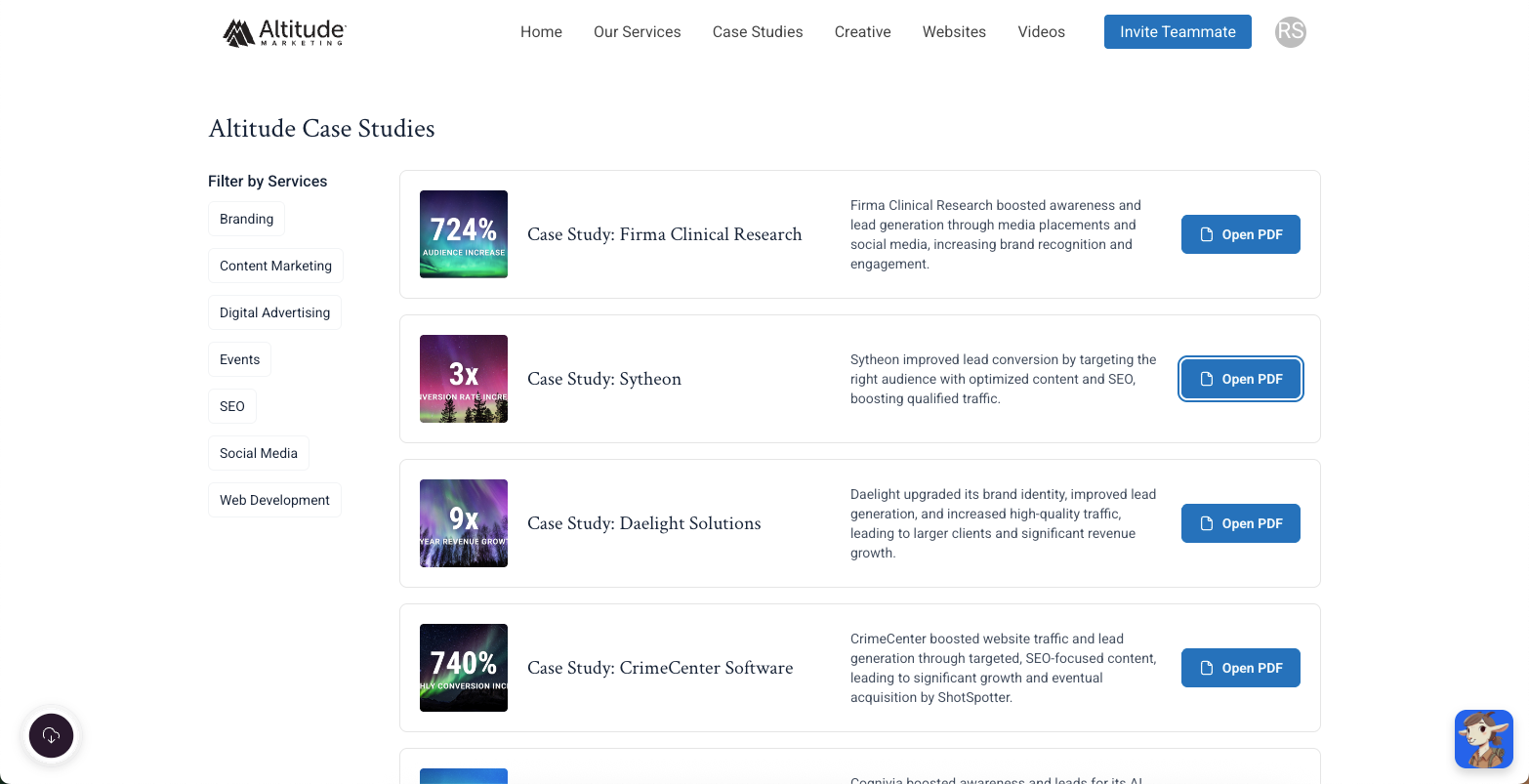
Softr lets you build secure, permission-aware client portals, vendor & partner portals, AI-powered CRMs, dashboards, inventory trackers, and internal tools on top of your live business data. You can store your data in native Softr Databases, or connect to 21+ data sources, including Airtable, Google Sheets, HubSpot, Notion, SQL databases, all with real-time, two-way sync.
Pros and cons of using Softr
Pros:
- AI app building with no-code control: Softr allows you to generate full-stack apps with AI, then refine layouts, logic, branding, and permissions visually.
- Flexible data setup: Softr supports Softr Databases plus 21+ native data sources, so teams can build on top of existing systems like Airtable, Google Sheets, HubSpot, Notion, and SQL databases.
- Reliable permission control for multi-user apps: Softr makes it easy to set up custom user groups with granular permissions, so you can build secure apps your team and clients can trust.
- AI features beyond app generation: Softr includes AI features like Ask AI that help you query live app data and Database AI Agents that allow you to do things lke enrich records and automate data management.
- Enterprise-grade security from day one: SOC2 and GDPR compliance, SSO on Enterprise, and battle-tested infrastructure make Softr one of the most secure AI app builders.
- Predictable pricing: Softr’s predictable, flat pricing helps you calculate costs in advance. The free forever plan allows for 5 app users, role-based permissions, AI credits, unlimited apps, and up to 3 builders.
Cons:
- Softr isn’t the right fit for teams that want full code ownership, GitHub sync, or developer-level control over their application stack.
Softr key features
- AI app builder: Softr’s AI Co-builder can generate a working business app from a prompt, including the pages, user roles, sample data, and core structure.
- Flexible drag-and-drop blocks: Add fully customizable no-code components to apps: lists, charts, calendars, forms, grids, dashboards, tables, and more.
- Native relational database: Softr’s AI builder automatically creates a database with the right fields, relationships, and schema in place.
- Vibe Coding block: Generate custom UI elements and tools with vibe coding built directly into Softr’s no-code builder. Anything that you vibe code inherits your app’s permissions, data sources, and theme.
- Built-in authentication and user permissions: Every Softr app (even on the Free plan) comes with utility pages, user groups, and permissions. It supports email/password, magic link, Google, and SSO sign-ins.
- Native workflow automation: Softr Workflows lets teams automate tasks like approvals, notifications, assignments, updates, and follow-ups directly inside the platform.
- API & Webhook connectors: Connect your apps to any external data source or tool with REST API, and use Webhooks to trigger additional actions or receive events in real time.
- 90+ app templates: Get started fast with pre-built database and application templates that you can customize to your use case.
Softr pricing
Softr offers flat, predictable pricing plans. Listed prices reflect annual billing.
- Free: Unlimited apps, with access to Softr Workflows and Softr Databases, 5 app users, 5 AI credits, and 5,000 database records
- Basic: $19/month, unlimited apps with 42+ integrations, Team: 5 + Client: 5 app users, 10 AI credits, 50K records
- Pro: $99/month, unlimited apps with 45+ integrations and custom code, Team: 10 + Client: 50 app users, 50 AI credits, and 500K records
- Business: $329/month, unlimited apps with 52+ integrations, Team: 30 + Client: 100 app users, 100 AI credits, and 1M records
- Enterprise: Custom pricing
Every plan includes a monthly AI credit allowance, so you can try the AI Co-Builder and Vibe Coding block at no cost.
Why it’s better than Zite pricing
Zite’s pricing can look flexible at first because it avoids strict per-user limits, but active building still depends on AI credits, workflow runs, records, storage, and other usage caps. This approach can lead to repeated prompting and hard-to-predict credit usage. With Softr, you can edit anything the AI generates visually, so you choose when to spend credits.
Verdict: Softr vs Zite
Softr is the clear winner if you like the speed of AI generation but need visual, no-code control before sharing with real users. Zite works well for simple AI-generated tools and dashboards. But when you're building multi-user business software, Softr scales further, with flexible data and collaboration, visual editing, granular permissions, and native workflow automation.
2. Bubble — best for complex apps and SaaS-style products

Bubble is a full-stack no-code app builder for creating web, iOS, and Android apps with a visual editor, built-in database, workflows, authentication, hosting, and AI-assisted app generation. It makes the most sense for teams building custom products like SaaS MVPs, marketplaces, booking platforms, and multi-role apps, where flexibility matters more than speed.
Compared to Zite, Bubble gives builders greater depth and control, but it also requires more setup, learning, and optimization. I’d choose Bubble for a more custom product, but not for a simple internal tool where the team needs to move fast. Zite is easier to approach for internal tools, team apps, and lightweight software.
Pros and cons of using Bubble
Pros:
- High customization ceiling: Bubble gives builders more control over app logic, data structure, workflows, permissions, and user flows than a light builder like Zite.
- Built for full-stack apps: Teams can build the frontend, backend, database, workflows, auth, and hosting in one platform instead of stitching multiple tools together.
- Stronger fit for product-style apps: Bubble is better suited for SaaS MVPs, marketplaces, booking systems, and custom apps with complex roles or workflows.
- Web and mobile support: Bubble now supports web, iOS, and Android app building, which makes it more flexible than web-exclusive AI builders.
- Mature ecosystem: Bubble has a larger community, plugin marketplace, template library, and more learning resources than Zite.
Cons:
- Bubble has a significant learning curve, so non-technical users may still need time to understand workflows, privacy rules, database structure, and responsive design.
- Pricing can be hard to forecast because workload usage depends on app activity, workflows, API calls, searches, and how efficiently the app is built.
- Bubble apps run on Bubble’s platform, so it’s not the best fit if you need clean code export or self-hosting.
Bubble key features
- AI app generation: Bubble can generate an app starting point from a prompt, which builders can then customize in the visual editor.
- Visual workflow builder: Users can create app logic, backend processes, user actions, and automations without writing code.
- Built-in database: Bubble lets users create data types, fields, relationships, and privacy rules inside the same platform.
- Role-based privacy rules: Builders can control who can view, search, or modify data, which matters for apps with users, admins, clients, or vendors.
- Web and native mobile apps: Bubble supports web, iOS, and Android app building with shared app infrastructure.
Bubble pricing
Listed prices are for Web & Mobile plans billed annually.
- Free: $0/month; includes a development version, API connector, one editor, and 50K workload units/month, and basic web/mobile testing tools.
- Starter: $59/month; includes recurring workflows, basic version control, 175K workload units/month, custom domain, and live app versions.
- Growth: $209/month; includes premium version control, two editors, 250K workload units/month, custom branches, and longer server logs.
- Team: $549/month; includes five editors, sub apps, 500K workload units/month, more custom branches, and more app submissions.
- Enterprise: Custom pricing; includes custom workload units, custom hosting location, dedicated support, and advanced deployment options.
Verdict: Bubble vs Zite
Bubble is the better fit if you need a more developer-friendly platform for complex apps and are willing to learn the system. Zite is the better fit if you want to generate simple software V1s that don’t need Bubble’s level of custom logic.
3. Base44 — best for fast AI-generated app prototypes
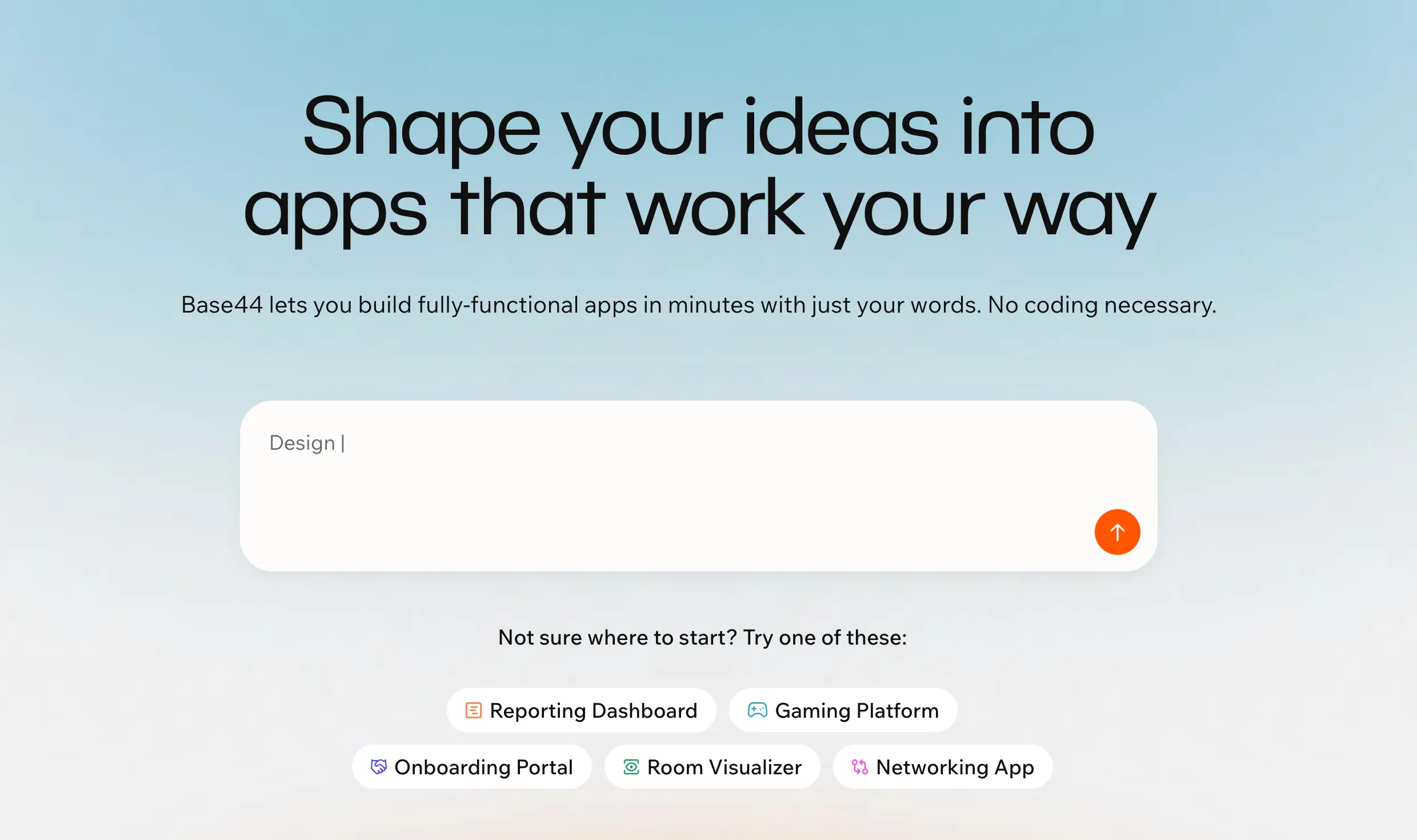
Base44 is an AI app builder that turns plain-language prompts into apps with built-in database functionality, authentication, analytics, deployment, and credit-based integrations. It’s useful when you want to move from an idea to a functional first version without setting up tools like Supabase, Firebase, or separate backend services.
Compared to Zite, Base44 is more open-ended and prompt-first. It’s better for quickly testing app ideas, prototypes, simple portals, and AI-powered utilities, while Zite is more structured around lightweight internal apps with databases, workflows, permissions, and team use cases.
Pros and cons of using Base44
Pros:
- Fast app generation: Base44 can turn a written app idea into a working first version quickly, which makes it useful for prototypes, demos, and early-stage internal tools.
- Built-in backend setup: It includes core app infrastructure like authentication, database functionality, analytics, and deployment, so users don’t need to connect several tools before building.
- Good for non-technical users: The chat-led builder lowers the setup barrier for people who want to describe what they need instead of designing every screen and data model manually.
- Supports more advanced app logic on paid plans: Higher plans include in-app code edits and backend functions, which can help users go beyond static apps.
- More flexible than structured business-app builders: Compared to Zite, Base44 gives users more room to test unique app ideas that don’t start from a clear database or workflow structure.
Cons:
- Credit usage can become hard to predict, especially when users need several prompt rounds to fix bugs or refine the app.
- Users often complain about bugs, fixes that don’t hold, weak support, and friction once projects move beyond simple logic.
- It may not be the safest fit for production apps with sensitive data, complex permissions, or high usage without extra technical review.
Base44 key features
- Built-in authentication: Base44 includes login and user access basics, so builders don’t have to set up authentication separately.
- Database functionality: The platform can create and manage the app’s data layer as part of the build.
- In-app code edits: Paid plans include code editing inside the app, which gives more control when prompts alone are not enough.
- Backend functions: Paid plans support backend logic, making it possible to build more advanced app behavior and connect external services.
- Custom domains: Paid plans let users connect a domain, which matters when the app needs to be shared beyond a test link.
Base44 pricing
Pricing shown reflects annual billing.
- Free: $0/month, 25 message credits/month, 100 integration credits/month.
- Starter: $16/month, 100 message credits/month, 2,000 integration credits/month.
- Builder: $40/month, 250 message credits/month, 10,000 integration credits/month.
- Pro: $80/month, 500 message credits/month, 20,000 integration credits/month.
- Elite: $160/month, 1,200 message credits/month, 50,000 integration credits/month.
Verdict: Base44 vs Zite
Base44 is a better fit than Zite if you want to turn a generic app idea into a working first version quickly, with AI handling most of the setup for you. Zite is the stronger fit if you need a more structured business app with databases and support for high user volume.
4. Lovable — best for SaaS MVPs and code-backed web apps
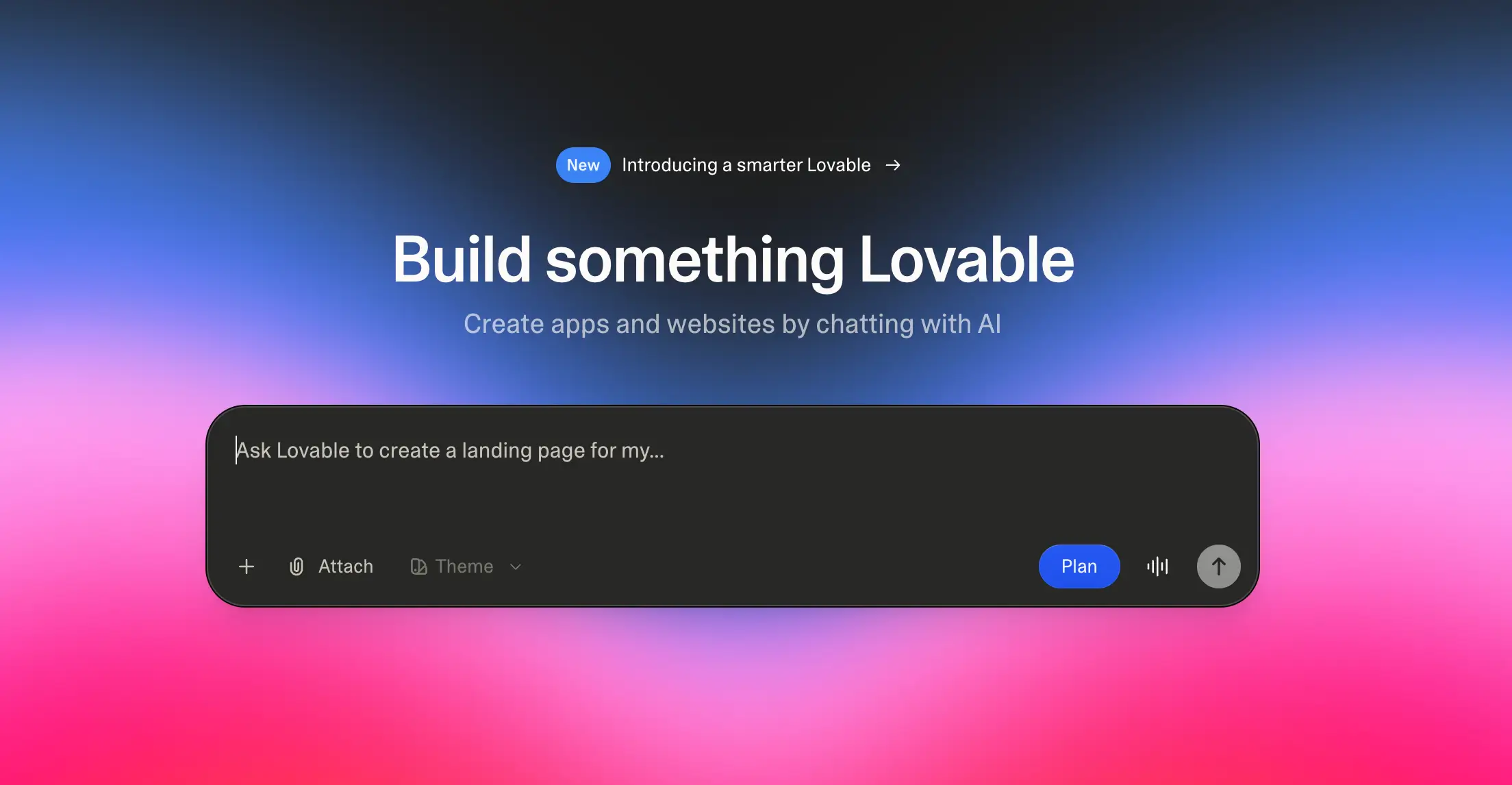
Lovable is an AI app builder that turns prompts into full-stack web apps with generated code, hosting, database options, authentication, and deployment. It’s a strong fit for founders, product teams, and technical PMs who want to move from idea to working MVP quickly, especially if the app may later need GitHub sync, developer handoff, or custom code ownership.
Compared to Zite, Lovable gives teams more control over what happens after the first version is built. It’s better suited for product-style apps where the team may want to inspect the code, connect a more flexible backend, keep working in GitHub, or hand the project to developers later. Zite is easier to approach for lightweight internal tools and visual maintenance, but Lovable makes more sense when the app needs room to grow beyond a simple no-code build.
Pros and cons of using Lovable
Pros:
- Code ownership: Lovable is a stronger fit than Zite if you want to sync with GitHub, edit the code outside the platform, or hand the project to a developer later.
- Good for SaaS MVPs: It works well for early product ideas, customer-facing tools, dashboards, directories, and lightweight SaaS apps that need more flexibility than a pure no-code builder.
- Backend flexibility: Lovable supports Lovable Cloud and Supabase, which makes it useful for apps that need authentication, database records, storage, and backend functions.
- Team-friendly paid plans: Pro and Business pricing is shared across unlimited users, so collaboration is not priced like traditional per-seat software.
Cons:
- Credit usage can become hard to predict when you’re debugging, refining prompts, or asking Lovable to fix small issues repeatedly.
- It’s not fully no-code in practice, because serious apps still need judgment around data structure, permissions, backend logic, and security.
- Lovable is less ideal than Zite for business teams that want to manage internal tools, portals, and workflows visually without dealing with code or developer handoff.
Lovable key features
- Prompt-based app generation: Users can describe the app they want and Lovable generates a working web app structure from that prompt.
- GitHub sync: Lovable projects can connect to GitHub, which helps teams back up code, collaborate with developers, and continue work outside Lovable.
- Lovable Cloud: Lovable Cloud provides built-in hosting, database, authentication, storage, edge functions, and AI infrastructure without separate setup.
- Supabase integration: Users can connect Lovable with Supabase to manage frontend UI and backend database setup in the same workflow.
- Custom domains: Paid plans support custom domains, making Lovable more practical for public-facing prototypes and early product launches.
- Business controls: The Business plan adds internal publishing, SSO, team workspace, role-based access, design templates, and a security center.
Lovable pricing
Prices shown are monthly, with the annual option shown on the pricing page.
- Free: $0/month; includes 5 daily credits, up to 30/month, and public projects, unlimited collaborators.
- Pro: $25/month; includes 100 monthly credits, 5 daily credits up to 150/month, usage-based Cloud and AI, credit rollovers, and top-ups.
- Business: $50/month; includes everything in Pro, plus internal publish, SSO, team workspace, and personal projects.
- Enterprise: Platform fee; includes Business features plus volume-based credit pricing, dedicated support, onboarding, design systems, SCIM, and audit logs.
Verdict: Lovable vs Zite
Lovable can be a better fit if you’re looking for an AI builder that can generate a code-backed web app and support developer handoff. Stick with Zite if you want to build and maintain simple apps and dashboards without touching code.
5. FlutterFlow — best for mobile-first apps with custom UI and developer handoff

FlutterFlow is a low-code app builder for creating mobile, web, and desktop apps from a visual development environment. It’s best suited for teams building native iOS and Android apps that need custom screens, backend connections, app store deployment, and the option to export Flutter code later.
Compared to Zite, FlutterFlow is more technical and mobile-focused. Zite is a better fit for building tools like internal dashboards, trackers, and workflow apps, while FlutterFlow is stronger when the end product needs to behave like a real mobile app.
Pros and cons of using FlutterFlow
Pros:
- Strong mobile app support: FlutterFlow supports mobile, web, and desktop apps, with paid plans adding APK download, local device testing, and Apple App Store and Google Play deployment.
- More control over app design: Builders can create detailed screens, layouts, actions, and user flows instead of relying only on AI-generated defaults.
- Good fit for Firebase and Supabase apps: FlutterFlow works well for apps that need user accounts, live data, API calls, and backend-driven screens.
- Code export option: Paid plans include source code download, which makes FlutterFlow more practical for teams that may involve developers later.
- Better for app-product builds than simple business tools: FlutterFlow is a stronger fit when the app itself is the product, not just an internal system for managing data.
Cons:
- FlutterFlow has a steeper learning curve than prompt-first AI builders, especially for non-technical users who still need to understand app structure, logic, state, and backend setup.
- Debugging can get difficult once the app uses custom logic, APIs, authentication, or platform-specific behavior.
- Larger projects can become harder to manage, with users reporting slow editor performance, branching issues, and code that may need developer cleanup after export.
FlutterFlow key features
- Visual development environment: FlutterFlow lets users build app screens, layouts, components, and interactions through a visual editor.
- Mobile, web, and desktop publishing: Users can build across platforms, with web publishing available even on the free plan.
- API and data integrations: FlutterFlow supports external data connections, APIs, Firebase, Supabase, and backend-driven app experiences.
- Source code and APK download: Paid users can export project source code or download an APK for Android testing and distribution.
- App store deployment: The Basic plan includes one-click Apple App Store and Google Play Store deployment.
- GitHub and collaboration features: Growth and Business plans add GitHub integration, real-time collaboration, open branches, and team-oriented workflows.
FlutterFlow pricing
Prices shown are billed annually.
- Free: $0/month for building and testing apps, with visual development, 1,000+ templates, API, and data integrations.
- Basic: $23/month for code download, APK download, custom domain web publishing, and local device testing.
- Growth: $48/month for the first seat, then $33/month for the second seat, with GitHub integration and real-time collaboration.
- Business: $90/month for the first seat, then $51/month per seat for seats 2–5, with collaboration for up to 5 users, up to 5 open branches, automated tests, Figma frame import, and custom typography.
Verdict: FlutterFlow vs Zite
FlutterFlow is a better fit if you’re building a native mobile app with custom UI, app store deployment, backend logic, and code export needs. Zite is the better choice if you want to build lightweight internal apps with AI: think internal dashboards, trackers, and workflows that don’t need native mobile publishing.
Limitations of Zite
- Permissions may not fit complex multi-role apps: Zite offers granular permissions, but access control appears less mature for apps with many user groups. Test permissions early for business-critical portals.
- Credit-based usage can be hard to predict: Zite avoids per-user pricing, but AI edits, app generation, and workflows all draw on credits, so costs can get murky during active building.
- AI-first editing can feel fragile: Selective no-code editing handles visual tweaks, but deeper changes rely on prompting. This makes fine-tuning layouts, logic, or dynamic content less predictable.
- Data flexibility is narrow: Native databases and data connections exist, but the build flow stays tied to Zite's platform: a limitation if you need to combine multiple live sources or keep data in external tools.
- AI changes can create new issues: Like most AI builders, Zite moves fast but makes mistakes. A fix in one area may break another, which means constant testing is a must.
- Manual editing isn't deep enough for every team: You can adjust styling like spacing, colors, and typography, but full control over structure, logic, and permissions may feel limited compared to other builders.
Choose the right Zite alternative for your team
The right Zite alternative comes down to what you're hoping to ship. Bubble gives you more depth for complex SaaS-style products, Lovable suits code-backed MVPs, FlutterFlow makes sense when mobile is priority #1, and Base44 helps you spin up prototypes quickly.
But if your team is trying to build functional business software for real users—like a client portal, vendor hub, CRM, approval workflow, or internal tool—Softr is the best overall fit. It gives you the speed of AI without making AI the only way to customize or extend your app. You can generate the first version with the Co-Builder then keep improving layouts, data, permissions, and workflows visually as your process changes.
Start with Softr’s free plan to turn your workflow, portal, or app idea into software your team can actually run a business on. Try your first prompt today for free.
Frequently asked questions
Is the Zite app free?