Organize your product catalog and track stock levels with a built-in Softr Database. Connects natively to Airtable if you want to bring your own data.

Overview
This free template helps you build a flexible product inventory system to maintain accurate stock counts, organize SKU details, and prevent stockouts.
It comes with a built-in Softr Database, so you can get started right away without any external setup. Softr Databases support up to 200K records per database and run at 10x the speed of Airtable's API, with no per-collaborator costs. If you already use Airtable and prefer to connect your own base, Softr supports that natively too.
Why use this product inventory template?
- Centralize your product data: Move away from scattered spreadsheets. Create a single source of truth for every product, SKU, and variant image to ensure your team is always looking at the latest data.
- Maintain accurate stock levels: Get a real-time view of product availability. Automatically adjust stock counts as orders are processed to eliminate discrepancies between your physical warehouse and your records.
- Scale your catalog easily: Whether you manage 50 items or 5,000, this template adapts to your workflows, allowing you to filter products by category, supplier, or availability status.
Template features:
- Role-based product access
Define who can view or edit your inventory. Give warehouse staff edit rights to update stock counts, while restricting sales teams to view-only access for checking product availability.
- Product catalog & tracking
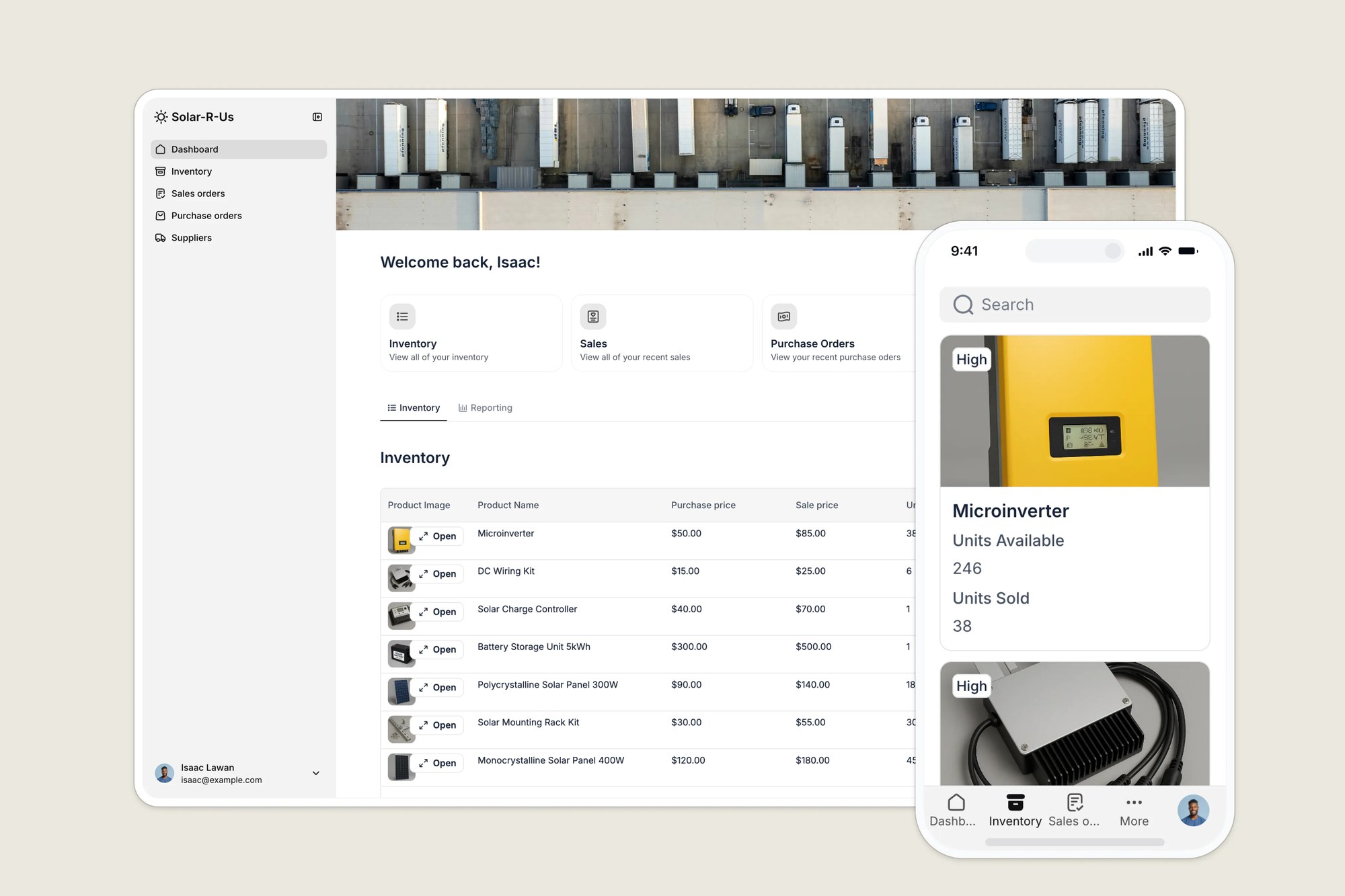
Create rich product profiles featuring images, SKUs, pricing, and current stock counts. The system updates availability automatically based on linked sales or purchase orders.
- Order & stock management
Connect your products to incoming and outgoing workflows. Warehouse managers can log incoming stock to increase counts, while sales orders automatically deduct from your available product inventory.
- Supplier & product linking
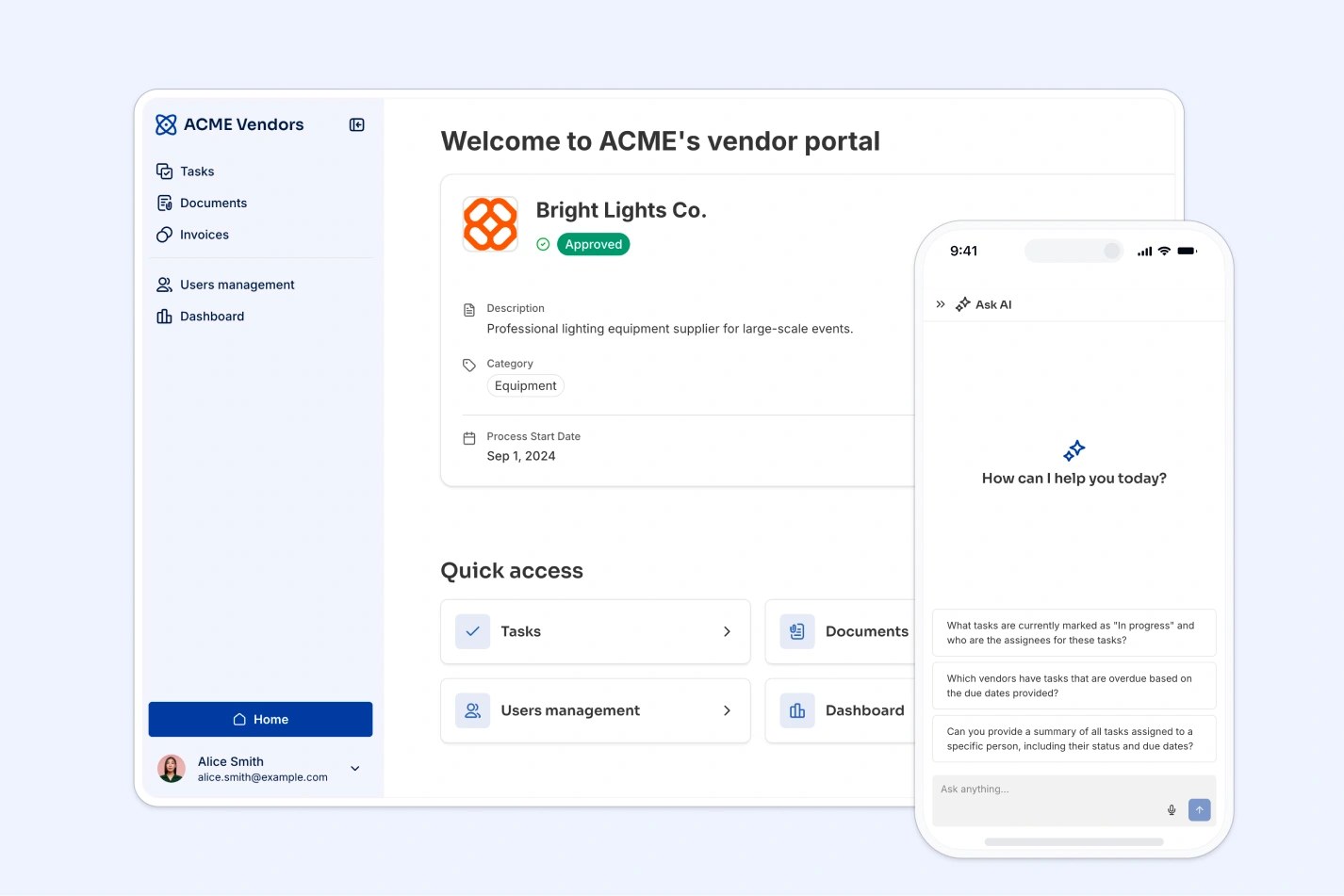
Maintain a directory of vendors linked directly to the products they provide. Quickly access contact info and purchase history per product to streamline reordering.
- Inventory dashboards
Visualize your product performance. Track total inventory value, units sold, and low-stock alerts through easy-to-read charts and summary cards.
- Mobile inventory lookup
Access your product inventory from anywhere. The responsive design allows staff to check SKUs, prices, and stock levels via smartphone or tablet directly from the warehouse floor.
Who is this Airtable inventory management template for?
This template is designed for small to mid-sized businesses that need a simple way to track inventory, manage suppliers, and process purchase and sales orders, without a custom-built system. Ideal for:
- Retailers & ecommerce businesses: Track products, SKUs, and orders from your warehouse in real time, whether you sell online or in store.
- Wholesalers & distributors: Monitor inventory levels, streamline reordering, and manage supplier relationships.
- Light manufacturers: Manage components, raw materials, and finished goods in one central hub.
- Field service & repair teams: Track tools, replacement parts, and stock availability across multiple sites.

“What we love most about Softr is the instantaneous, customizable power a no-code platform allows.”
- 1
- 2
- 3
- 4
Frequently asked questions
- I've never built a product inventory app before. Where should I start?
Start by duplicating this template into your Softr workspace. It comes with sample data and a ready-to-use structure, so you can launch fast even if you're not technical. From there, prompt the AI Co-Builder to adjust the database or interface to match your product catalog, or use the visual editor if you want hands-on control over every field and view.
- Do I need to use Airtable to run this template?
No. The template comes with a built-in Softr Database, so you can get started without any external data source. If you prefer Airtable or already have an existing base you want to connect, Softr supports that natively. You can swap the data source in Softr Studio without rebuilding the app.
- What data sources does this template support?
Softr connects to Airtable, Google Sheets, Notion, HubSpot, monday.com, SQL databases, and more. The template includes a sample database that you can adapt for your preferred tool.
- Can I customize the template for my business?
Yes. Duplicate this template into your Softr workspace, then prompt the AI Co-Builder to make the change you need, like adding a field for batch numbers, changing the Low/Normal/High stock thresholds, or restructuring how products link to suppliers. Prefer hands-on control? Use the visual editor to rename tables, add new views, or rearrange the dashboard yourself.
- Why do I need a product inventory app?
If you sell any kind of physical product, an inventory app keeps your stock counts accurate and helps you catch shortages before they cost you sales. This template automatically flags each product as Low, Normal, or High stock based on units available, so you always know what needs attention.
You can also set up a Softr Workflow to notify your warehouse manager by email whenever a product drops to Low stock, so reordering happens automatically instead of someone checking the dashboard every day.
- Why should I use a template instead of just Excel?

Spreadsheets are prone to human error and version control issues. A product inventory template turns that data into a user-friendly app, ensuring that images are visible, stock updates are tracked securely, and multiple users can access product details simultaneously without breaking formulas.