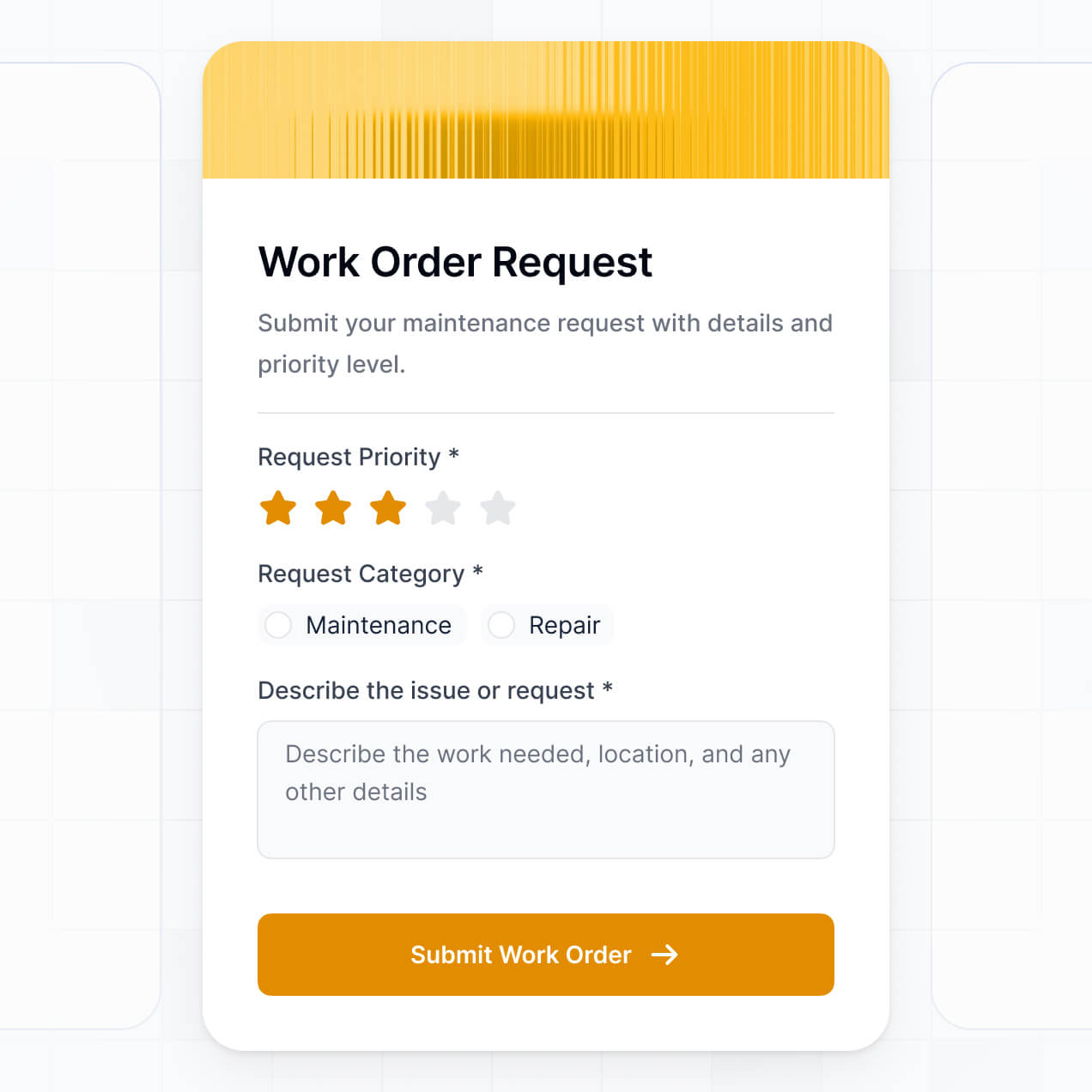
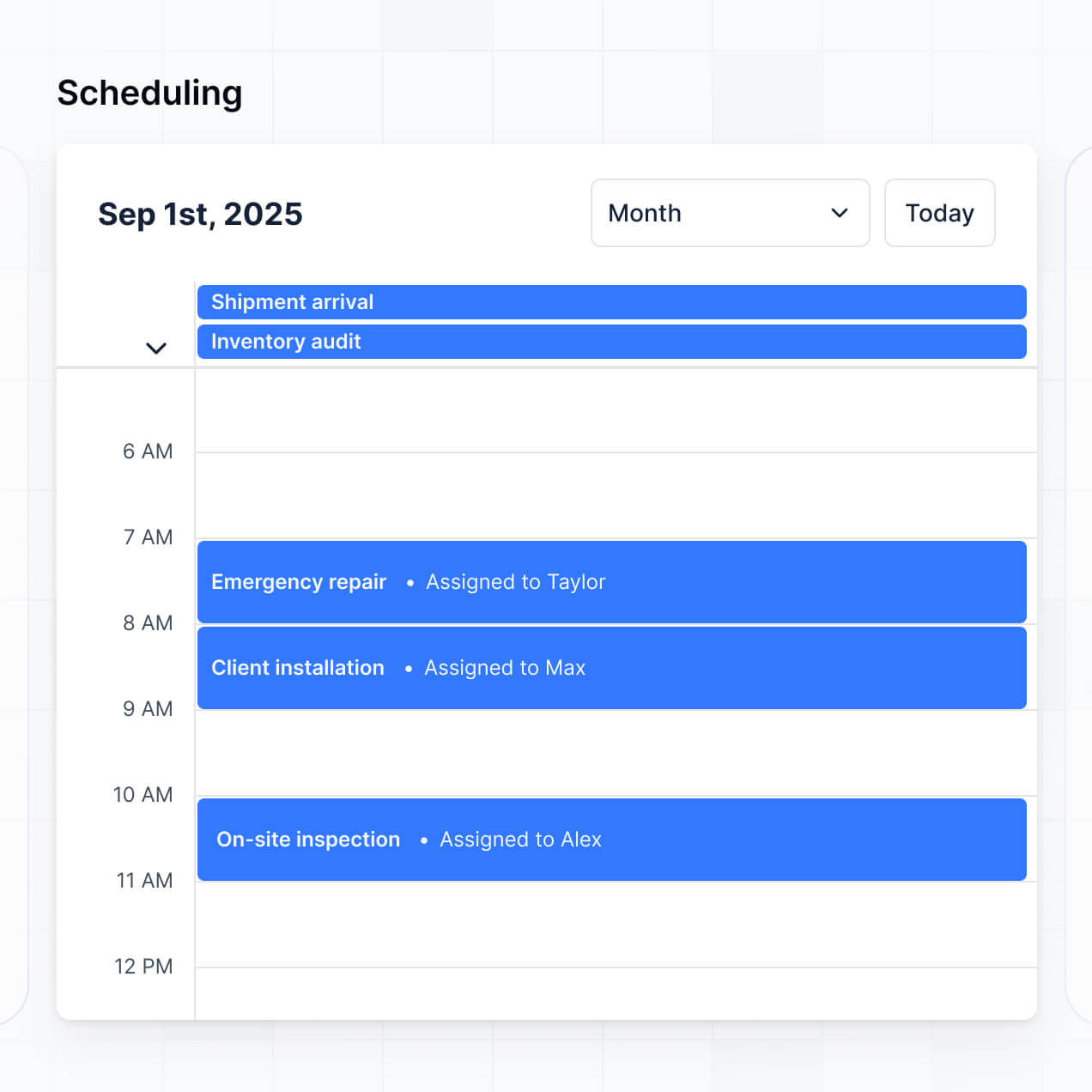
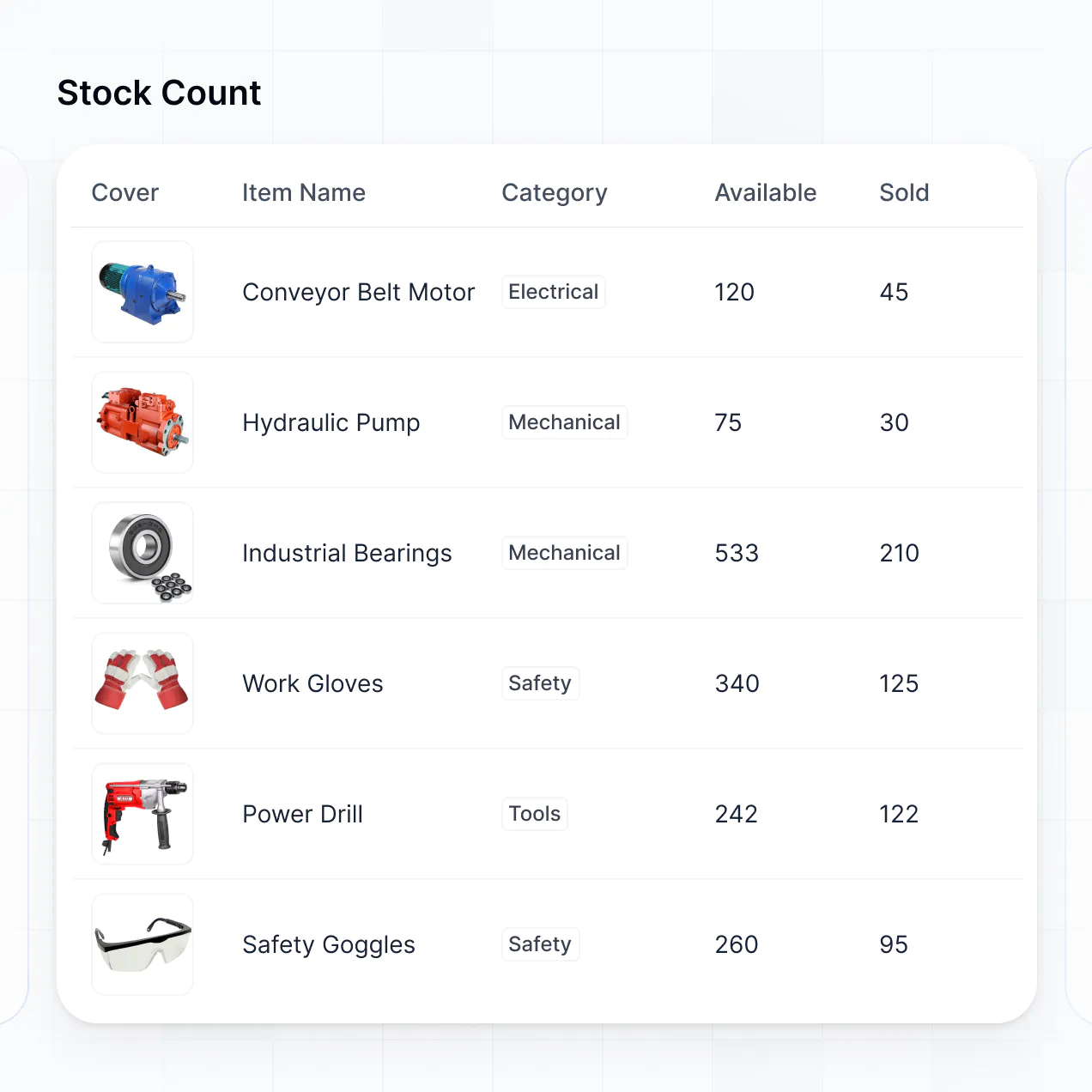
Assign field tickets, track maintenance, and capture site data in an AI-powered system built with AI to fit your energy maintenance workflow.
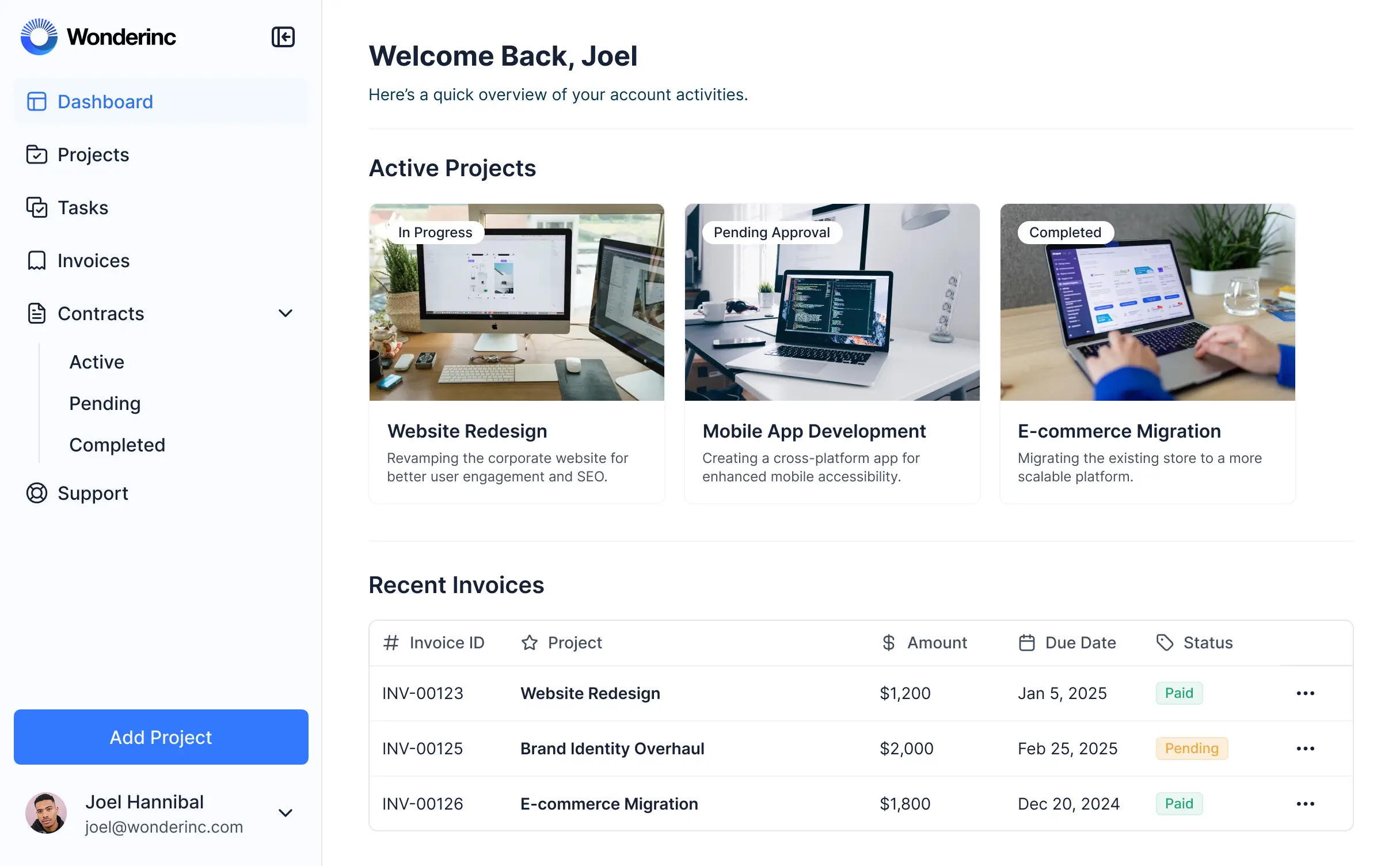
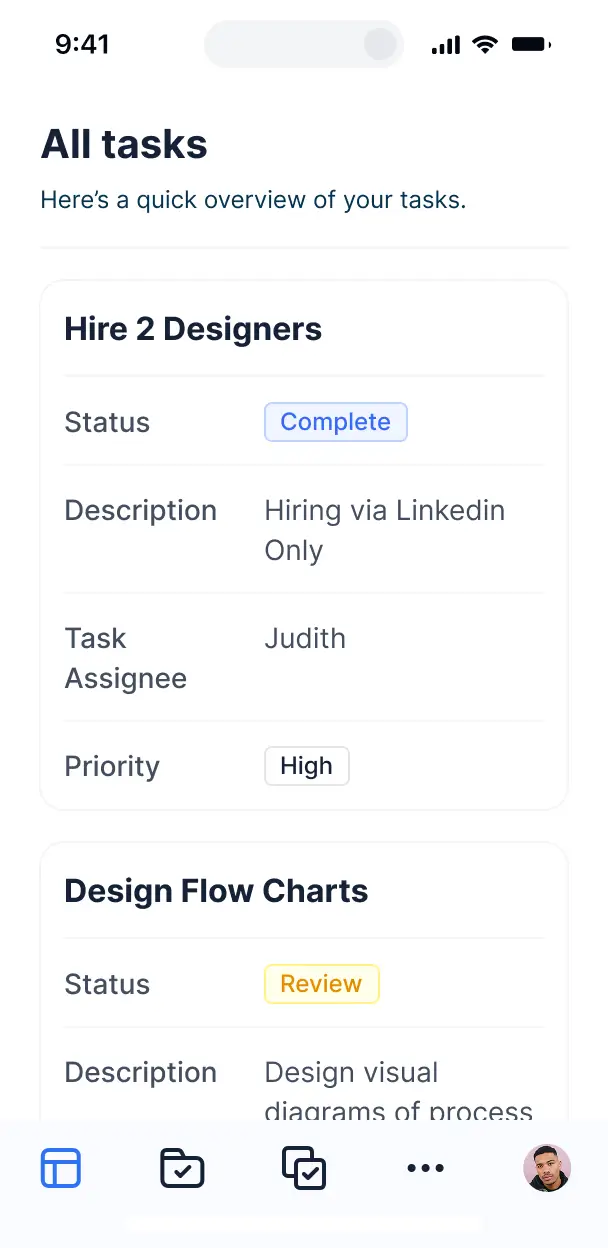



Customize your work order setup with the exact field tickets and asset views your crew needs. Add features as workflows evolve—no code needed.


Connect field tickets, asset logs, and technician schedules from spreadsheets or other tools—or manage everything in Softr Databases. Create one source of truth for operations.
Let field techs, site managers, and clients log in to a fully branded portal. Set up permissions and personalized access in minutes—no code needed.
Automate your field operations with Workflows for instant technician dispatching, status updates, and client notifications whenever a work order is logged.
Assign roles for field techs, site managers, or head office staff—each getting secure access to only the tickets and tools they need to see.
Control who can view, sign off, or edit oilfield work orders—down to the specific data field level to ensure operational integrity.
Keep sensitive site and asset data safe. Softr is fully compliant with SOC2 and GDPR regulations to protect your enterprise information.
Capture job details, safety inspections, or site documentation using flexible form blocks that show different fields based on the job type.
No more one-size-fits-all tools or costly custom builds. Softr is easy to use and fully customizable, so you can launch faster, adapt as you grow, and skip the complexity of traditional software.

Build your oil and gas operations tool in minutes with AI—no manual configuration or complex setup required.

Add features like automated dispatching, asset history, or safety checklists as your needs evolve—no rebuild needed.

Start with work orders, then add client portals, safety dashboards, or equipment forms—all in one place.
Co-build with AI
Simply describe what you need. Let Softr handle everything - Interface, database, workflows.
Iterate with AI or visually
Control most critical parts of your app yourself - roles, permissions, security.
Ship the same day
Invite team members or external clients and partners right away. No developer handover.
Use drag-and-drop blocks to build a portal that looks sleek and modern out of the box. Add only the features you need, and iterate as your workflows evolve.




Oil and gas work order management software is a secure digital environment where maintenance managers, field technicians, and engineers can log in to coordinate asset repairs and inspections. It centralizes all service requests, equipment manuals, safety permits, and rig timelines in one location. This eliminates the need for manual logs and fragmented radio or email updates, ensuring that critical maintenance tasks are completed safely and on schedule.
Softr is the first AI-native platform for building business software, making it uniquely suited to build oil and gas work order management software that matches your field operations. You can describe your specific requirements—like tracking wellhead maintenance or pressure valve inspections—to the AI Co-Builder to instantly generate your database, service logs, and technician workflows, all fully connected and secure.
You don't need to write any code. You can begin with AI generation, a specialized template, or build from scratch. The system runs on Softr Databases, a native relational database, or allows you to connect external field data from tools like Airtable, SQL, or Google Sheets. You gain complete control over the interface, field visibility, and branding to meet strict industry standards. It is fast to deploy for remote crews and flexible enough to scale across multiple drill sites.
You can integrate a variety of specialized features into your software to streamline rig and field operations. A robust oil and gas work order management app usually combines core functional blocks with AI-driven intelligence:
- AI-Powered Intelligence – Use Ask AI to allow field leads to query equipment history conversationally, or deploy Database AI Agents to automatically summarize inspection logs and flag potential safety risks.
- Vibe Coding Blocks – Create custom UI components, such as a specialized drilling rig schematic or valve diagram, using the AI Code block to "vibe code" the exact visualization you need.
- Softr Workflows – Setup native automations, like auto-alerting safety officers when a high-priority equipment failure is logged or syncing work order completion with your inventory system.
- User Portals & Logins – Securely manage access so field technicians only see their assigned site orders while regional managers have a birds-eye view of all assets.
- Forms & Data Collection – Record field readings, site observations, and safety checklists using custom mobile-friendly forms with photo uploads and conditional logic.
- Dashboards & Charts – Visualize asset uptime, maintenance costs, and technician response times with real-time performance summaries.
- Lists & Advanced Filtering – Organize work orders using searchable tables, map views for site locations, and Kanban boards for repair stages.
Everything is constructed using Softr’s drag-and-drop blocks, allowing for professional-grade features without coding. If your field requirements evolve, you can use the Vibe Coding block to generate custom tools or update the portal instantly.
Vibe coding focuses on speed and using AI to build precise operational tools. You can "vibe code" your oil and gas work order management software by describing your specific field workflows—such as blowout preventer testing or refinery maintenance cycles—to the AI Co-Builder. Softr then generates a production-ready application built on a stable and resilient infrastructure.
While other tools produce raw, unstable code, Softr manages the critical backend—including secure technician authentication, relational data logic, and multi-tenant security—natively. This gives you the rapid progress of vibe coding without the risk of managing fragile custom scripts. You describe the inspection process, Softr builds the application, and your field teams can start logging work immediately.
Yes. You can manage multiple internal teams or external vendor crews within a single work order portal. Each user only sees the specific work orders, site locations, and equipment manuals assigned to their role or project. This is highly effective for large energy companies managing various specialized subcontractors across different production sites.
Yes, you can. You don't need an existing system to begin building with Softr. If you are starting fresh, you can utilize Softr Databases, which is integrated directly into the platform to store your equipment logs, job orders, and technician profiles perfectly.
If you do have data stored in enterprise tools like SQL, Airtable, or HubSpot, you can connect those as well. You also have the option to use the REST API to pull in telemetric data from field sensors. Regardless of the source, you have complete authority over how your technical data is organized and displayed to your teams.
Softr Databases is the recommended native data source for oil and gas apps. It is designed for business software, providing high performance for large equipment inventories and triggering instant automations when work orders are updated in the field.
For existing data, Softr connects to over 17 external sources including Airtable, Google Sheets, HubSpot, SmartSuite, and BigQuery. You can even combine multiple sources in one app—such as pulling technician profiles from HubSpot and equipment specs from an SQL database. Most sources support real-time, two-way sync, ensuring field updates are reflected across your systems immediately.
Yes, Softr provides total control over the experience for your maintenance teams. You can customize the layout and navigation to be mobile-optimized for field use. Every page or block can be configured to appear or disappear based on the user's role, ensuring a technician in the field only sees their assigned tasks and safety protocols.
You can set up granular roles—such as Site Foreman, Safety Inspector, or Inventory Manager—to define exactly who can edit or view specific records. For instance, a technician might only see the 'active' work orders for their rig, while an operations manager can view data across all pipelines. This guarantees a clean, secure experience that protects sensitive infrastructure data.
Yes, you can fully white-label your work order management software. You can incorporate your own logo, corporate colors, fonts, and a custom domain to ensure the software feels like a proprietary part of your company's digital ecosystem. You can remove all Softr branding so that technicians and stakeholders only see your company's identity throughout their workflow.
Yes, you can. Softr offers significant flexibility to tailor the design and layout to suit the demands of industrial operations. You can adjust the visual theme to match your brand and structure your pages to optimize for quick data entry in the field. You can select different functional blocks to present your data effectively:
- Table blocks – for tracking comprehensive lists of maintenance history and parts
- List or Card blocks – to clearly display asset profiles or upcoming job assignments
- Detail View – to provide an in-depth look at a specific rig component or safety incident
- Forms – for capturing on-site inspection data and signatures
- Charts – for monitoring equipment downtime and repair trends
- Calendar blocks – to visualize scheduled preventive maintenance and compliance deadlines
If your operational needs change, you can easily modify the design or add new blocks using the visual editor without needing technical resources.
Softr is built with enterprise-grade security for the energy sector. All traffic is encrypted via TLS, and data is stored on secure, dependable infrastructure. You maintain full control over data access through role-based permissions and visibility rules. For apps using Softr Databases, your data is hosted in Europe (Germany) with SOC 2 Type II compliance, ensuring high standards for data privacy.
When connected to external sources like SQL or Airtable, Softr acts as a secure interface and does not store your core data—it simply renders it in real-time based on your permission settings. This allows you to maintain strict compliance with industry regulations while providing field crews the access they need to perform their jobs safely.
It is fully production-ready. Unlike common AI tools that only "vibe code" unstable scripts that are difficult to secure, Softr builds your oil and gas management software on a hardened, business-grade foundation.
We provide the essential infrastructure natively—including technician authentication, secure hosting, and granular access control—so you don't have to build it from scratch. This eliminates the maintenance burden typically associated with AI; you get the benefit of instant generation with the reliability of a professional system that is ready for rig deployment on day one.
Softr is the first AI-native platform designed specifically for building business software. Unlike simple coding assistants that generate fragile snippets, or legacy no-code platforms that require complex manual setups, Softr’s AI Co-Builder generates a functioning app on a secure, production-ready foundation.
The core advantage is the hybrid approach: use AI to generate your asset database and work order logic in minutes, then use visual tools to refine the interface for field use. You get the speed of AI combined with the reliability of enterprise-level infrastructure (permissions, authentication, and secure hosting) already built-in. It is built for operations teams who need to move from a concept to a live field tool immediately.
Yes. Softr supports robust native workflows and a wide array of integrations to connect your work order software to your existing tech stack. You can automate asset alerts using Softr Workflows or integrate with tools like Stripe for vendor payments or Intercom for support. Softr also provides a REST API and webhooks for connecting to SCADA systems or more advanced industrial IoT data.
Whether you need to trigger a notification when a valve pressure exceeds a limit or sync work logs with your corporate ERP, you can build these connections directly into your portal without writing code.
Describe your field process. Softr's AI builds your custom tool in minutes—no code required.