Report safety incidents, triage risks, and track compliance in an AI-powered system built with AI to fit your hospital’s workflow.



Customize your healthcare incident management setup with the exact reporting forms and safety views your facility needs. Iterate as your team evolves.


Connect patient records, incident logs, and compliance forms with real-time sync—or manage everything in Softr Databases. Create a single source of truth for your facility.
Give each clinical team member the right tools and access. Set up secure logins, user groups, and granular permissions—no IT support or dev work needed.
Give doctors, nurses, and administrators tailored access and dashboards, so each role sees only the reports and tasks relevant to them.
Streamline operations with Softr Workflows. Trigger native automations for risk triage and compliance alerts to keep your healthcare facility running smoothly.
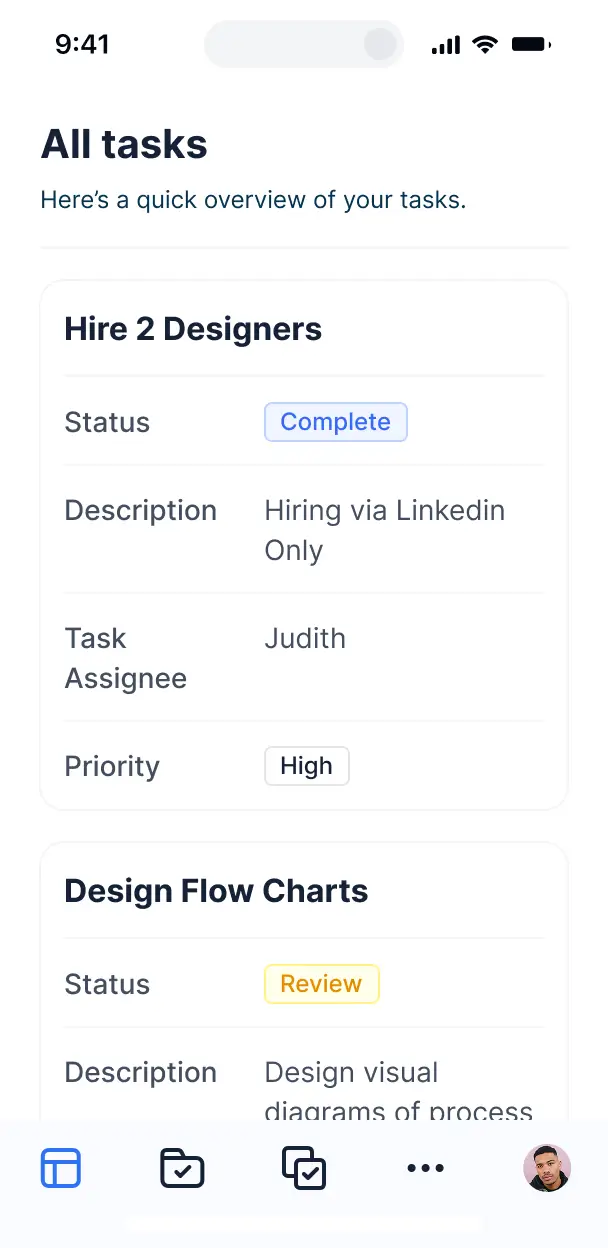
Access and update incident reports on the go using tablets or phones. All internal tools are mobile-ready out of the box for frontline staff.
Use Google, email, or SSO logins to give your medical team fast, secure access—no IT tickets or complex setups required.
Keep healthcare data safe with SOC2 and GDPR compliance, ensuring all incident reports and patient safety information are protected at every level.
No more one-size-fits-all tools or costly custom builds. Softr is easy to use and fully customizable, so you can launch faster, adapt as you grow, and skip the complexity of traditional software.

Build your healthcare incident management system in minutes with AI—no dev time or complex configuration needed.

Add features like corrective action approvals or analytics as your safety protocols evolve—no rebuild required.

Start with incident logs, then add staff portals, compliance dashboards, or forms—all in one place.
Co-build with AI
Simply describe what you need. Let Softr handle everything - Interface, database, workflows.
Iterate with AI or visually
Control most critical parts of your app yourself - roles, permissions, security.
Ship the same day
Invite team members or external clients and partners right away. No developer handover.
Use drag-and-drop blocks to build a portal that looks sleek and modern out of the box. Add only the features you need, and iterate as your workflows evolve.




Healthcare incident management software is a secure internal tool where medical staff and administrators can report, track, and resolve clinical or operational incidents such as patient falls, medication errors, or equipment failures. It centralizes all documentation and corrective actions in one place, eliminating the risks associated with paper incident reports or fragmented email chains. This ensures your facility remains compliant with healthcare regulations while creating a safer environment for both patients and clinicians.
Softr is the first AI-native platform for building specialized business software like healthcare incident trackers. It allows you to build a system that flows exactly with your hospital's specific protocols. You can describe your reporting requirements to the AI Co-Builder to instantly generate a database for incident types, secure reporting pages, and review logic—all pre-connected and HIPAA-ready.
You don't need to be a developer to build this. You can start with AI, use a template, or build from scratch. Everything runs on Softr Databases, our native secure storage, or you can link existing clinical data from Airtable, Google Sheets, or SQL databases. You have full visual control over the reporting interface, permission levels for sensitive patient data, and custom branding to match your healthcare organization. It is fast to deploy, easy to audit, and adapts as healthcare mandates change.
You can incorporate a variety of features tailored to clinical safety and compliance workflows. Effective healthcare incident management software typically combines high-utility blocks with AI-driven analysis:
- AI-Powered Intelligence – Use Ask AI to query incident trends conversationally, or deploy Database AI Agents to automatically categorize incident severity levels based on staff descriptions.
- Vibe Coding Blocks – Create custom UI components, such as a localized body map for injury reporting, using the AI Code block to build exactly what your clinical team needs.
- Softr Workflows – Set up native automations, like an immediate SMS or email alert to the Risk Management team whenever a 'critical' incident is submitted.
- Secure Staff Portals – Use role-based logins so nurses can submit reports while only Compliance Officers can view the full root-cause analysis.
- HIPAA-Aware Forms – Capture detailed incident data using custom forms with file uploads for photos or medical documentation.
- Safety Dashboards – Visualize incident frequencies, types, and resolution times with real-time charts to identify systemic risks.
- Searchable Audit Trails – Manage all records via filtered tables or kanban boards to track an incident from initial report to final resolution.
Since everything is built with Softr's drag-and-drop system, these features require no code. If you need a specific medical calculator or custom integration, the Vibe Coding block can generate it for you.
Vibe coding allows healthcare administrators to move from a process need to a functional tool in minutes. You can "vibe code" your software by describing your incident reporting workflow to the AI Co-Builder. Softr then generates a production-ready application that includes the necessary data tables and staff interfaces on a secure foundation.
While other tools might generate unsecure or messy scripts, Softr manages the critical healthcare infrastructure—like encrypted authentication and granular data visibility—natively. This means you get the speed of AI generation without the risk of managing vulnerable code. You describe the safety protocol, Softr builds the tool, and it’s ready for your medical staff to use immediately.
Yes. You can manage multiple departments (e.g., ER, ICU, Pediatrics) or even several hospital locations within a single app. Each staff member or department head only sees the incident reports and safety data relevant to their specific unit, based on their secure login and assigned role. This is ideal for large healthcare systems requiring both localized reporting and centralized oversight.
Absolutely. You do not need an existing database to start building with Softr. If you are starting fresh, you can use Softr Databases, which is built directly into the platform and optimized for the incident management application you build.
However, if your facility already stores staff or patient lists in tools like Airtable, Google Sheets, HubSpot, or SQL, you can connect those as well. You can also use the REST API to pull data from your existing Electronic Health Record (EHR) systems. Regardless of the source, you have total control over how incident records are organized and displayed to your team.
Softr Databases is the recommended relational data source, providing high performance and instant automation triggers directly within your app. It is designed to handle sensitive business data with the speed required for real-time incident tracking.
If you prefer to keep data in your current stack, Softr connects to over 17 external sources, including Airtable, Google Sheets, SmartSuite, and BigQuery. You can even combine sources—for example, pulling staff schedules from a SQL database while managing new incident reports in Softr Databases. Most sources support real-time, two-way sync, ensuring your safety records are always up to date across all systems.
Yes, Softr provides granular control over the user experience for your medical and administrative staff. You can tailor the navigation and layout to match your hospital's internal branding. More importantly, every page or data block can be restricted based on user roles, ensuring that sensitive patient information is only visible to authorized personnel.
You can define specific roles—such as Reporting Staff, Department Head, or Chief Medical Officer—and set exact permissions for what each role can view or modify. For instance, a nurse can create and view their own reports, while a Risk Manager can see all facility-wide data. This level of customization ensures a clean, secure, and compliant experience for every user in the organization.
Yes, you can fully white-label your incident management tool. You can incorporate your hospital's logo, professional brand colors, and custom fonts, and host the software on your own internal domain. All Softr branding can be removed, making the software feel like an official, trusted part of your facility's internal digital infrastructure.
Yes, Softr offers extensive flexibility to design the interface to suit your clinical workflow. You can adjust the layout, spacing, and page structure to ensure staff can report incidents quickly. You choose which blocks appear for which users, making the reporting process as intuitive as possible.
You can use various blocks to organize your safety data:
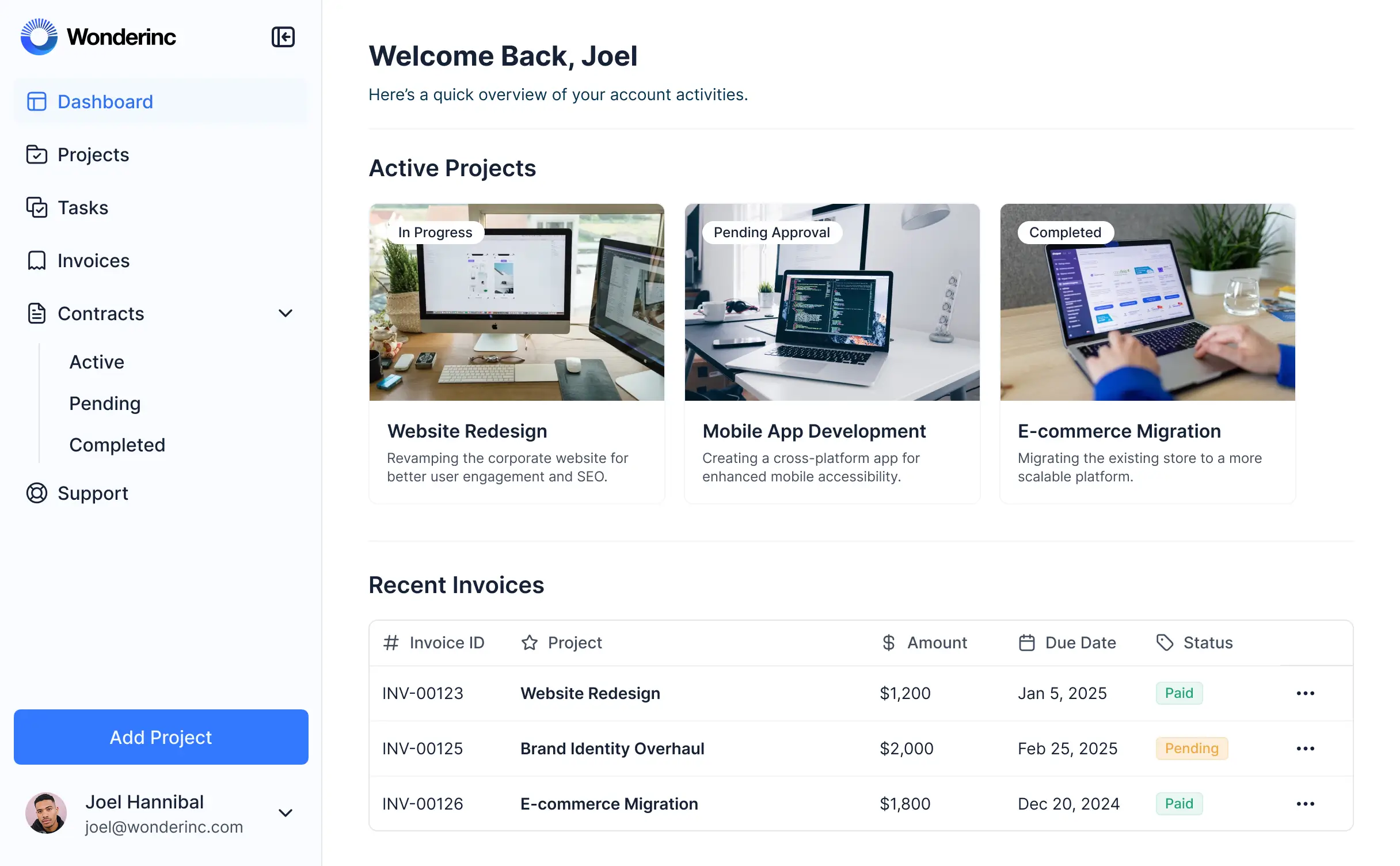
- Table blocks – for tracking active investigations and follow-up tasks.
- List or Card blocks – for viewing summarized incident alerts or safety bulletins.
- Detail View – for reviewing a single, in-depth incident report and its history.
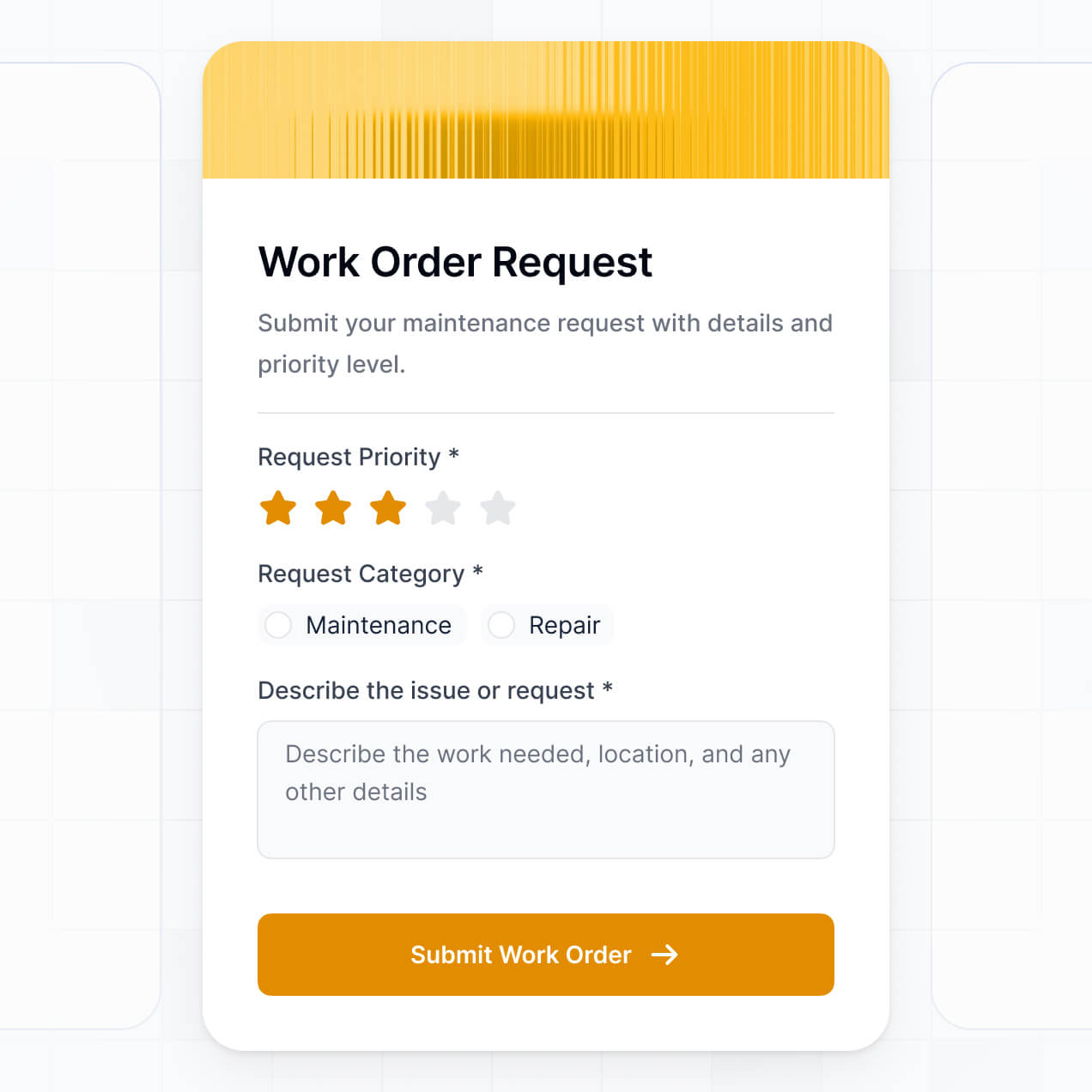
- Forms – for standardized, fast incident reporting by bedside staff.
- Charts – for summarizing monthly incident trends by department.
- Calendar blocks – for tracking compliance deadlines or safety training sessions.
If safety protocols change, the visual builder allows you to update the tool instantly without any downtime.
Security is a core priority for Softr. All data is encrypted in transit and at rest, and apps are hosted on enterprise-grade infrastructure. You have complete control over data access through role-based permissions and visibility rules that prevent unauthorized viewing of sensitive patient records.
For apps using Softr Databases, data is stored in a secure environment compliant with SOC 2 Type II, with hosting in Europe. If you choose to connect to your own external healthcare databases, Softr simply displays that data in real-time based on your specific access settings without storing it. Softr follows industry best practices for authentication and platform monitoring to ensure your incident data remains confidential and protected.
Yes, it is fully production-ready. While some AI tools produce "brittle" code that is difficult to maintain, Softr creates your incident management software on a robust, business-grade foundation.
We provide the essential infrastructure natively—including secure login, audit-ready logs, and granular permissions—so you don't have to build them from scratch. This eliminates the reliability issues typically associated with AI coding. Your software is secure, audit-friendly, and ready for deployment across your healthcare facility from day one.
Softr is the first AI-native platform designed for business software. Unlike basic "vibe coding" tools that create unmanaged code, or complex no-code platforms that require weeks of training, Softr’s AI Co-Builder generates a functional, secure application in minutes on top of a reliable infrastructure.
This hybrid approach gives you the best of both worlds: the speed of AI to generate your incident database and reporting forms, and a visual interface for precise clinical customization. It provides built-in enterprise features like secure roles and permissions that are essential for healthcare, making it the fastest way for non-technical administrators to build professional-grade tools.
Yes. Softr supports native workflows and deep integrations to connect your incident management tool with the rest of your hospital's operations. You can use Softr Workflows to automate tasks or integrate with tools like Slack for instant staff notifications and Stripe for billing-related incidents.
Whether you need to trigger an investigation workflow when a report is filed or sync audit data to an external compliance system via REST API and webhooks, you can build these connections without any coding. This ensures your incident management process is consistent, automated, and fully integrated with your existing stack.
Describe your safety workflow. Softr's AI builds your custom incident management tool in minutes.