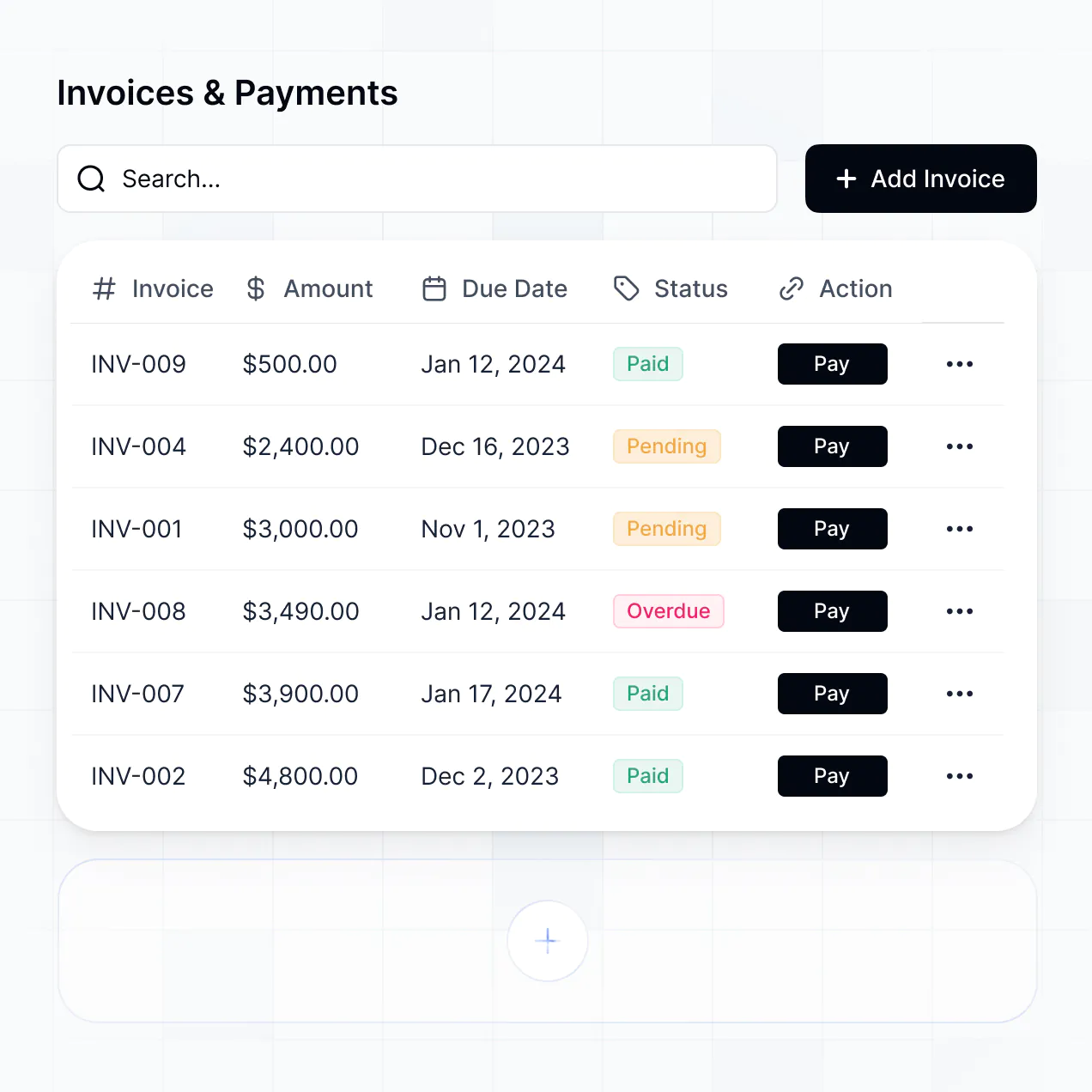
Manage bookings, assign technicians, and track jobs in automotive repair scheduling software built with AI to fit your shop's workflow.
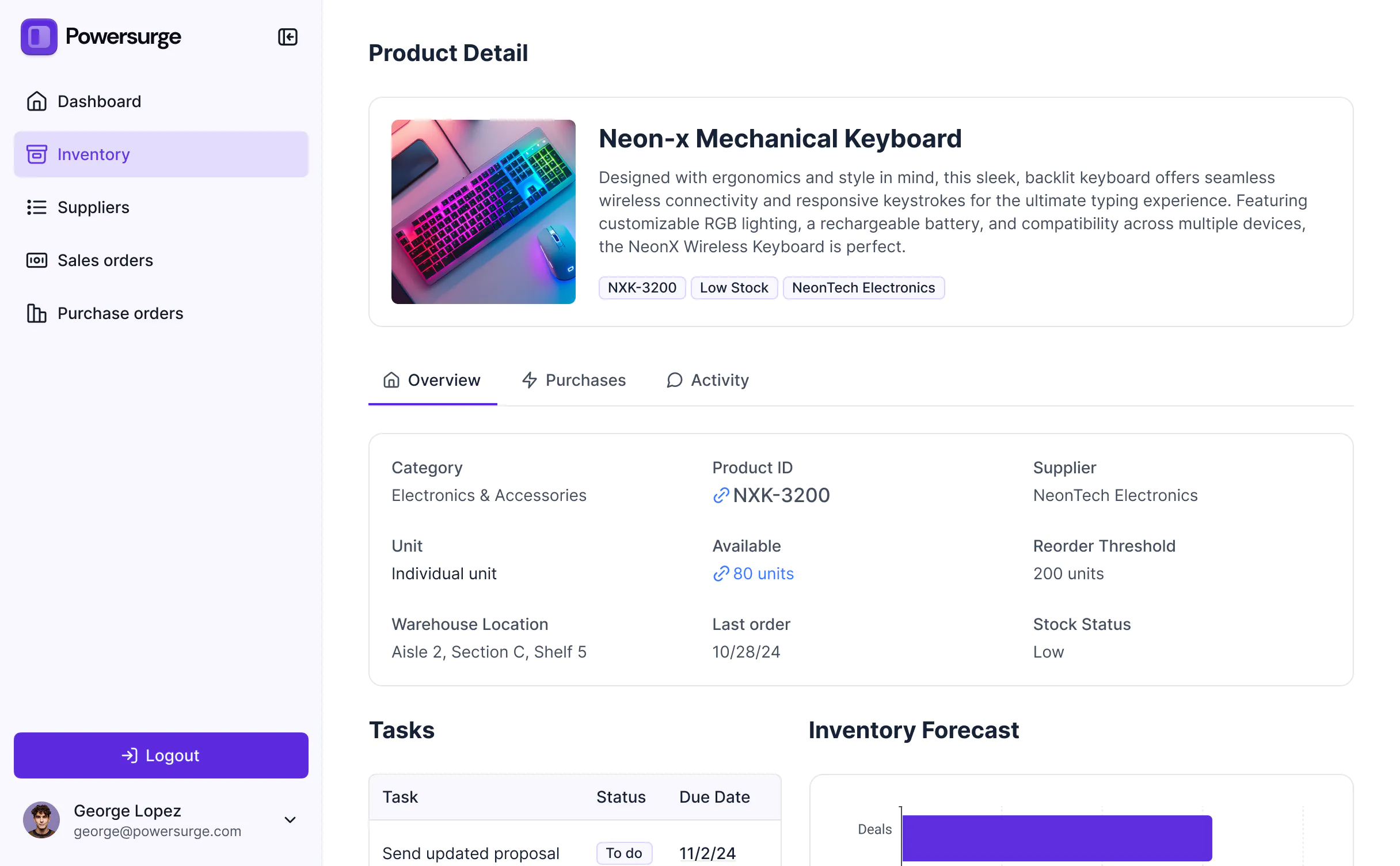
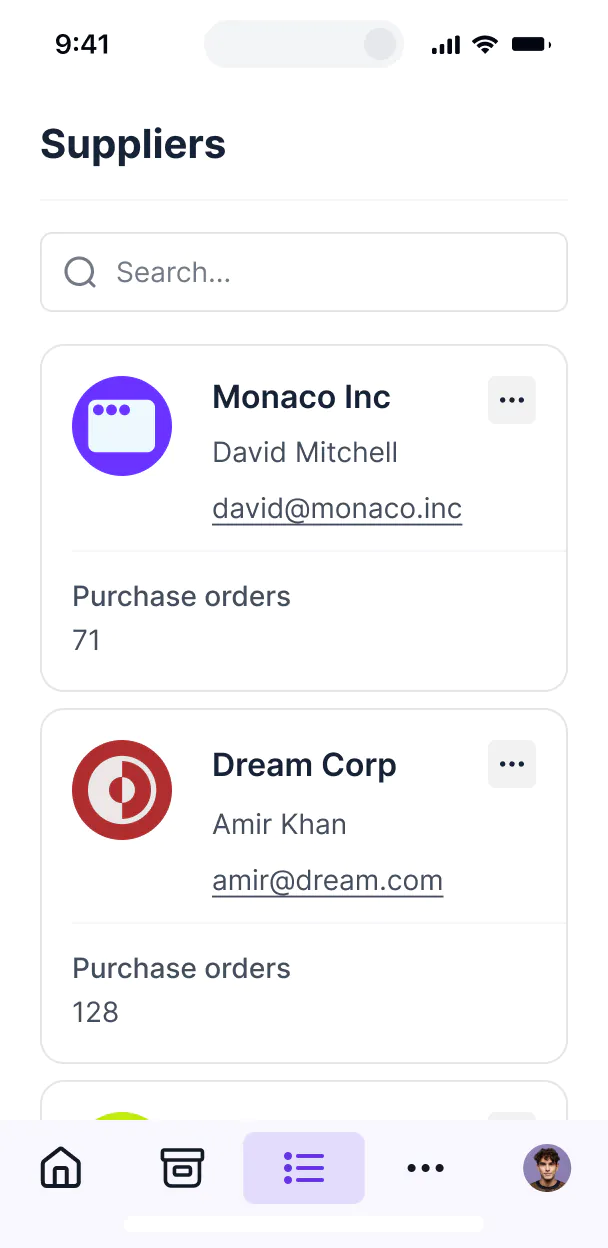



Customize your automotive repair scheduling software with the exact steps and views your shop needs. Add features as service workflows evolve.


Connect customer records, repair logs, and inventory systems with real-time sync—or manage everything in Softr Databases. Create one source of truth for your service desk.
Let mechanics, advisors, and customers log in to a fully branded portal. Set up permissions and personalized scheduling access in minutes—no code needed.
Automate your shop operations with Softr Workflows for appointment reminders, status updates, and parts alerts that trigger instantly.
Assign roles for shop technicians, managers, and vehicle owners—all seeing only the specific service data they need.
Control who can modify repair schedules, view client history, or assign work orders—right down to individual data fields.
Keep customer contact info and vehicle history safe. Softr is fully compliant with SOC2 and GDPR regulations for total data protection.
Capture repair notes, vehicle inspections, or customer approvals using flexible form blocks tailored to every specific job type.
No more one-size-fits-all tools or costly custom builds. Softr is easy to use and fully customizable, so you can launch faster, adapt as you grow, and skip the complexity of traditional software.

Build your scheduling software in minutes with AI—no manual configuration or coding required.

Add features like real-time repair status or parts inventory as your shop's workflows evolve.

Start with scheduling, then add customer portals, dashboards, or billing—all in one place.
Co-build with AI
Simply describe what you need. Let Softr handle everything - Interface, database, workflows.
Iterate with AI or visually
Control most critical parts of your app yourself - roles, permissions, security.
Ship the same day
Invite team members or external clients and partners right away. No developer handover.
Use drag-and-drop blocks to build a portal that looks sleek and modern out of the box. Add only the features you need, and iterate as your workflows evolve.




Automotive repair scheduling software is a secure digital hub where your customers can book service appointments, track repair statuses, and access maintenance history. It centralizes all your shop’s bookings and estimates in one place, so you don't have to rely on constant phone calls or manual calendar entries. This makes it easier for service advisors to stay organized and provides a professional, modern experience for your customers.
Softr is the first AI-native platform for building business software. It makes it easy to build automotive repair scheduling software that fits the specific flow of your garage or dealership. You can describe your needs to the AI Co-Builder—like booking lead times, technician availability, and vehicle parts tracking—to instantly generate your database, scheduling pages, and logic.
You don't need to code anything. You can start by generating with AI, using a template, or building from scratch. Everything runs on Softr Databases, the native, relational database built into the platform, or you can connect existing shop data from tools like Airtable or Google Sheets. You have full control to adjust the bay layout visually, decide which mechanics see which work orders, and brand the app to match your shop's identity.
You can include a wide range of features in your automotive repair scheduling software, depending on your shop's workflow. A great app usually mixes classic functional blocks with AI-powered intelligence:
- AI-Powered Intelligence – Use Ask AI to let customers query their service history, or set up Database AI Agents to summarize complex diagnostic notes for technicians.
- Vibe Coding Blocks – Build custom UI elements—like an interactive vehicle inspection checklist—using the AI Code block to "vibe code" exactly what your garage needs.
- Softr Workflows – Build native automations (like an automatic SMS reminder for oil changes) that trigger when a service date approaches or a repair status is updated.
- User Portals & Logins – Securely manage access so car owners see only their records, while technicians access their assigned repair tasks.
- Forms & Data Collection – Capture vehicle details, mileage, and customer concerns with custom intake forms and photo uploads.
- Dashboards & Charts – Visualize shop performance, bay utilization, and revenue metrics with real-time charts.
- Lists & Advanced Filtering – Display and manage your workload with searchable tables and kanban boards sorted by repair stage.
Everything is built using Softr's drag-and-drop blocks, making it easy to update your scheduling rules as your shop grows.
Vibe coding is all about moving fast and using AI to build exactly what your repair shop needs. You can "vibe code" automotive repair scheduling software in Softr by simply describing your requirements—like "I need a booking system for four service bays that prevents overbooking"—to the AI Co-Builder. Softr then generates a production-ready scheduling app on top of a stable, secure foundation.
Unlike other tools that just generate raw, fragile code, Softr handles the "boring 80%"—like customer authentication, booking logic, and internal security—natively. This means you get the speed of vibe coding without the headache of fixing broken scripts. You describe it, Softr builds it, and it’s ready for your service advisors and customers instantly.
Yes. You can manage multiple shop locations or specialized technician teams in a single application. Each service manager only sees the appointments and technician schedules assigned to their specific branch, based on their login and role. This is useful for regional auto groups or multi-service centers working with different repair categories like body work and engine mechanics.
Yes, you can. You don't need to bring existing vehicle or customer data from somewhere else to start building with Softr. If you're starting a new shop, you can use Softr Databases, which is built into the platform and integrates perfectly with your booking and scheduling application.
But if you already have customer lists or service logs in tools like Airtable, Google Sheets, or SQL databases, you can connect those too. You can even use the REST API connector to bring in data from external parts catalogs. Either way, you have full control over how your repair schedules and customer records are structured.
Softr Databases is the recommended native, relational data source for your scheduling software. It is built explicitly for business apps, offering the high performance needed for real-time booking triggers and a fast mobile experience for technicians on the shop floor.
If you already have your shop data elsewhere, Softr connects to 17+ external data sources. You can connect to Airtable, Google Sheets, HubSpot, or SQL. You can even integrate multiple sources—pulling customer CRM data from HubSpot while managing technician hours in Softr Databases. Most sources support real-time sync, so when a customer books a slot, your master calendar updates automatically.
Yes, Softr gives you full control over how customers and staff experience your scheduling software. You can customize the booking layout, service selection, and login flow to match your brand. Each page or block can be shown or hidden based on roles, so a customer only sees their vehicle's status while a mechanic sees the full diagnostic report.
You can set up different user roles—such as Customer, Mechanic, or Service Manager—and define exactly what each role can edit. For example, customers can request book dates, but only managers can confirm the final time slot. This granularity is essential for managing busy garage calendars and protecting sensitive customer information.
Yes, you can fully white-label your scheduling software in Softr. You can use your own shop logo, brand colors, fonts, and a custom domain (like service.yourshop.com) to make the booking portal feel like a professional extension of your brand. You can remove all Softr branding so your customers experience your company's identity from the moment they book their appointment.
Yes, you can. Softr gives you total flexibility to control the design of your scheduling portal. You can adjust the visual theme to match your garage's branding and structure pages to optimize for mobile booking. You can choose different blocks to display your data effectively:
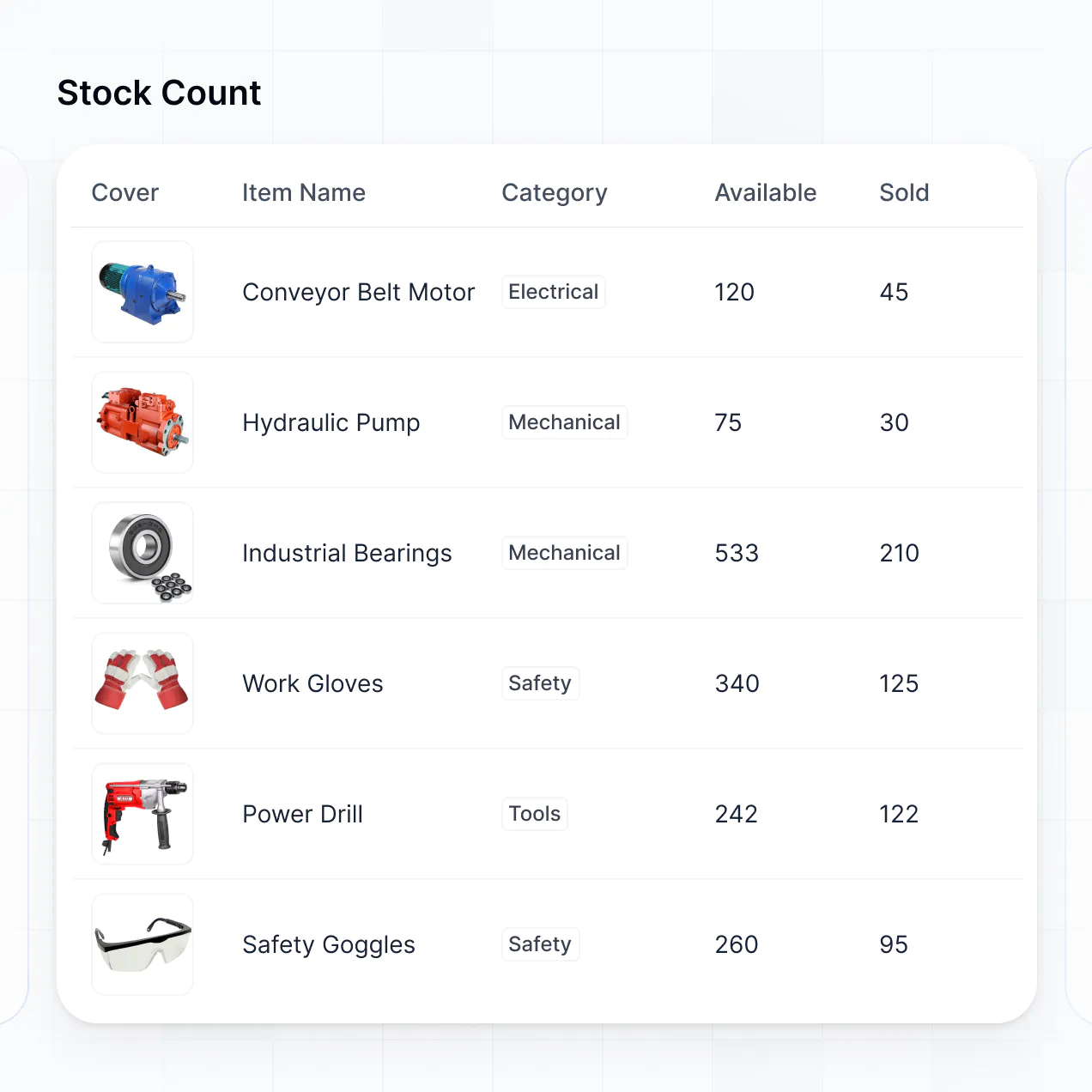
- Table blocks – to manage service histories and parts orders.
- List or Card blocks – to show different service packages like oil changes or tire rotations.
- Detail View – to show a comprehensive view of a specific vehicle’s repair status.
- Forms – for customer intake and vehicle check-ins.
- Charts – to track employee efficiency and monthly revenue.
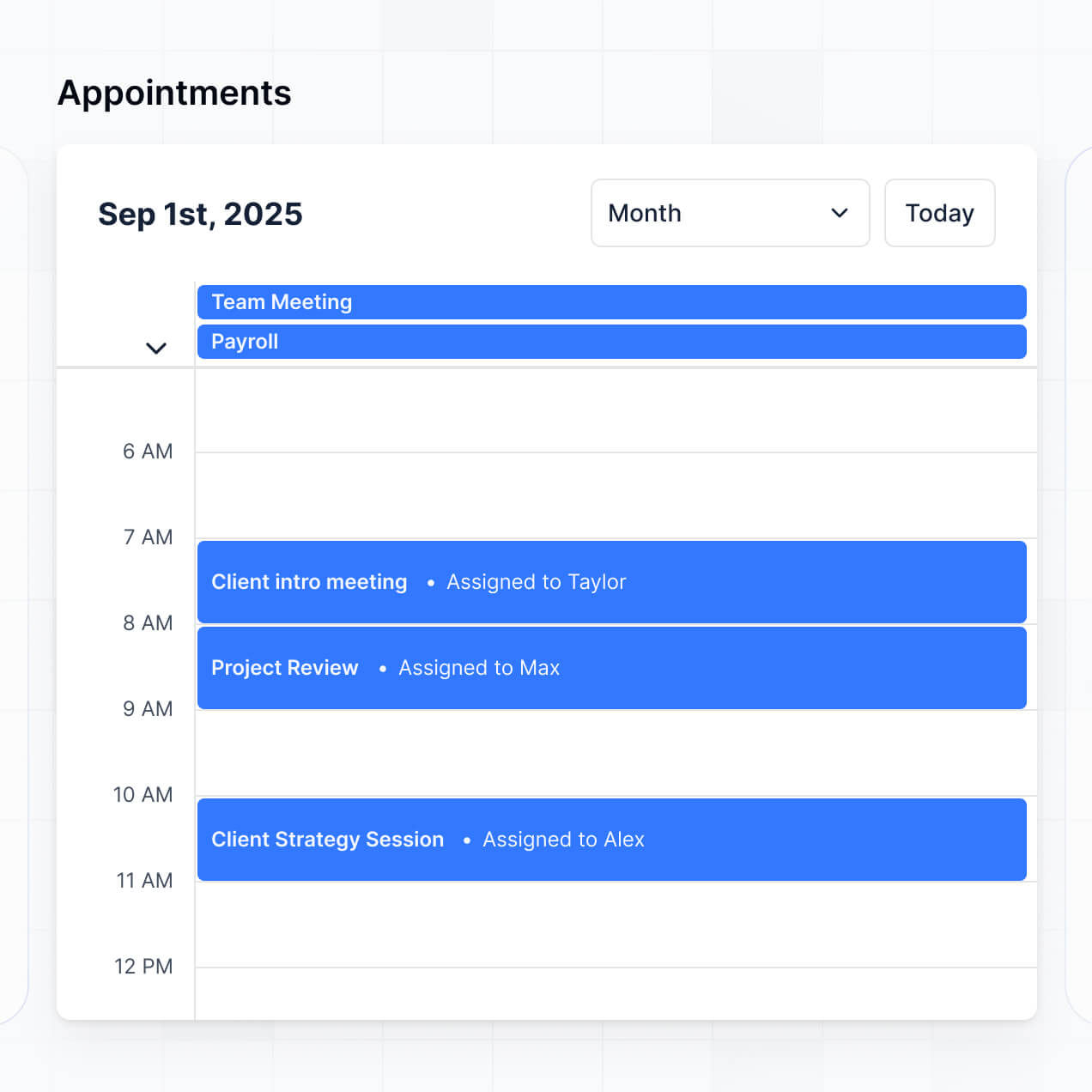
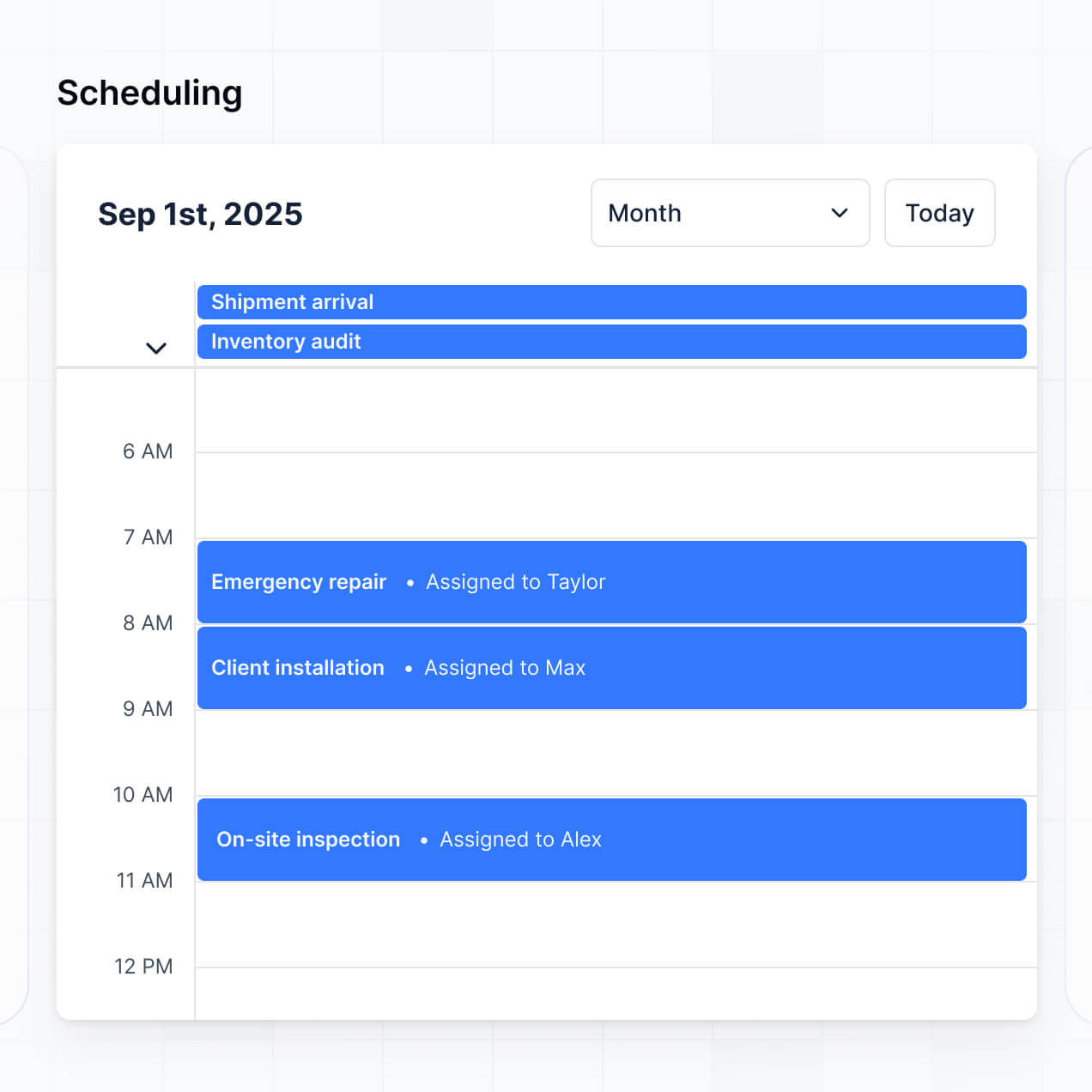
- Calendar blocks – to display the master schedule and technician availability.
You can easily make updates in the visual builder whenever you add new service bays or hire more staff.
Softr is built with security in mind. All vehicle records and customer details are encrypted in transit (TLS) and at rest. You have full control over record-level permissions, meaning you can ensure customers never see other people's data. For shops using Softr Databases, your data is stored in a secure environment with SOC 2 Type II compliance and European hosting.
If you connect to external databases like Airtable or SQL, Softr doesn't store your records locally; it displays them in real time based on your specific access settings. Softr also employs industry best practices for secure login and platform monitoring to help keep your shop’s operational data safe.
It is fully production-ready. Unlike many AI tools that just "vibe code"-generating fragile code that can't handle real-world traffic, Softr builds your scheduling software on a stable, business-grade foundation.
We handle the critical infrastructure (like secure customer authentication and granular booking permissions) natively. This solves the "Day Two" problem of AI: you get the speed of instant generation for your shop without the headache of managing raw, unreliable code. Your app is scalable and ready for your mechanics and customers to use in your daily operations from day one.
Softr is the first AI-native platform for building custom business software. Unlike basic scheduling tools that force you into a one-size-fits-all calendar, or traditional no-code tools that take weeks to configure, Softr's AI Co-Builder creates a tailored app for your specific repair workflows in minutes.
You get the hybrid advantage: use AI to generate the initial database and booking logic, then use visual controls for precise shop management features. You get business-grade infrastructure like client portals and technician roles already built-in. It's designed for shop owners who want custom software without the high cost of a developer.
Yes. Softr supports powerful native workflows and integrations to connect your scheduling software to your entire business. You can automate tasks using Softr Workflows—like sending an invoice via Stripe after a service is marked complete—or sync with communication tools like Intercom for customer support.
Whether you need to trigger a text message when a car is ready for pickup or display inventory data from a parts supplier, you can build it into your portal without writing code. Softr also supports webhooks and REST API for advanced shop management integrations.
Describe your workflow and Softr's AI will build your custom scheduling app in minutes—for free.