Manage vehicle profiles, track service statuses, and automate alerts in an AI-powered auto shop CRM built with AI to fit your workflow.
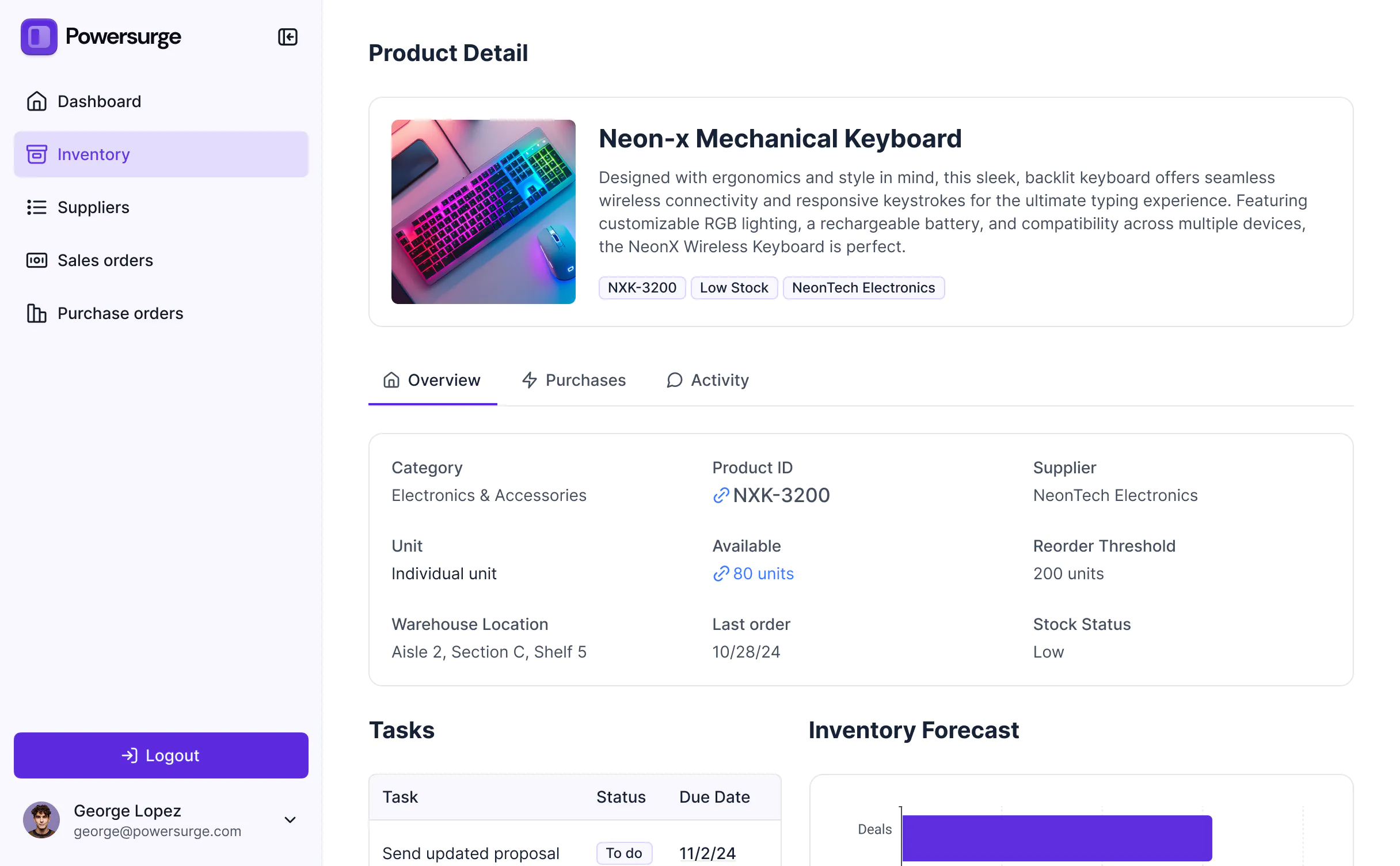
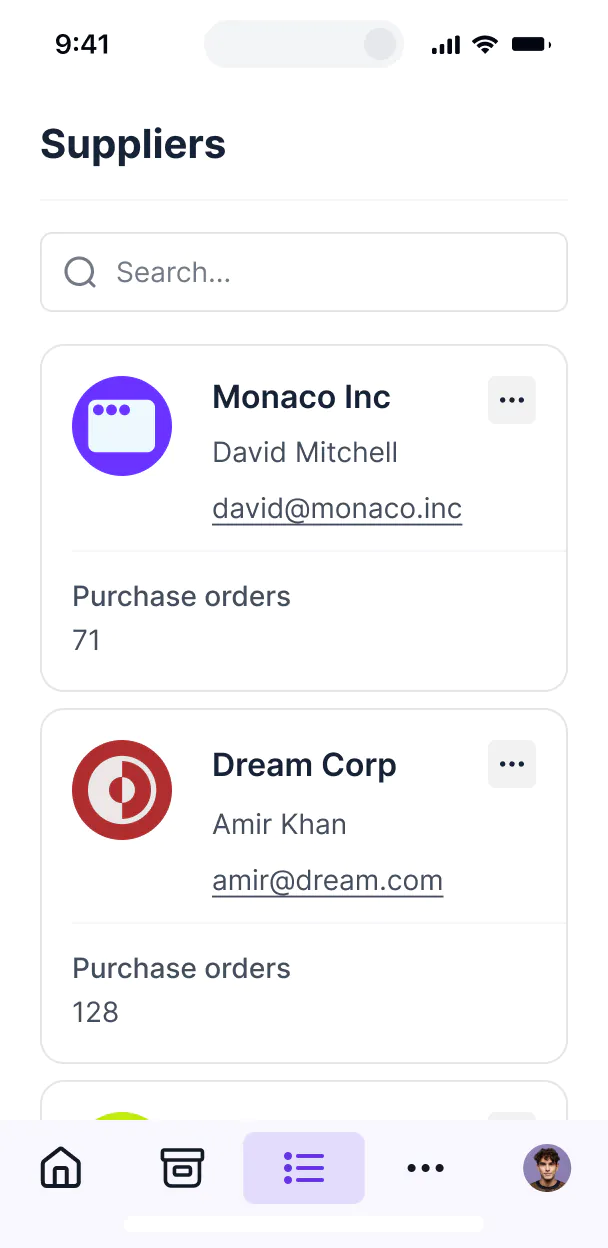



Customize an auto shop CRM with the exact service views and repair logs your team needs. Add features as your shop's workflows evolve—no code.


Connect vehicle records, service logs, and billing data from spreadsheets or other tools—or manage everything in Softr Databases. Create a single source of truth for your shop.
Give your mechanics and office staff the right tools. Set up secure logins, shop member groups, and granular permissions—no IT support or dev work needed.
Give mechanics, service writers, and managers tailored dashboards, so every shop member sees just the work orders and schedules they need.
Streamline operations with Softr Workflows. Trigger native notifications or status changes automatically when a service is completed or a vehicle is ready.
Access and update your auto shop CRM on the garage floor or in the office. All service apps are mobile-ready out of the box.
Use Google or email logins to give your shop team fast, secure access to their internal tools—no IT tickets needed.
Keep shop and customer data safe with SOC2 and GDPR compliance, plus fine-tuned access control to prevent unauthorized file or record access.
No more one-size-fits-all tools or costly custom builds. Softr is easy to use and fully customizable, so you can launch faster, adapt as you grow, and skip the complexity of traditional software.

Build your auto shop CRM in minutes with AI—no manual setup or complex configuration needed for your team.

Add features like AI-powered maintenance tracking or digital invoicing as your shop's needs evolve—no rebuild.

Start with a CRM, then add service dashboards, appointment forms, or internal tools—all in one place.
Co-build with AI
Simply describe what you need. Let Softr handle everything - Interface, database, workflows.
Iterate with AI or visually
Control most critical parts of your app yourself - roles, permissions, security.
Ship the same day
Invite team members or external clients and partners right away. No developer handover.
Use drag-and-drop blocks to build a portal that looks sleek and modern out of the box. Add only the features you need, and iterate as your workflows evolve.




An auto shop CRM is a central hub where your service advisors and mechanics can manage every aspect of the customer lifecycle, from initial appointment booking to vehicle service history and follow-up reminders. It keeps all customer data, repair orders, and vehicle specs in one secure place, eliminating the need for scattered paper tickets or messy spreadsheets. This helps your garage run more efficiently while providing a professional, tech-forward experience for your car owners.
Softr is the first AI-native platform for building business software, making it the fastest way to create an auto shop CRM tailored to your specific shop's workflow. You can describe your shop's needs—like tracking VIN numbers, parts inventory, or mechanic assignments—to the AI Co-Builder to instantly generate your database, service pages, and logic, all pre-connected and secure.
You don't need to be a developer to build this. You can start with AI, use a pre-built template, or build from scratch. Your app runs on Softr Databases, or you can link external tools like Airtable, Google Sheets, or HubSpot to pull in existing customer lists. You have full visual control to brand the app with your shop's logo and define exactly what your front-desk staff versus your mechanics can see. It's built to grow from a single-bay garage to a multi-location franchise.
You can design a variety of features to streamline your automotive operations, mixing standard management tools with AI intelligence:
- AI-Powered Intelligence – Use Ask AI to allow service managers to query repair trends conversationally, or set up Database AI Agents to automatically summarize complex diagnostic notes for customer reports.
- Vibe Coding Blocks – Create custom interactive elements—like a visual vehicle inspection checklist—using the AI Code block to "vibe code" the exact interface your mechanics need on the shop floor.
- Softr Workflows – Set up native automations, such as sending an SMS notification to a customer the moment their vehicle status is marked as 'Ready for Pickup' in the database.
- User Portals & Logins – Securely manage access so mechanics only see their assigned repair orders while the shop owner sees the full financial dashboard.
- Forms & Data Collection – Capture vehicle intake details, customer contact info, and digital signatures for repair authorizations with custom forms.
- Dashboards & Charts – Visualize your shop's performance, such as average repair time, parts margin, and monthly revenue, with real-time analytics.
- Lists & Advanced Filtering – Manage your shop floor with searchable tables of pending jobs, kanban boards for service stages, and detailed vehicle history views.
Everything is built using Softr's visual blocks without writing code. If your shop develops a unique process, you can easily tweak the CRM on the fly.
Vibe coding allows you to move at lightning speed by using AI to build the specific automotive tools you need. You can "vibe code" an auto shop CRM in Softr by describing your shop's requirements—like 'I need a dashboard to track oil changes and brake jobs'—to the AI Co-Builder. Softr then generates a production-ready application on a secure, professional foundation.
While other tools might give you unstable custom code, Softr manages the critical backend work—like user authentication for your staff, database security, and shop permissions—natively. This gives you the speed of AI generation without the risk of your system breaking during a busy shift. You describe the workflow, Softr builds the app, and your shop is ready to digitize its operations instantly.
Yes. You can manage multiple departments—such as service, parts, and sales—within a single CRM. By using role-based permissions, you can ensure that parts managers only see inventory levels while service technicians only access the repair orders assigned to their specific bay. This keeps your shop's internal communication organized and ensures sensitive financial data is only accessible to authorized personnel.
Absolutely. You don't need a pre-existing database to start building with Softr. If you are starting fresh, you can use Softr Databases, which is built directly into the platform to handle vehicle records, customer profiles, and service logs flawlessly from day one.
However, if you already track your clients in Airtable, Google Sheets, HubSpot, or even a SQL database, you can easily connect those sources. You can also use our REST API to pull in data from specialized automotive diagnostic tools. You maintain complete control over how your shop's data is structured and displayed.
Softr Databases is the recommended native data source for your auto shop CRM. It is built for business applications, offering high performance and instant automation triggers, ensuring that when a mechanic updates a status, the front desk sees it immediately.
Softr also connects to over 17 external data sources if your data already lives elsewhere. You can connect to Airtable, Google Sheets, HubSpot, SmartSuite, BigQuery, and more. You can even mix data—for example, storing vehicle specs in Softr Databases while pulling billing history from HubSpot. Most sources support two-way sync, so updates made in your shop app reflect in your data source automatically.
Yes, Softr provides total control over the workshop experience. You can tailor the layout and navigation to match your shop's specific intake process. Every block or page can be restricted based on the logged-in user, meaning a customer might only see their own vehicle's progress, while a mechanic sees the technical task list.
You can set up various roles—such as Technician, Service Writer, or Shop Manager—defining exactly what each can view or edit. For instance, technicians can update repair notes, but only managers can edit the pricing on an invoice. You can also create personalized views that filter the repair queue based on the specific mechanic logged in. This ensures your team stays focused on their current tasks without being overwhelmed by unrelated data.
Yes, you can fully white-label your auto shop CRM. You can incorporate your shop's logo, brand colors, and custom fonts, and even host the app on your own shop domain (e.g., portal.yourgarage.com). You can remove all Softr branding so that your customers and staff see only your professional brand throughout their entire repair journey.
Yes, Softr offers extensive flexibility to adjust the design and layout of your CRM to fit your shop's branding. You can modify everything from spacing to page structure within the visual builder. To manage your automotive data effectively, you can use specialized blocks:
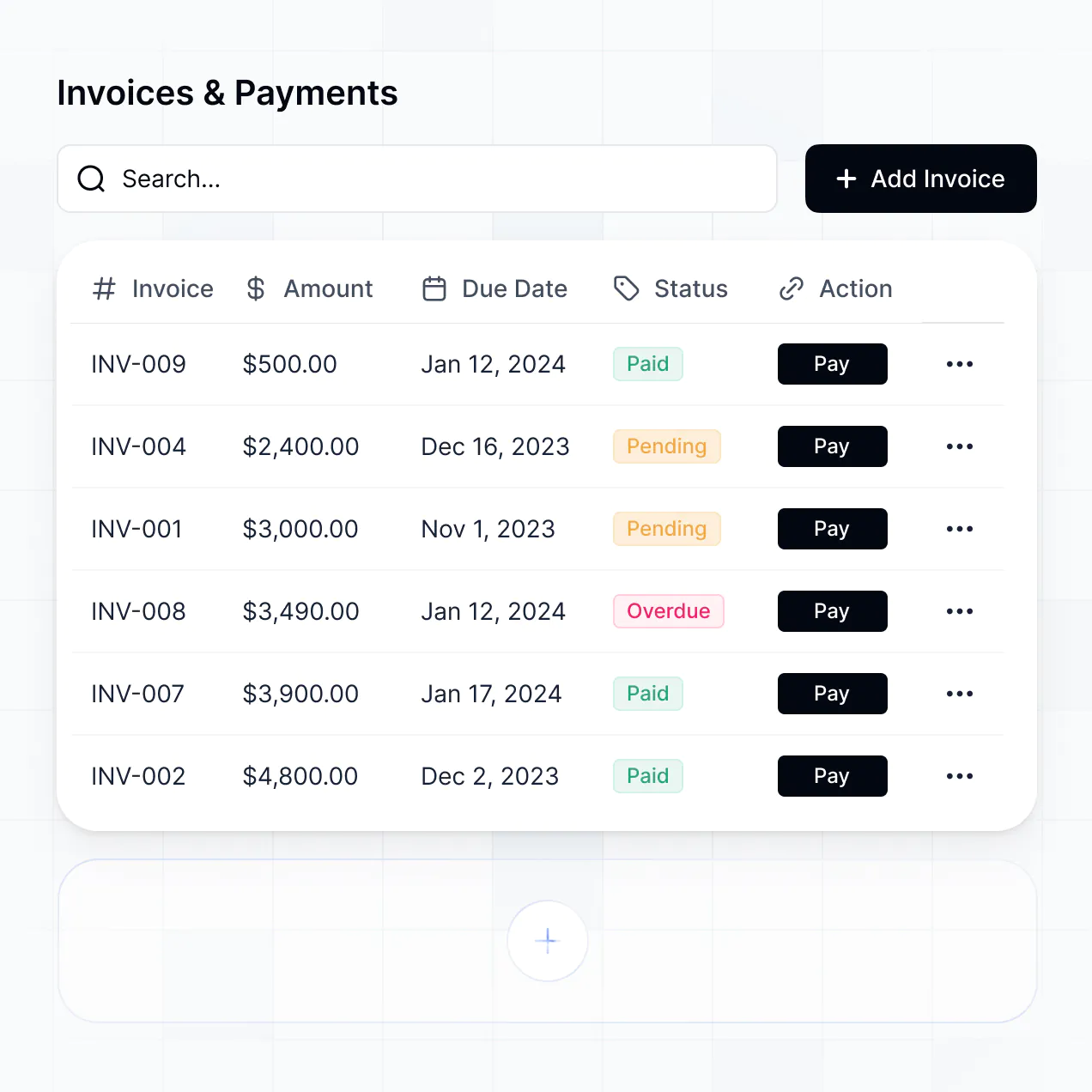
- Table blocks – for viewing active repair orders or inventory lists.
- List or Card blocks – to showcase vehicle profiles or available tire brands.
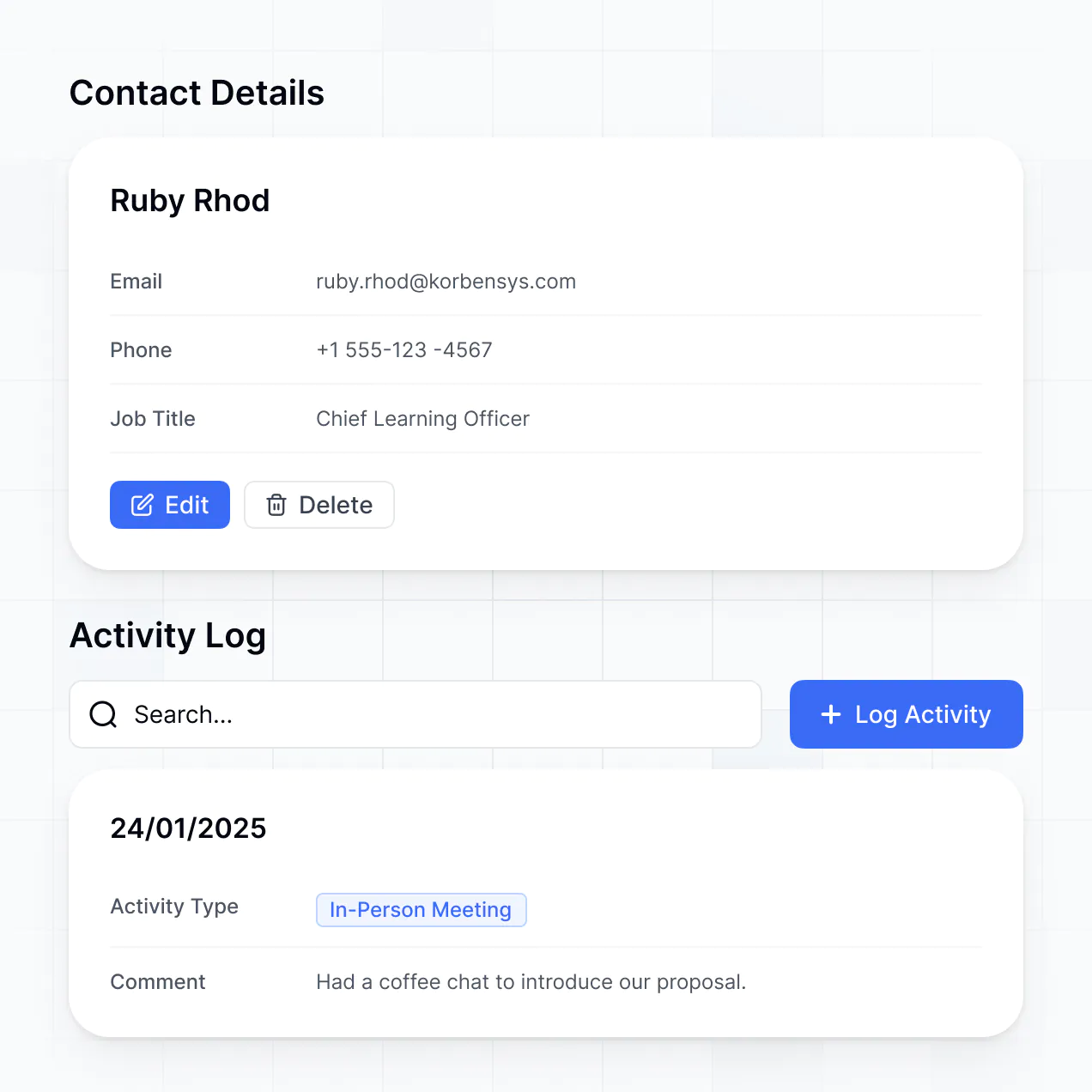
- Detail View – to drill down into a specific customer's entire service history.
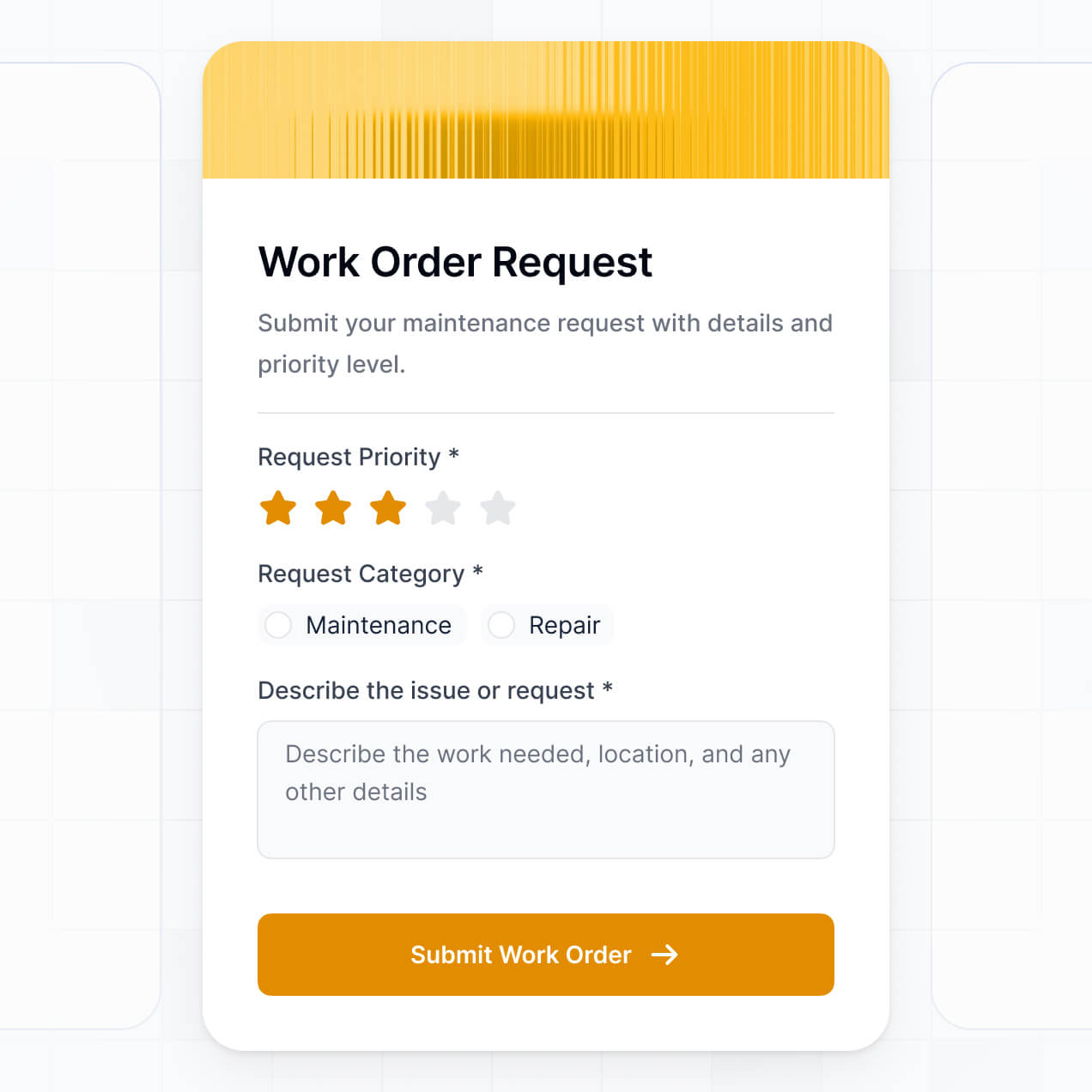
- Forms – for digital intake inspections and customer contact info.
- Charts – to track your shop's weekly throughput or revenue.
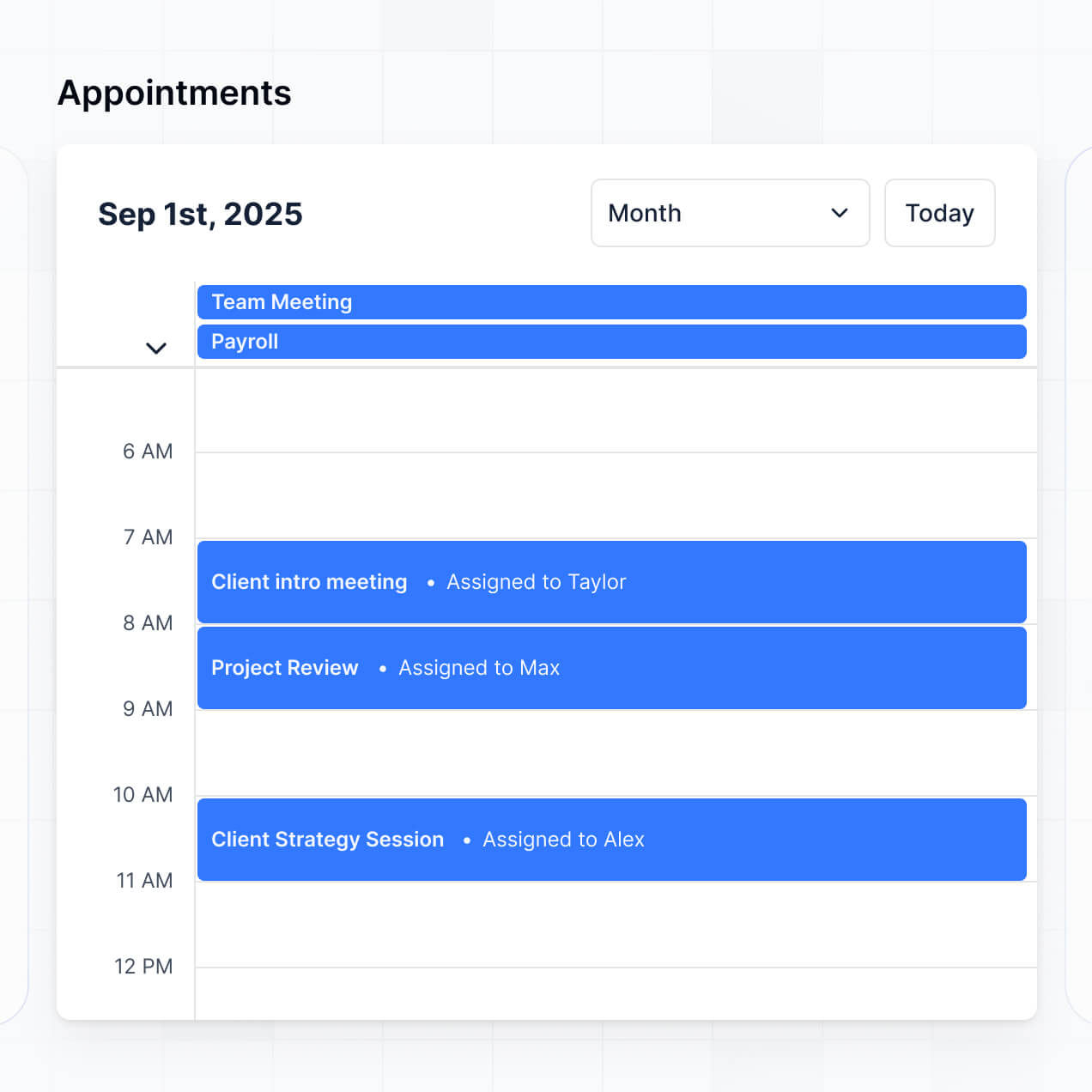
- Calendar blocks – to manage service appointments and bay availability.
If you decide to change your shop's workflow later, updating the app is simple and can be done in the visual builder in real-time.
Security is a core priority for Softr. All data in your auto shop CRM is encrypted in transit and at rest, hosted on reliable infrastructure. You have granular control over data access, using role-based permissions and visibility rules to ensure that sensitive customer phone numbers or repair costs are protected.
For CRMs using Softr Databases, your data is stored in a secure SOC 2 Type II compliant environment in Germany. If you choose to connect to external sources like Airtable or SQL, Softr displays your data in real-time without storing it on our servers. You are always the owner and controller of your shop's information and who is permitted to access it.
It is a fully production-ready system. Unlike experimental AI tools that only provide "vibe code" which can be difficult to maintain, Softr builds your auto shop CRM on a stable, enterprise-grade architecture.
We provide the essential infrastructure natively—including secure login, hosting, and permission logic—so you don't have to build it from scratch. This eliminates the technical debt often associated with AI generation. Your shop can begin logging vehicles, managing repairs, and checking in customers on day one with a scalable and secure app.
Softr is the first AI-native platform for business software. While some tools focus on just "vibe coding" raw scripts and others require weeks of manual setup, Softr's AI Co-Builder produces your auto shop CRM on a secure, production-ready foundation in minutes.
The Softr advantage is hybrid: use AI to generate the core database and pages, then use the visual drag-and-drop editor for precise customizations. You get the speed of AI combined with a reliable business infrastructure that includes user authentication and roles right out of the box. It is specifically built for shop owners who need professional software without needing to hire a developer.
Yes. Softr supports robust native workflows and various integrations to connect your auto shop CRM with the tools you already use. You can automate internal shop tasks with Softr Workflows or integrate with Stripe for processing payments and Intercom for customer support. Our platform also supports the REST API and webhooks for more complex automotive tracking needs.
Whether you need to trigger an email when a vehicle part arrives or sync your customer list with a marketing tool, you can build these automations directly into your CRM without writing a single line of code.
Describe your workflow and Softr's AI builds your app for you. Get started for free, no dev needed.