


How to choose a business app builder: Guide + checklist

Every team eventually has the same experience. Someone looks up from a spreadsheet, a Word doc, or an email thread, and says: "I wish we had a tool for this." A client portal. A vendor tracker. An internal CRM.
That's the moment a business app builder starts looking like the answer. The problem is that the category is crowded. Some tools look like no-code, but lock you into their walled garden. Others look like AI magic, but fall apart the day a real user logs in.
If you're about to commit your team's operations to a builder, it's worth slowing down for ten minutes to get your bearings. Below is a checklist built from years of watching teams pick well and pick badly. You can use it to pressure-test any app builder you're evaluating, including Softr.
Start with the right frame
Before the checklist, it’s worth getting one thing straight. The tools in this category go by many names: no-code app builder, low-code platform, internal tools platform, AI app builder. The labels are less important than what the tool actually does — letting the people who understand a business process build the software that runs it, without waiting on engineers.
That means the builder is rarely a professional developer. They’re an operator, a founder, a department head, or just someone with a laptop and a deadline. And the app users are rarely developers either. They’re clients, vendors, technicians in the field. A good business app builder has to be useful for both of those audiences at once, which is no easy task.
With that in mind, here are the ten things to look for when choosing a business app builder.
1. It covers the full stack: database, interface, and workflows
Most business apps need three things to exist: a place where data lives (the database), a place where people see and interact with that data (the interface), and a way to make things happen when data changes (workflows). If your tool only does one of these well, you're going to spend the rest of the year stitching together a stack.
That stitching is where hidden costs arise. You end up with a database in Airtable, an interface in one tool, automations in Zapier, forms in Typeform, and a support chatbot somewhere else. Every integration is a subscription and a maintenance burden.
But when the database, interface, and workflows live in the same product, they talk to each other natively. Data in the app refreshes the moment a record changes, instead of after a minute of polling from a third-party tool. Workflows trigger instantly when a record is created, updated, or matches a condition.
Plus, the interface and workflows can interact directly: a user clicks a button or submits a form, a workflow runs in the background, the app shows a loading screen, and the page refreshes once the work is done. The workflow becomes an extension of the UI, not a separate system your end users never see.
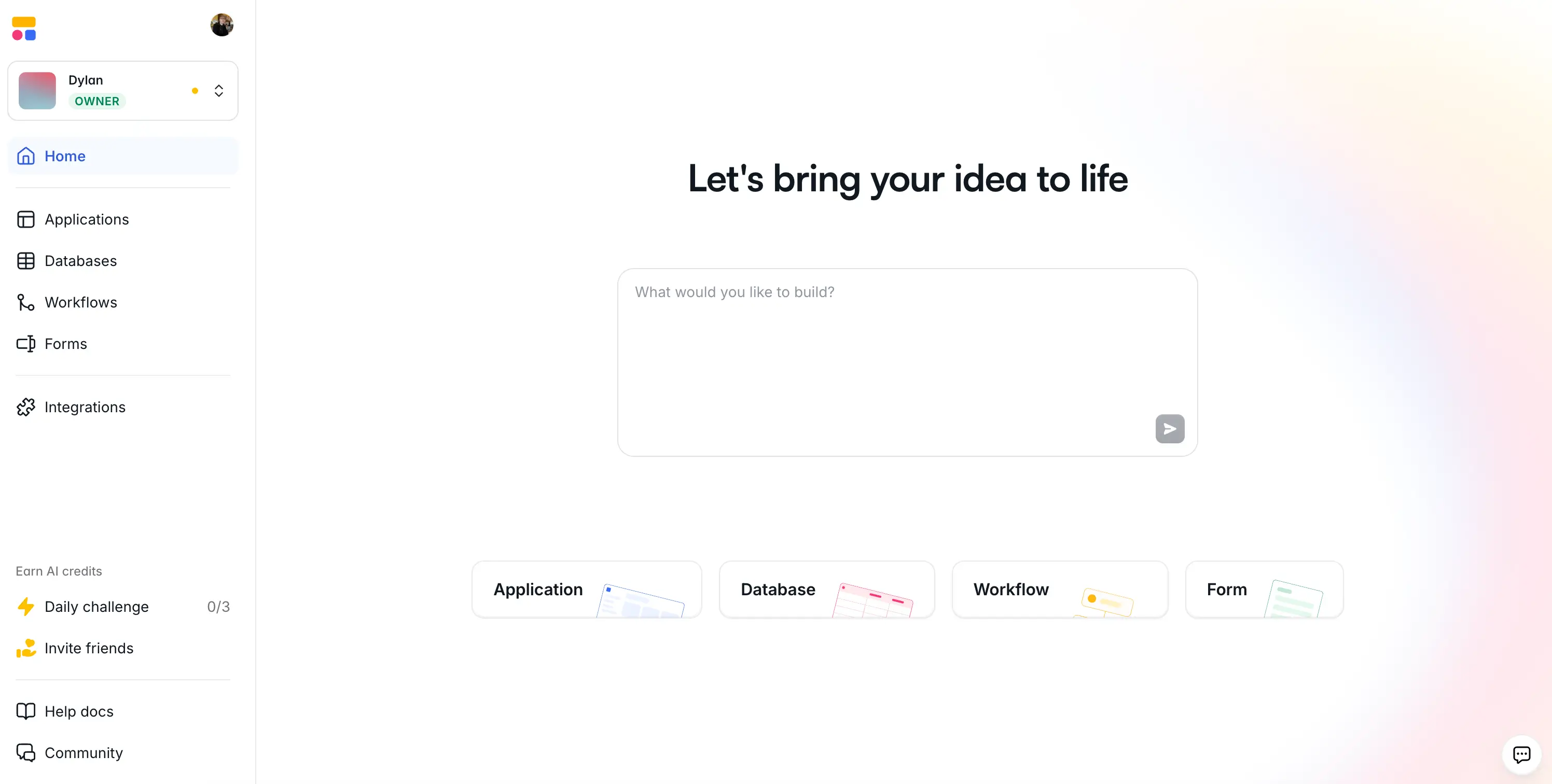
The right tool brings all of these facets under one roof. At Softr, that's by design: Softr Databases for native relational data, an interface builder for the app itself, Softr Workflows for automations, and standalone forms for data intake. The parts are built to talk to each other, so triggering a workflow from a button click or filtering a block by user group is as easy as checking a box.
The test: When you evaluate an app builder, ask yourself — if I need a database, an app, and an automation up and running by Friday, can this tool give me all three?
2. It connects to the tools you already use
Even a full-stack builder shouldn't be an island. Your team already runs on Slack, Gmail, Google Calendar, HubSpot, QuickBooks, or a mix of a dozen other systems. A good business app builder has to plug into that stack, not replace it entirely.
There are three things worth looking for at this stage:
- Native integrations with the tools you actually use (not just a huge catalog of logos, but the ones that matter for your workflow).
- Connectors for generalist automation platforms like Make, Zapier, and n8n, as these are often the fastest way to integrate with a less popular tool.
- A real REST API, so that when the native list doesn't cover something, you still have a path to connect.
Softr supports 21+ data sources including Airtable, Google Sheets, monday.com, Notion, HubSpot, Supabase, SQL databases, and a REST API connector. Workflows include native steps for Gmail, Calendly, HubSpot, Stripe, Granola, Apify, DocsAutomator, and the major LLM providers (OpenAI, Anthropic, Mistral, Gemini), plus raw HTTP requests to reach any external API the list doesn't cover. Also, Softr Databases expose a public API, so your data is never trapped.
The test: Pull up your current stack and ask which tools an app builder can read from and write to. If it can't talk to more than one or two, it'll likely become a problem to work around.
3. It treats AI as a tool, not a gatekeeper
AI in app building is genuinely useful — but also genuinely oversold. The tools that will still be valuable in a year get the balance right. The ones that won't tend to fall into one of two traps.
The first trap is ignoring AI entirely, leaving builders to click through hundreds of settings for work that a model could do in seconds. The second is the opposite: making AI the only way to build anything. This isthe core of the vibe-coding pitch, and it has a well-known failure mode: the demo looks great until a real user logs in, something breaks, and the only way to fix it is to re-prompt and hope this version works better than the last.
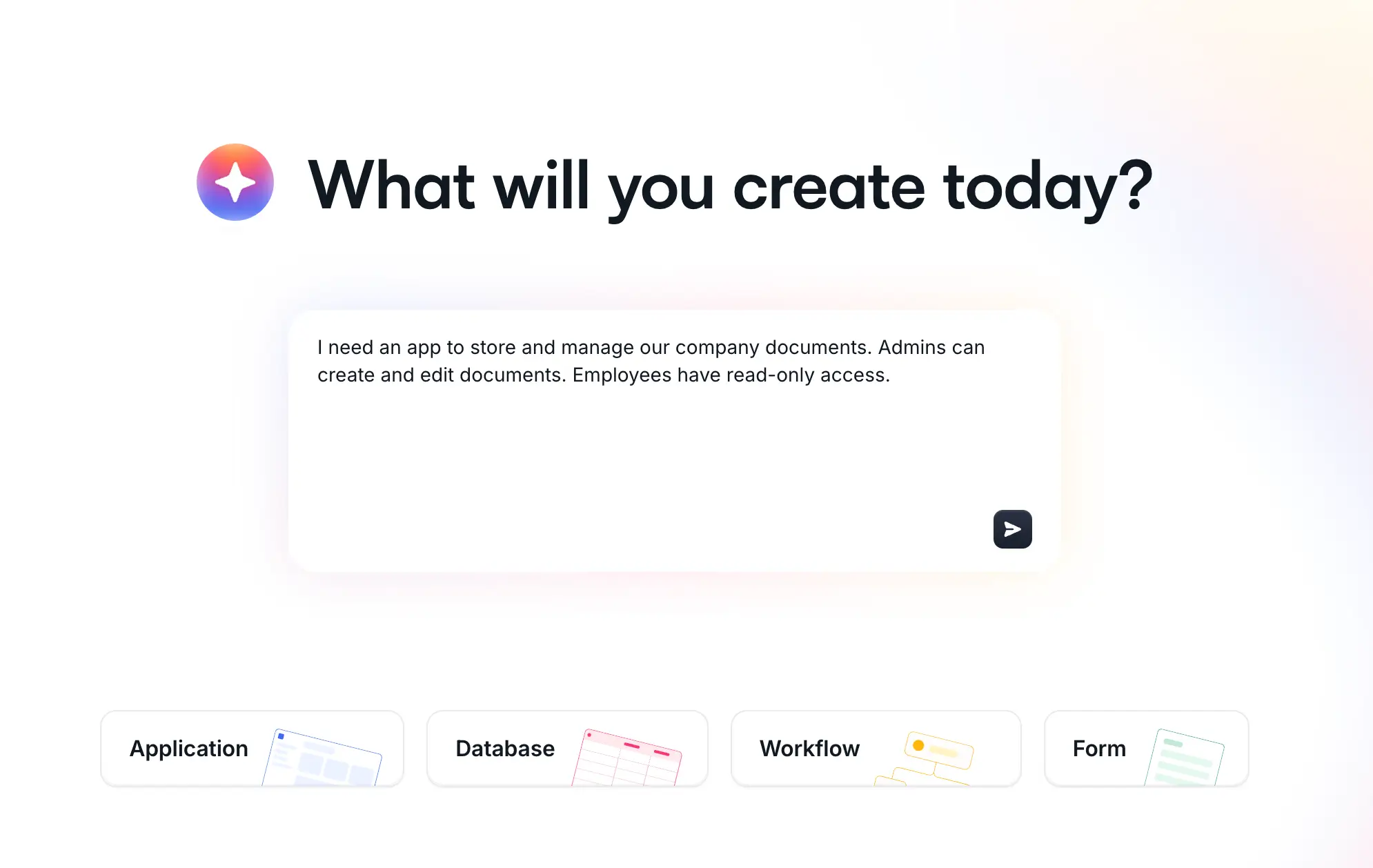
The right answer is AI-first, not AI-only. Softr's AI Co-Builder can spin up a full app from a prompt: database with relationships, interface pages, blocks, user groups, navigation. Inside the editor, it can add a kanban, configure an action button, or generate a custom component from plain language. But everything it builds is visible, visual, and editable by hand. You can move to direct editing the moment you want precision, and move back to the AI when you want speed. Nothing is locked behind a prompt. You can also make those changes from Claude or ChatGPT through the Softr MCP.
The test: If you ask the AI to do something and you don't like the result, how long does it take to fix by hand? If the answer is "I have to re-prompt and start over," that's a red flag.
4. It cares as much about the builder as it does about the end user
The fact is that most tools are either built for the person creating the app or built for the person using it, and problems with the neglected side are sure to surface eventually.
A builder-friendly tool has clear logic, good defaults, AI helpers for the tedious parts, and doesn’t make you debug hallucinated code. It gives you visibility into what's happening, so when something doesn't work you can actually find out why. It also saves versions so you can roll back.
An end-user-friendly tool has fast page loads, mobile responsiveness out of the box, logins that work on the first try, clean permissions so people don't see things they shouldn't, and an interface that feels like software they already know. If the end user is a client or a vendor, your app is also your brand, so it has to look the part.
Two things are worth calling out here because they quietly shape the end-user experience. The first is mobile. Softr apps ship as Progressive Web Apps, which means users can add them to their phone's home screen and open it like a native app (no App Store submission required). For field teams (technicians, property managers, delivery drivers) this is a huge boon.
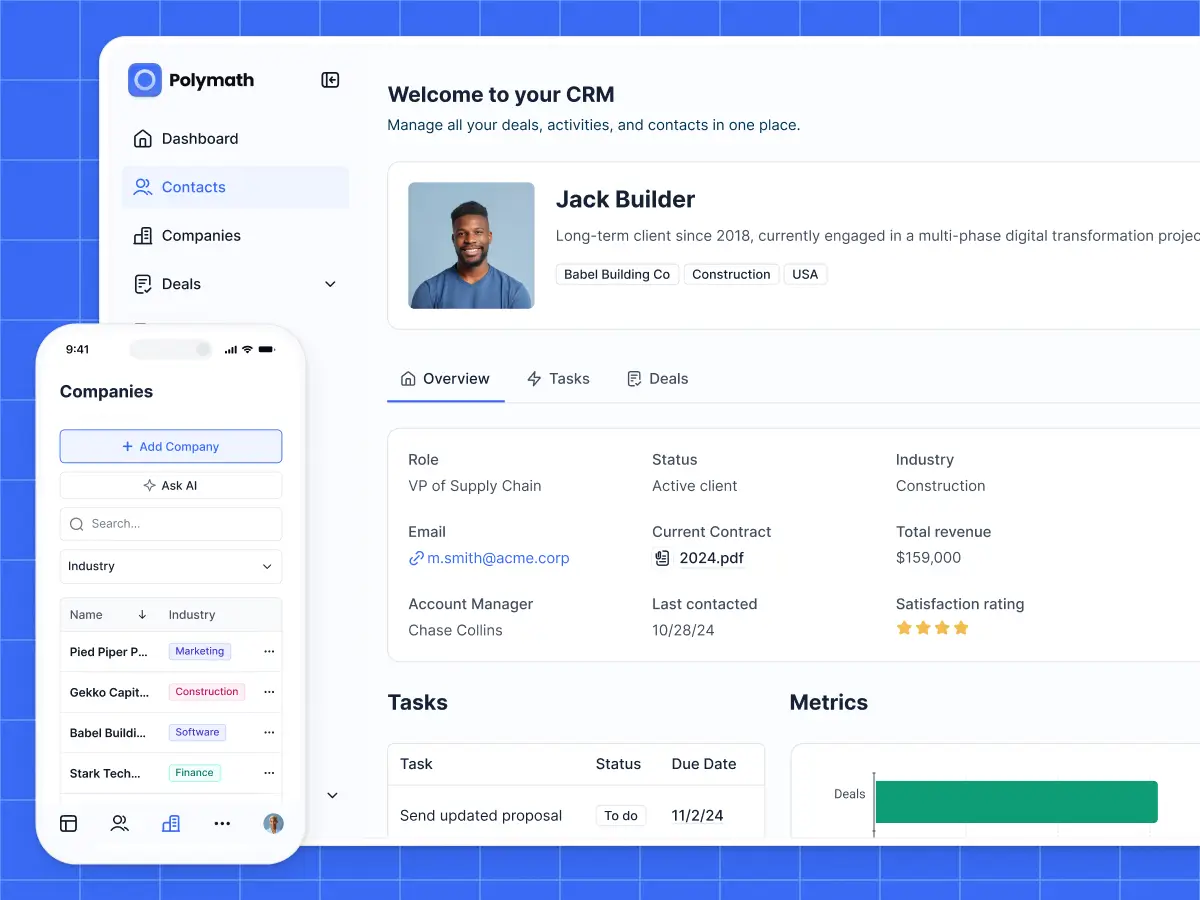
The second is in-app AI. With Ask AI, a builder enables an AI chat on any block that lists data, and the end user gets a conversational interface to ask questions about that data directly (e.g., "show me all overdue invoices," "summarize this client's last three tickets"). The AI respects the app's permissions, so users only see what they're allowed to see. Enabling it on the builder side is a checkbox, and the payoff on the user side is immediate.
The signal is whether the tool takes both sides seriously. In Softr, the builder side includes the AI Co-Builder, native versioning on Vibe Coding blocks, visual user groups you can actually reason about, and an editor that lets you see and tweak anything. The end-user side includes groups and permissions that enforce what the app shows, pre-built blocks that handle accessibility automatically, an SPA mode for snappy navigation, PWA support for mobile, Ask AI on top of live data, and a login flow that actually flows.
The test: Watch someone else build with an app builder for ten minutes, then watch an end user use the app. If either experience feels like a compromise, the tool will hit a wall under real use.
5. It takes data security seriously
Security is easy to skip in a demo and hard to retrofit after launch. Here's the short checklist worth running through when considering an app builder:
- Does the tool support proper authentication (email with secure hashing, magic links, 2FA, SSO for larger deployments)?
- Does it have granular permissions at the page, block, and button level?
- Does it support row-level data restrictions, so a user only sees the records they're supposed to?
- Is data encrypted at rest and in transit?
- Does the vendor hold credible compliance certifications (SOC 2 Type II at minimum, GDPR where relevant)?
- Do you know where your data is actually hosted?
Softr answers each of these questions affirmatively. SOC 2 Type II compliance comes standard, not as an enterprise upgrade. All data is hosted in Europe (Germany), which makes GDPR compliance the default. Authentication options are included by default, from magic links to SSO. You can configure user groups with page, block, and button-level visibility, plus row-level data restrictions.
Every Softr app inherits this foundation, so security isn’t something you have to scramble to implement when it’s time to go live.

The test: If a user doesn't belong to a record, what stops them from seeing it in a live app? If a vendor's answer to this question is "our users don't usually worry about that," find another vendor.
6. There are real humans behind the support
Docs, forums, and AI chatbots are wonderful, and they should handle the bulk of support-related questions. But they don’t replace a human who can look at your specific app and help you unstick a specific problem.
Look past marketing language about "24/7 support" and consider what actually matters: how fast a real person responds, how much context they have about the product, and whether they can look at your workspace when you need them to. Ask any builder who has been burned by a silent ticket queue, and they'll tell you response times and quality of help matter a lot more than glossy dashboards.
At Softr, every plan (including the free plan) has access to the support chatbot, and a real person on the team steps in when needed. Support is one of the things users mention most in reviews of our product. Response times are fast, and the people responding have actually built Softr apps themselves
The test: When evaluating a tool, poke the support channel before you buy. Send a real question and see what comes back.
7. There's a community and partner network
Software is easier to trust when other people are using it for serious business operations. On the user side, a healthy forum, Slack, or Circle means you'll find answers faster and see real examples of what's been built. On the professional side, a partners or agencies network means that when you need to accelerate, hire for a custom build, or offload a complex implementation, there are people already certified in the product who can help.
At Softr, 1 million+ builders and 7,000+ organizations use the platform, from startups to teams inside Netflix, Google, Stripe, and UPS. The examples are concrete: Celonis replaced a Google Slides setup with a searchable GTM knowledge base for 1,500+ team members. THE BOARD replaced four disconnected tools with a single full-stack platform managing 270+ members. MIT replaced a $100K custom-coded app with a Softr-built maker portal serving 2,800+ students, built by one person in three months. On the professional side, over 100 certified Softr partners are available for implementation help.
The test: Search the tool's name plus "case study" or "community" and see what comes up. If everything you surface is vendor-produced, the ecosystem isn't there yet.
8. There's educational content that keeps up with the product
A business app builder is only as valuable as your team's ability to use it. The right tool invests in teaching: written docs that stay accurate, a steady stream of tutorials that cover real use cases, live sessions where you can ask questions, and video content that shows the product in motion.
This matters for a practical reason. A team that teaches actively tends to ship faster and explain better, because they use their own product to explain it.
At Softr, that includes the blog with long-form tutorials and app comparisons, the YouTube channel with feature walkthroughs and live builds, regular live sessions on our Luma calendar where the team builds on camera and takes questions, and a documentation site that moves in step with the product. If you're learning how to build, these four hubs should cover almost every question you'll hit.
The test: Pick one specific feature you want to build, and see if the vendor has written or filmed something about it in the last twelve months. If not, you'll probably be learning alone.
9. Pricing scales with usage, not per seat
This one is a practical constraint that can kill tools at the worst possible moment. Many app builders charge per user, which is fine when "user" means five internal teammates. It's catastrophic when "user" means a hundred clients, two hundred vendors, or every employee in the company.
The right pricing model separates two things: the people building the app (which should be unlimited), and the people using the app (which should scale in a way you can forecast without dread).
Softr includes up to 3 builders on its free plan, adds builder seats from $5/month on paid plans, and offers app-user pricing that scales affordably into the hundreds or thousands. It can handle everything from a small internal dashboard to a a 500-seat vendor portal — without requiring a custom quote every quarter.
The test: Price the tool at the real scale you expect in a year, not the demo scale you're starting with. If it gets absurd, you'll end up migrating down the line (and burning money in the process).
10. You can extend beyond the defaults without breaking the rest
Every business app has edge cases: a custom pricing calculator, a drag-and-drop import flow, a widget that shows a live feed from a niche API. The right tool lets you cover these needs without endangering the reliability of every other feature.
The wrong answer is a tool that either forces you into its defaults or forces you to rebuild from scratch when you need something custom. The right answer is targeted extensibility: a way to drop in custom components for the 20% of the app that's unique to your business, while the other 80% (auth, permissions, data, layout, navigation) keeps running on proven infrastructure.
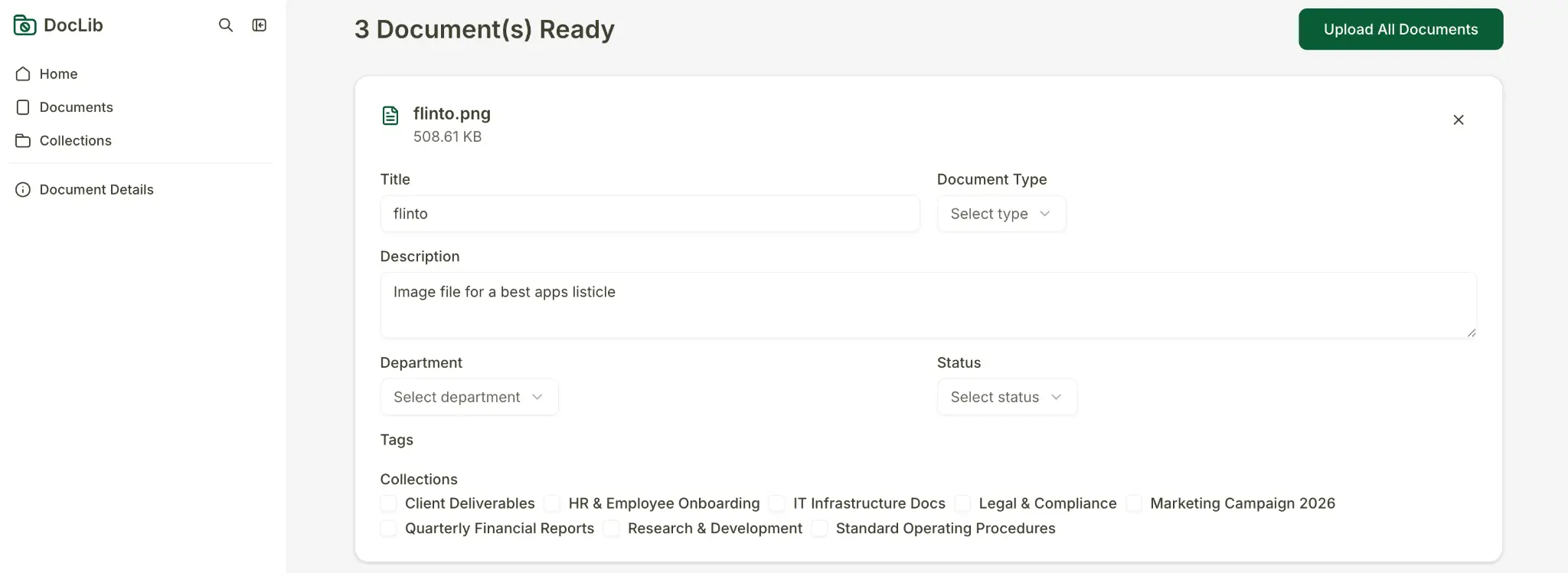
Softr handles this with the Vibe Coding block, which lets you generate a custom UI component from a prompt, scoped to a single block. The block automatically inherits the app's theme, data sources, and user permissions, and exposes its CRUD actions to the same visual controls you use elsewhere. For broader customization, you can inject custom code at the page or app level, while workflows can call any external API. The point is that extending the app doesn't require rebuilding it.
The test: Ask the vendor what happens when you need something their built-in blocks don't cover. If the answer is "you can't" or "you rebuild it elsewhere," that's your ceiling.
A quick-reference checklist
Here are the same ten points compressed into a list you can work through on your next demo call:
| Criterion | What to look for |
|---|---|
| Full stack | Native database, interface, workflows, and forms in one product |
| Integrations | Native connectors, Make/Zapier/n8n support, a real REST API |
| AI approach | AI assists the builder, never replaces visual controls |
| Builder + end-user experience | Both sides feel thought-through, not one polished and one neglected |
| Security | SOC 2 Type II, granular permissions, row-level restrictions, clear hosting region |
| Support | Real humans, fast response times, product-aware help |
| Community and partners | Active user community and a partners/agency network |
| Educational content | Docs, tutorials, YouTube, live sessions, updated for current features |
| Pricing | Unlimited builders, app-user scaling that works at your real size |
| Extensibility | Room for custom UI and custom logic without breaking the foundation |
Build the app your team keeps asking for
The real cost of picking the wrong app builder has almost nothing to do with the subscription. It's the three months you spend building on it, the migration you run when you outgrow it, and the trust you lose with the team that has to rebuild the same tool twice. Run the checklist honestly, at the scale you expect in a year, and the right choice usually becomes obvious.
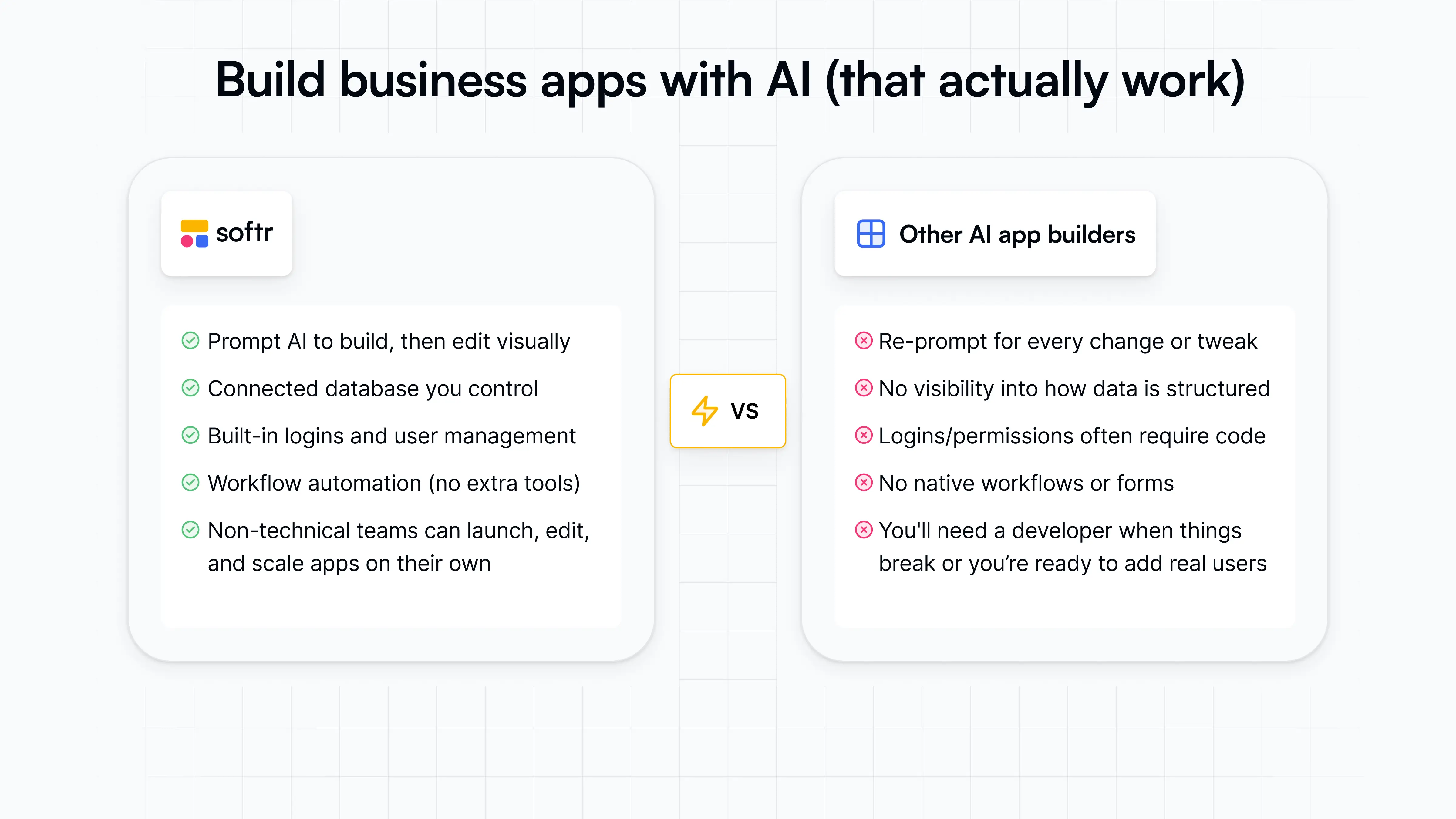
If you want to see how Softr stacks up against your own criteria, the fastest path is to start with a free account and build your first app today.
Frequently asked questions
How is a business app builder different from a no-code website builder?
Do I need to know how to code to use a business app builder?
What about enterprise security requirements?
When does it make sense to hire a developer instead of using an app builder?


