[.blog-callout]
TL;DR
- You don't need a budget or coding skills to build a real business app. Softr's free plan gives you a native database, a visual interface builder, and an AI Co-Builder that can generate a working app from a plain-language description.
- Traditional app development costs $5,000 to $133,000 and takes months. A no-code build on Softr can go from idea to a published app in a single day.
- You can start three ways: describe your app to the AI Co-Builder, pick a pre-built template, or build from scratch. All three land in the same visual editor, so you can always fine-tune the result by hand.
- This guide covers the full build: defining your users, connecting your data, customizing pages, setting up permissions, and publishing, plus real examples of apps built on Softr. [.blog-callout]
You don't need a big budget or coding skills to create an app.
With Softr, you can describe your app to the AI Co-Builder and get a working database, interface, and user permissions in minutes, or build it yourself with a visual, drag-and-drop editor. Either way, you never write a line of code. This skips the high costs of traditional app development, typically ranging from $5,000 to $133,000 or more, and the months-long development timeline that comes with it.
No-code platforms also offer a faster, user-friendly way to streamline internal operations, improve client communication, and even test new ideas before committing resources.
Best of all, some of these tools, including Softr, let anyone on your team build apps completely free, unlike many no-code platforms that charge from the first user.
This article walks you through the step-by-step process of how to build an app for free using Softr. Plus, we'll share real-world examples of apps created with this tool to inspire you. If you'd rather skip ahead, browse Softr's templates for a ready-made starting point.
How to create an app for free without coding
Before you start creating anything, your initial plan must start with the following.
Step 1: Identify the problem your app solves and who would benefit most from it
Ensuring your app has a clear goal helps you design features that directly address the needs and preferences of your ideal users.
Start by answering these key questions:
- Who are your ideal users? (their age, occupation, and other key demographics)
- What main goals are they trying to achieve that your app can help with?
- What pain points are stopping them from reaching those goals?
- How can your app make their lives easier?
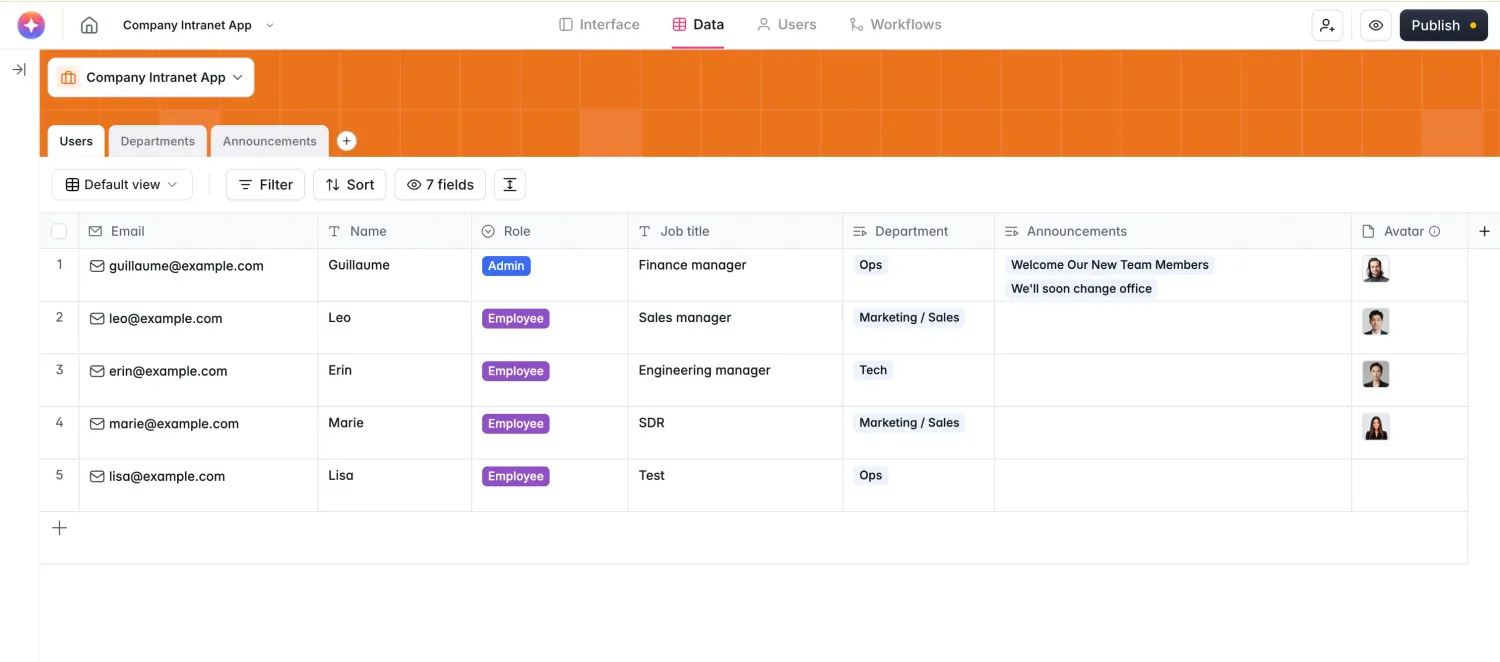
For example, let’s say you want to build a company intranet with a user-friendly interface where your team can easily access real-time updates and important documents.
Here’s what your answers will look like:
Think about the app you want to build, then talk to your current customers and potential users through surveys or interviews to understand their needs.
You can also check out Reddit to discover common pain points, goals, and the solutions people already use (and where those solutions fall short).
Step 2: Choose a no-code platform that lets you build your app for free
The best no-code app builder makes it easy for anyone to create apps without technical expertise. That's why you should look for features like:
- An intuitive drag-and-drop interface that lets anyone on your team easily create apps,
- An AI Co-Builder that can generate a working database, interface, and permissions from a plain-language description, so you're not starting from a blank page,
- Pre-built templates to help you get started right away, whether you're building a CRM, dashboard, or client portal,
- A native database built for business data, plus integration with popular external sources like Airtable, Google Sheets, and SQL databases,
- Customizable blocks like forms, buttons, and charts to tailor the app to your needs,
- User management features, including role-based access and authentication, to keep your app secure and organized,
- Responsive design that ensures your app works smoothly on web and mobile devices,
- Native workflow automation to simplify repetitive tasks like notifications and approvals, directly triggered by what users do in your app,
- A Vibe Coding block for the rare custom feature a pre-built block can't handle, so you're never stuck without a developer,
- Custom branding options to match your app's look and feel with your company's identity,
- Team collaboration tools to let multiple people work on the app simultaneously,
- Scalable architecture to support more users and features as your business grows,
- Flexible pricing plans, including a genuinely usable free tier, making it a budget-friendly option,
Some examples of no-code tools with these features include Glide, Adalo, and Softr.
Softr checks all of the above boxes, making it a suitable choice for small businesses and enterprise teams looking to build an app for free that's scalable and test before launch.
With a 4.7 rating on G2 across 700+ reviews and ranking among the top five easiest-to-use no-code platforms, Softr has earned the trust of over 1 million builders, from startups to companies like Netflix, Stripe, and UPS.
Beyond its own native database, Softr's seamless integration with Airtable, Google Sheets, Notion, SQL databases, and monday.com (17+ data sources in total) makes it especially versatile for different use cases.
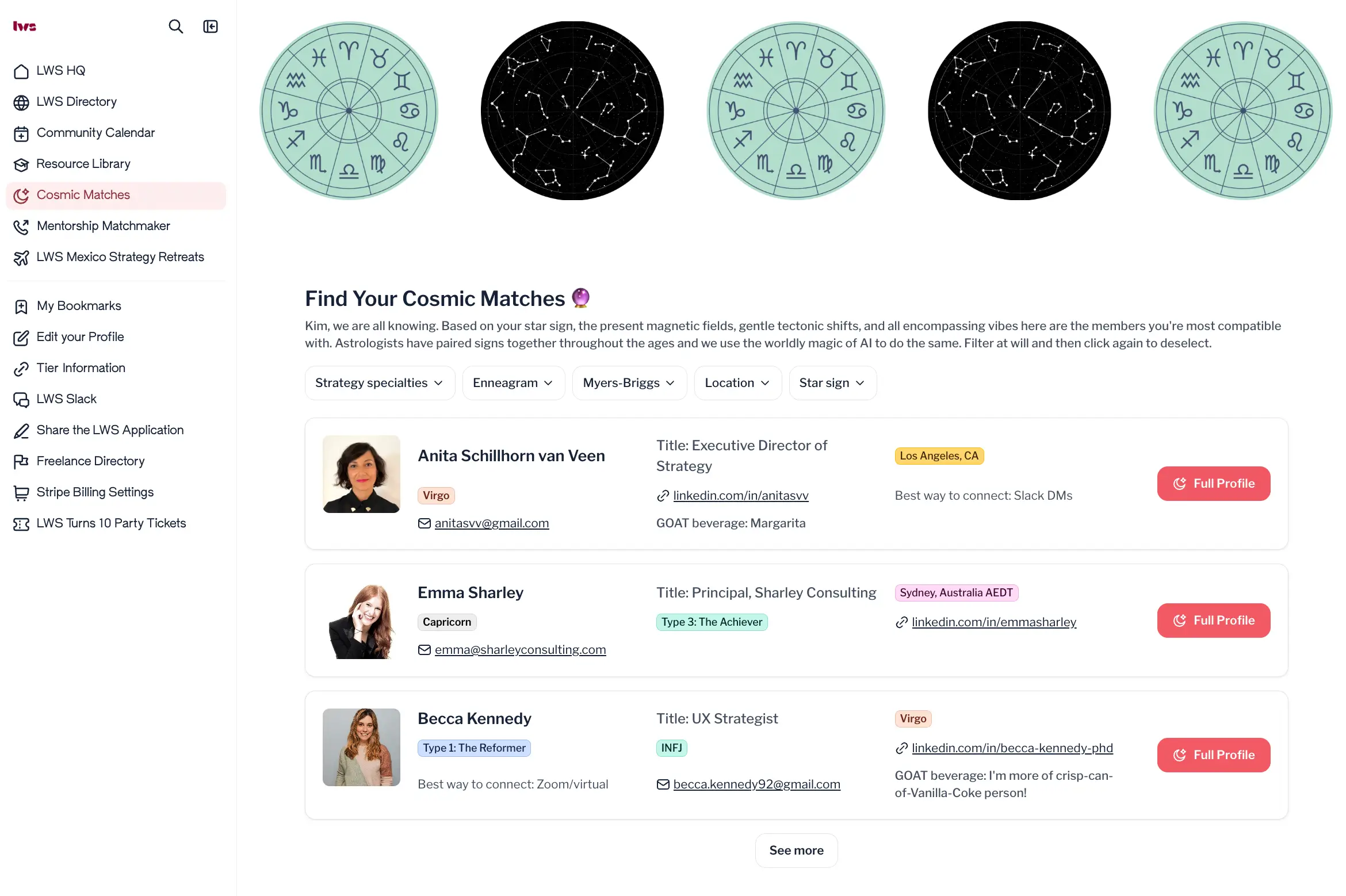
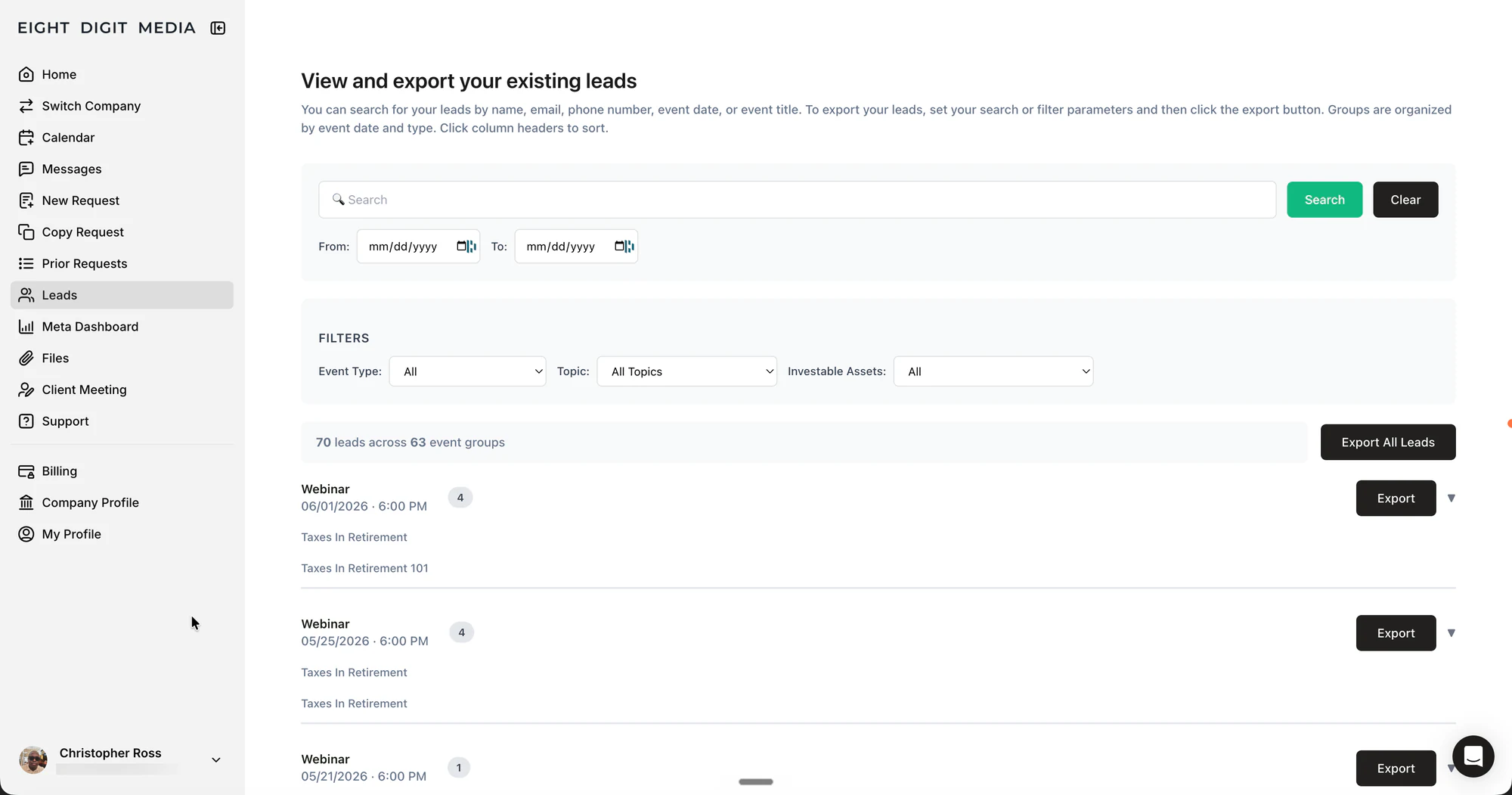
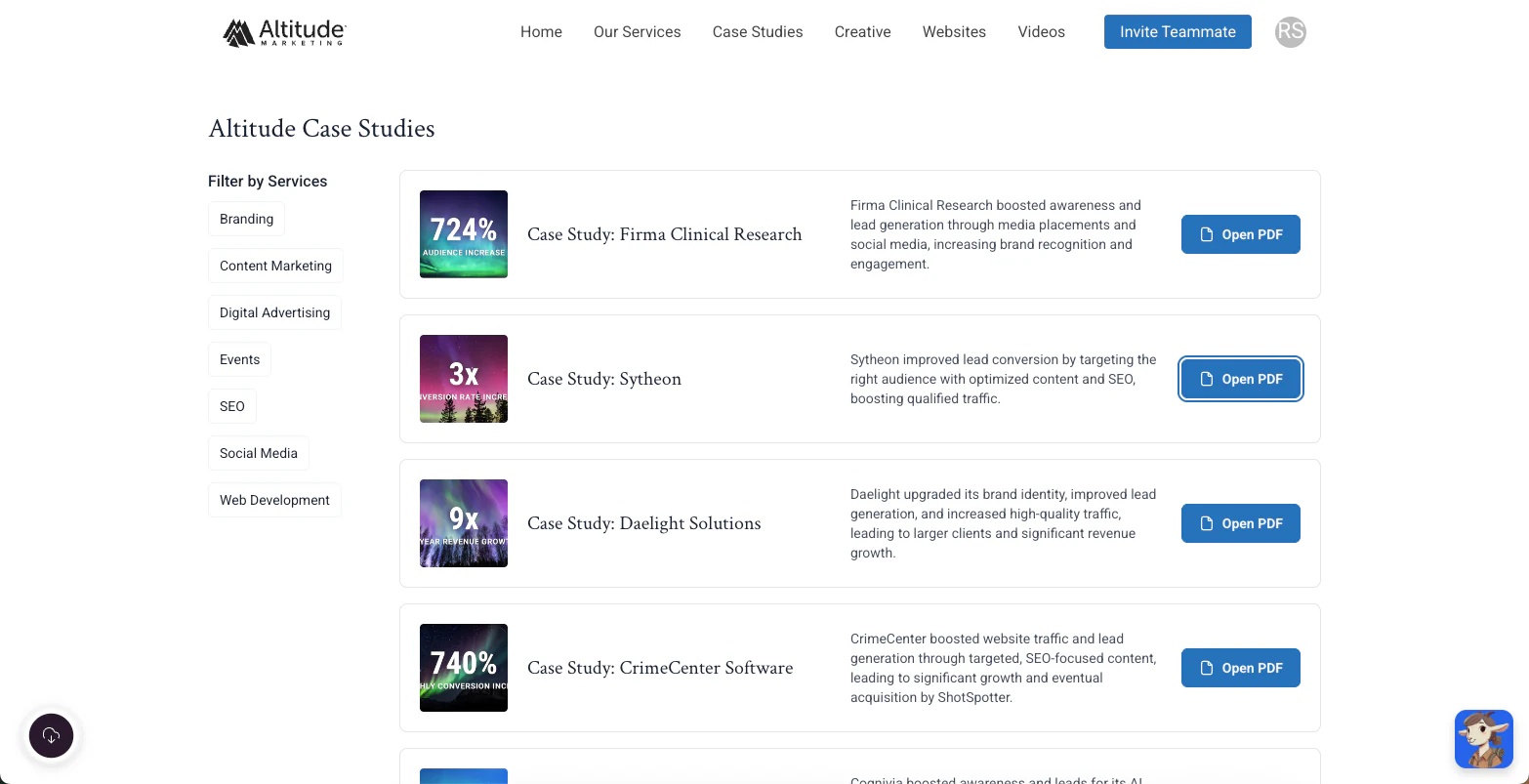
These businesses use Softr to build internal tools, such as dashboards, employee directories, and user interfaces for Google Sheets, as well as external-facing apps, like client portals.
"The next generation of software will not be code, it is actually going to be a combination of no-code and AI. AI brings the speed and personalization, and no-code brings the guardrails and reliability." - Mariam Hakobyan, CEO & Co-founder of Softr
What really sets Softr apart, beyond its features, is its outstanding user support. You can count on quick, helpful responses whenever you need guidance or encounter an issue.
On top of that, Softr has an active and supportive user community where people share solutions, learn from each other's experiences, and stay updated on best practices.
Softr's team actively listens to community feedback and makes changes based on them to meet user needs and increase delight.
If you want more options to explore before deciding, check out these Softr alternatives.
Step 3: Create a free account on Softr
To get started with Softr, you first need to create an account. Go to www.softr.io and click the “sign up for free” button on the homepage.
You can create an account using your email address or log in with Google for added convenience.

Step 4: Choose how you want to start building your app
After signing up, you'll be prompted to choose how you'd like to start. Softr gives you three ways in, and it's worth trying the fastest one first.
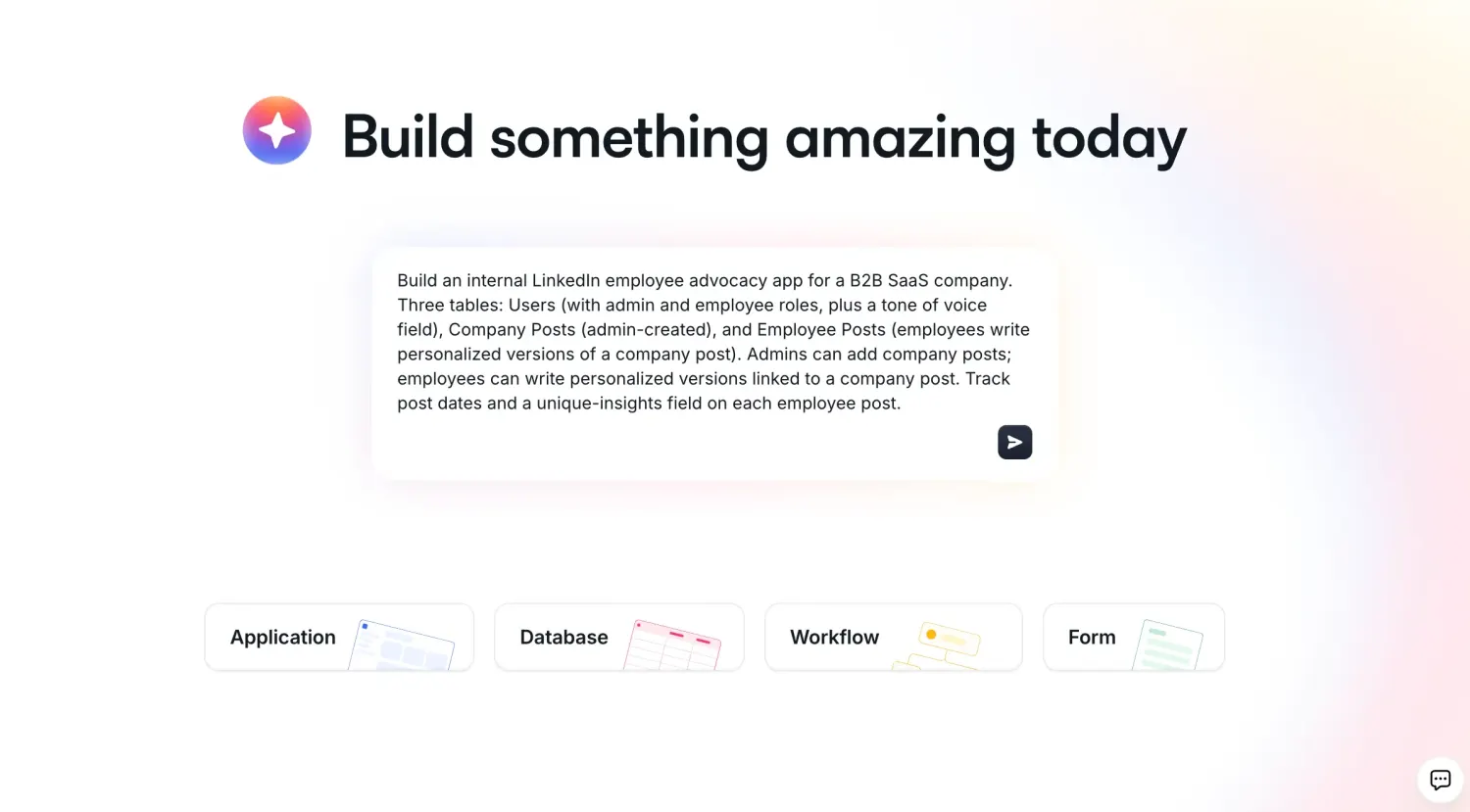
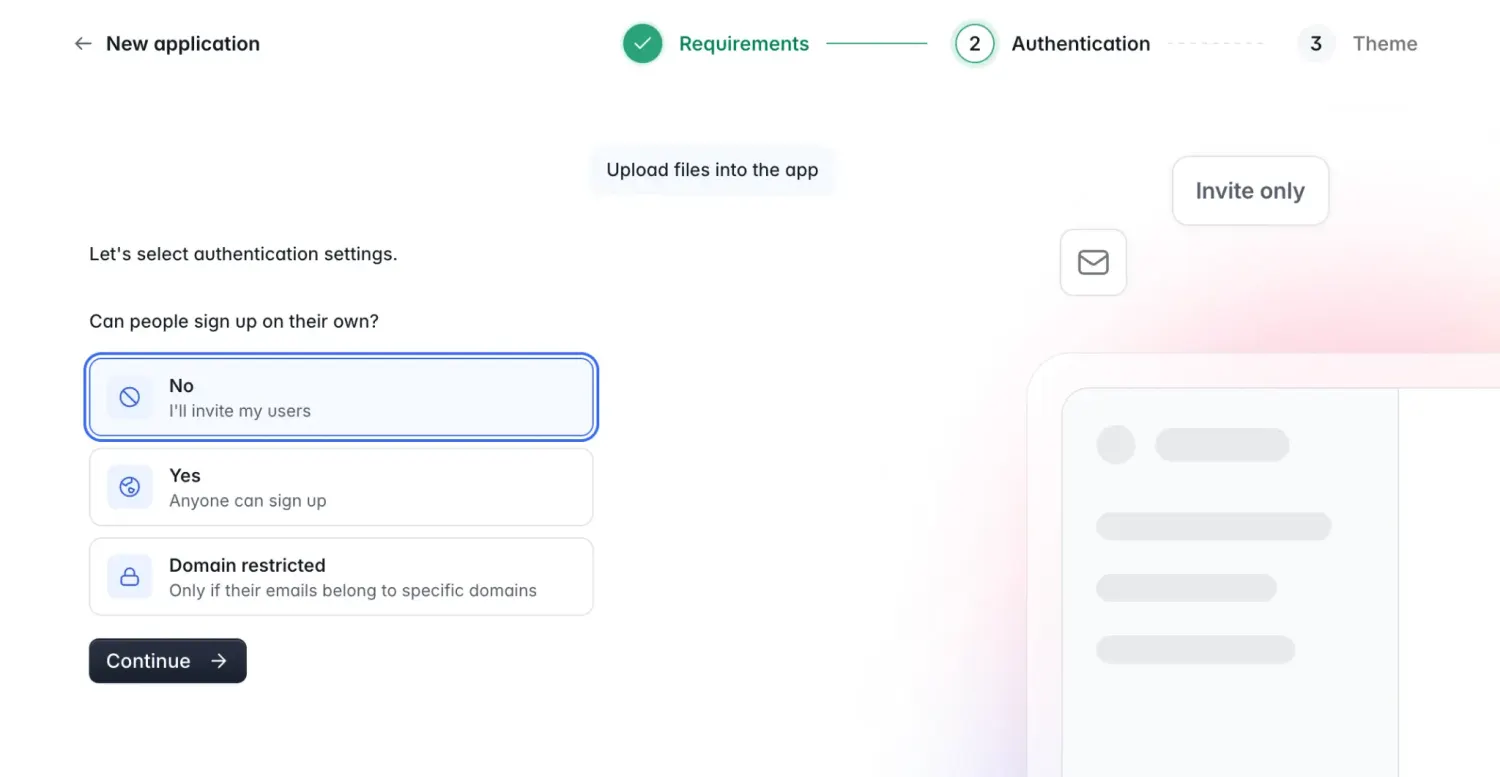
Generate with AI is the quickest path. Describe your app in a sentence or two ("a client portal where customers can track their project status and upload files"), answer a couple of clarifying questions, and the AI Co-Builder generates a complete app: database tables with relationships, pages, blocks matched to your use case, and user groups with the right permissions already configured.
If you're new to no-code platforms or want a proven starting point, Softr's pre-built templates are an excellent choice. These templates are designed for popular use cases like client portals, CRMs, dashboards, and more. They'll also inspire you as you learn how to build an app for free for several different scenarios.

To select the right template for your app, click 'Start with Template.'

You can either type a keyword related to your app's purpose, like "dashboard" or "portal," into the search bar or browse templates by category. Once you've found a template that aligns with your app's vision, scroll through the options to confirm your choice.

For this guide, we'll build a team intranet using Softr's template. After selecting the template that best fits your needs, click 'Use Template' to begin customizing your app. And if you'd rather have full control from the start, the 'Create from Scratch' option builds a blank app you customize entirely by hand.

Step 5: Connect Softr with your data source
After choosing your template, you'll be prompted to connect your app to a data source, or skip this step for later.
Softr Databases, Softr's own native database, is the recommended default. Because it lives inside the same platform as your interface, there's no external API to slow things down, and it comes with relational tables, permissions, and AI-powered fields built in. To connect it, click the "Select Data Source" dropdown and choose Softr Databases from the available options. If your data already lives elsewhere, Softr also connects to 17+ data sources, including Airtable, Google Sheets, Notion, SmartSuite, SQL databases, and Xano on the free plan.

If you want to explore other data sources, click "Add Another Data Source" to view additional options.

For this guide, we'll connect Softr to Google Sheets, following the steps below (the same logic applies to any external source):
Step 5.1: Log in to your Google account
You'll be redirected to the Google login screen. Select the account where your Google Sheets file is stored and log in.

Step 5.2: Authorize Softr
On the authorization screen, allow Softr access to your Google Sheets by checking the two boxes or selecting "Allow All." This gives Softr the permissions it needs to read and modify your file.

Pro tip: Ensure your data is well-organized so that Softr can read and map fields accurately. For instance, if your Google Sheet has a "Customer Name" column and the template uses "Client Name," Softr will automatically align these fields to ensure consistency.
Step 5.3: Click on "Go to application."
After connecting your data source, you'll be redirected to the Softr onboarding page. Click "Go to Application" to proceed with customizing your app.

Step 6: Customize your app's interface
Each Softr template consists of various pages that make up the user interface, and you can modify each one to suit your needs.
To begin, click "Pages" on the left-hand menu, then select the page you want to edit.

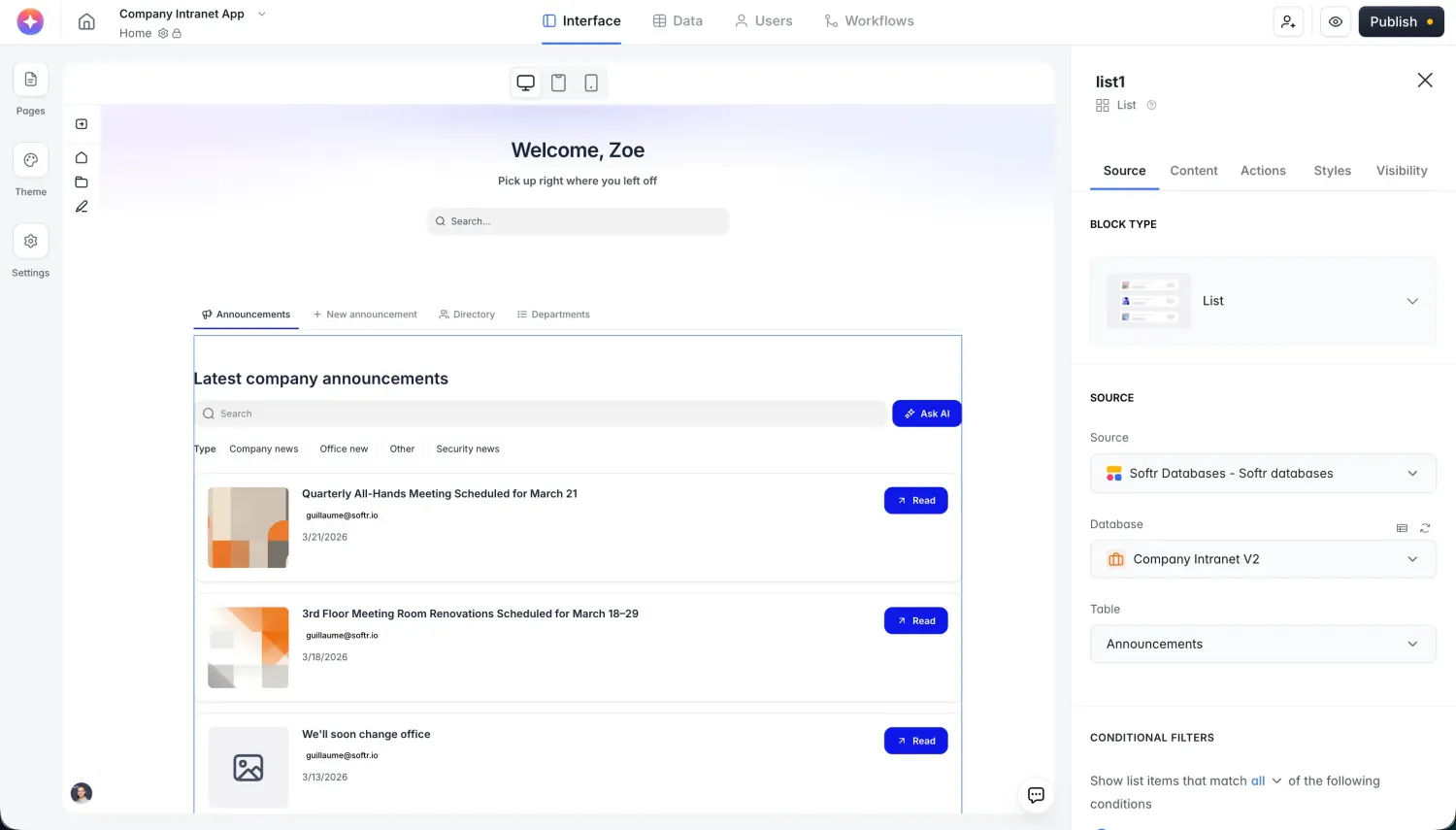
To customize the interface, click on a block within the page. Softr templates come with pre-built blocks that you can arrange flexibly to adjust your app's layout. For example, if you're working on the "Resources" page, click on the block you want to edit and the editor panel will instantly open. You can also skip the manual clicking altogether and ask the AI Co-Builder to make the change for you (for example, "add a search bar to the Resources table and sort it by date added").

From the Source tab in the editor panel, you can:
- Select the sheet or table you want to display,
- Add and modify conditional filters, enabling users to locate relevant information quickly,
- Organize items by specific criteria using the "Sort By" dropdown menu,
- Customize the message displayed when users enter invalid search parameters,
Under the Content tab, you can change titles, subtitles, and their positions within the block.

Softr's Items Fields feature lets you control how data from your source is displayed. Each field represents a row in your data source, and you can choose to present it as a list, grid, table, or card. If certain data fields aren't necessary, you can hide them by hovering over the item and clicking the eye icon to toggle visibility.

You can delete fields without the eye icon by clicking on the three dots (...) and selecting "Delete."

You can also update the block's style by clicking the paintbrush icon. From here, adjust colors, fonts, and visual settings such as border styles and hover effects.

For added functionality, consider incorporating a search bar and filters. These tools help users find specific data more efficiently. Toggle on the search bar option and add filter parameters by clicking "+ Add Filter." Customize placeholder text to guide users and select modifiers to define how searches are performed.
If you ever need a UI pattern that no pre-built block covers, like a drag-and-drop calendar or a custom pricing calculator, the Vibe Coding block can generate it from a plain-language prompt and connect it directly to your data with permissions already respected.

Step 7: Create action buttons
Softr enables you to add action buttons for CRUD operations (create, read, update, delete) and navigation functions, such as opening a URL.
For example, if you want users to add new records, go to the "Actions" tab and scroll to the "Top Bar" section. Click "+" to add a button, then label it (e.g., "Add Record"), select the data source, and specify what happens after the record is created. If you need several action buttons across multiple blocks, you can also describe the whole set to the AI Co-Builder ("add an Add Record button to the Projects table and a Mark as Complete button to the Tasks table") instead of configuring each one manually.

You can edit the label, add a field, and choose what happens when a user creates a record.

Also, with the action buttons, you can perform navigation actions like opening a URL.
Click on the "Actions" tab and scroll to the "Items on click" section. Then click on the dropdown and select what a user should see when they click on a card.

Step 8: Set up user groups
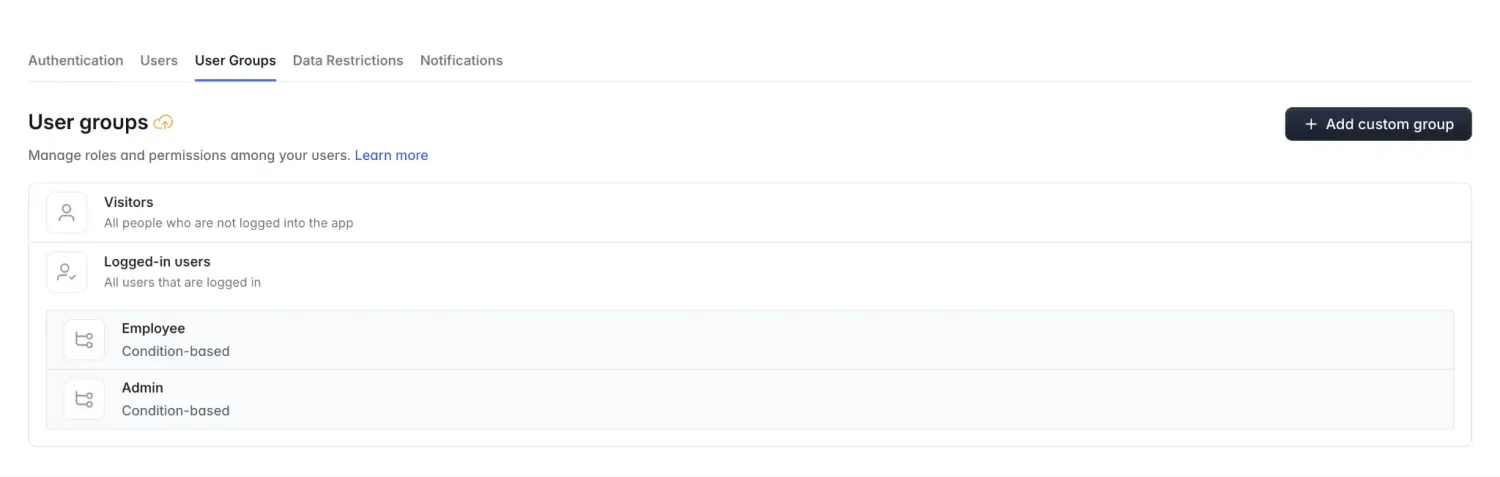
Softr's role-based permissions, or user groups, allow you to control what users can see and do within your app. This is worth setting up carefully before you invite anyone, since it's what keeps a client from seeing another client's data. To set up user groups, click "Users" on the left-hand menu and navigate to the User Groups tab.

To create a new user group, click "Add User Group" and give the group a name. You can decide whether you want to add users to the group manually or based on their attributes and conditions. Once done, click "Save."

The template comes with its own user group, and you have the option to delete whichever doesn't align with what you want. To delete, hover over the user group you want to delete and click the delete icon.

Step 9: Set Up Visibility
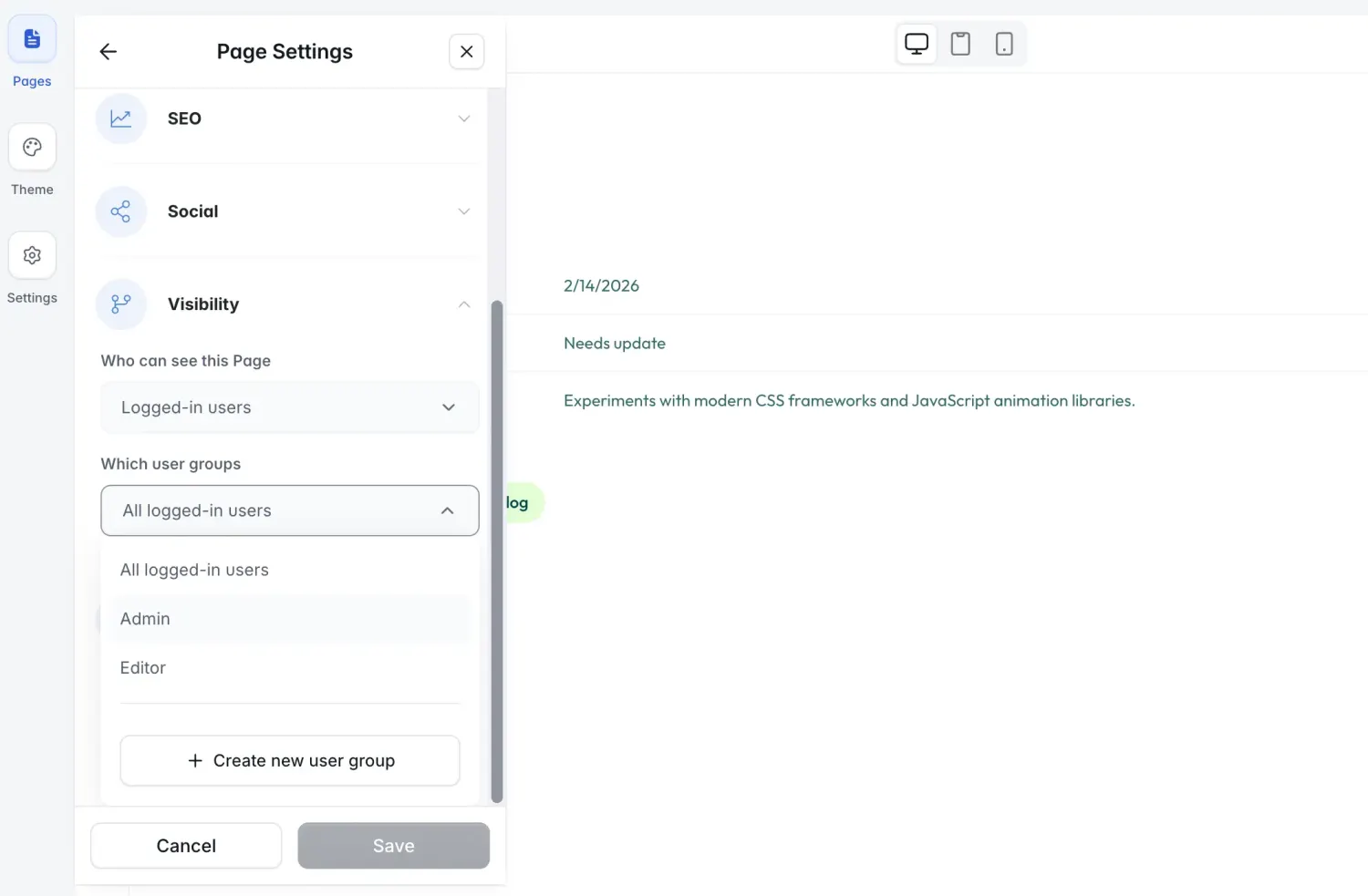
Under the Visibility tab, you can control who sees specific parts of your app. Choose from:
- All Users: Includes both logged-in and non-logged-in users.
- Logged-In Users: Requires login credentials to access content.
- Non-Logged-In Users: Accessible without login credentials.

To restrict access further, you can select specific user groups. For instance, if you want only managers to view sensitive data, use the "Which User Group" dropdown to apply the restriction.

Step 10: Preview your web app
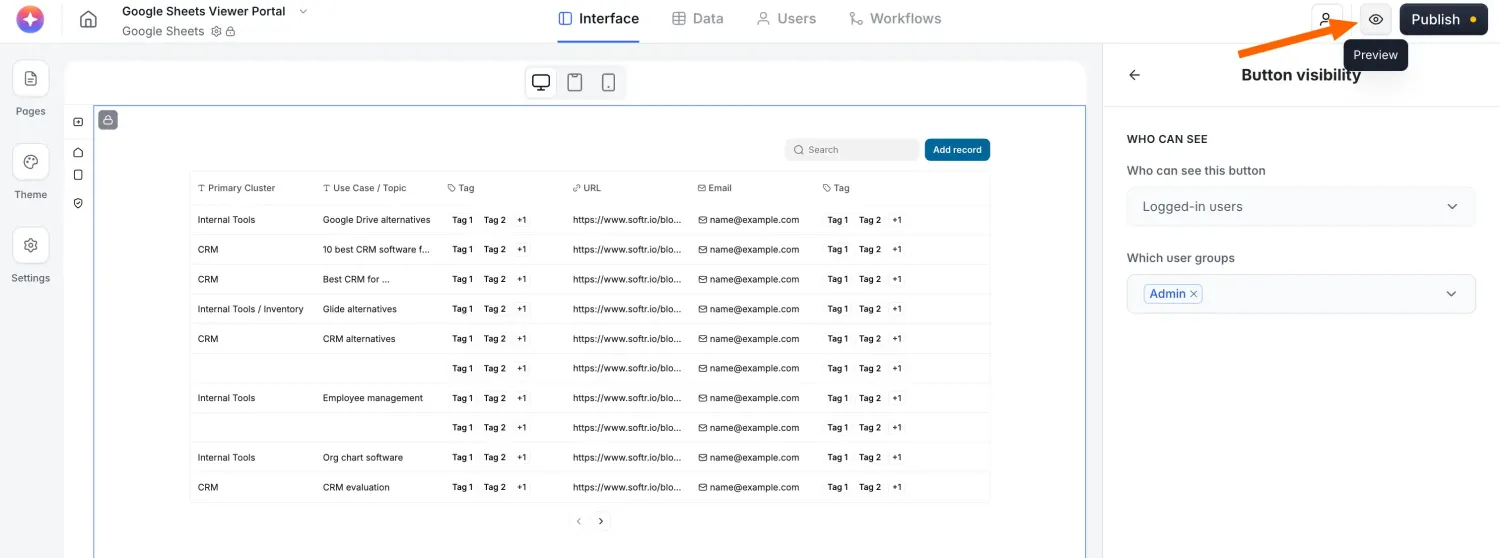
Before publishing, use the Preview feature to test your app's design and functionality. Click the play icon in the top-right corner to open the preview page.

You can choose between different user views (e.g., logged-in vs. non-logged-in users or specific user groups) to confirm that permissions and visibility settings work as intended. This impersonation step matters: it's the easiest way to catch a permissions mistake before a real client or employee ever sees it.

Step 11: Publish and share your web app
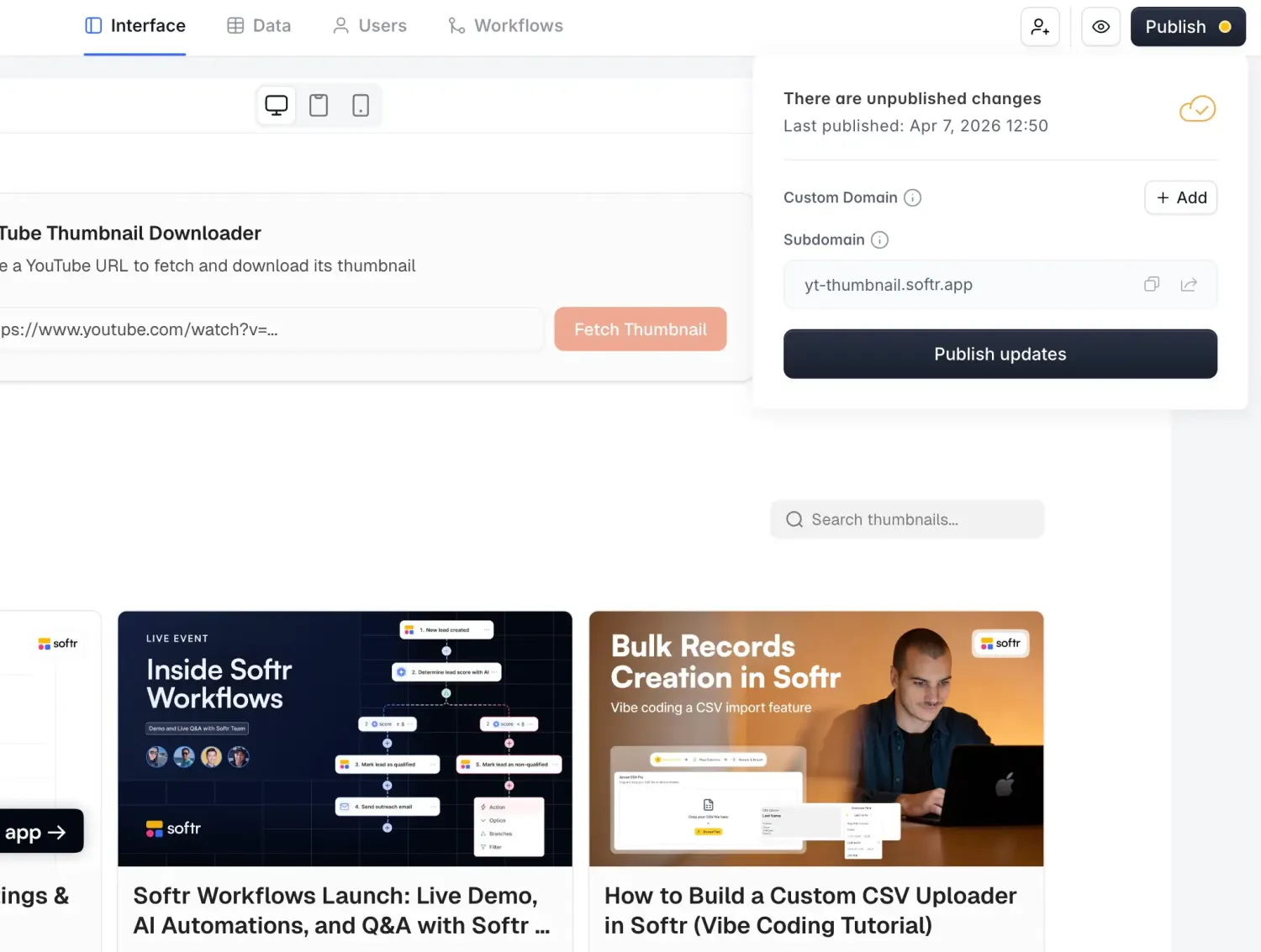
Once you're satisfied with your app, click "Publish" in the top-right corner. You can either publish to a custom domain or use Softr's subdomain for a quick launch, and your app is live and hosted the moment you do, no separate hosting or deployment step required.

After publishing, share the app link with your team so they can start using the app.
3 examples of apps built using Softr
Softr empowers creators and companies to bring their ideas to life quickly and without technical expertise. From niche job boards to innovative learning platforms, its intuitive tools and templates make it easy to build impactful web apps.
Here are three standout examples of web apps built entirely with Softr.
1. Le Job Vélo
Le Job Vélo is a job board tailored for the French cycling industry, built entirely with Softr.

It provides a platform for cycling enthusiasts, professionals, and businesses to find and list job opportunities. The creator, a senior product manager and cycling content creator, used Softr's job portal template to launch this project quickly and test its potential as a side business. Its user-friendly interface made it easy to bring this idea to life without technical expertise.
In just 2.5 months, the web app had 85 job offers listed, 62 companies signed up, over 10,000 page views, and €1,500 in revenue.
2. Les No-codeuses
Les No-codeuses is a resource hub introducing women to the tech world through no-code tools. It's designed to encourage more women to explore opportunities in the digital space.

The co-founders, one with a computer engineering background and the other with experience in startups and nonprofits, chose Softr after testing alternatives like Wix, WordPress, and Webflow. They found Softr to be the most intuitive and accessible, with the added bonus of offering a free domain name.
While the web app was live, it attracted 100 visitors shortly after launch, with one-third from organic search.
3. WeUkraine
WeUkraine is a resource directory built using Softr to showcase ongoing local initiatives in France supporting Ukrainians since February 2022. The creator, a growth consultant, used their no-code skills to help local initiatives connect with citizens willing to support.

Softr was the perfect choice because of its seamless integration with Airtable, allowing for a strong database and extensive automation features. This made it possible to build and launch the platform in just six hours.
The results were remarkable: the platform was featured in over 100 media outlets in France, including prime-time TV. Within 48 hours, 100 volunteers joined to help develop and maintain the site, and it hosted over 700 local initiatives.
These examples predate Softr's AI Co-Builder, which means each one required manually building the database, pages, and permissions by hand. With the Co-Builder now handling that first pass automatically, a similar project takes even less time to get off the ground.
"I was surprised by how much I was able to build in a single night: login, gated content, dynamic lists, and a clean front-end, all without writing a single line of code." - Verified Softr user, G2 review
Best practices for building an app using a no-code platform
While building web apps with no-code tools (or even mobile apps), keep these tips in mind:
- Understand the issue your app is solving and the needs of your target users,
- Start with your data structure, not your pages. Success with a no-code app is 80% data structure,
- Define clear goals for your app, such as user engagement or time saved on manual work,
- Let the AI Co-Builder generate your first draft (database, pages, and permissions), then refine it by hand,
- Start with templates relevant to your app's purpose if you'd rather not prompt from scratch,
- Focus on essential features before adding advanced functionalities,
- Ensure your app looks and functions well on mobile devices,
- Get feedback from real users to refine the app's functionality and interface,
- Use platform-provided security features like role-based permissions and data restrictions to control exactly who sees what,
- Reach for a Vibe Coding block only for the rare feature a pre-built block can't handle,
- Engage with the platform's no-code community for tips and inspiration.
Build your first app for free today
Creating an app doesn't have to be expensive or complicated.
With the right tools, you can go from an idea to a fully functional app in a day, not months. Softr's free plan includes unlimited apps, forms, and collaborators, plus 10 app users, 5,000 database records, and 5 AI credits to try the Co-Builder, so you can validate a real idea before spending a cent. When your app grows past those limits, paid plans start at $49/month and scale up with more users, records, and AI credits.
The fastest way to start: open the AI App Generator, describe the app you need, and see your database, pages, and permissions built for you in minutes. Prefer a proven starting point? Browse Softr's templates instead.
Frequently asked questions
- Can I create an app without coding?
Yes. No-code platforms like Softr let you design, connect, and launch a working app without writing a single line of code. You get a drag-and-drop interface, pre-built blocks for forms, tables, and dashboards, and a native database, so the visual editor handles the technical work for you. If you ever need something a standard block can't do, the AI-generated Vibe Coding block lets you describe a custom feature in plain language instead of hiring a developer.
- Can a free app make money?
Yes. Free apps can generate revenue through models like premium features, subscriptions, affiliate partnerships, or paid add-ons. Many businesses start on Softr's free plan to validate an idea, then upgrade once they need more app users, database records, or workflow actions to support paying customers.
- How can I make an app with no money?
Start with a free no-code platform like Softr, which includes unlimited apps, forms, and collaborators on its free plan, along with 10 app users, 5,000 database records, and 5 AI credits at no cost. Describe your app to the AI Co-Builder or start from a template, connect your data, and focus on the core features first. You can validate your idea and get real users onto the app before ever entering a credit card.
- What is the best free app builder?
The best free app builder depends on what you're building, but Softr is a strong choice for internal tools and client-facing portals because it combines a free plan, an AI Co-Builder that generates a working app from a plain-language description, and a native database with built-in permissions and security. Other options worth exploring include Glide and Adalo, though they lean more toward simple mobile apps than full business software.
- Do I need a database before I start building my app?
Yes, and it's worth doing first. Success with a no-code app is 80% data structure: once your tables, fields, and relationships are set up correctly, the interface comes together much faster. Softr Databases is the native option, so your data, app, and automations all live in the same platform without external API limits. You can also describe your data structure to the Database AI Co-Builder and it will generate the tables, fields, and relationships for you, or import an existing spreadsheet or Airtable base directly.