


[.blog-callout]
TL;DR
- ClickUp and Coda are now available as data sources in Softr, so you can build branded portals and internal tools on top of your existing tasks and docs.
- Both integrations support real-time, two-way sync: changes in ClickUp or Coda show up in your Softr app instantly, and vice versa.
- You get role-based permissions and a branded login, so clients or teammates never need a ClickUp or Coda account to use your app.
- ClickUp is available on the Professional plan and higher; Coda is available on every plan, including Free. [.blog-callout]
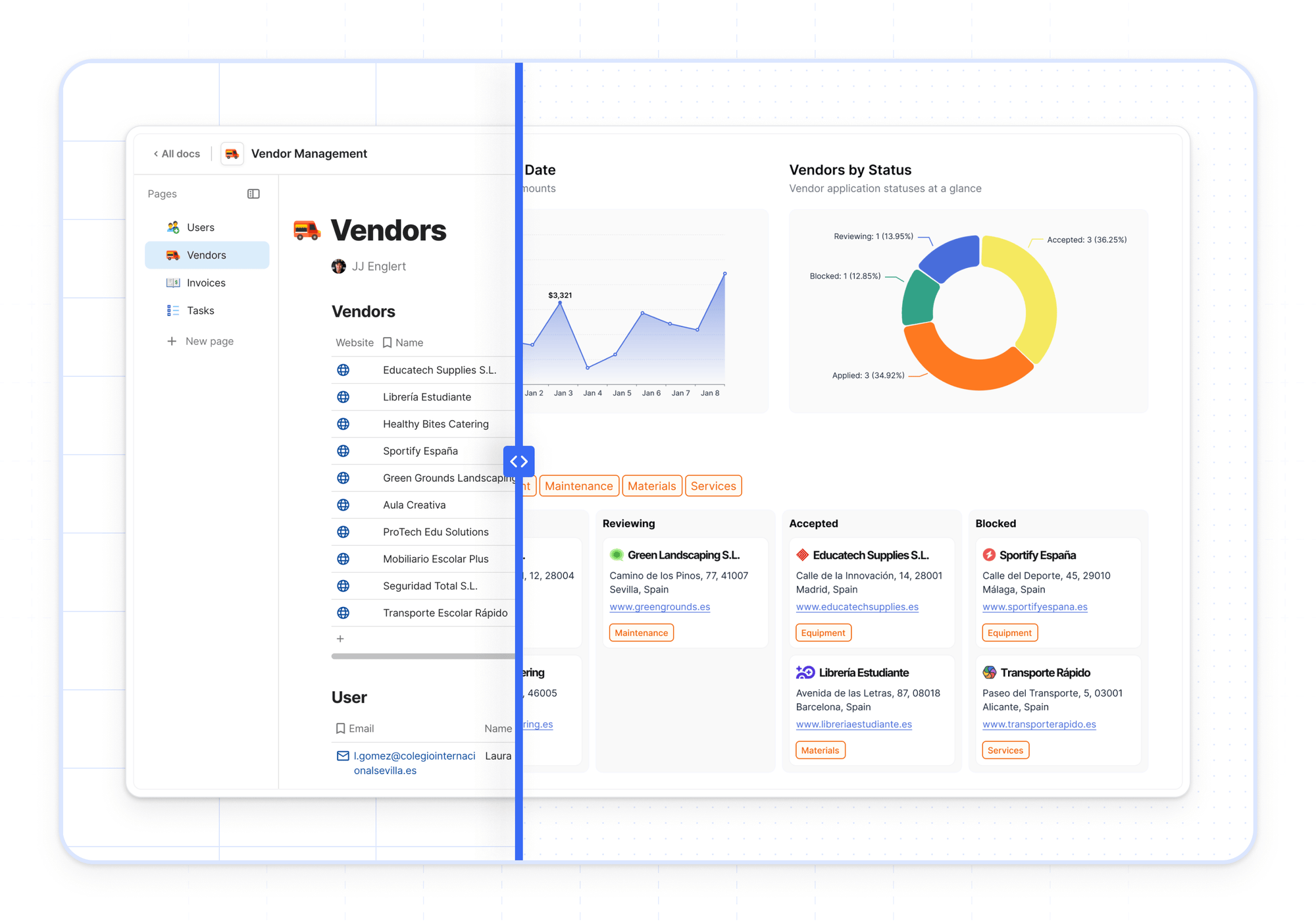
Two highly requested integrations are here: ClickUp and Coda are now available as data sources in Softr. If you use either tool for project management and collaboration with clients, you can now build branded portals and other tools on top of your data, no code required.
👀 See ClickUp + Softr in action
👀 See Coda + Softr in action
Unlock secure, on-brand portals with ClickUp or Coda data
Until now, sharing ClickUp or Coda data with external users has meant shared dashboards, public docs, or other access workarounds.
With Softr, you can:
- Give each user access to only the data that matters to them (without exposing your ClickUp or Coda setup or requiring them to log into these tools),
- Build a branded portal experience with custom domains, logos, and layouts.
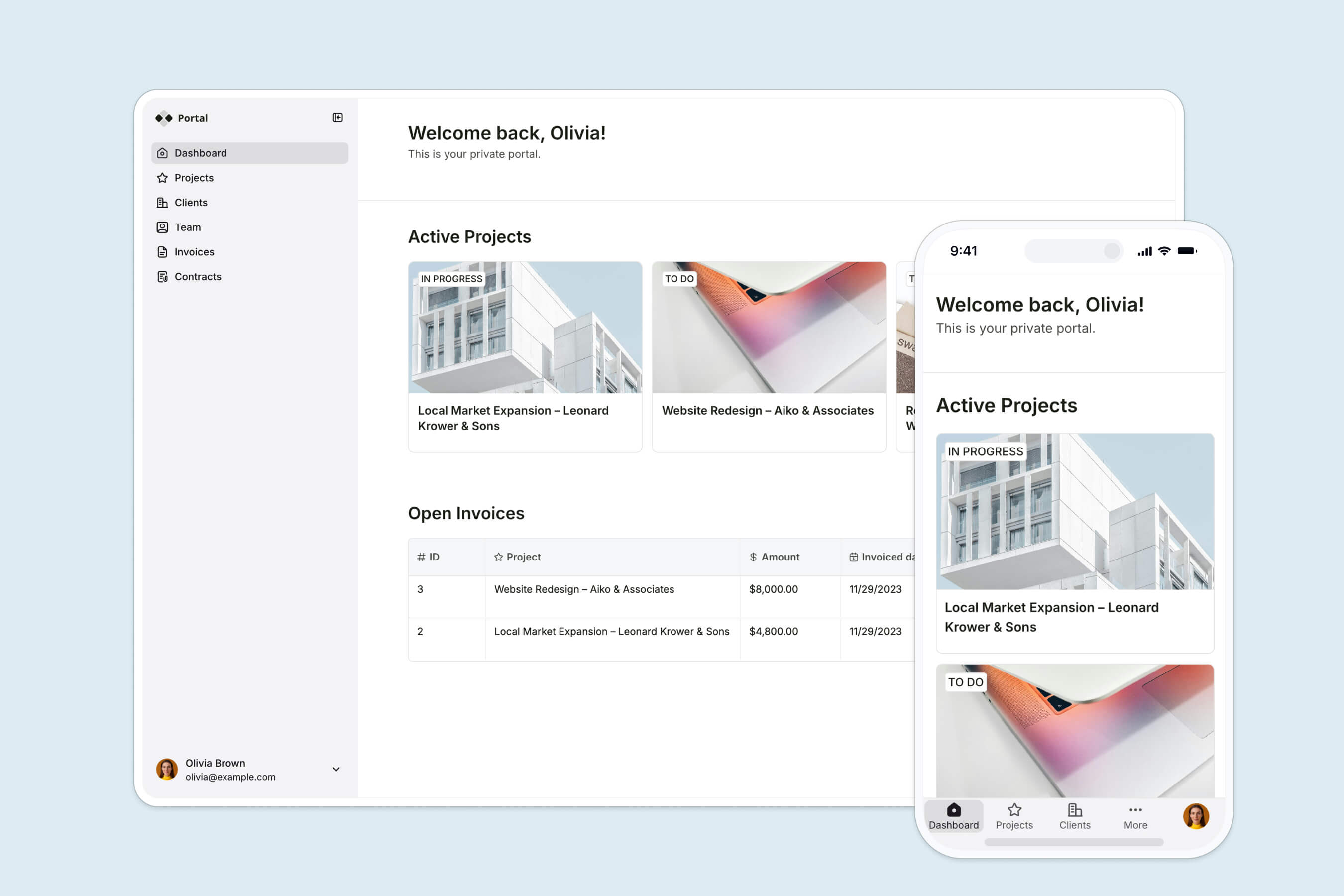
Whether your team works in ClickUp or Coda, Softr helps you create a way for clients or other users to log in, submit forms, track project status, or view deliverables, with role-based visibility and a two-way data sync to ensure information is always up-to-date.
"Softr lets us create a customer-specific portal with permission control, track tasks, view launch trackers, and share documents in one place. It only took a couple of days to build the entire portal, including permission leveling and custom workflows." - Casey H., Advisor (Small-Business), G2 review
Integrate ClickUp and Coda with Softr Databases and 21+ other data sources
To reiterate: both of these data source integrations support real-time, two-way sync, meaning changes made in ClickUp or Coda are automatically reflected in your Softr apps, and vice versa.
For new apps, we recommend starting with Softr Databases, our native, relational database built for speed and AI-readiness. But if your data already lives elsewhere, you can also connect ClickUp or Coda alongside other sources like:
- Airtable
- Notion
- Google Sheets
- HubSpot
- SQL databases
- …and other sources via REST API
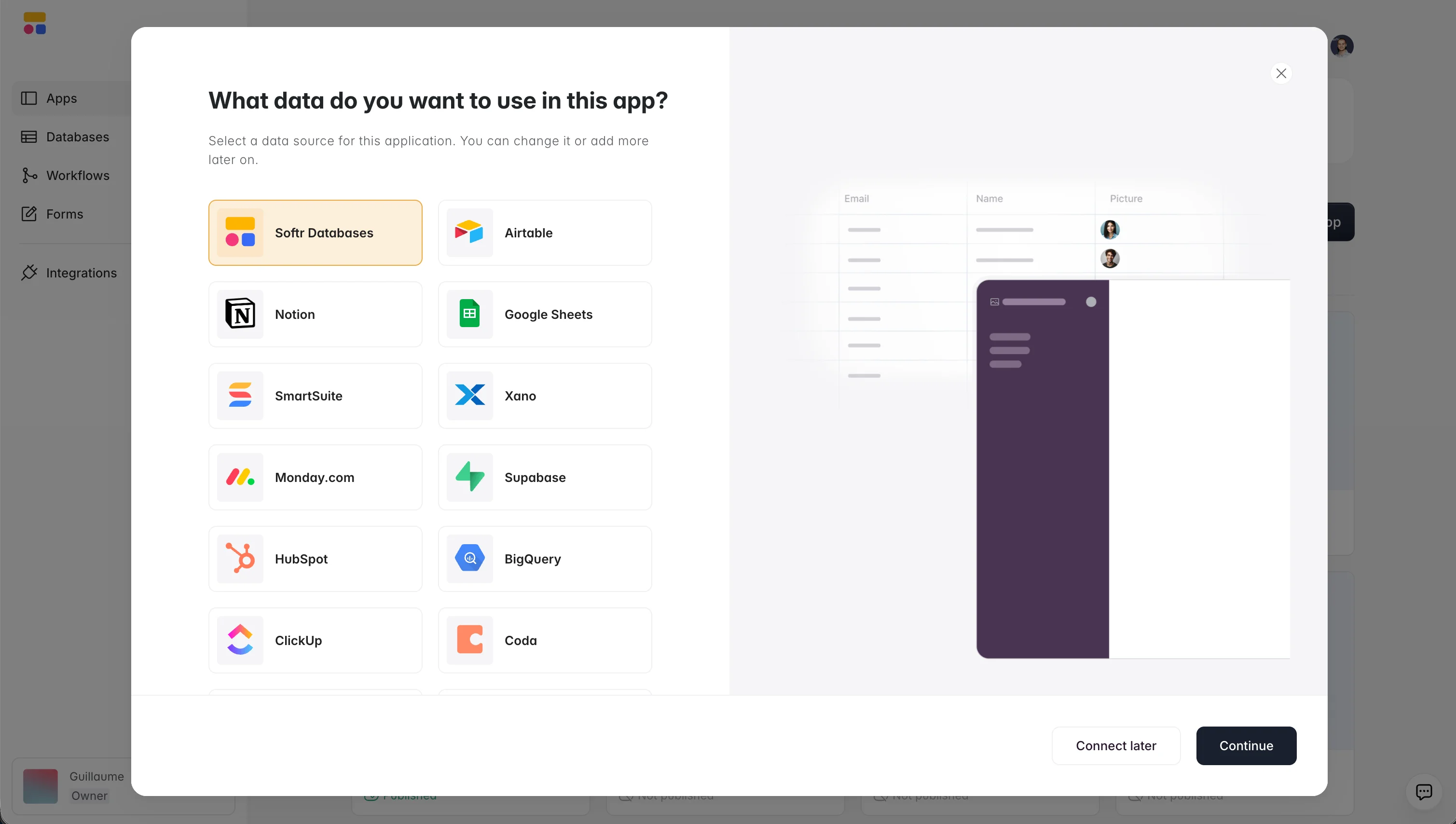
Softr's native data integrations open up powerful cross-tool workflows: for example, pull in task status from ClickUp, ticket info from HubSpot, and dashboards from your analytics tool, all in one clean interface.
Collect information with powerful, conditional forms
Neither ClickUp nor Coda offer forms with conditional logic, but collecting structured data from clients or teammates can power critical workflows.
With Softr, it's easy to:
- Use advanced multi-step forms with conditional logic that show only relevant questions based on user role or prior answers,
- Automatically send form data back to ClickUp or Coda,
- Trigger Softr Workflows that create tickets, update project status, or notify your team.
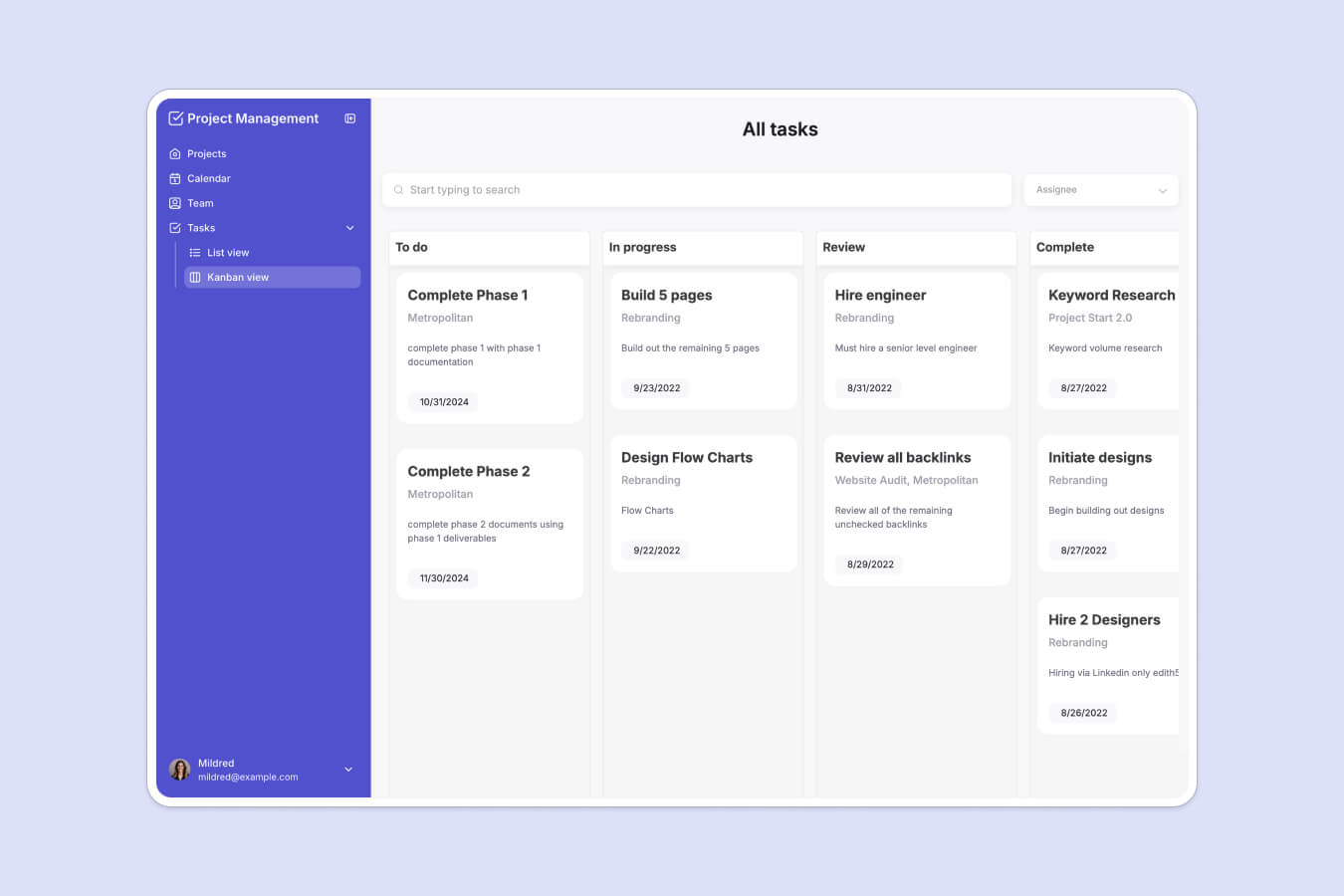
From client request intakes to creative approvals to feedback collection, Softr forms let you create great client experiences and get your team the data they need.
How it works
- Connect your ClickUp or Coda account to Softr in a few clicks and choose the data you want to display.
- Customize layout and logic using Softr's drag-and-drop blocks, user groups, and granular permissions, or describe the page you want to the AI Co-Builder and let it configure the blocks for you.
- Publish your app on a custom domain with built-in user management, no guest access or public docs required.
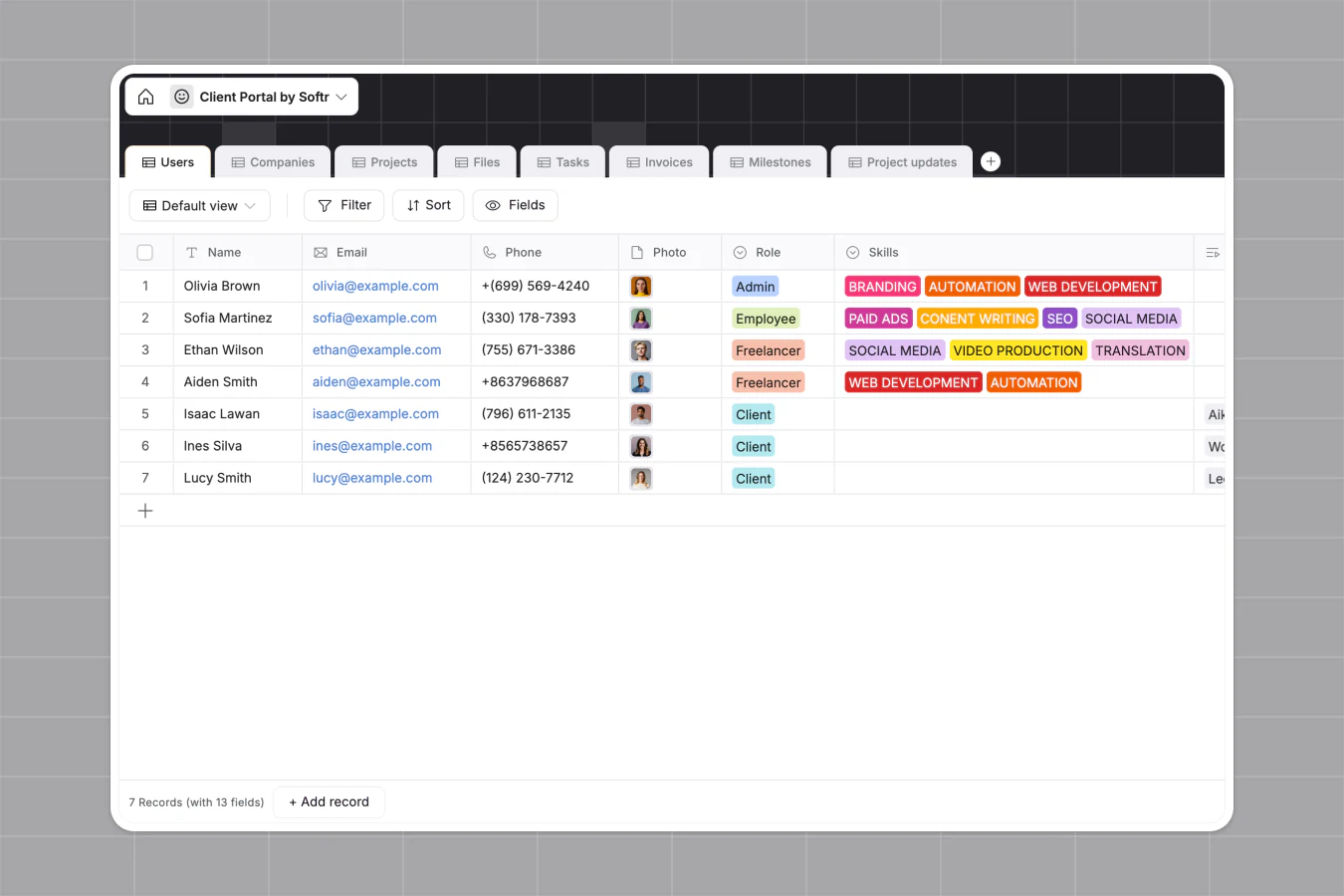
How to use ClickUp as a data source in Softr →
How to use Coda as a data source in Softr →
The ClickUp integration is available on the Professional plan and higher, and the Coda integration is available on all plans (including Free).
Frequently asked questions
What can I build with the ClickUp or Coda data source in Softr?
Is the ClickUp and Coda integration in Softr two-way?
Which Softr plans include ClickUp and Coda as data sources?
Can I combine ClickUp or Coda data with other tools in the same app?
Do my clients or teammates need a ClickUp or Coda login to use the app?


