


[.blog-callout]
TL;DR
- Softr's form builder now supports conditional logic: forms can show or hide steps and fields based on user input, record details, or user attributes.
- Use it for onboarding, support requests, surveys, and lead capture, either as a standalone form or as the Conditional Form Block inside a Softr app.
- Submissions can be stored in a Softr Database or routed to 21+ external sources, and can trigger a Softr Workflow the moment someone submits. [.blog-callout]
Ditch those external form embeds! We're excited to announce a major upgrade to Softr's form builder: conditional logic. Now you can create dynamic, multi-step forms that adapt to your users and workflows, directly within Softr.
Power up your workflows with conditional forms
With logic-driven forms, you can show or hide form steps and sections based on user input and attributes. This lets you enhance your business applications with:
- More streamlined onboarding processes: Ask relevant questions to clients and employees based on user type and needs.
- Better support requests: Guide users efficiently through troubleshooting or tickets, showing relevant fields based on issue type.
- Personalized surveys: Collect detailed information and feedback by tailoring follow-up questions based on responses.
- Enhanced lead capture: Target leads with questions relevant to their interests.
Get started quickly: Add a new dynamic form block to your Softr app from our block library in Softr Studio, or ask the AI Co-Builder to add one for you by describing the form you need. For more details, visit our help docs.
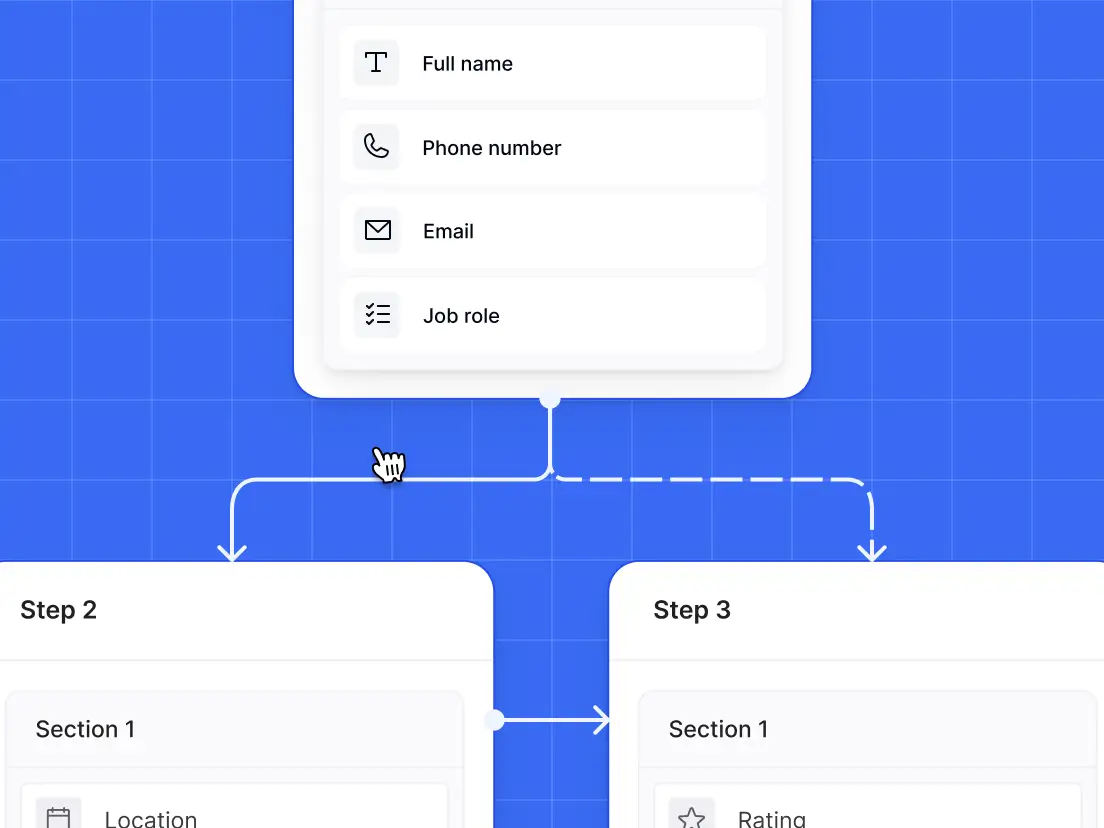
Display only the information that's needed
Guide users through a tailored form journey based on responses to questions, current records details, or user information, such as subscription level. This helps to streamline your user experience and prevent overwhelming users with irrelevant information.

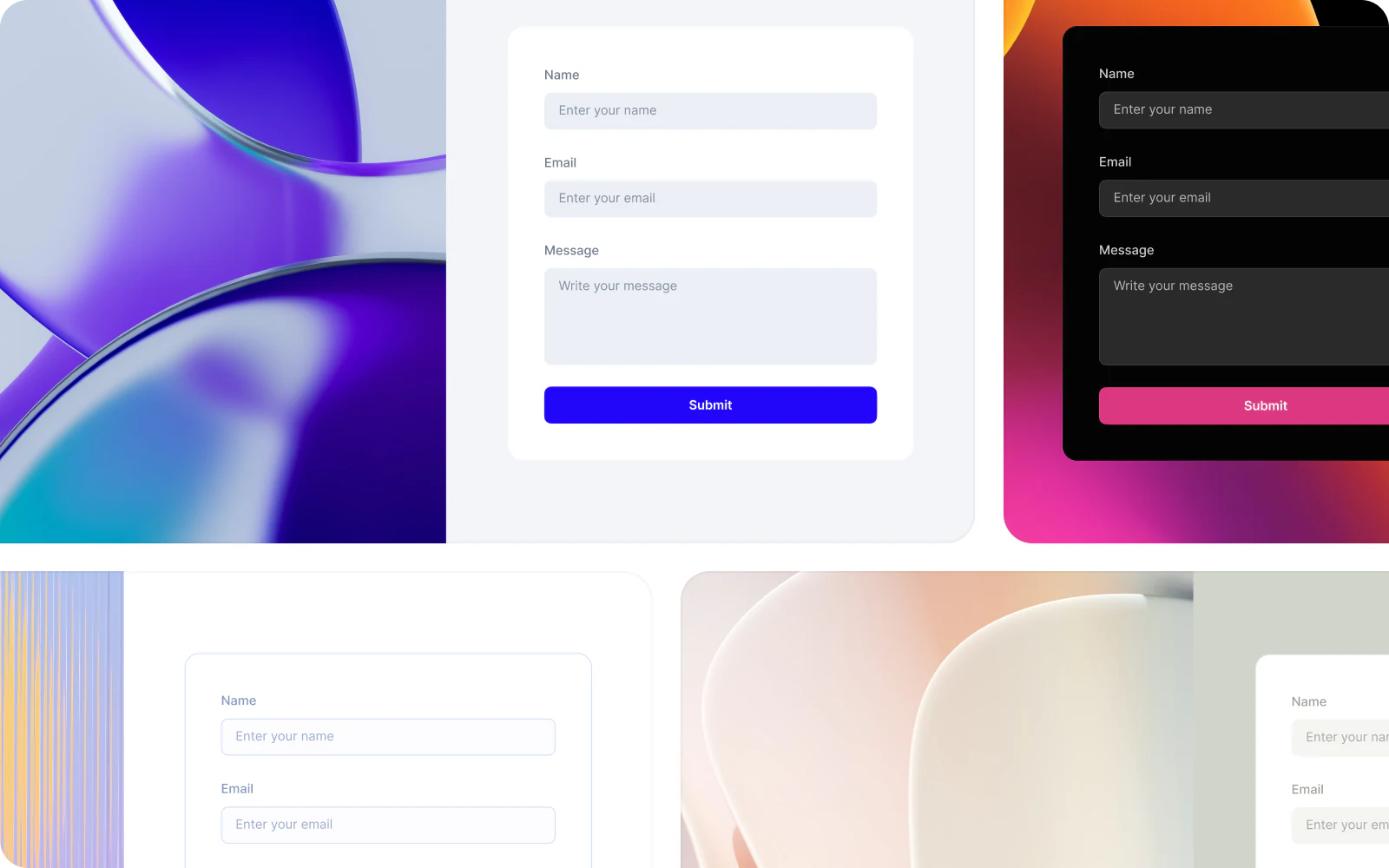
Craft beautiful forms
Build multi-step forms with ease using a visual logic builder. Customize your form's design with layout options, then tweak colors, fonts and more to your liking.

Automate manual processes
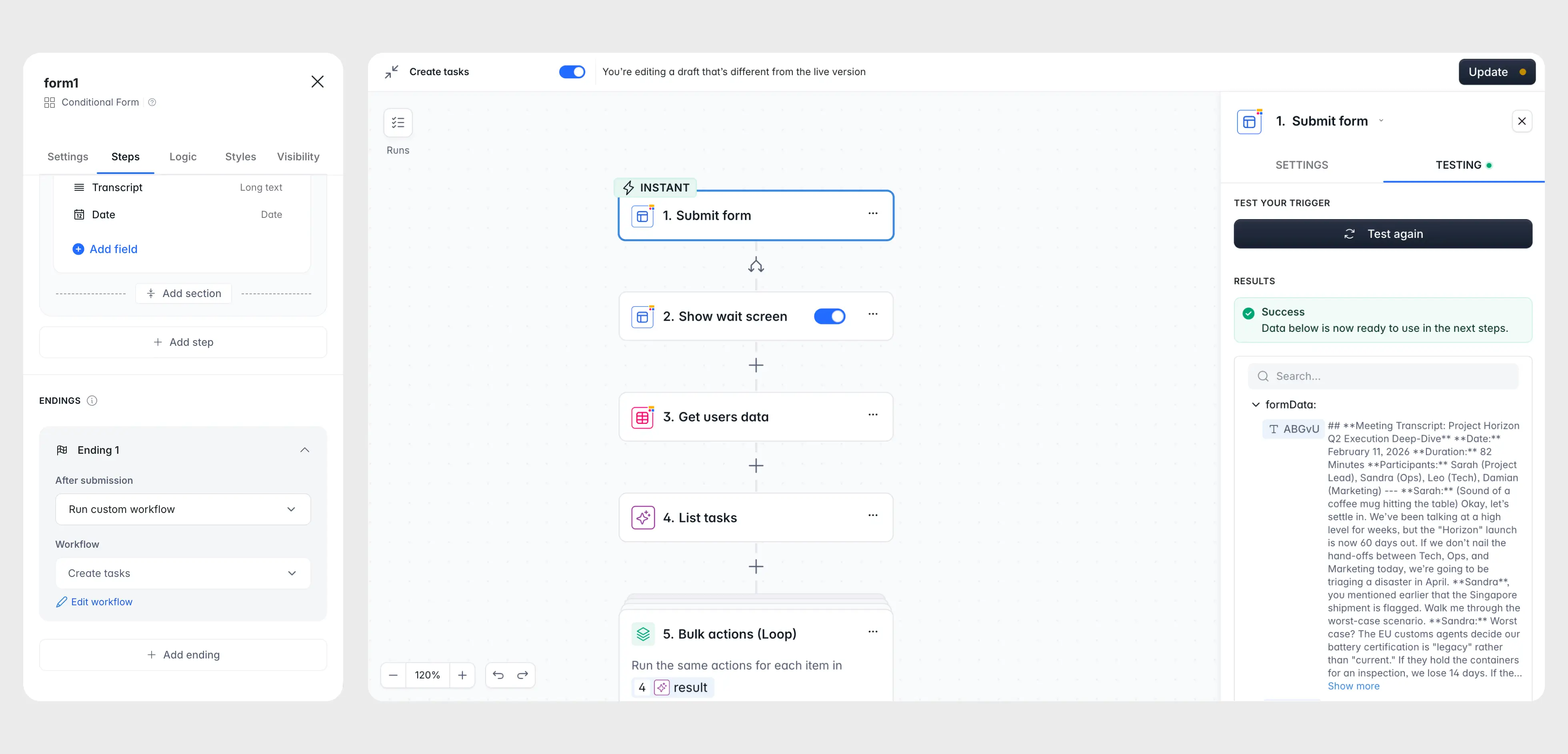
Build forms to automate any workflow, from onboarding and feedback gathering to customer support and training. Send form submissions directly to your Softr Database, or route them to 21+ external sources like Airtable and Google Sheets. From there, trigger a Softr Workflow the instant someone submits, or use native integrations with tools like Zapier and Make if that's already part of your stack.
"Instead of just storing the data, a form trigger launches a workflow to run downstream business logic immediately on submission." - Romain Minaud, Product Manager at Softr

Nonprofit Minerva Network used Softr forms and workflows to cut admin workload by 70% while increasing athlete registrations by 50%, without adding headcount to their small team. That's the kind of leverage conditional logic and automation unlock once your forms stop being a dead end and start feeding the rest of your app.
Start with a powerful template!
Frequently asked questions
What are conditional forms in Softr?
Do I need to build a full app to use conditional logic in a form?
Can a form submission trigger an automation?
Where does form data get stored?
Is there a limit to how many steps a conditional form can have?


