



[.blog-callout]
✨TL;DR:
- A sales CRM lives or dies on a handful of core features: contact management, a visual pipeline, lead scoring, follow-up automation, reporting, and granular permissions.
- Off-the-shelf CRMs force your process into their structure. Building your own with no-code gives you a tool that matches how your team actually sells.
- With Softr, you get the full stack in one place: a native database, an interface builder, Softr Workflows for automation, and AI features like lead enrichment and Ask AI.
[.blog-callout]
If you work in sales, you know the importance of efficiency, organization, and seamless workflows. A sales CRM is your operating system for the customer lifecycle: it tracks every interaction, keeps your pipeline visible, and ultimately drives revenue growth.
Perhaps you've been grappling with spreadsheets so far. But now you're looking to level up, and you need a CRM that molds to your team's process, not the other way around. Buying off the shelf often means paying for features you won't use while missing the ones you actually need. So what about building your own sales CRM, one that fits like a glove, without writing a line of code?
In this guide, we'll walk through the must-have features of a sales CRM and show how to build each one with a no-code platform like Softr. If you'd rather skip straight to a working app, grab our free sales CRM template and customize it from there.
Why build a sales CRM with Softr?
Softr gives you the full stack a CRM needs in one platform: Softr Databases to store contacts and deals (or connections to Airtable, Google Sheets, HubSpot, and 21+ other data sources if your data already lives elsewhere), an interface builder with native blocks like tables and Kanban boards, Softr Workflows for follow-up automation, and granular users and permissions so reps, managers, and other departments each see exactly what they should.
It also means you're never locked into someone else's idea of a sales process. Here's how one team in roofing put it:
"In roofing, there were not many good CRM options, except for one that cost thousands of dollars a month. Instead, I used Softr to build our own CRM that rivals the expensive ones. I do not pay for features I will not use, and simply build the ones I want, exactly how I want them." — Verified G2 review, Construction
The must-have features of a sales CRM
Whatever tool you end up with, these are the capabilities that separate a CRM your team actually uses from another abandoned login.
Contact management: the heart of your CRM
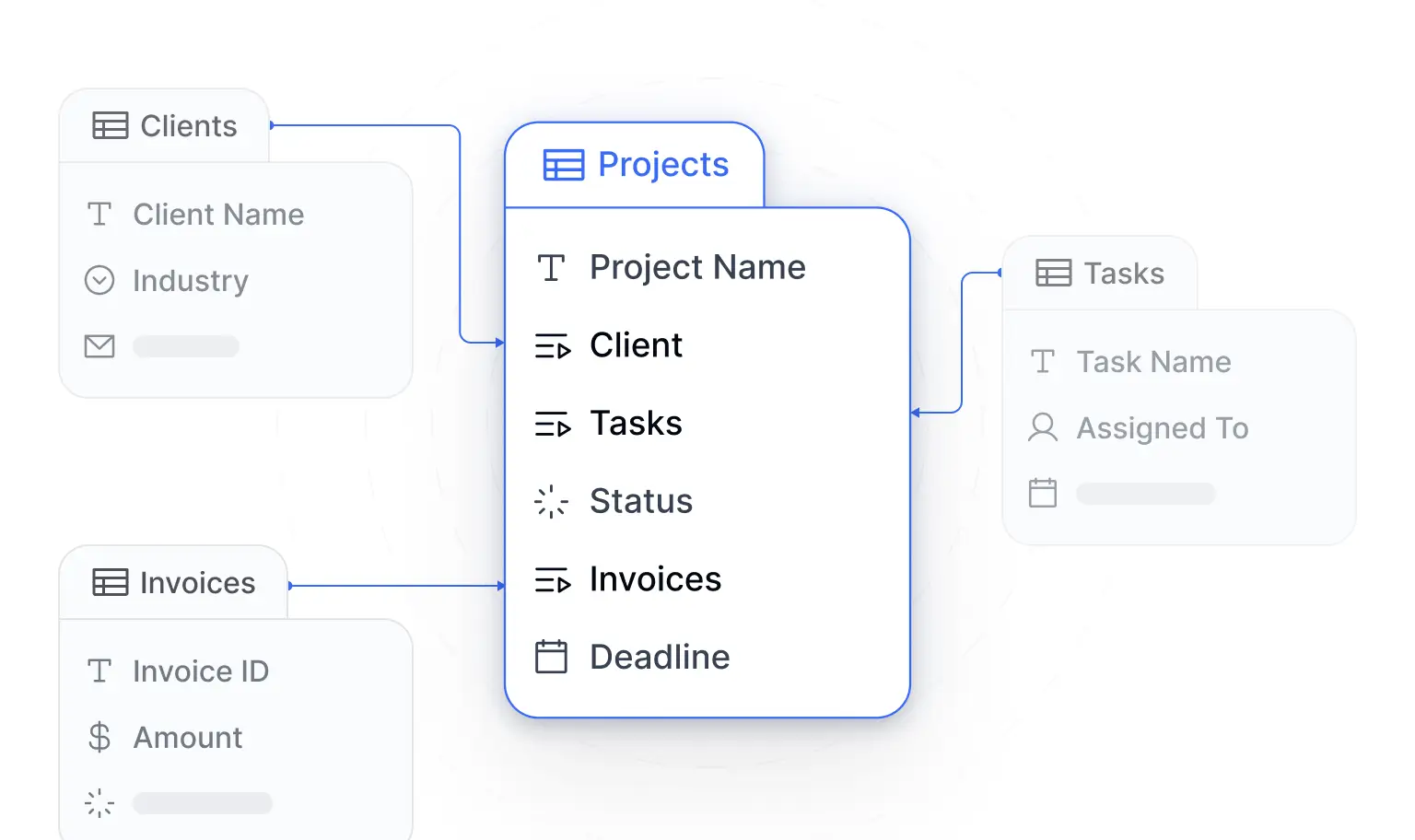
Contact management is the foundation of any CRM. The key design decision is relational structure: keep Contacts and Companies as separate, linked tables instead of cramming everything into one list. That way, three contacts at the same account all roll up to one company record, and updating the company updates everywhere it appears.
In Softr Databases, linked record fields handle this natively, and rollup fields can automatically count deals or sum revenue per account. You can build the schema by hand in the database editor, or describe it to the Database AI Co-Builder and let it generate the tables, fields, and relationships for you.
Pipeline visibility: see every deal at a glance
A sales team thinks in stages, so your CRM should too. A Kanban view of your deals (New, Qualified, Proposal, Negotiation, Won) lets reps drag a deal from one stage to the next and gives managers an instant read on pipeline health.
In Softr, you add a Kanban block, point it at your Deals table, and group by the stage field. Pair it with a table view in a second tab so the team can switch between a visual pipeline and a dense, sortable list of the same data.

Lead scoring and AI enrichment: prioritize to maximize
Manually researching every inbound lead is one of the biggest time sinks in sales. This is where AI changes the equation. With database AI agents, enrichment happens directly at the field level: a new lead comes in with just a website URL, and a web-search-enabled AI field automatically fills in the company description, industry, and headcount. An AI-powered select field can then score or categorize the lead against your own criteria.
The numbers back this up: 88% of early adopters of AI agents report positive ROI on at least one use case. For a deeper walkthrough of structuring and enriching your data, see our guide to building a CRM database.

Task automation: efficiency in action
Every manual follow-up is a deal at risk of slipping through. Your CRM should handle the routine logic itself: when a deal moves to "Proposal," notify the manager on Slack; when a lead goes cold for 14 days, create a follow-up task; when a deal is marked "Won," kick off onboarding.
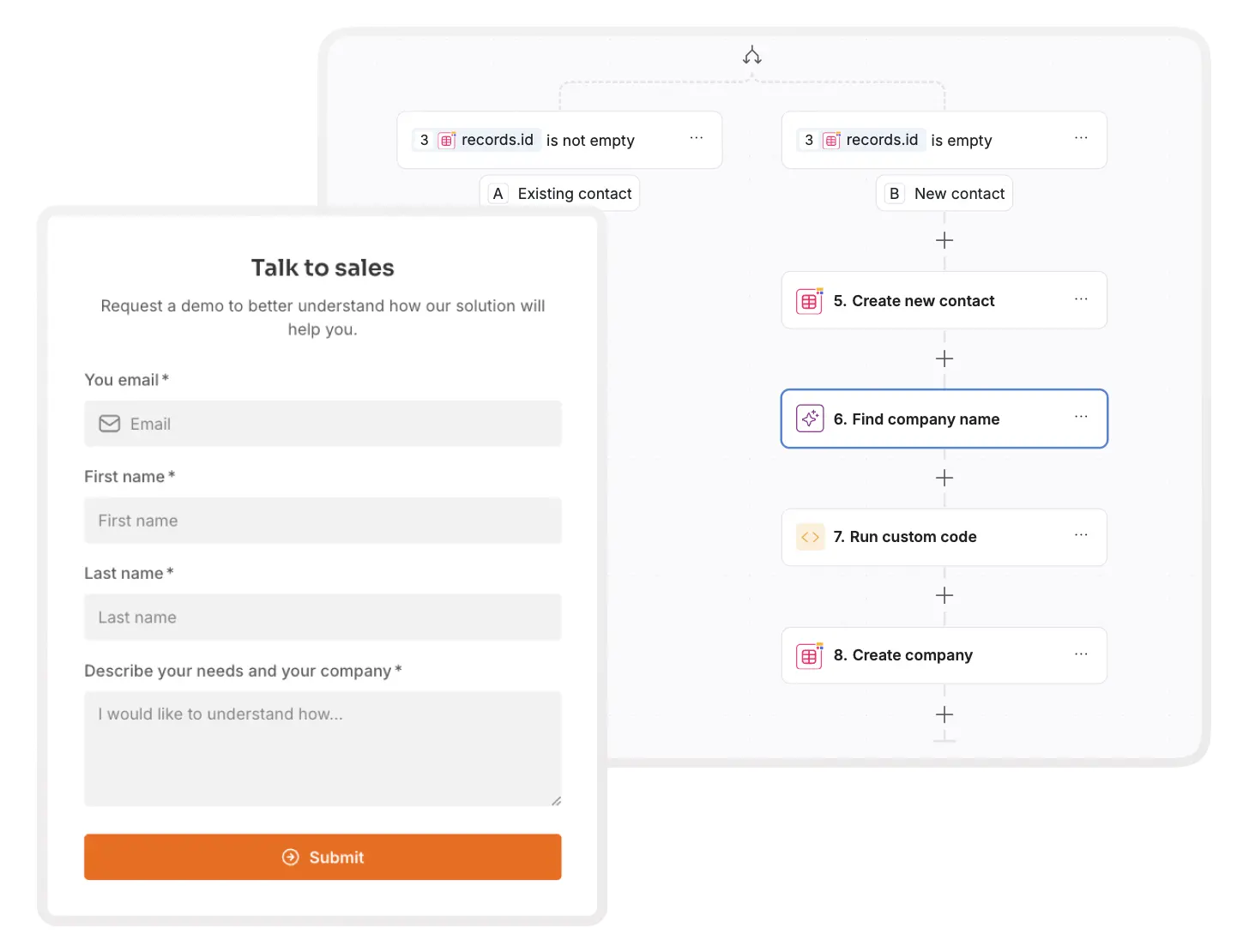
Softr Workflows handle this natively, and because they're built into the same platform, they can be triggered directly by UI interactions (like a rep clicking a "Send proposal" button) or instantly by database changes, with no polling delays. You can build automations visually, or describe them to the Workflow AI Co-Builder and let it assemble the logic. If you prefer external tools, Softr also has native integrations for Zapier, Make, and n8n. We cover patterns and examples in our guide to CRM workflow automation.
Email and tool integrations: communication is key
Your CRM shouldn't be an island. Workflows can send emails through Gmail, post to Slack, generate PDFs with DocsAutomator, or call any external API through HTTP request steps. That means contact interactions get logged automatically, proposals go out from the CRM itself, and your existing stack (email marketing, support tools, project management) stays in sync. If your pipeline data needs to stay in HubSpot or another system of record, you can build your interface directly on top of it.
Custom reports and dashboards: keep track of what matters
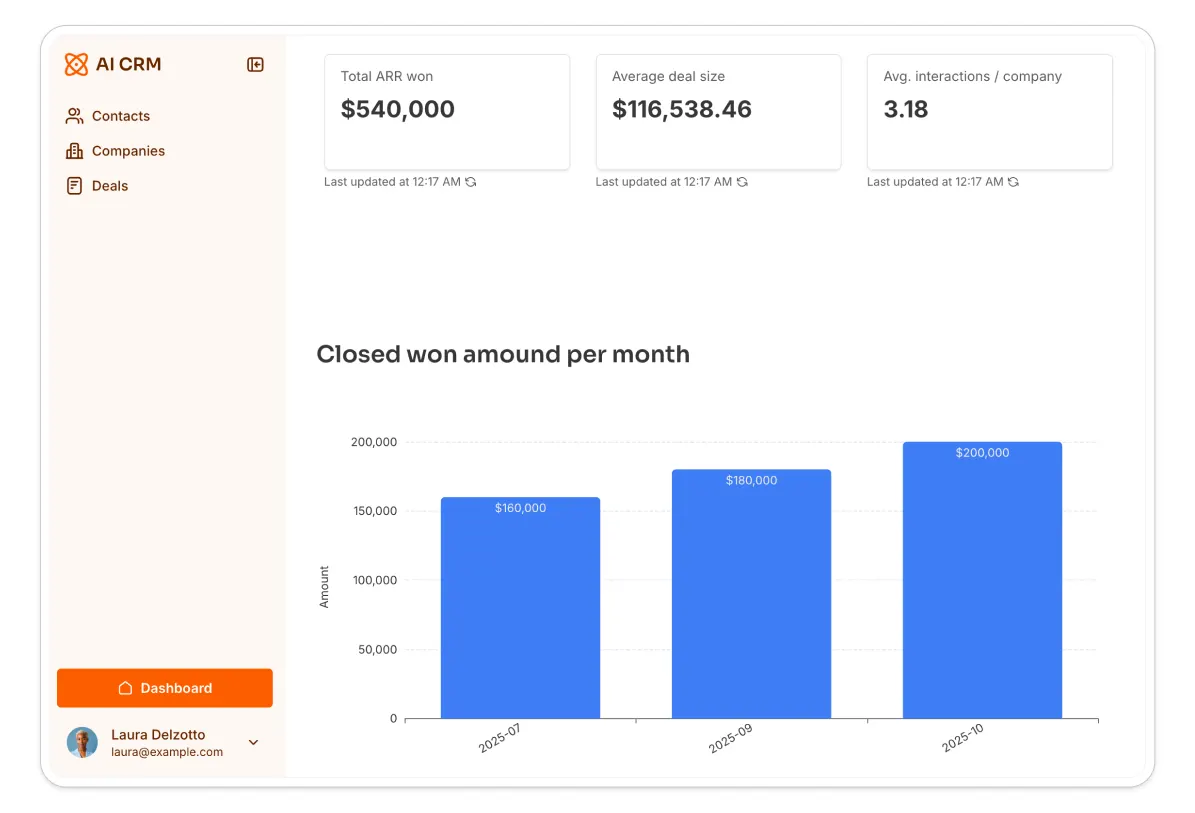
Forecasting and reporting shouldn't require exporting to a spreadsheet. Use rollup and formula fields to pre-calculate KPIs in the database (pipeline value by stage, win rate, average deal size), then surface them with chart blocks and KPI cards on a dashboard page.
And with Ask AI enabled on your deals table, anyone on the team can query the pipeline conversationally: "Which deals over $10k have had no activity in two weeks?" The AI answers strictly from the data that user is allowed to see.
Mobile access: CRM on the go
Reps update deals from the field, not from a desk. Apps built with Softr are responsive by default because they're composed of battle-tested native blocks, so your pipeline, contacts, and tasks work on any device without extra configuration or layout debugging.
Collaboration and permissions: teamwork without the chaos
The beauty of crafting your own CRM is controlling exactly who sees and does what. Maybe Legal needs to approve contracts, or Marketing needs visibility into won deals for case studies. With user groups and page rules, each team gets its own view of the same app: reps land on "My Deals," managers land on a full-pipeline dashboard, and Legal only sees deals awaiting contract review.
This compartmentalization doesn't create silos. Everyone works from the same data, just through the interface that matches their job.
Security features: safe and sound
Generic spreadsheet sharing is all or nothing, which is exactly what you can't afford with revenue data. A proper CRM needs row-level control: a rep sees their own accounts, a regional manager sees their region, an admin sees everything.
In Softr, global data restrictions enforce this at the data layer, so even a forgotten filter on a new page can't leak records. Authentication (passwords, one-time codes, Google sign-in, or SSO) comes built in, and you can verify the whole setup before launch by previewing the app as any user. Softr is also SOC 2 Type II compliant, with data hosted in Europe.
How to build your sales CRM with no-code
We've covered the features. Now let's talk about actually constructing the tool.
You may be wondering, "Why build when I can buy?" The answer is customization and cost. Off-the-shelf CRMs like Salesforce come with preset features, some of which you may not need, while others may be missing, and per-seat pricing that climbs as your team grows. Building your own means the tool matches your process exactly. Here's the path:
1. Start with a plan
Usually, you already have some version of a CRM in place, typically in a spreadsheet. Map out your team's current process: what stages a deal moves through, who touches it at each step, and what information you capture along the way. Involve people from other departments so the plan covers how information flows across the whole system, not just within sales.
2. Define your data structure
Determine the tables your CRM needs: Contacts, Companies, Deals, and Activities is a solid starting point, with linked records connecting them. Success in a no-code build is 80% data structure, so it's worth getting this right before touching the interface. Our CRM database guide walks through this step in detail.

3. Generate your app
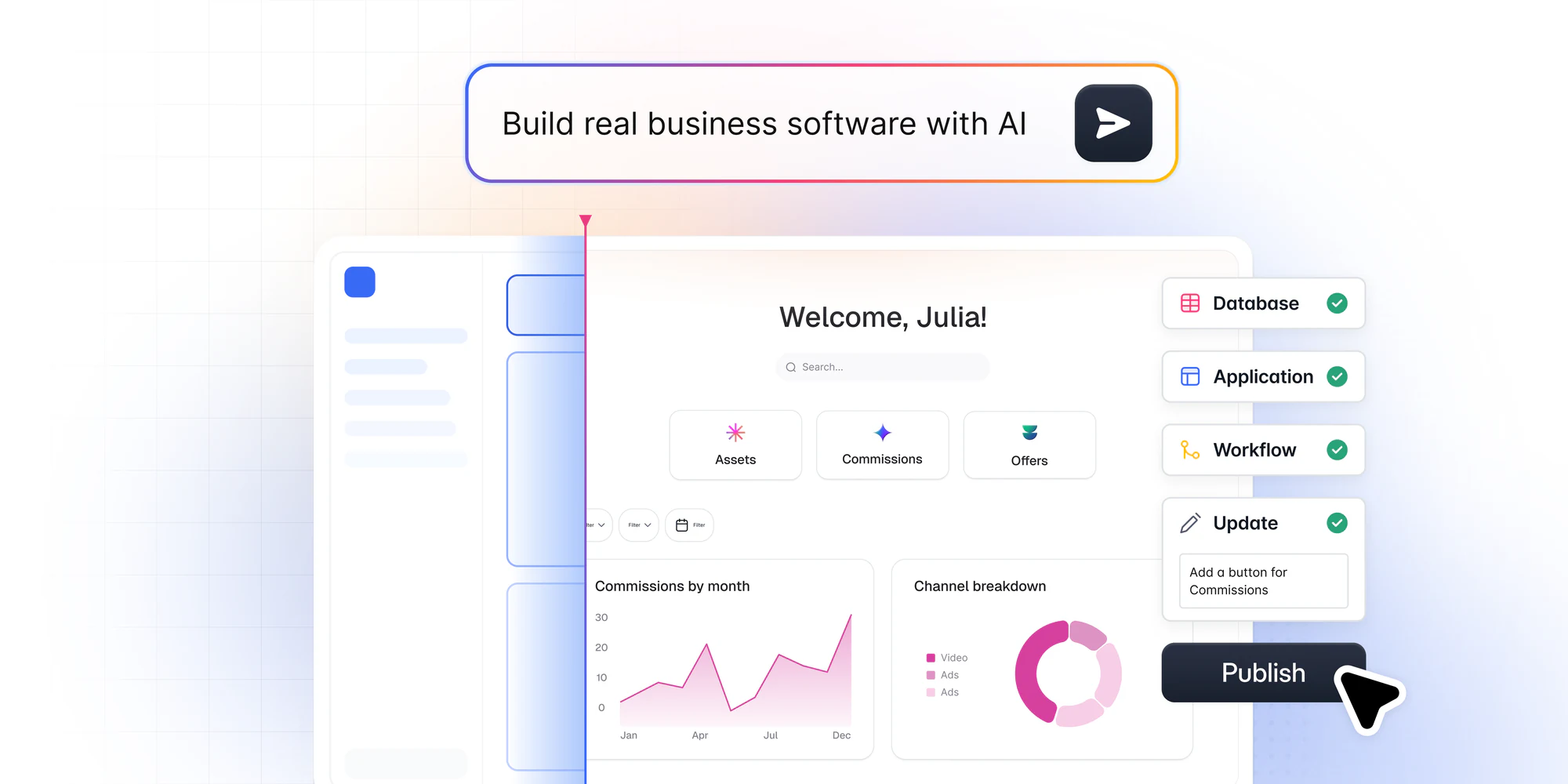
This is where building has changed dramatically. The fastest path is to describe your CRM to Softr's AI Co-Builder: it asks a few clarifying questions, then generates the complete app, including database tables with relationships and sample data, pages, Kanban and table blocks, user groups, and navigation. You can also start from our sales CRM template, or build from scratch if you prefer full manual control. Whichever path you choose, everything stays editable through the same visual editor afterward.
4. Refine your interface
Review the generated pages with the teams that will use them. Adjust blocks, add tabs to separate "My Deals" from "All Deals," and configure record detail pages so clicking a deal opens its full history in a modal. You can make these changes manually or ask the AI Co-Builder to handle repetitive configuration, like adding edit buttons across several blocks. And if you need something no native block covers, like a custom quote calculator, the Vibe Coding block generates a custom component from a plain-language prompt while inheriting your app's theme and permissions.
5. Set up automation
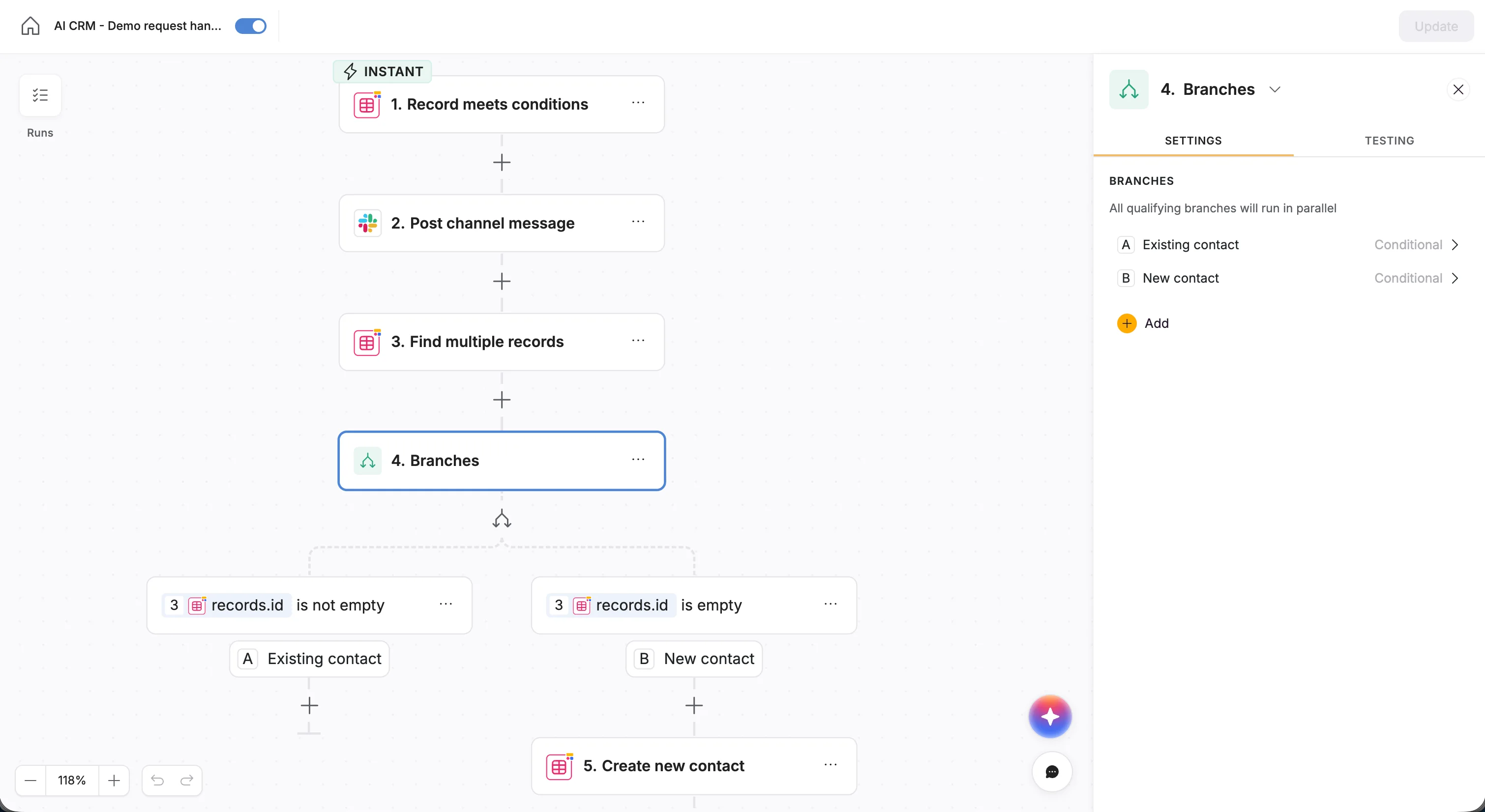
Build the workflows that remove manual work: automated follow-up emails when a lead reaches a certain stage, deal-status updates when a task completes, Slack alerts for high-value opportunities. Configure them visually in the workflow editor, or describe the automation to the Workflow AI Co-Builder and it will assemble the trigger, conditions, and actions for you.
6. Connect your tools
Integrate the rest of your sales stack: your email platform, calendar, communication tools, or document generation. Native connectors cover the common cases, and HTTP request steps handle everything else.
7. Implement security measures
Sync your Users table, define your user groups, and set global data restrictions so each role only accesses the records it should. Treat this as a launch requirement, not a nice-to-have.
8. Test and launch
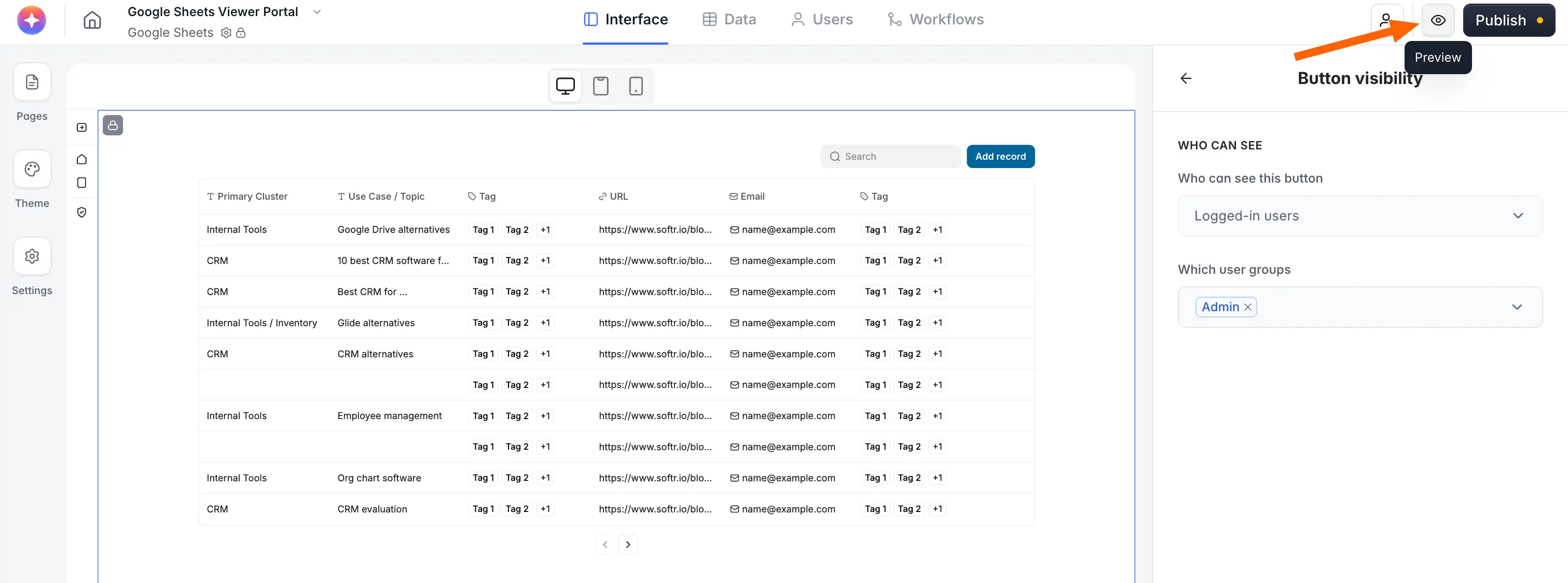
Use preview mode to impersonate each user group and verify what they can see and do. Once you're confident, hit publish: the app is live instantly, with hosting, authentication, and security already handled. From there, your CRM evolves with your business. Add a field, change a permission, or build a new dashboard without breaking what already works.
Start building your CRM today
A sales CRM built around your actual process beats a generic one your team tolerates. With the AI Co-Builder generating the foundation and visual controls letting you refine every detail, the gap between "we should have a better CRM" and "our CRM is live" is now measured in hours.
The easiest first step: grab our free sales CRM template and make it yours, or follow our step-by-step CRM guide to build one from the ground up.
Frequently asked questions
Can I really build a sales CRM without writing code?
Should I build a custom CRM or buy an off-the-shelf one?
What data source should my no-code CRM use?
How do I keep CRM data secure when multiple teams use the app?
How can AI improve a custom sales CRM?


