What's new in Softr
Check out new features, improvements, and community events!
Automated user invitation
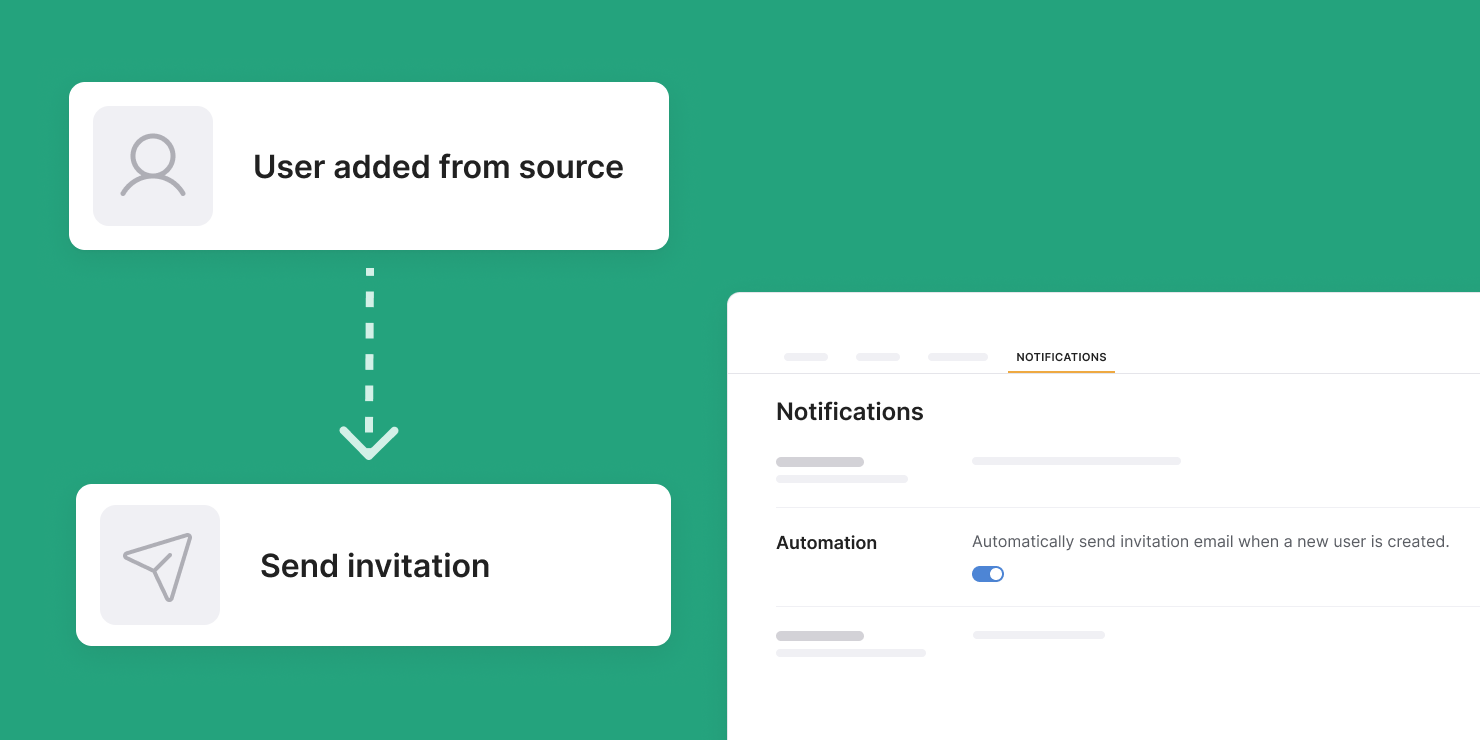
If you have users coming from your data source, you no longer have to automate their invitation emails through 3rd-party tools. You can now enable this automation right inside Softr by going to Users > Notifications.
Notion as a data source
Build custom apps on top of your Notion databases, including client and membership portals, inventory trackers, directories, and more. Set granular permissions to control who can see and edit data. Learn more
Tabs
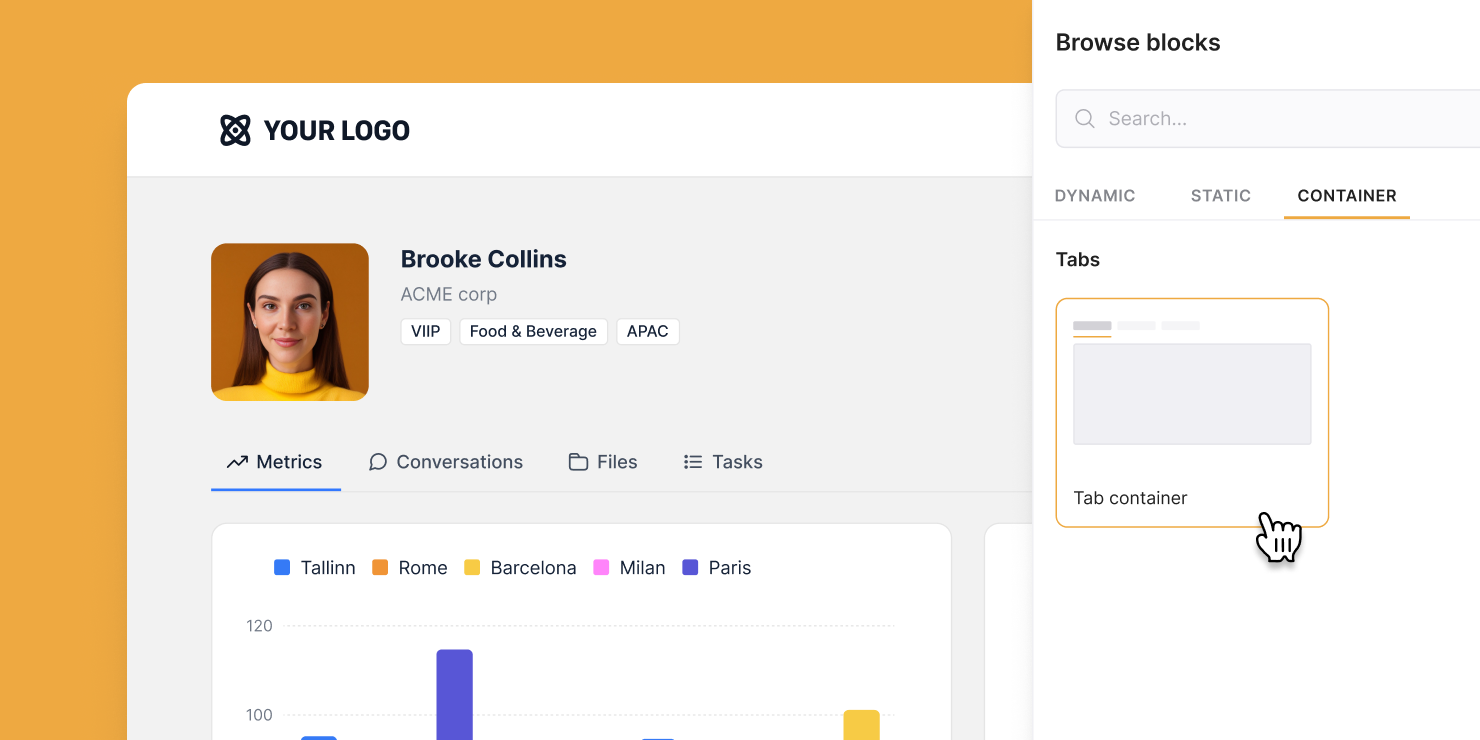
We’re excited to roll out Tab containers! Say goodbye to endless scrolling and cluttered pages — you can now organize blocks inside tabs, allowing users to easily navigate your content Whether you're building a data-heavy dashboard or displaying content-rich records, try out Tabs today to take your app’s user experience to the next level! Learn more
Filtered user sync
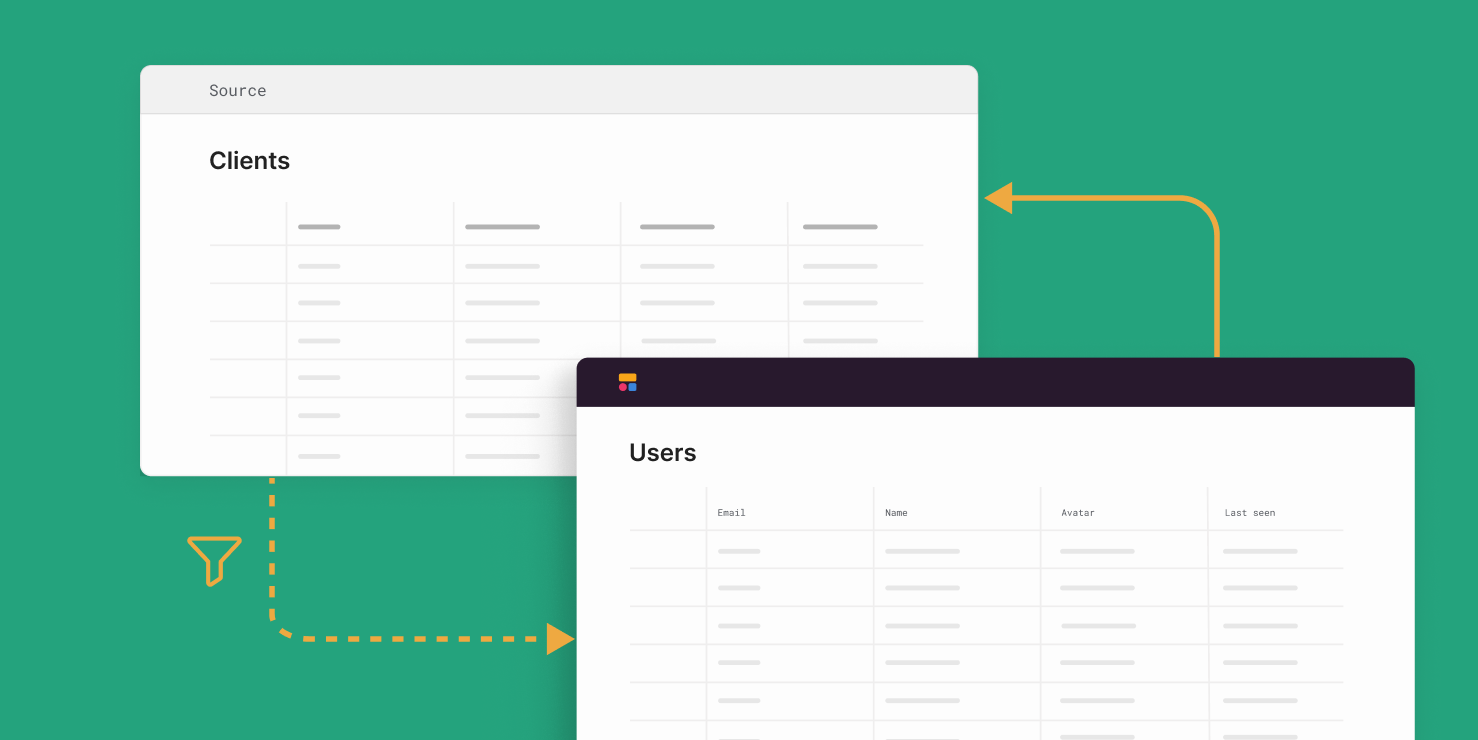
Want to exclude some users from being synced between your data source and Softr app? You can now do just that by apply filters in Users > Sync settings.
Column layout
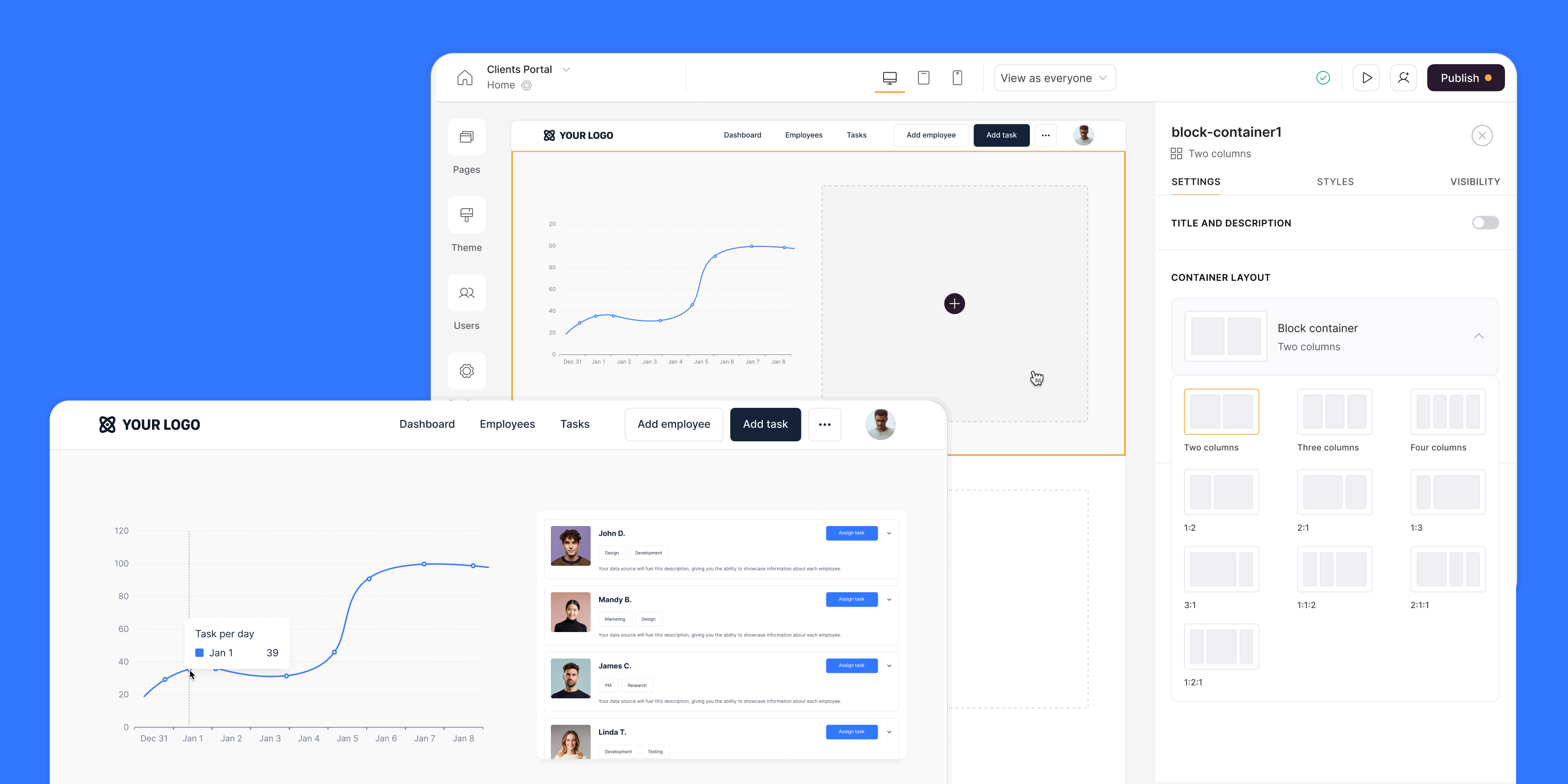
Block containers let you group blocks in side-by-side columns for more flexible and visually appealing layouts. Perfect for displaying dashboards, account details, summary pages, and more.
New 'Quick Select' form field
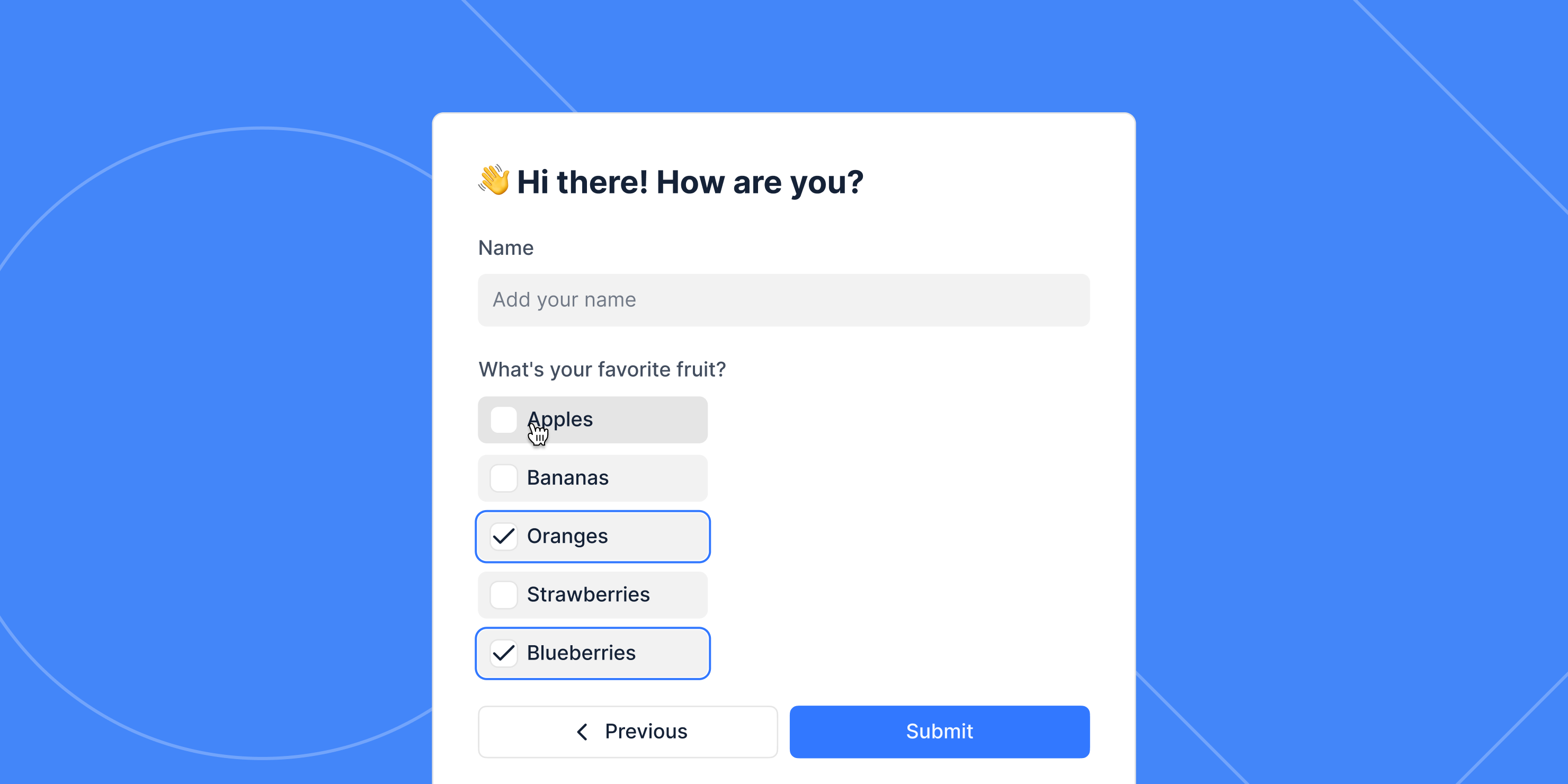
This new input field allow users to quickly choose from a list of pre-defined options — a great alternative to Dropdown when the list is shorter.
Open details page after form submission
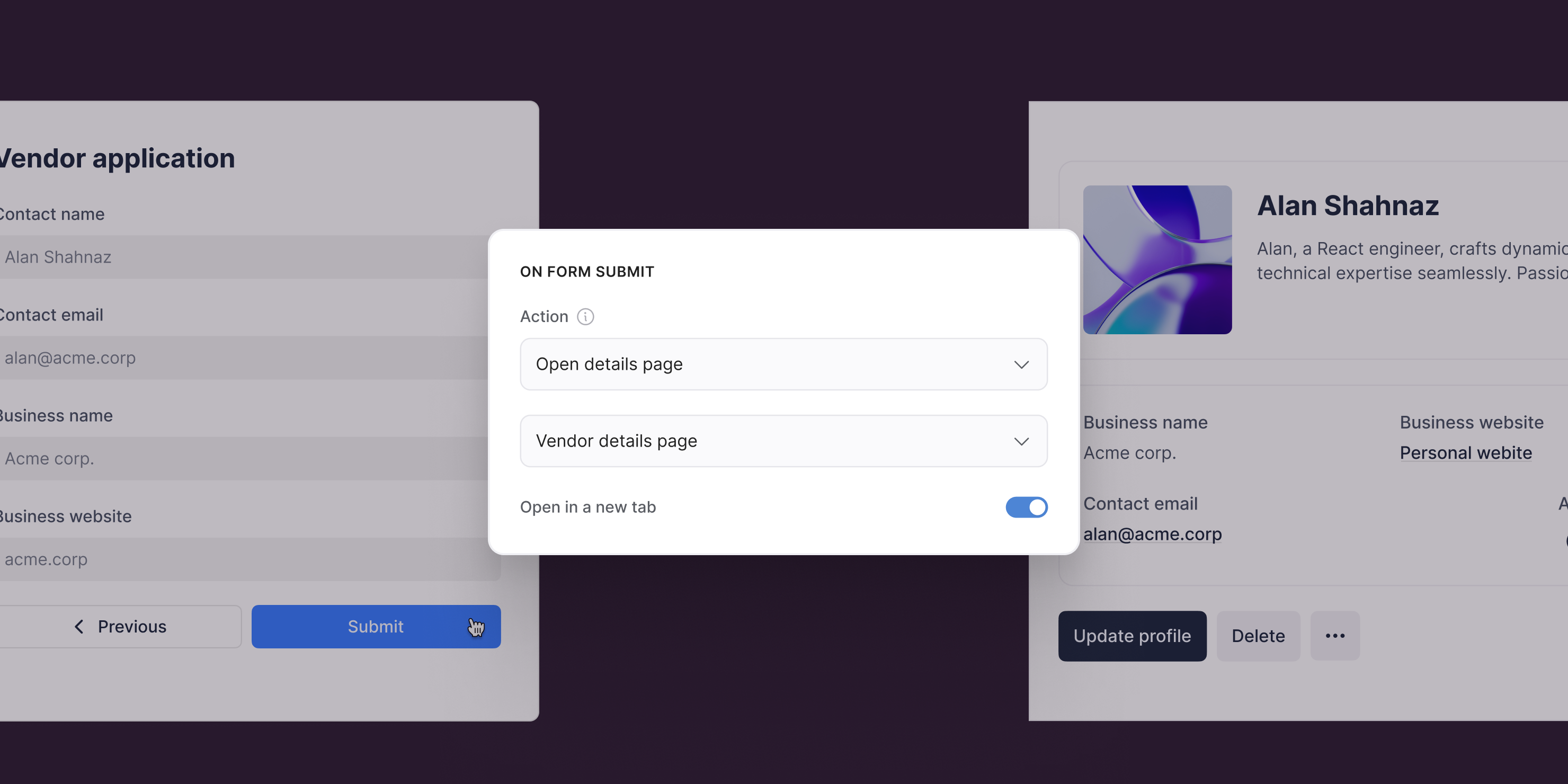
Similar to the existing "Add record" action, when a user submits a new record using the Form block, they can now be taken directly to the details page of that specific record.
Conditional filtering for dates
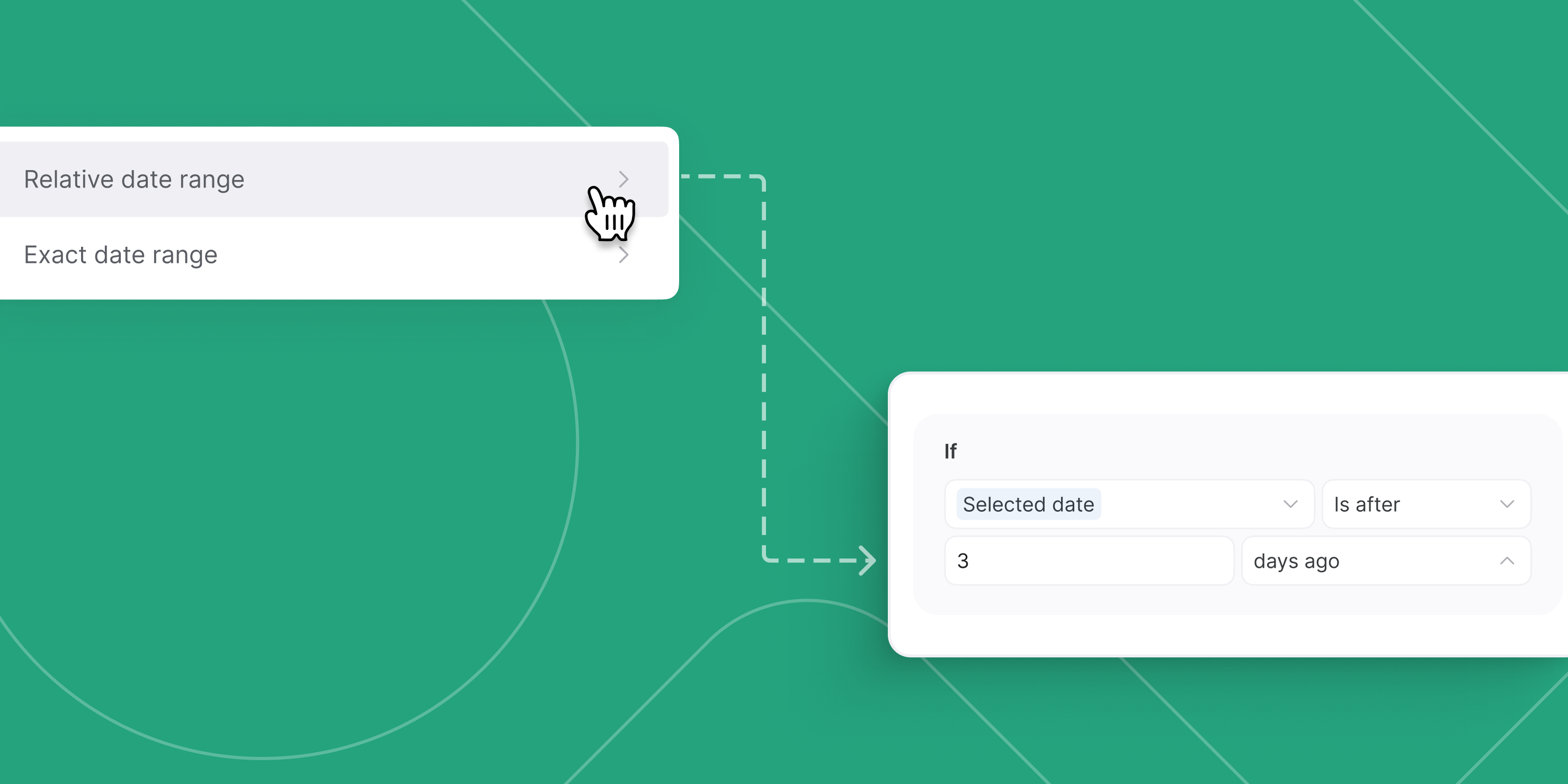
Softr now supports Date-based conditions! You can filter records with a date field by relative or exact dates. For example:
- Show records created from the last 30 days
- Show employees joined after Jan 1st, 2024
- Show deals closed in this calendar month
In the future, we’ll also support Date & Time conditions 😉
Supabase as a data source
With Supabase + Softr, you can:
- Access real-time production data instantly.
- Scale without record or performance limits.
- Customize CRUD actions with granular permissions.
- Join Supabase data with Airtable, Hubspot, and more.
How to access: Connect your Supabase database as a Softr data source and start building in minutes. This integration is currently in beta and available on all plans.
Updates to Softr pricing
We've just launched a new version of Softr pricing for new users.
Don't worry, nothing's changing for your current plan as an existing customer – just want to address this right off the bat 😊.
We made our last pricing change in the beginning of 2023. Since then, we’ve launched over 200+ features — 10+ new data sources, actions, conditional form, advanced logic, revamped blocks, and many other improvements — to help businesses of all sizes build mission critical apps without code.
Based on our learnings about the needs of customer in each plan, and where our pricing caused confusion, we've tweaked our pricing to: \- Better align each plan's value with its intended use cases, \- Offer more flexible ways for customers to scale their apps.
Check out our blog post to read more about changes.
Introducing our revamped Softr Expert Program
We’re excited to announce the launch of our revamped Softr Experts Program. Ready to take your business to the next level? We’re all in—with the new and improved Softr Experts Program.
Here’s a sneak peek at top perks:
- Boost your revenue with qualified leads and a 30% revenue share
- Exclusive access: early beta features, priority support, and a direct line to the product team
- Upskill your team with ongoing training
- Market smarter with tools & resources to sell your services
- Eligible for co-marketing opportunities to expand your reach
- And so much more…