


[.blog-callout]
TL;DR
- Xano is now a native data source in Softr, so you can build internal tools and client portals directly on top of your Xano database.
- Softr also has its own native database, Softr Databases, so if you're starting from scratch, you can build entirely in Softr and skip connecting an external source.
- No record limits like typical no-code databases: your Xano data scales alongside your business.
- Set granular, role-based permissions on every CRUD action so admins, employees, and clients only ever see what they're supposed to.
- Combine Xano with 21+ other data sources, including Airtable, HubSpot, BigQuery, and Softr's own database, in the same app. [.blog-callout]
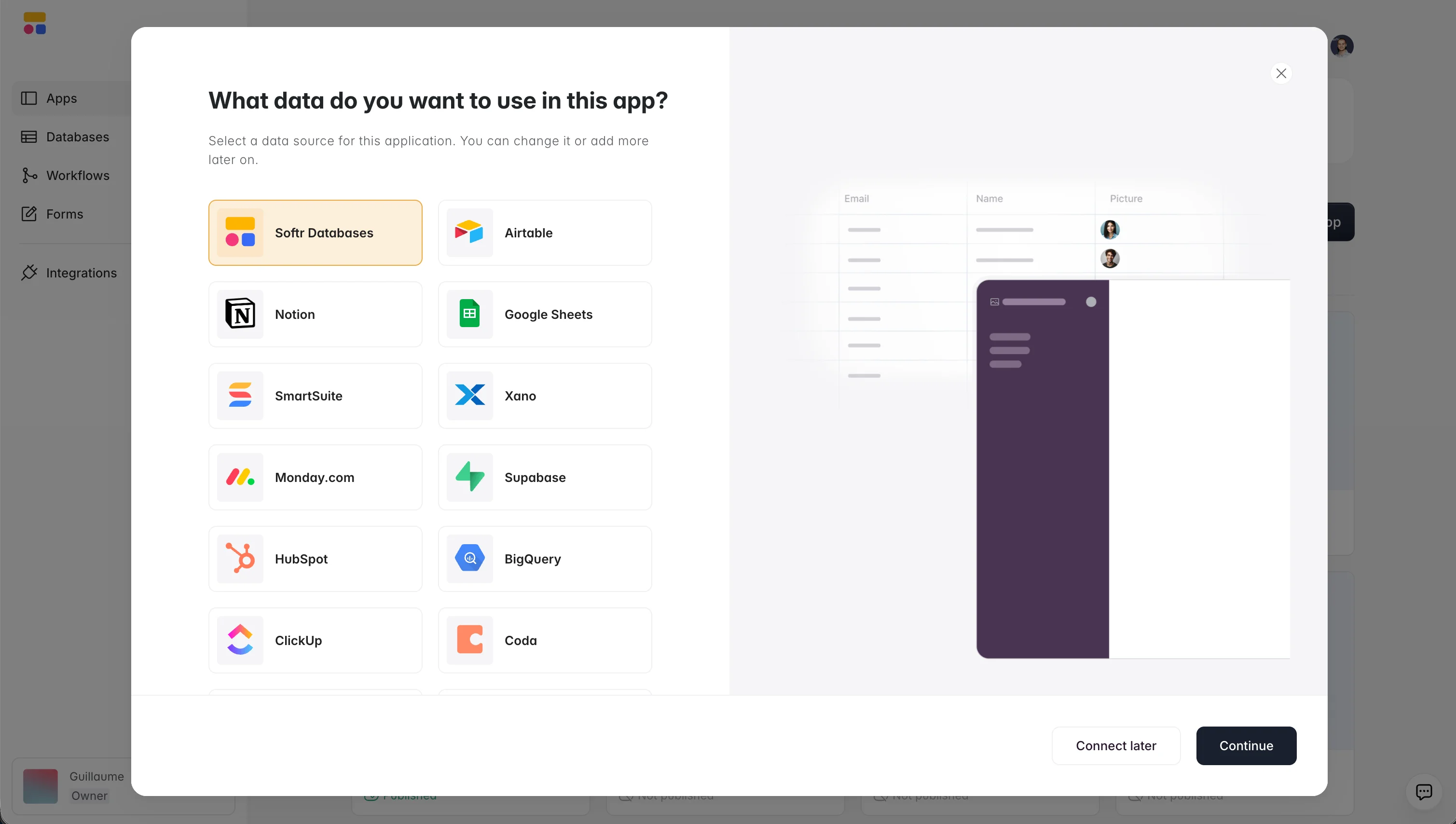
We're excited to announce Xano as a new data source within Softr. This integration lets you use the Xano database connector to build dynamic internal tools and client portals in Softr, alongside our native Softr Databases and 21+ other data sources.
The easiest way to build business apps with your Xano data
Softr enables you to create portals and internal tools powered by your Xano database. Connect your database and start building in minutes. If you're starting a project from scratch, we recommend building on Softr Databases, our own native database; if your data already lives in Xano, connecting it takes just as little time. Here's a sample of what you can do:
- Business apps: Build dashboards, portals, and internal tools on top of your Xano data.
- Data management: Use Xano's capabilities to manage large datasets and build sophisticated applications without needing advanced technical skills.

Scale without record limits
Break past the record and performance limits of typical no-code databases like Airtable. With Softr and Xano, you can handle large data volumes and complex queries with ease, keeping your app fast and reliable as your business grows. For context, apps built on Softr's own native database support around 50 requests per second, compared to 3 to 5 for some external connectors, since they aren't bottlenecked by a third party's API rate limits.
Customize to fit your exact workflow
Customize the CRUD actions your users can perform with granular permissions, keeping data private while making it accessible across your organization and to external partners. If you need a fully custom interface beyond our pre-built blocks, the Vibe Coding block lets you generate one from a plain-language prompt; it connects securely to your Xano data with CRUD actions enabled from the start, so custom UI never means giving up permission controls.


Join with other data sources
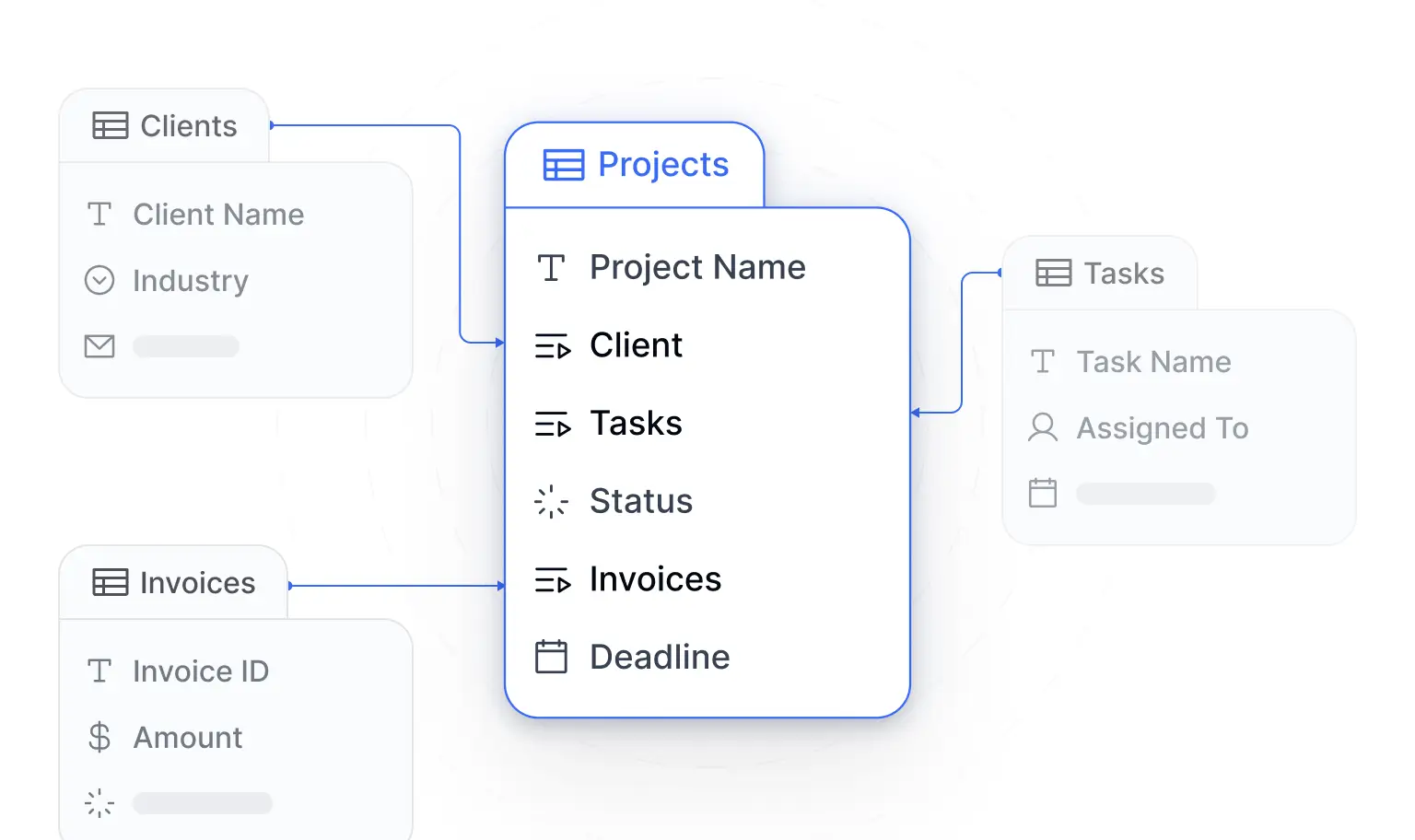
Connect your Xano data with other data sources, including our own native Softr Databases, Airtable, HubSpot, BigQuery, and more, all within a single application. If you need a source we don't support natively, our REST API integration lets you call any API with a data source that has one. This lets you unify your data landscape and get a full view of your operations, without forcing every team to migrate to the same tool.

How it works
- Connect your Xano data: Access your Xano data directly in seconds by connecting your database to your Softr workspace via Xano's database connector.
- Build with blocks: Use your tables or create custom queries to display and edit your data, and adjust styles and layouts. Add user authentication, roles, and permissions, or describe what you need to the AI Co-Builder and let it configure blocks and pages for you.
- Share with your team and clients: Invite your clients and teammates to use your app, streamlining collaboration and data sharing.

Get started with Xano in Softr
Connecting Xano to Softr means you keep the backend you already know while getting a fast, permission-aware interface on top of it, with no record limits holding you back as your app grows. Visit our help doc for the full setup details.
Frequently asked questions
What is Xano, and why would I connect it to Softr?
How do I connect my Xano database to a Softr app?
Do I need to use Xano, or can I use Softr's own database instead?
Is there a limit to how much Xano data I can use in Softr?
Can I control who sees what in an app built on Xano data?


