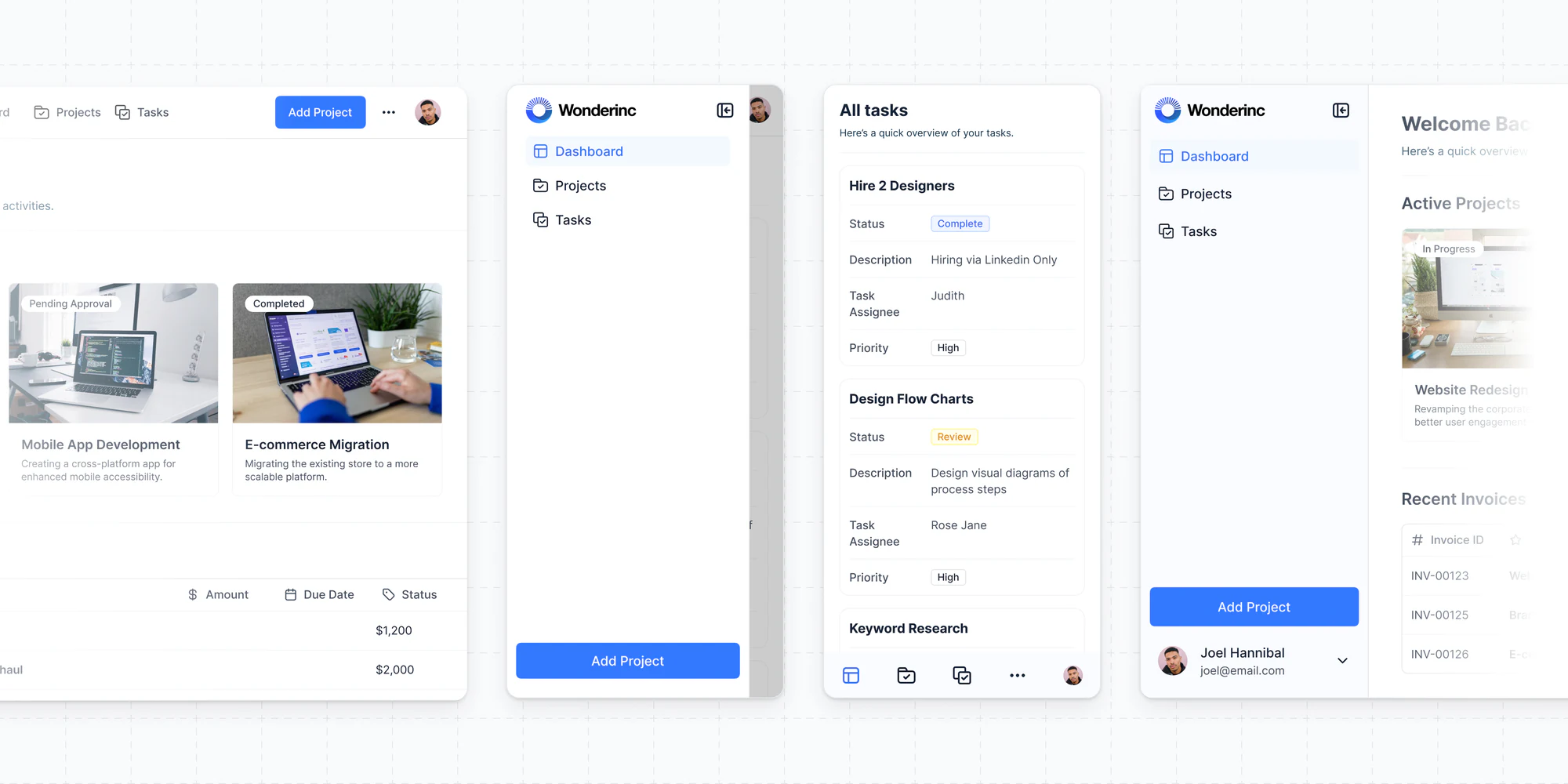
What's new in Softr
Check out new features, improvements, and community events!
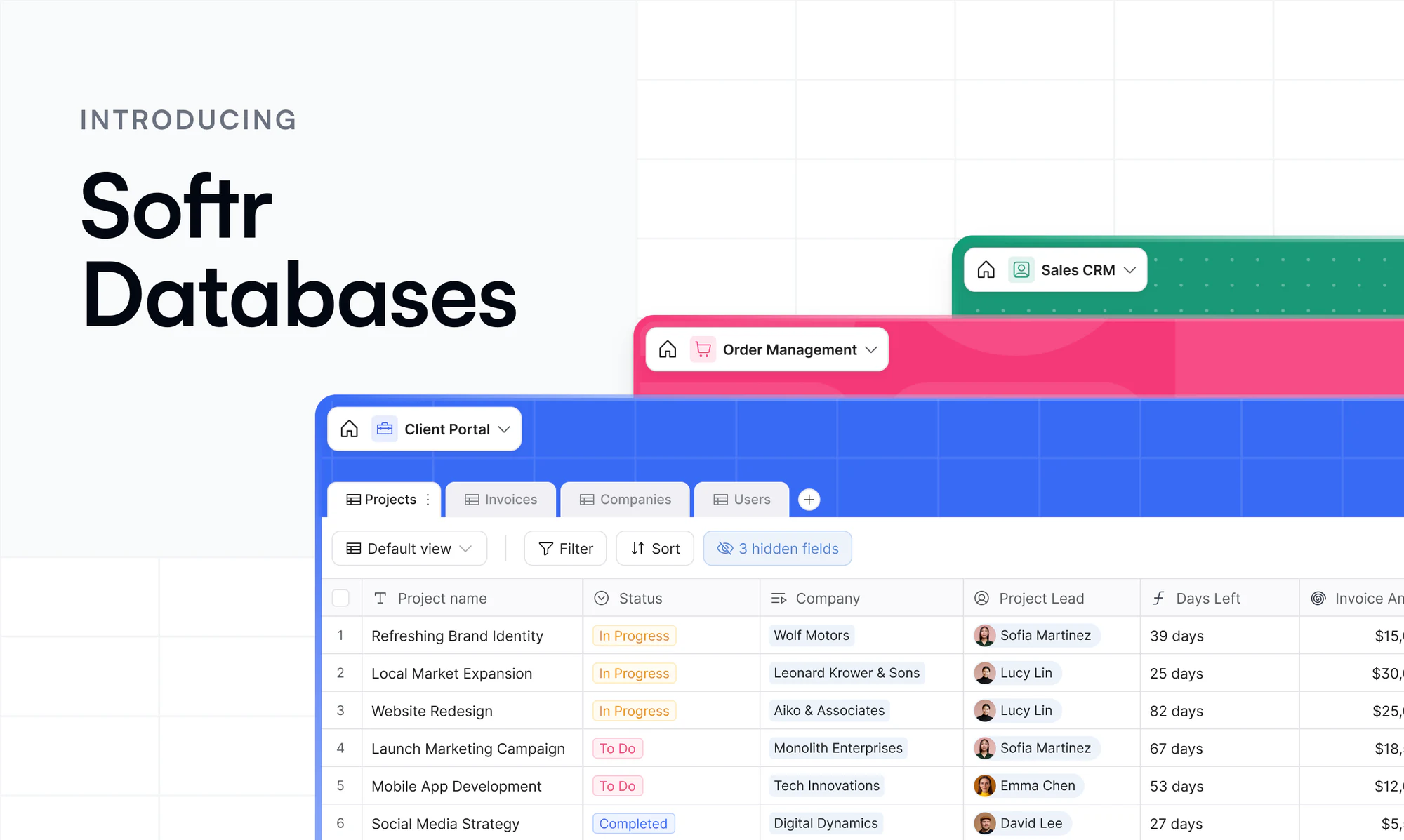
Softr Databases
Build fast, powerful relational databases — and use them to power your apps without ever leaving Softr. No API limits, sync delays, or performance bottlenecks. Available to all users.
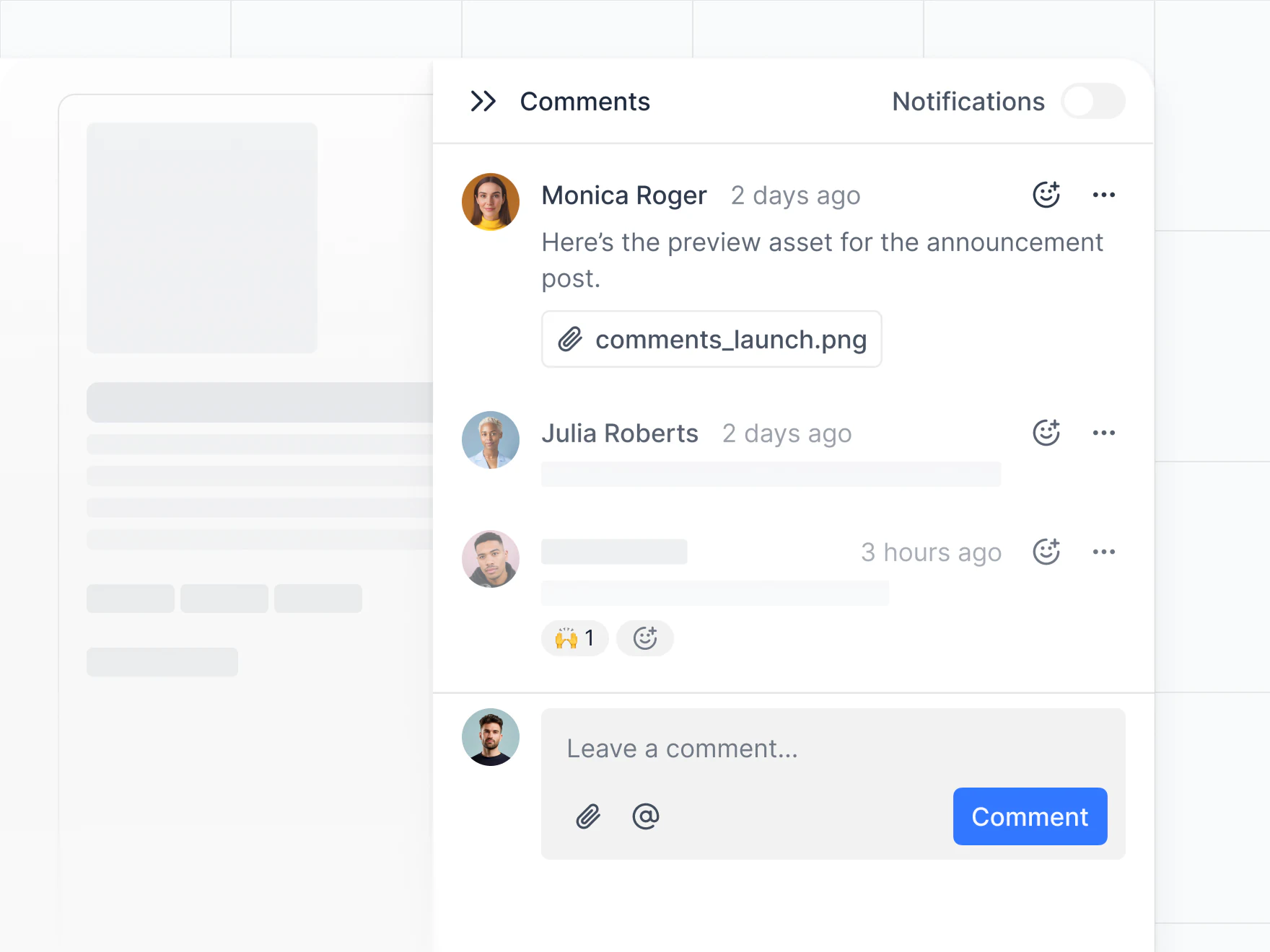
New Comments Block
Add the new native comment blocks to your Softr app for seamless collaboration. Control visibility and access with role-based permissions, choose between block or side panel layouts, and manage everything from your app settings. Learn more
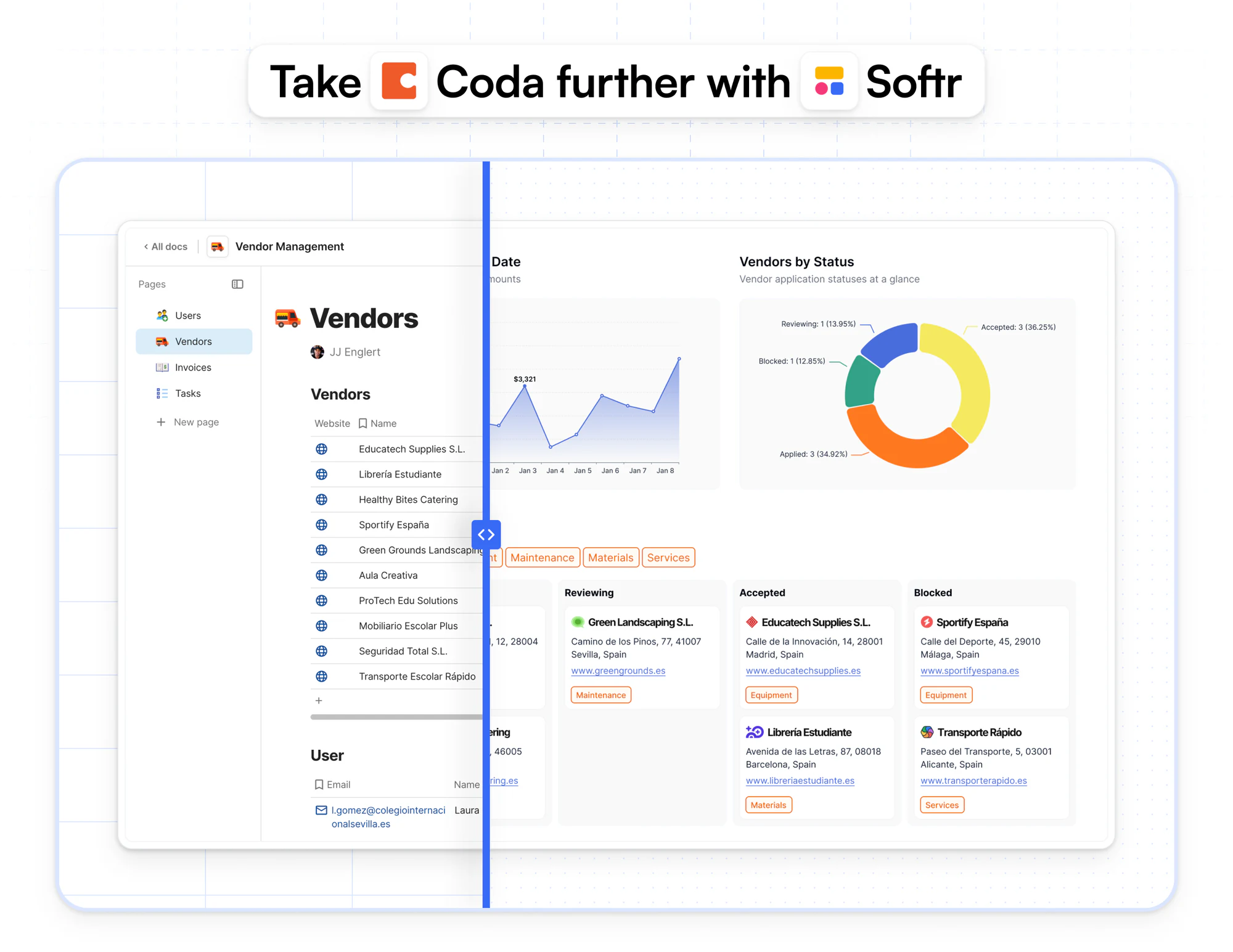
Coda as a data source
You can now build secure, branded portals and internal tools on top of your Coda data — no more manual filters, duplicated docs, or access workarounds.
Get Softr Certified – Fundamentals Level
The Softr Fundamentals Certification is your first step to proving you understand the platform. You’ll demonstrate your ability to build basic web apps, use key features like data sources, user groups, and page visibility rules, and apply best practices. Perfect for those new to Softr or looking to validate their skills and stand out in the no-code space. Apply now!

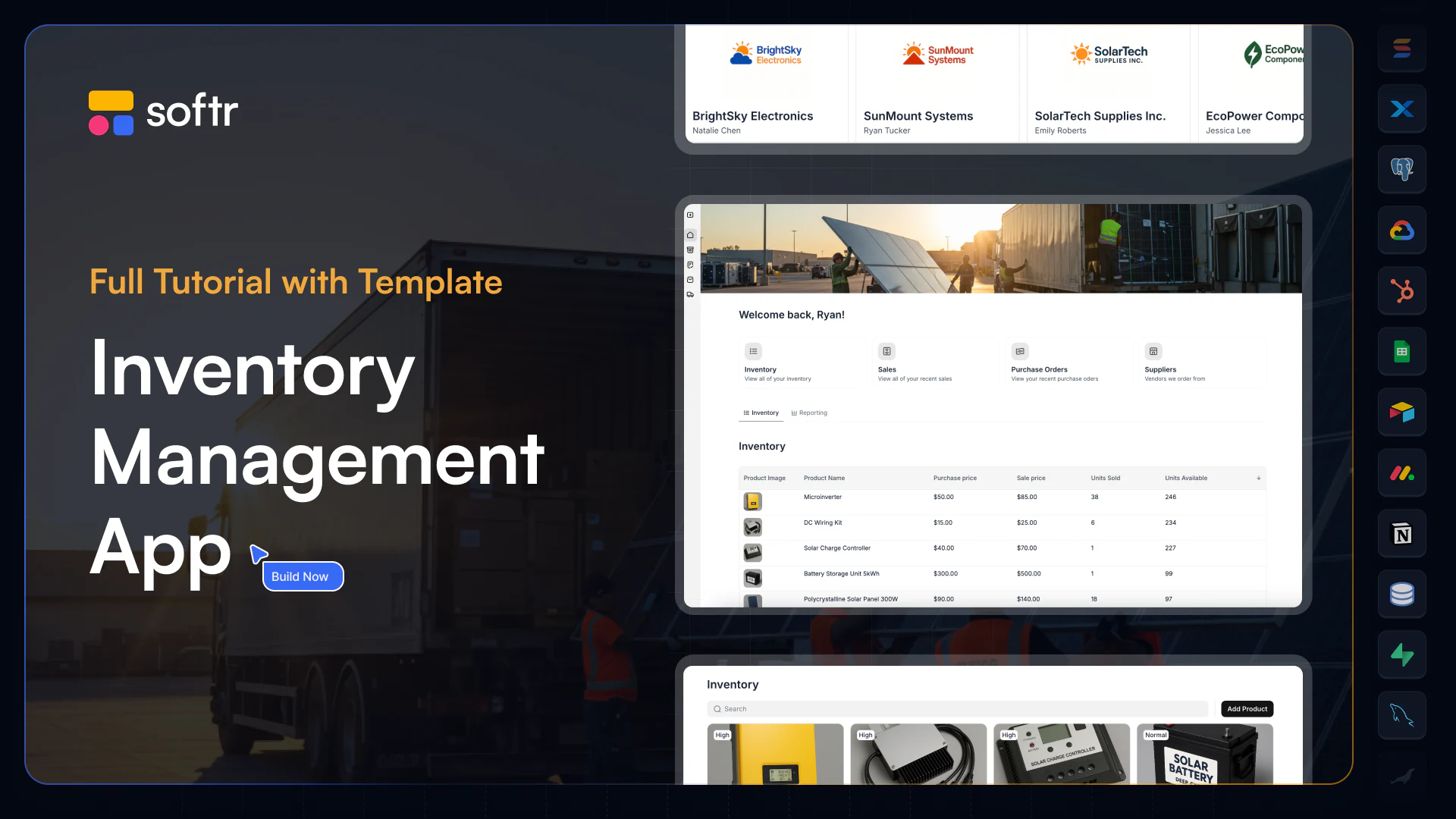
Inventory Management Course
Build a powerful Inventory Management app using Softr + Airtable—no code needed. In this course, you’ll create a role-based platform for managing inventory, sales, and suppliers with real-time data and secure permissions. Perfect for teams looking to streamline operations or for builders wanting to master internal tools. View now
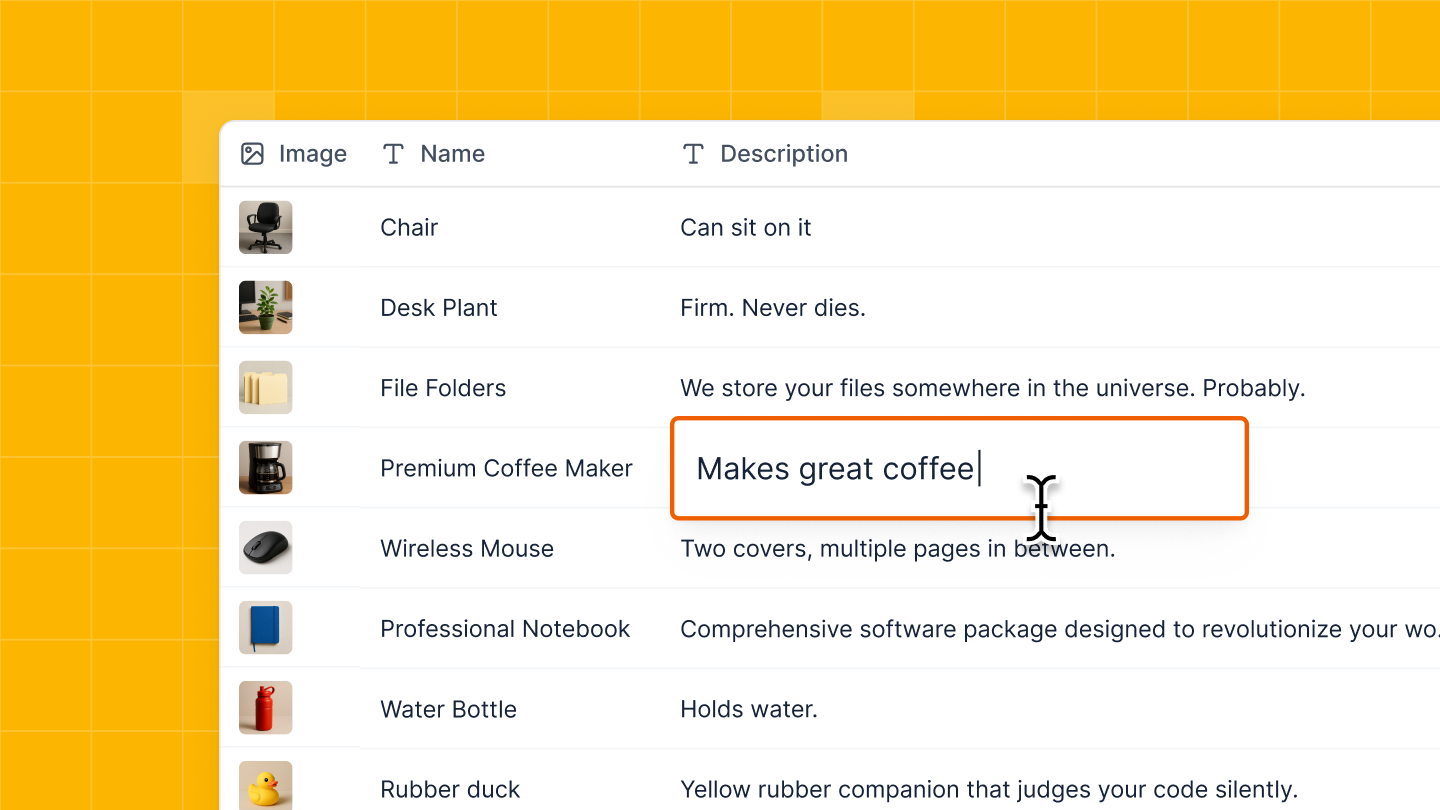
Inline edit for Tables
You can now edit enabled fields directly within your table—no need to open a separate form. Just click, make changes, and you're done. Learn more
ClickUp as a data source
You can now connect your ClickUp data to Softr and build powerful portals and internal tools—without writing a single line of code.
- Create secure, branded client portals
- Manage access with user groups and permissions
- Set up smart workflows with conditional forms
- Mix ClickUp data with other tools you already use
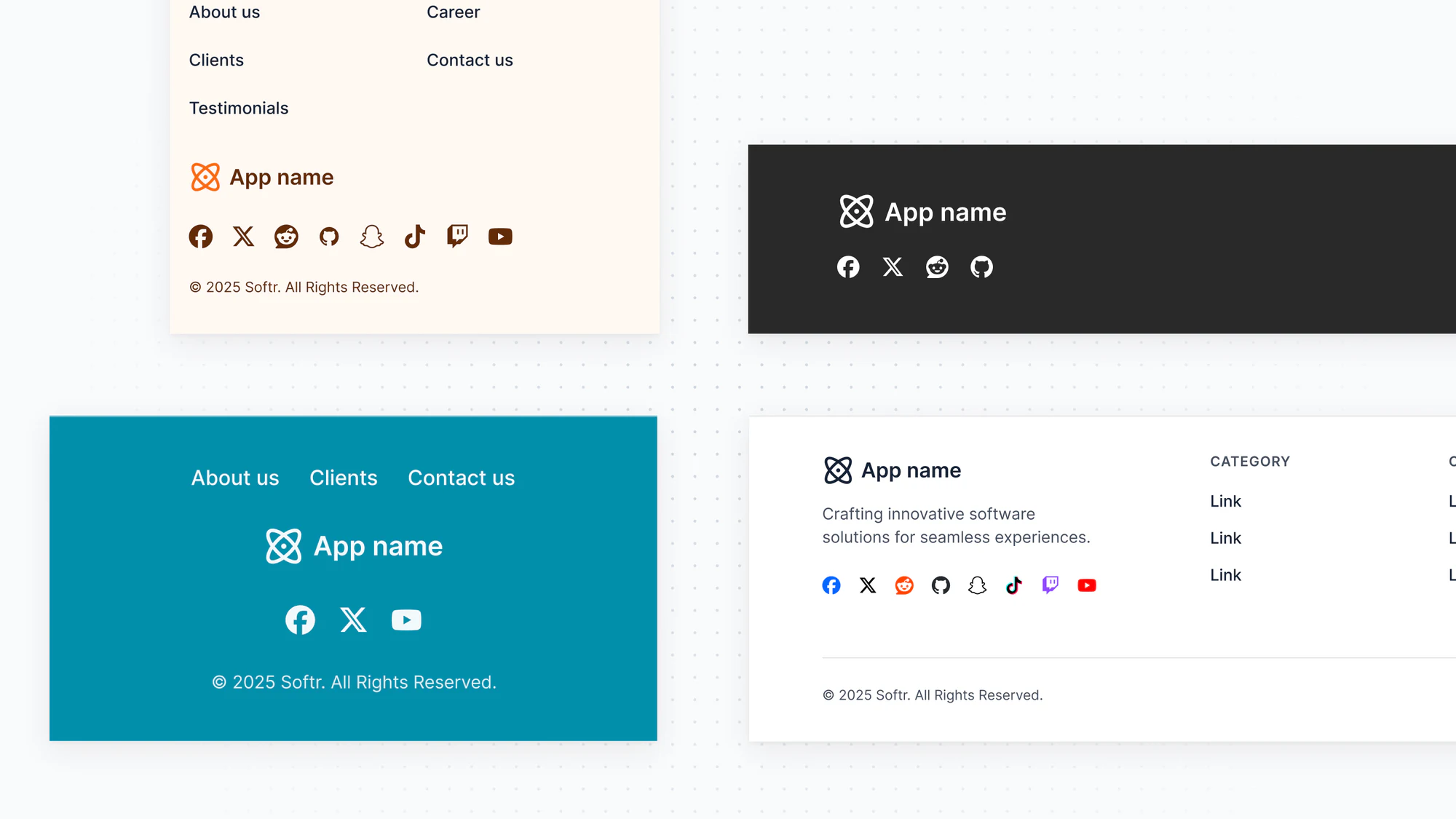
New Footer Block
You can now turn on the new Footer block in your Page settings—just like the Header block. It comes with layout options, link visibility settings, custom social icons, and a few other handy updates.
Available for applications created after Feb 12th. <a href="https://docs.softr.io/application-settings/n3K2UEfpC9BpHgakMzUU5Y/footer-settings/4woAqVC4dTDN5429FkKuu7" target="\_blank">Learn more</a>
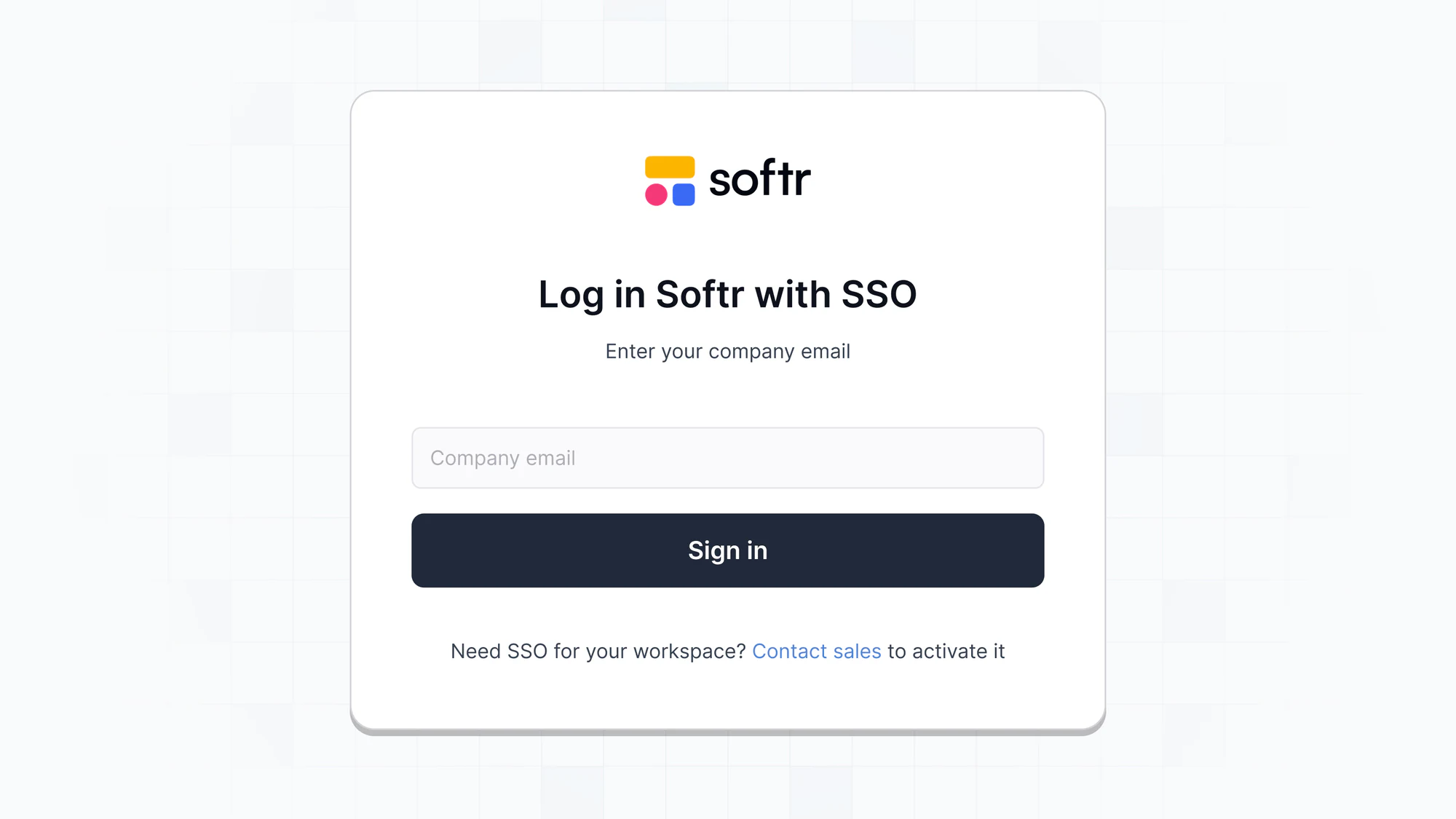
Studio SSO
Enterprise users can now sign up to Softr studio using Single Sign-On (SSO), making it quicker and easier to get started.
\*Available for Enterprise plans only <a href="https://docs.softr.io/security/ummZ2CWNHXZCHzsZwbEwET/sso-for-softr-studio/4woAqVC4dUwJ7hYkVmAaFU"target="\_blank">Learn more</a>
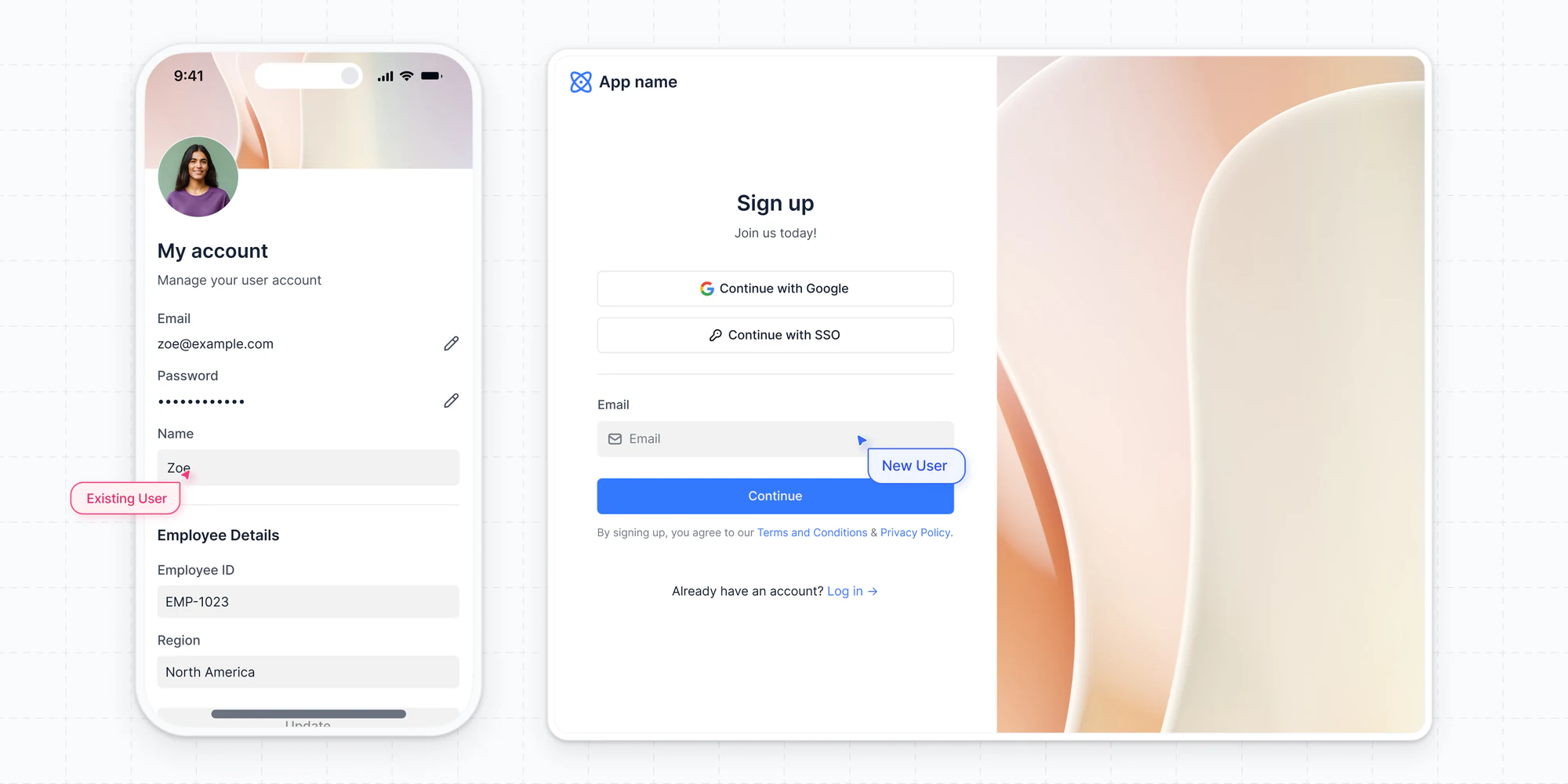
New User Management & Utility Pages
Every Softr app now comes with redesigned Utility Pages: Log In, Sign Up, Account Settings, and Password Management. Let us handle user management and authentication so you can build secure business apps faster. Available for applications created after Feb 12th. Learn more
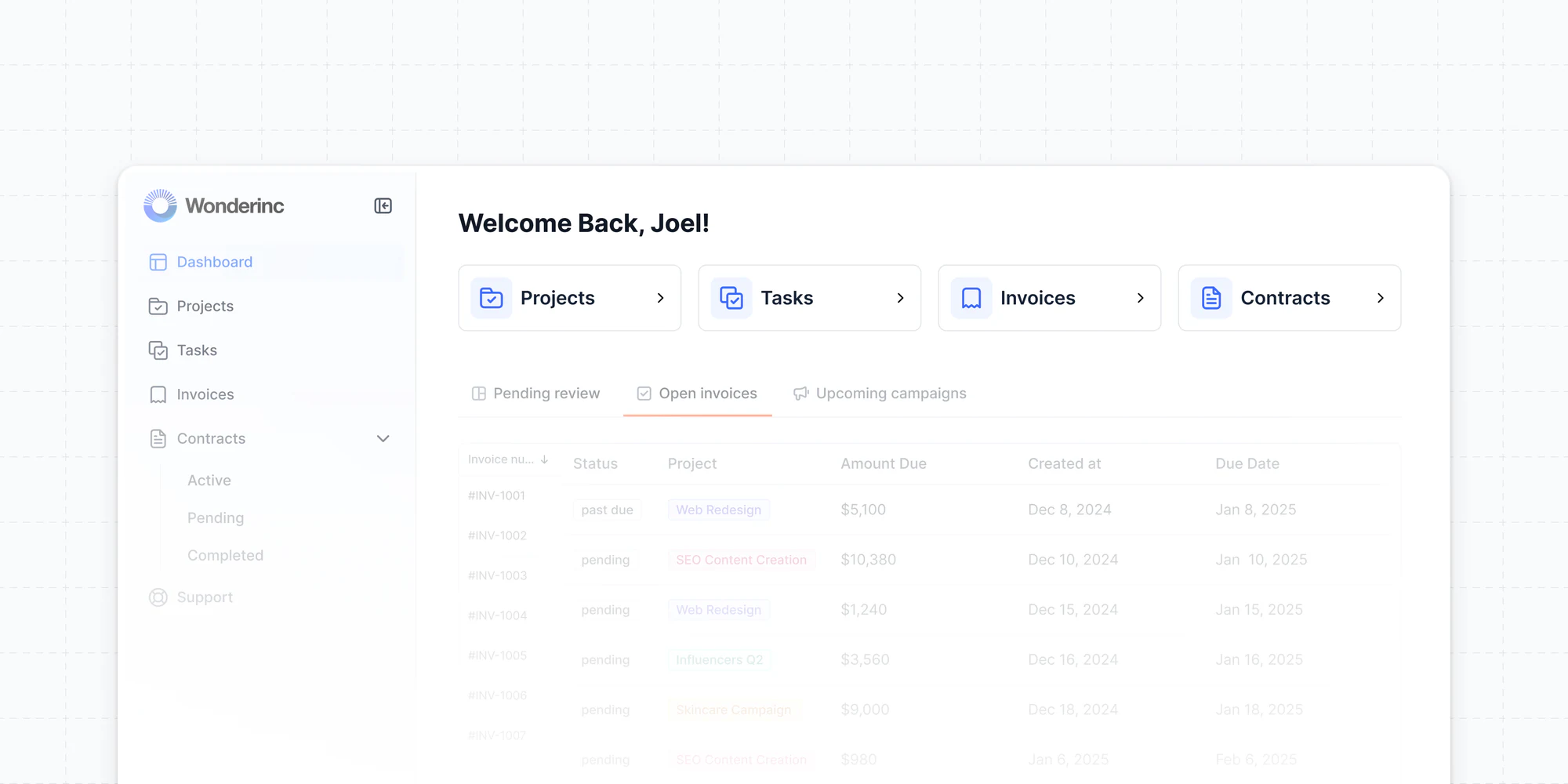
New block: Quick Links
We’ve added a new block to help your users find what they need faster! Now you can easily add important links to your dashboard for quick access to key actions.
New App Navigation
Meet our new navigation block, which is now pre-loaded with Side, Top, and Hybrid layouts, plus collapsible menus. Set the mobile navigation separately for a seamless experience. Available for applications created after Feb 12th. Learn more