




[.blog-callout]
TL;DR
- monday.com is now a native data source in Softr: connect boards, items, and sub-items directly to your app.
- Build client portals, internal dashboards, and forms on top of monday.com data, with full read and write actions (create, read, update, one-click update, delete).
- Sync stays two-way: changes in your Softr app update monday.com, and vice versa.
- Combine monday.com with Softr Databases and 21+ other data sources in the same app.
- Available on the Professional plan and higher. [.blog-callout]
If you've been looking for a way to share your monday.com data with clients or team members in a user-friendly app with granular permissions, you've come to the right place. Say hello to monday.com as a data source in Softr!
Here's a video by JJ, Softr's community and education lead, with a detailed overview of the integration:
Build user-friendly interfaces with monday.com data
We heard from plenty of monday.com users who were looking for ways to display and collect monday.com data in a simplified interface, both for clients or external users and for internal team members who don't have monday.com seats.
With Softr's release of this integration, you can unlock new ways to share and update your monday.com data through client portals, dashboards, and more. Here's what's in the release:
- Support for boards, items, and sub-items.
- Support for most of Softr's dynamic blocks (kanban, calendar, forms, and more).
- Read and write actions: create, read, update, one-click update, delete.
- Syncing app users with a list of users stored in monday.com.
- Working with associated boards using connected boards and Softr's conditional filters, which let each logged-in user see only relevant, filtered data.
And here are some examples of what you can do with this integration:
- Give clients real-time project visibility in a portal without having to give them guest access to monday.com.
- Collect information faster with conditional forms.
- Create dashboards without running into monday.com board limits.
- Connect monday.com with other data sources in one app.
Let's dive in!
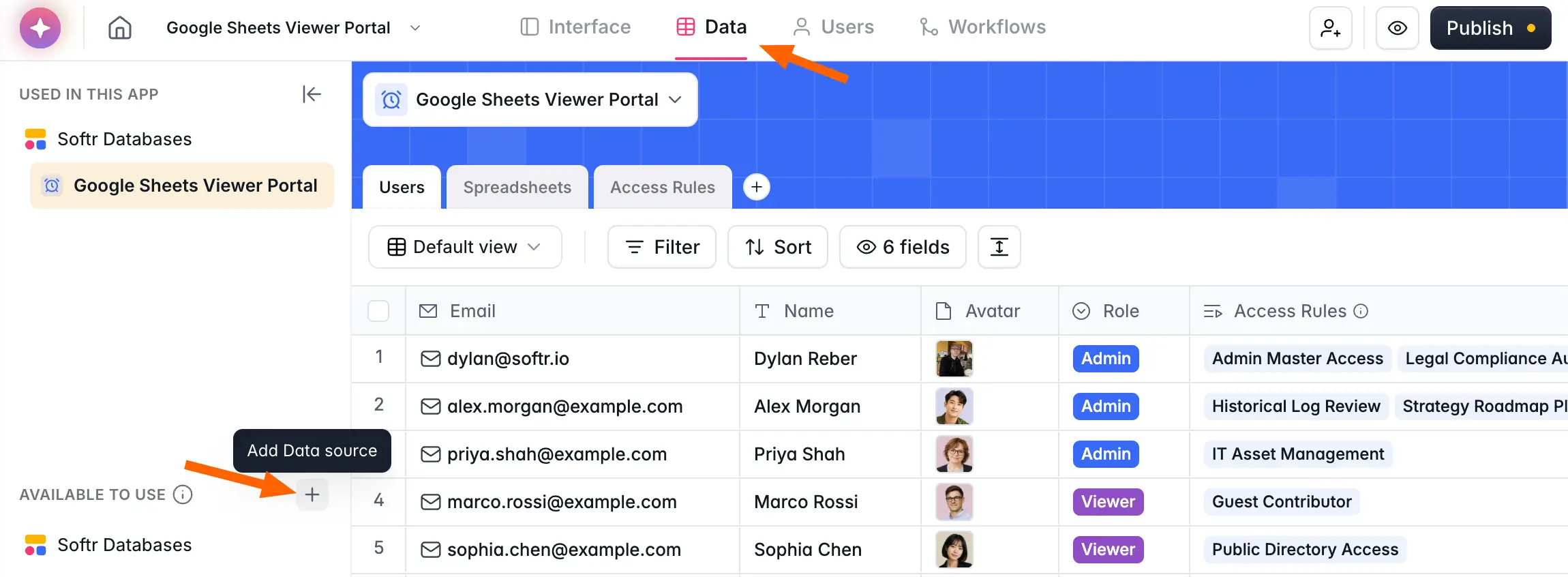
Give your clients real-time visibility into projects
Want to increase project transparency without giving your clients guest access to monday.com? With Softr, you can build secure client portals and dashboards on top of your monday.com data, giving your clients easier access to only the information that matters to them.
Control what users can see and what actions they can take, such as viewing project timelines, making status updates, sharing files, and leaving comments and feedback.
"Managing external partners through emails and spreadsheets is a nightmare. A portal allows you to only surface the information that is relevant to them and make approvals on the fly." - Shiran Brodie, Head of Marketing at Softr
💡You can also build portals for internal team members, for example to allow permission-based team access to certain monday.com boards with a clear and simple interface, no spreadsheet views needed.

Collect information faster with conditional forms
Remove the hassle of integrating third-party form tools with automation platforms to capture data from clients or other team members in monday.com. With Softr, you can give users a way to submit information through a conditional form, or in a portal interface, and your monday.com records will automatically update in the background.


Create dashboards without monday.com board limits
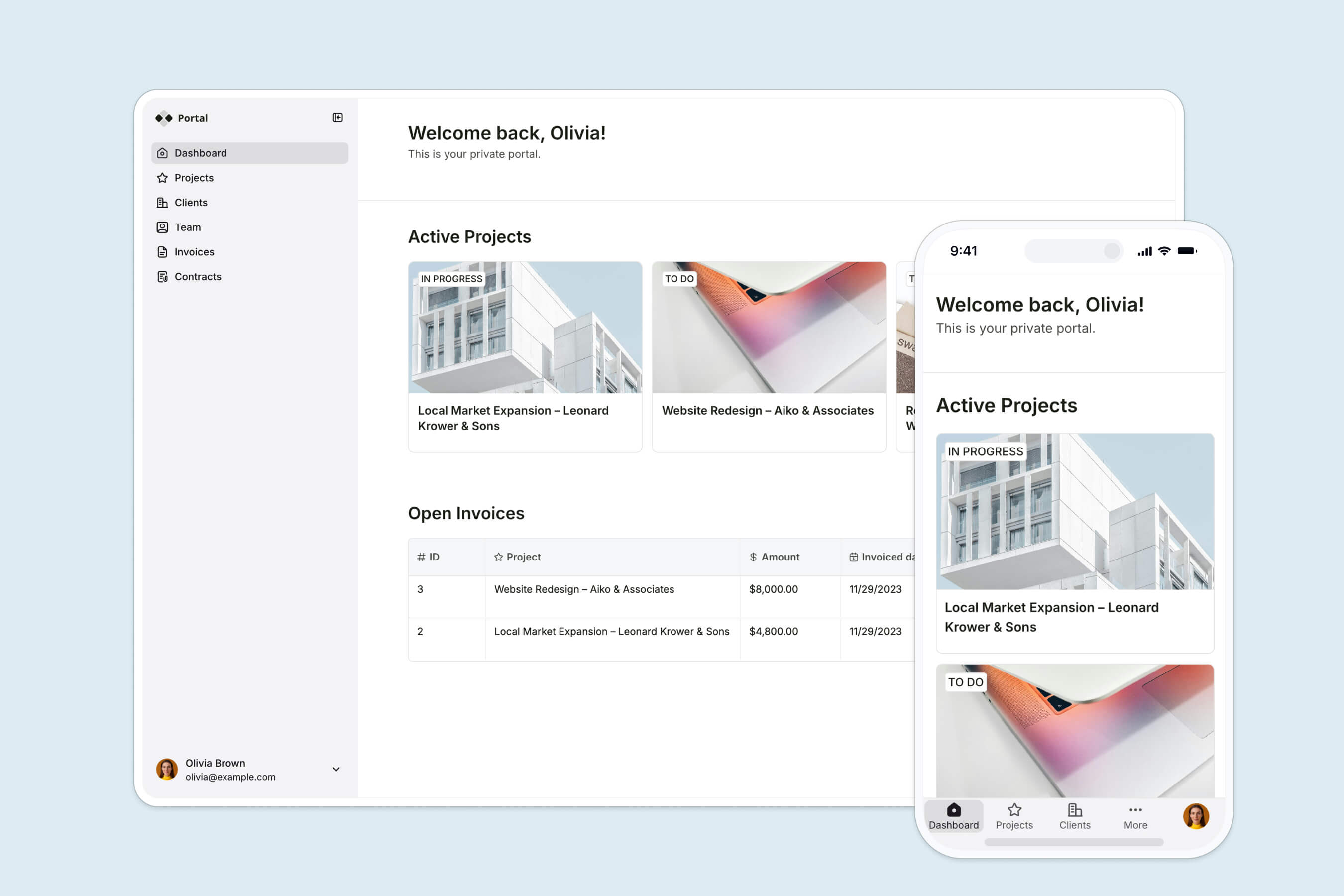
Display data from multiple monday.com boards in one spot, without having to upgrade to a higher plan. With Softr, you can pull information into user-friendly dashboards for your team, without worrying about limits on the number of boards you can combine data from.
If a native chart or table block doesn't cover a specific visualization you need, the Vibe Coding block lets you describe the custom dashboard component you're after and generates it for you, still connected securely to your monday.com data.
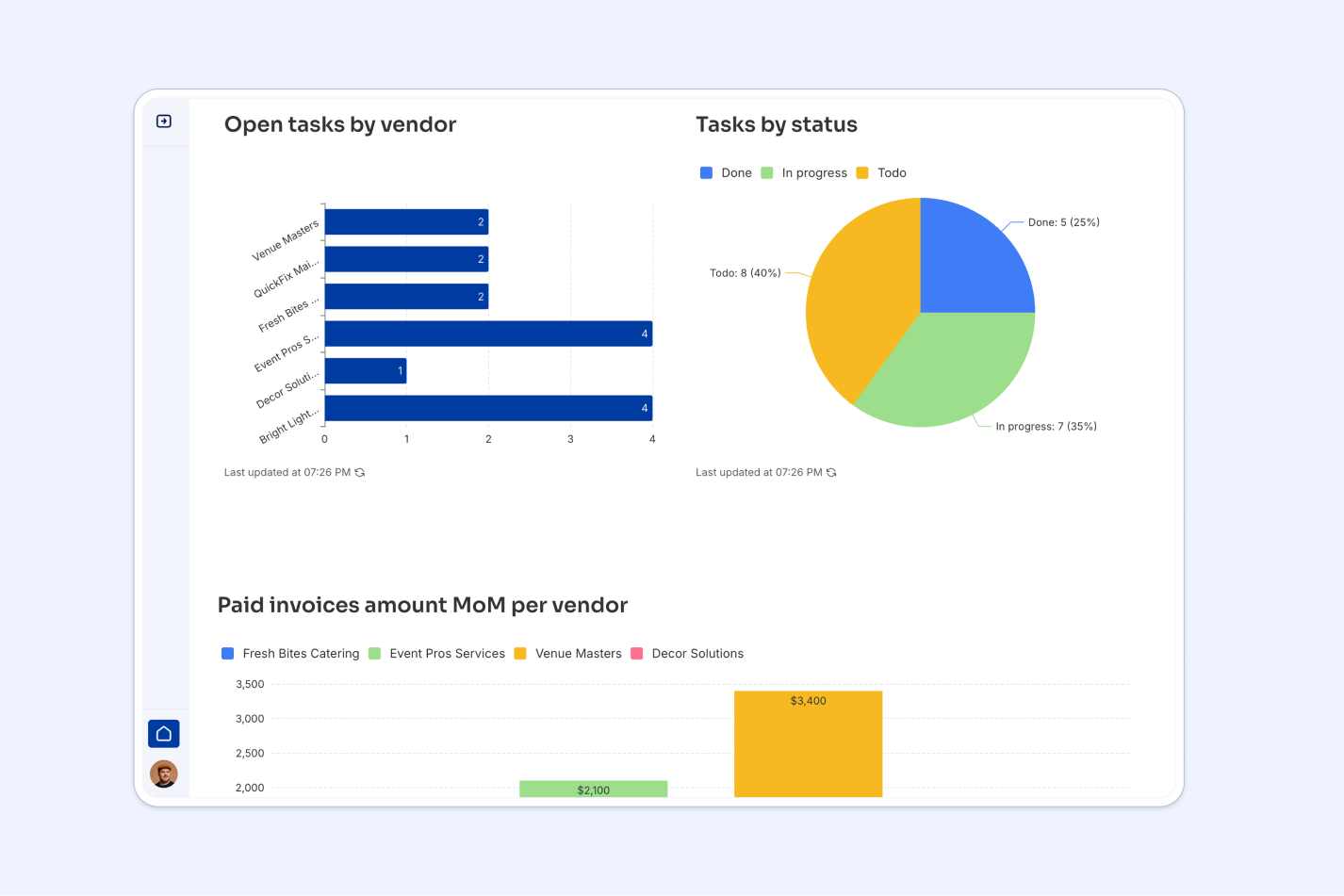
Connect monday.com with other data sources in one app
If you're looking to pull data from multiple sources into one place, Softr is the place to do it. Use Softr Databases as your native, built-in workspace, and connect monday.com alongside other sources such as Airtable, HubSpot, BigQuery, and SQL databases, all within a single app. In total, Softr supports 21+ data sources, plus a REST API connector for anything more custom.
How it works
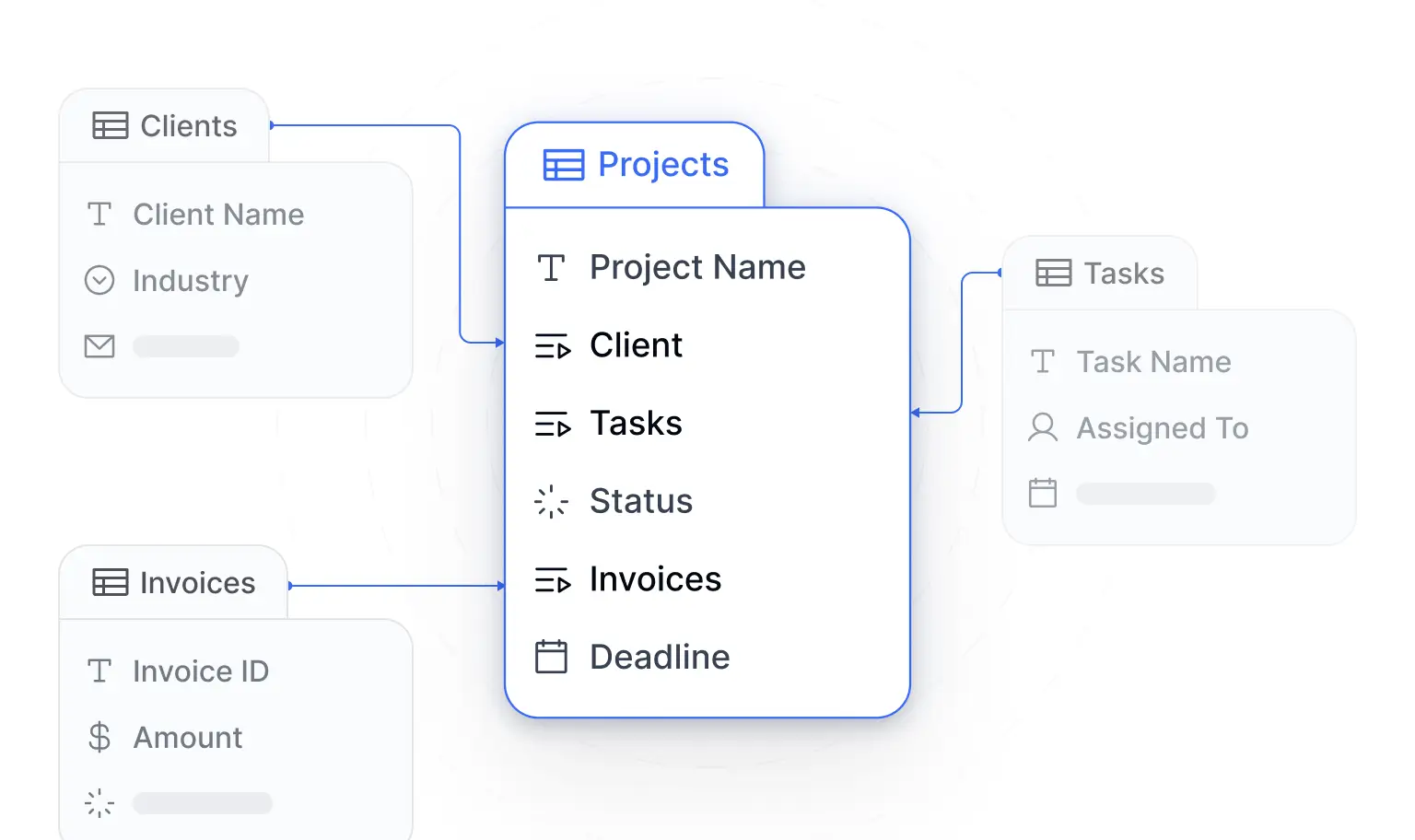
1. Connect to your monday.com data. Any changes you make in your Softr app will reflect in monday.com, and vice versa.
2. Build your app without code. Use pre-built blocks, including lists, forms, tables, and more, to help users visualize and interact with your monday.com data. You can also describe the app you want to the AI Co-Builder and let it assemble the pages and blocks for you, using your connected monday.com data.
3. Define custom user groups and permissions. Control what information different types of users can access, and which actions they can take. Learn more in this help doc.
The monday.com integration is available on the Professional plan and higher. Try it today, and see how much more you can do with your monday.com data!
Frequently asked questions
What can I do with the monday.com integration in Softr?
Is the monday.com data sync in Softr two-way?
Which Softr plan includes the monday.com integration?
Can I combine monday.com with other data sources in the same app?
Do I need to give clients or teammates monday.com seats to share this data with them?


