Streamline the process of checking in and managing visitors within an organization or office.
Data sources supported





.svg)


Resources


Overview
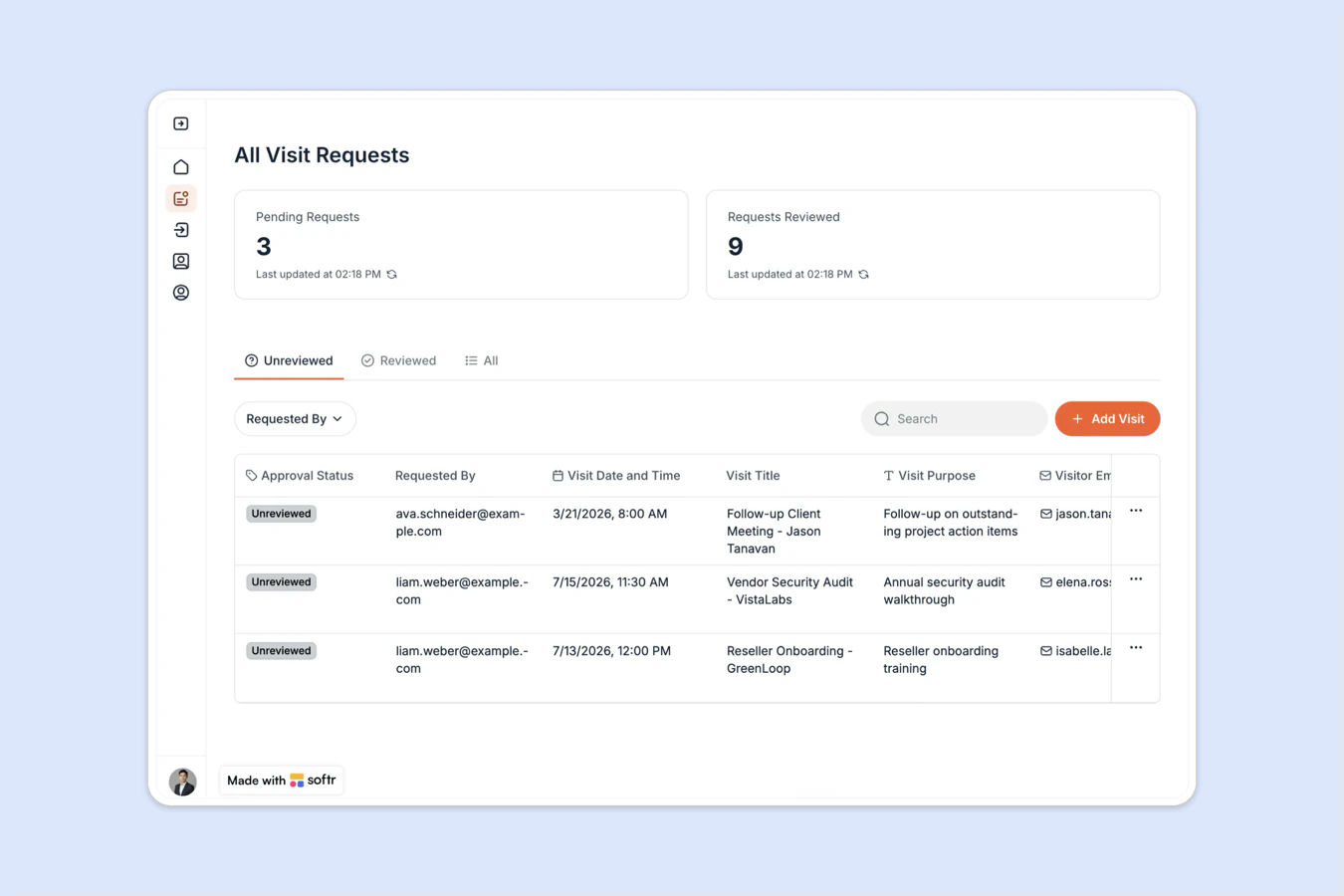
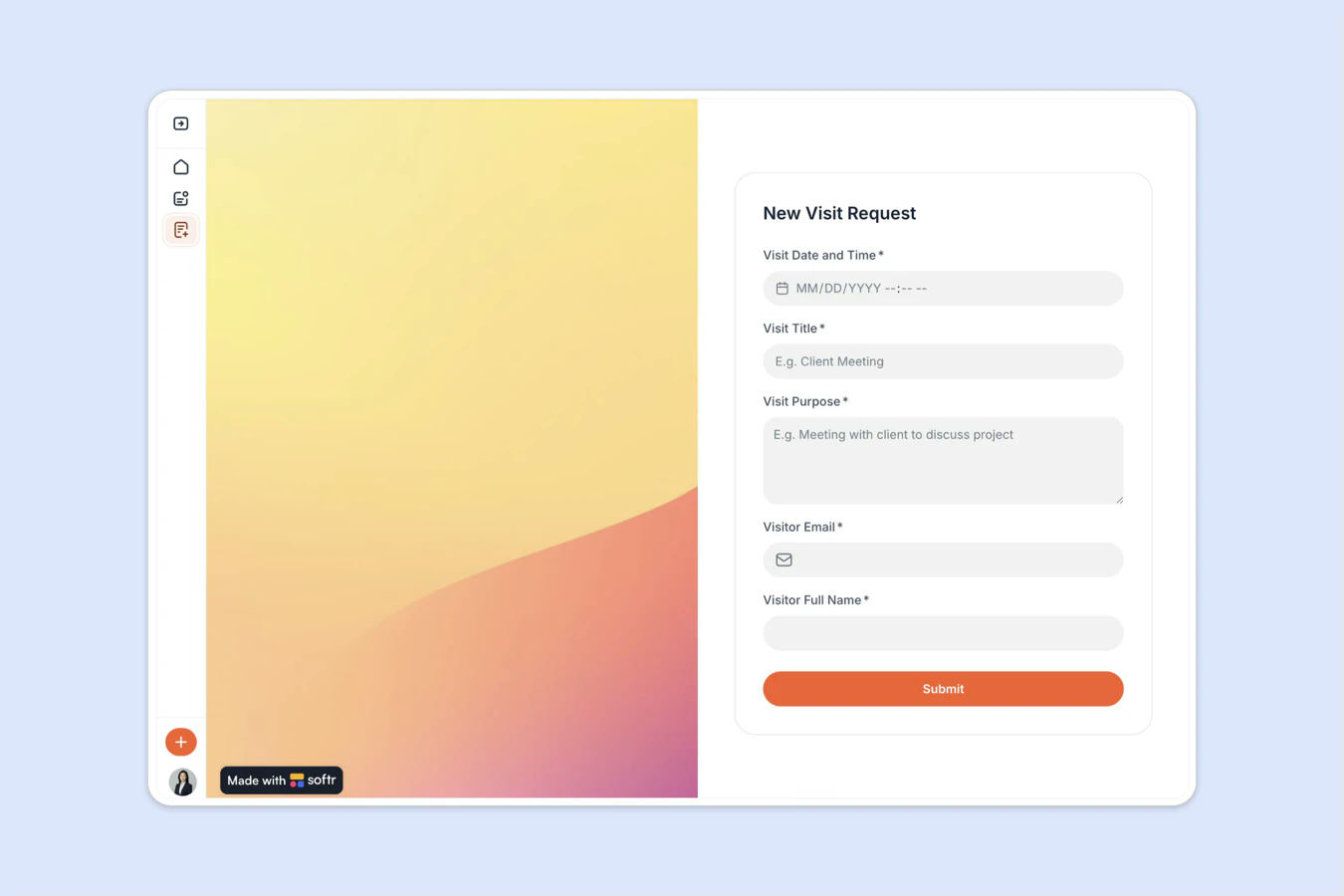
This free template helps you build a professional visitor management system using your existing data, no coding required. Register, approve, and track visitors, with self check-in from a tablet at your entrance, replacing manual sign-in logs and paper forms with one organized, real-time system.
It includes a sample database so you can quickly see how to structure your data for this use case. You can also connect it to other data sources supported by Softr, such as Google Sheets, Notion, monday.com, HubSpot, and more.
Why use this visitor management template
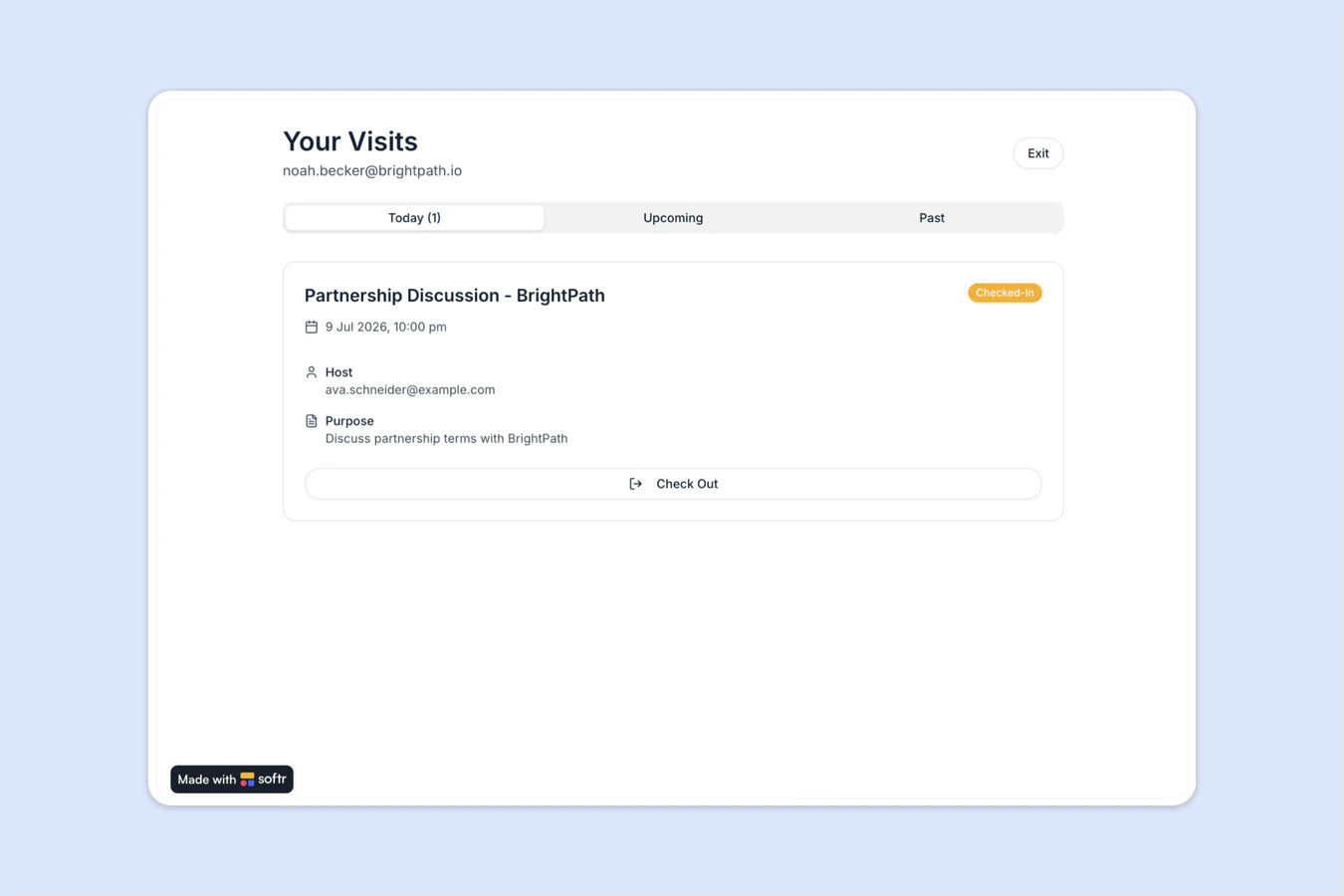
- Let visitors check themselves in: Place a tablet at your entrance, like an iPad, so guests can check in and out on their own, no front desk staff required.
- Track every check-in and action: Know exactly who visited, when, and why, without chasing emails or sticky notes.
- Add team notes and visitor history: Log important notes and updates for each visitor, so your team stays in sync.
Template features:
- Role-based access
- Visitor directory and profiles
- Real-time visitor tracking
- Search and filter functionality
- Secure note sharing
- Self check-in station
- Visit approval workflow
- Check-in and check-out tracking
Who is this visitor management template for?
This template is ideal for any organization that needs a reliable way to manage guest access and keep track of in-office visits. Perfect for:
- Startups and coworking spaces: Manage daily foot traffic with an efficient digital logbook.
- Corporate offices: Improve security and record-keeping without added manual effort.
- Educational institutions: Monitor student or guest visits to admin buildings.
- Clinics and wellness centers: Simplify appointment check-ins and manage visitor flows.

“What we love most about Softr is the instantaneous, customizable power a no-code platform allows.”

- 1
- 2
- 3
- 4
Frequently asked questions
Do I need a Softr account to use the template?
Can I use this template with Google Sheets or Notion instead?
Can I customize the fields and workflows?
Can I add form submissions or file uploads?
How do I set this up for my office?
Can I get notified when a visitor arrives or needs approval?