This free template from Softr helps you build a custom non-profit program management app, fast, with no coding required.
Data sources supported





.svg)


Resources


Overview
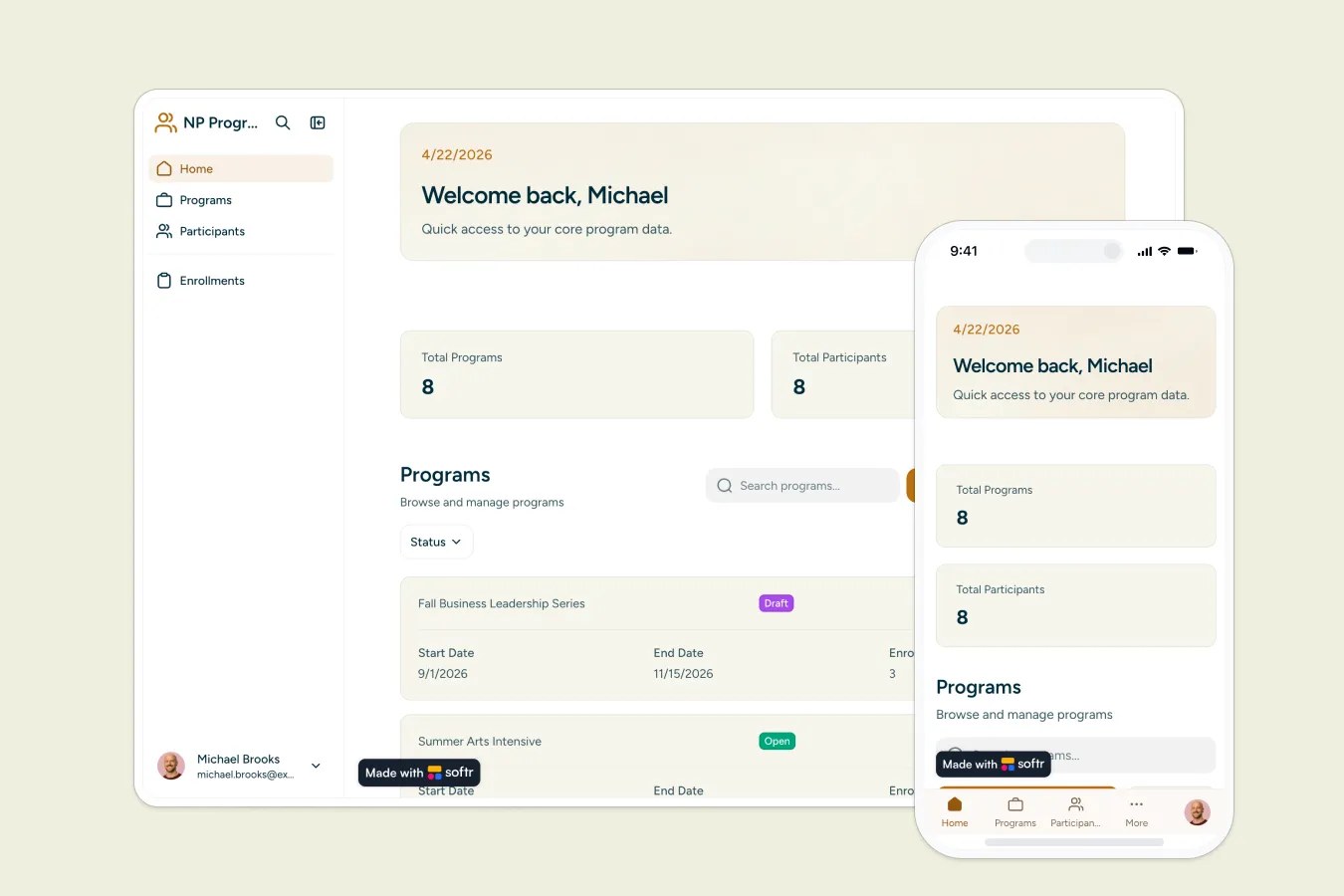
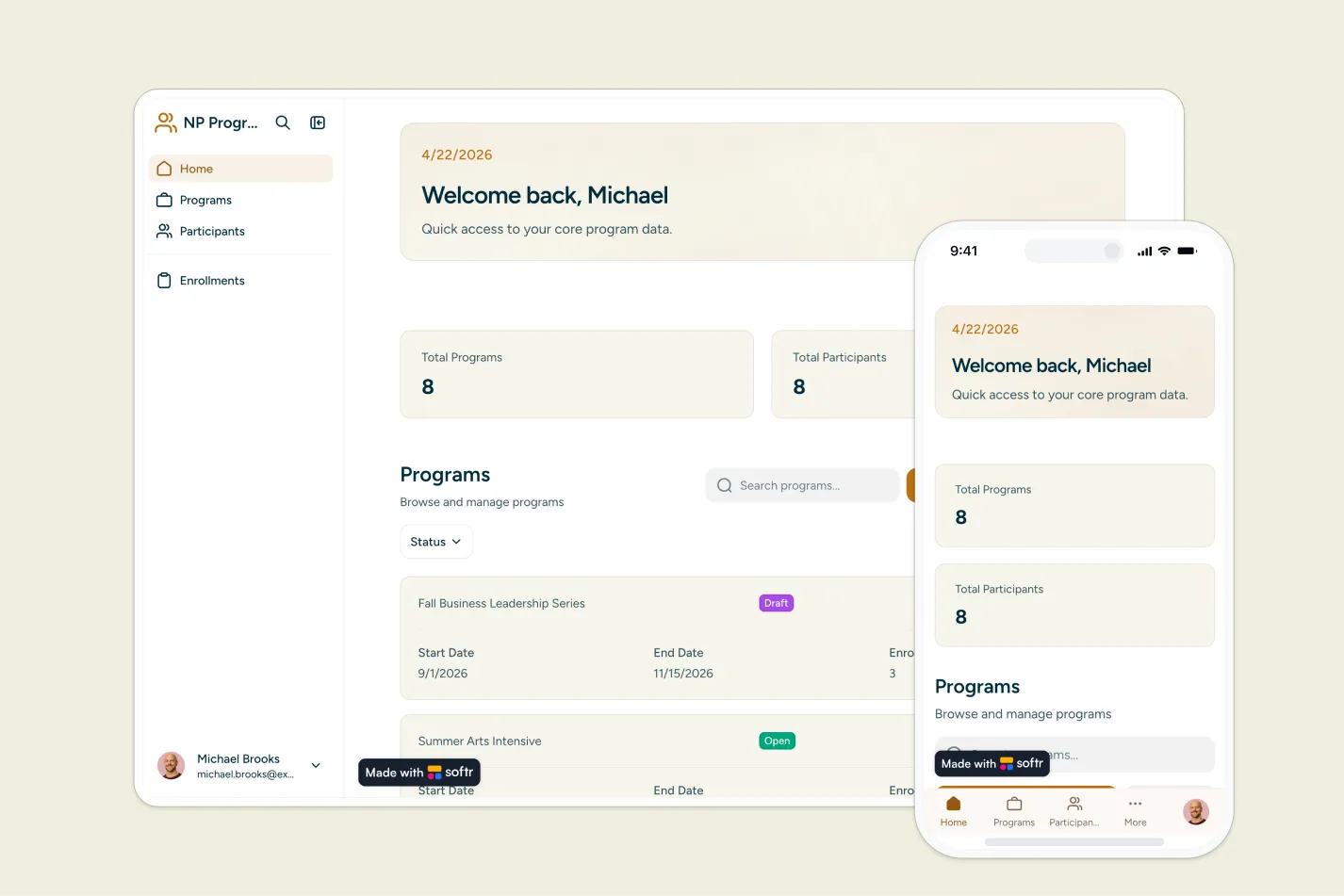
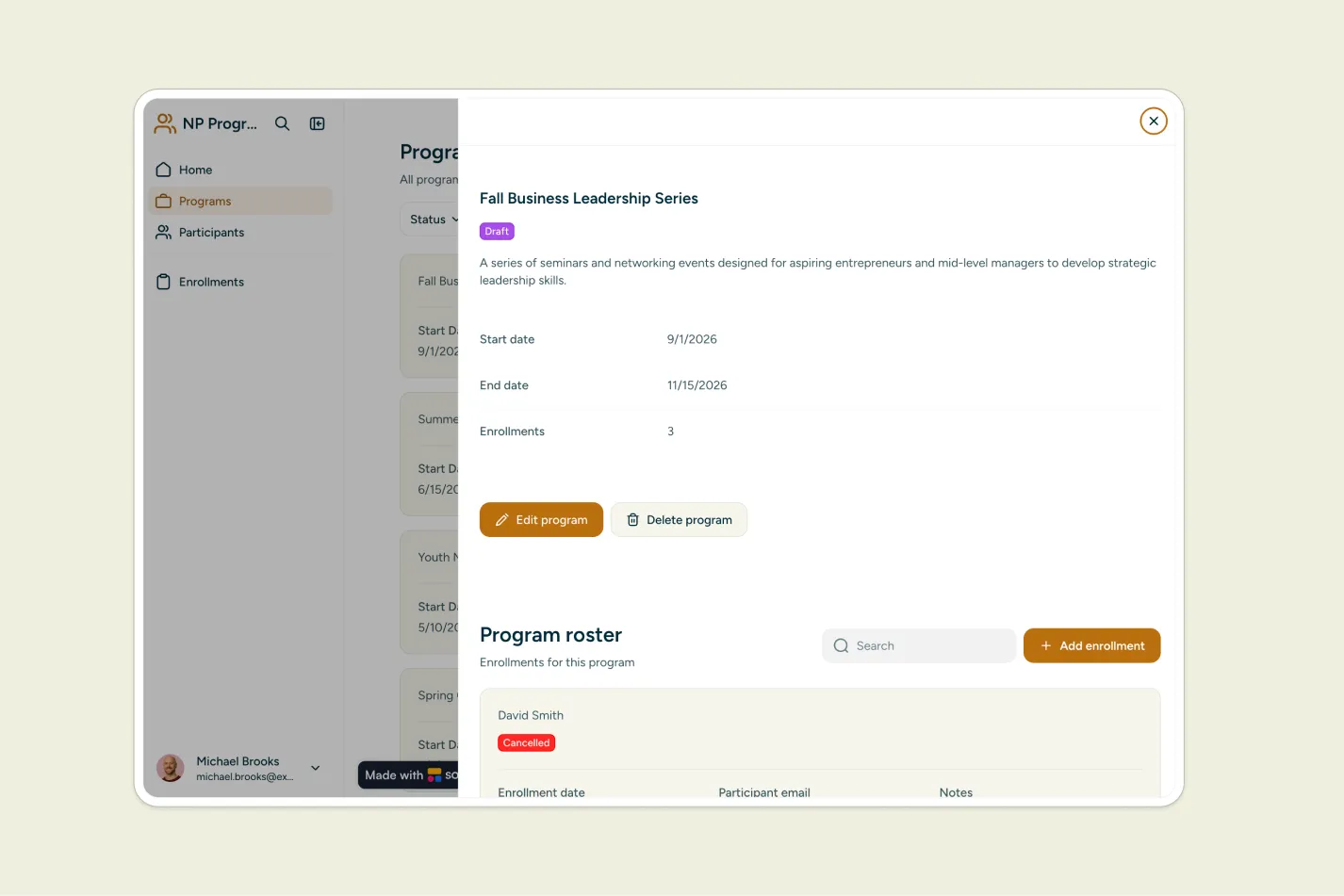
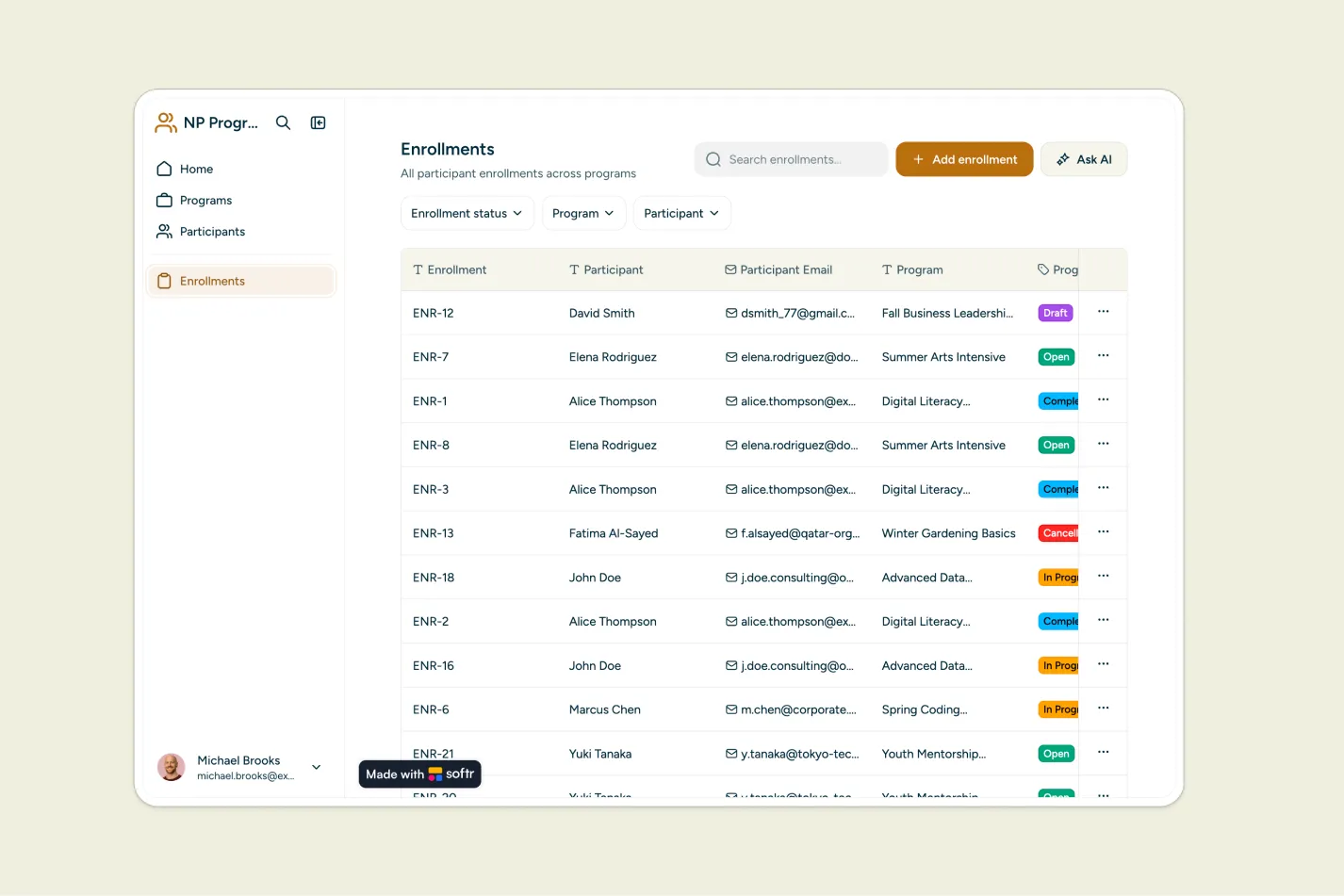
This free template helps non-profit teams manage programs, participants, and enrollments from one organized app, so staff can replace scattered spreadsheets and manual tracking.
It includes a sample database to show how to structure program records, participant profiles, enrollment statuses, rosters, and participant history. You can also connect to any Softr-supported source like Airtable, Google Sheets, Notion, monday.com, HubSpot, and more.
Why use this non-profit program management template
- Centralize program operations: Keep program details, dates, statuses, participant records, and enrollments in one easy-to-use workspace.
- Track participant journeys: View every program a participant has joined and monitor enrollment status over time.
- Give staff a secure way to manage data: Staff can sign in to update programs, add participants, and manage enrollments with controlled access.
Template features:
- Program management
- Participant profiles
- Enrollment tracking
- Program rosters
- Participant history
- Staff sign-in
- Centralized database
- Customizable workflows
Who is this non-profit program management template for?
This template is built for mission-driven teams that need a simple, secure way to organize programs and participant participation. It's a great fit for:
- Community organizations: Track local programs, participant rosters, and enrollment status across services.
- Education and youth programs: Manage classes, workshops, cohorts, and participant history in one place.
- Health and social service non-profits: Keep program participation records organized for staff coordination and reporting.
- Foundations and grant-funded initiatives: Monitor who is enrolled in each program and maintain clear records for internal reporting.
- Volunteer-run organizations: Give staff or coordinators a simple system to manage program data without technical setup.

“What we love most about Softr is the instantaneous, customizable power a no-code platform allows.”

- 1
- 2
- 3
- 4
Frequently asked questions
What is a non-profit program management app?
What can staff manage with this template?
Can this template help track participant enrollment status?
How do I edit or customize this template?
What data sources does this non-profit program management app integrate with?
Is Softr secure enough for managing non-profit participant data?